 登录
登录
How to fix Image Capture not showing all iPhone or iPad photos
2025年12月5日 01:30


If you want to know the fastest and easiest way to send someone photos, videos, files and so, so much more, you should know how to AirDrop.
(via Cult of Mac - Your source for the latest Apple news, rumors, analysis, reviews, how-tos and deals.)



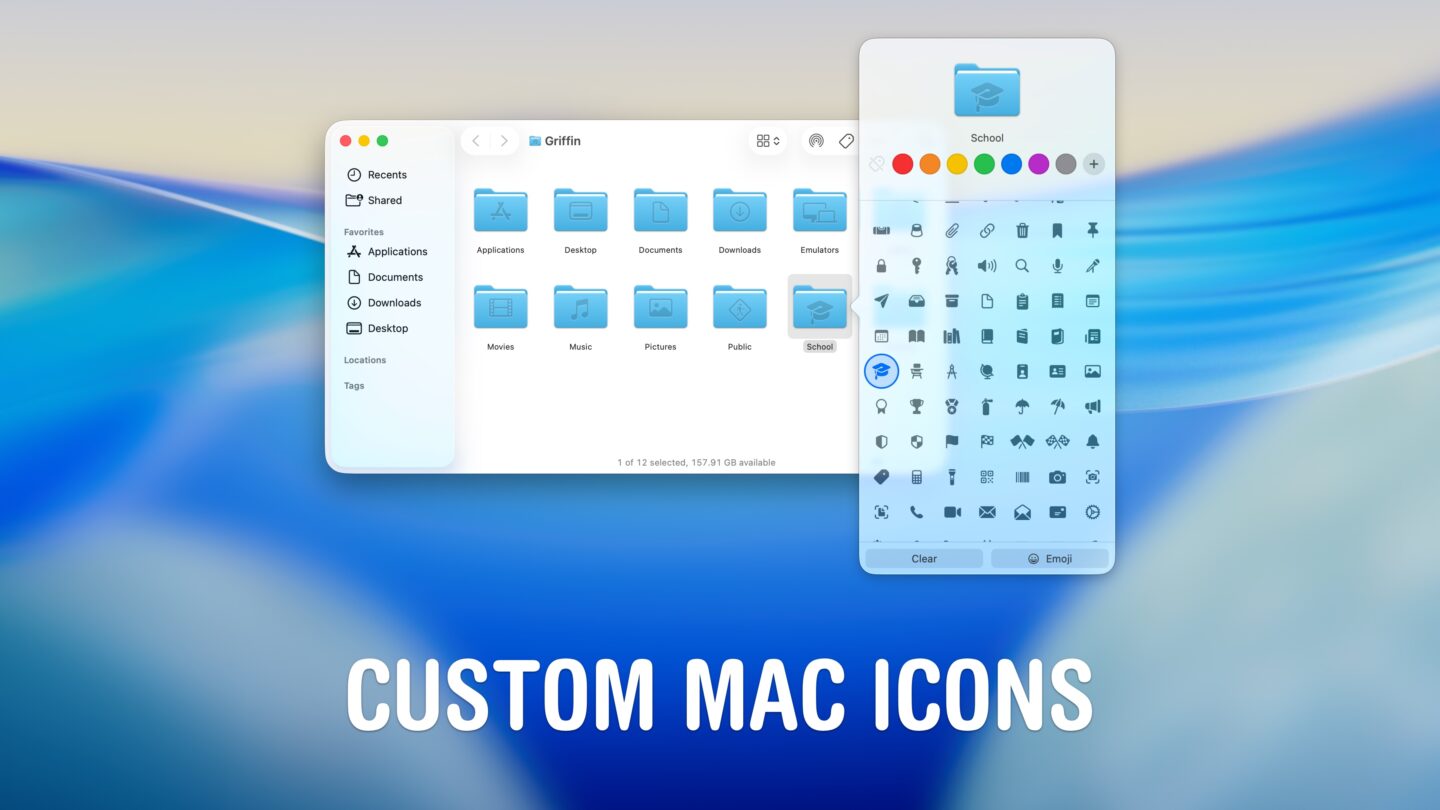
Unique Mac icons are a great way to customize your machine. Learn how to change Mac icons for folders, apps, disks, files and more.
(via Cult of Mac - Your source for the latest Apple news, rumors, analysis, reviews, how-tos and deals.)
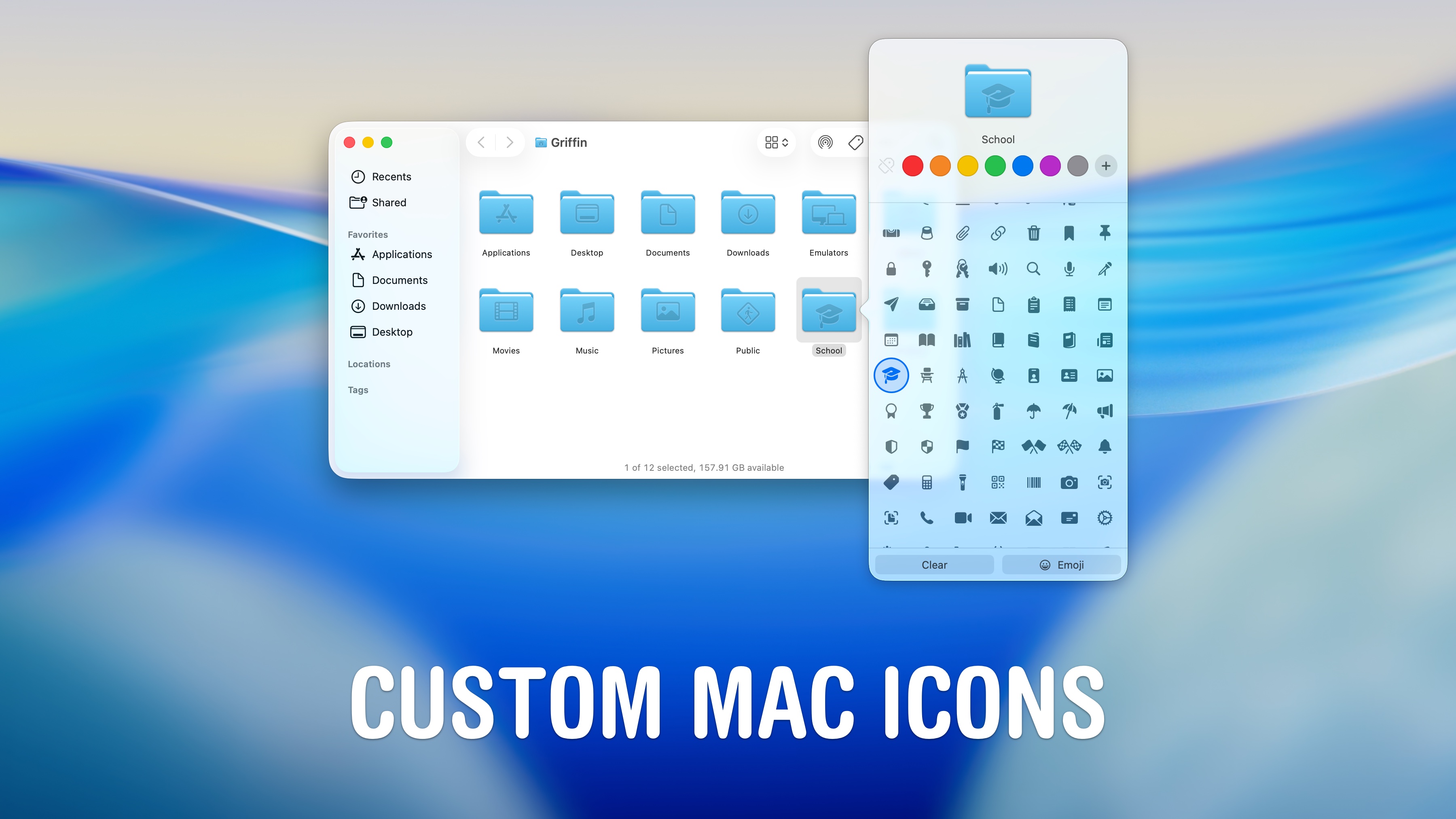

This Cyber Monday, you can find stellar discounts on a new MacBook Air or Pro. As Intel Macs age out, there’s no better time to upgrade.
(via Cult of Mac - Your source for the latest Apple news, rumors, analysis, reviews, how-tos and deals.)


Forget about the Mac's default file manager. With a multi-pane design and advanced features, the Bloom app is a fantastic Finder replacement.
(via Cult of Mac - Your source for the latest Apple news, rumors, analysis, reviews, how-tos and deals.)

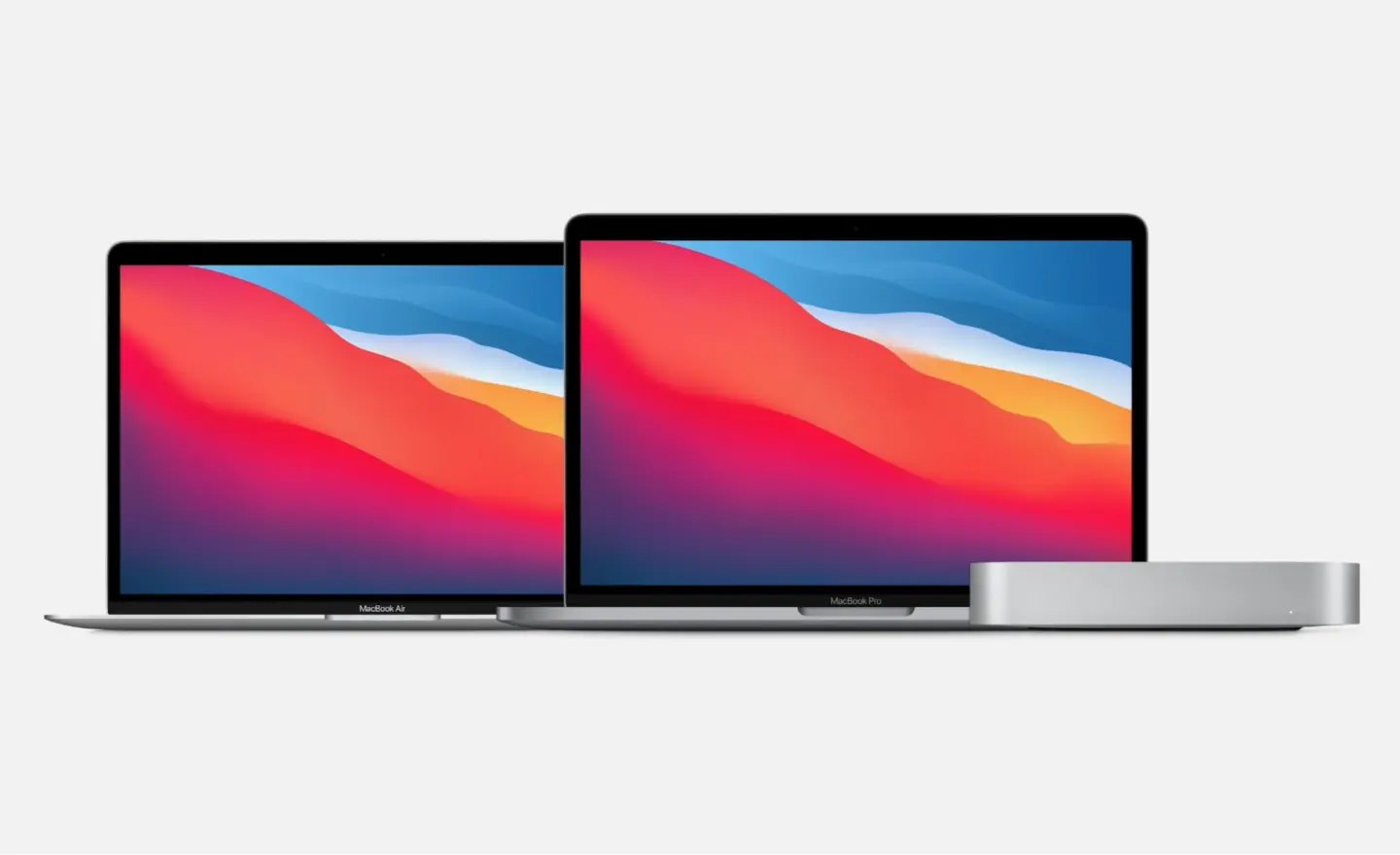
On November 17, 2020, Apple released the first three Macs with an M1 chip to great success, sparking a renaissance for the computer maker.
(via Cult of Mac - Your source for the latest Apple news, rumors, analysis, reviews, how-tos and deals.)
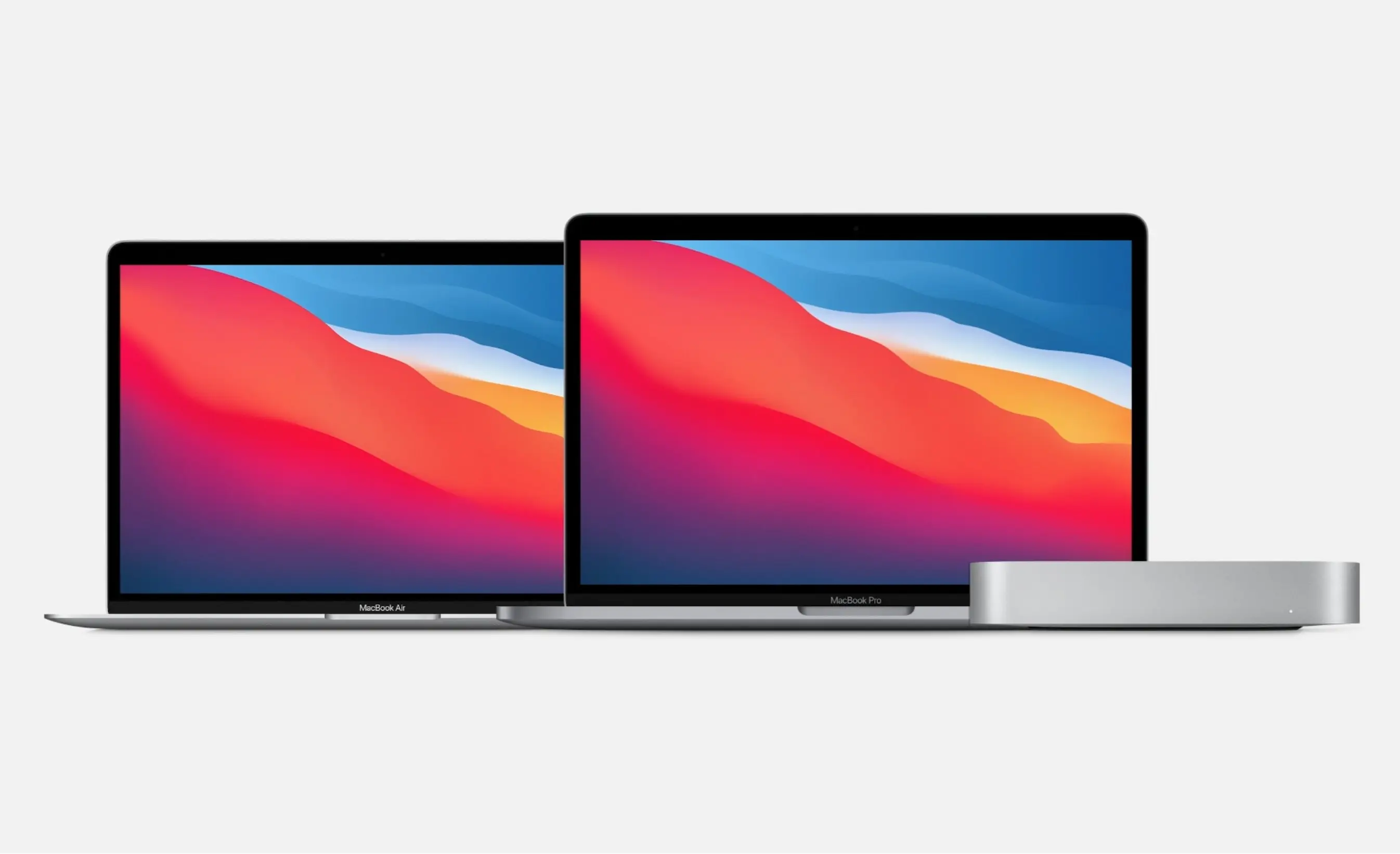

As the first three Apple silicon Macs turn 5 years old, it’s worth reflecting on how the past half-decade reinvented the Mac.
(via Cult of Mac - Your source for the latest Apple news, rumors, analysis, reviews, how-tos and deals.)



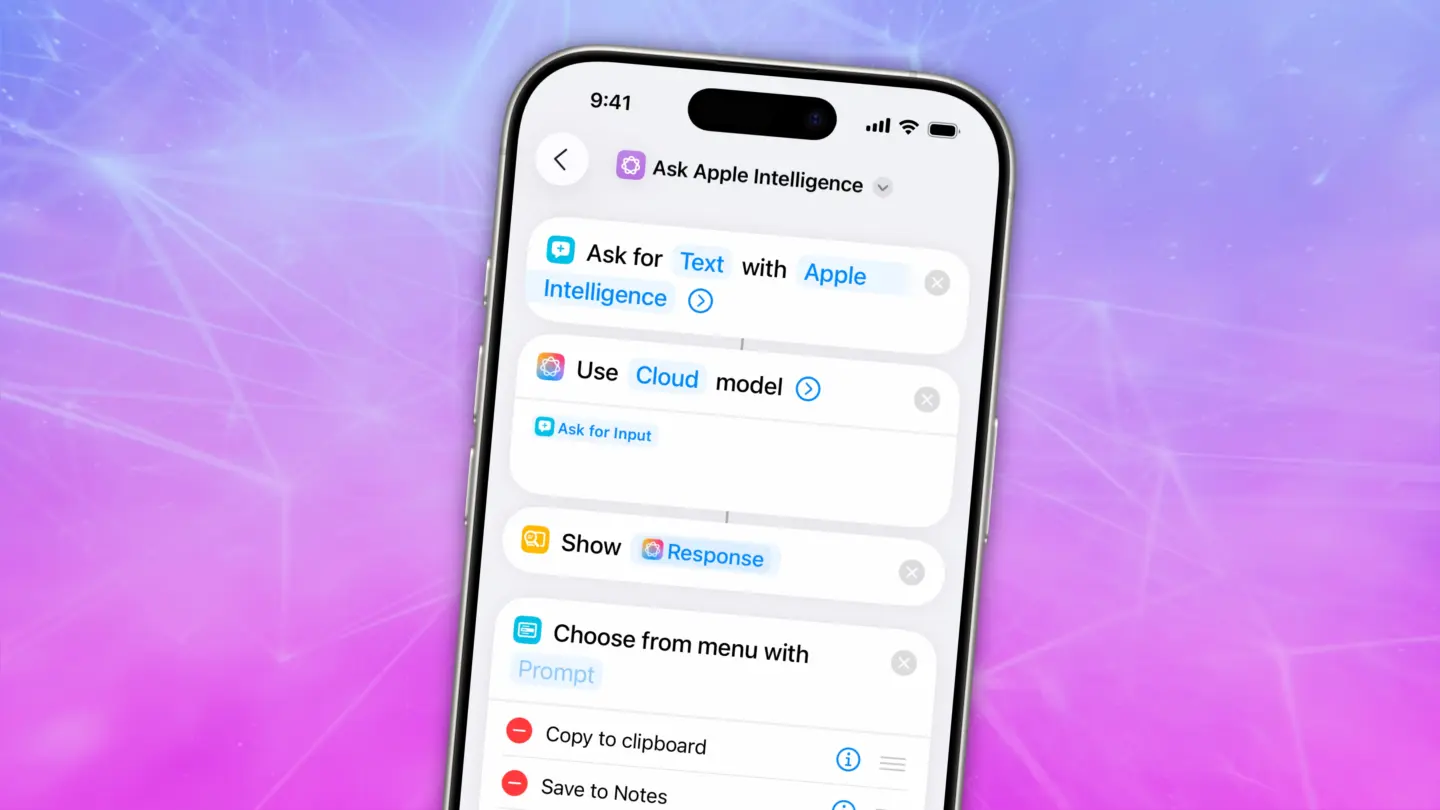
Shortcuts become more useful than ever in iOS 26, thanks to Apple Intelligence. They now support AI actions and automations.
(via Cult of Mac - Your source for the latest Apple news, rumors, analysis, reviews, how-tos and deals.)



The Mac isn’t carrying its weight. It’s Apple’s lowest-selling product line, sitting behind even the Apple Watch. Apple needs a fresh angle.
(via Cult of Mac - Your source for the latest Apple news, rumors, analysis, reviews, how-tos and deals.)


Security patches for iPhone, iPad and Mac now happen without requiring the user to do anything, via Background Security Improvements.
(via Cult of Mac - Your source for the latest Apple news, rumors, analysis, reviews, how-tos and deals.)


Apple finally put the App Store on the web. It lets anyone research the catalogue of iPhone, iPad and Mac software, and it’s long overdue.
(via Cult of Mac - Your source for the latest Apple news, rumors, analysis, reviews, how-tos and deals.)


The latest M5 MacBook Pro is a screamer, but it comes with one big problem: price. Upgraded's affordable MacBook financing program changes that.
(via Cult of Mac - Your source for the latest Apple news, rumors, analysis, reviews, how-tos and deals.)

