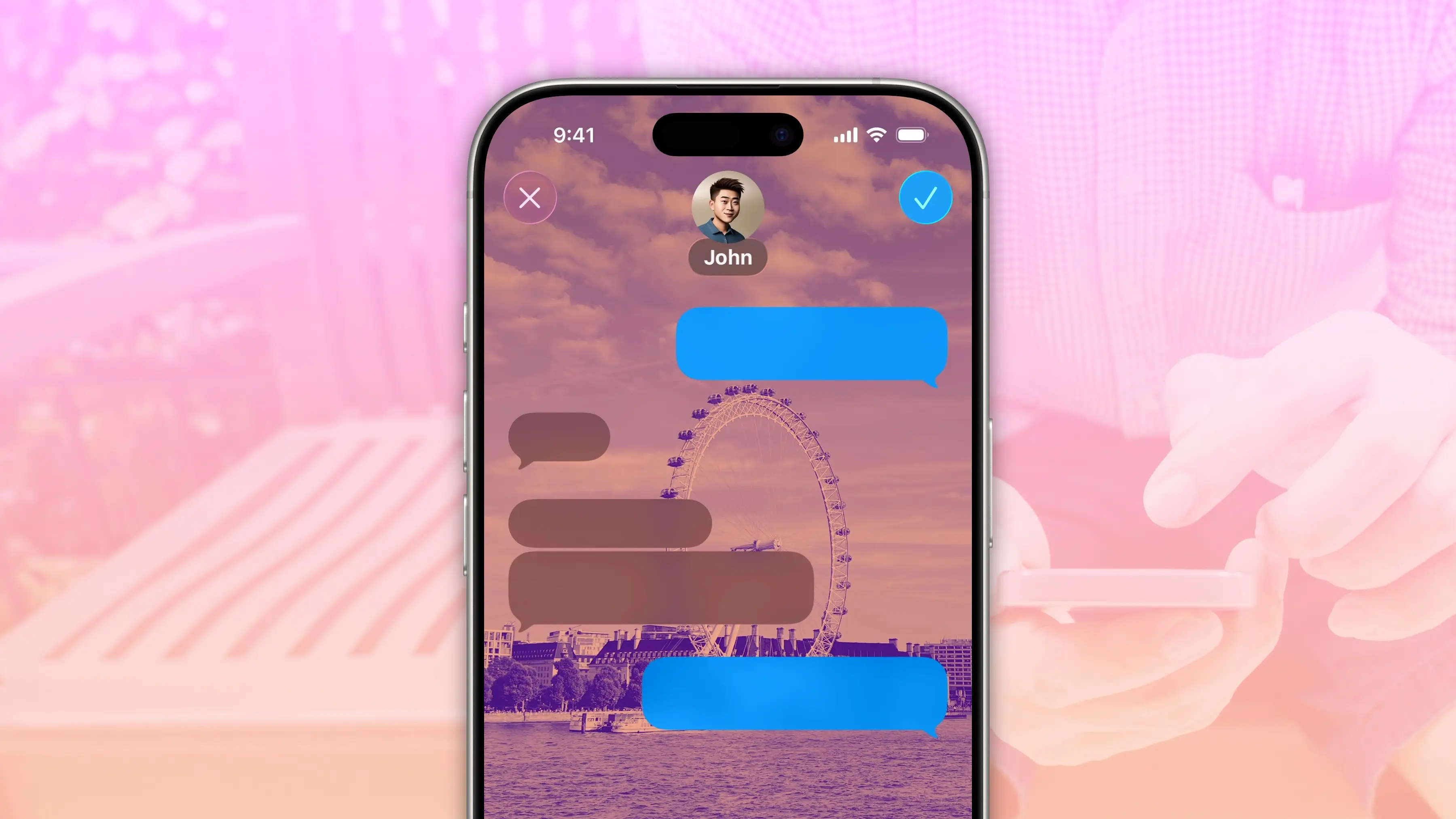
How to use the new Drawing tool in iOS 27 Messages app


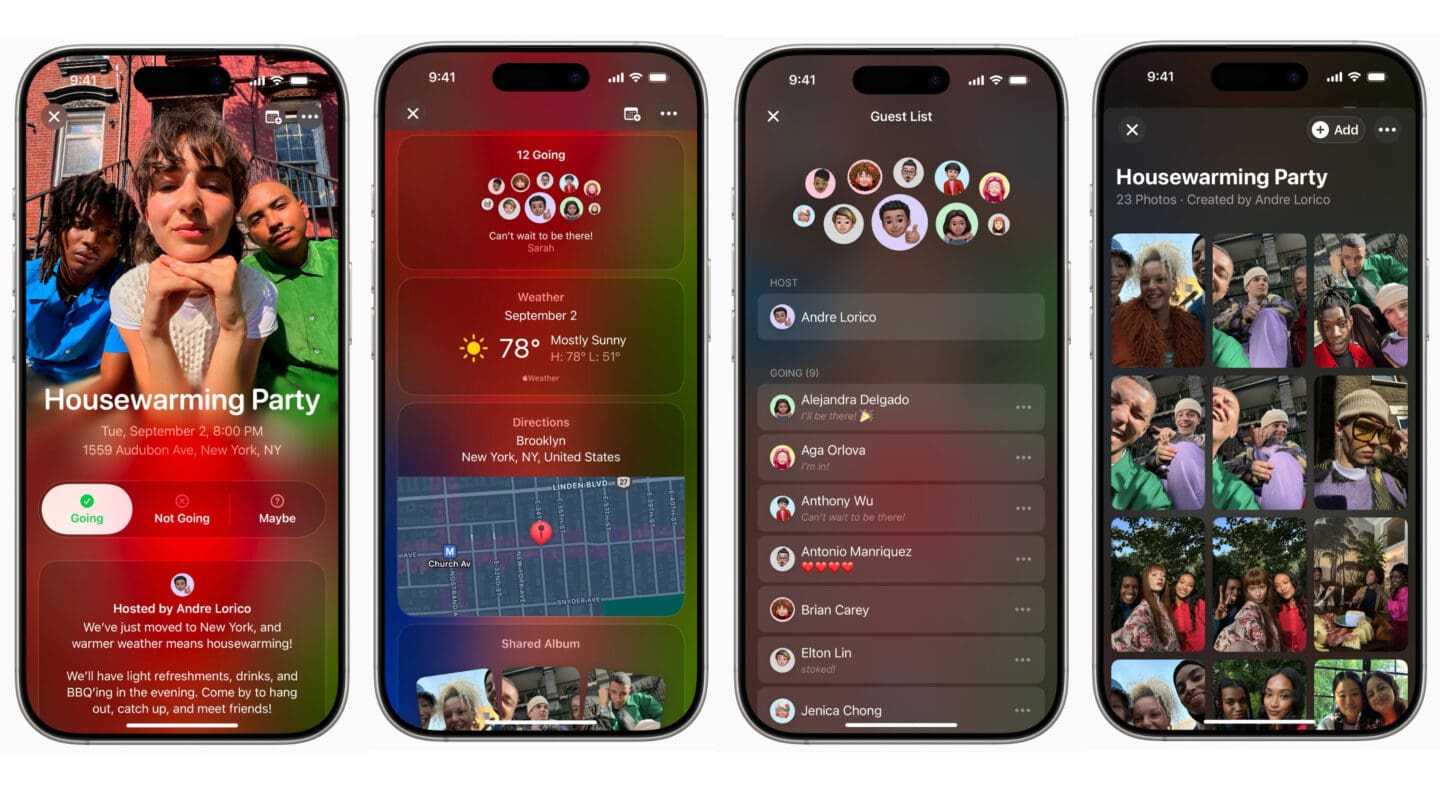
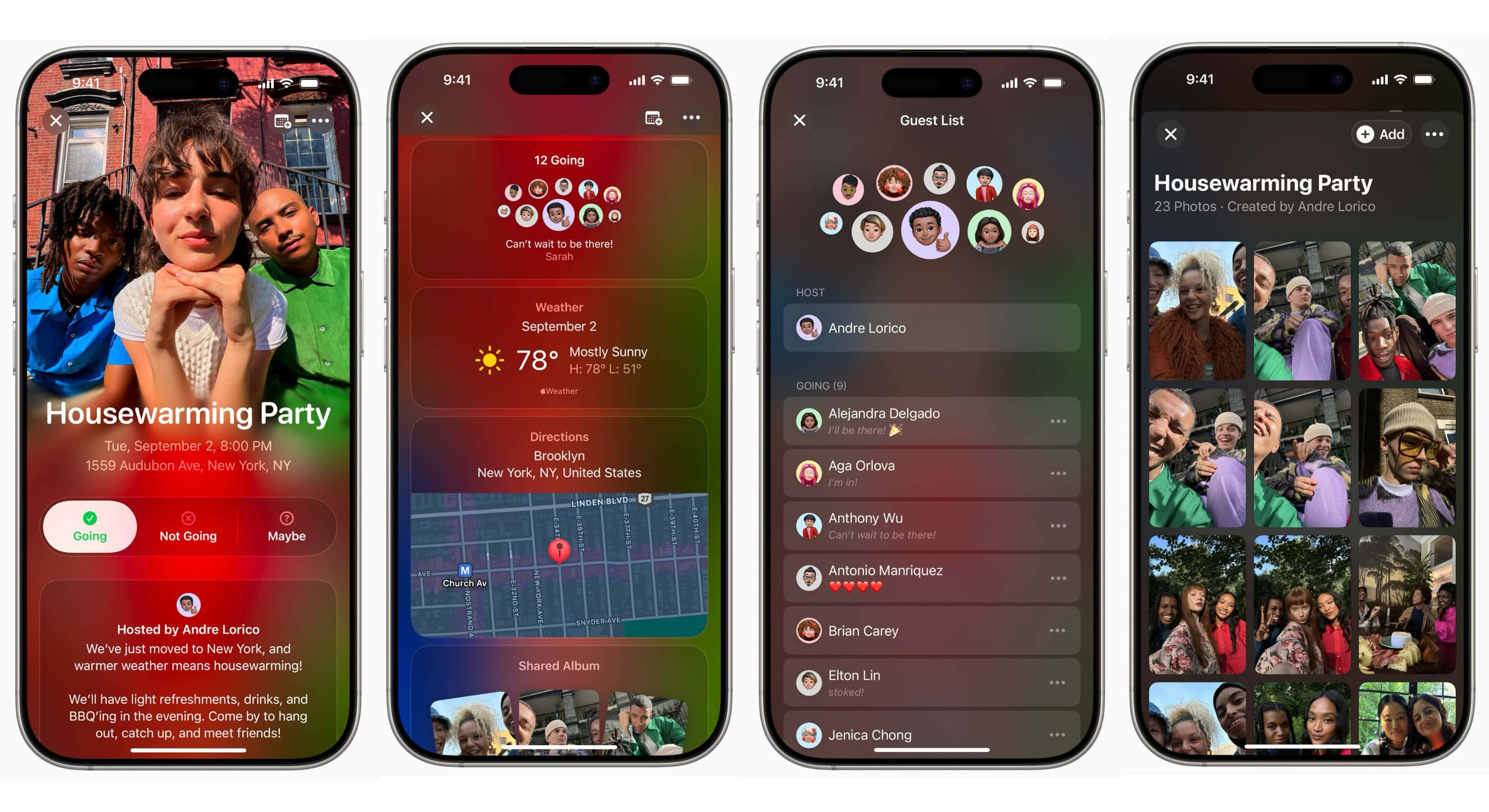
The new Apple Invites app updates add an iMessage app and give hosts more control and easier social media sharing.
(via Cult of Mac - Your source for the latest Apple news, rumors, analysis, reviews, how-tos and deals.)
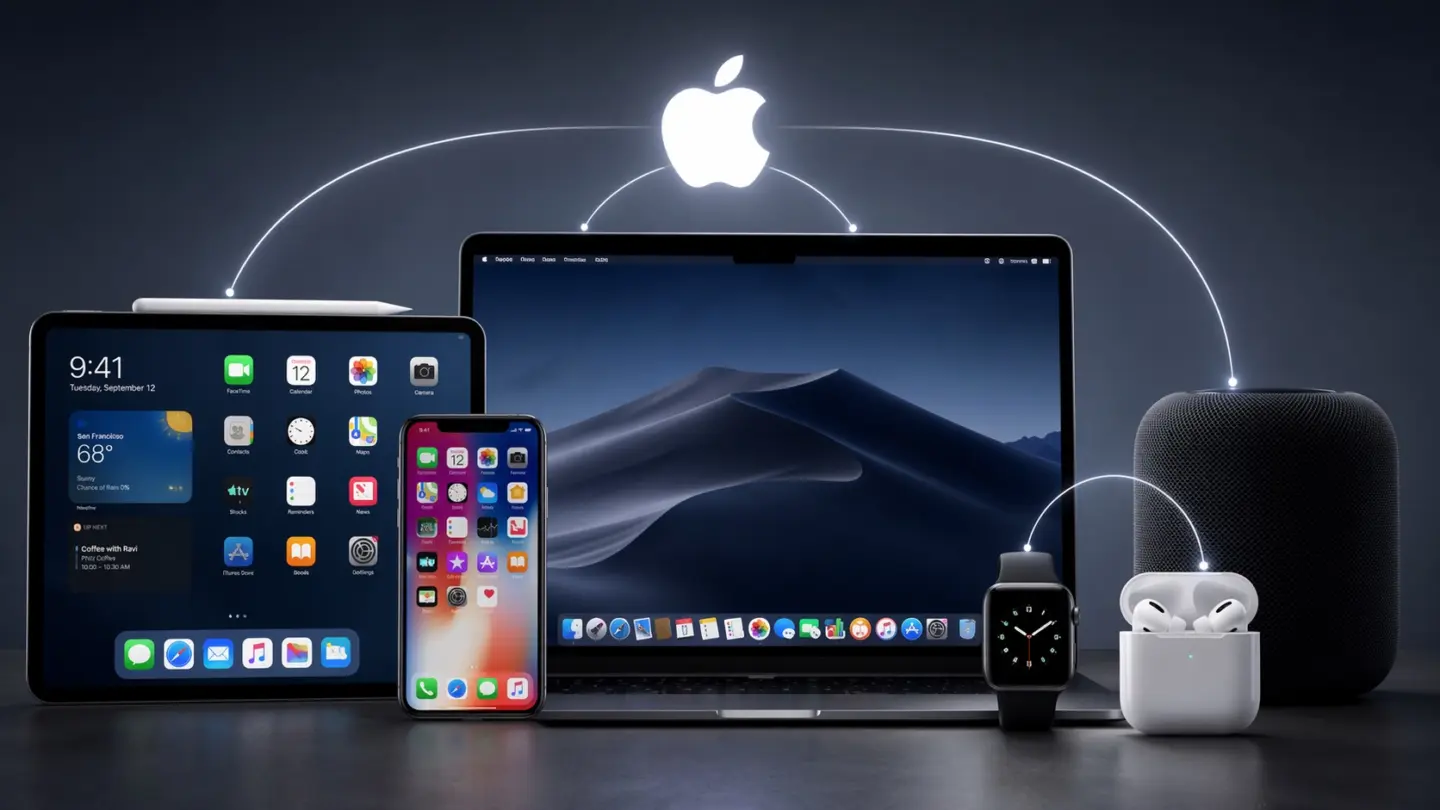
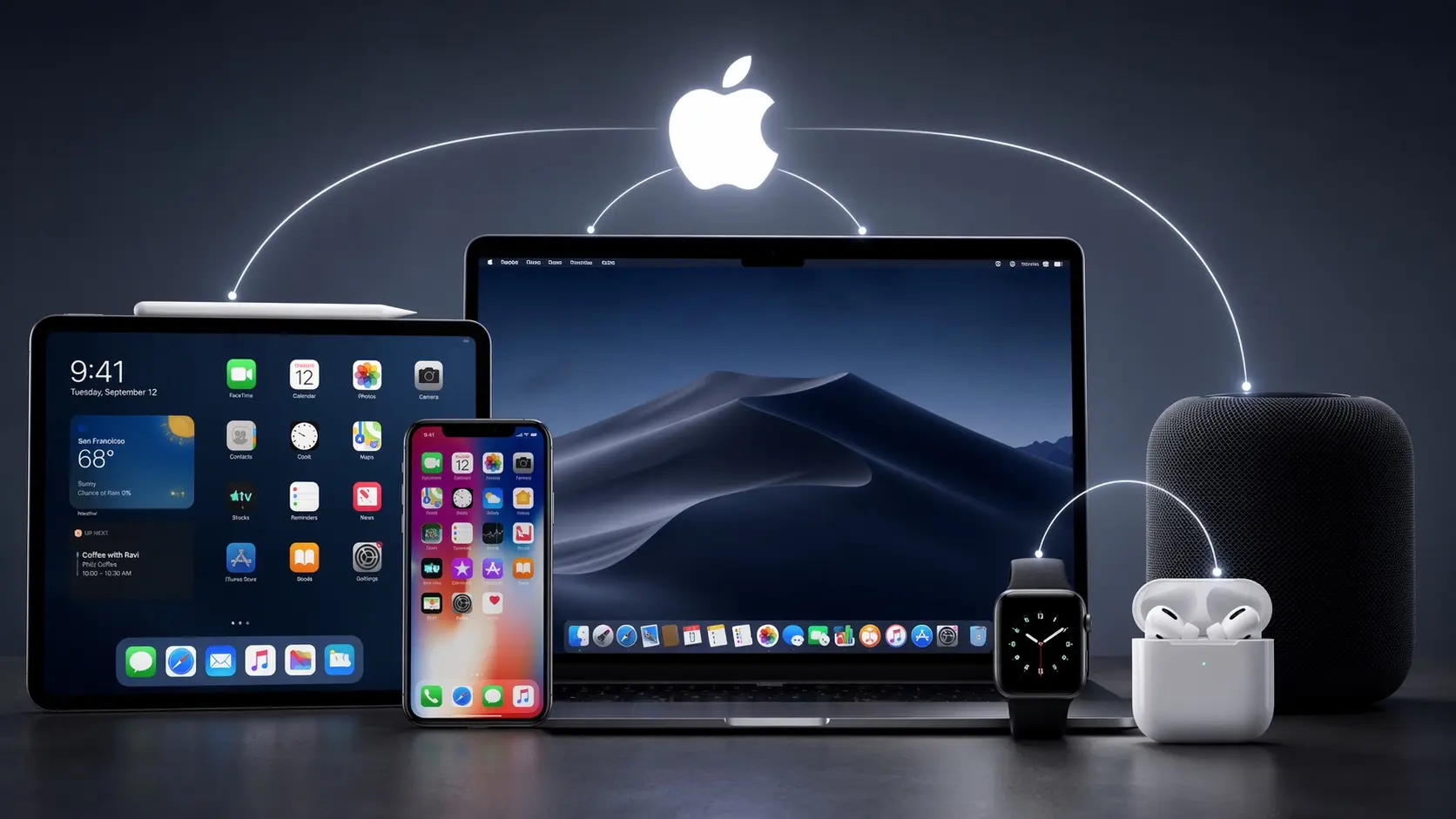
Apple’s ecosystem isn’t held together by one killer feature. It’s the sum of dozens of small conveniences, which makes it difficult to leave.
(via Cult of Mac - Your source for the latest Apple news, rumors, analysis, reviews, how-tos and deals.)


WhatsApp's latest beta hints at the messaging app gaining a long-overdue iMessage feature: the ability to schedule messages.
(via Cult of Mac - Your source for the latest Apple news, rumors, analysis, reviews, how-tos and deals.)


If you set a custom background for a chat, you’ll never confuse it for another one. Learn how to set a background in Messages on iPhone.
(via Cult of Mac - Your source for the latest Apple news, rumors, analysis, reviews, how-tos and deals.)


The ability to edit or unsend iMessages on your iPhone could come in clutch. Thankfully, it’s easy rewriting history in iMessage.
(via Cult of Mac - Your source for the latest Apple news, rumors, analysis, reviews, how-tos and deals.)


![]()
![]()


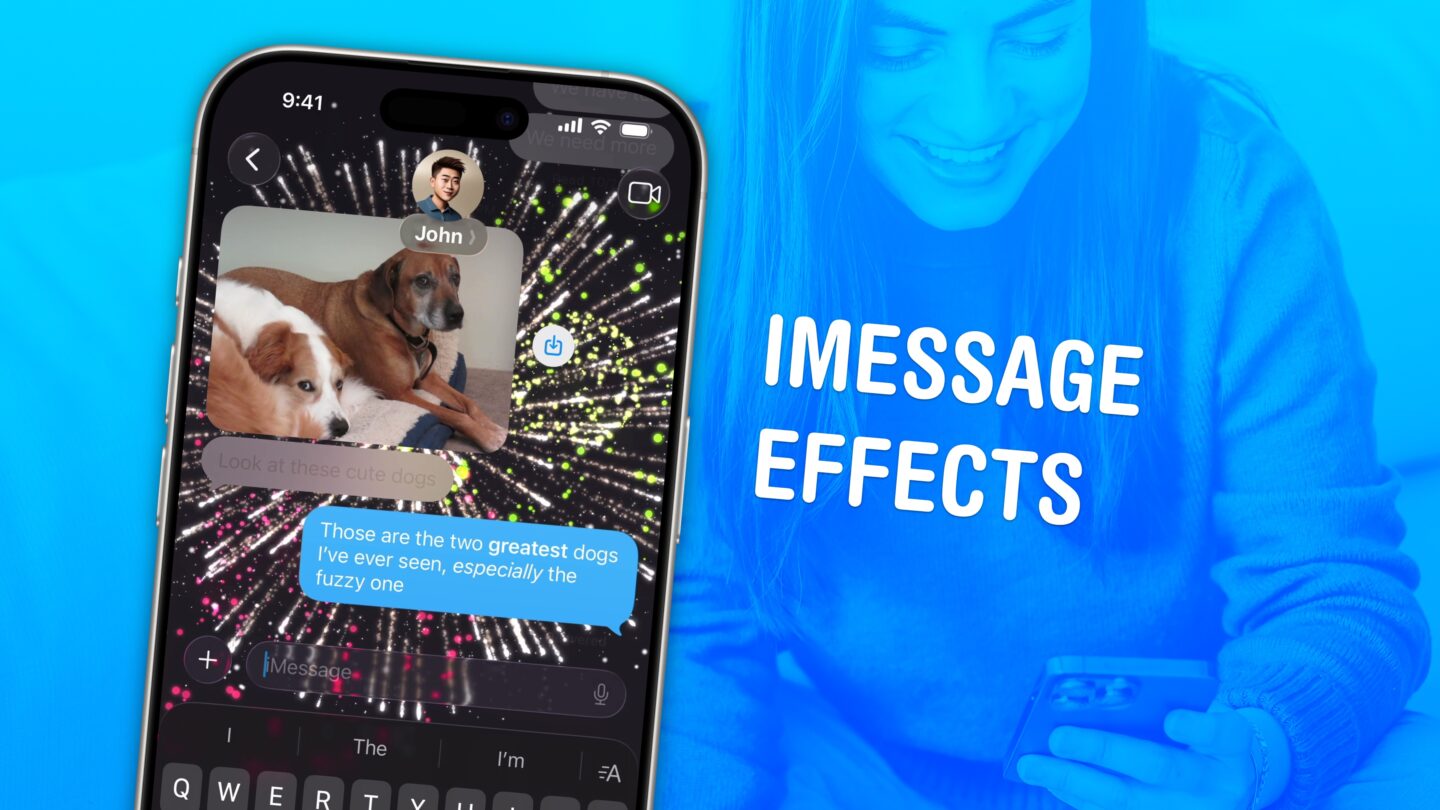
iMessage effects can add much more meaning, emotion and fun to your texting. You can add bold, italics, underline and many animated effects.
(via Cult of Mac - Your source for the latest Apple news, rumors, analysis, reviews, how-tos and deals.)

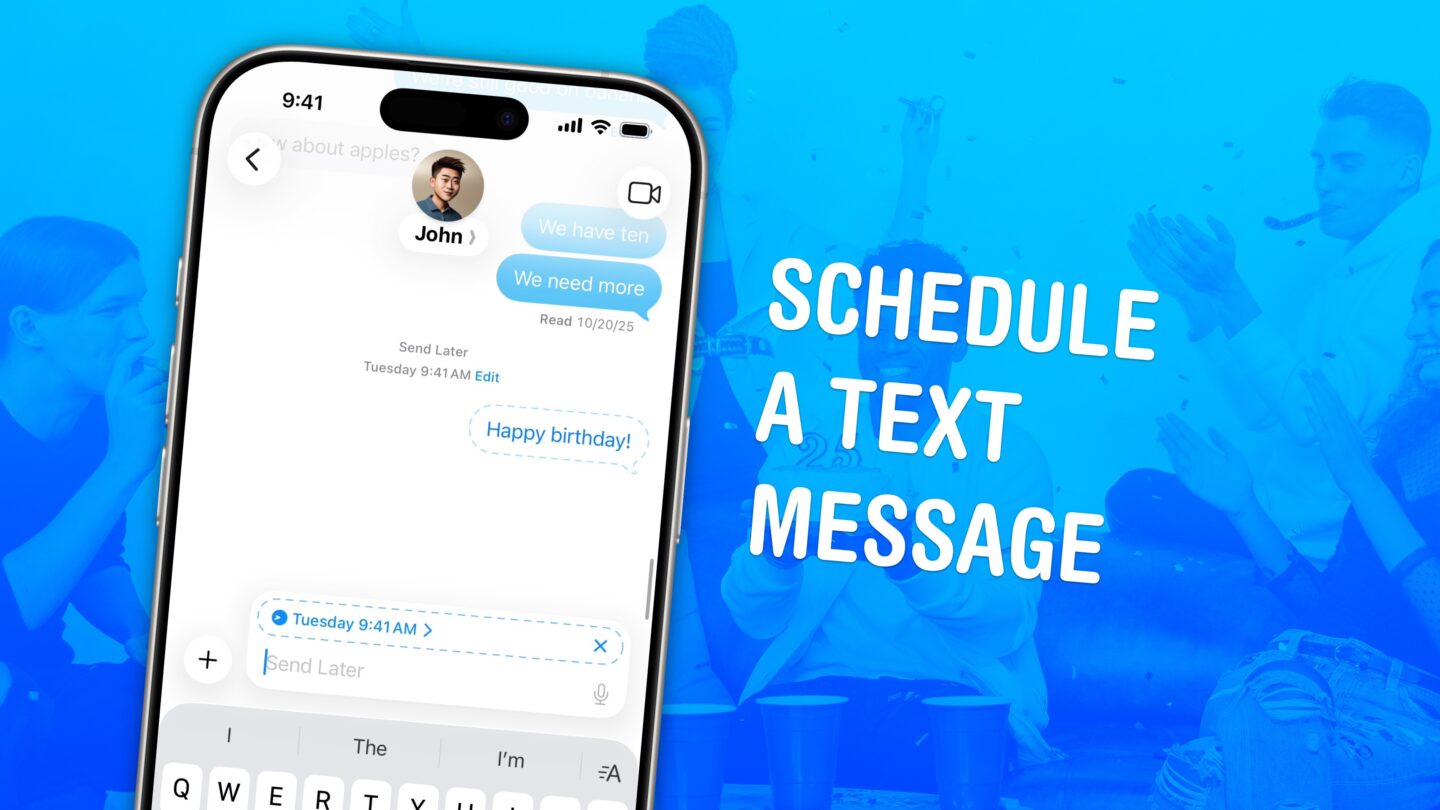
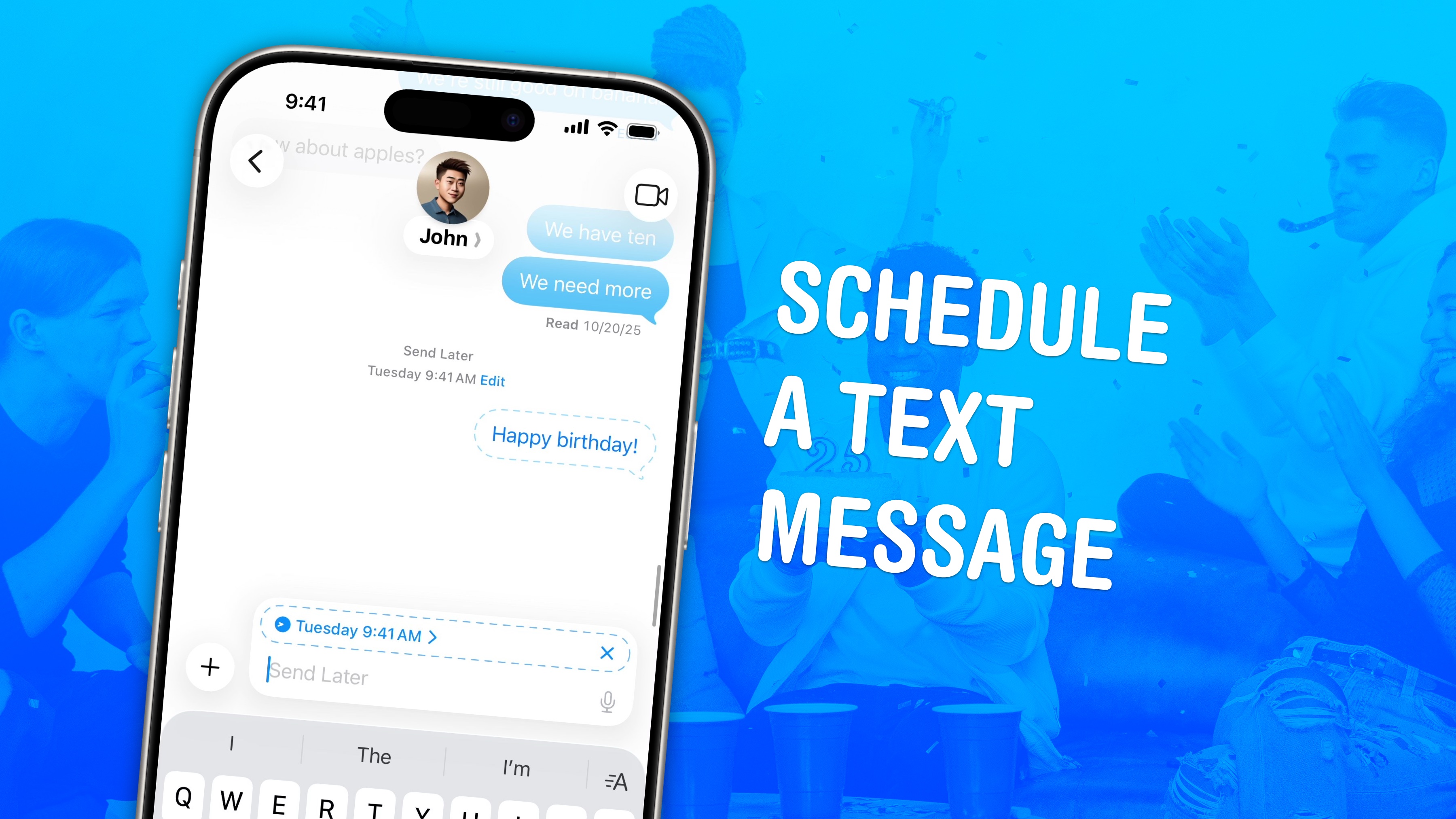
Once you know how to schedule a text message on your iPhone, you will never forget to send a reminder (or message somebody at a bad time).
(via Cult of Mac - Your source for the latest Apple news, rumors, analysis, reviews, how-tos and deals.)

RCS messaging is new to the iPhone, bringing modern features to ordinary green bubble texting like read receipts, videos and more.
(via Cult of Mac - Apple news, rumors, reviews and how-tos)


You can back up your text messages (and iMessages) with iMessage Exporter, a free tool for the Mac. This lets you save space on your phone.
(via Cult of Mac - Apple news, rumors, reviews and how-tos)