登录
登录Gigabyte Z890M Aorus Elite WiFi7 Motherboard Review: Icy-white SFF board offers full-size features for Intel
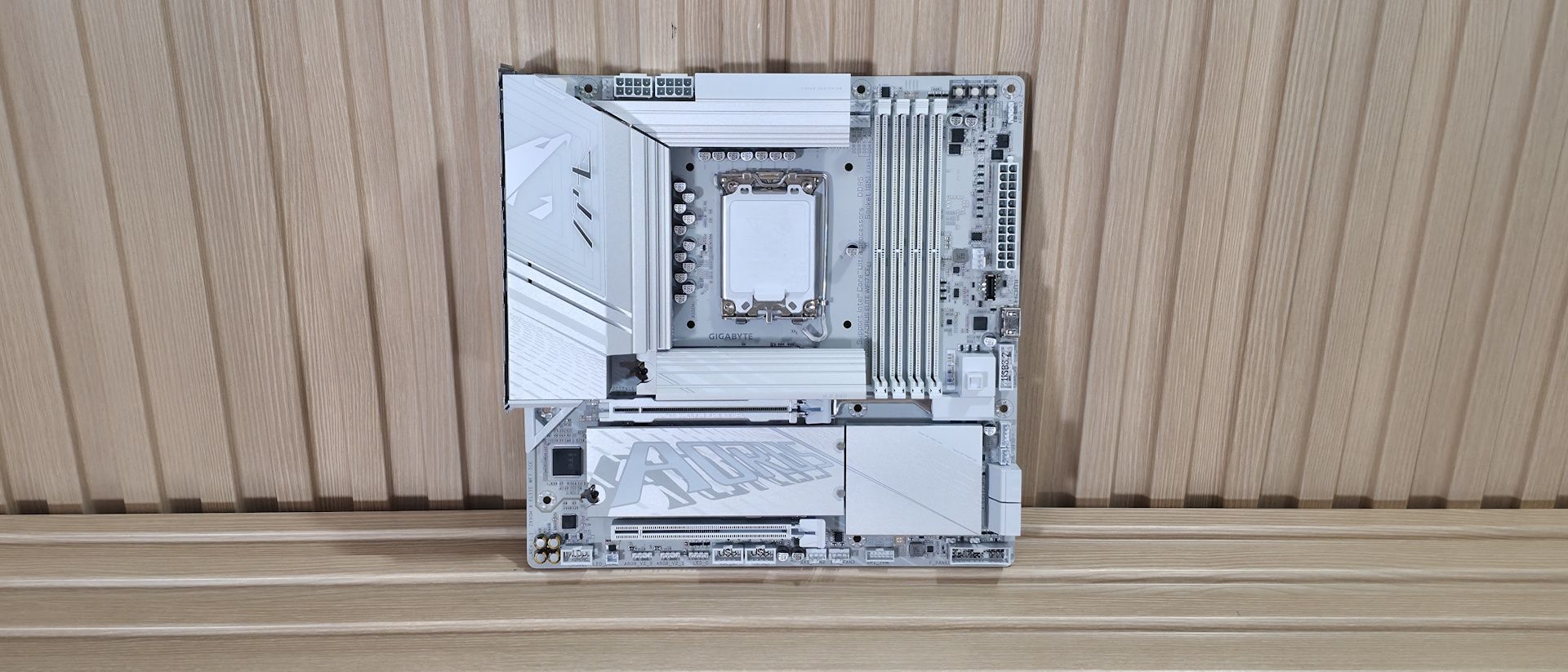
The latest board to land on our test bench is a small-form-factor Intel option, the Gigabyte Z890M Aorus Elite Wifi7 Ice. This Micro ATX motherboard costs only $209 on Amazon and packs most of the ATX version's features into a smaller package. The board is optimized for Intel’s Core Ultra 200S Plus processors and pairs best with Micro ATX chassis, but its best feature is its looks. It’s one of the better-looking Micro ATX options, especially if you’re looking for a white-themed build.
The Z890M Aorus Elite offers three M.2 sockets (2x PCIe 5.0) and four SATA ports for storage, 2.5 GbE and Wi-Fi 7 (160 Hz) for networking, and a basic audio solution. The rear IO delivers nine USB ports total, including one 40 Gbps Type-C port (with DisplayPort capability). All of that is typical fare for the form factor. You also get two full-length PCIe slots (one reinforced) and heatsinks covering all M.2 sockets, giving the board a more premium look than its direct competition. It also adds two RGB lighting zones, one by the VRMs on the left and the other under the chipset heatsink, adding glow to your chassis.
Overall, performance in our testing was average, with the board doing well in some tests and slightly below average in others. For gamers, it performed well in our 3DMark tests and in real games. In short, there’s nothing to worry about from a performance standpoint. The Z890M Aorus Elite also supports AI features, including AI Perfdrive, which offers customizable BIOS performance presets for one-click CPU improvements.
Below, we’ll examine the board's performance and other features to determine whether it deserves a spot on our list of the best motherboards. But before we share test results and discuss details, here are the specifications from Gigabyte.
Specifications of the Gigabyte Z890M Aorus Elite Wifi7 Ice
Socket | LGA 1851 |
Chipset | Z890 |
Form Factor | Micro ATX |
Voltage Regulator | 15 Phase (12x 60A DrMOS MOSFETs for Vcore) |
Video Ports | (1) DisplayPort (v2.1) |
USB Ports | (1) USB4 Type-C (40 Gbps) |
Network Jacks | (1) 2.5 GbE |
Audio Jacks | (2) Analog + SPDIF |
Legacy Ports/Jacks | ✗ |
Other Ports/Jack | ✗ |
PCIe x16 | (1) v5.0 (x16) |
PCIe x8 | ✗ |
PCIe x4 | ✗ |
PCIe x1 | ✗ |
DIMM Slots | (4) DDR5-9200+ MT/s (OC), 256GB Capacity |
M.2 Sockets | (1) PCIe 5.0 x4 (128 Gbps) / PCIe (up to 80mm) |
SATA Ports | (4) SATA3 6 Gbps |
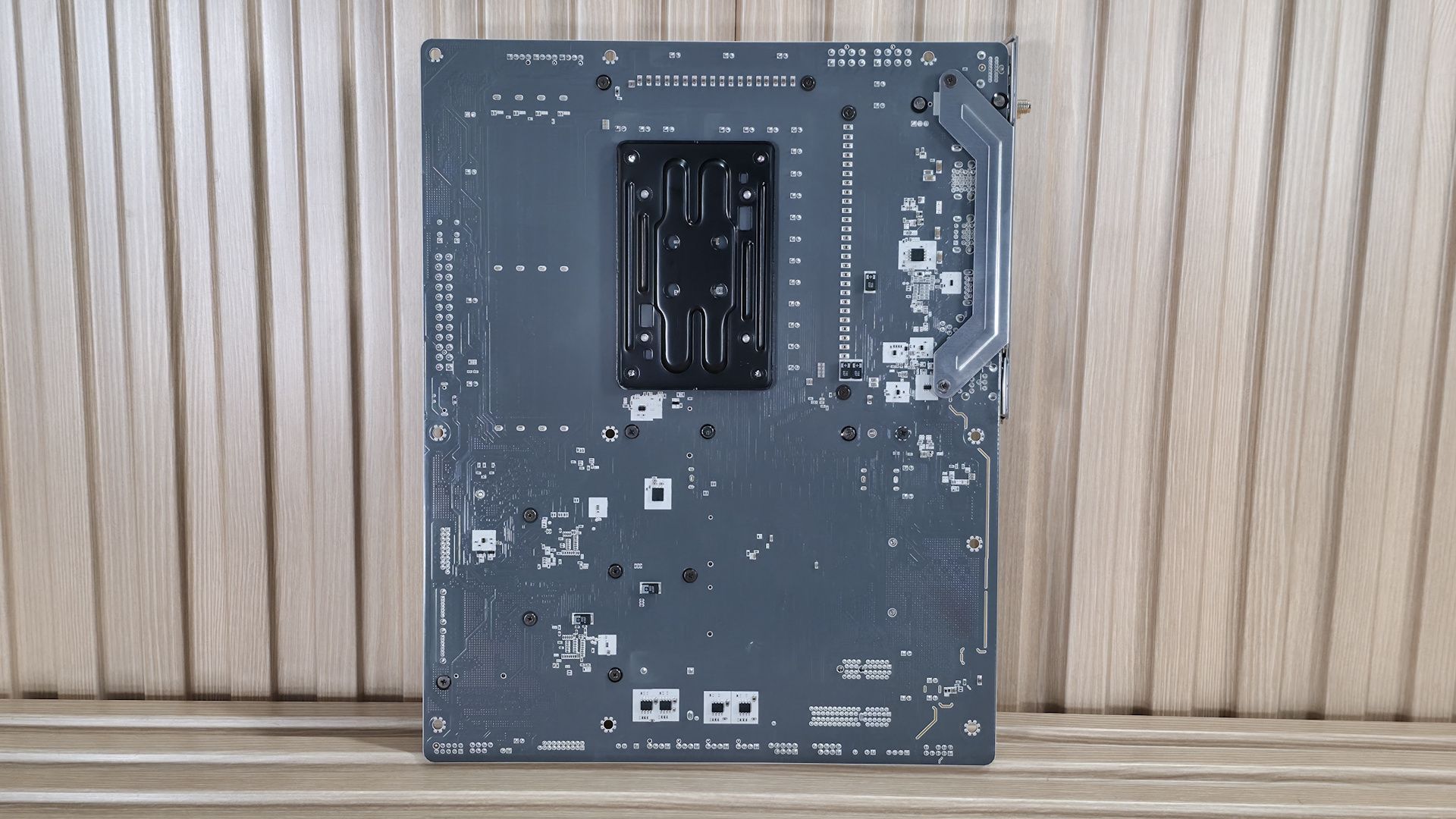
USB Headers | (1) USB v3.2 Gen 2 (10 Gbps) Type-C |
Fan/Pump Headers | (6) 4-Pin (Accepts PWM and DC) |
RGB Headers | (3) 3-pin ARGB headers |
Diagnostics Panel | (1) Q-LEDs (4 LEDs, CPU, VGA, RAM, Boot) |
Internal Button/Switch | Power, Reset, and Q-Flash Plus buttons |
SATA Controllers | ✗ |
Ethernet Controller(s) | (1) Realtek RTL8125 (2.5 GbE) |
Wi-Fi / Bluetooth | Intel MediaTek MT7925 Wi-Fi 7 - Up to 2.9 Gbps, 160 MHz, 6 GHz, 5.8 GHz, BT 5.4 |
USB Controllers | ✗ |
HD Audio Codec | Realtek ALC897 |
DDL/DTS | ✗ / ✗ |
Warranty | 3 Years |
Inside the Box
The box includes the usual accessories. You get two SATA cables (white), a rubber pad, an extra thermal pad for M.2, an EZ connector for the front panel, and an installation guide. The collection here is sparse, but typical for the price point.
Design and Features of the Aorus Elite WiFi7 Ice
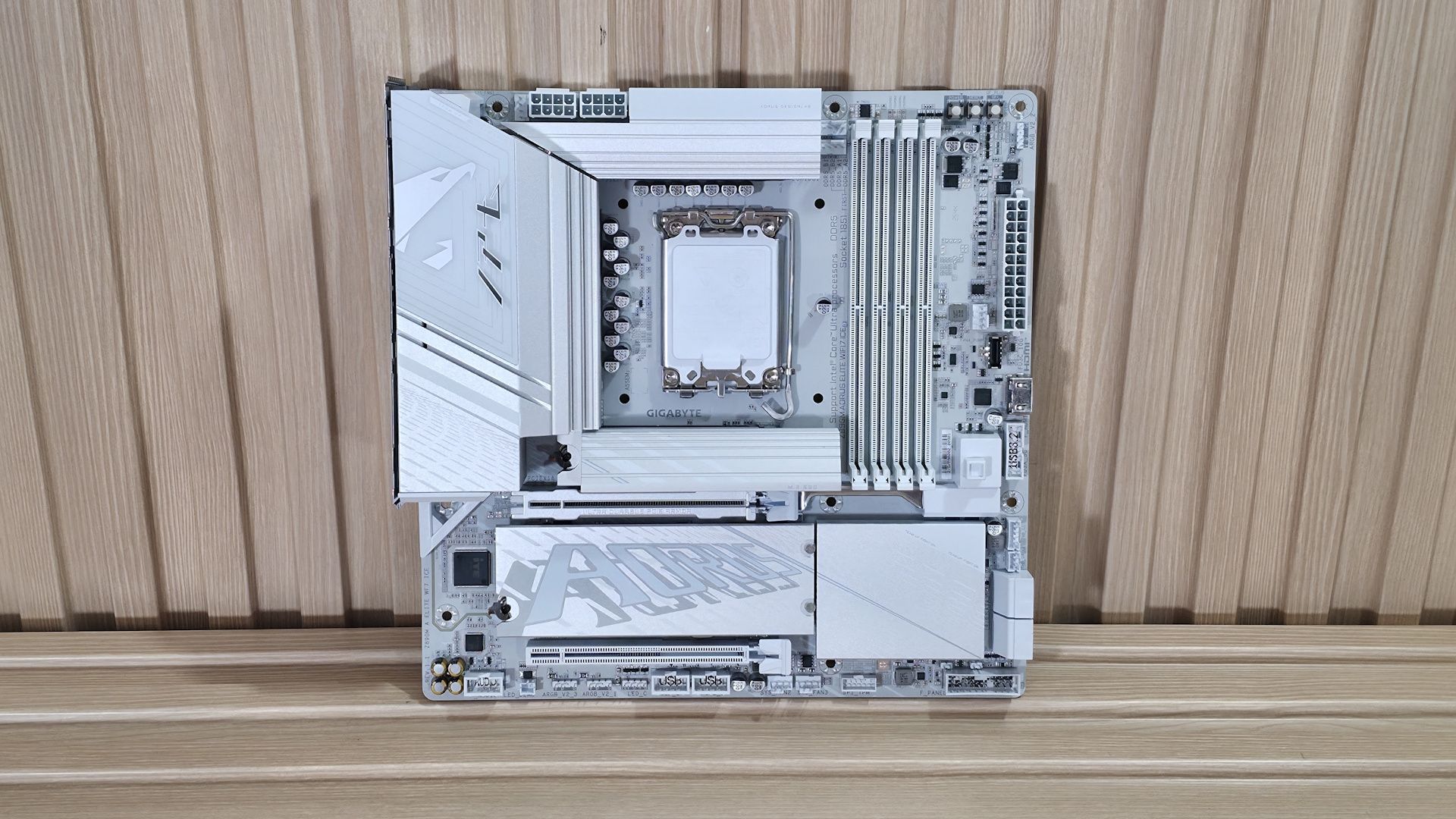
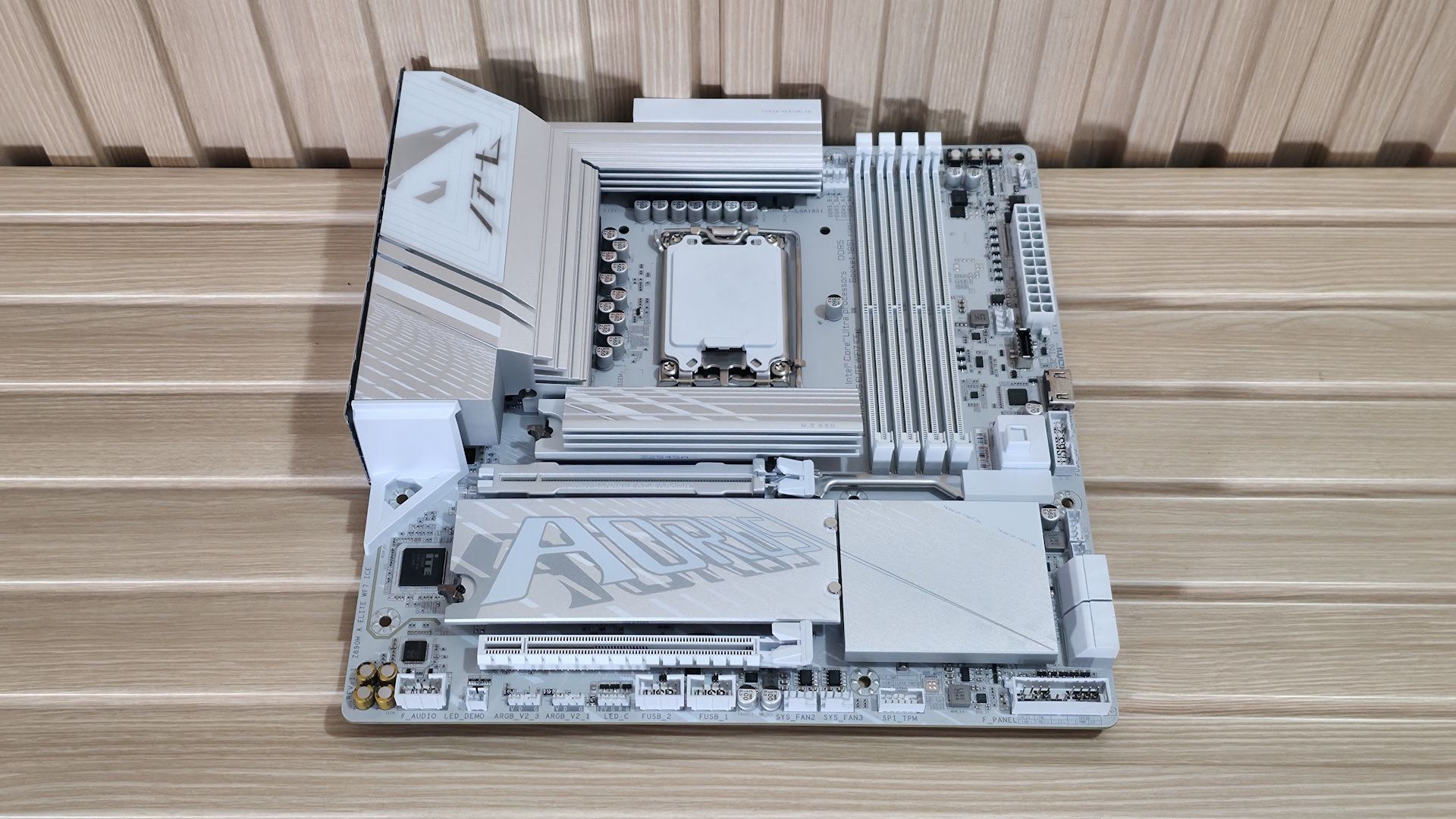
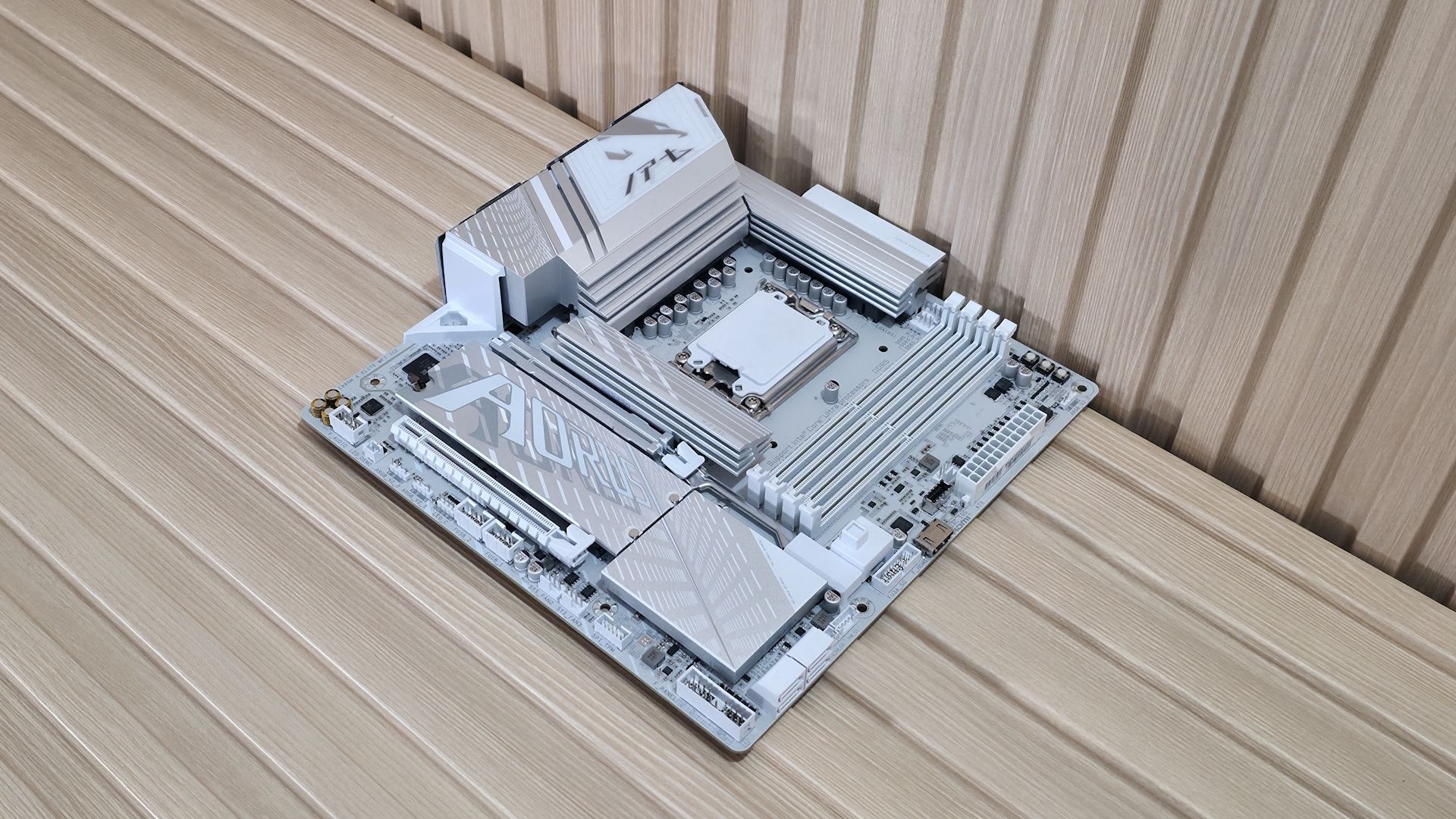
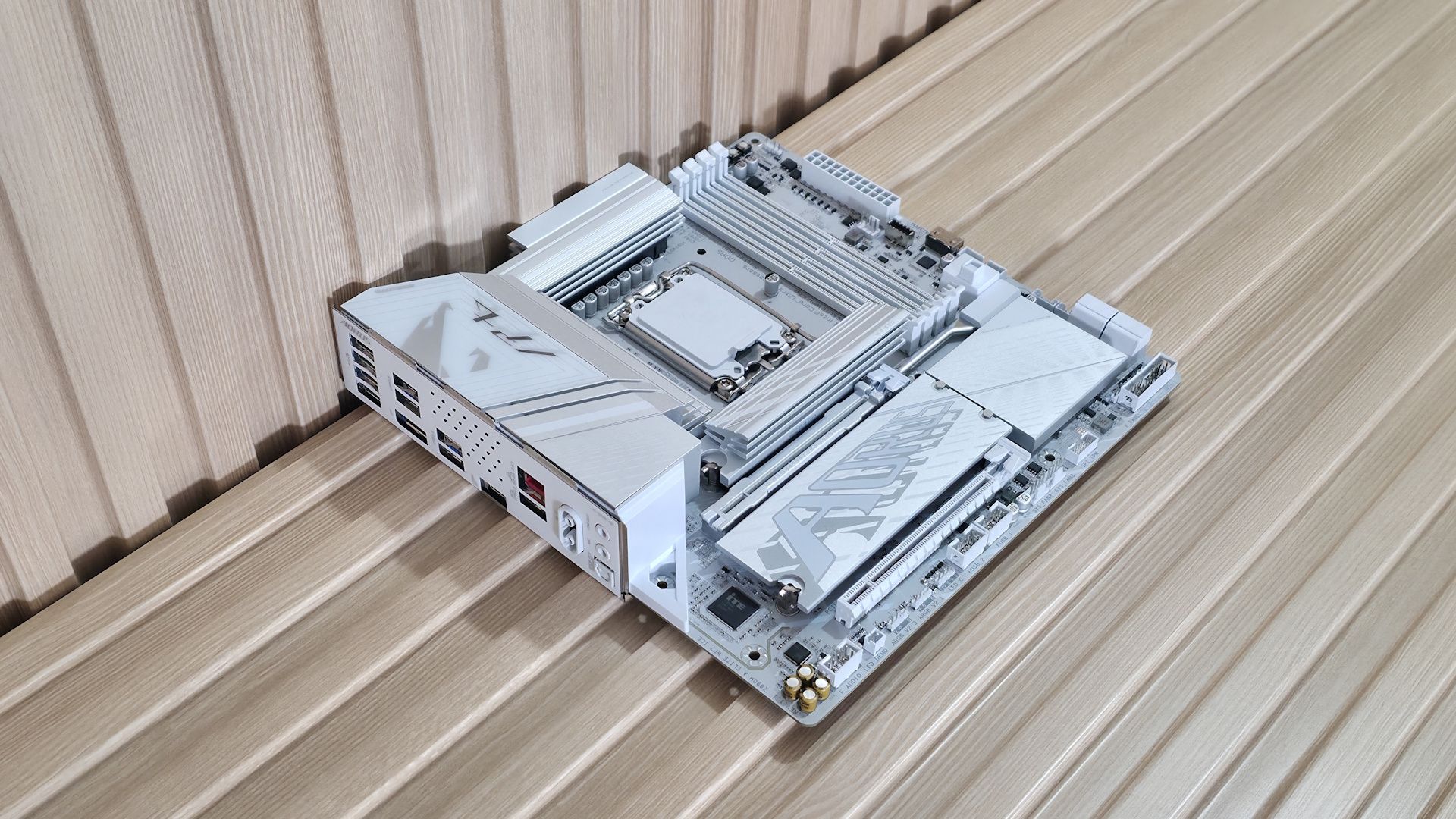
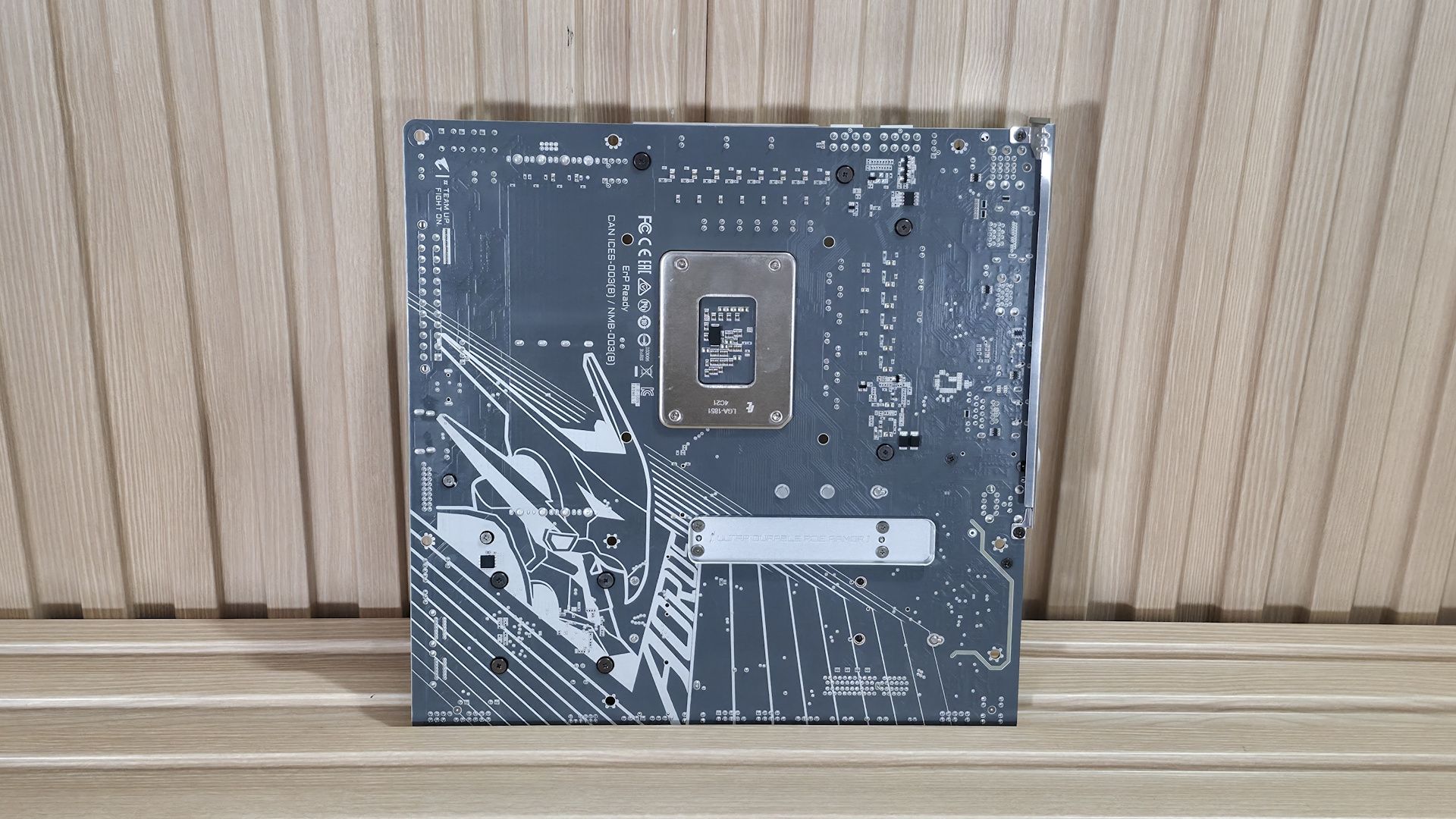
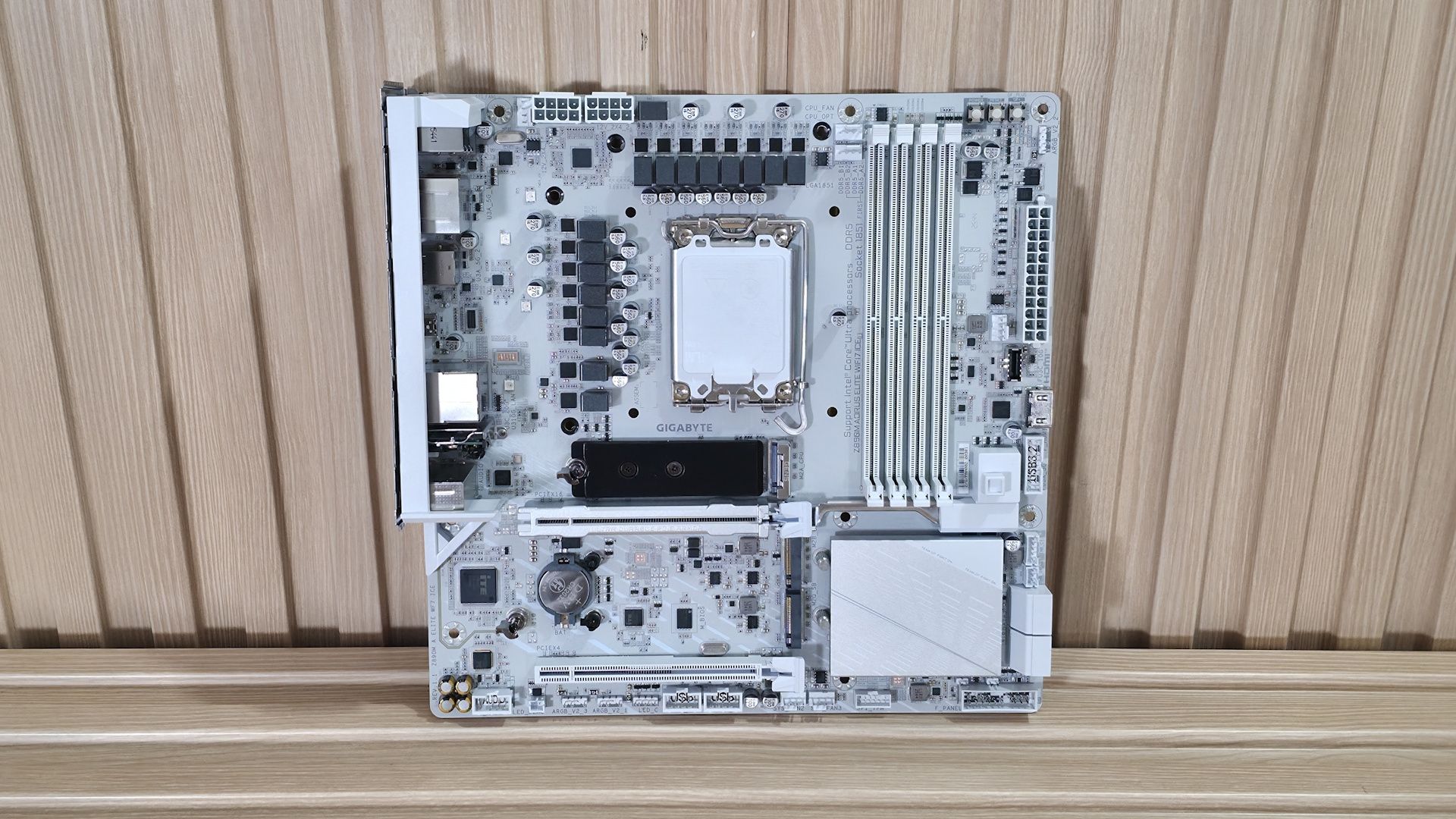
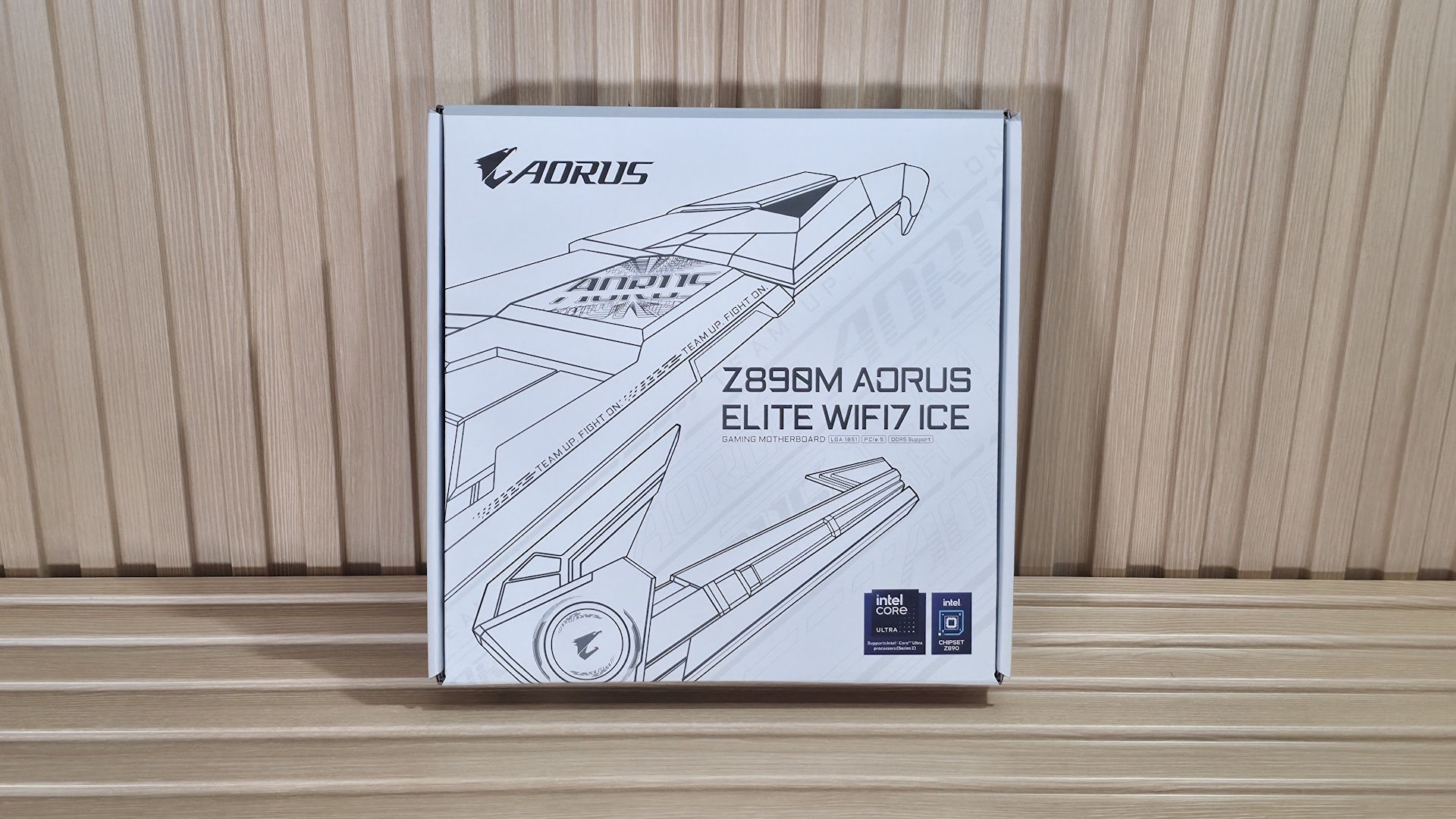
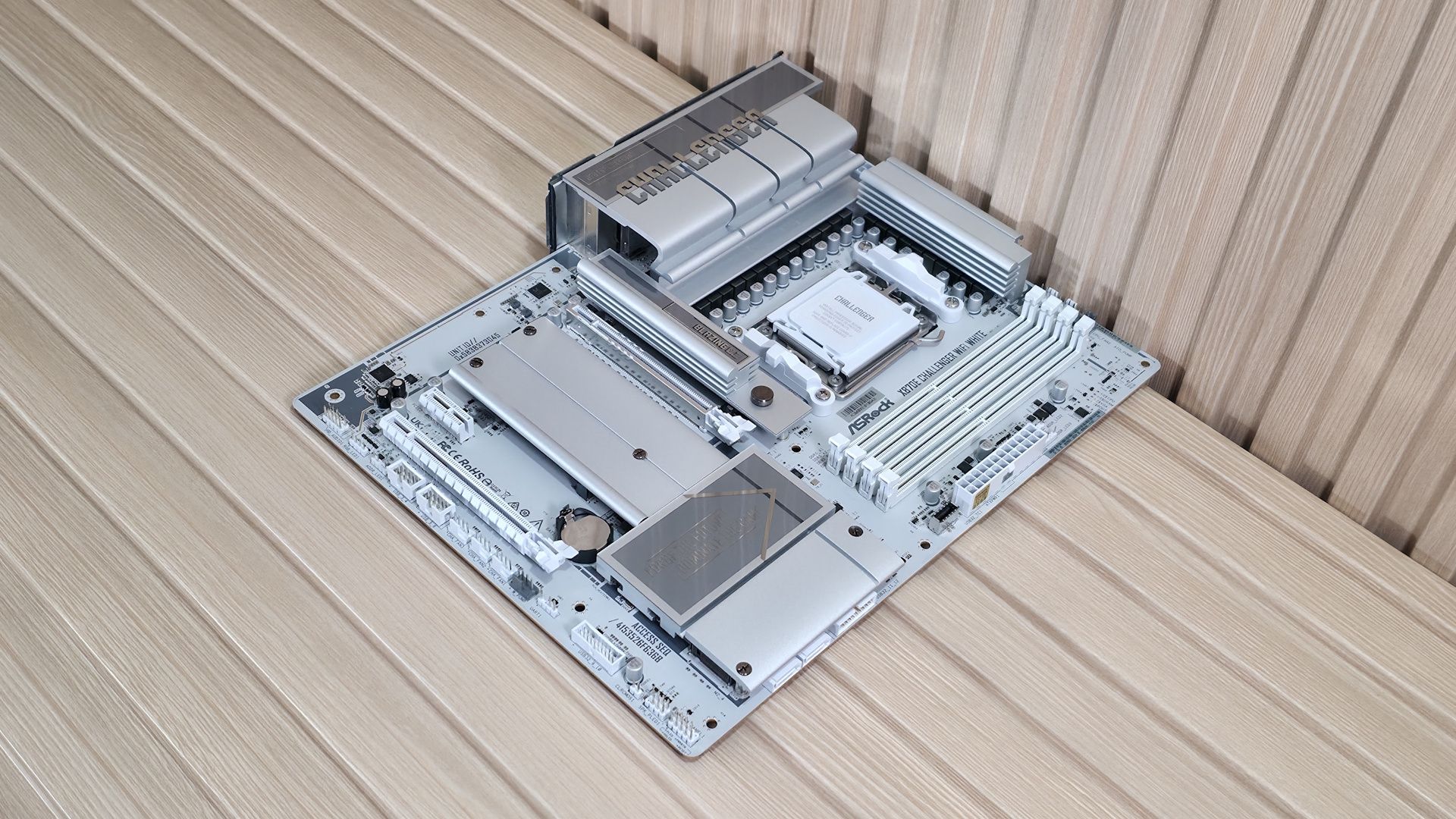
For what tends to be a budget motherboard class (and typically, well, ugly), the Aorus Elite WiFi 7 Ice is an attractive Micro ATX SKU. Where its peers don’t offer complete heatsink coverage on the bottom half, this one does. It also uses a large heatsink for the primary M.2 socket, unlike its peers. It also has integrated RGB lighting (under the VRM and chipset heatsinks) for an extra bit of flair. All in all, it’s one of the better-looking Micro ATX motherboards around.
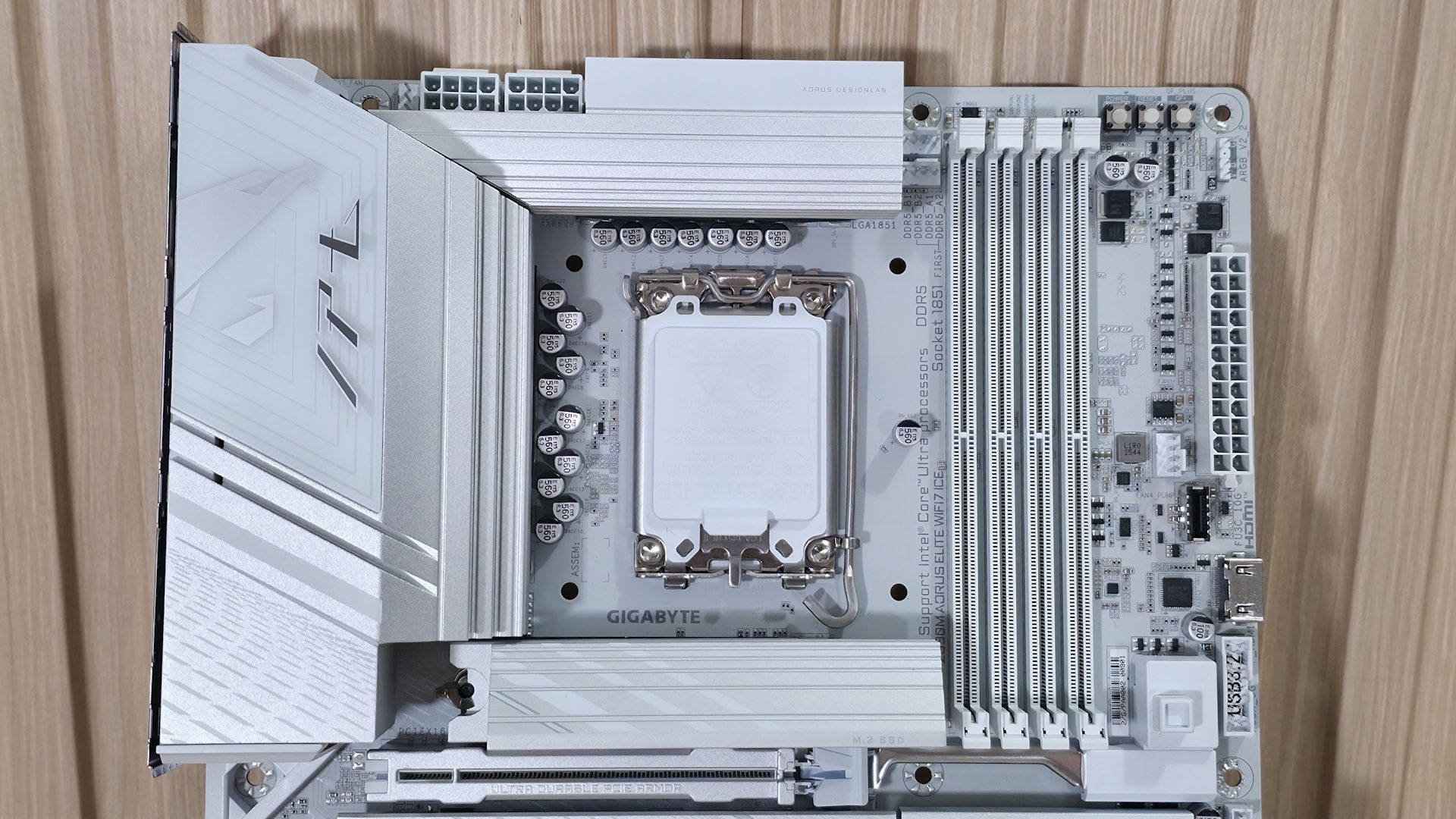
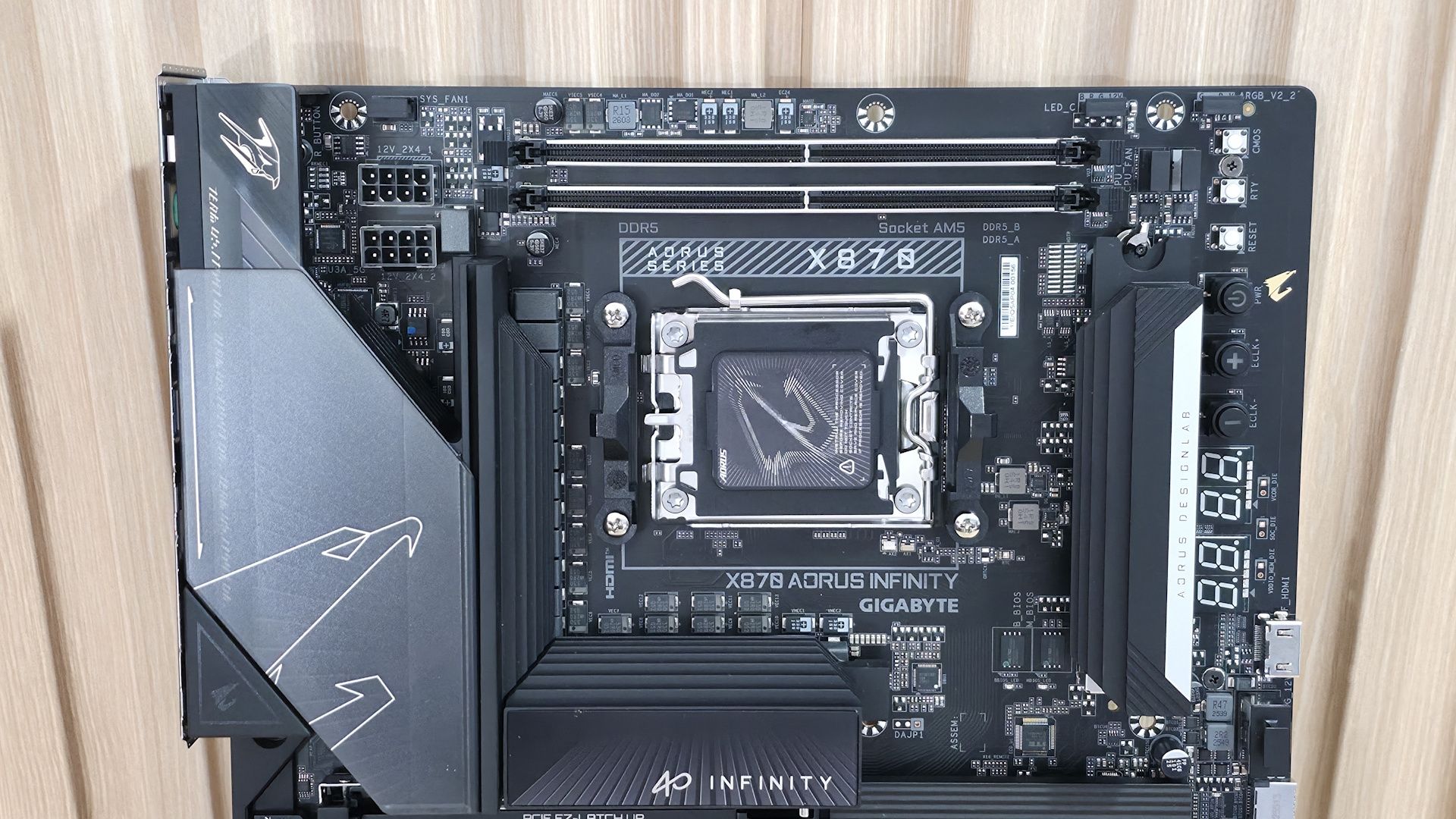
Zooming in on the top half, starting on the left, we get a better look at the Aorus eagle design, along with the RGB feature. The VRM heatsink below has a lot of mass and surface area, so it does a good job keeping the MOSFETs below running in spec. Above that are the two “UD” (solid pin) 8-pin power connectors (one required) for the processor.
Past the CPU socket, the next thing we run into is the four DRAM slots with the locking mechanism at the top (where there’s room). Gigabyte lists support for up to DDR5-9200(OC), which is plenty fast for the platform. Surprisingly, our fastest kit (DDR5-8800) didn’t play nice with this board, but the DDR5-8200 kit worked fine. As always, for best results, stick to the memory QVL.
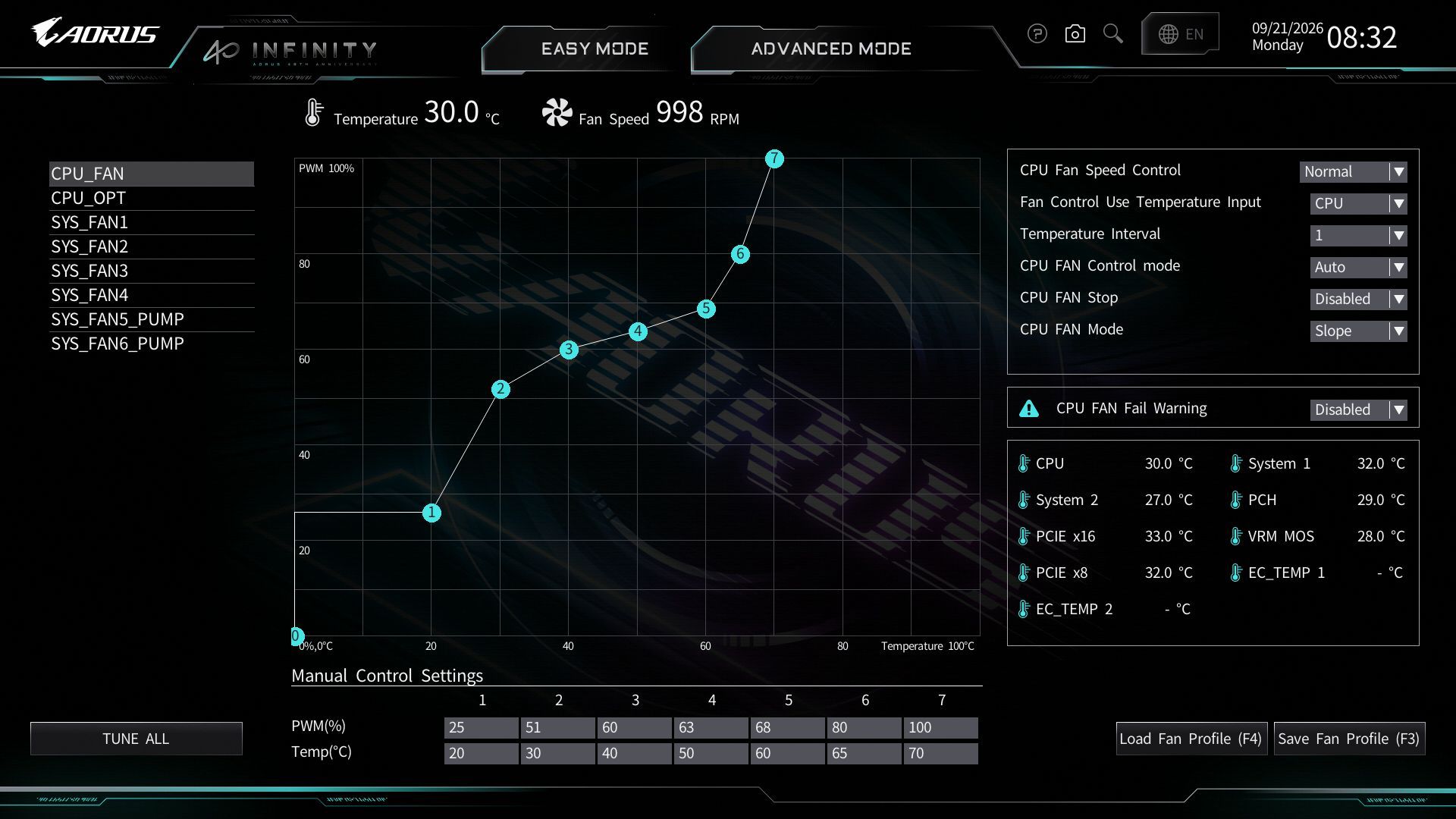
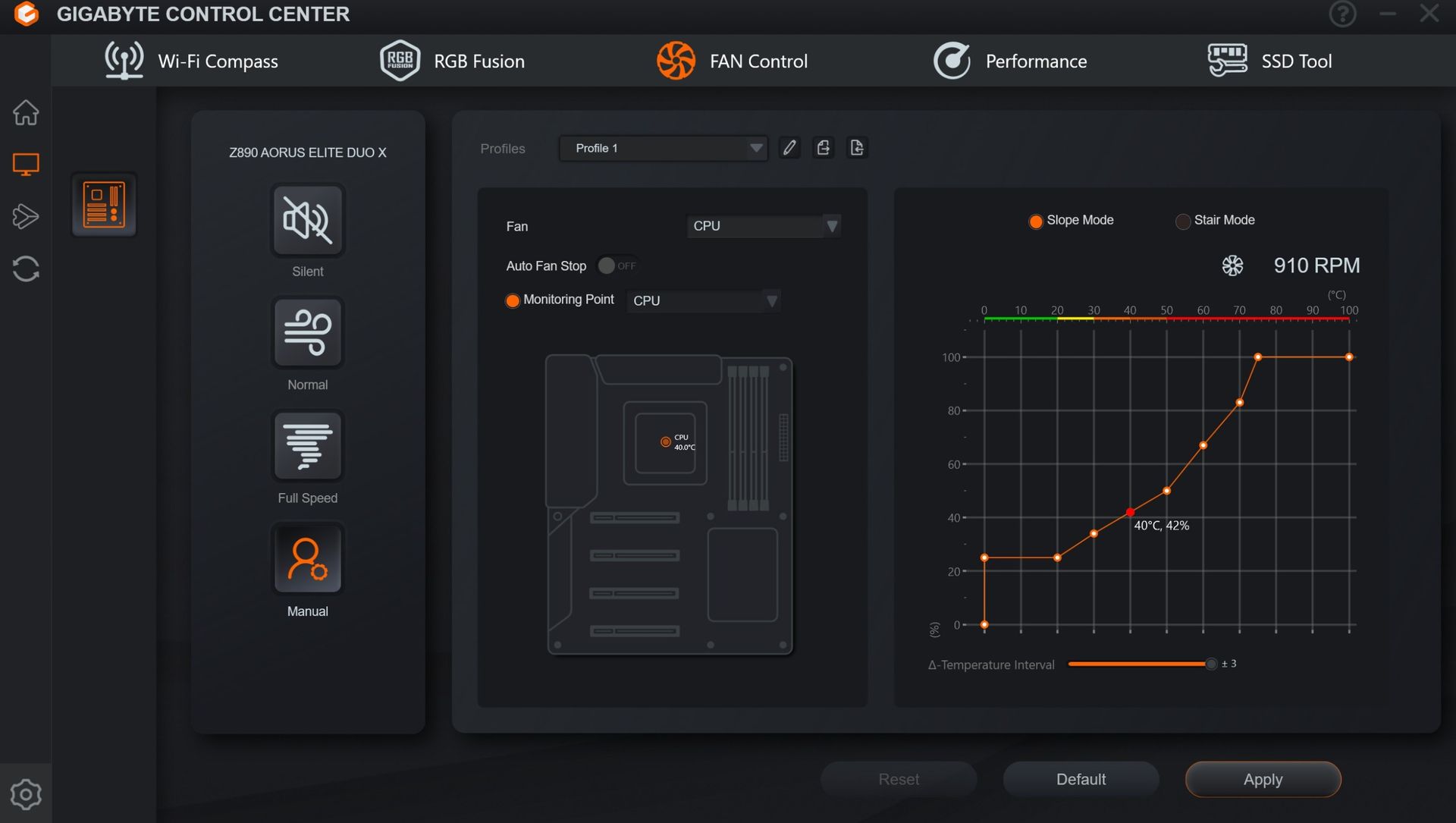
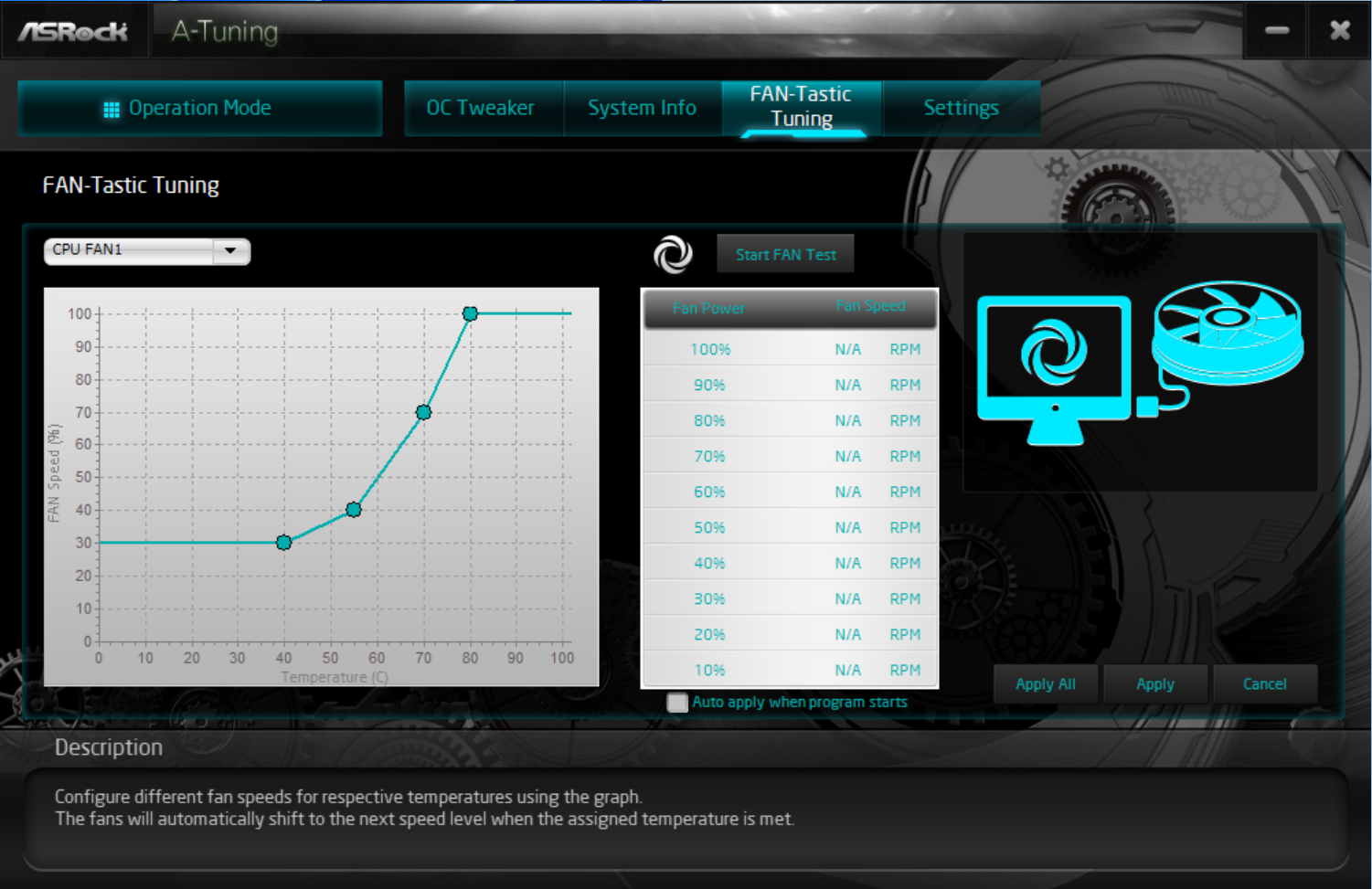
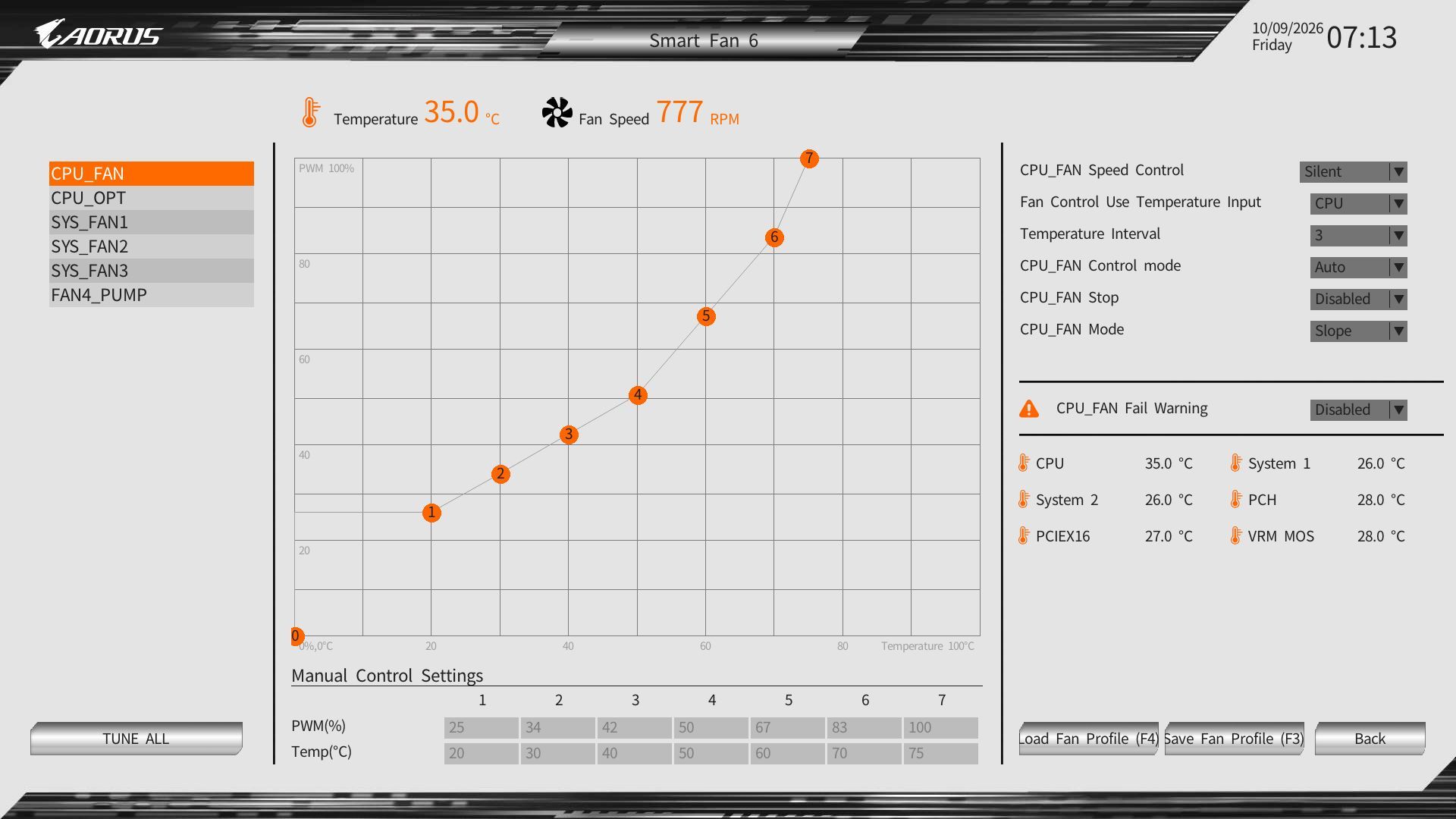
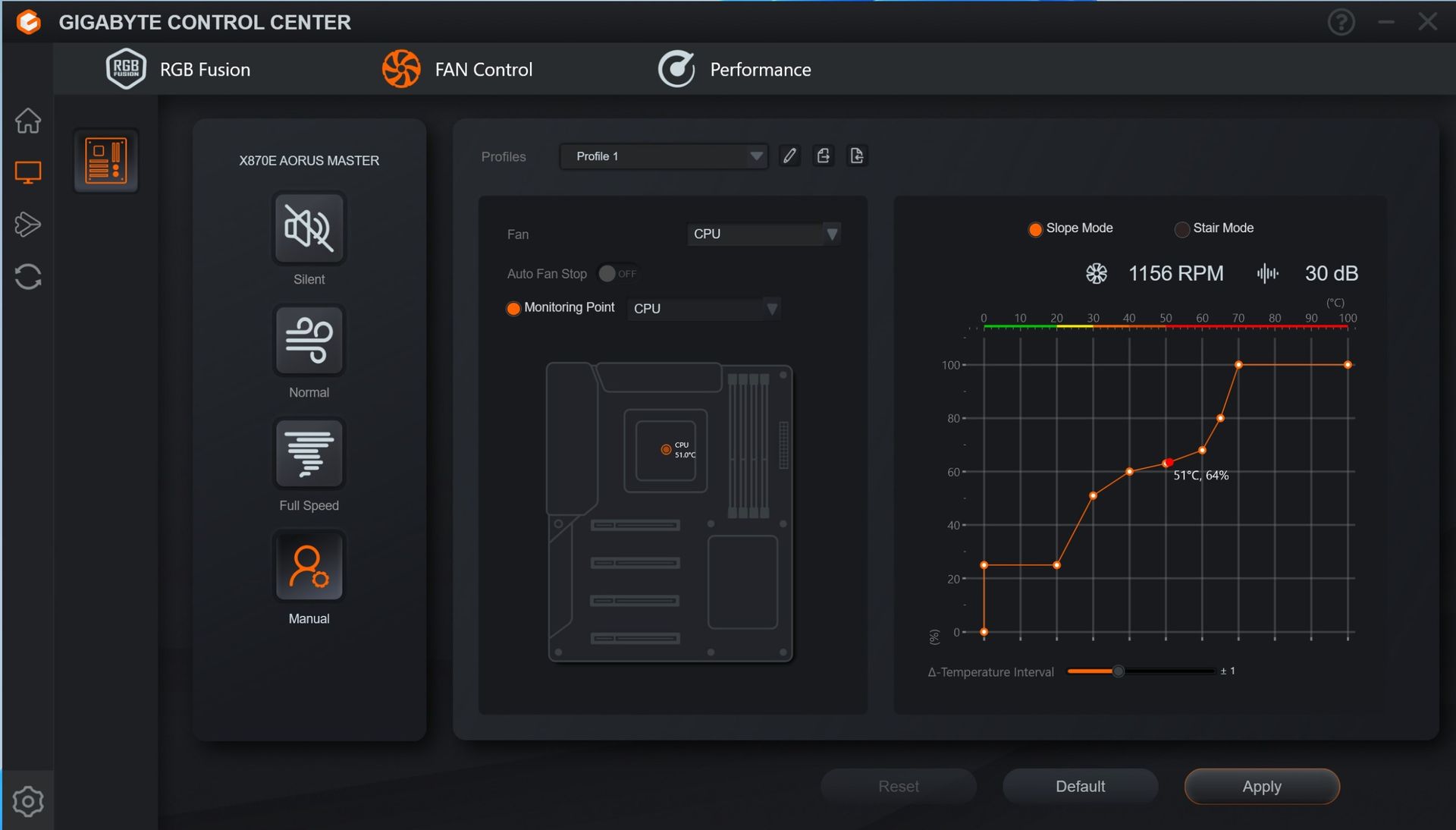
Next to the RAM slots on the left are the first two (of six) 4-pin fan headers. Each header supports PWM and DC-controlled devices. Each header supports up to 2A/24W output, which is plenty, especially for a smaller chassis with fewer fans. Gigabyte Control Center (GCC) and the BIOS control the fans via the Smart Fan 6 applet.
Above the DRAM slots is the Q-LED feature. Four LEDs, CPU/Boot/VGA/RAM, light up during POST. If a failure occurs during that time, the offending RGB stays lit, giving you a general idea of where the problem may be. Next to it, in the upper-right corner, are three simple buttons: power, reset, and Q-Flash.
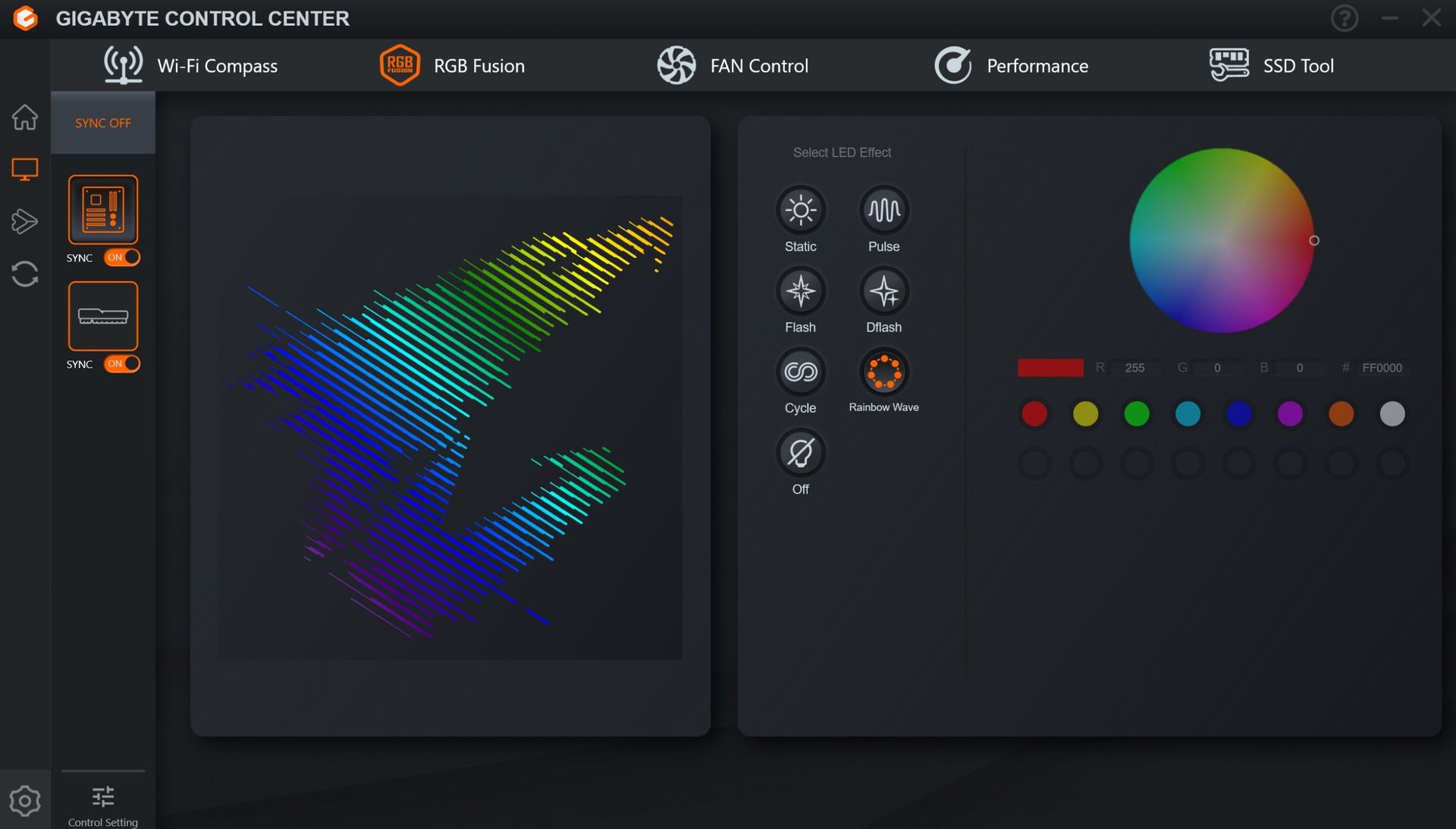
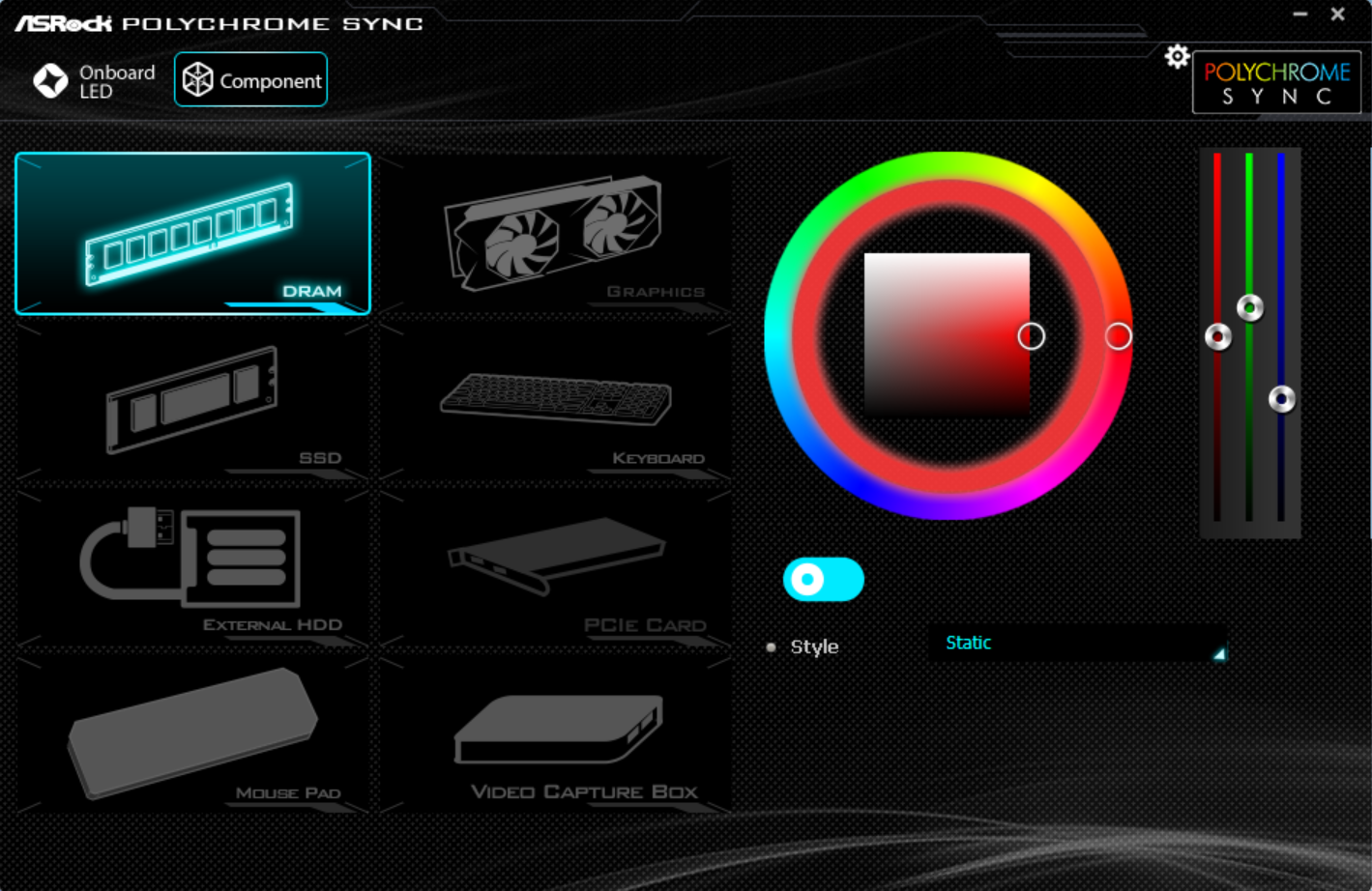
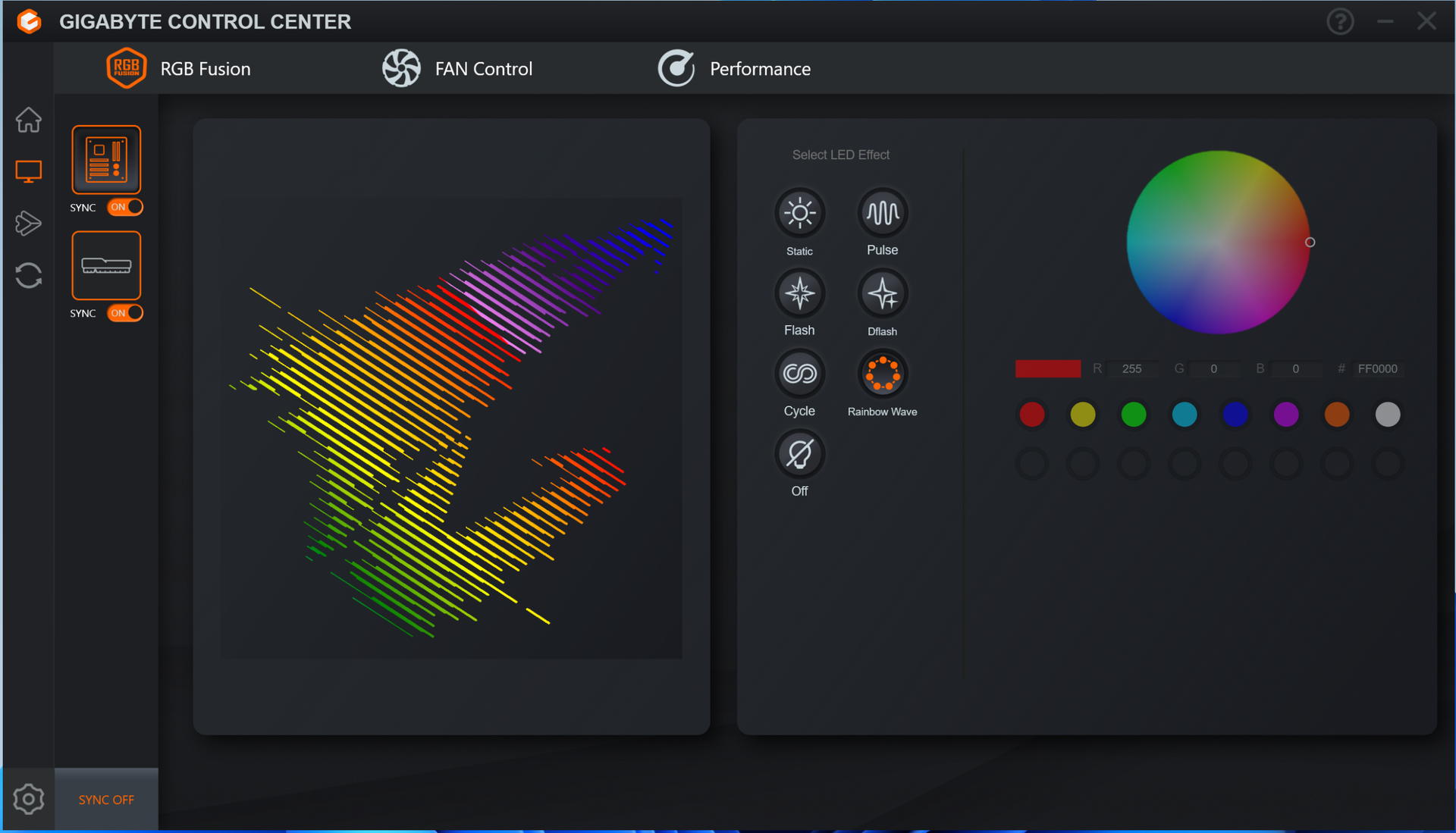
Down the right edge, you'll find the first (of three) 3-pin ARGB headers. The other two are along the bottom edge. GCC and the RGB Fusion app inside control these headers and the integrated lighting, offering users plenty of canned LED effects and customization. Below that are the 24-pin ATX connector to power the board, another 4-pin fan header, the front-panel USB 3.2 Gen 2 (10 Gbps) connector, and a 19-pin front-panel USB 3.2 Gen1 (5 Gbps) header. Between those is a front-panel HDMI output, making it easy to add secondary displays for monitoring or further chassis customization.
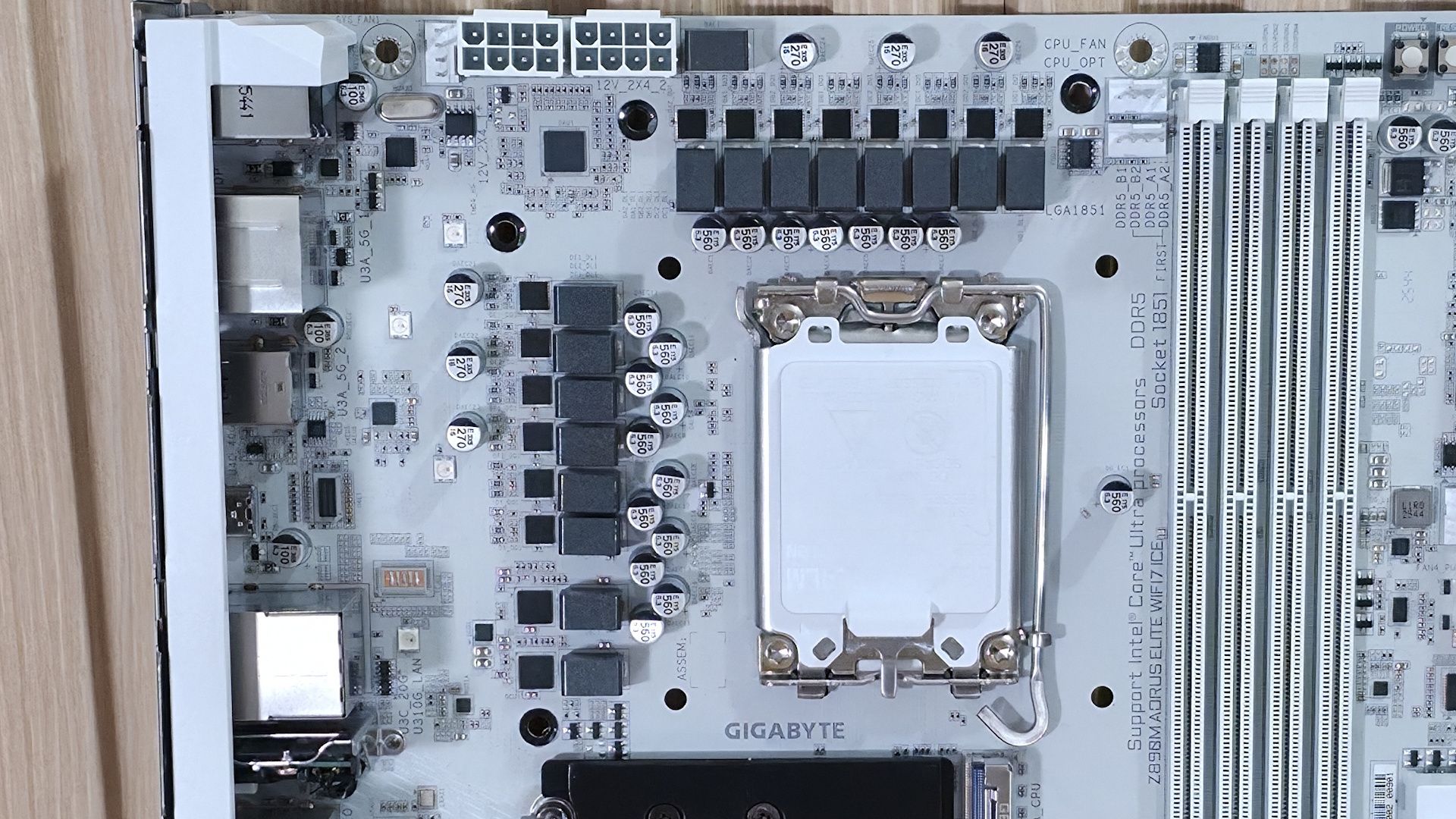
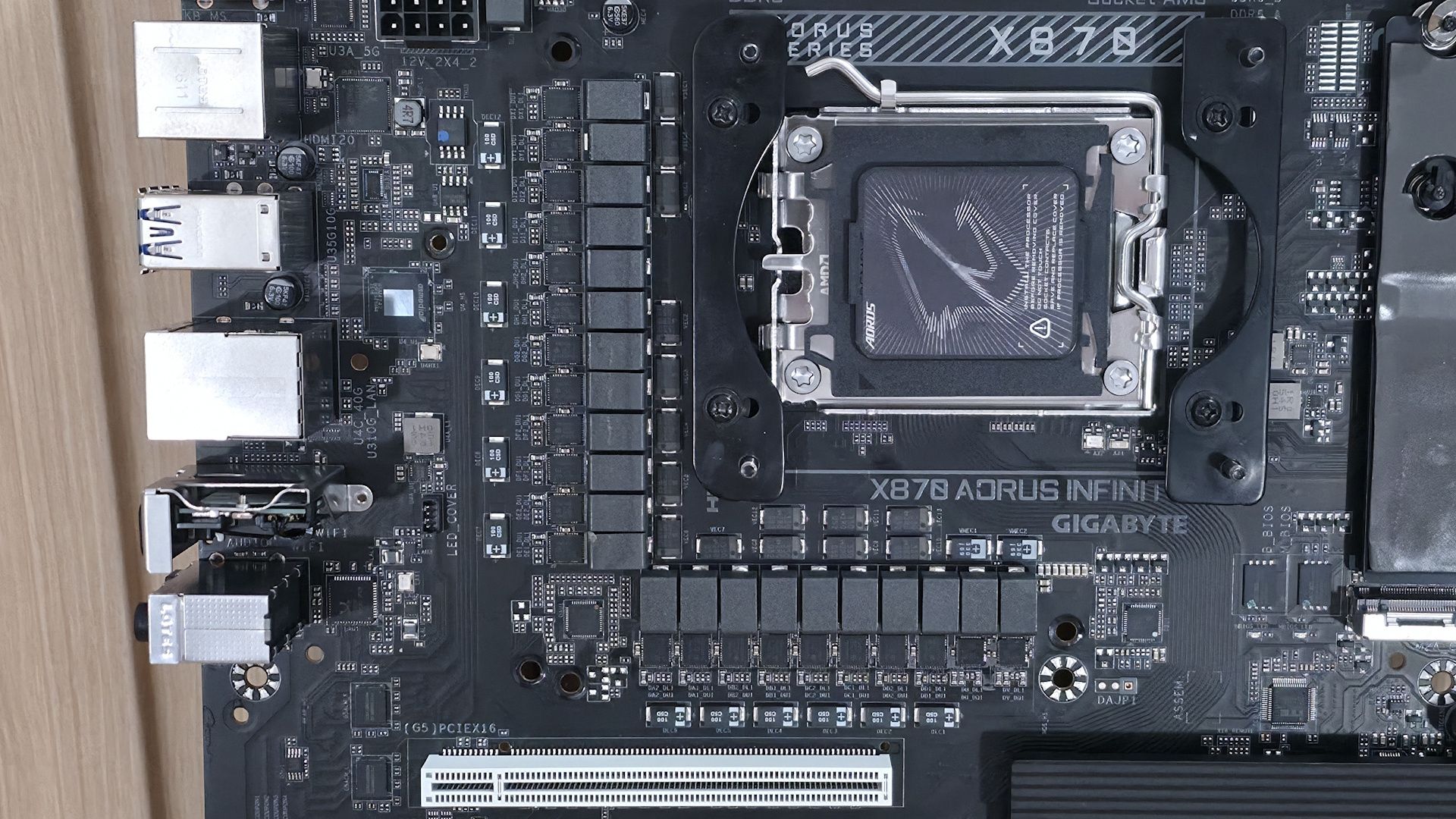
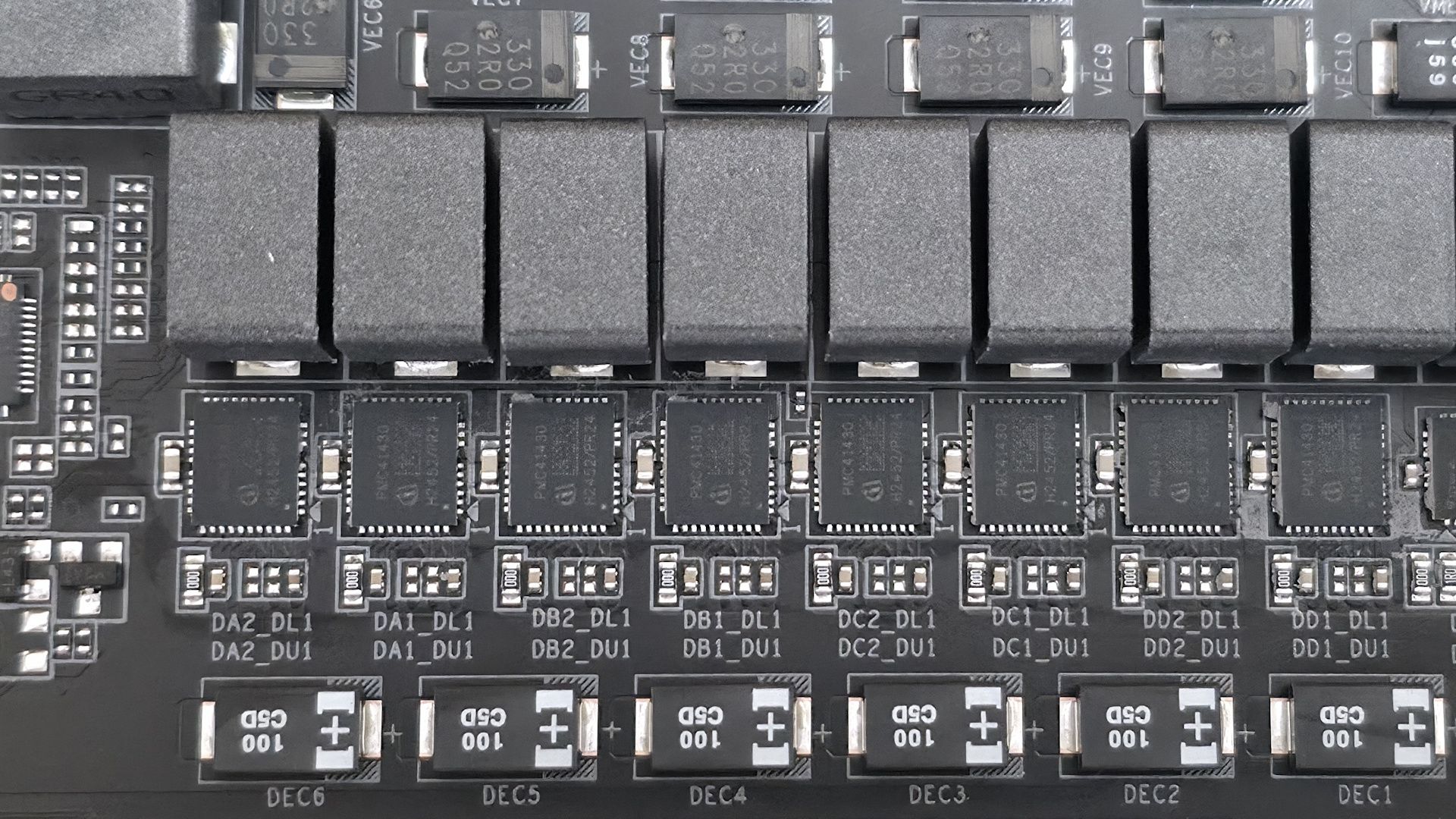
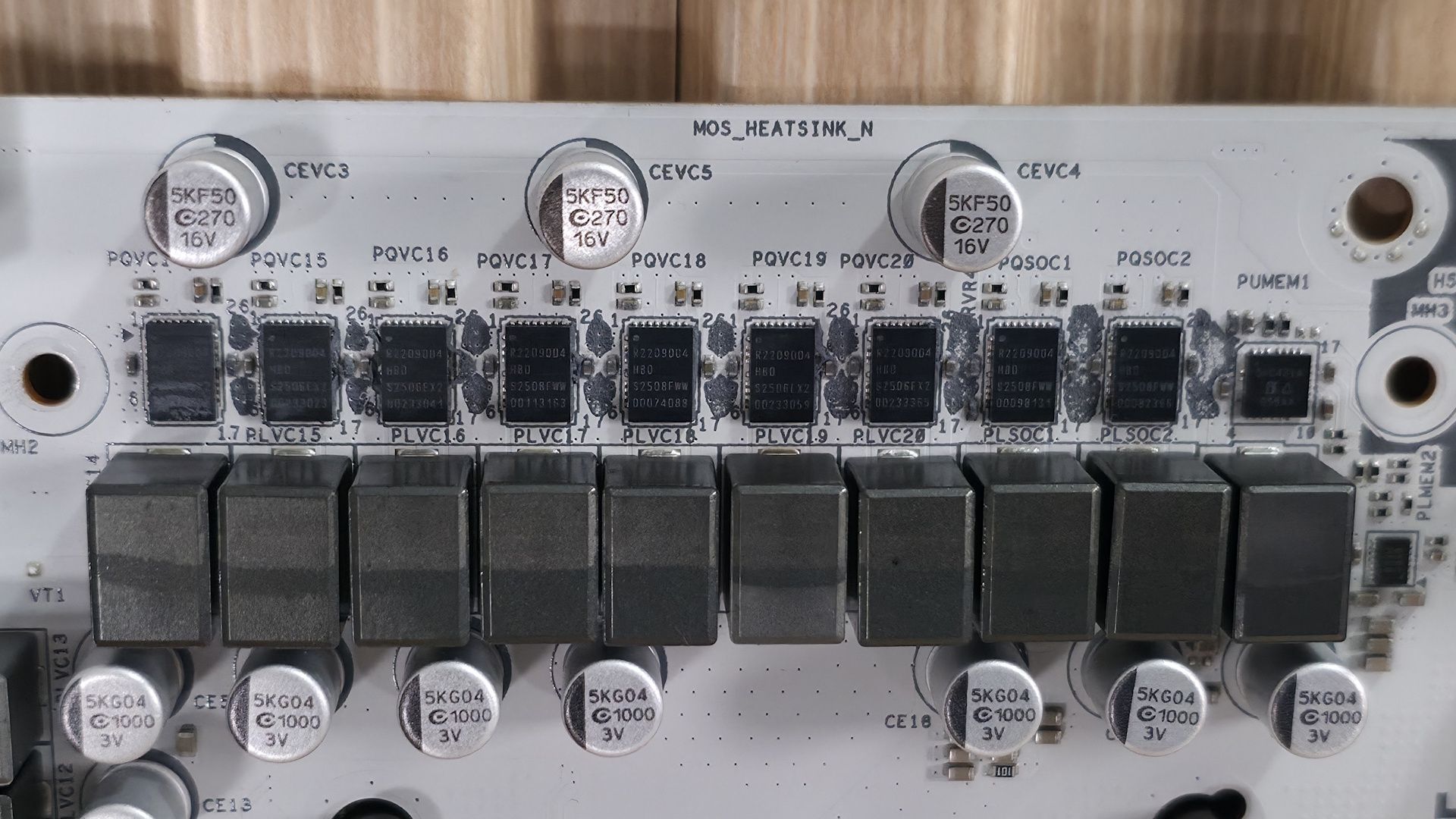
Power delivery on the Z890M Aorus Elite WiFi7 Ice is capable, but it doesn’t quite reach the level of "robust." The board has 15 phases, 12 of which are dedicated to Vcore. Power comes from the dual 8-pin EPS connectors and is controlled by the OnSemiconductor NCP81537 8-phase controller (teamed configuration). From there, power moves on to the OnSemi NCP302155 60A DrMOS MOSFETs and then to your processor. The 720A available isn’t a lot, but it can handle the Core Ultra 7 270K Plus, the Core Ultra 5 250K Plus, and even the Core Ultra 9 285K — though I’m not sure how hard I’d push it overclocking the 285K or 270K Plus. Just be sure to keep air flowing through your chassis, as these components will get warm under sustained heavy use.
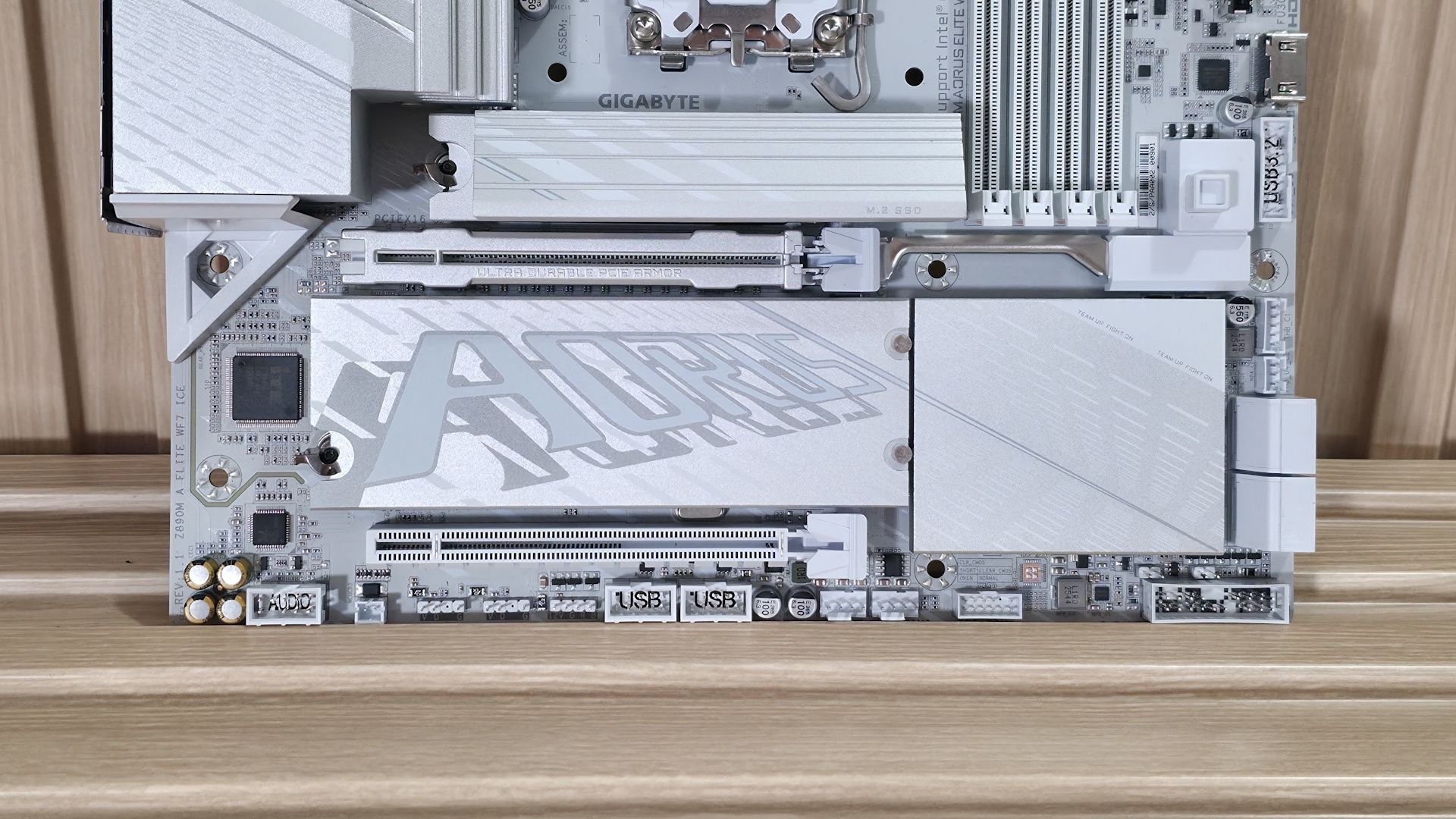
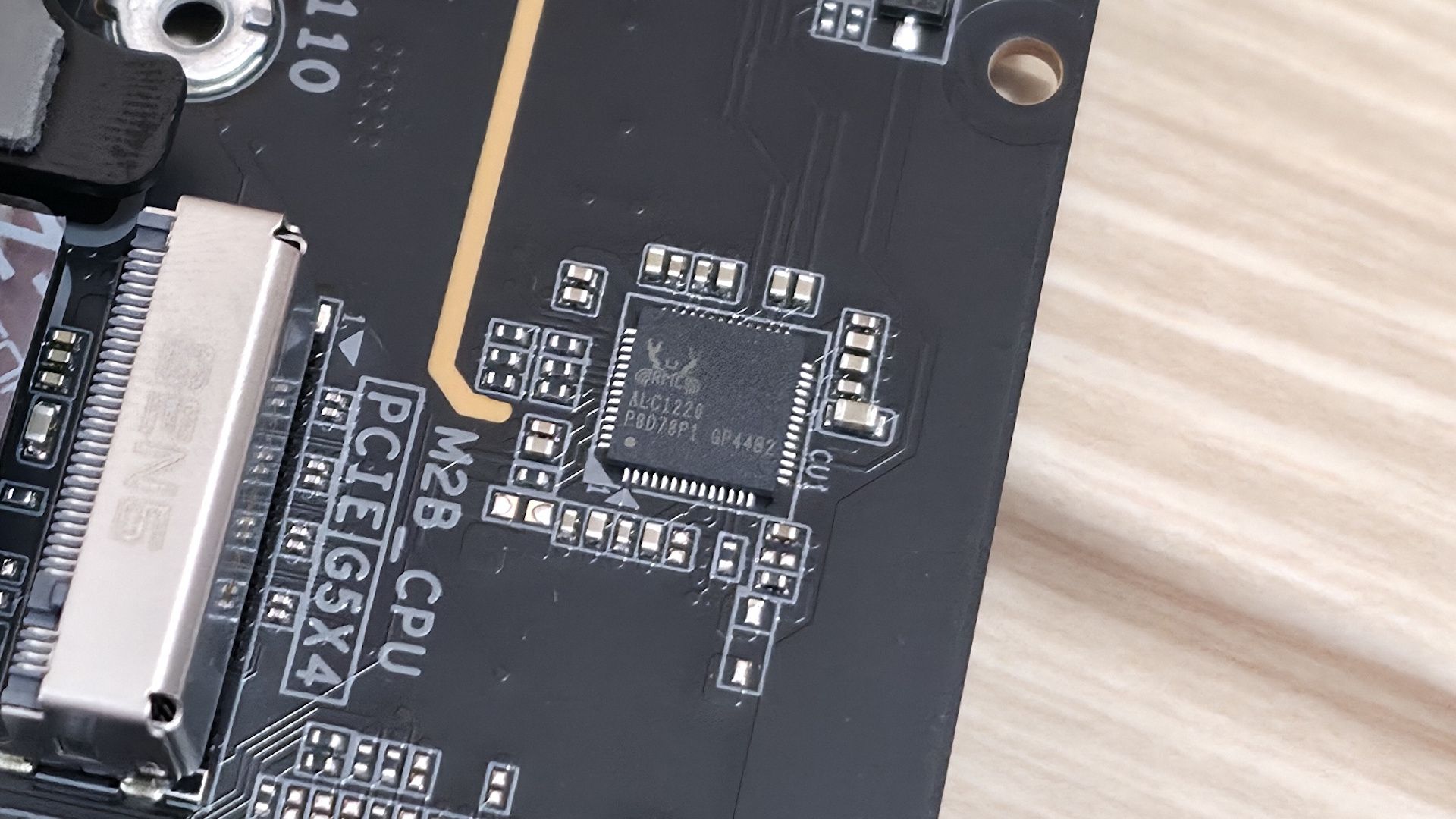
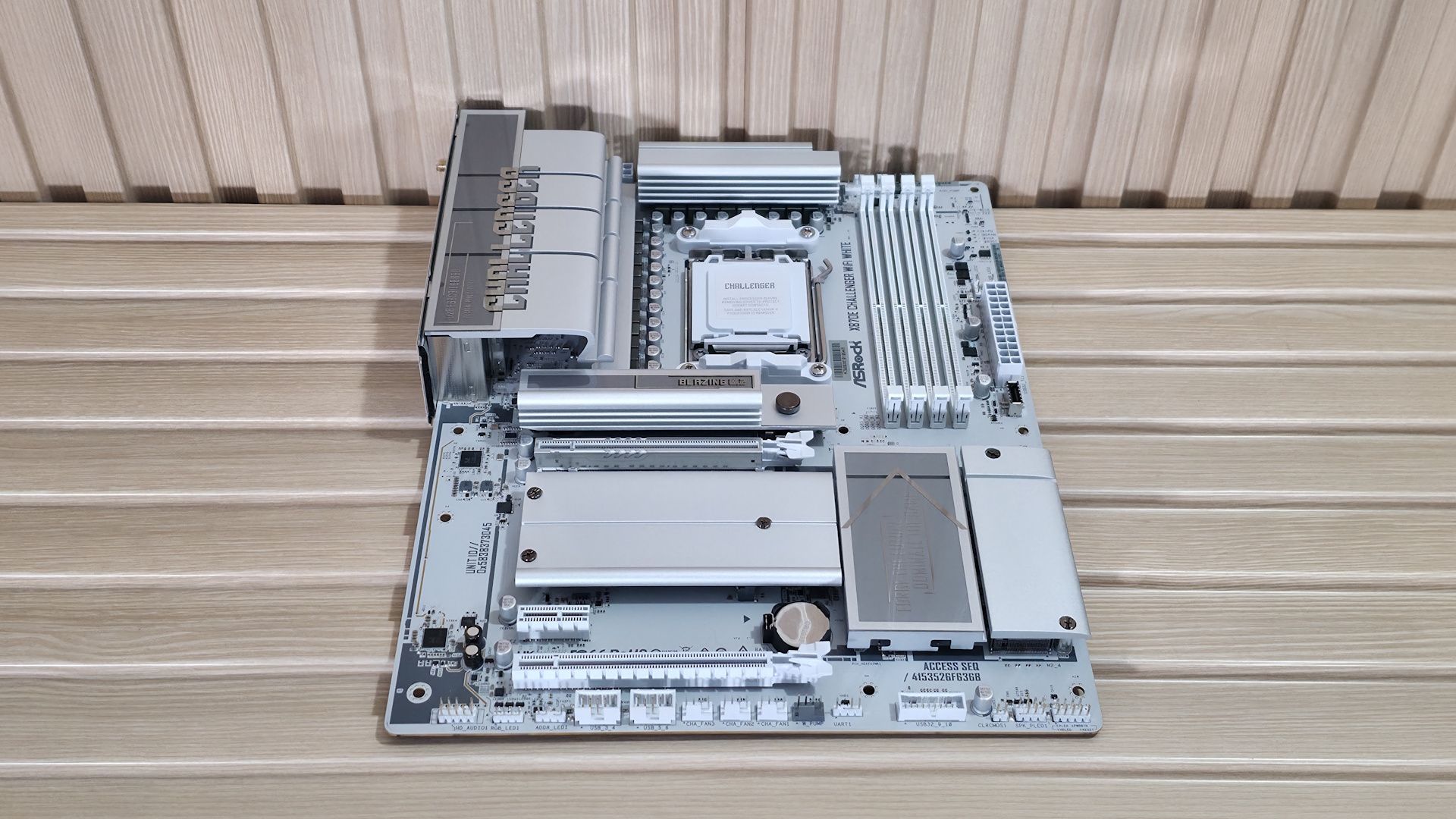
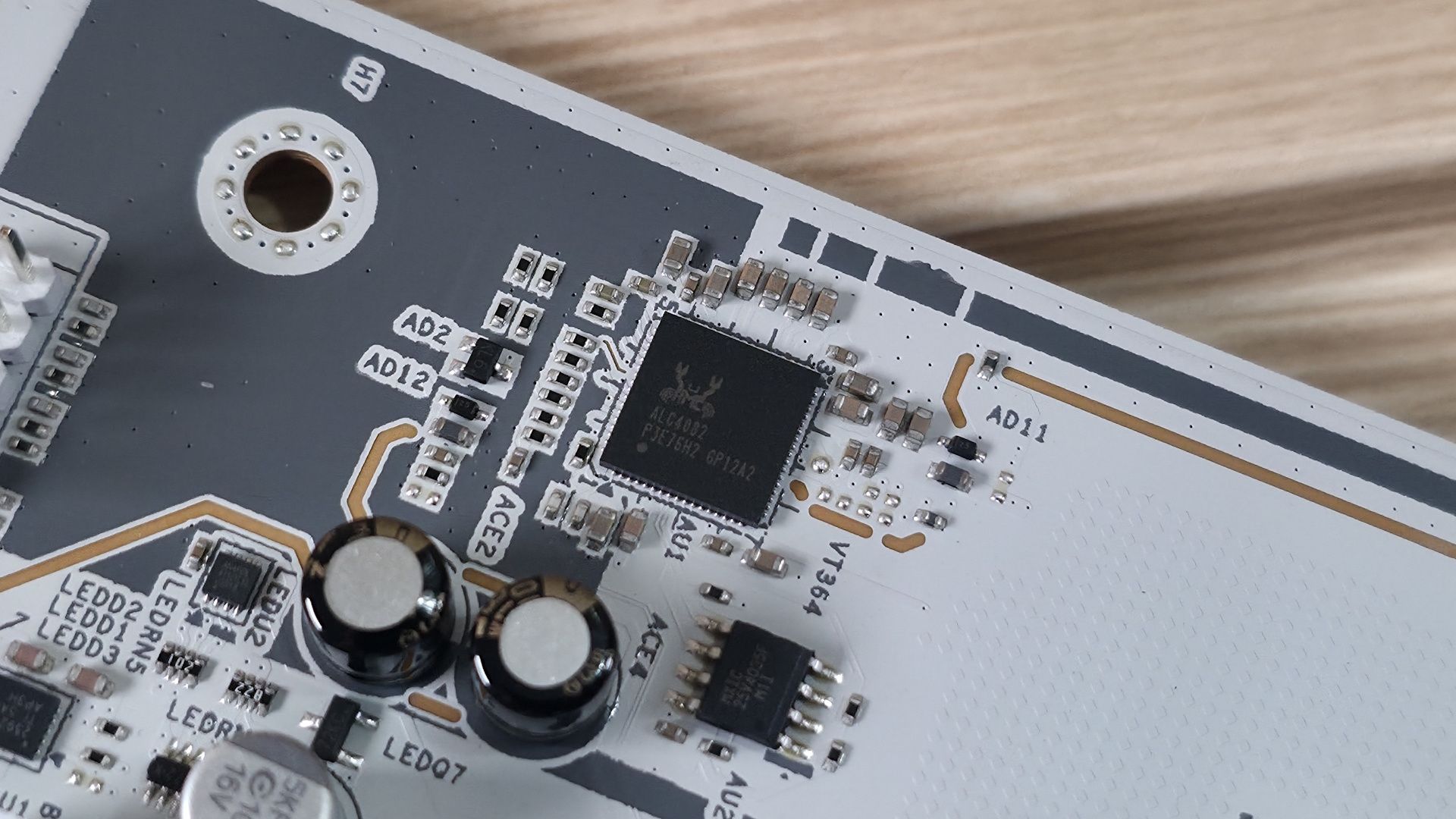
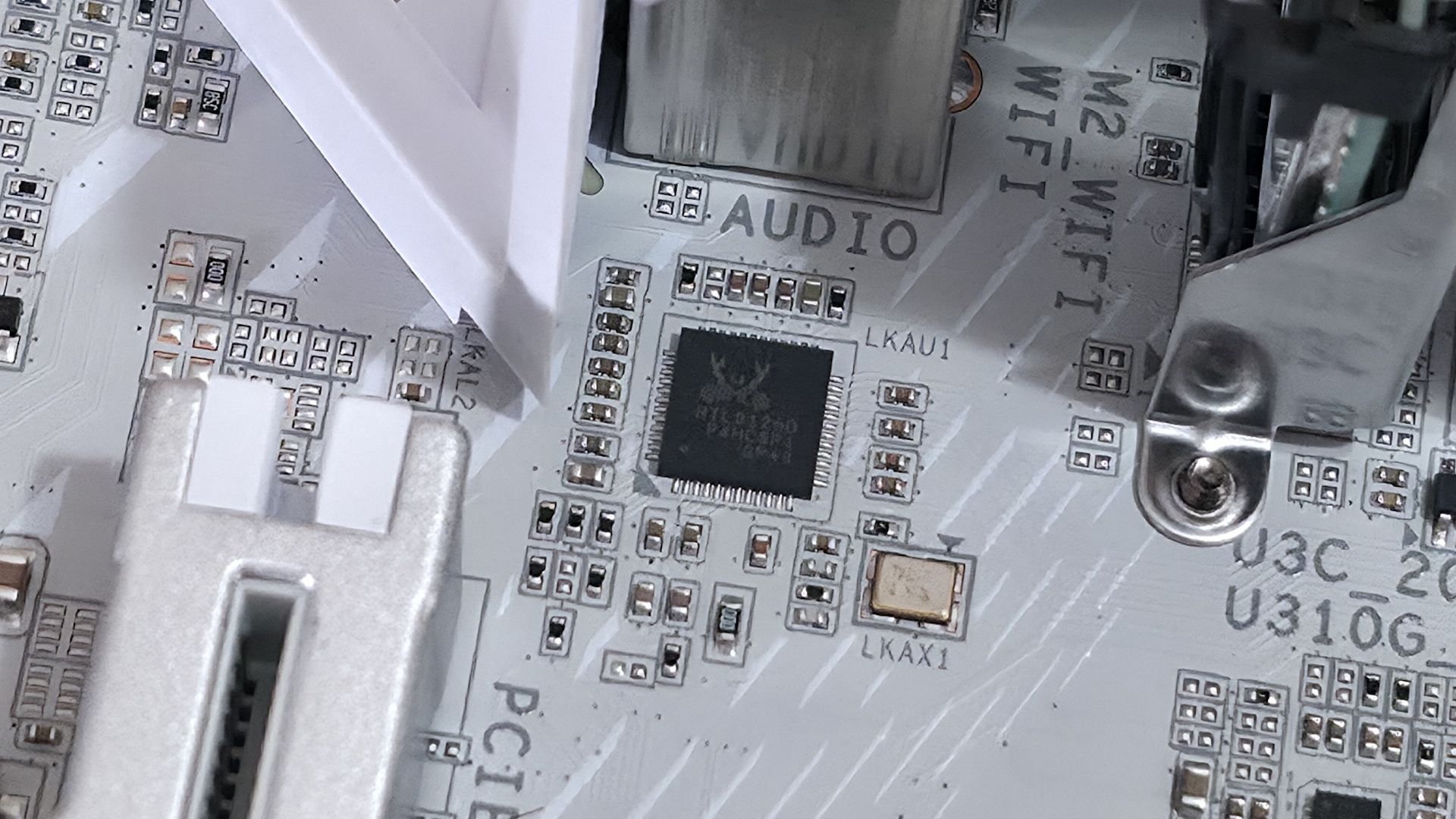
On the bottom half of the board, starting on the left edge, we spy the audio solution. The Z890M uses the budget Realtek ALC897 codec, plus a few dedicated audio capacitors (yellow and black). While one of its direct competitors has a better one, this codec is fine for most users, and there's no reason to avoid it unless you're making music with the board or consider yourself a PC-focused audiophile.
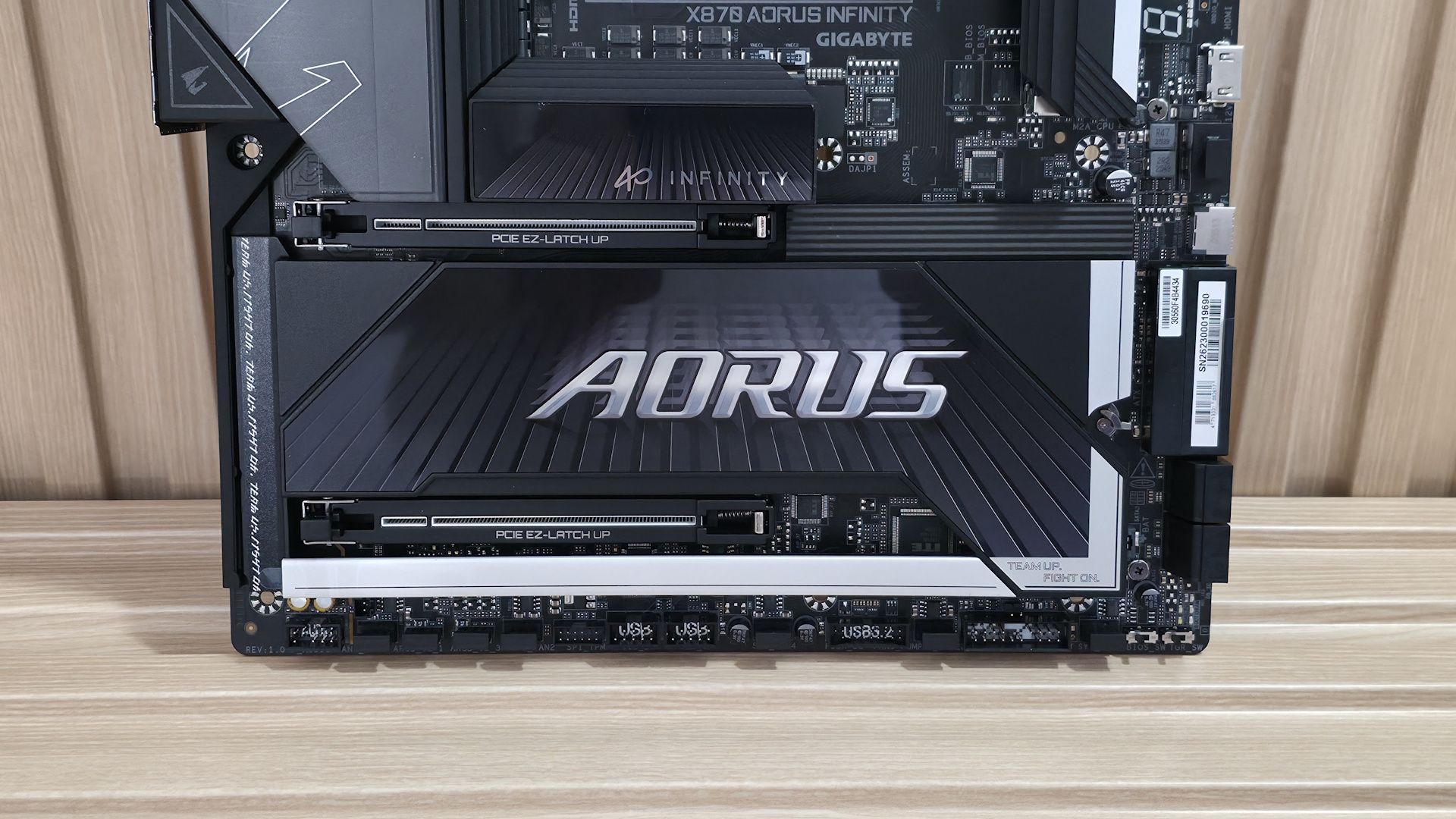
In the middle of the board are two full-length PCIe slots. The primary slot, using Gigabyte’s PCIe UD Slot X reinforcement) connects through the CPU and runs at PCIe 5.0 x16 speeds (no bifurcation, FYI). The second slot at the bottom sources its bandwidth through the chipset and runs up to PCIe 4.0 x4. There’s plenty of bandwidth for expansion; just make sure your graphics card doesn’t cover the second slot if you need to use it.
Between and above the PCIe slots are three M.2 sockets. The top socket, under the beefy EZ-Latch heatsink (made good contact, note), connects through the CPU and is the main PCIe 5.0 x4 (128 Gbps) M.2 socket. Under the plate-style heatsink (also using EZ-Latch along with EZ-Click to secure the M.2 without screws) are two more M.2 sockets. Both sockets connect via the chipset, support 80mm devices, and run up to PCIe 4.0 x4 speeds. The bottom socket supports up to 110mm modules, while the middle socket supports the more familiar 80mm. If you need the additional speed or redundancy RAID offers, the board supports RAID0/1/5/10 modes for NVMe SSDs.
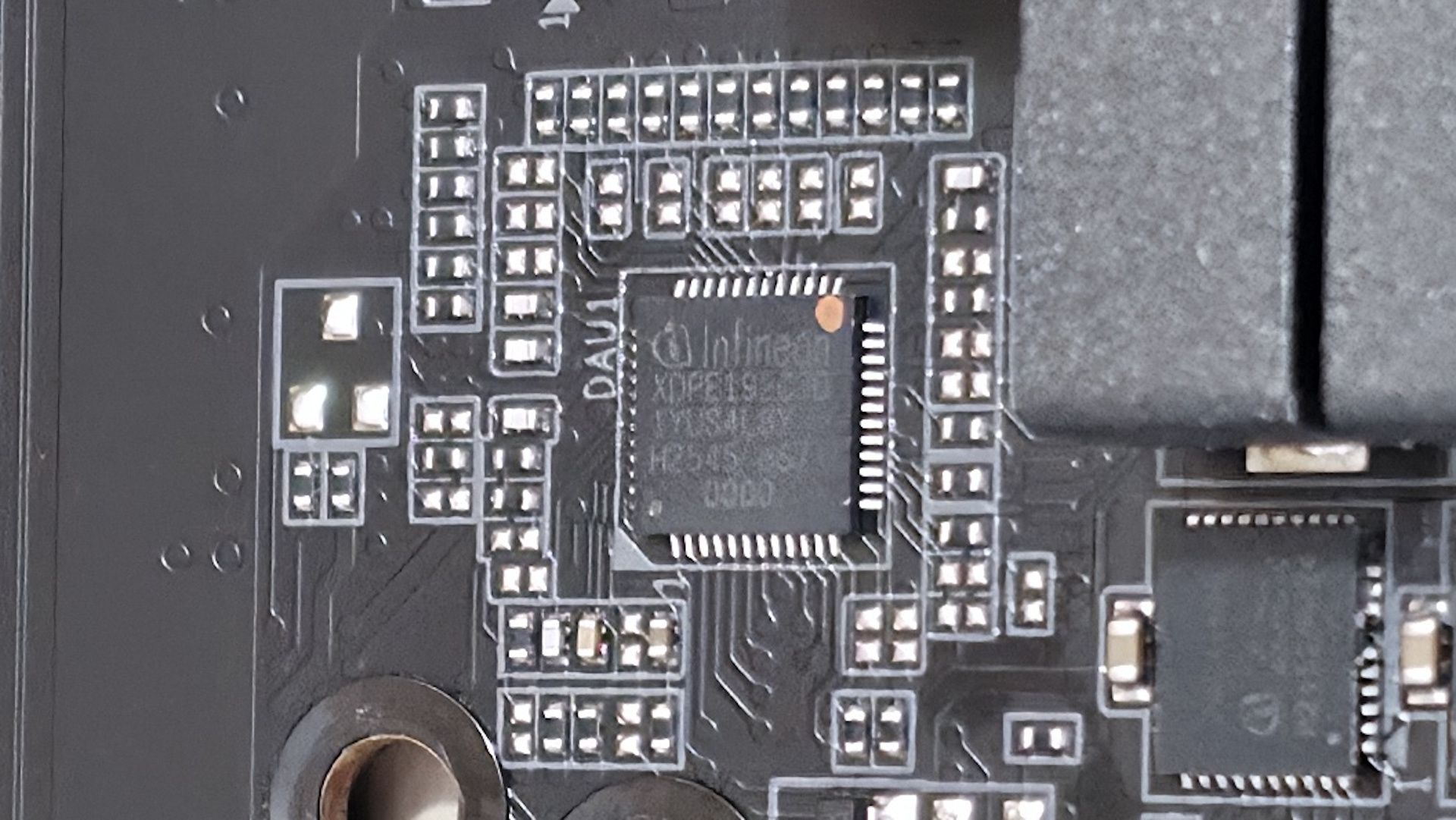
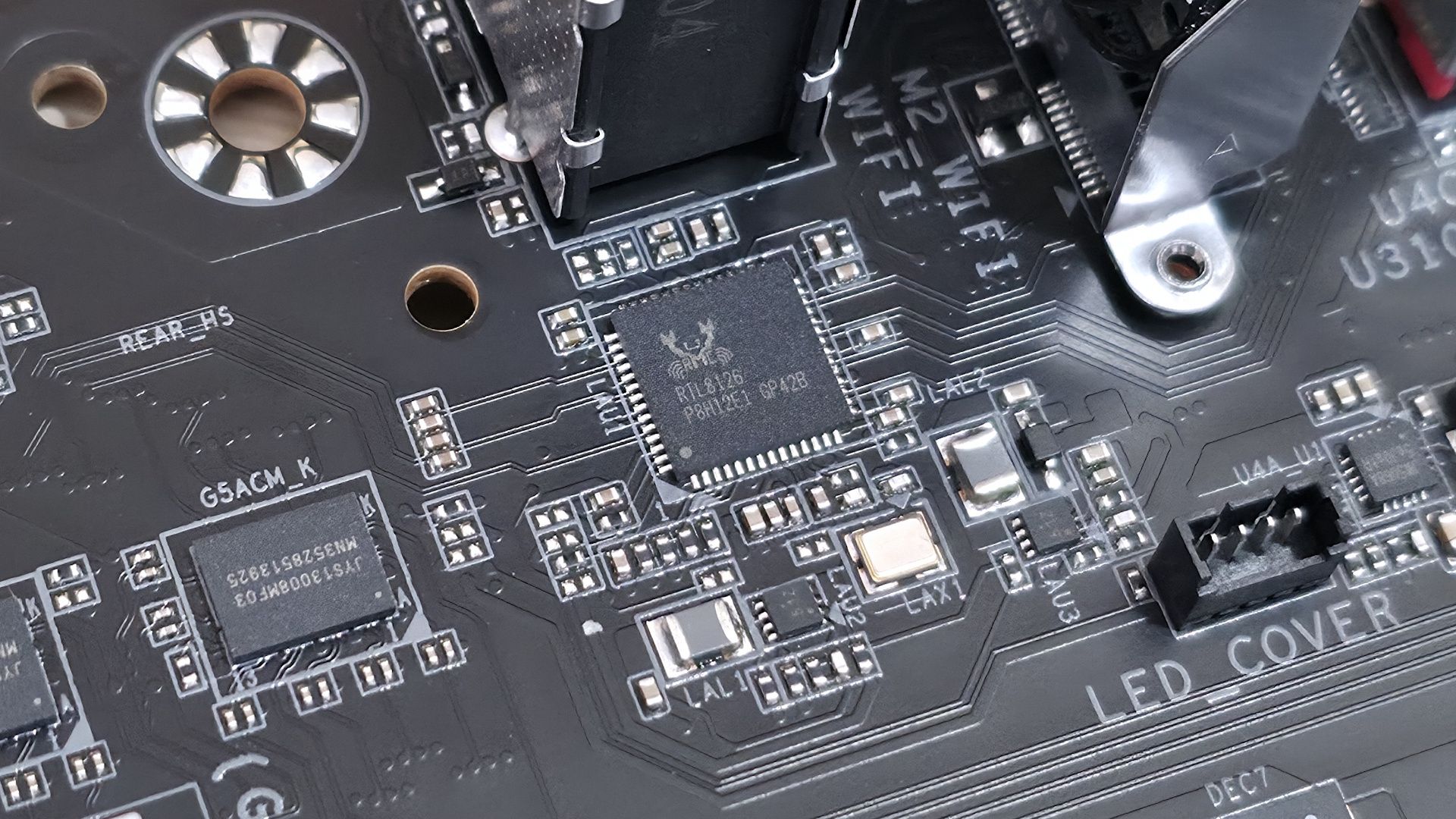
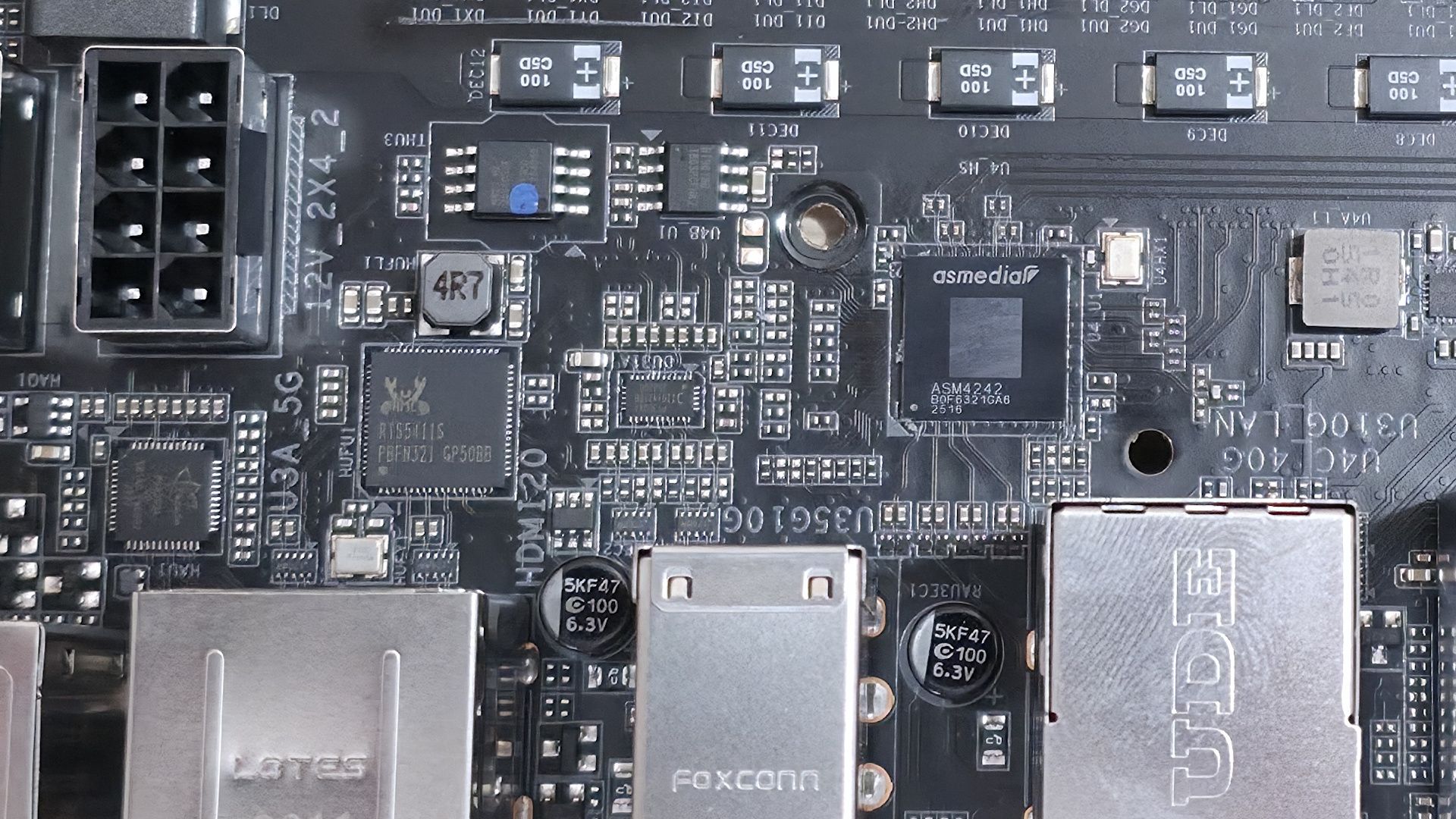
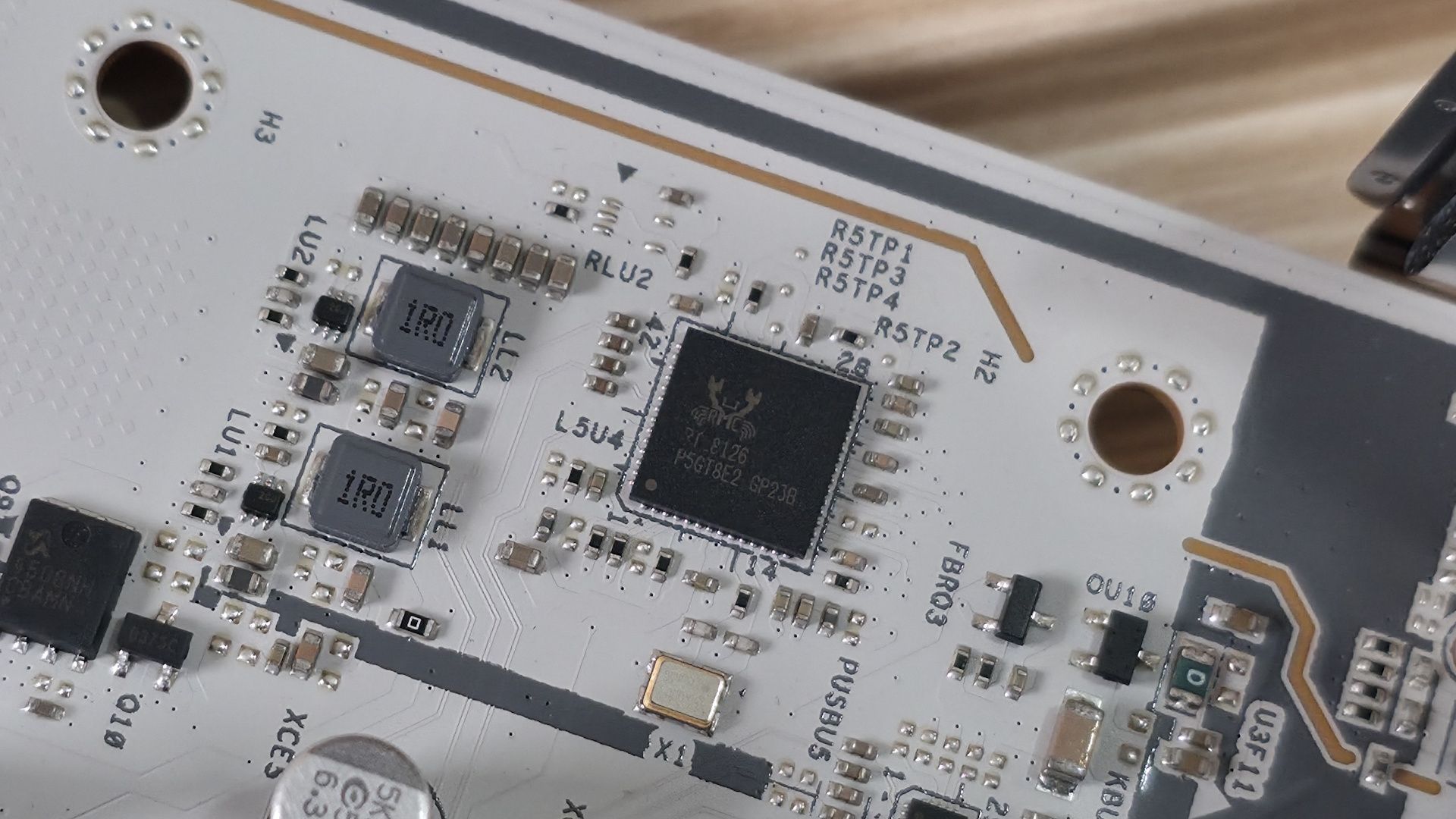
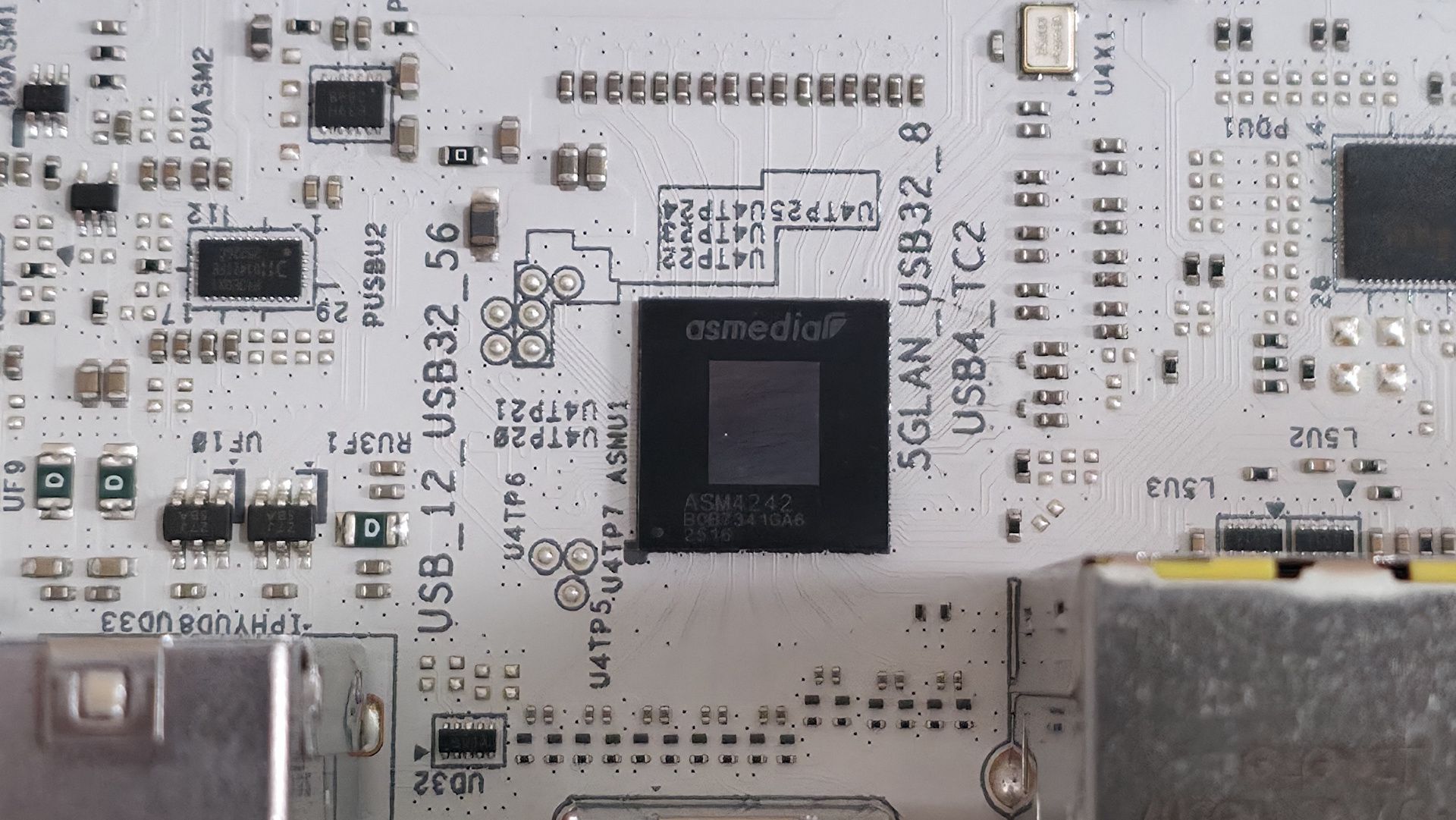
We've also captured several images of the ICs that make this motherboard work, including Realtek Ethernet and audio, ASMedia (for the front HDMI), and OnSemiconductor MOSFETs/PWM controller.
Moving right, past the chipset heatsink and the other RGB lighting element, we spot a couple of Thunderbolt headers and four SATA ports (supporting RAID0/1/5/10 modes). At the bottom of the board is a slew of headers, offering the typical connectivity in this area, with nothing worth calling out.
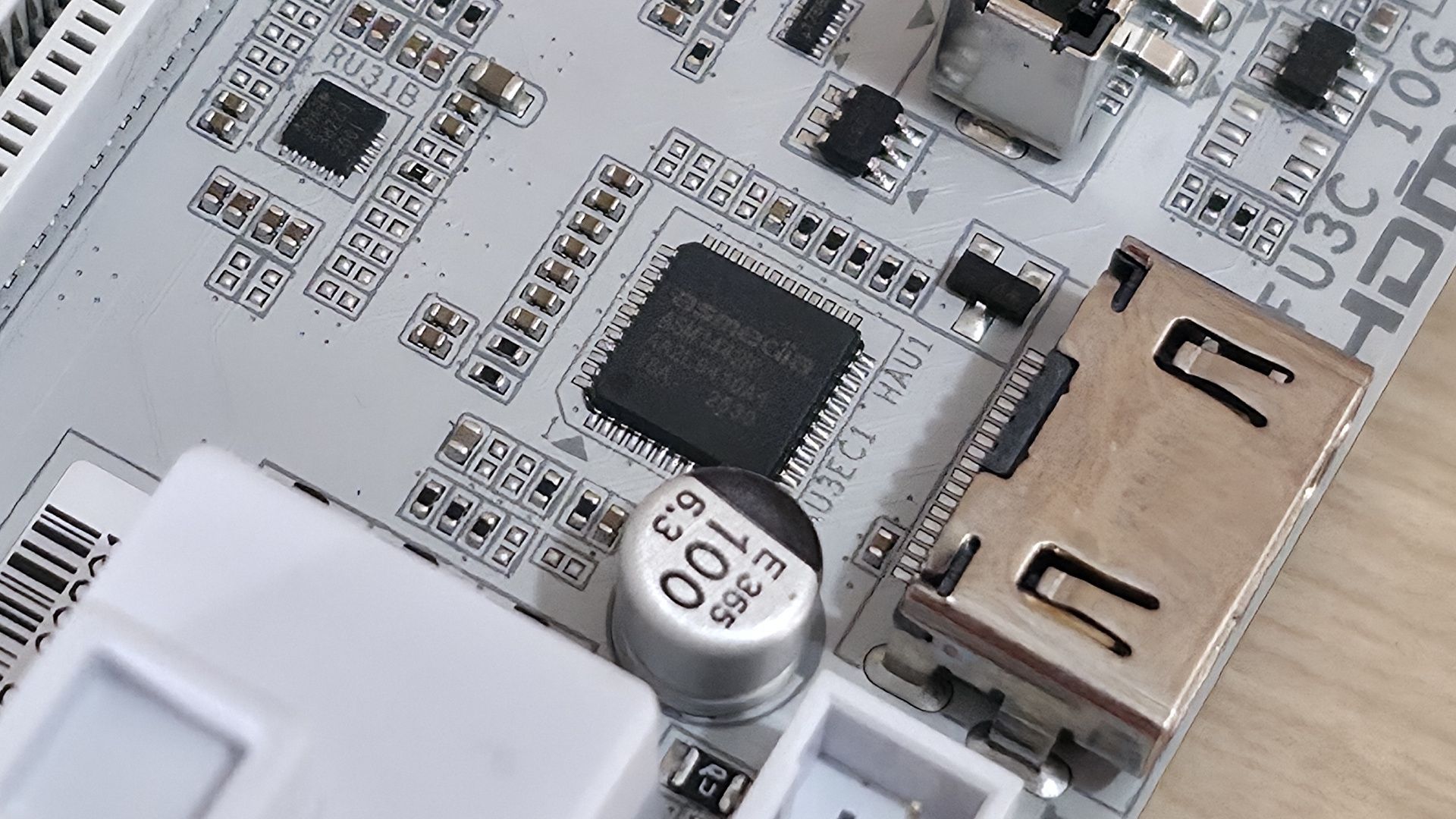
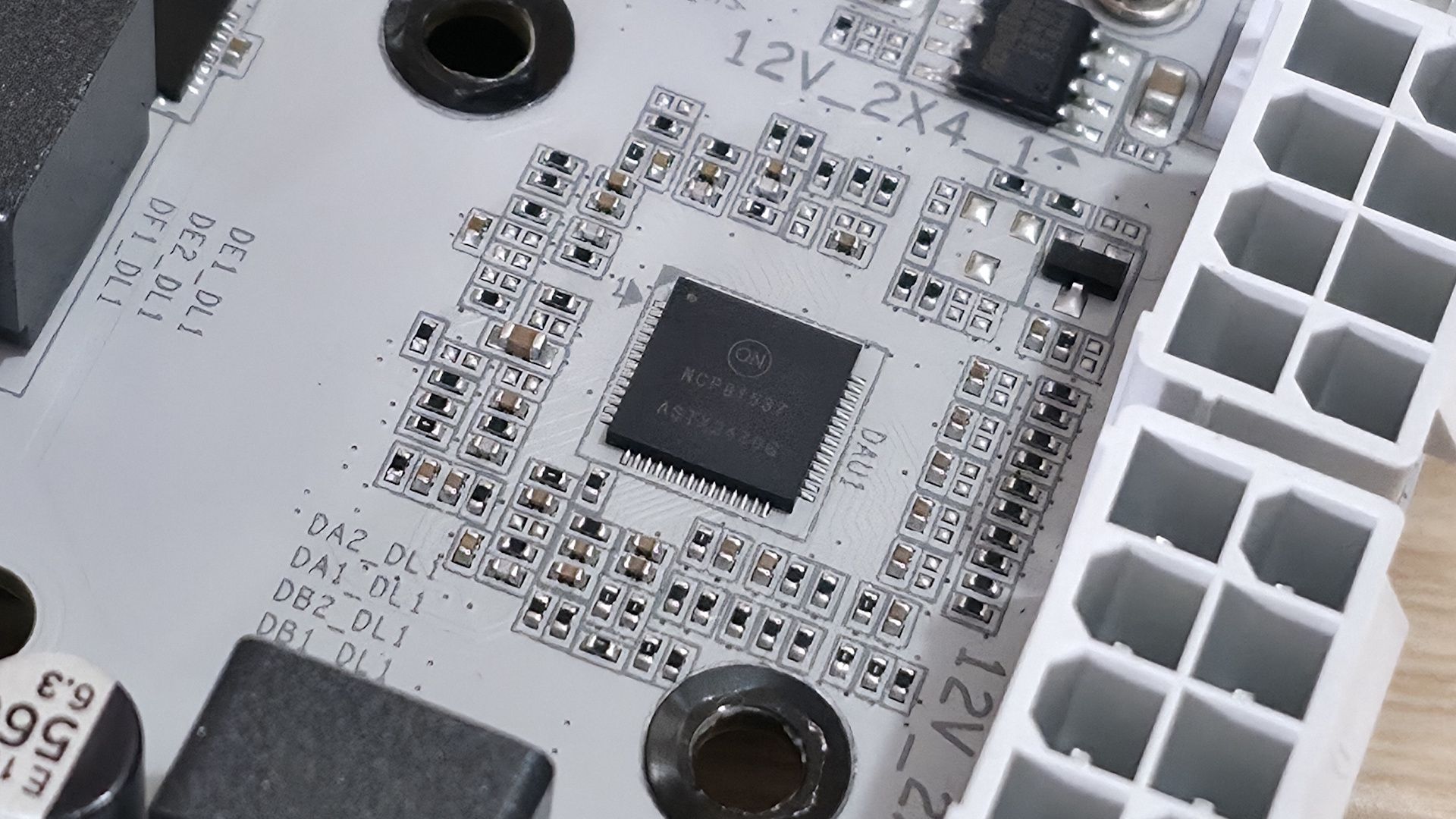
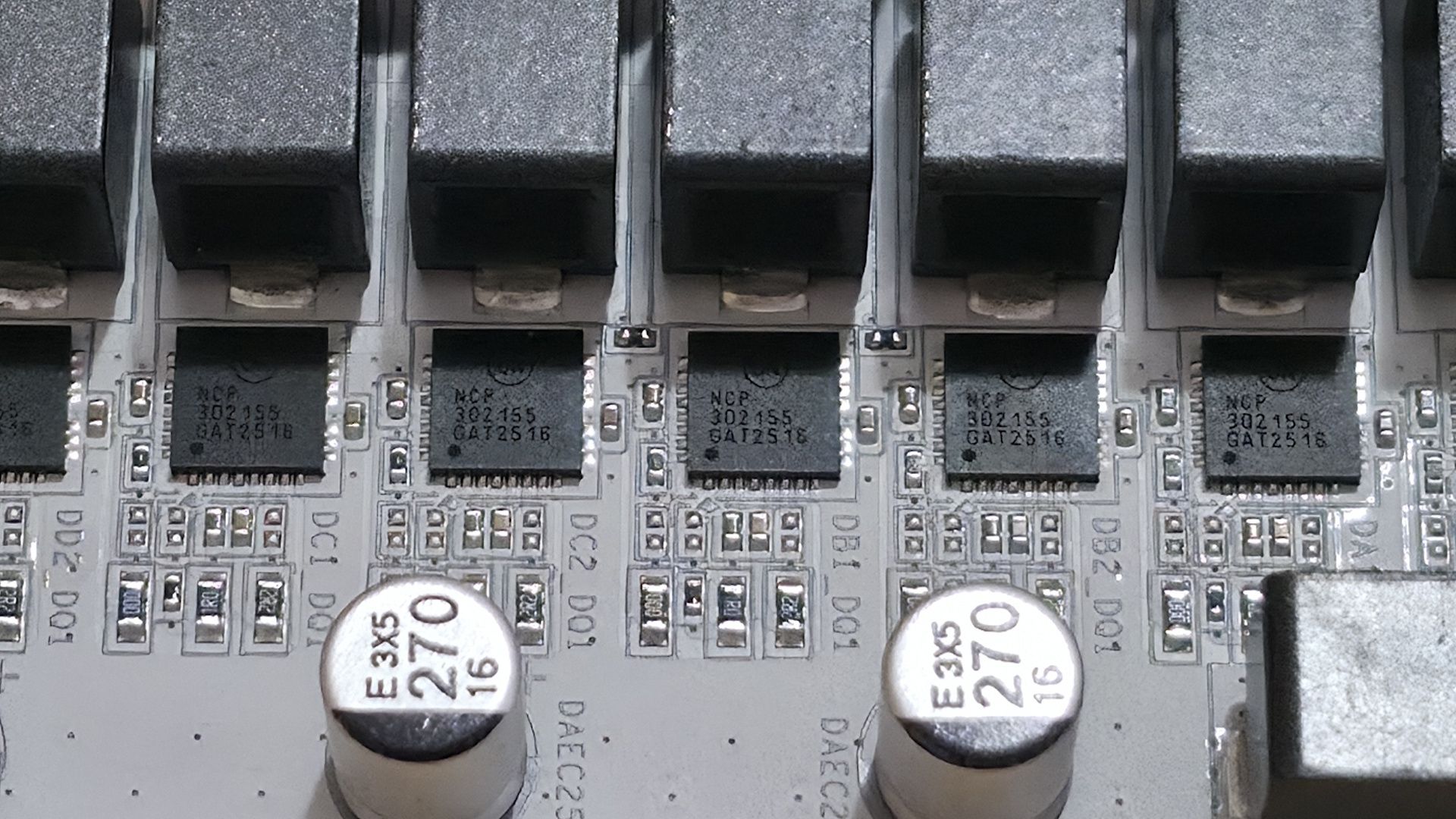
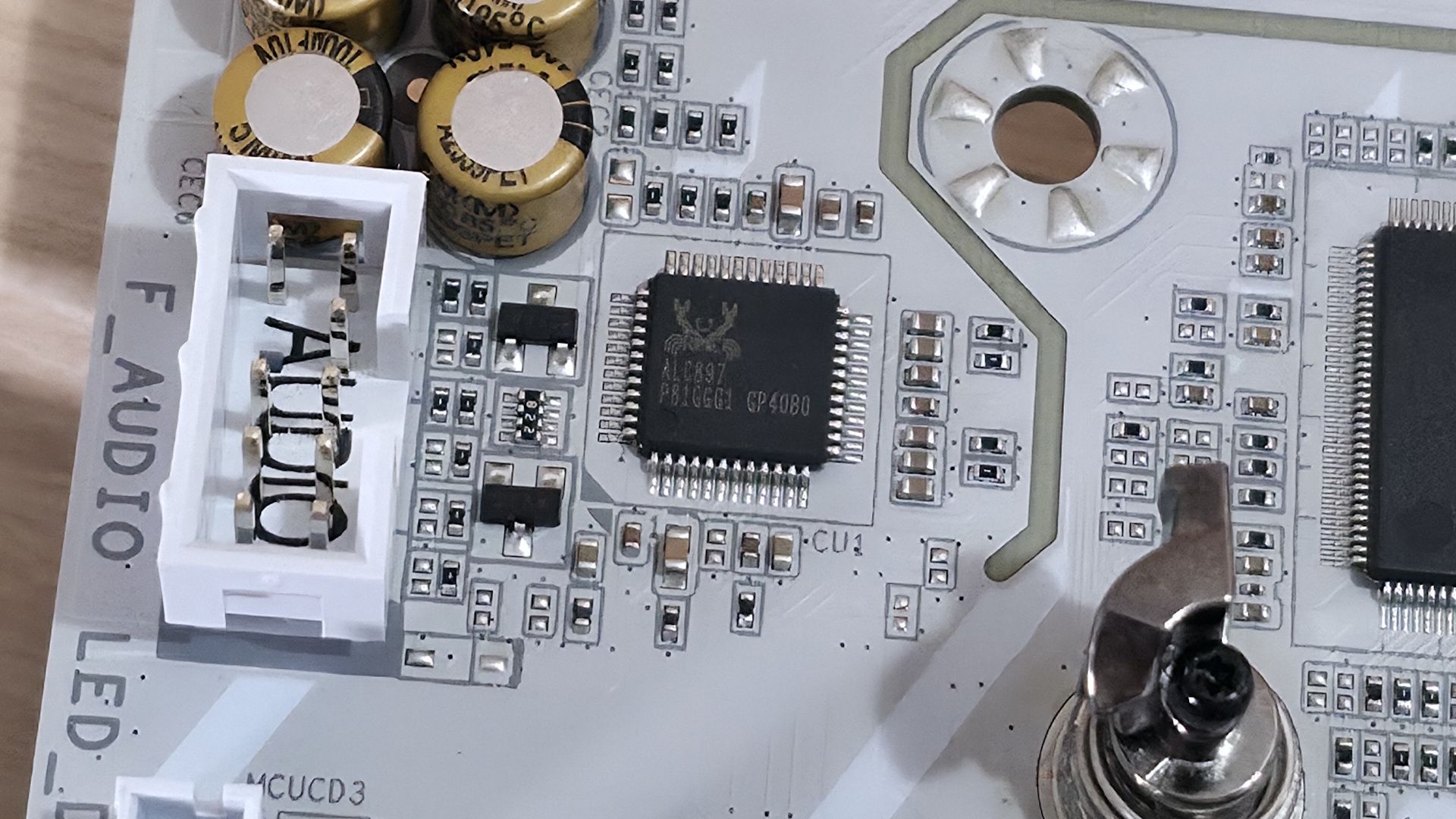
Below, we’ve listed all the connections across the bottom of the board.
- Front panel audio
- (2) 4-pin RGB header
- 3-pin ARGB header
- (2) USB 2.0 (480 Mbps) headers
- (2) 4-pin system fan headers
- SPI TPM header
- 2-pin reset jumper
- 2-pin Clear CMOS jumper
- Front panel header
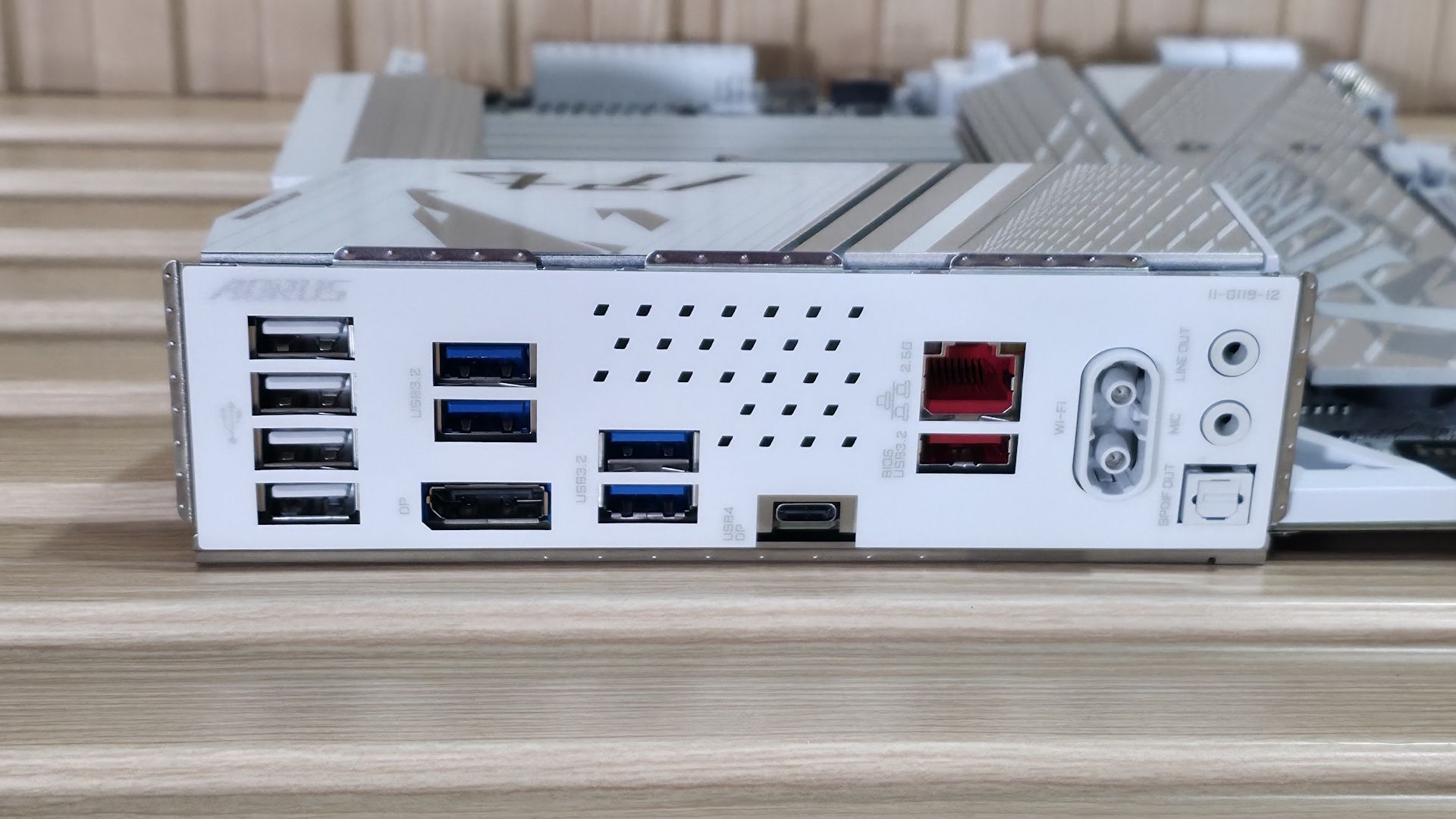
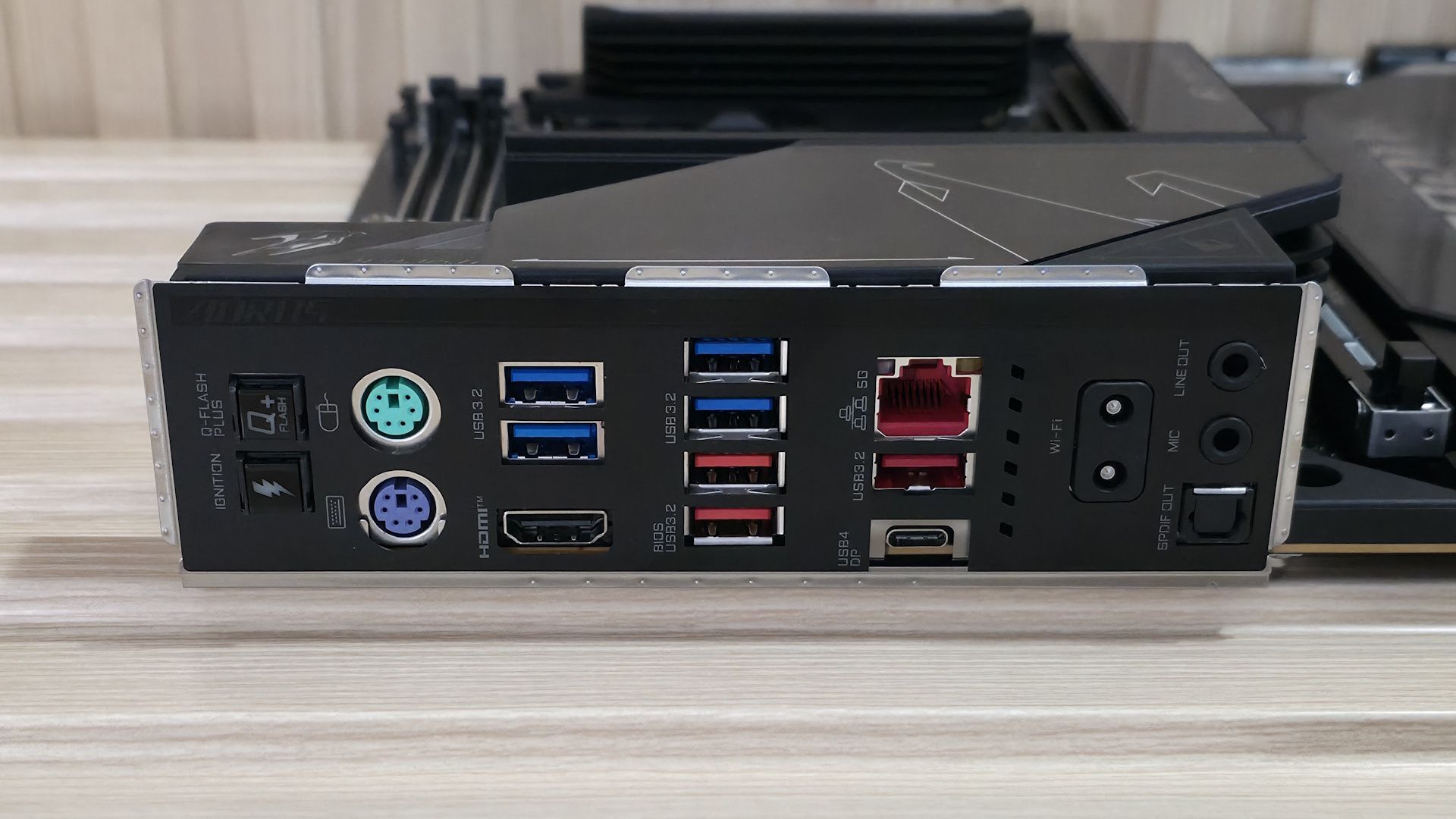
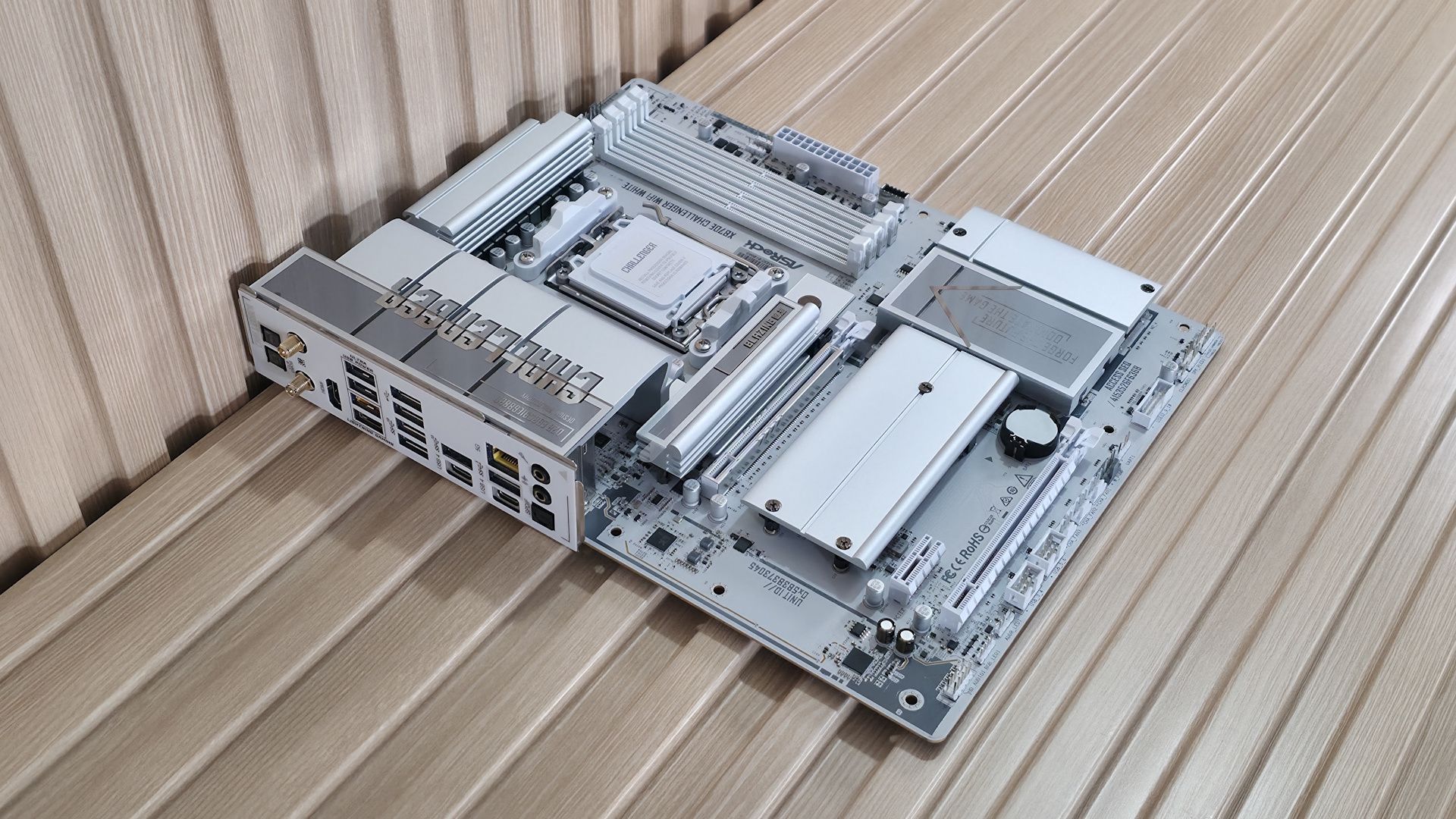
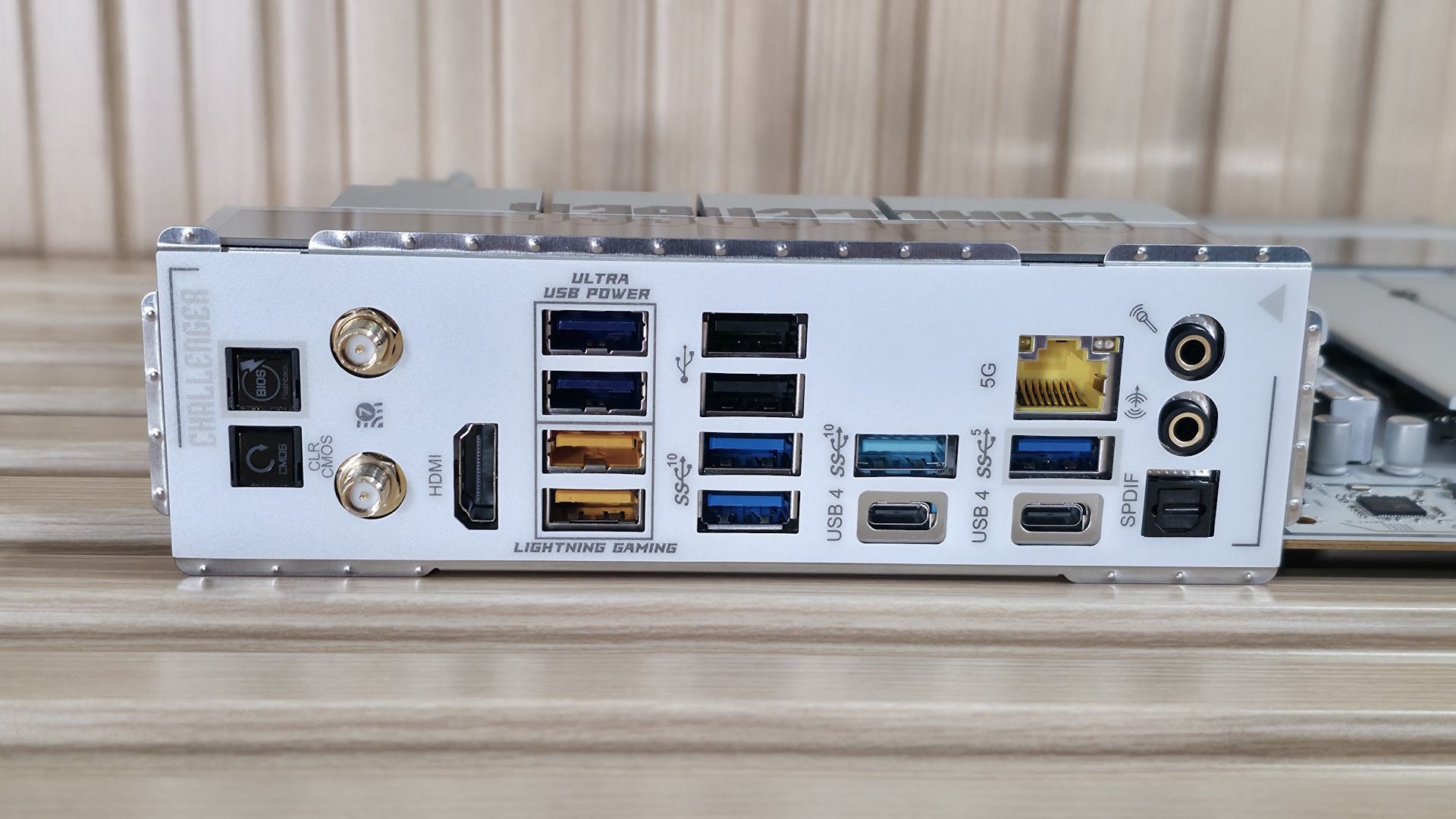
The rear IO area is pretty sparse compared to high-end boards, but it uses some venting to help keep the VRMs running cooler. On the left (in white) are four USB 2.0 ports, followed by four USB 3.2 Gen 1 (5 Gbps) ports in blue. Below those is the DisplayPort (v2.1) output. Next to the blue USB ports is your sole Type-C port. In this case, it's USB4 (not Thunderbolt 4) at 40 Gbps and supports DisplayPort output as well. To the right, you'll find the 2.5 GbE port and, below that in red, the only USB 3.2 Gen 2 (10 Gbps) Type-A port. Finally, on the right, are the quick-connect Wi-Fi 7 (160 Hz) connectors and audio stack: dual 3.5mm jacks for mic and line-out, plus an SPDIF optical output.
MORE: Best Motherboards
MORE: How To Choose A Motherboard
MORE: Best Motherboard Deals
MORE: Best Motherboard Combo Deals
MORE: All Motherboard Content
Firmware
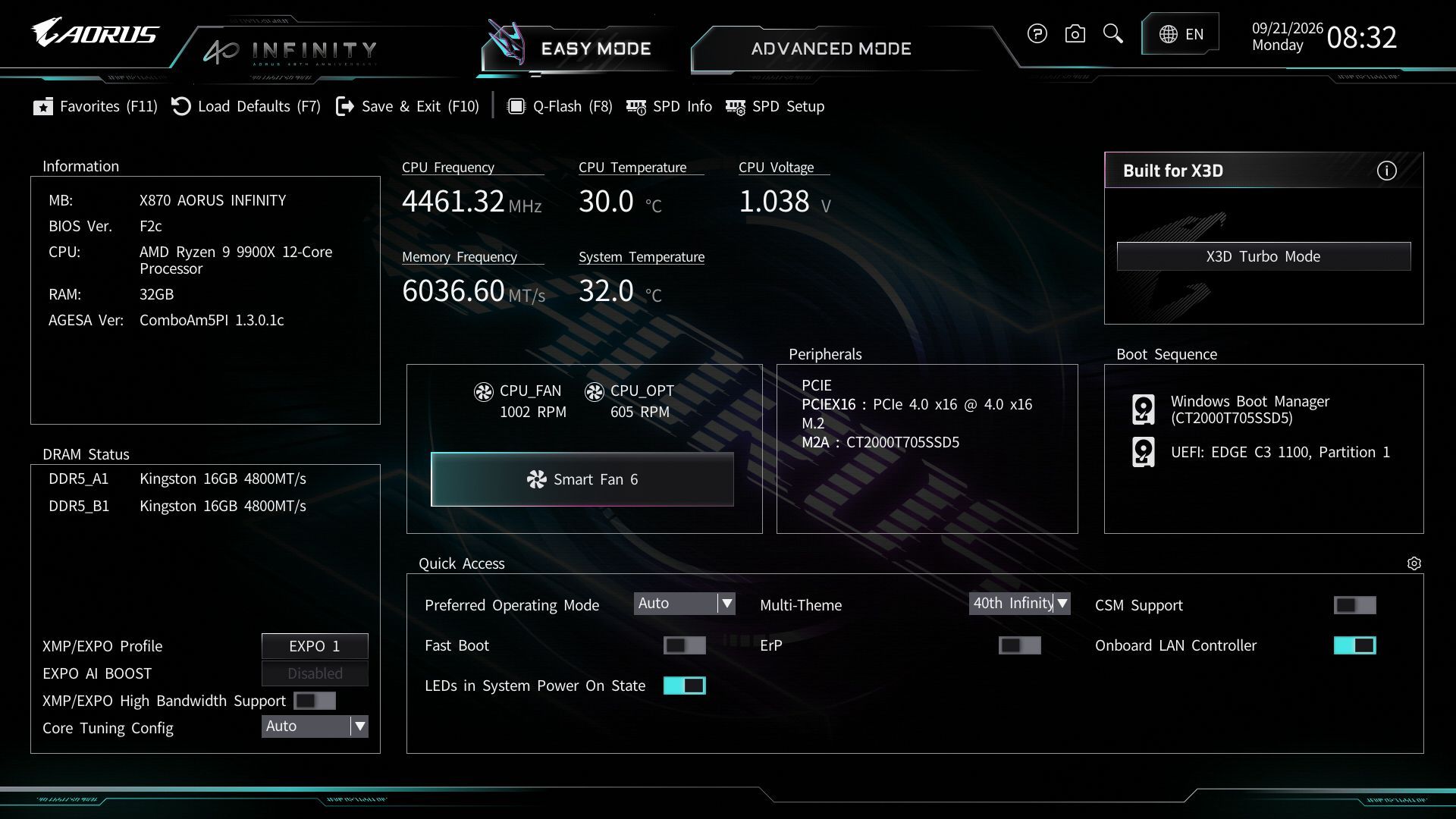
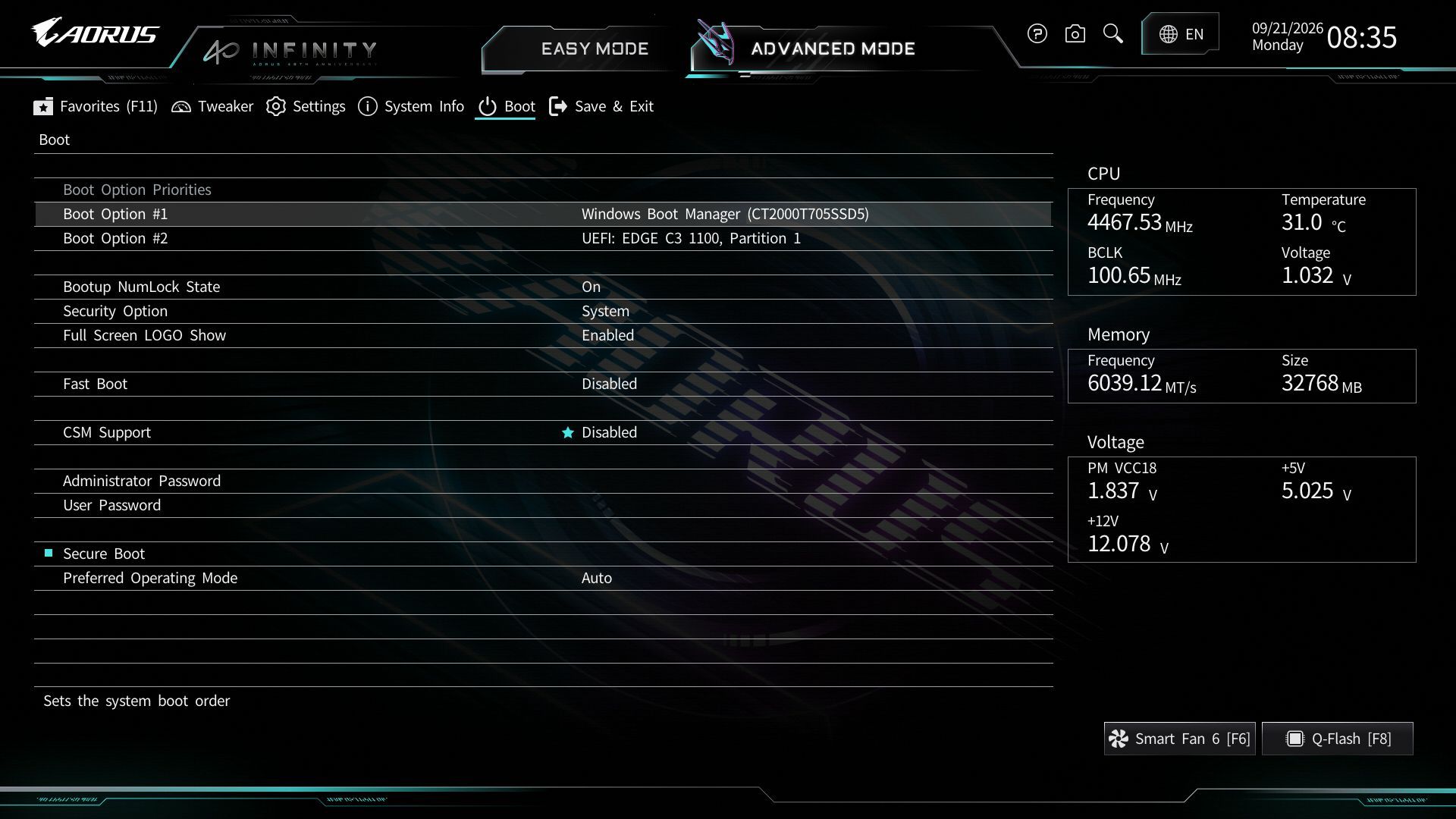
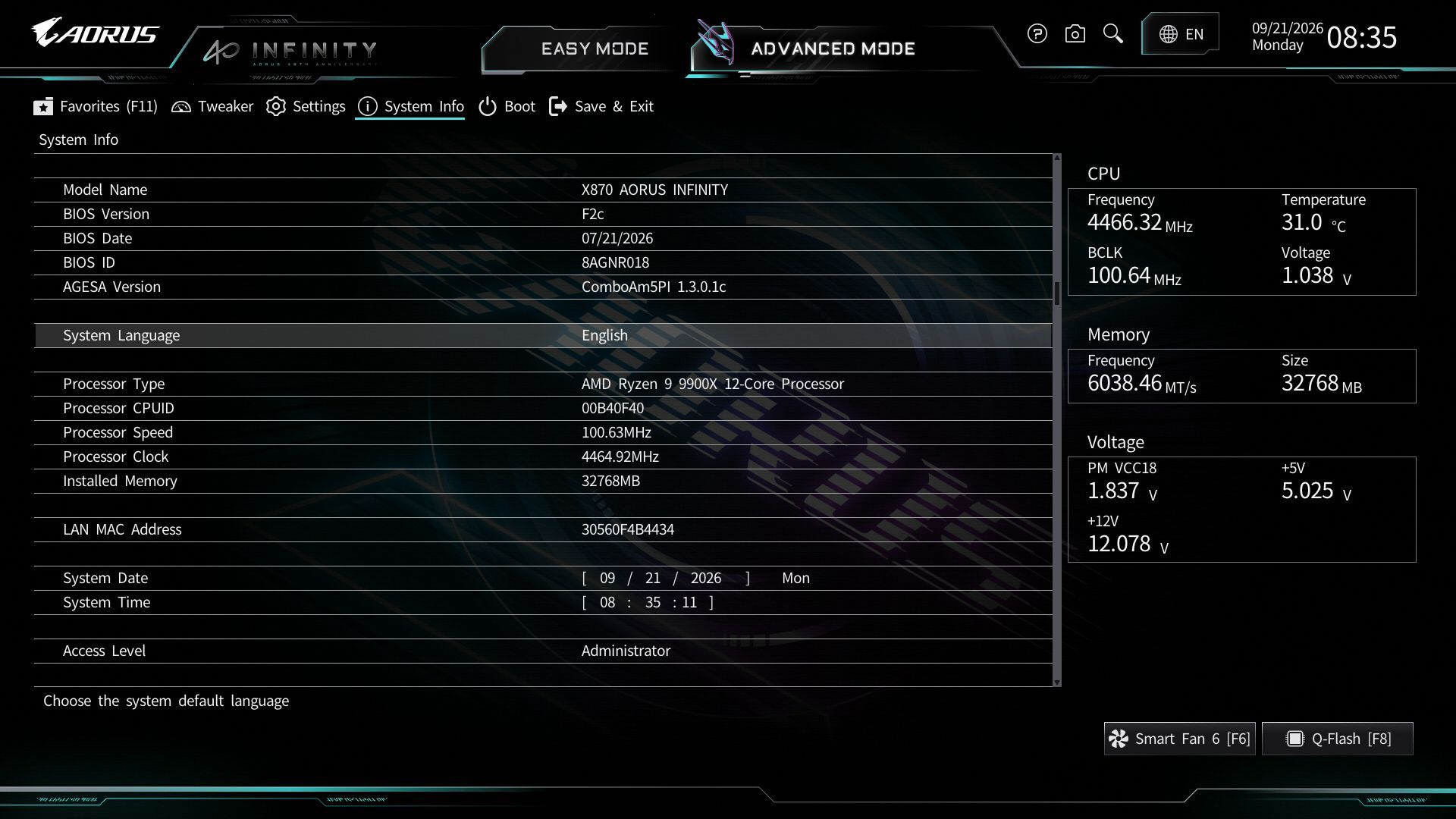
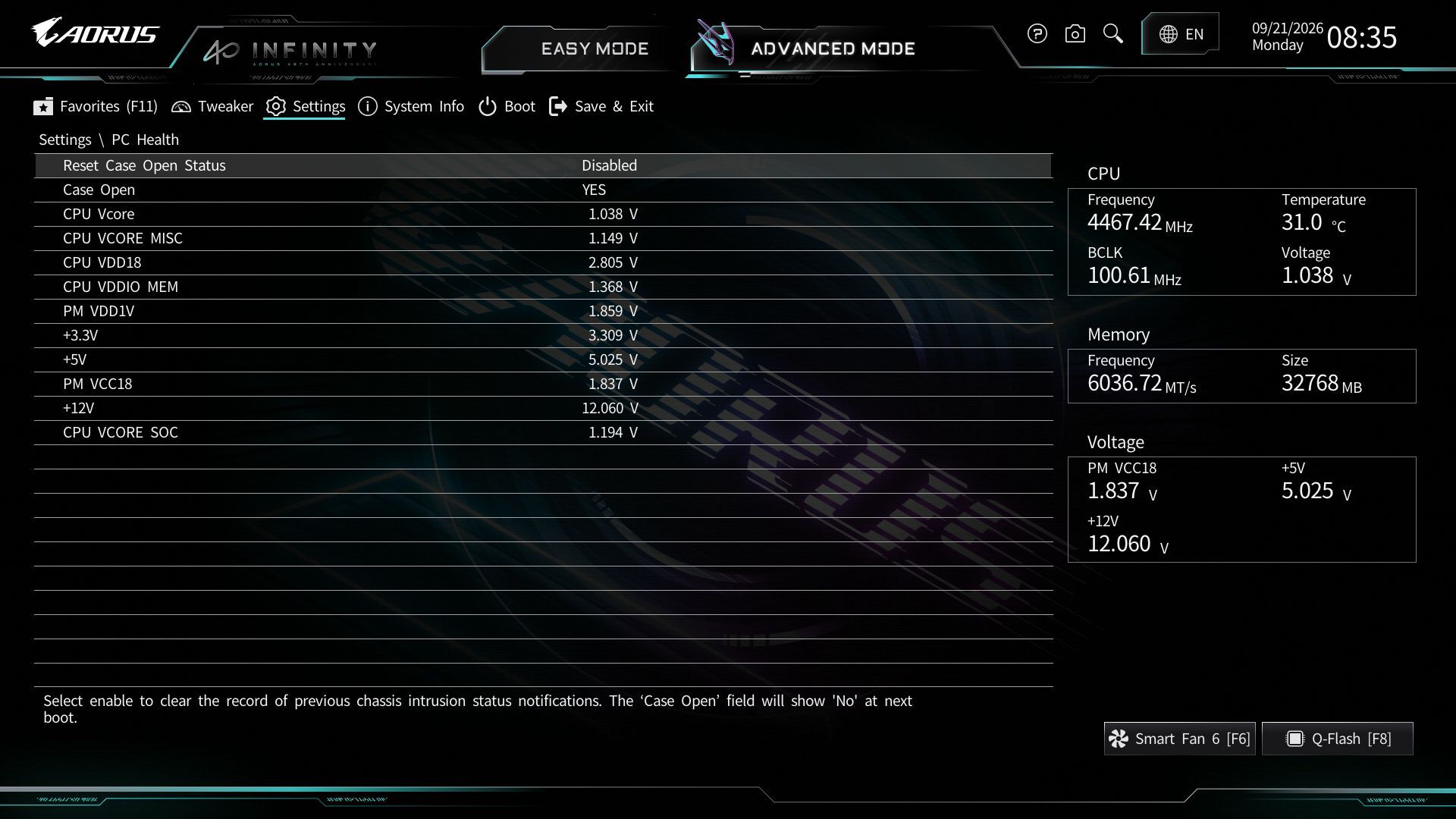
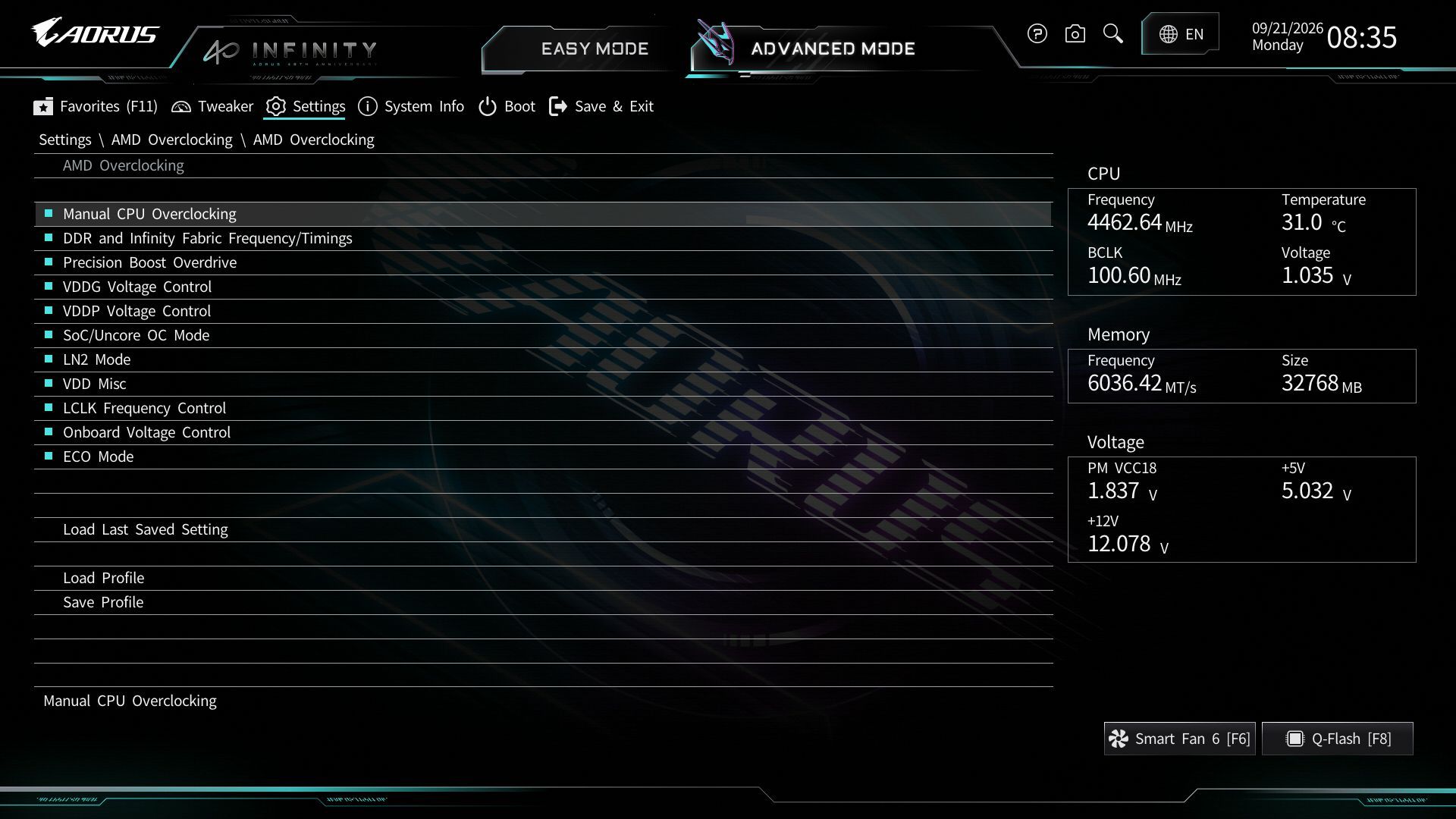
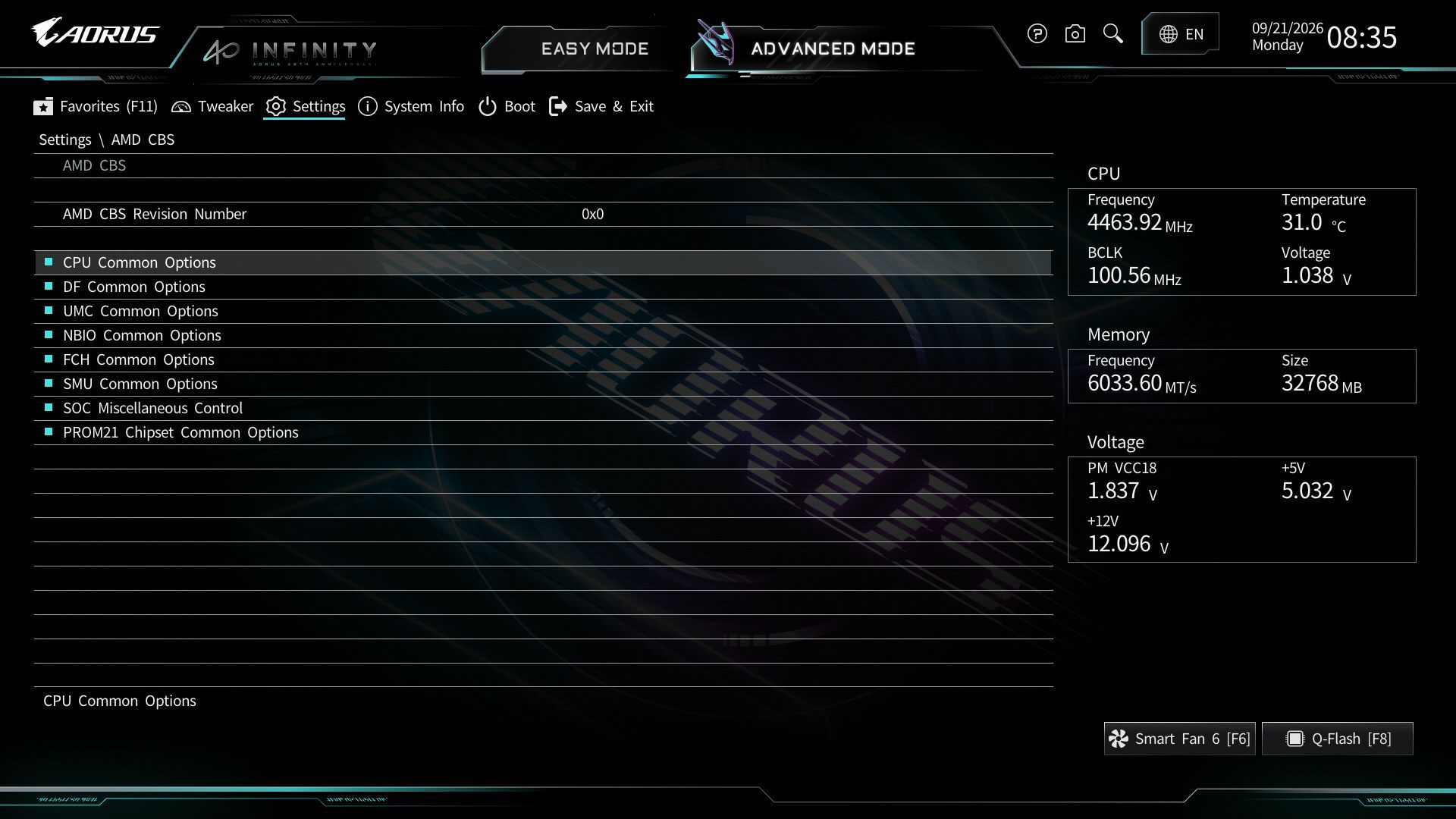
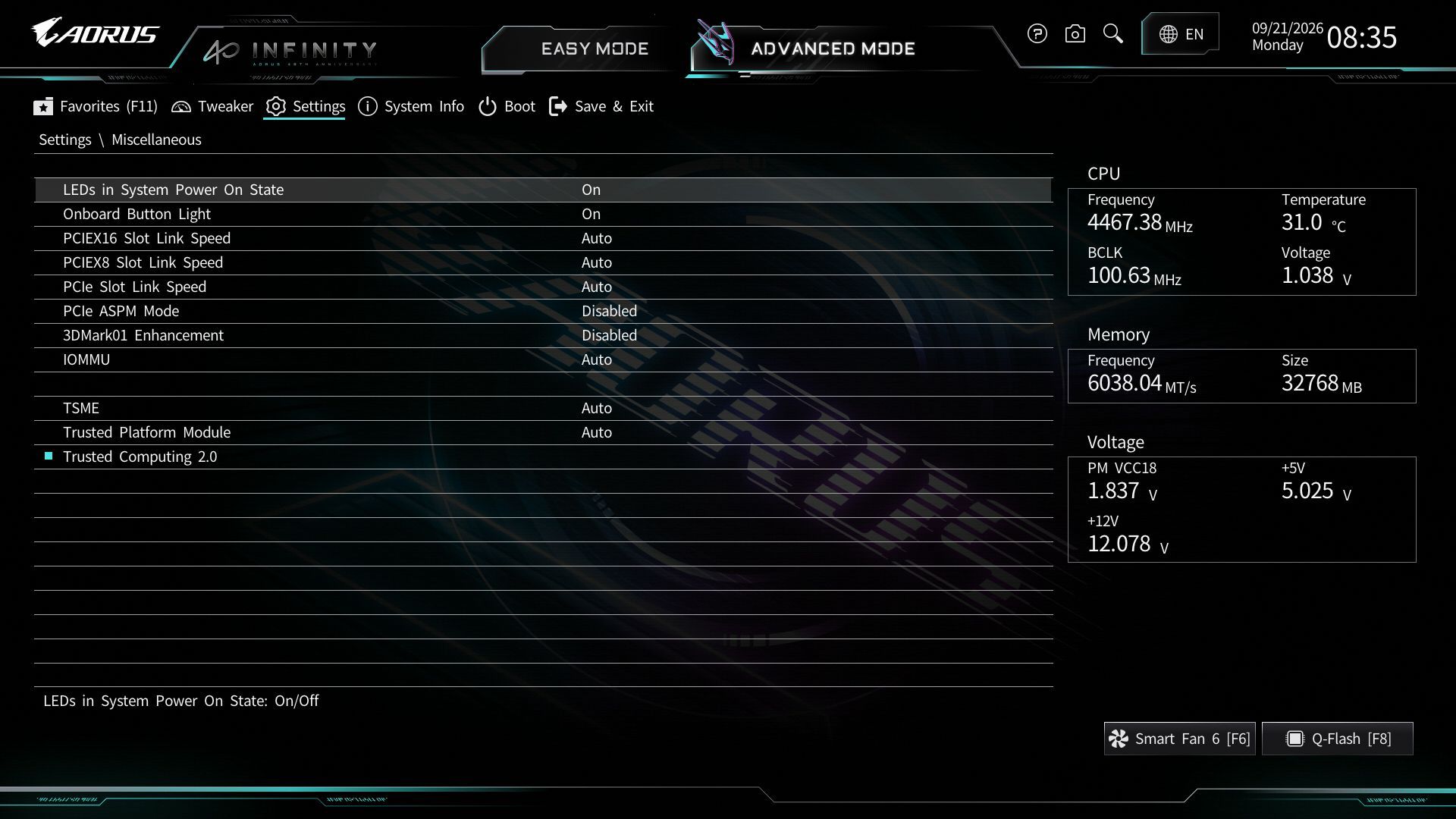
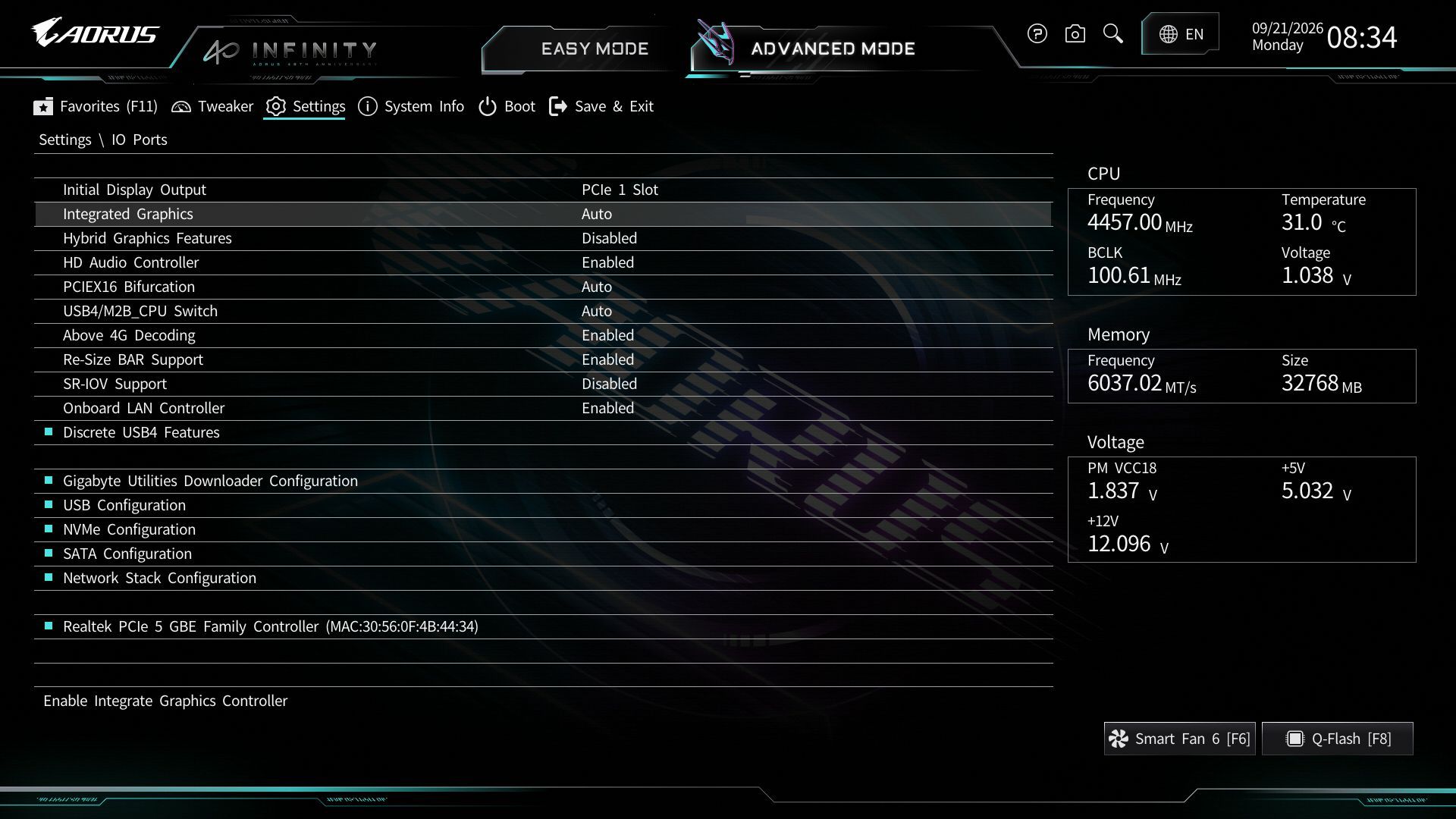
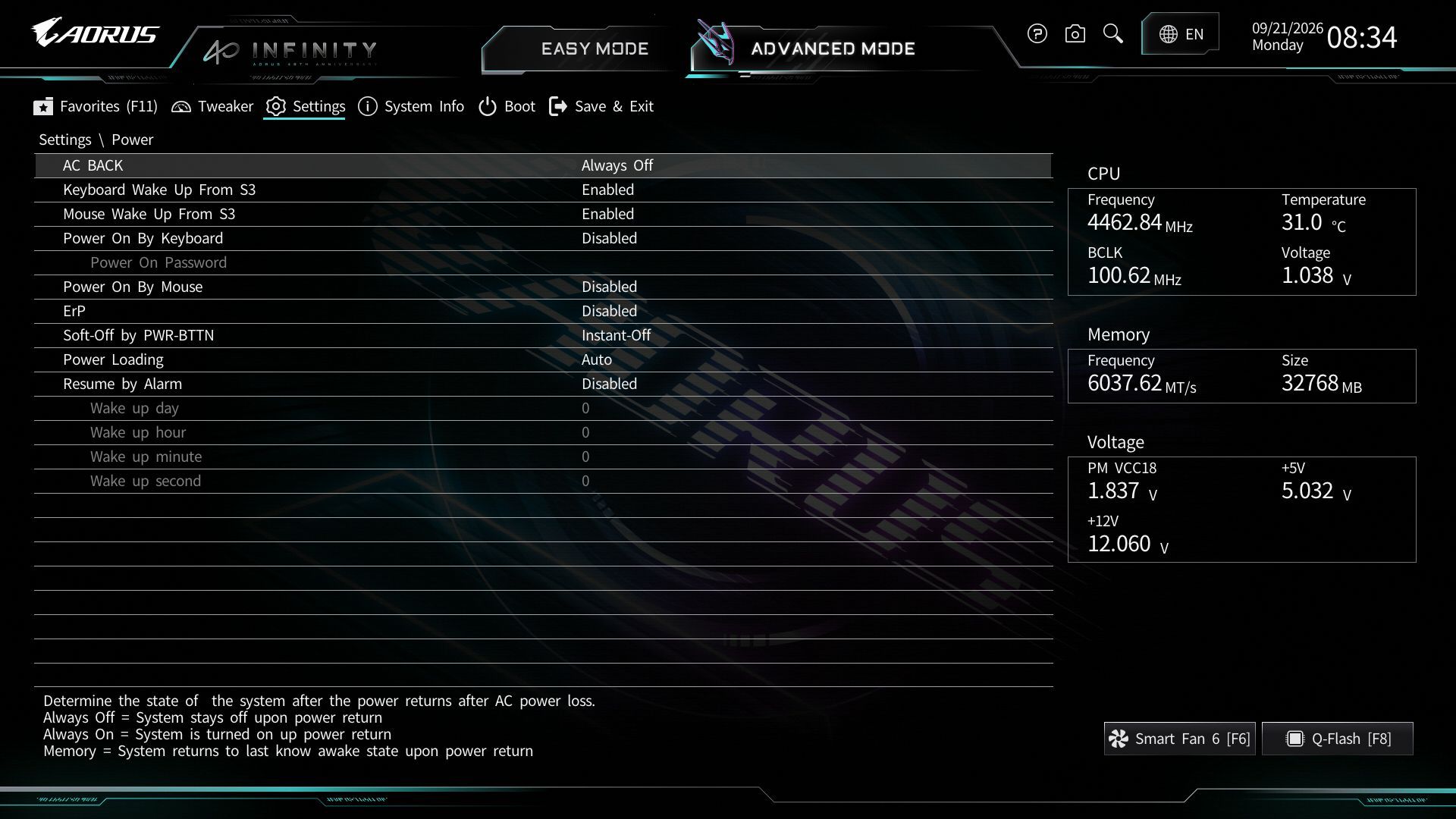
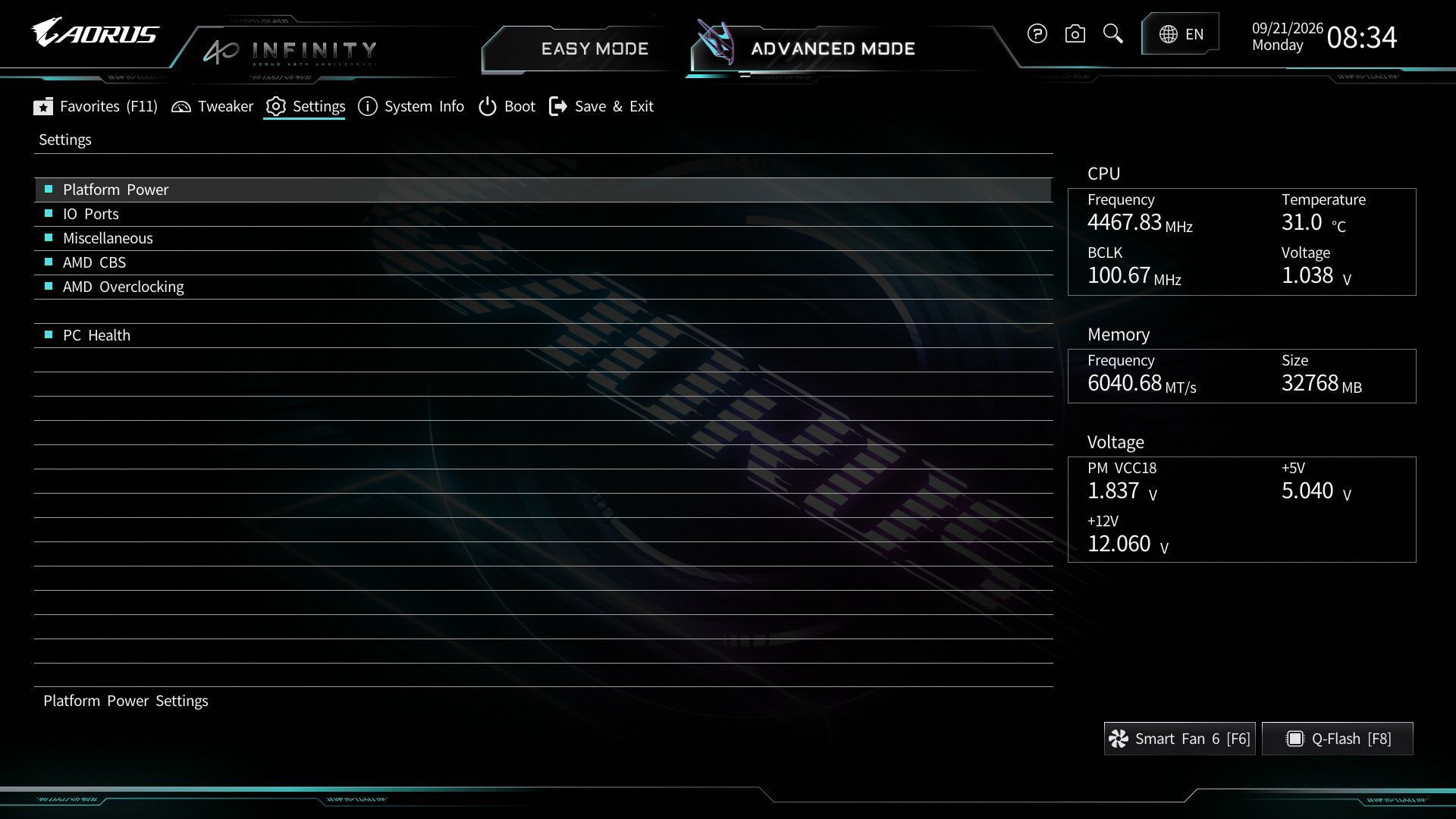
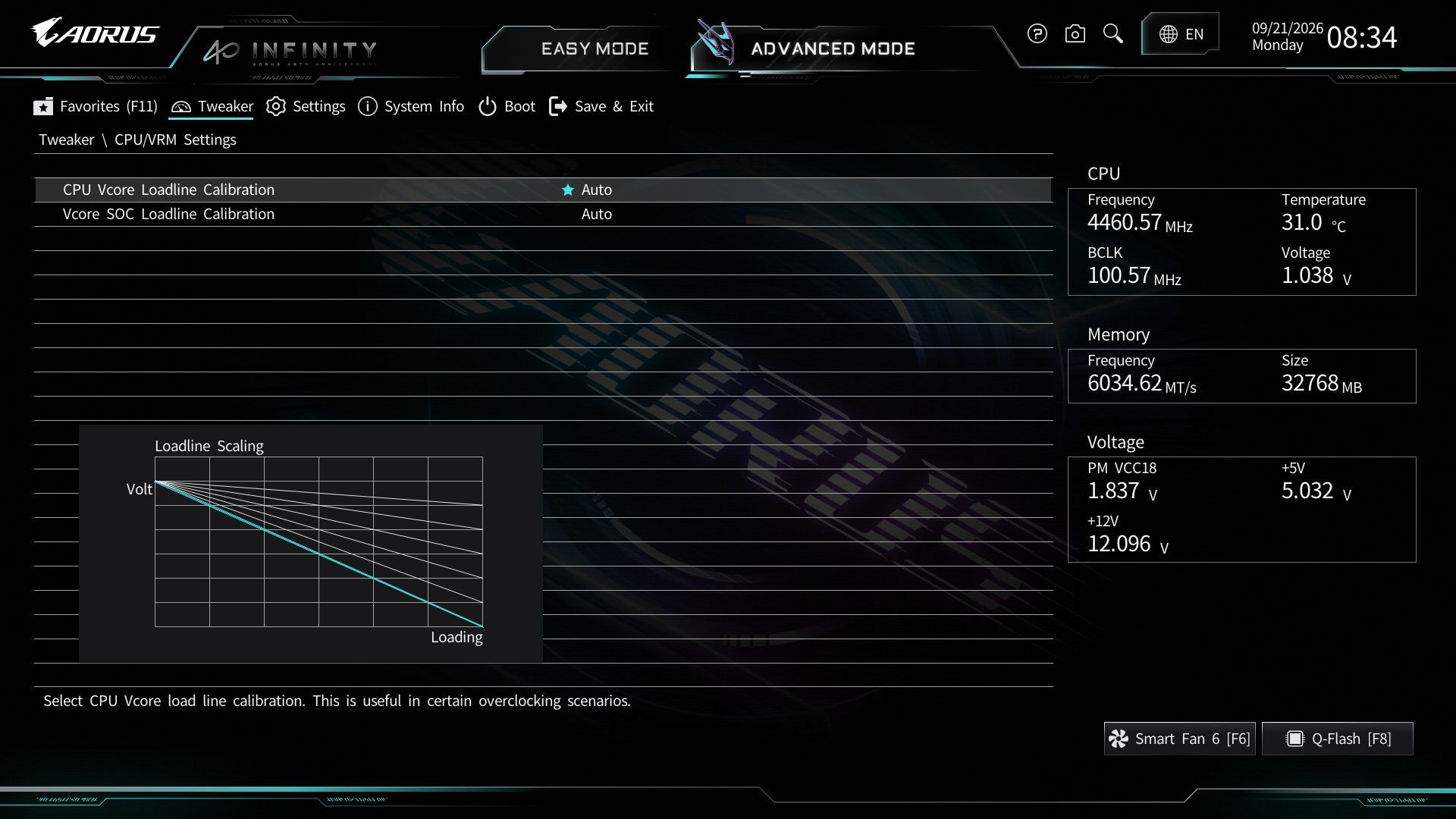
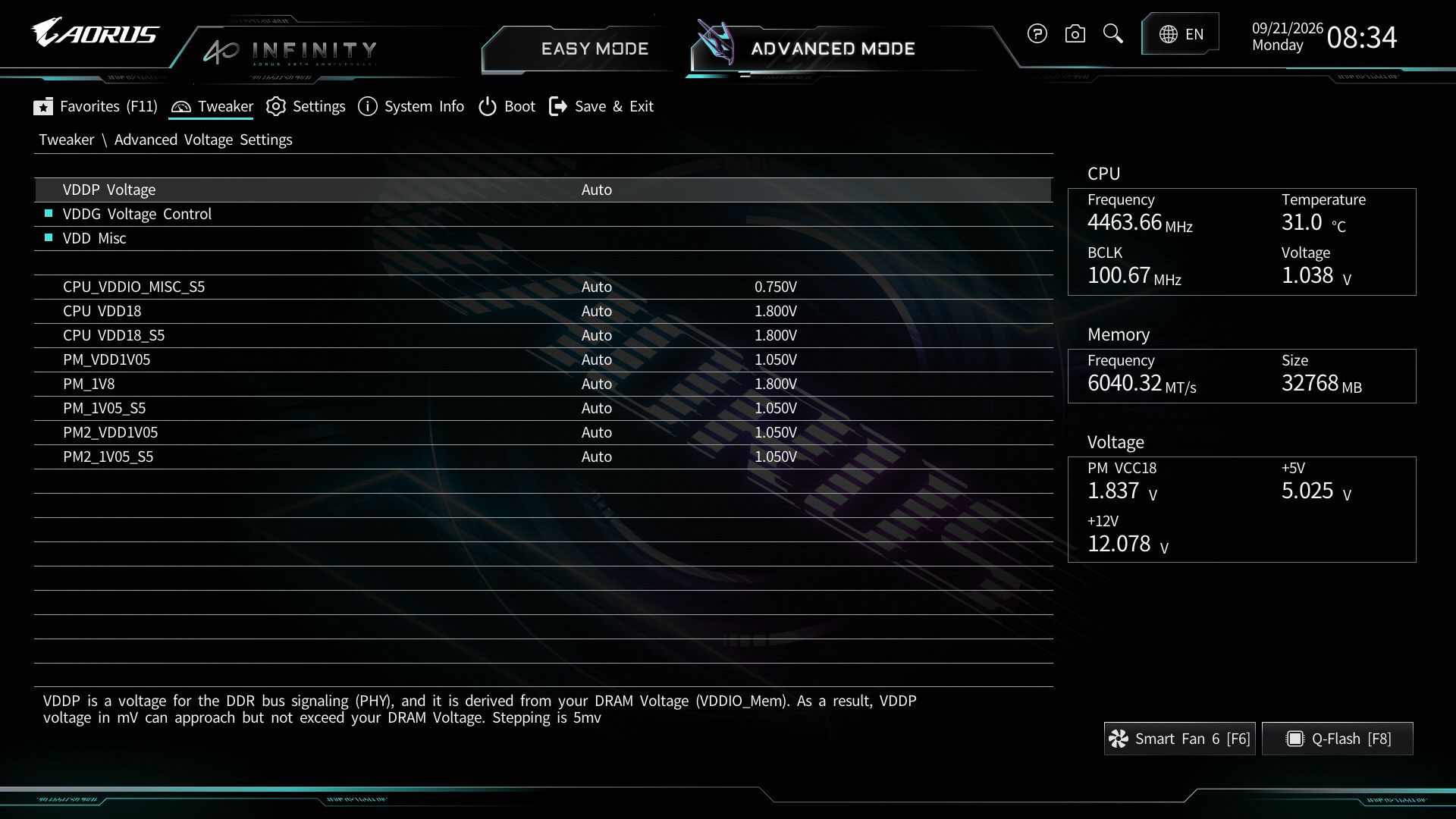
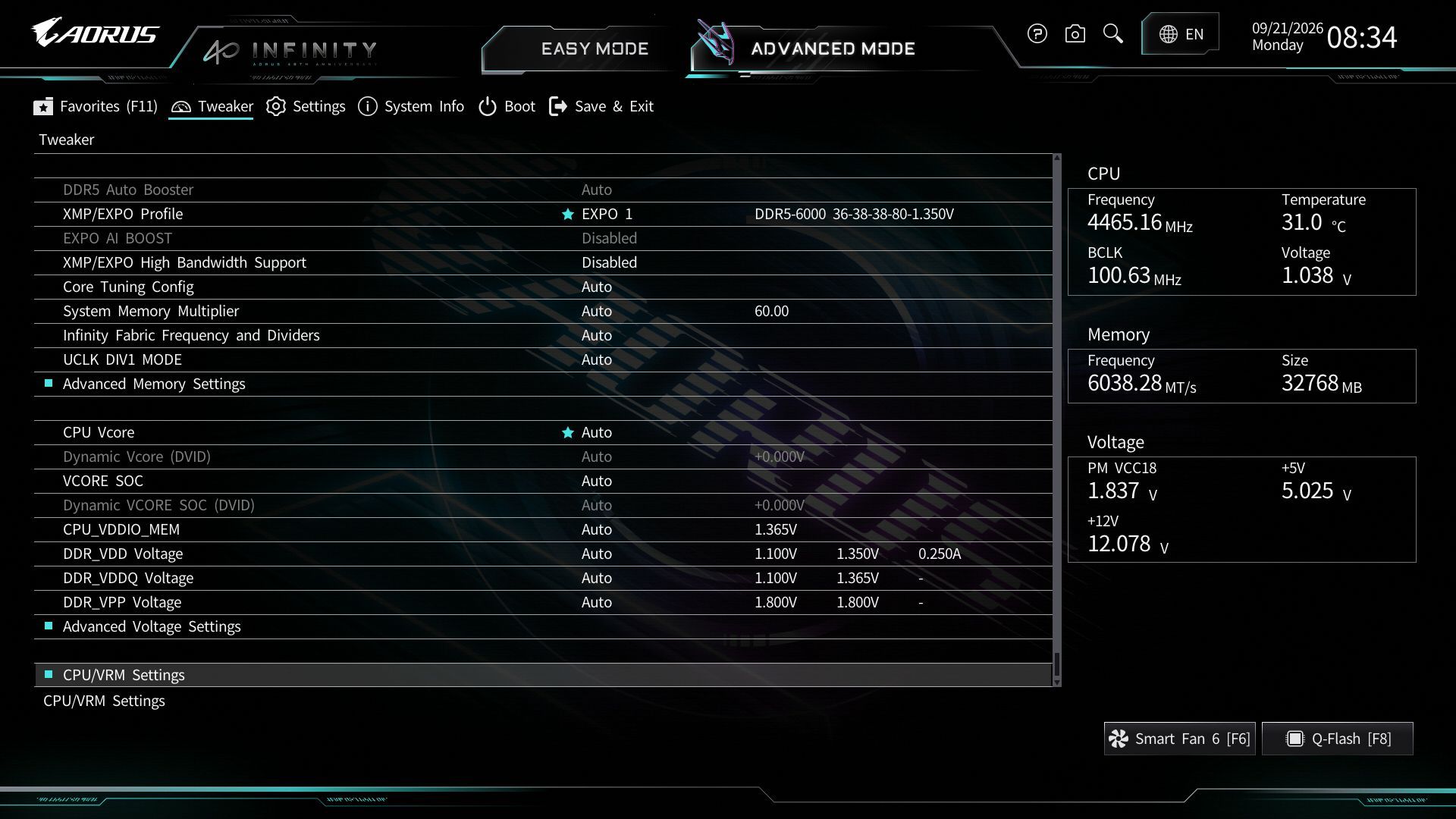
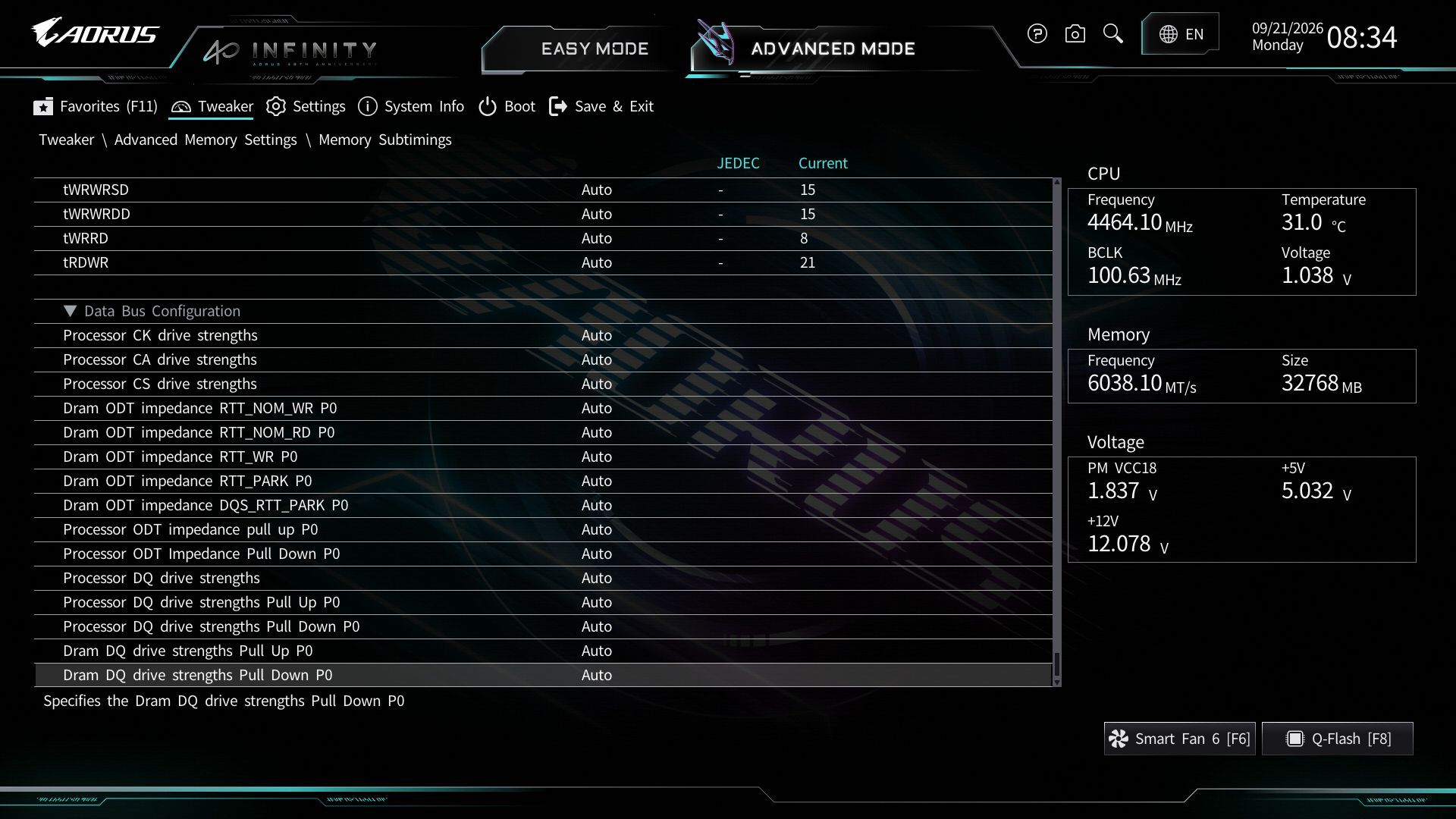
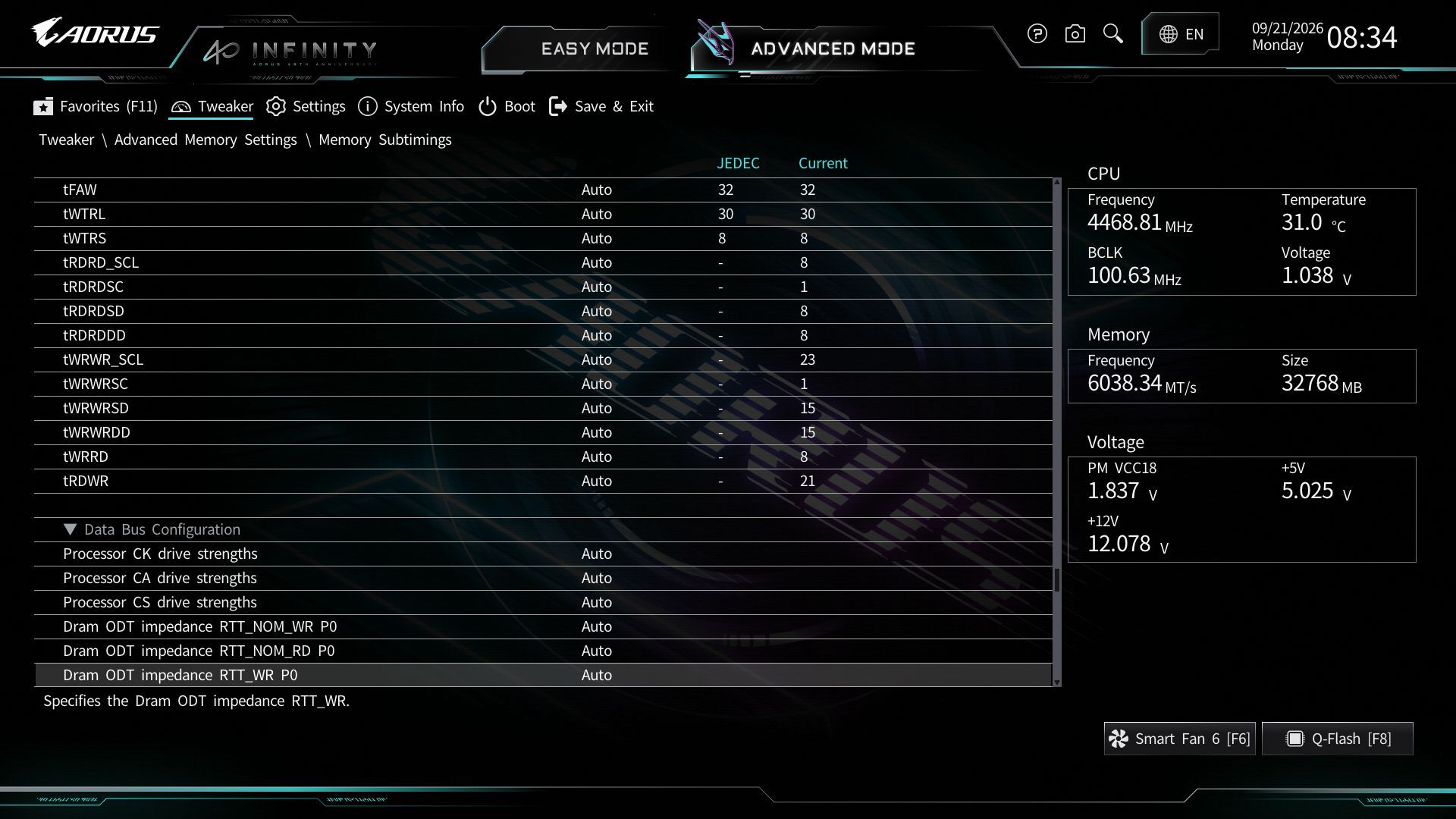
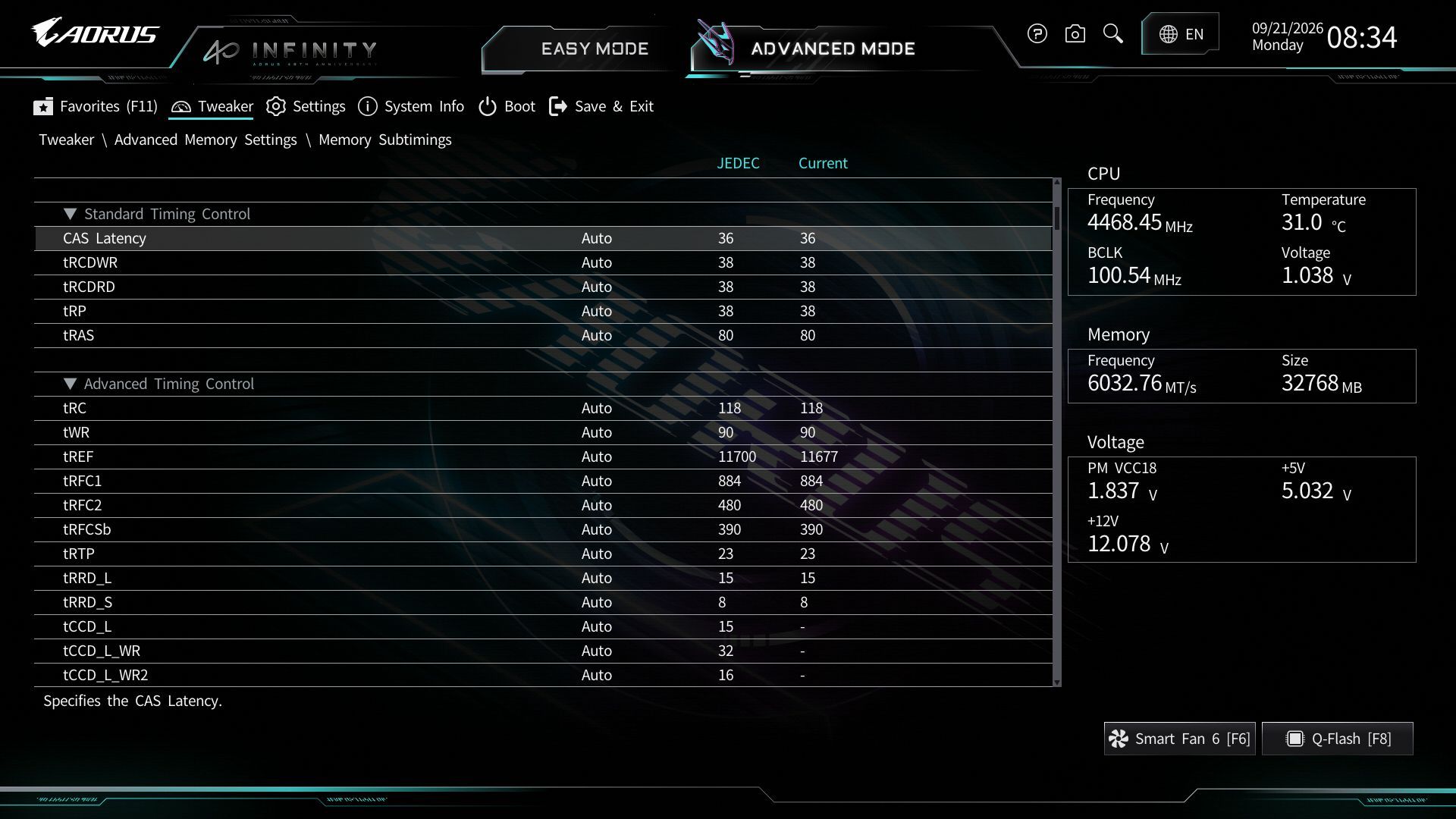
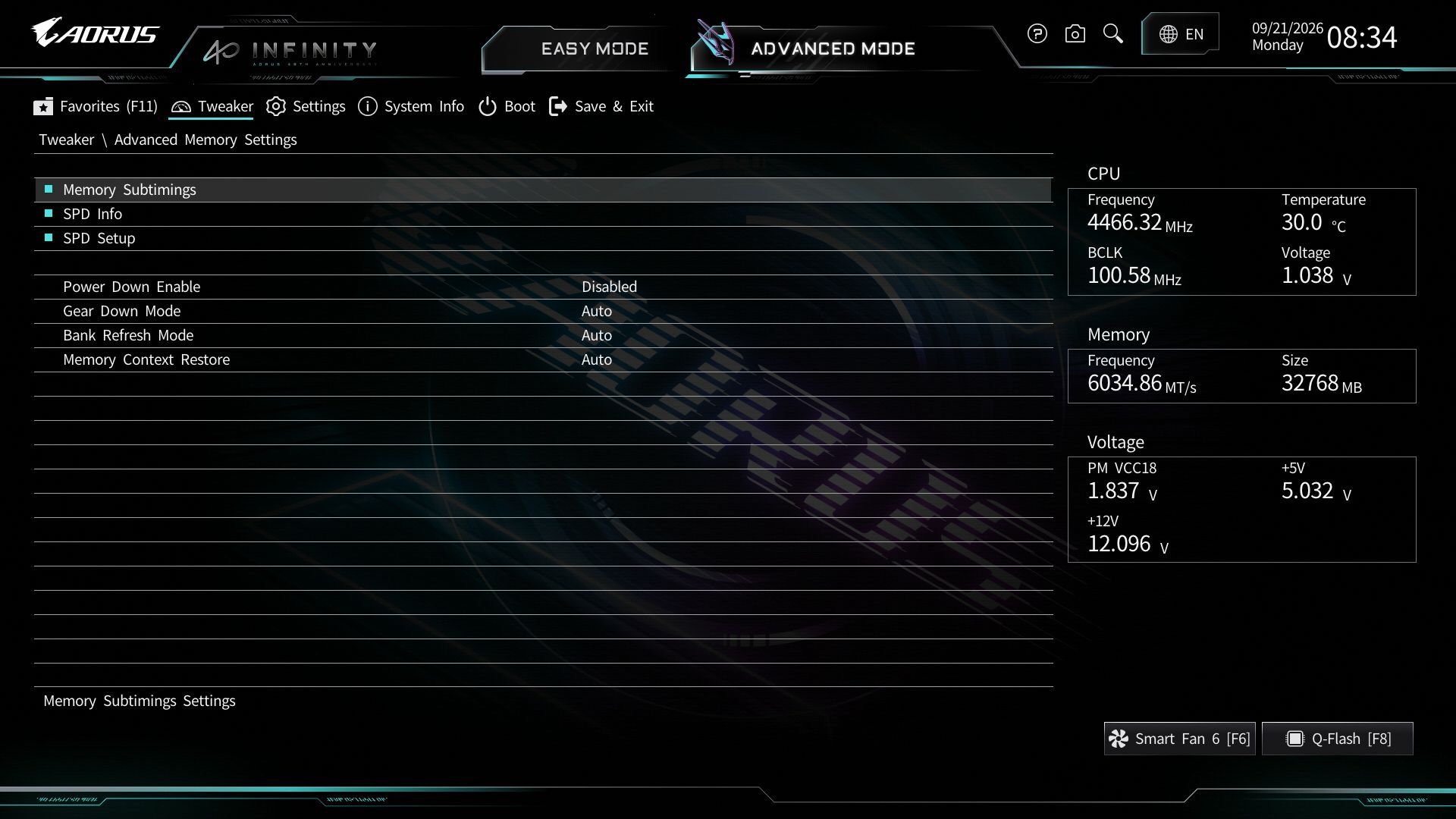
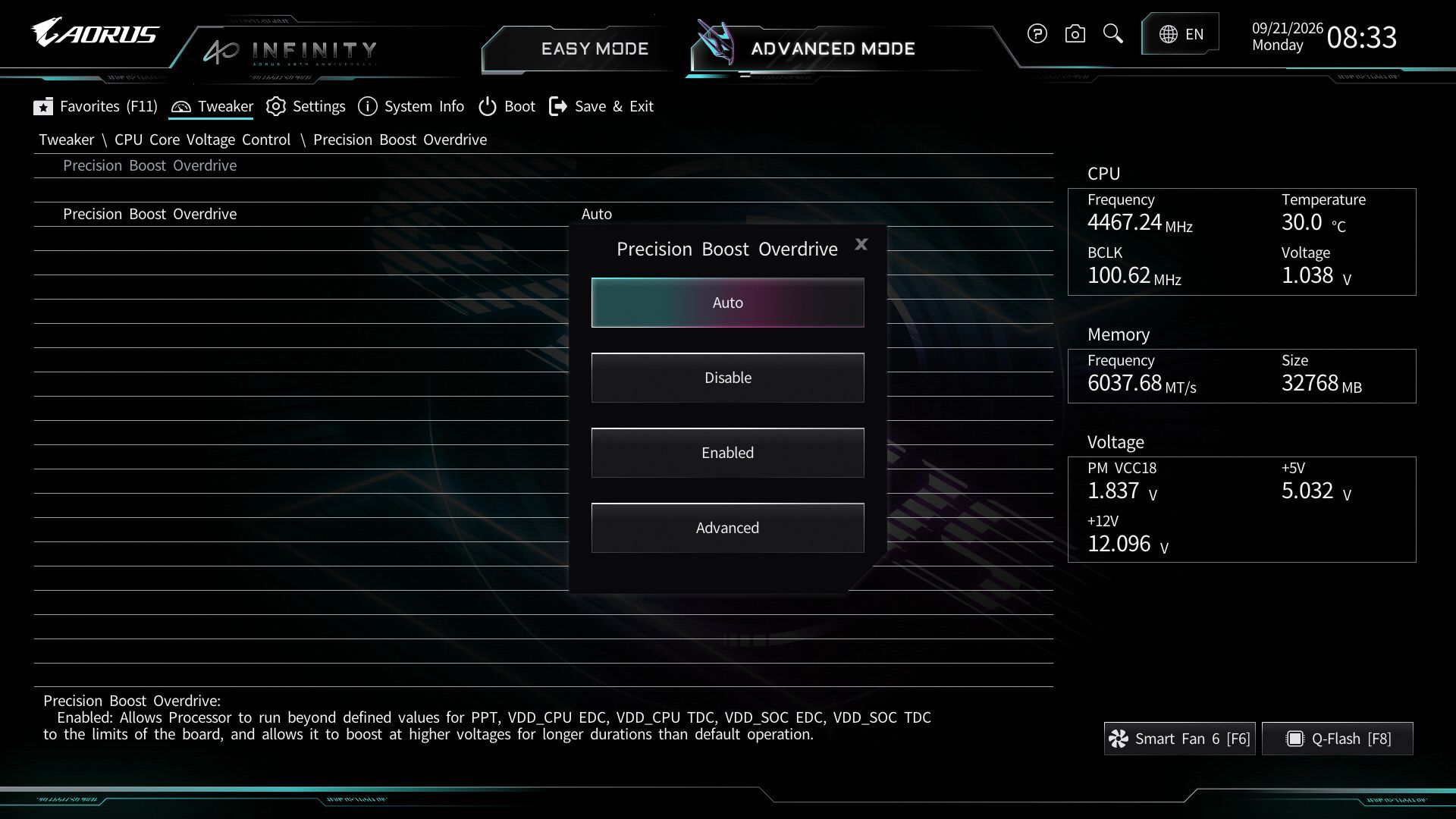
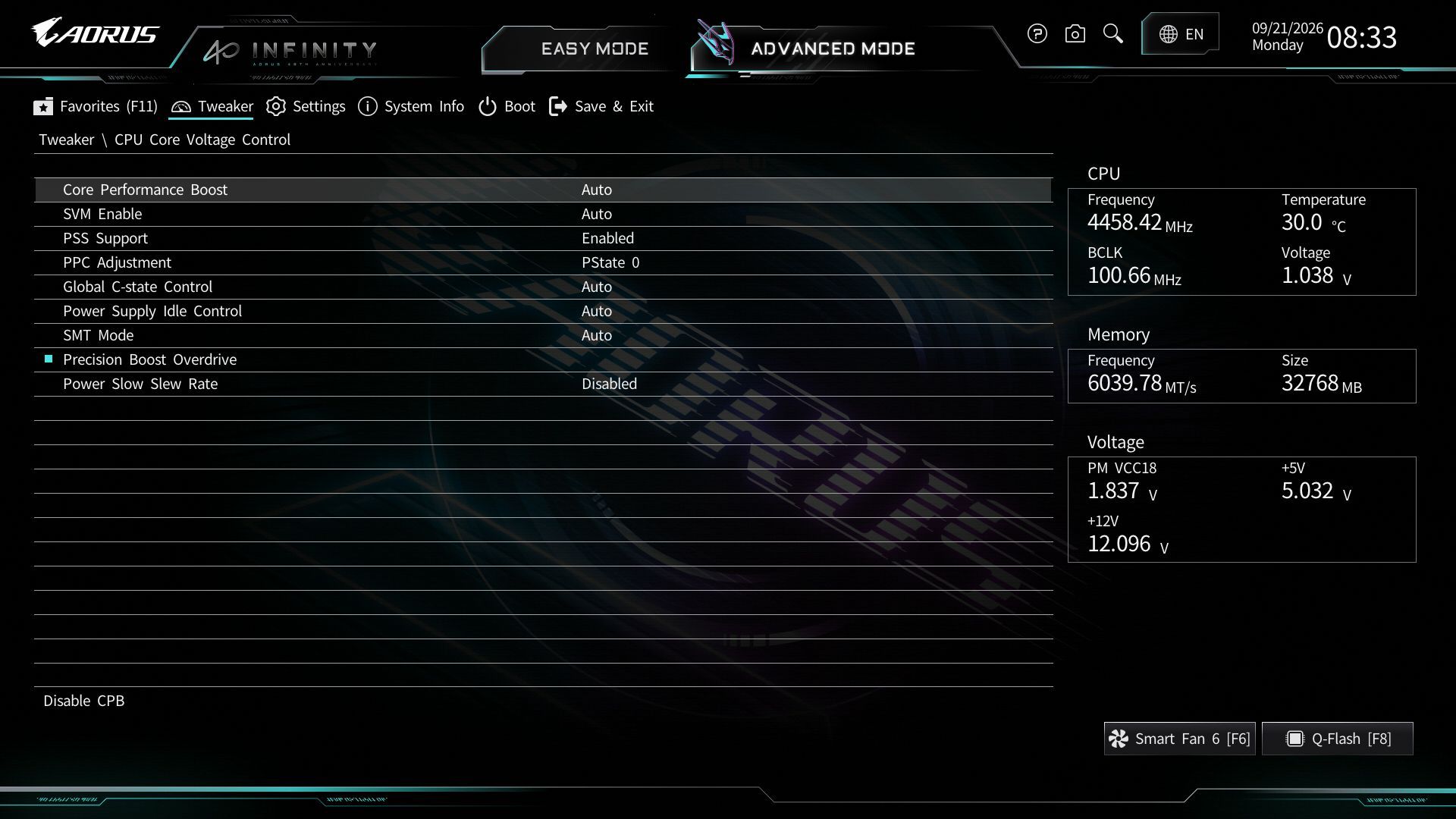
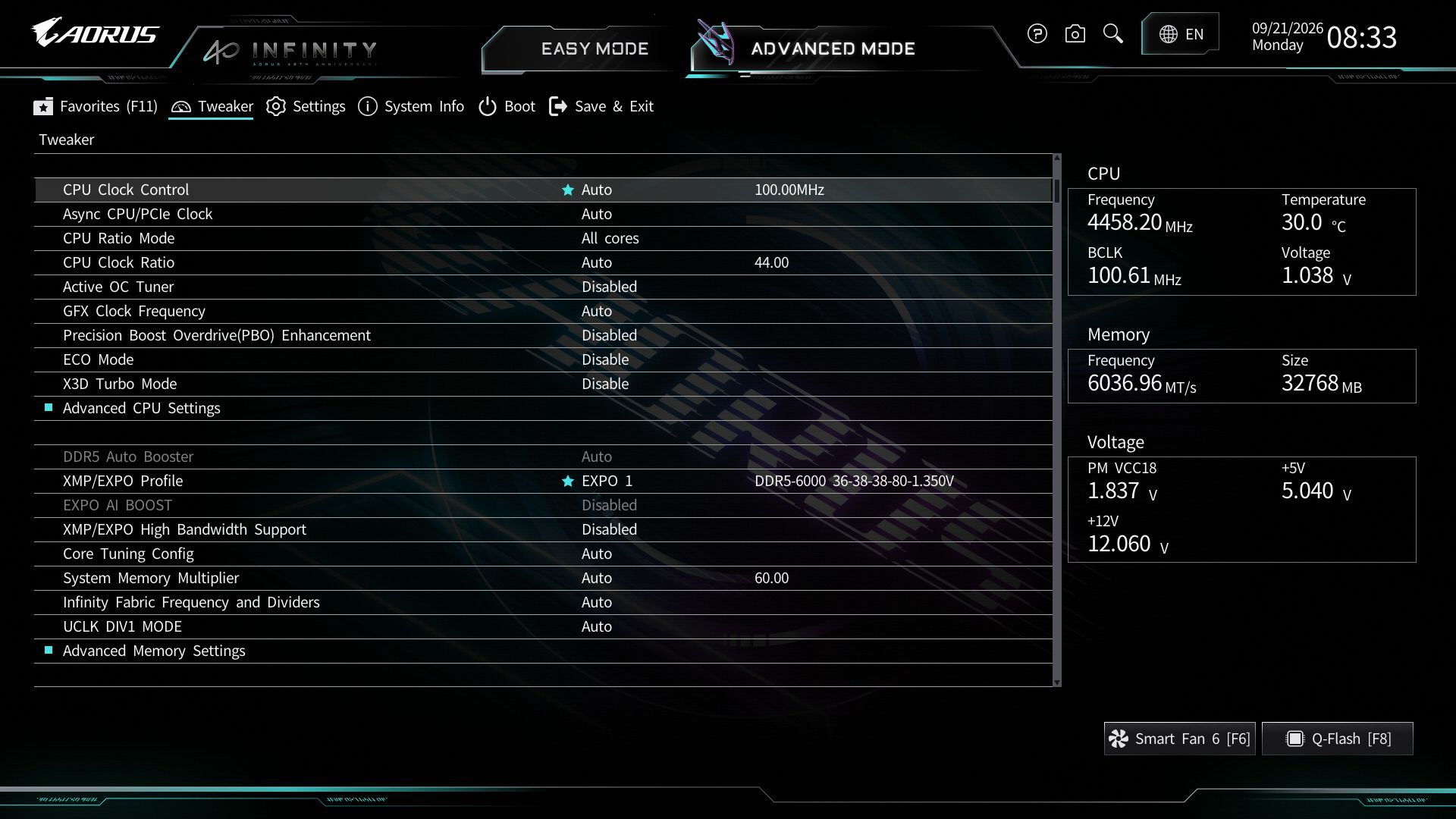
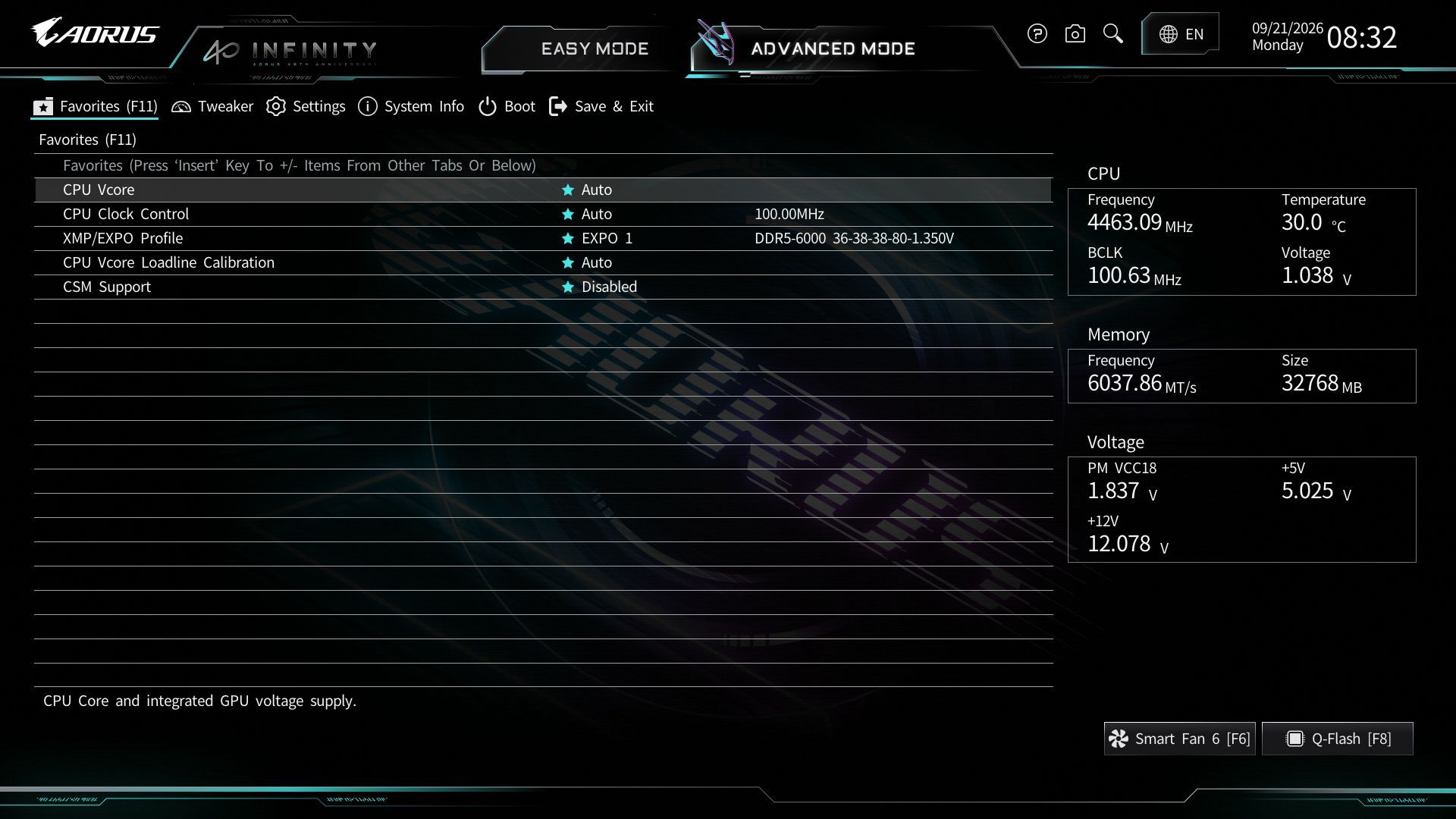
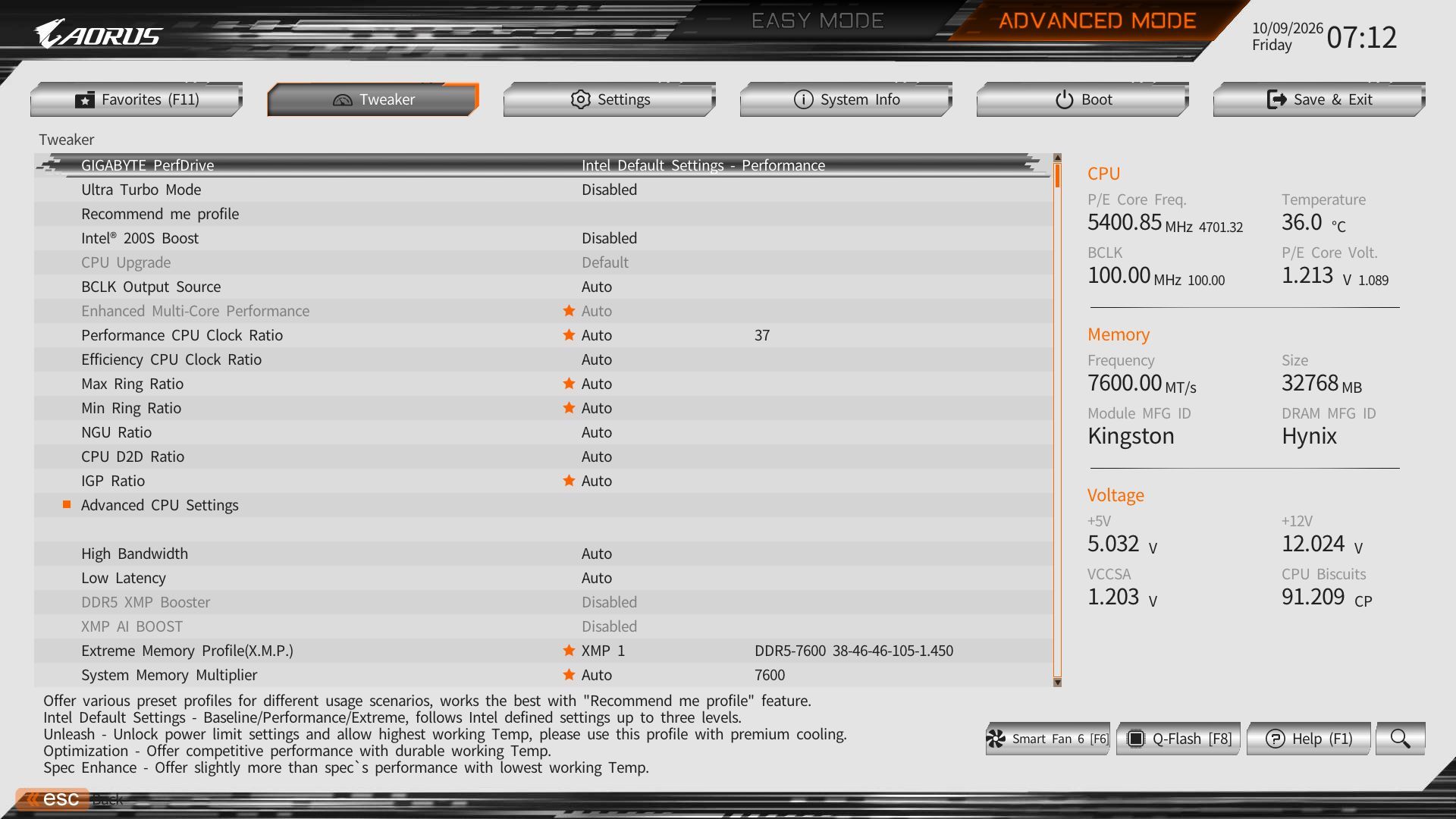
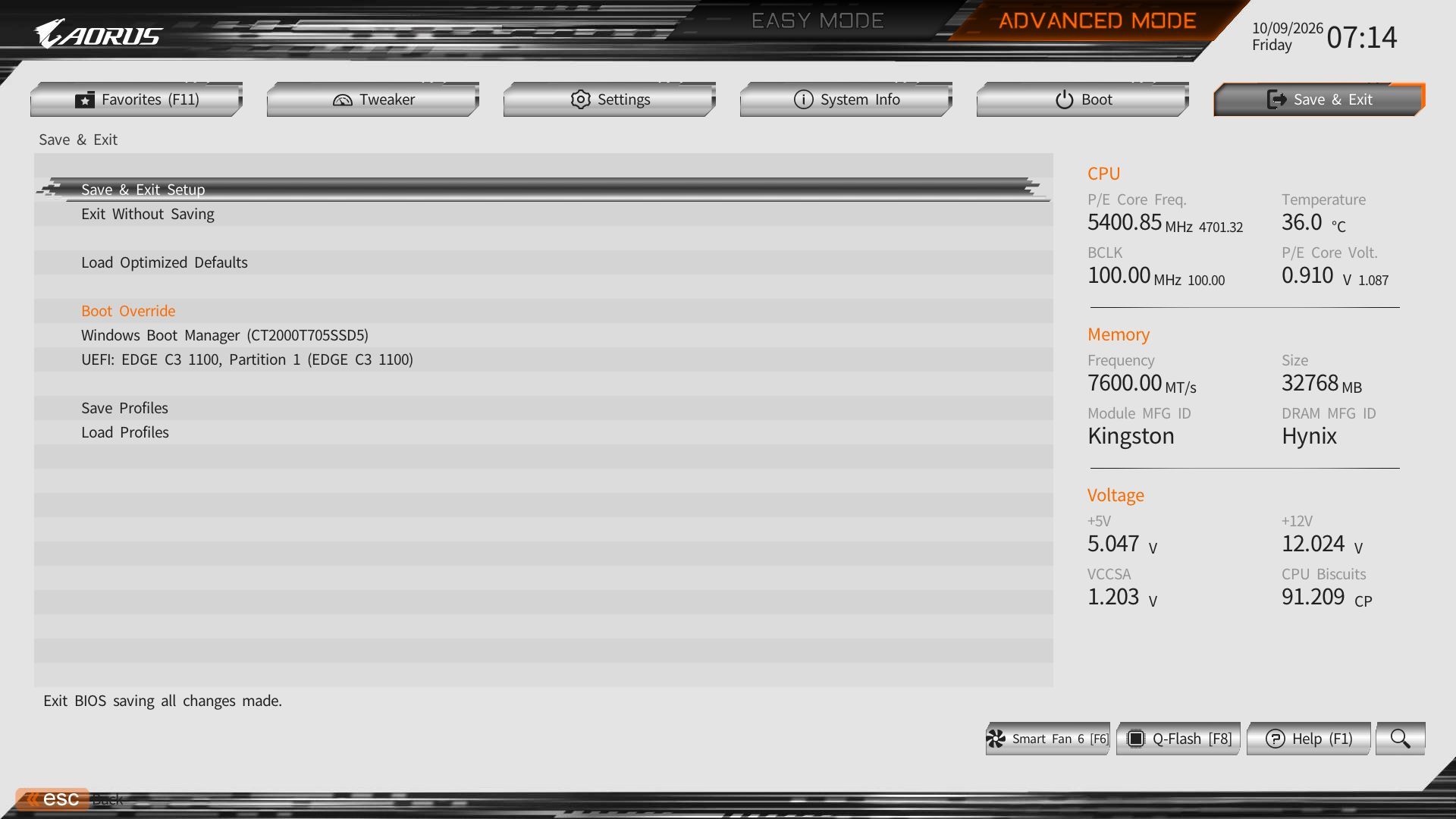
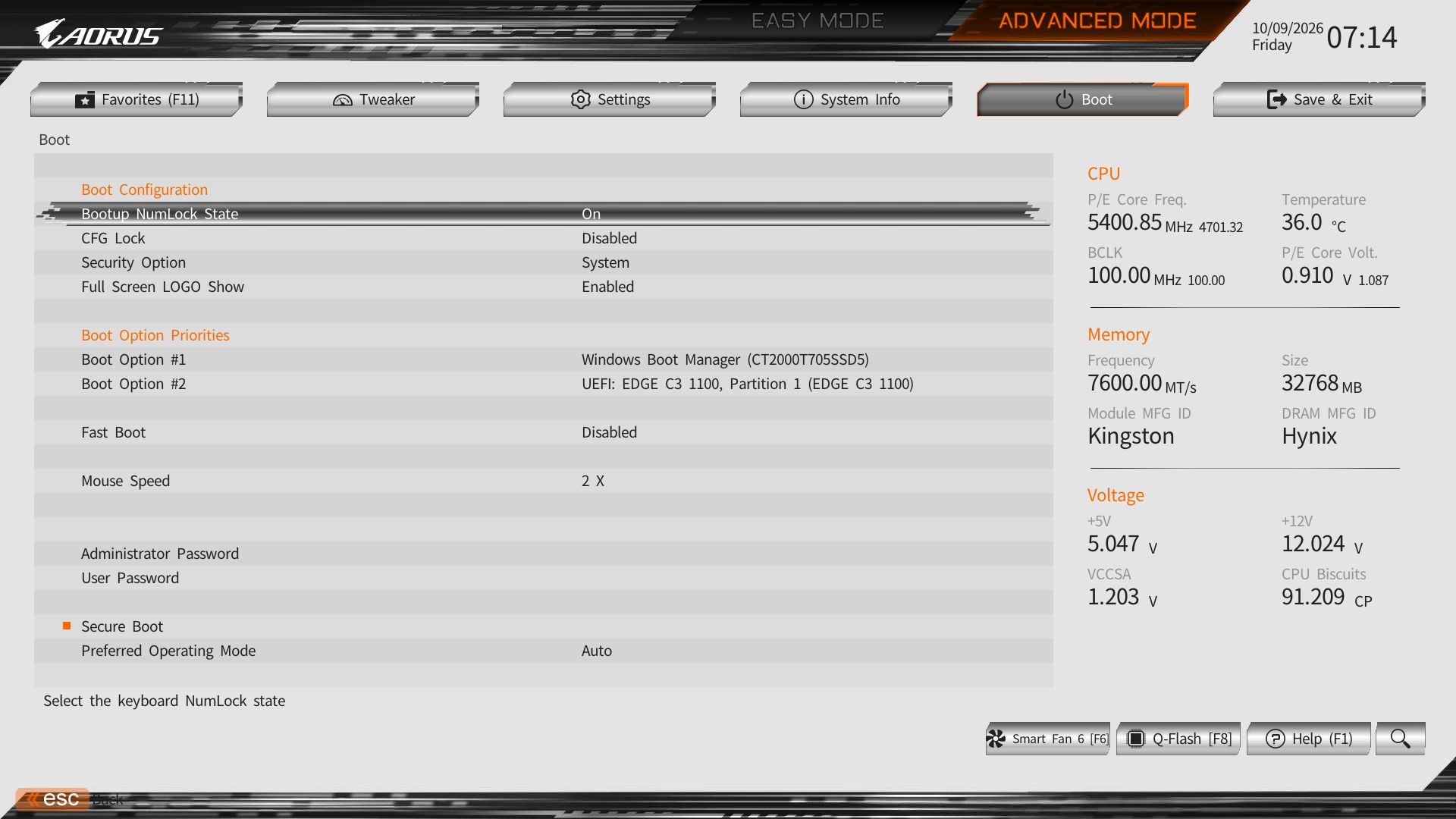
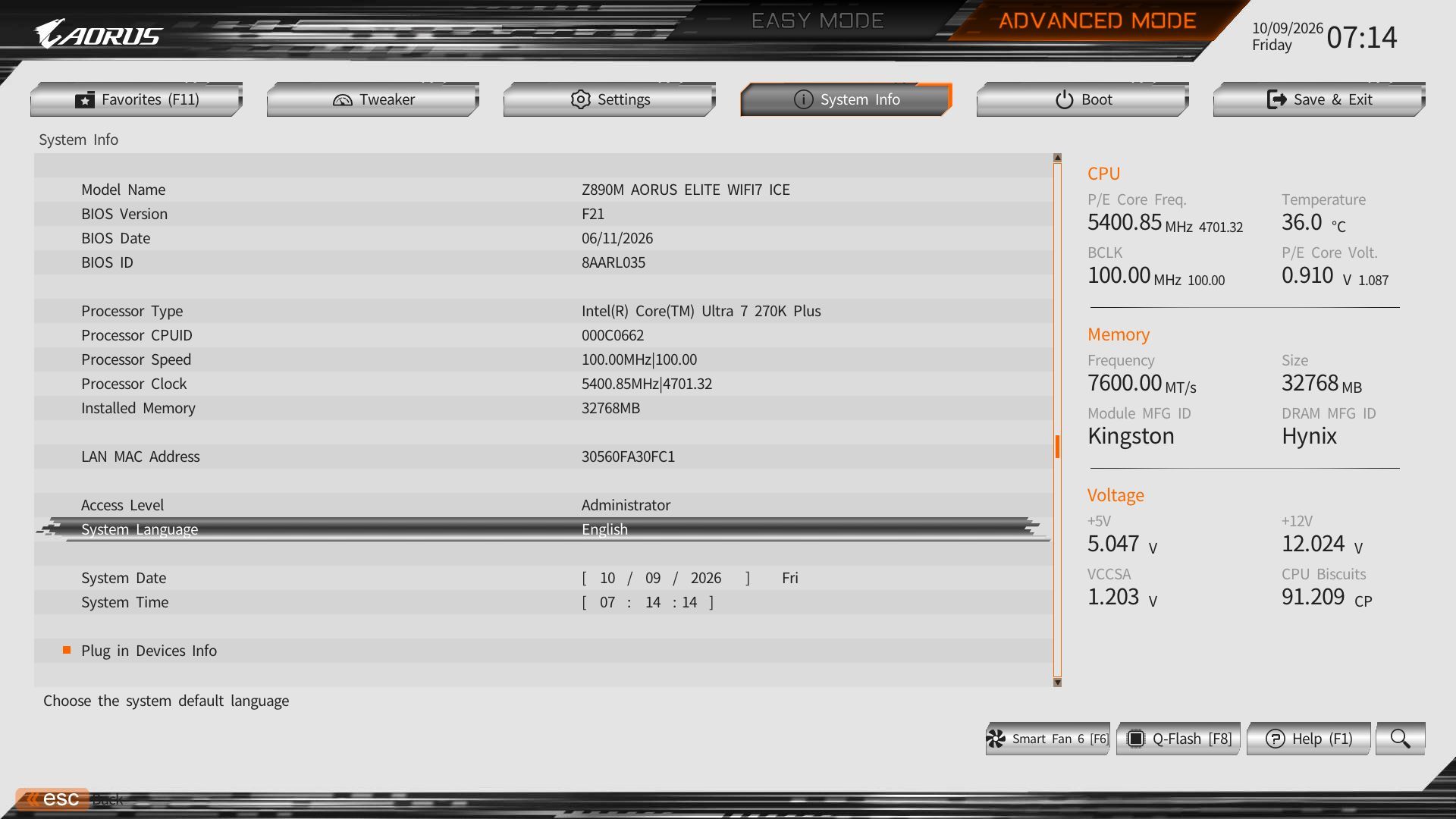
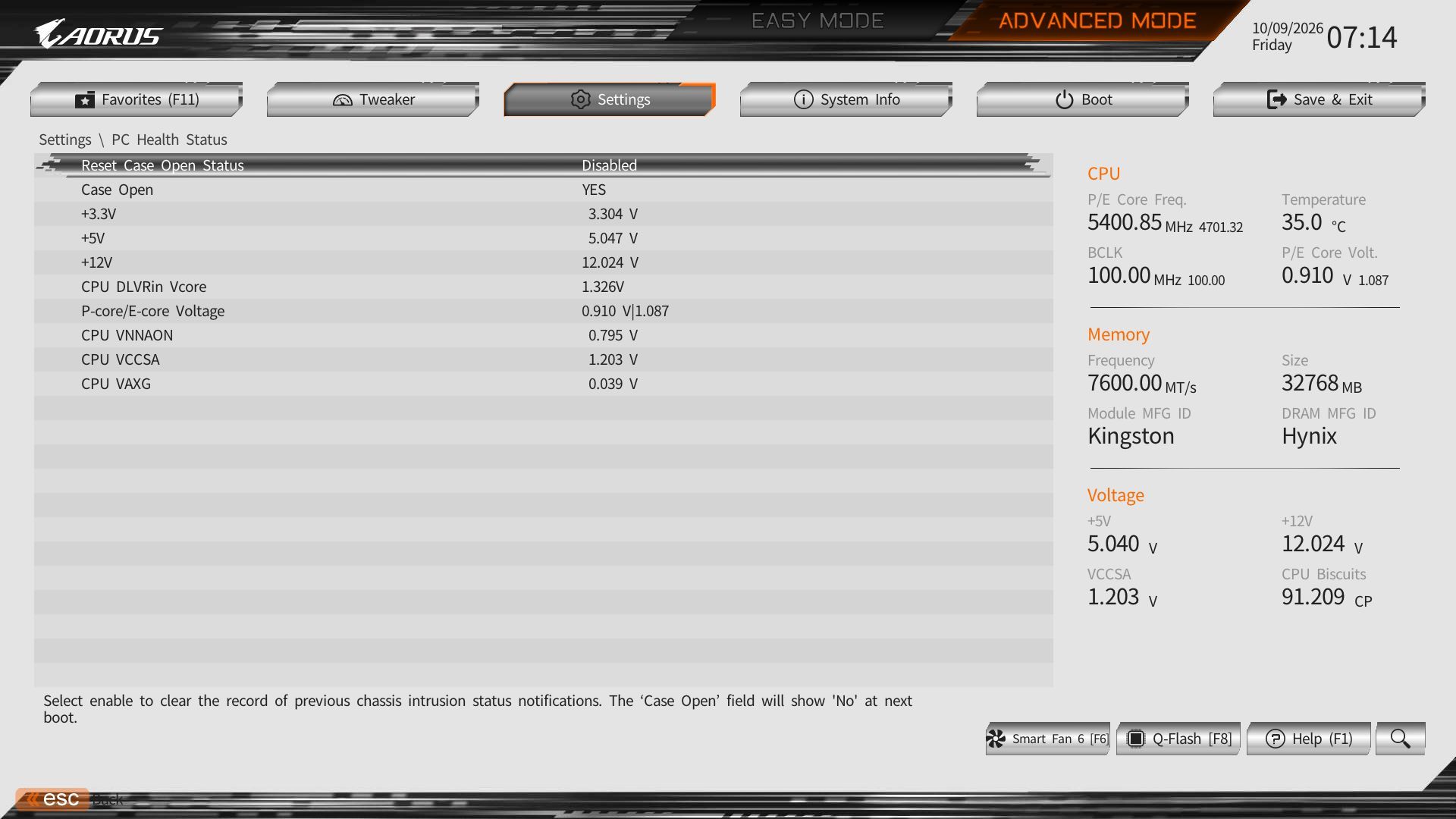
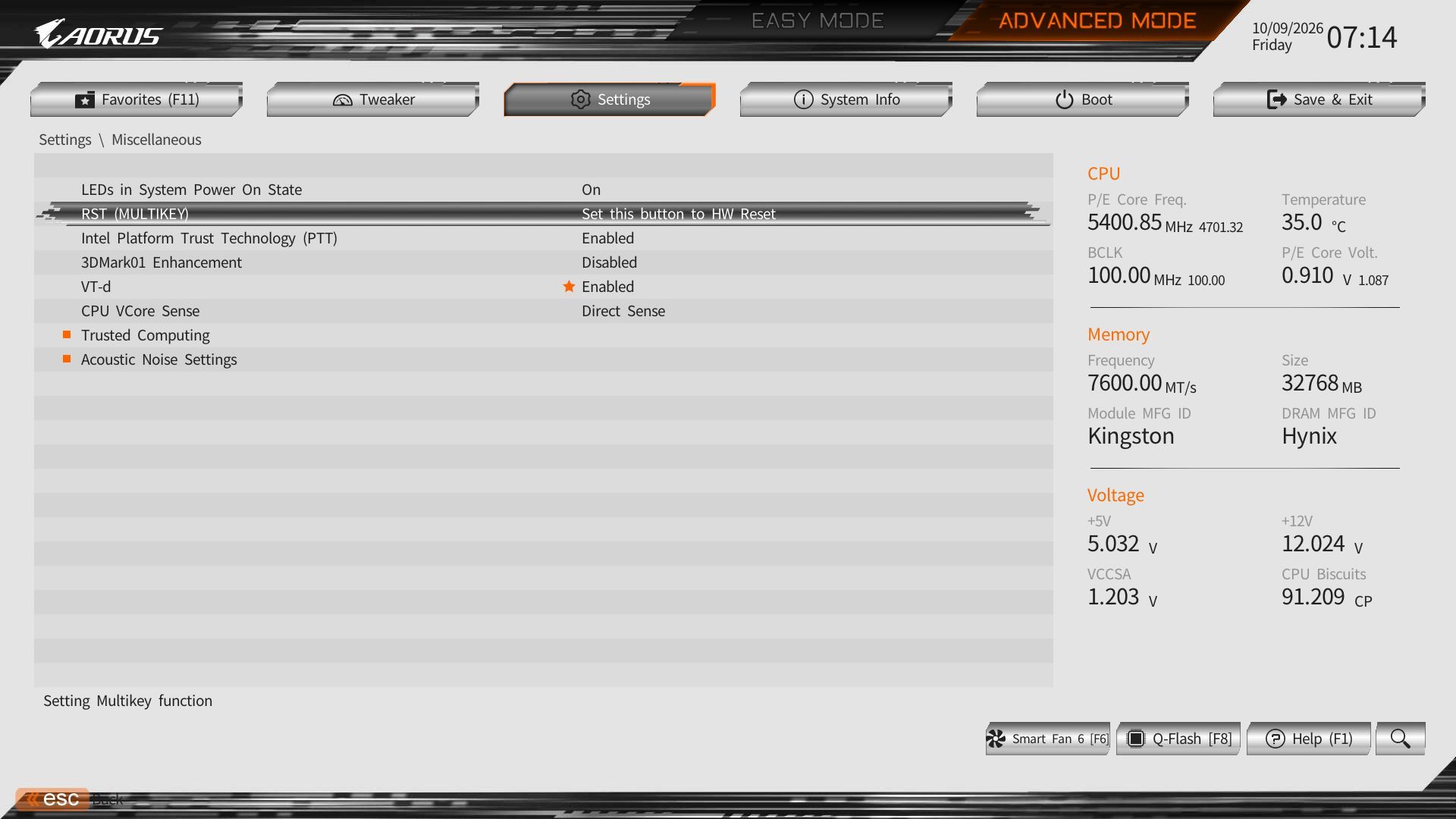
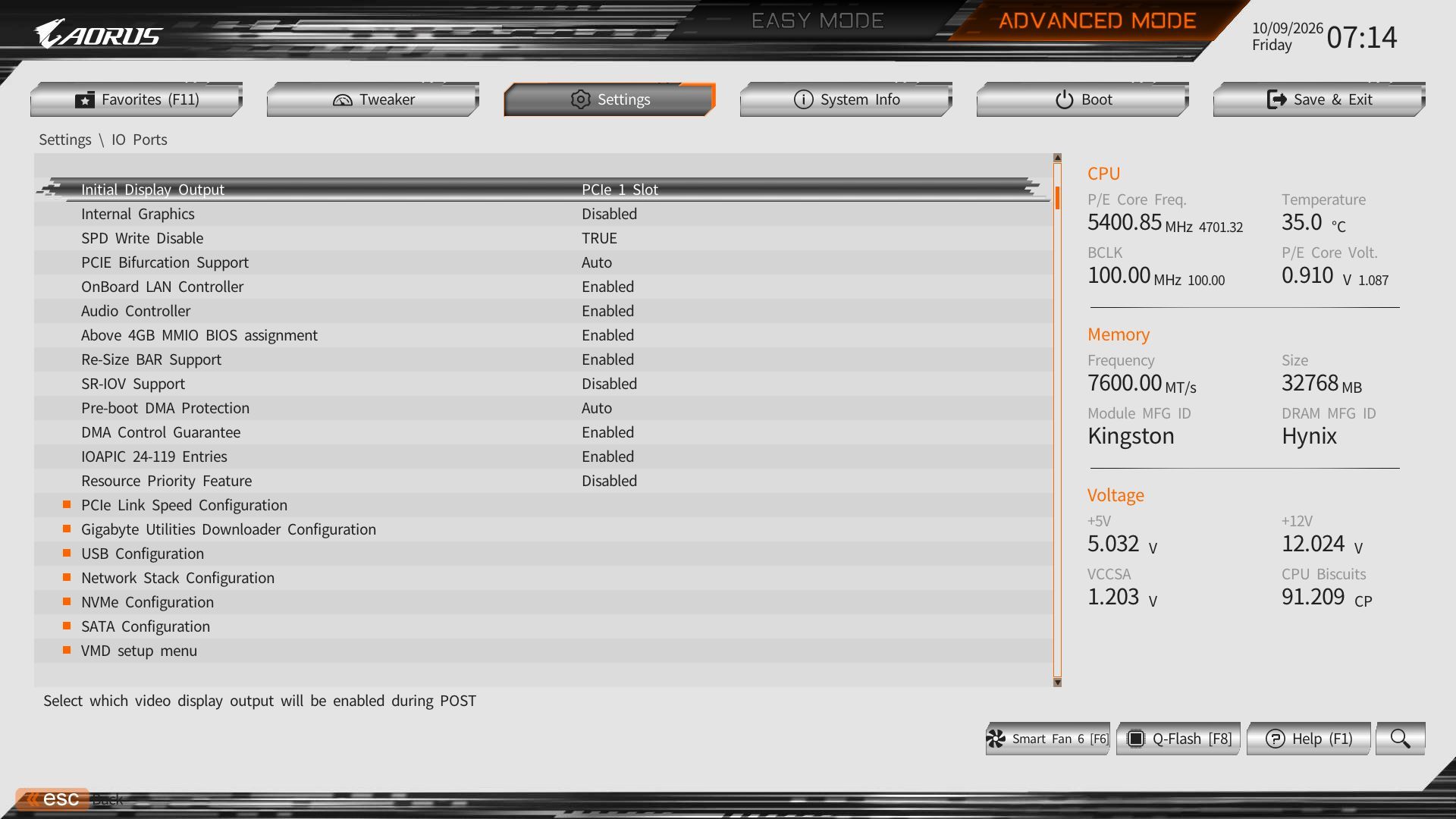
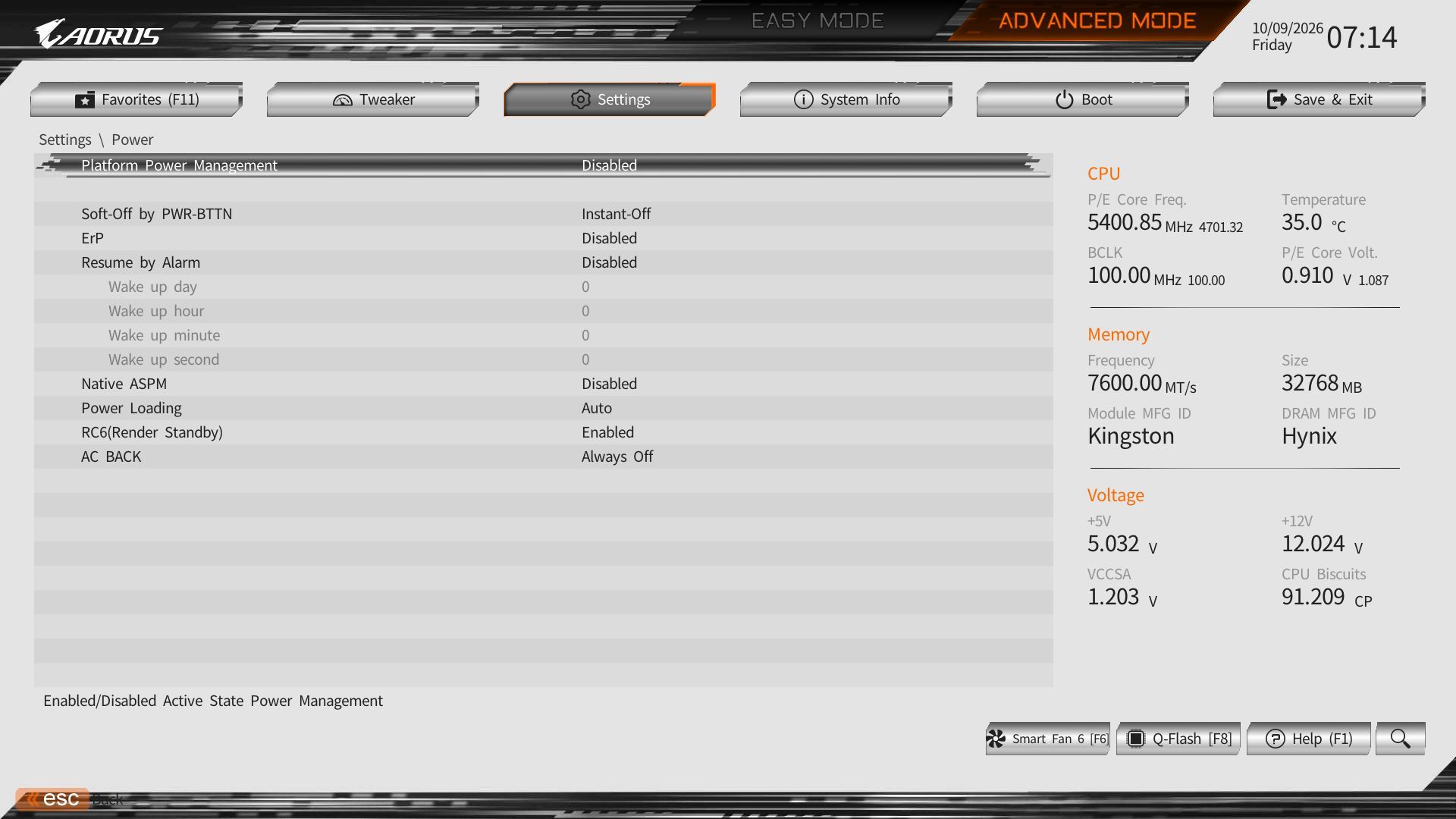
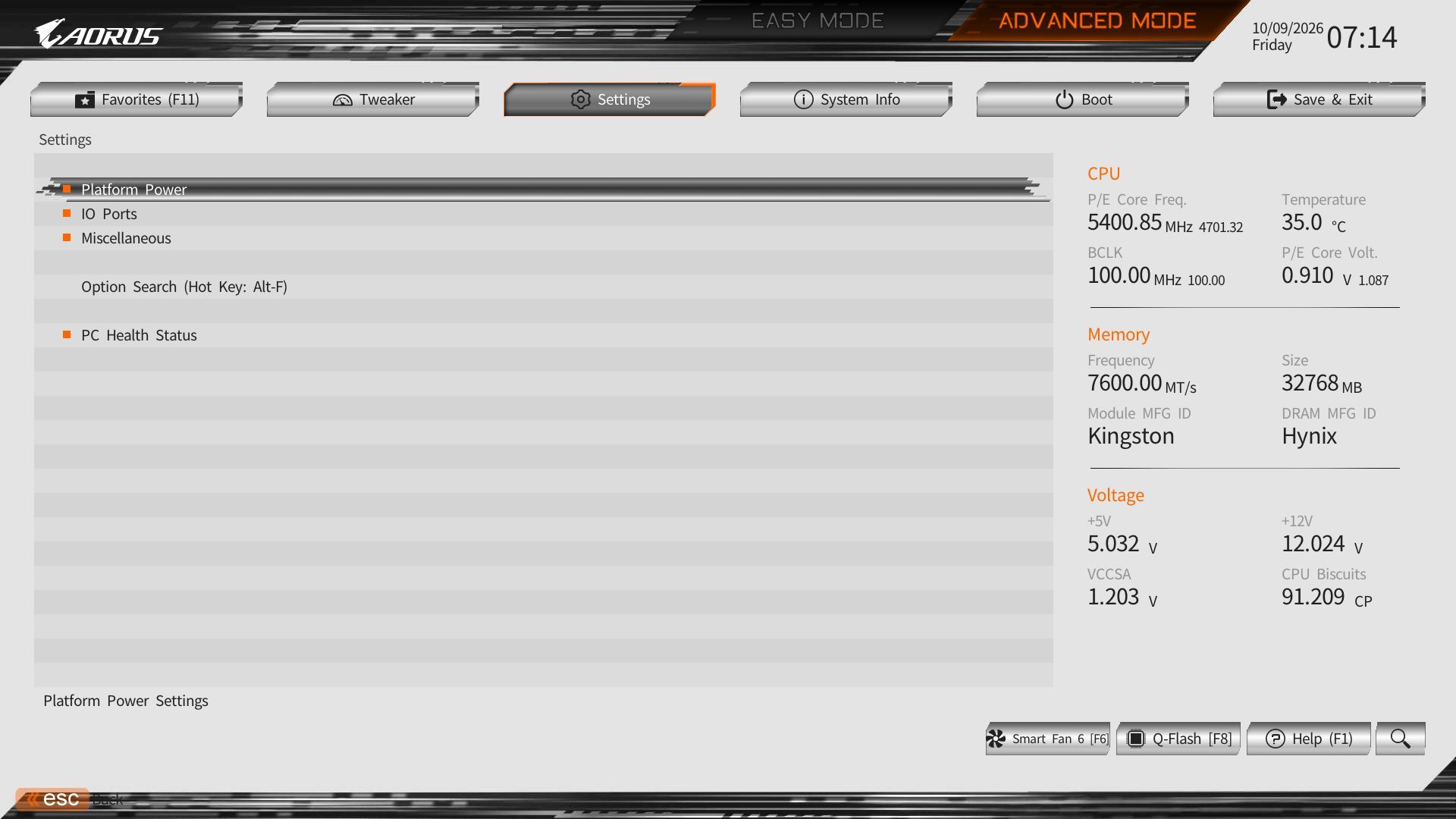
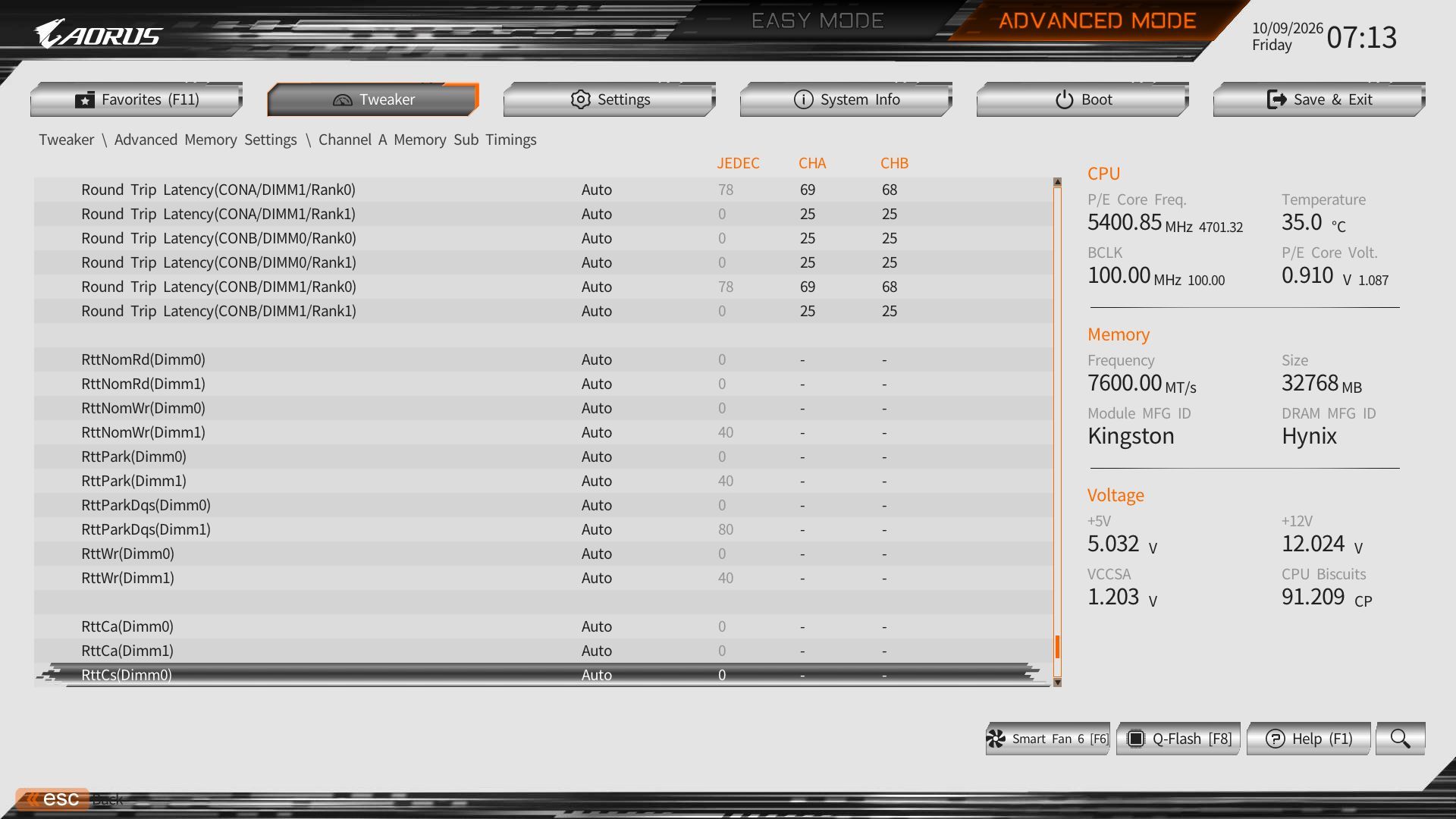
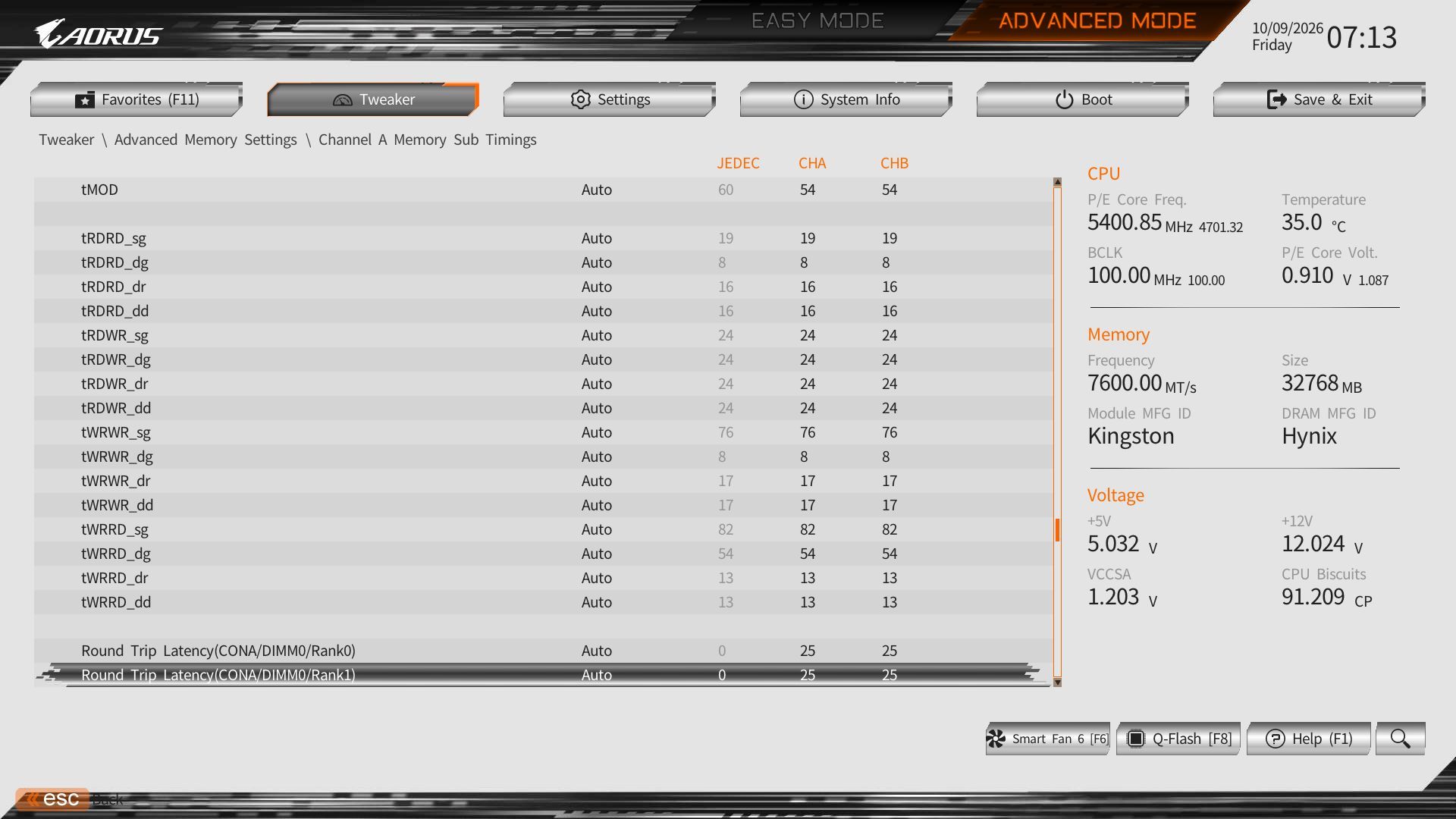
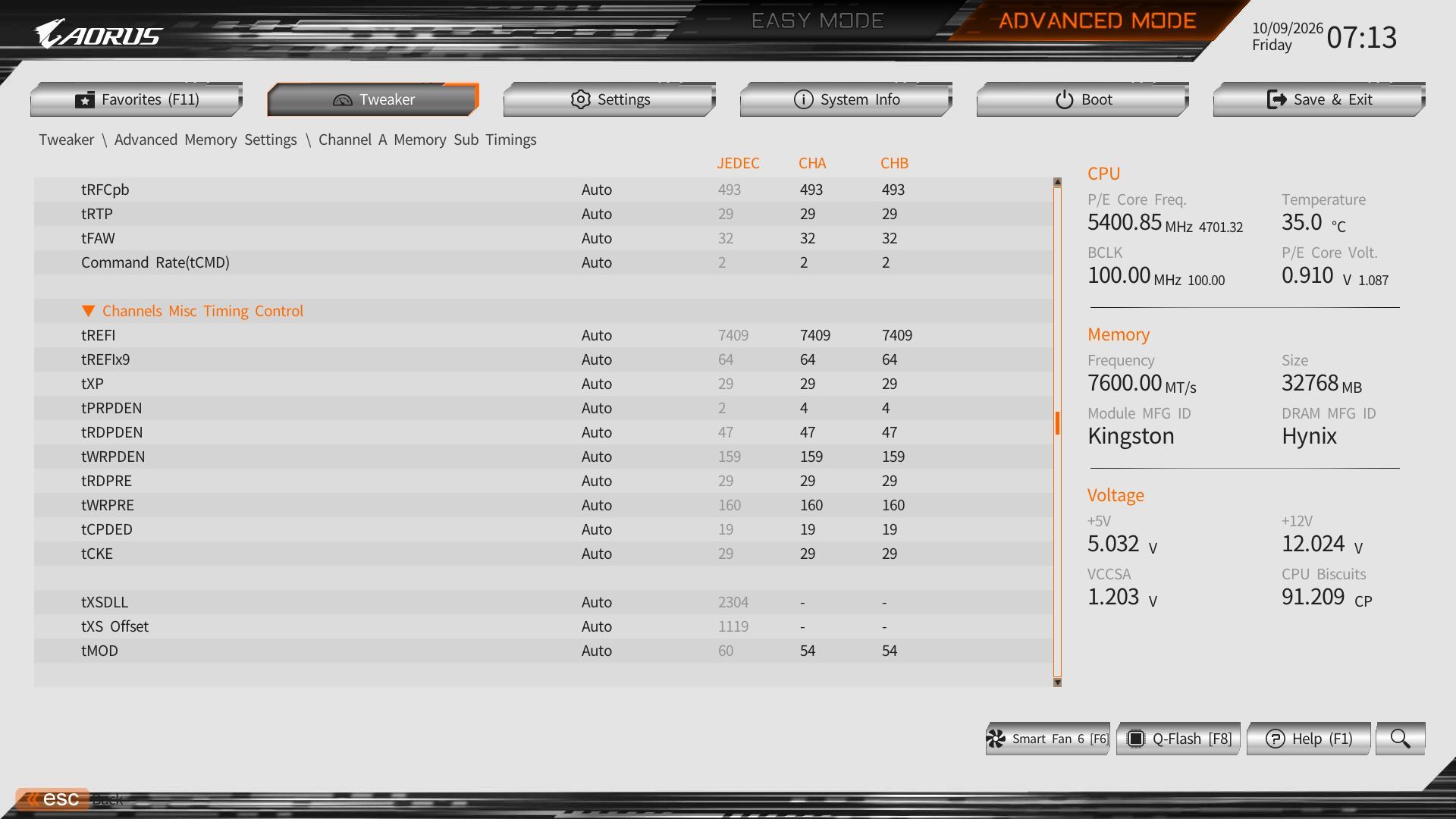
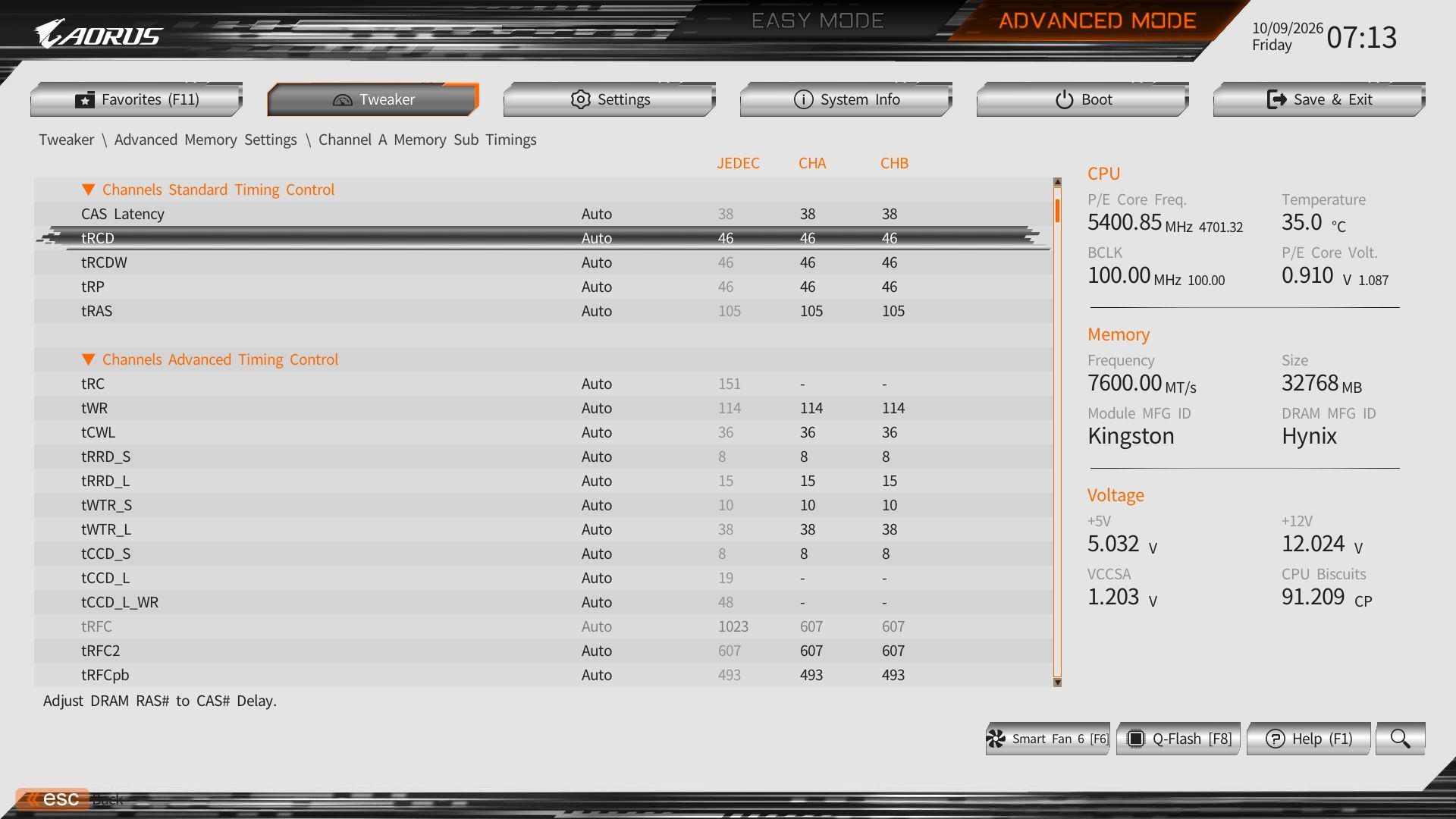
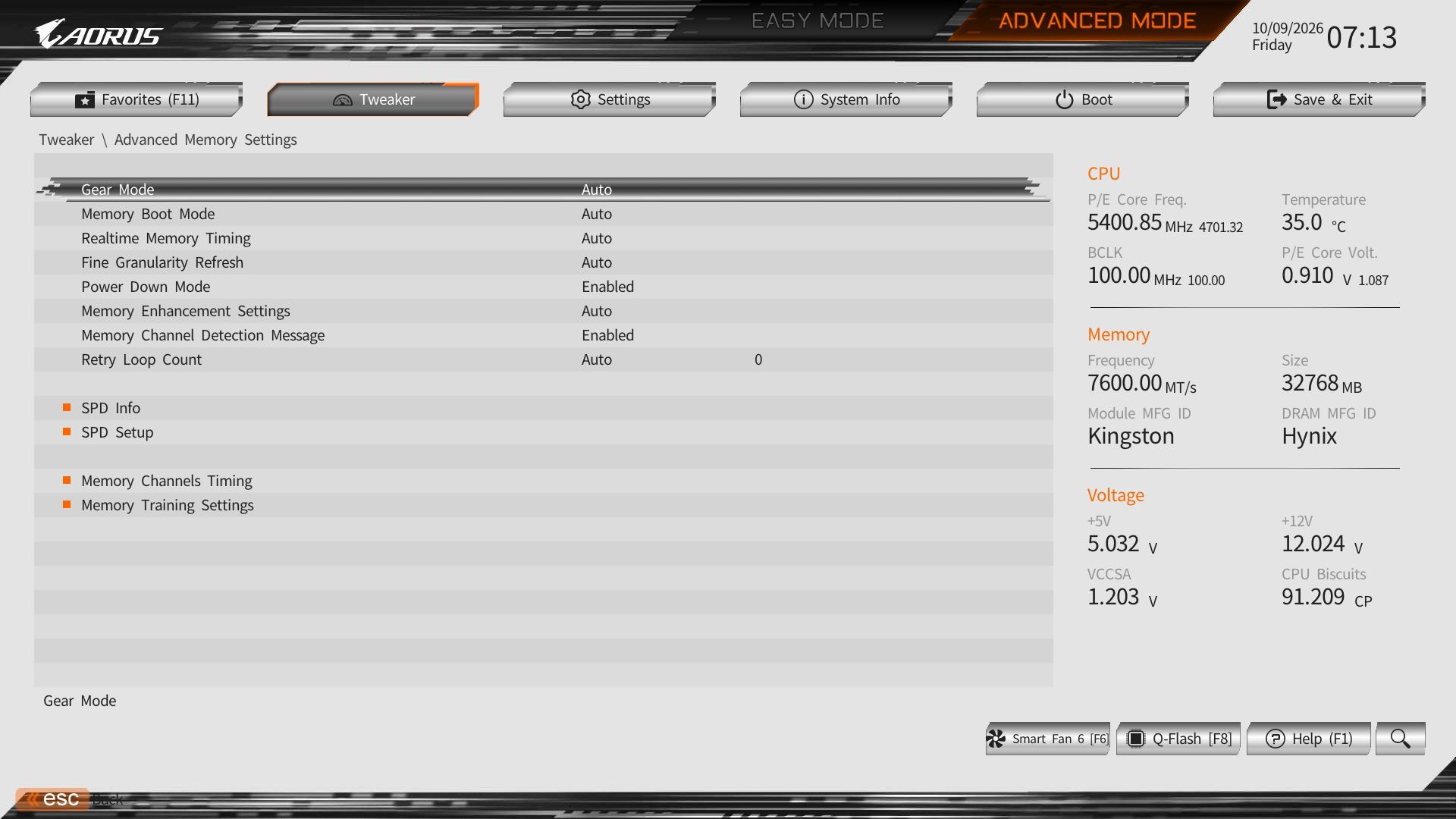
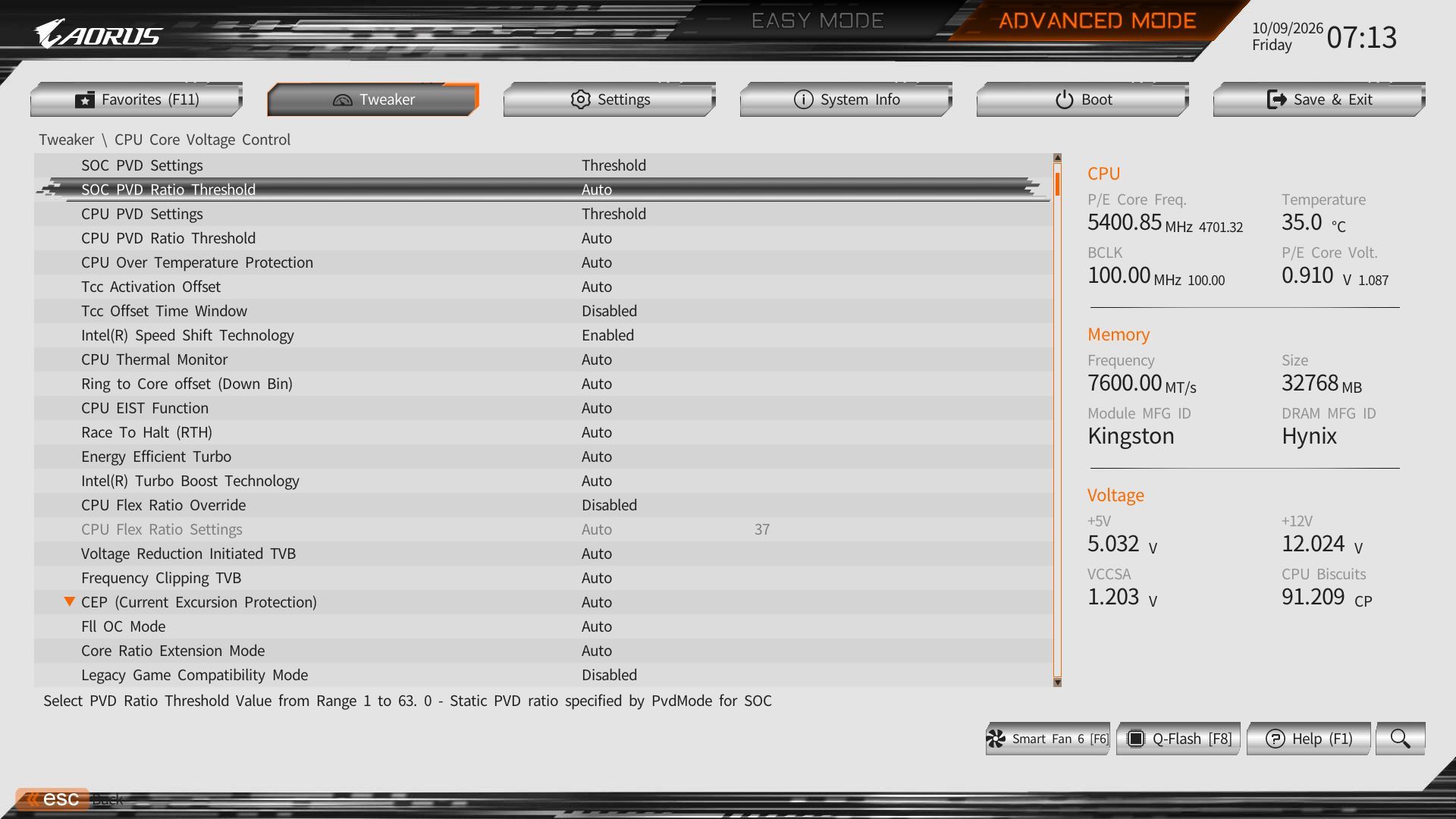
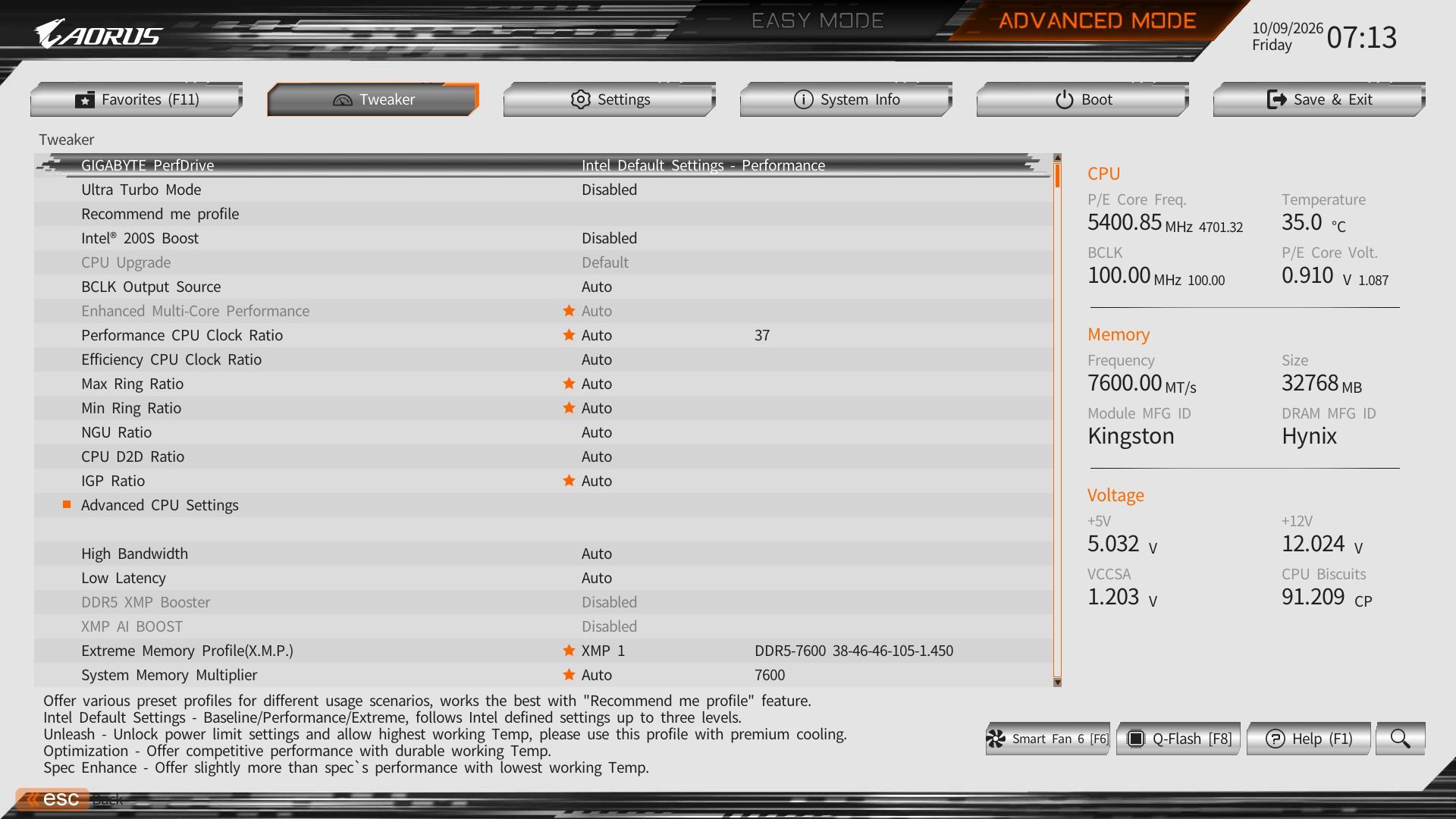
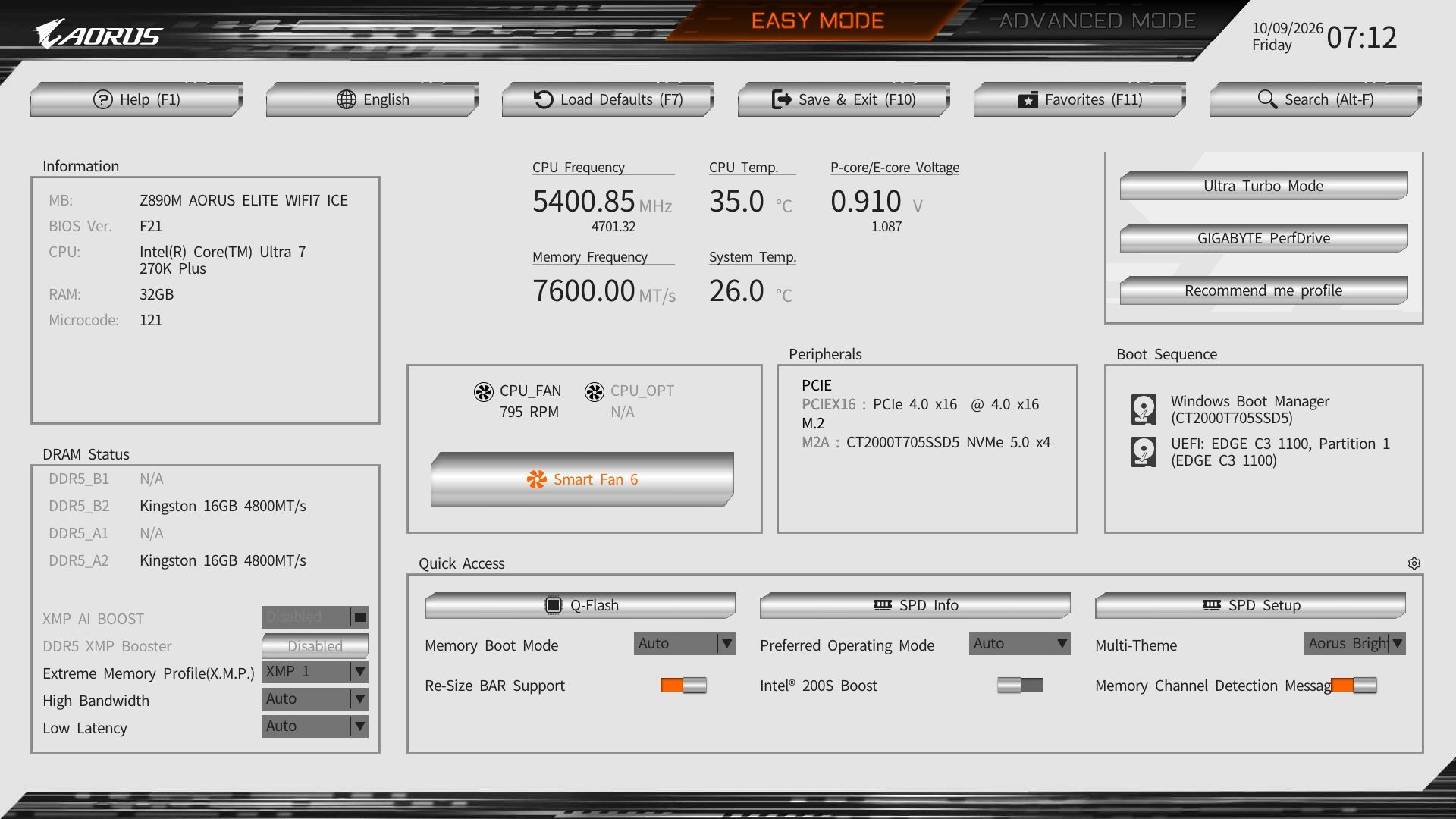
Gigabyte’s updated “UC BIOS 2.0” defaults to Easy Mode. It’s logically laid out and displays a wealth of system information, including processor, RAM, fan speeds, and several selectable options such as XMP profiles, RAM tweaks, Re-Size BAR support, Smart Fan 6 access, and more. The Aorus Elite WiFi7 Ice uses a white background with the ‘Aorus orange’ accents and black text, creating a high-contrast, easy-to-read screen similar to the Aorus Infinity, but with a white background instead of Aorus branding. The BIOS also offers different themes in EZ mode via a dropdown if you want to change it.
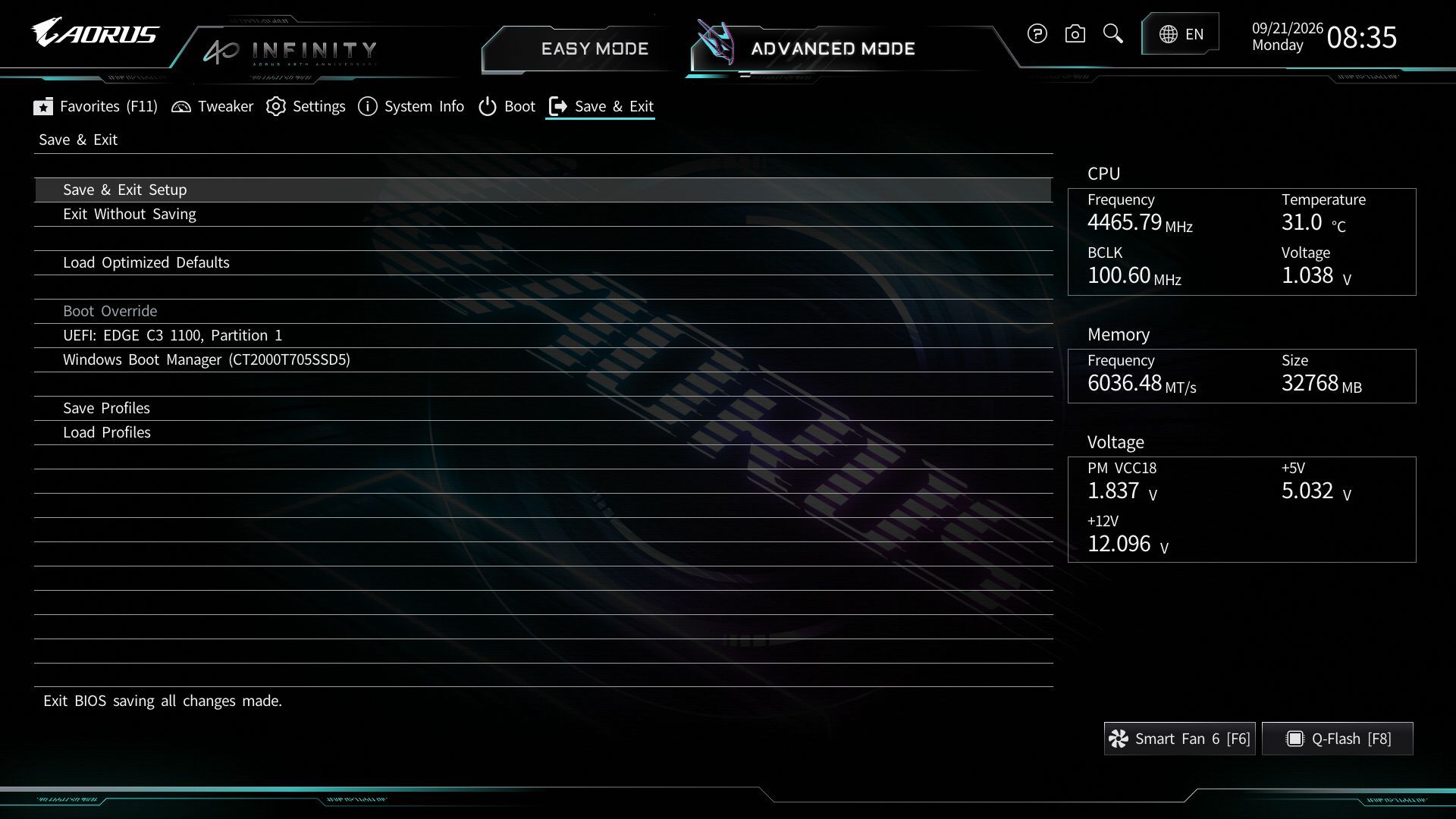
All headings still appear across the top in advanced mode, but they are now larger ‘buttons’ and easy to select with a mouse. The highlight bar (where you are on the page) is a light blue here and easy to see. Every option you need and want is at your fingertips, and you don’t have to drill down several layers to reach the most commonly used functions – especially if you populate your selections in the Favorites section.
Software
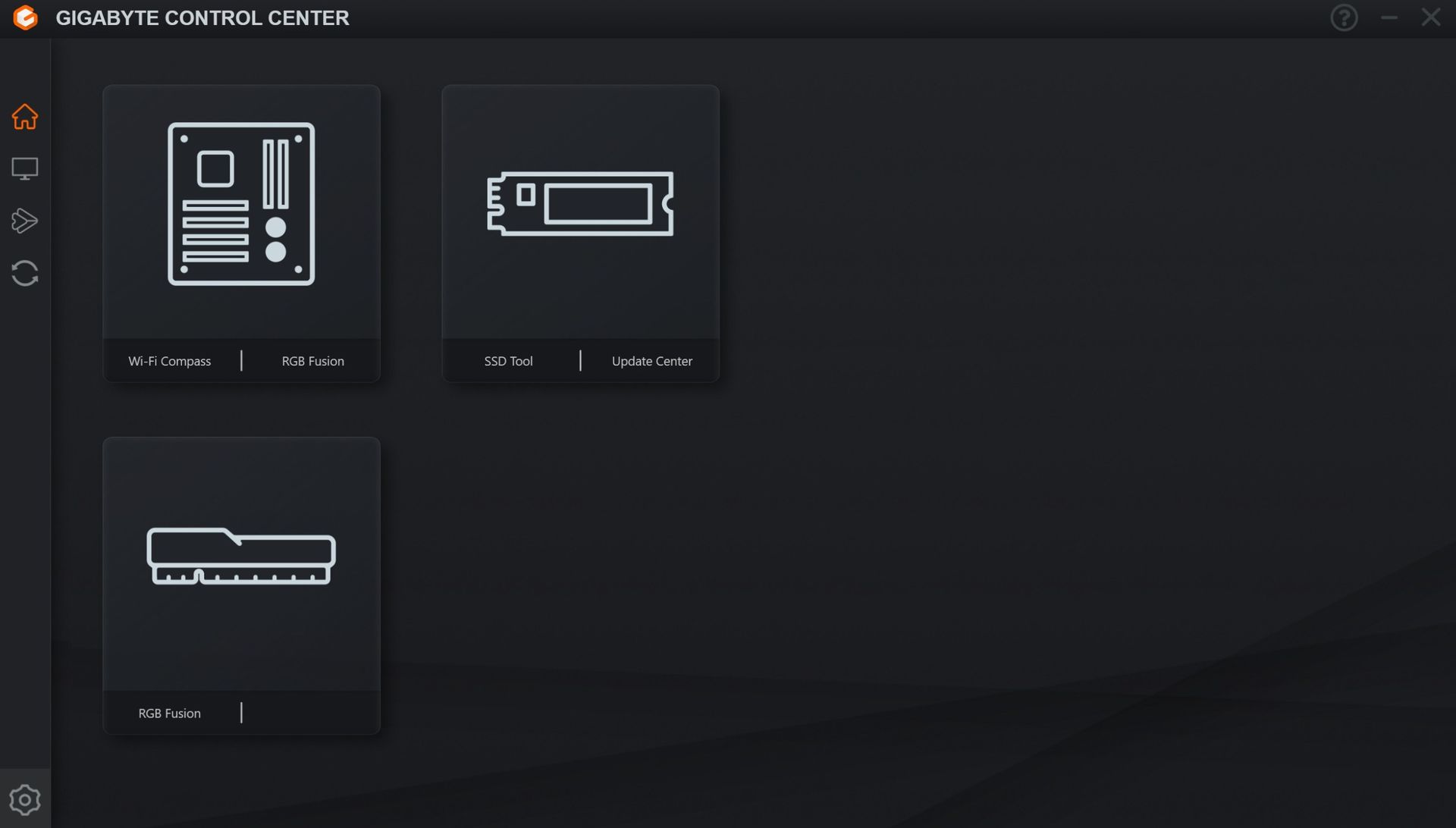
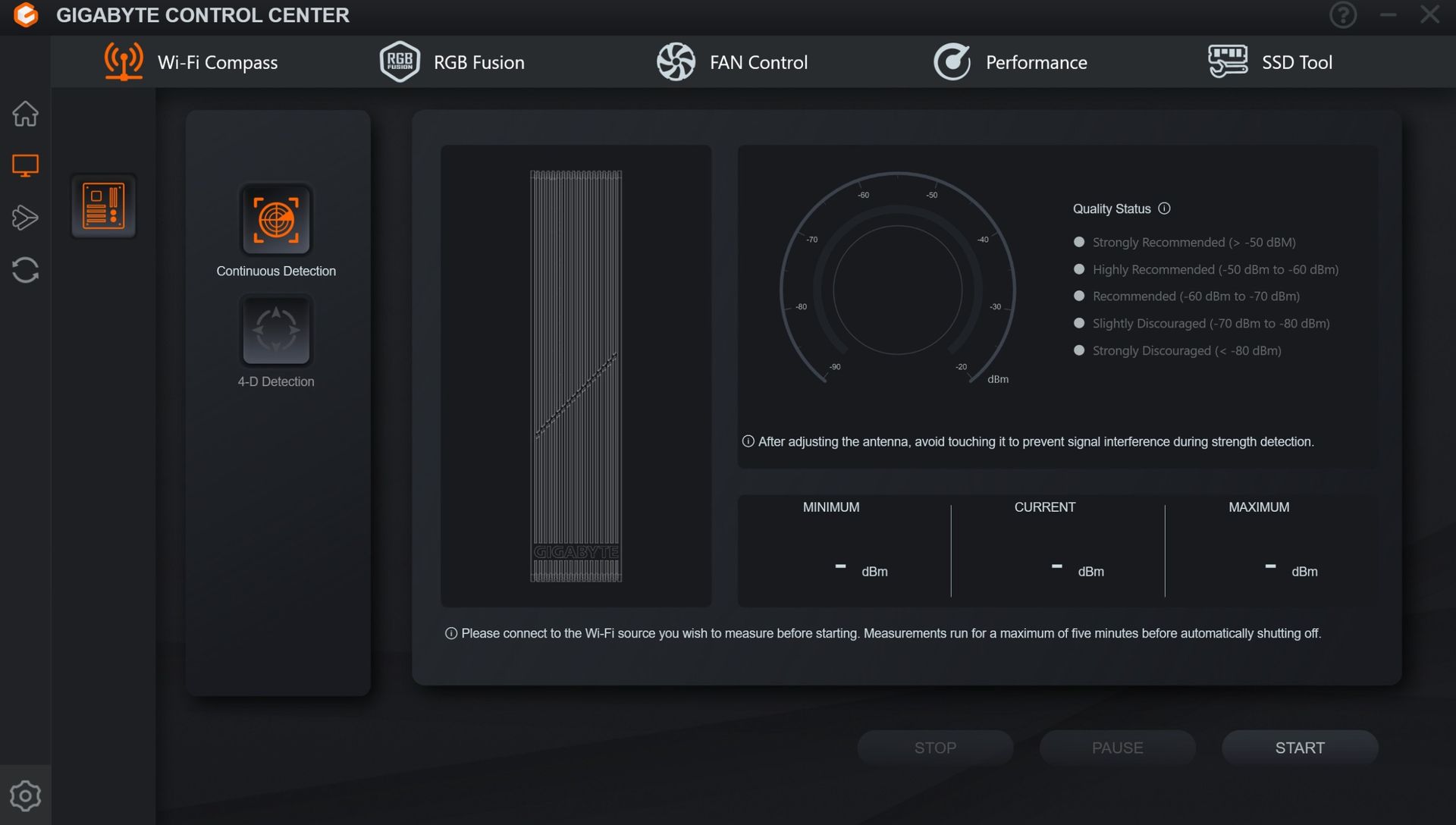
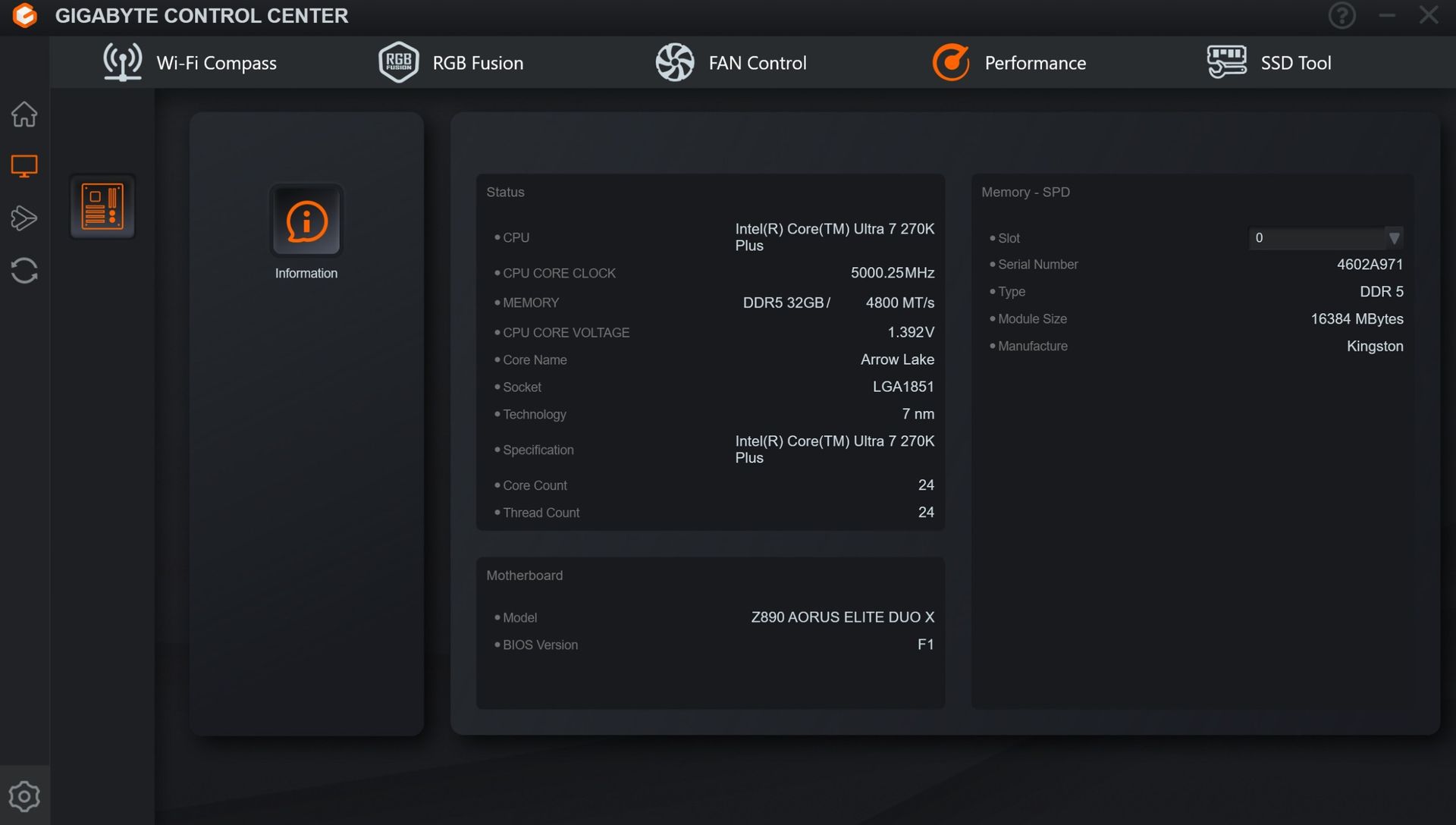
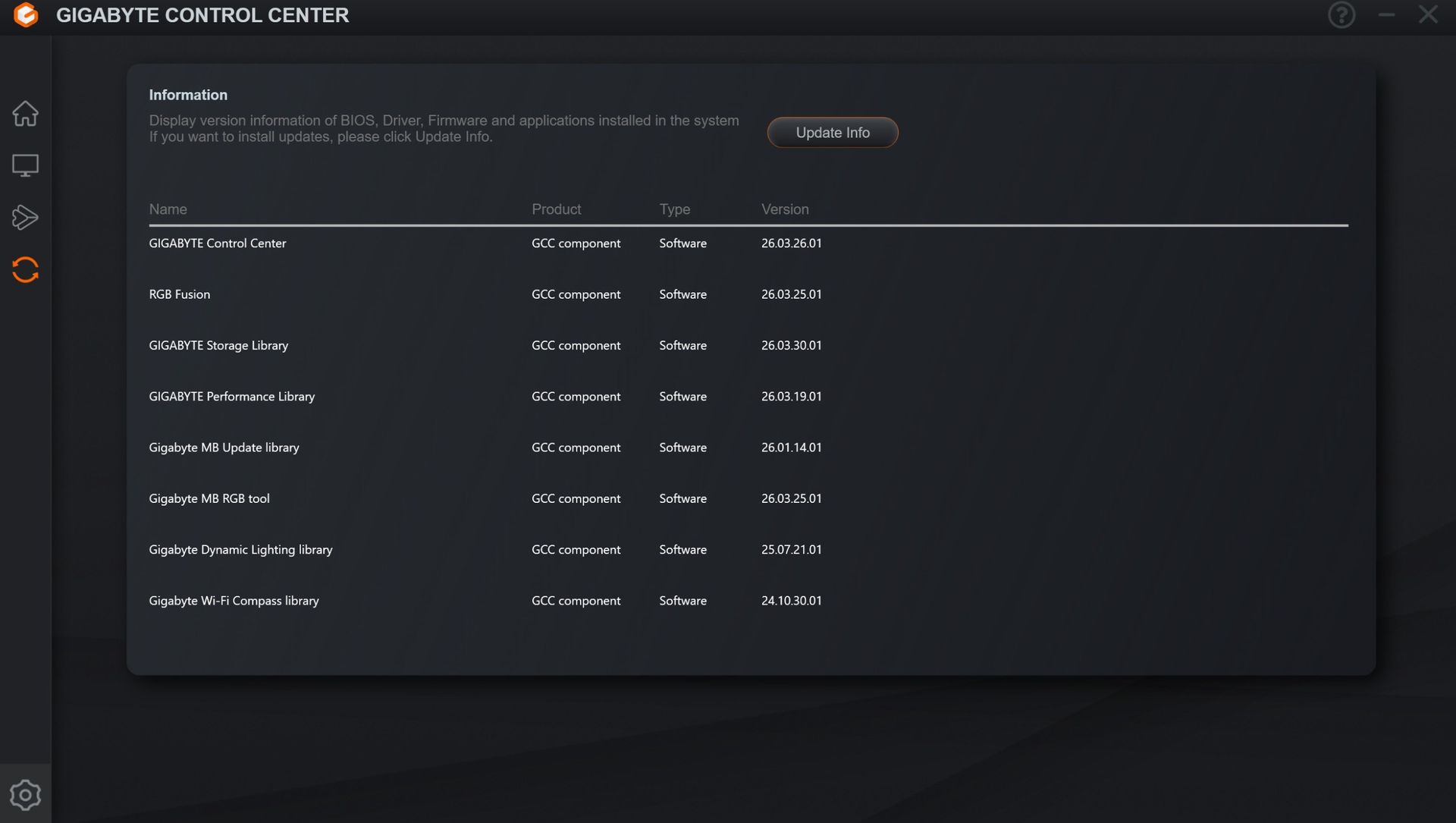
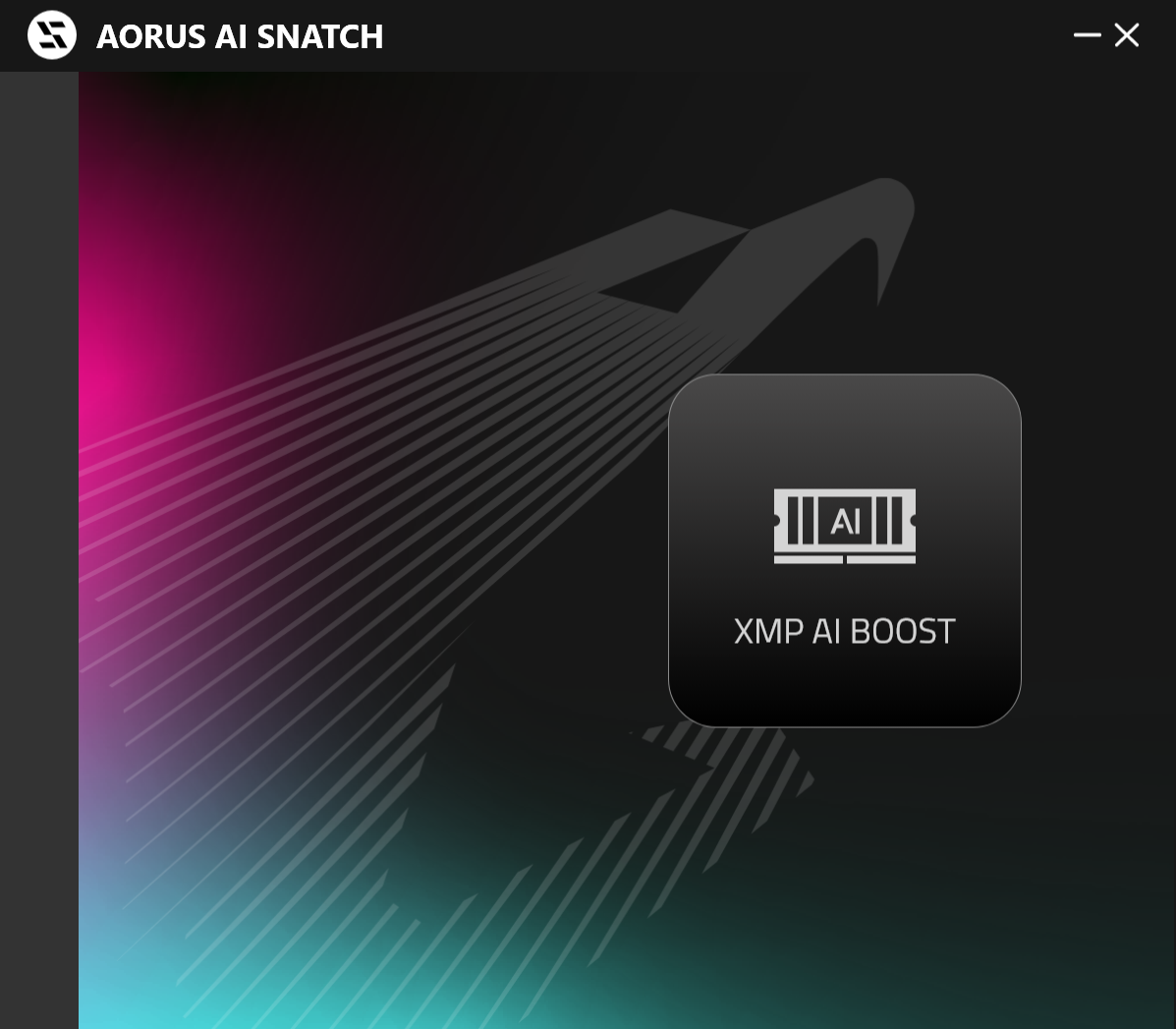
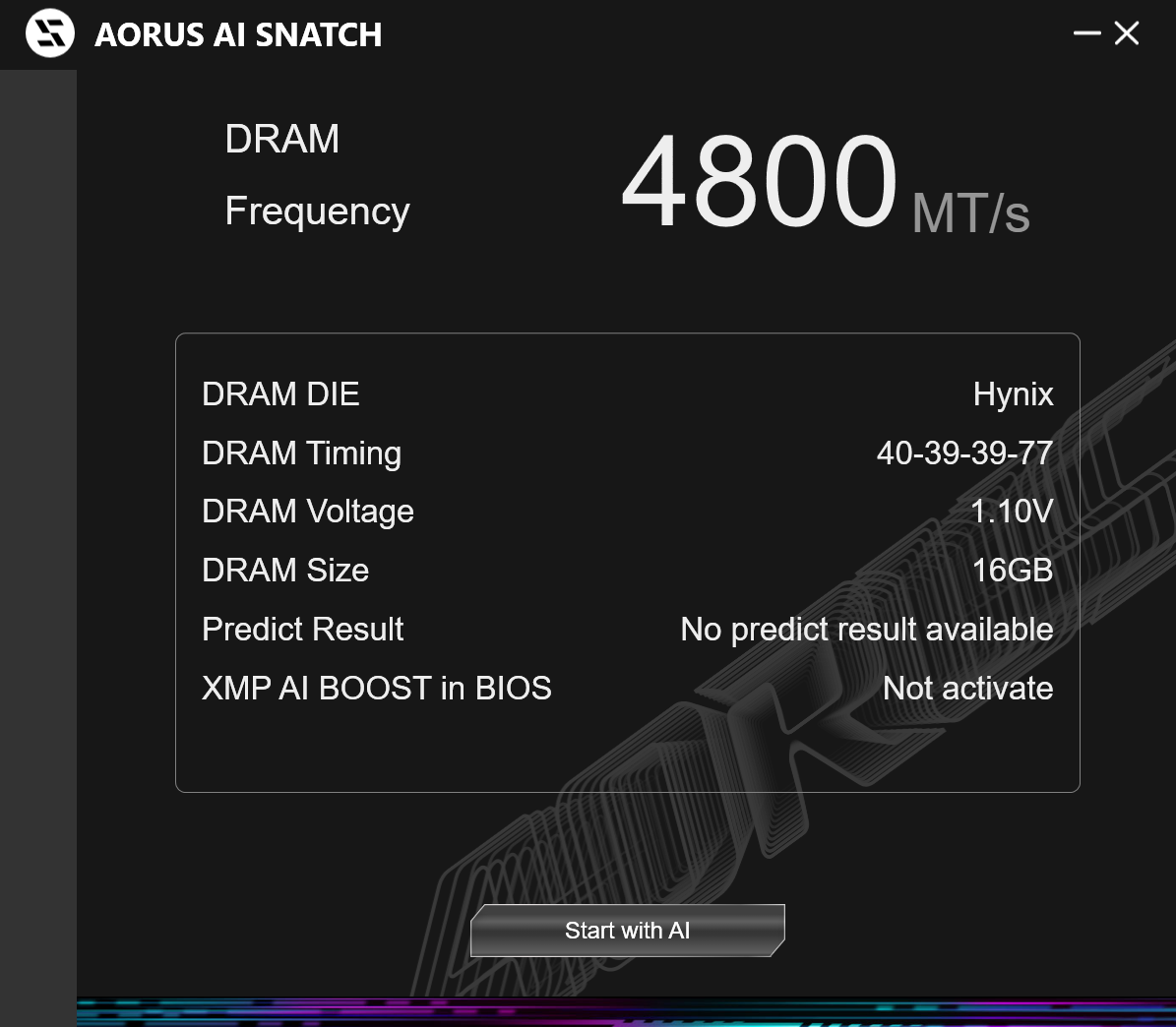
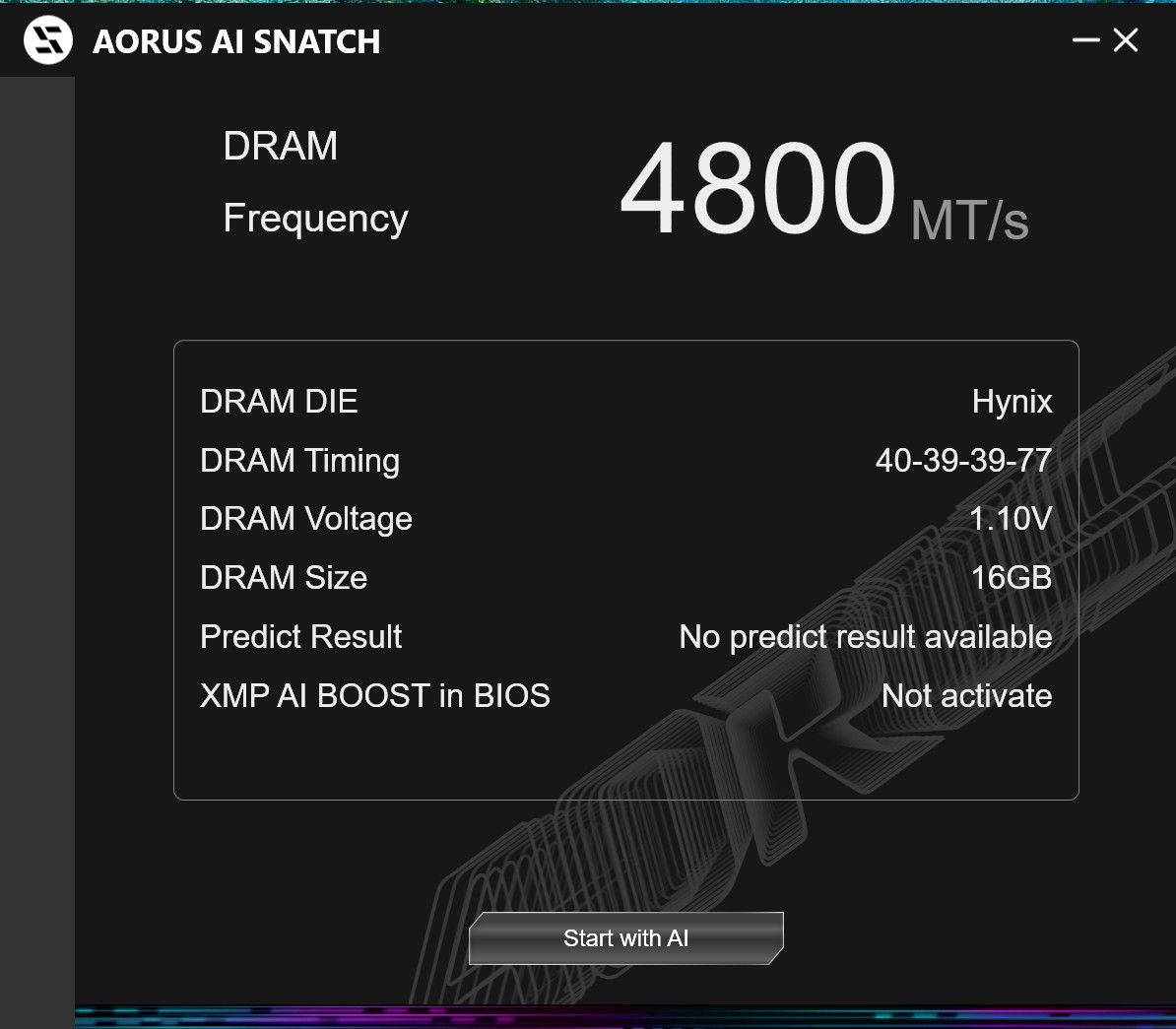
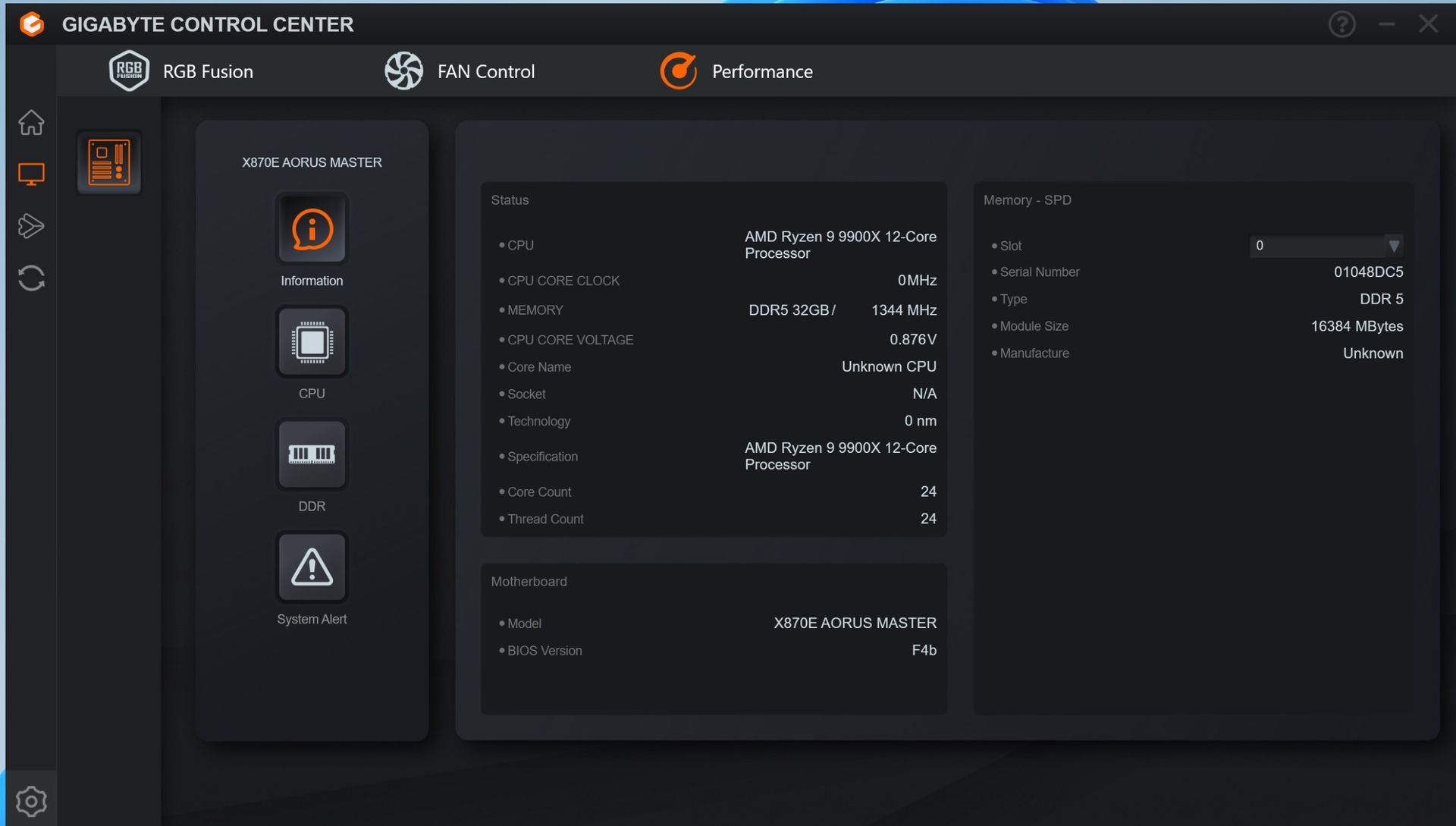
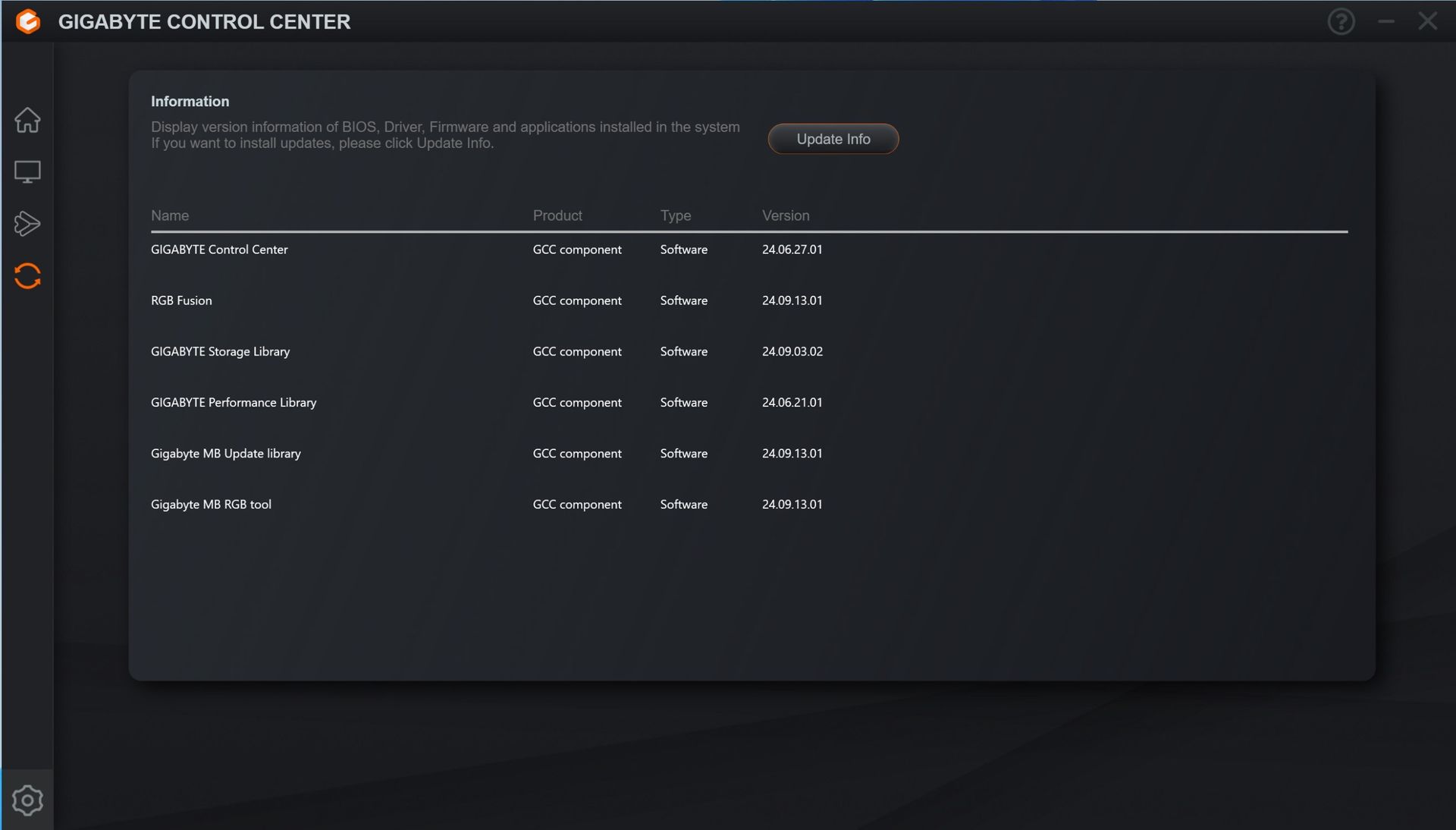
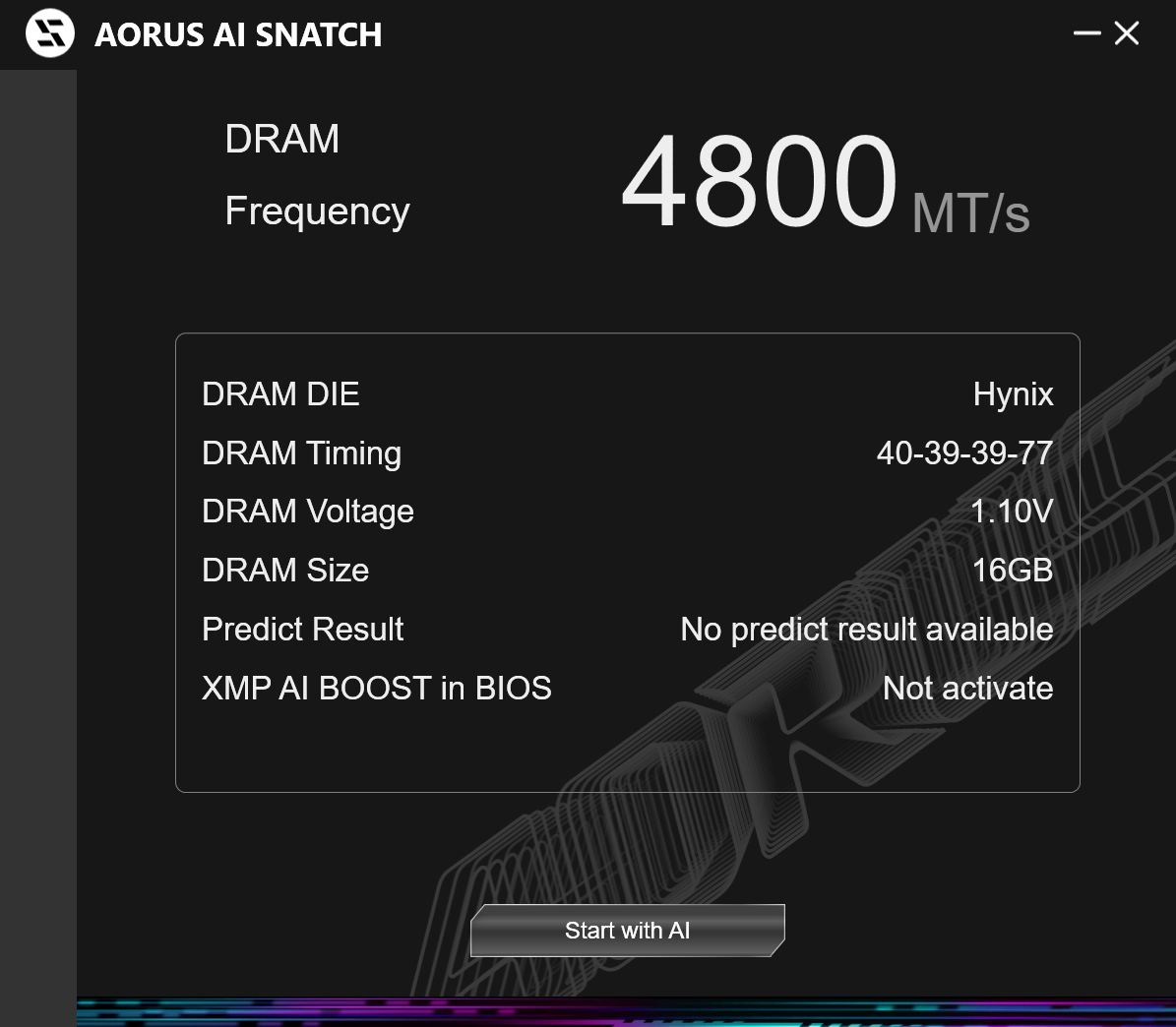
Gigabyte Control Center (GCC) is a one-stop solution for controlling various functions, including RGB and Fan control, hardware monitoring, and overclocking. It also helps you find, download, and install driver updates for your system. It’s a simple application that does its job. It’s also a much cleaner tool than the previous App Center. It earns our approval for the breadth of functionality it offers users. There’s also the curiously named AI Snatch to help with overclocking.
Test System / Comparison Products
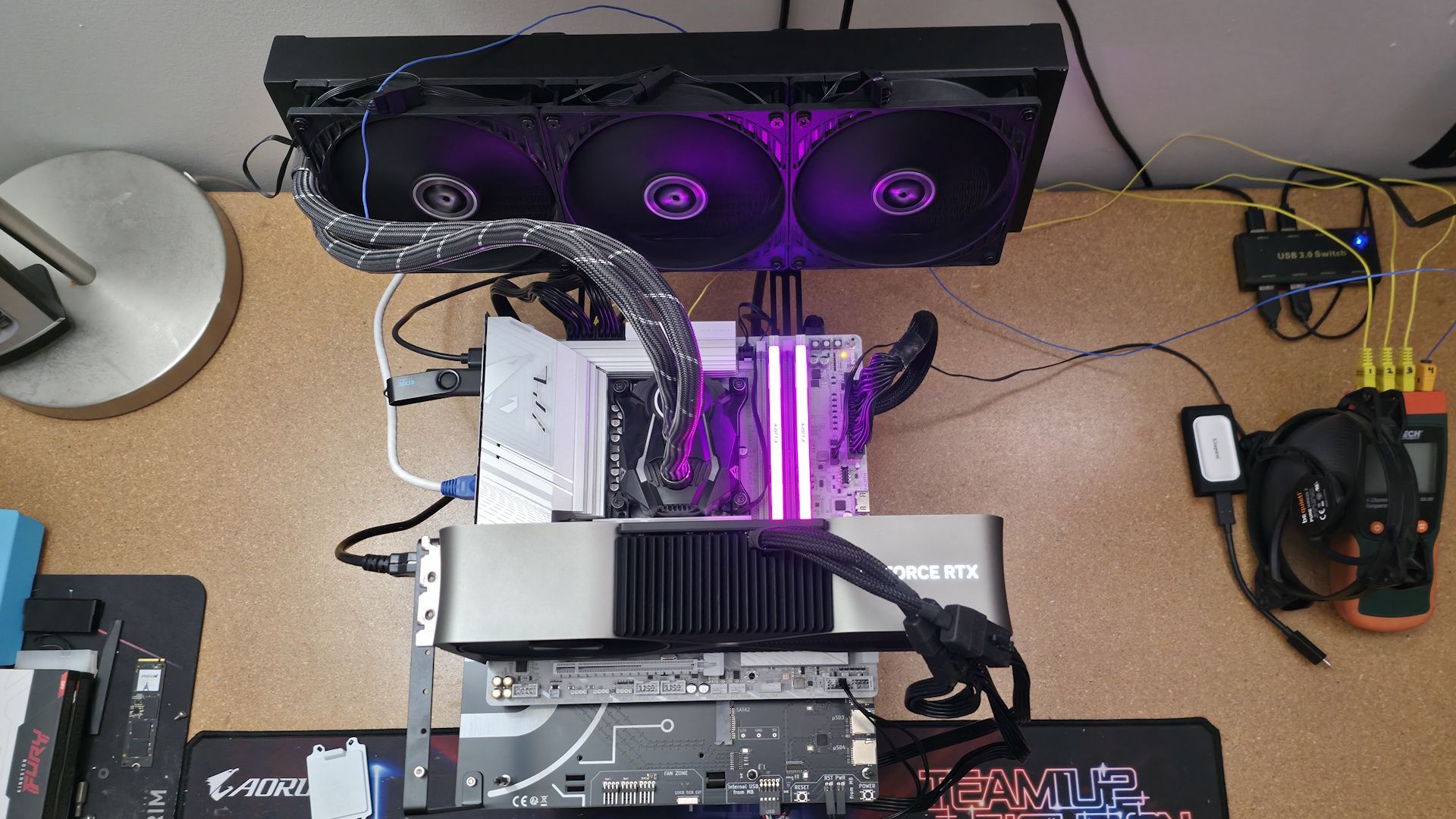
We’ve updated our test system to Windows 11 (25H2) 64-bit OS with all updates applied as of late April 2026. On the hardware front, we’ve updated the RAM kits to ones appropriate for the platform. Peripherals, including cooling, storage, power supply, and graphics cards, remain unchanged. We also use the latest publicly available BIOS unless otherwise noted. The hardware we used is as follows:
TEST SYSTEM COMPONENTS:
- CPU - Intel Core Ultra 7 270K Plus
- Cooling - Arctic Liquid Freezer II 420
- Storage - Crucial 2TB T705 M.2 PCIe 5.0 NVMe SSD
- RAM - Kingston Fury Renegade - 32GB DDR5-7600 CL38 (KF576C38RWAK2-32)
- RAM - G.Skill Trident Z5 CK - 32GB DDR5-8200 CL40 (F5-8200C4052G24GX2-TZZ5CK)
- RAM - V-Color 256GB (2x128GB) DDR5-8000 CL64 (TECQ5128G80Q864K)
- GPU - Asus TUF RTX 4080 16G
- PSU - EVGA Supernova 850W P6
- Windows 11 64-bit (25H2 - 26200.8037)
- NVIDIA Driver 595.97
Sound | Integrated HD audio |
Network | Integrated Networking (GbE to 10 GbE) |
Graphics Driver | GeForce 595.97 |
Benchmark Settings
Synthetic Benchmarks and Settings | |
Procyon | Version 2.8.1352 64 Office 365 |
Pugetbench | v1.4.20 |
3DMark | Version 2.29.8294.0 64 Speed Way and Steel Nomad (Default) |
Cinebench R26 | Version 2026.1.0 |
Blender | Version 5.0.0 |
Application Tests and Settings | |
LAME MP3 | Version SSE2_2019 Mixed 271MB WAV to mp3: Command: -b 160 --nores (160Kb/s) |
HandBrake CLI | Version: 1.11.0 Sintel Open Movie Project: 4.19GB 4K mkv to x264 (light AVX) and x265 (heavy AVX) |
Corona 10 | Version 10 Default benchmark |
7-Zip | Version 26.00 Integrated benchmark (Command Line) |
Game Tests and Settings | |
Cyberpunk 2077 | Ultra RT: - 1920 x 1080, DLSS - Balanced. |
F1 2025 | Ultra High Preset - 1920 x 1080, 16xAF/TAA, Texas (Clear/Dry), FPS Counter ON |
MORE: Best Motherboards
MORE: How To Choose A Motherboard
MORE: Best Motherboard Deals
MORE: Best Motherboard Combo Deals
MORE: All Motherboard Content
Benchmark Results
Our standard benchmarks and power tests are performed using the CPU’s stock frequencies (including any default boost/turbo) with all power-saving features at default. We set optimized defaults in the BIOS, then enable the XMP profile to set the memory. If the BIOS enables boosts by default, it runs like that. We set the Windows power scheme to Balanced (default) for this baseline testing, so the PC idles appropriately.
Synthetic Benchmarks and Real World Applications
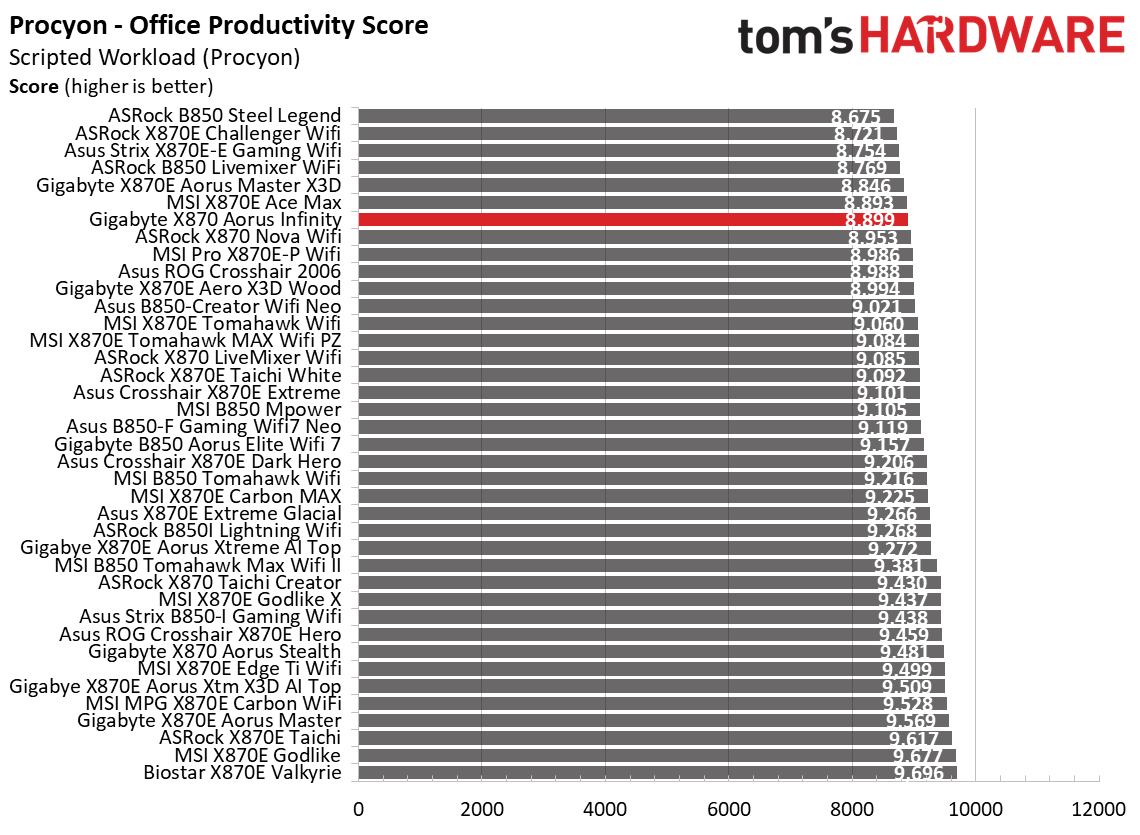
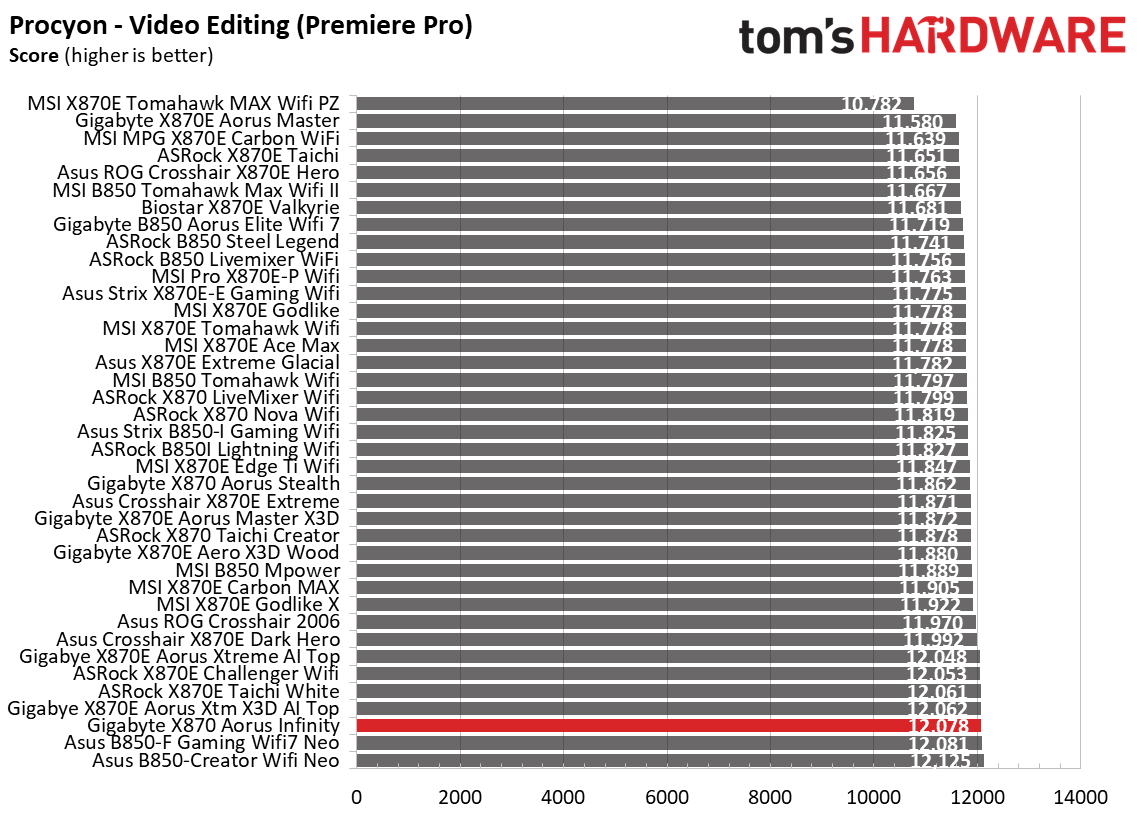
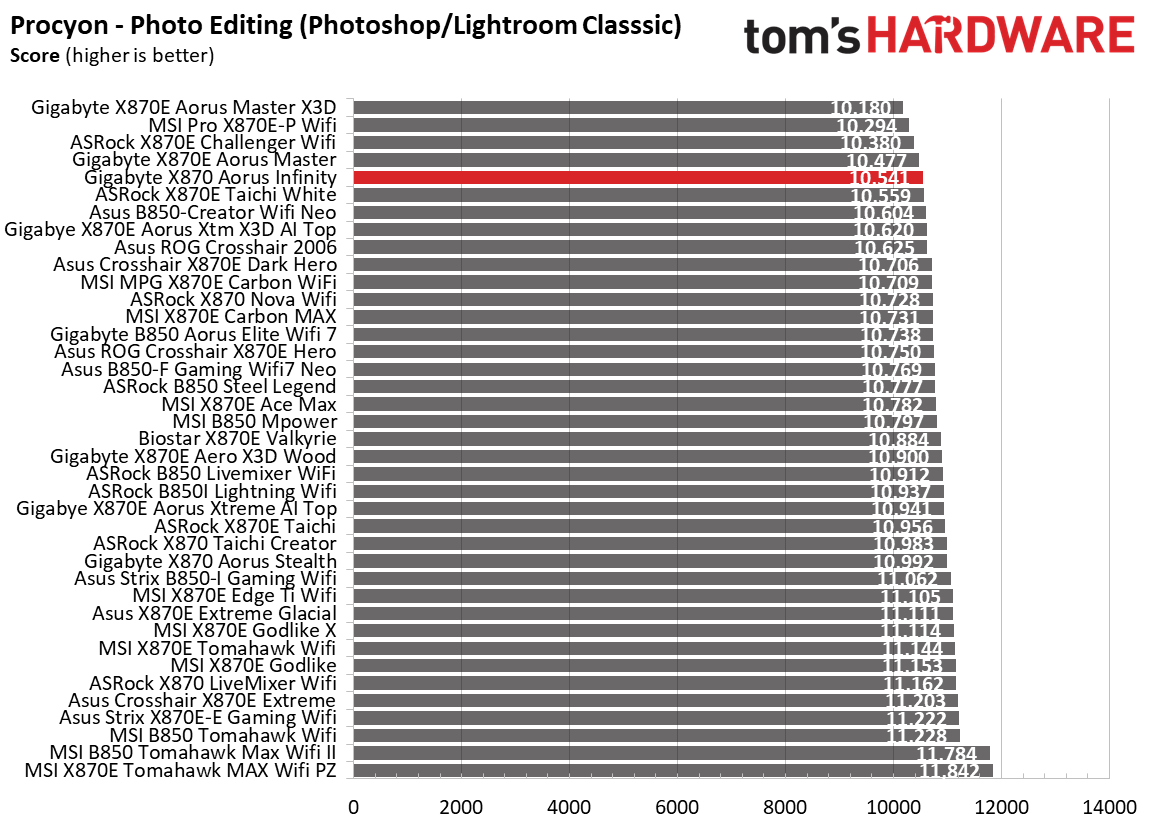
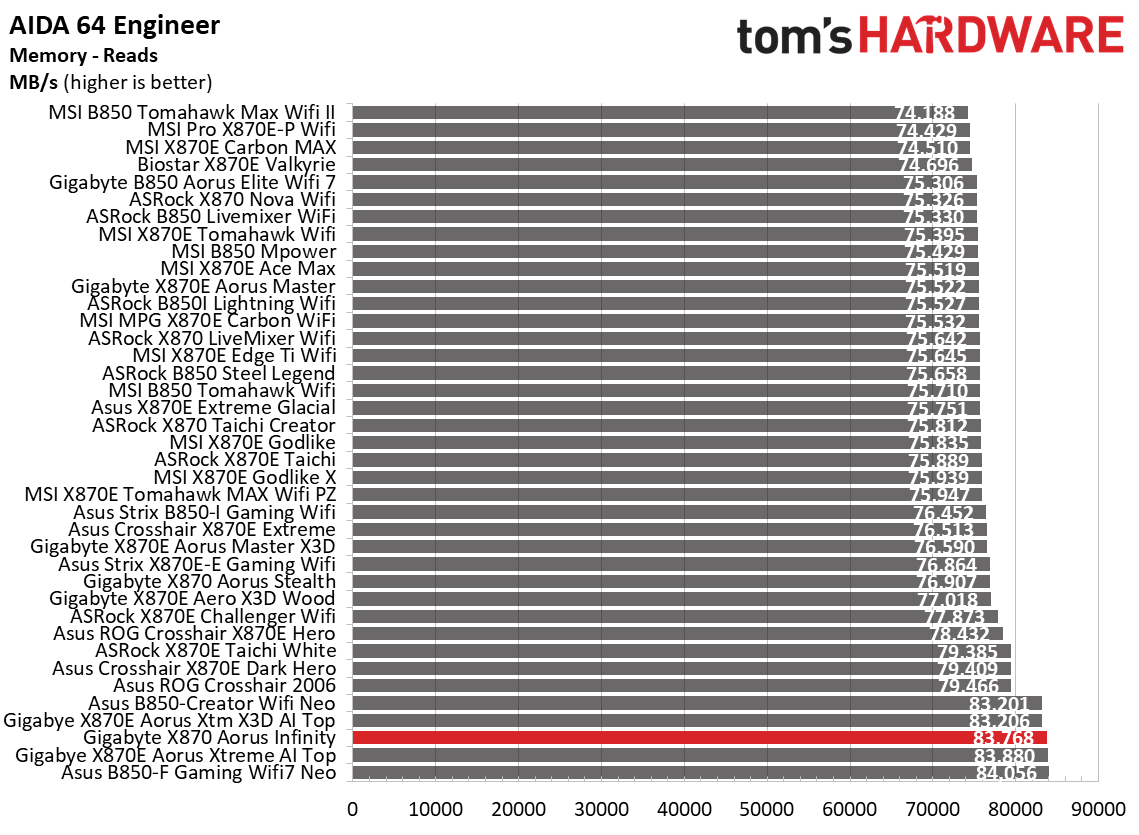
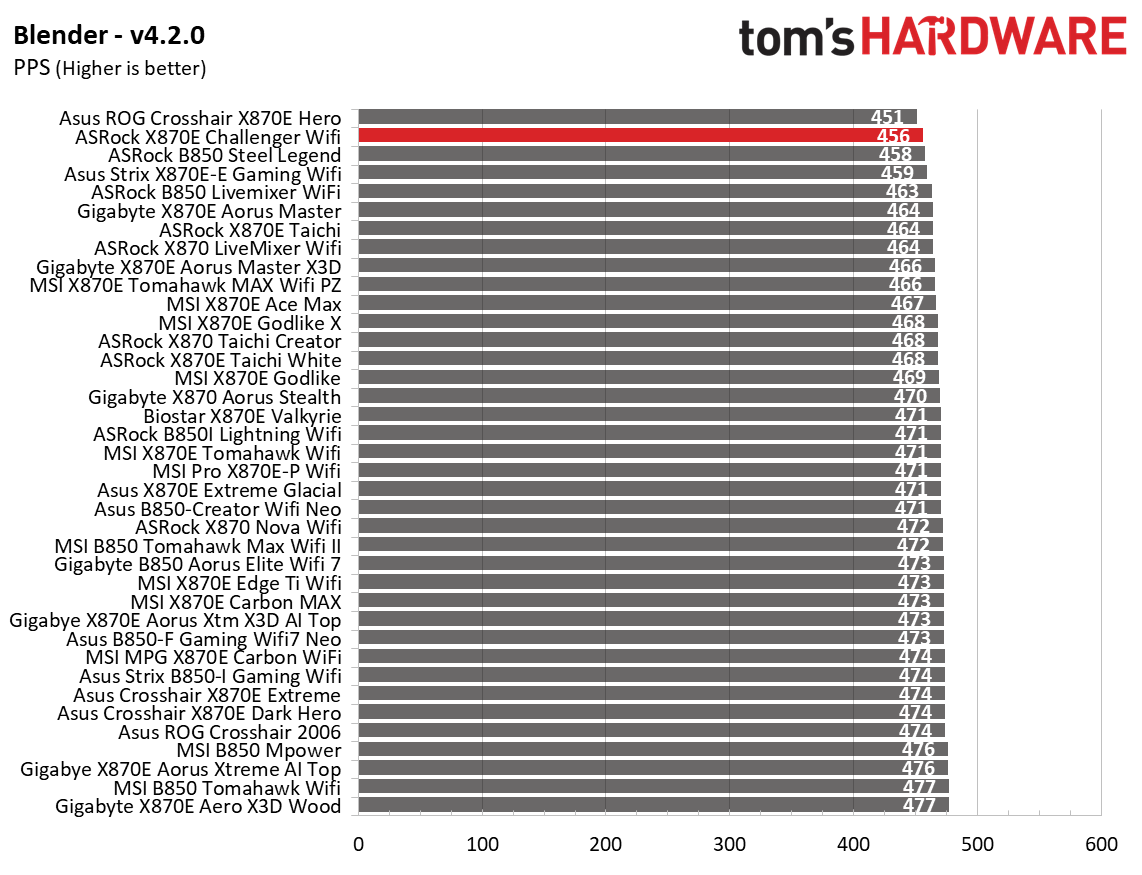
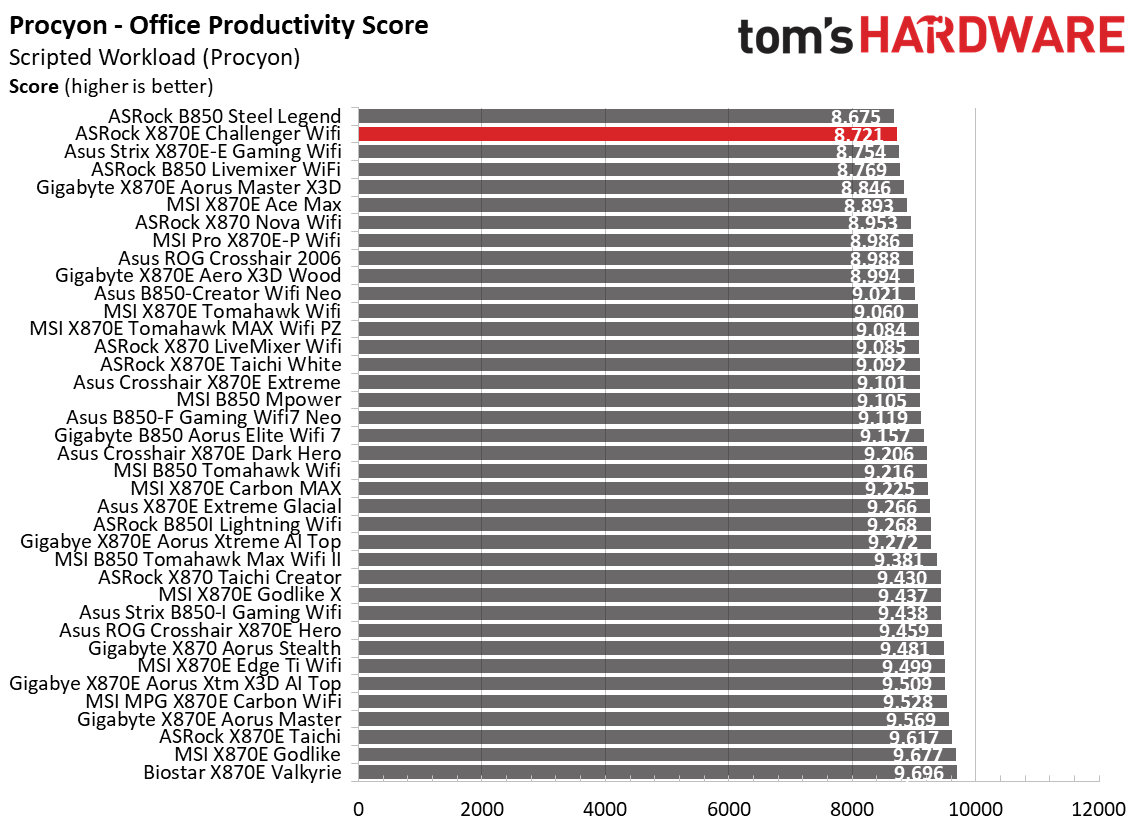
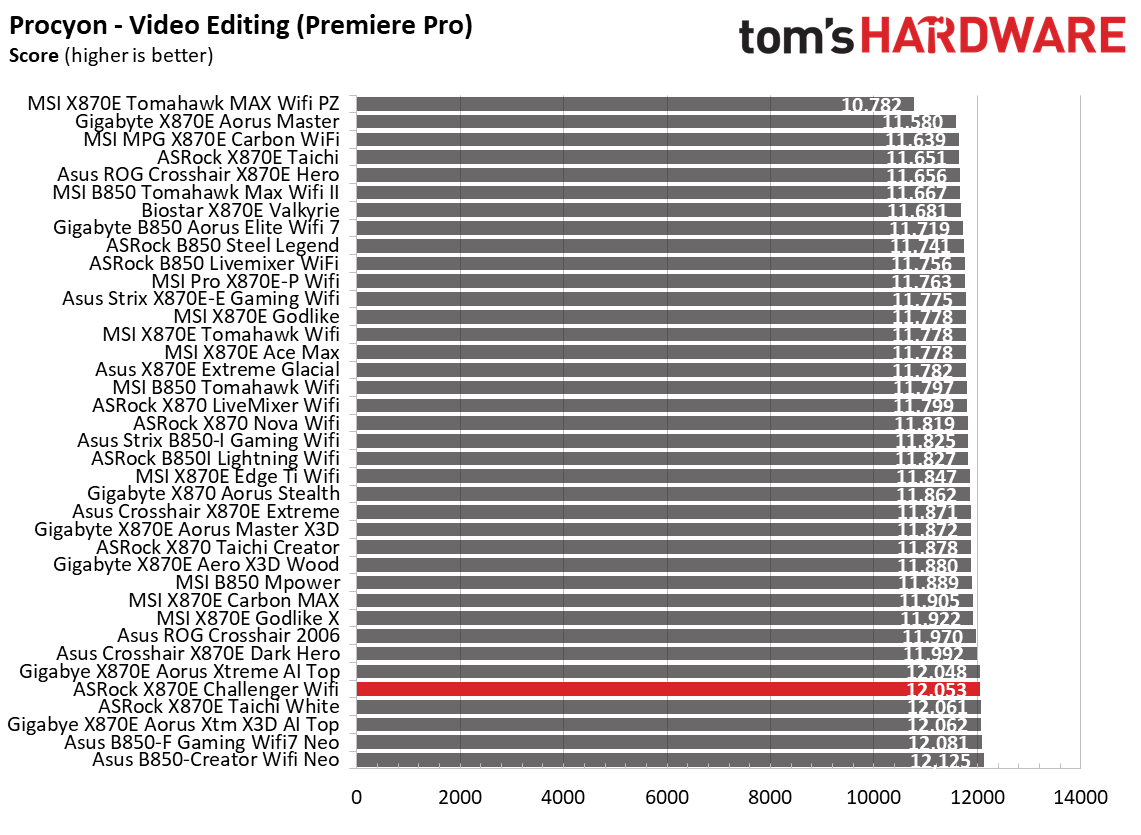
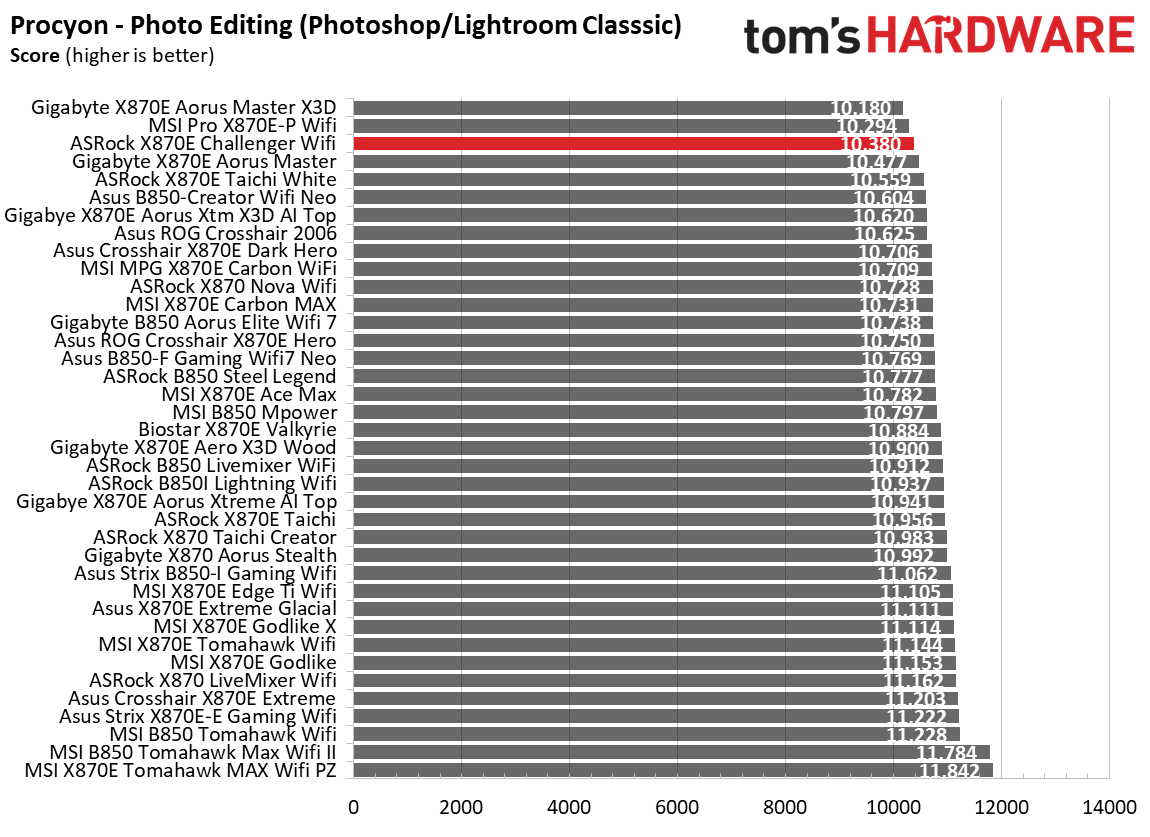
Synthetics offer a valuable way to evaluate a board's performance, since identical settings should yield similar results. Turbo boost wattage and advanced memory timings are areas where motherboard manufacturers can still optimize for stability or performance, though, and these settings can impact specific testing scenarios. We’ve also combined our previous ‘timed’ benchmark applications into this section..
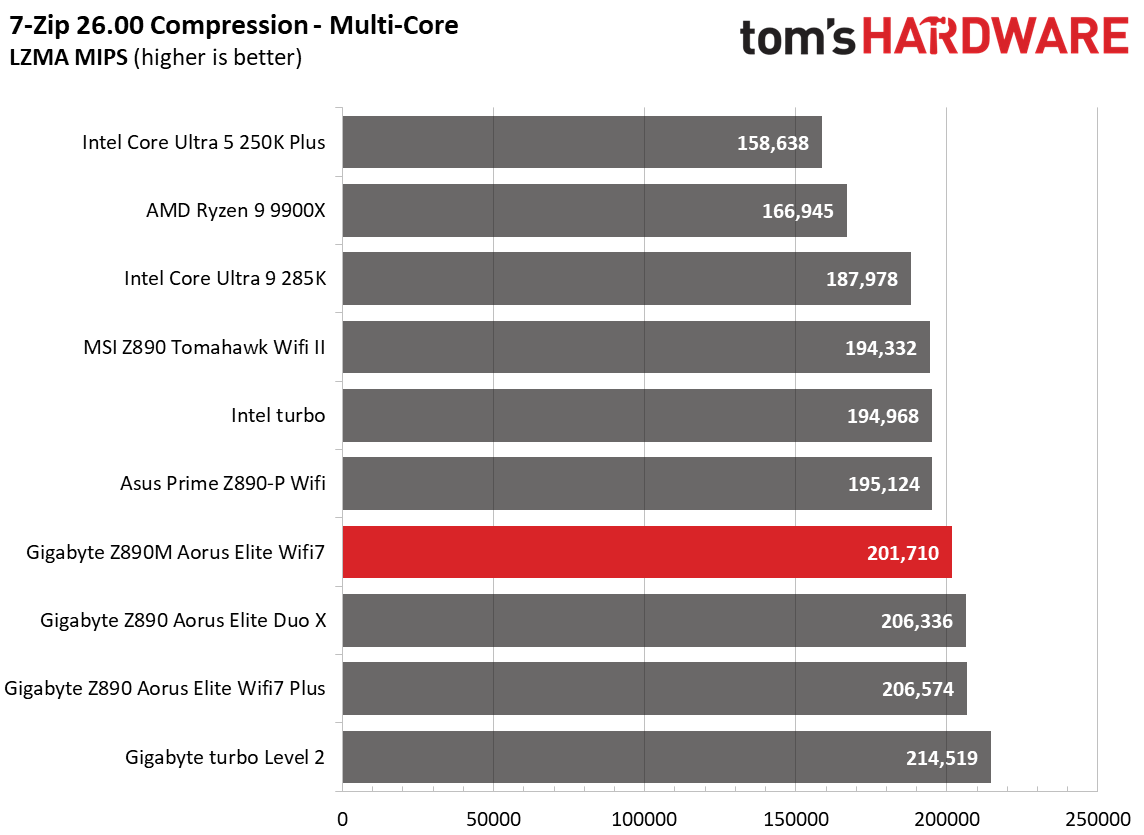
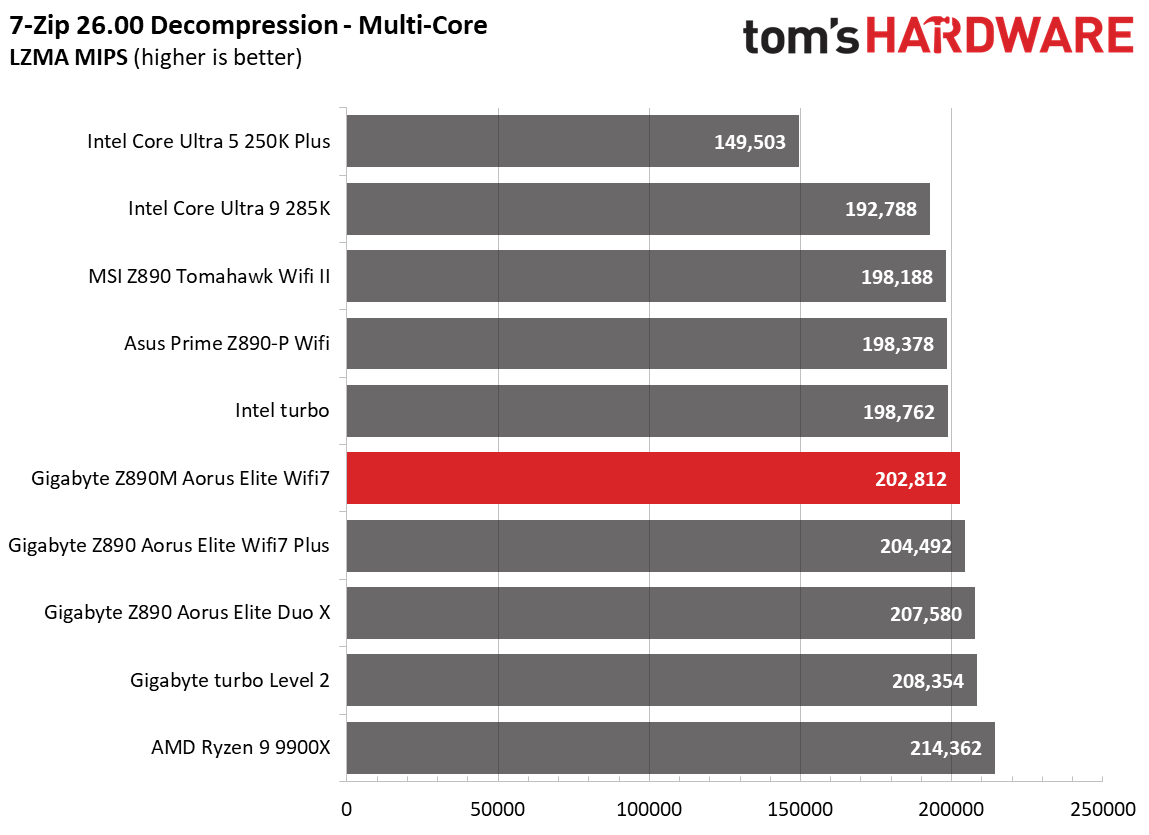
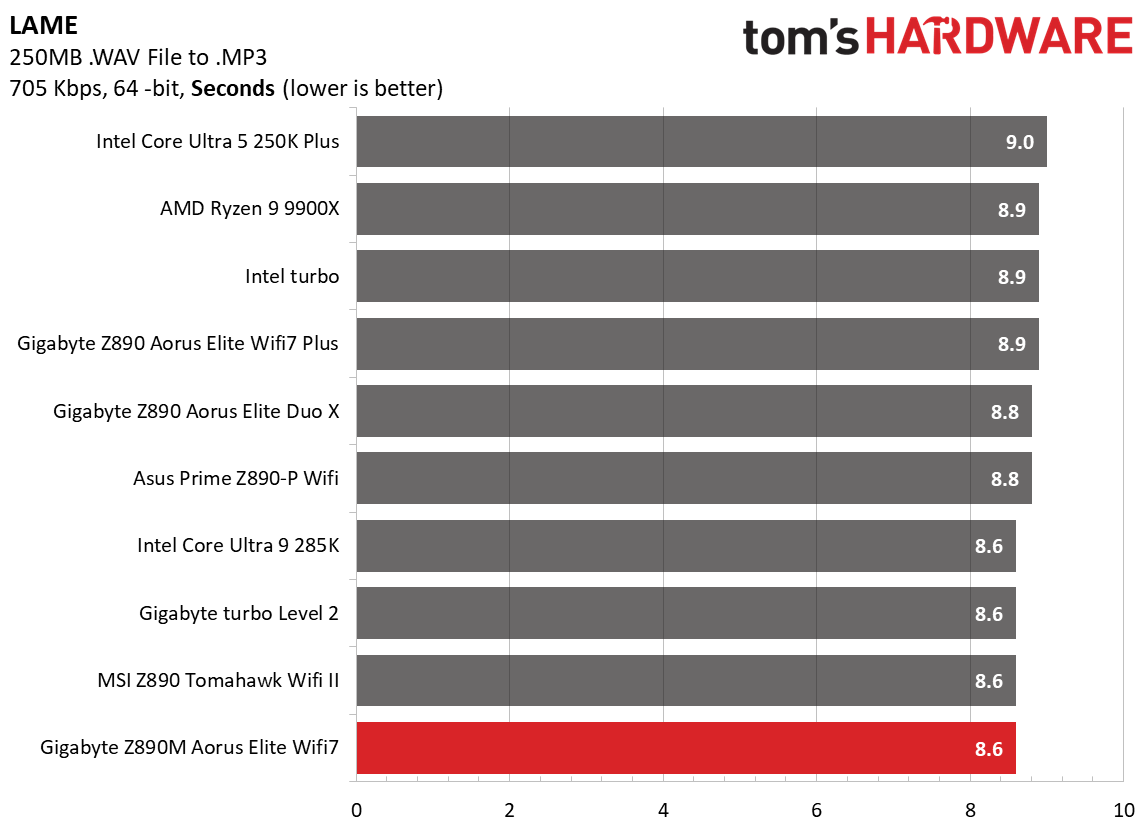
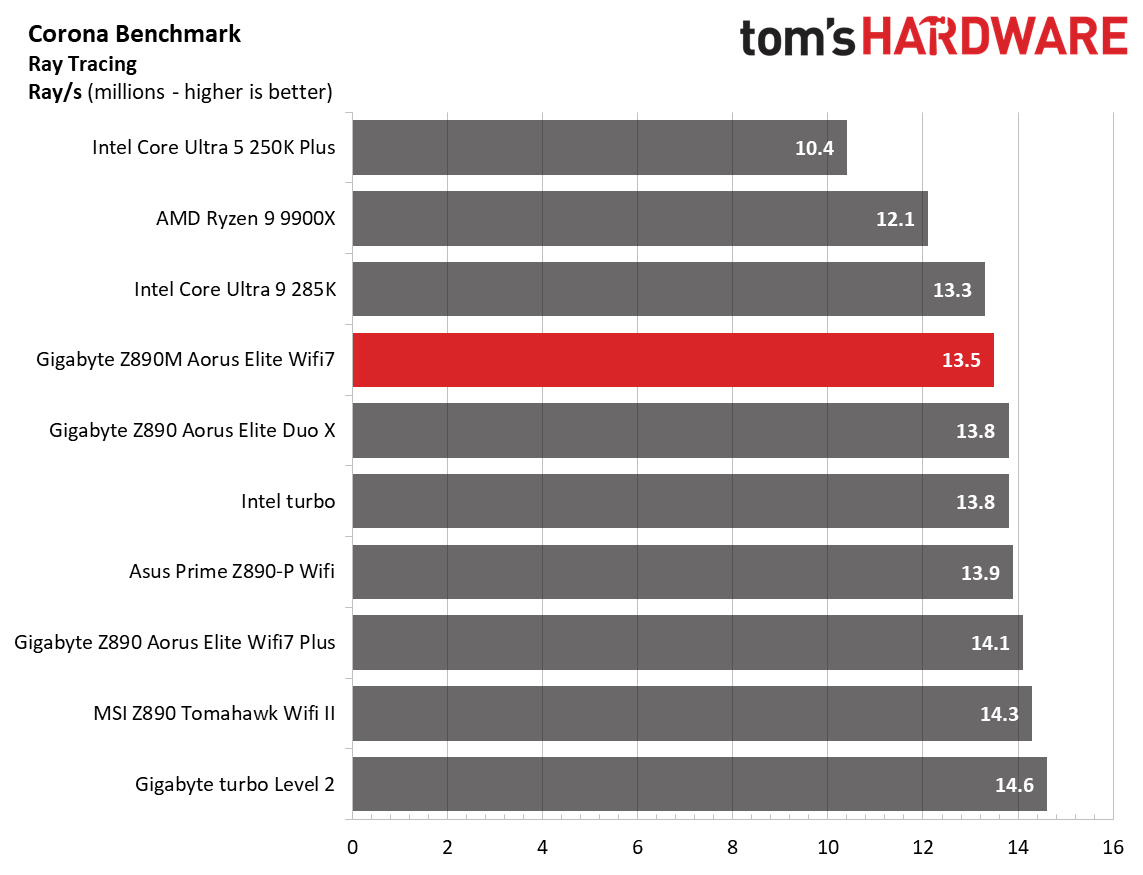
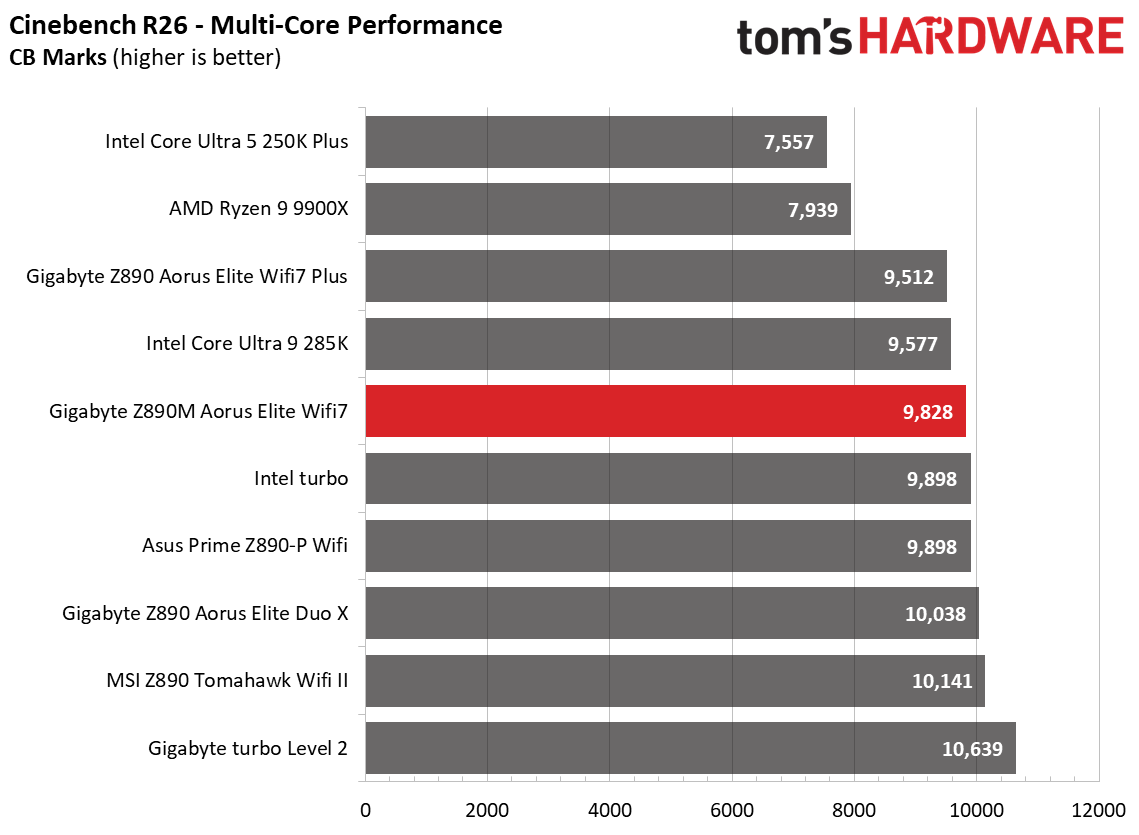
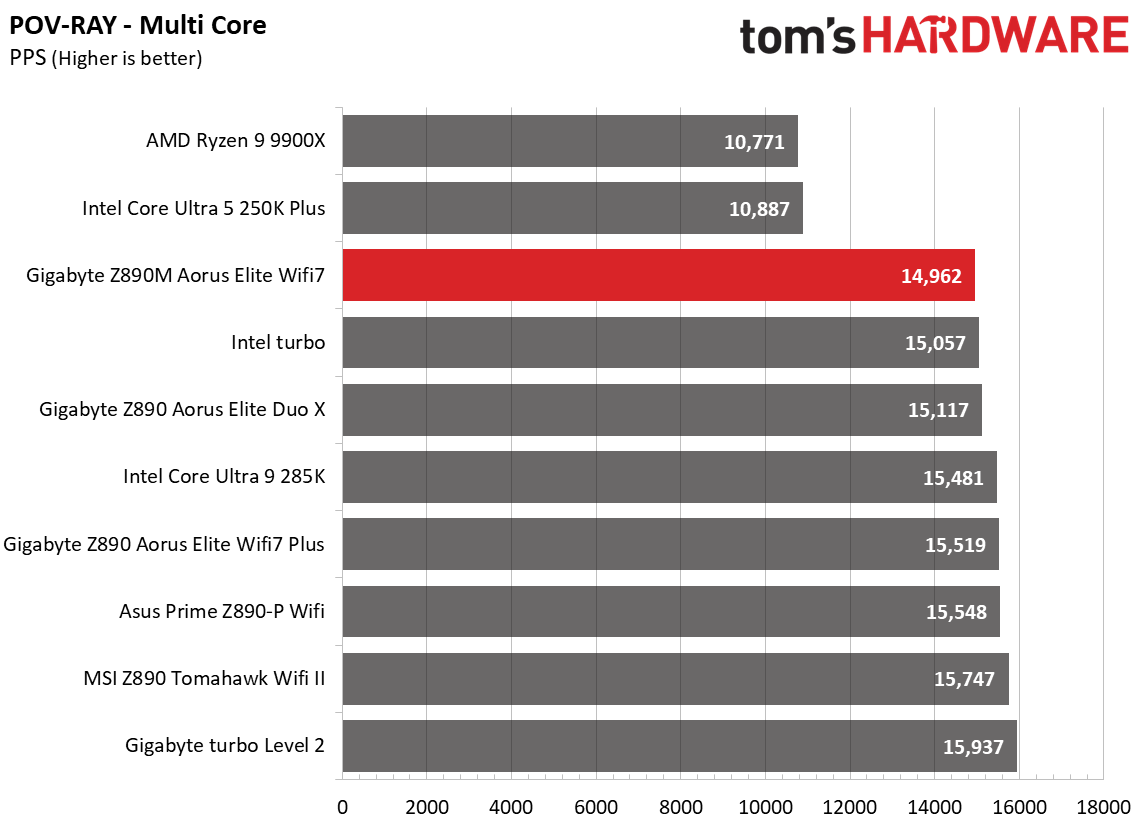
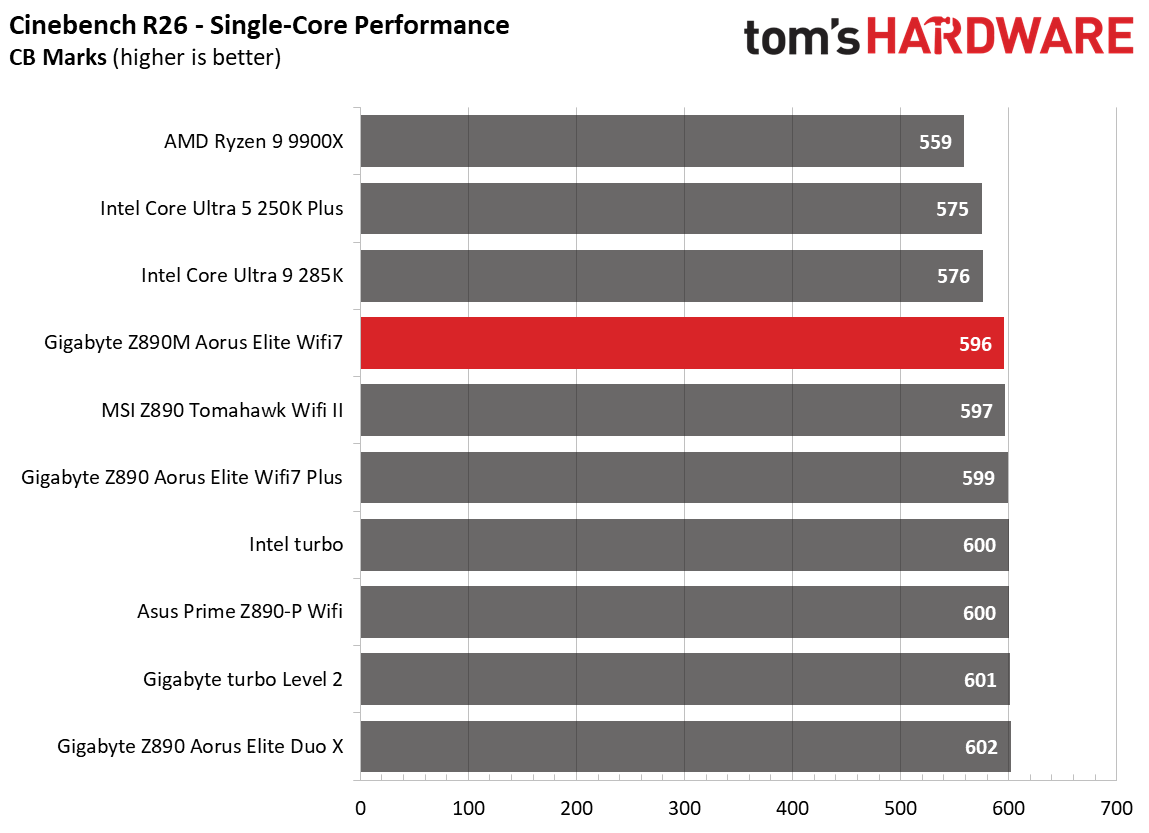
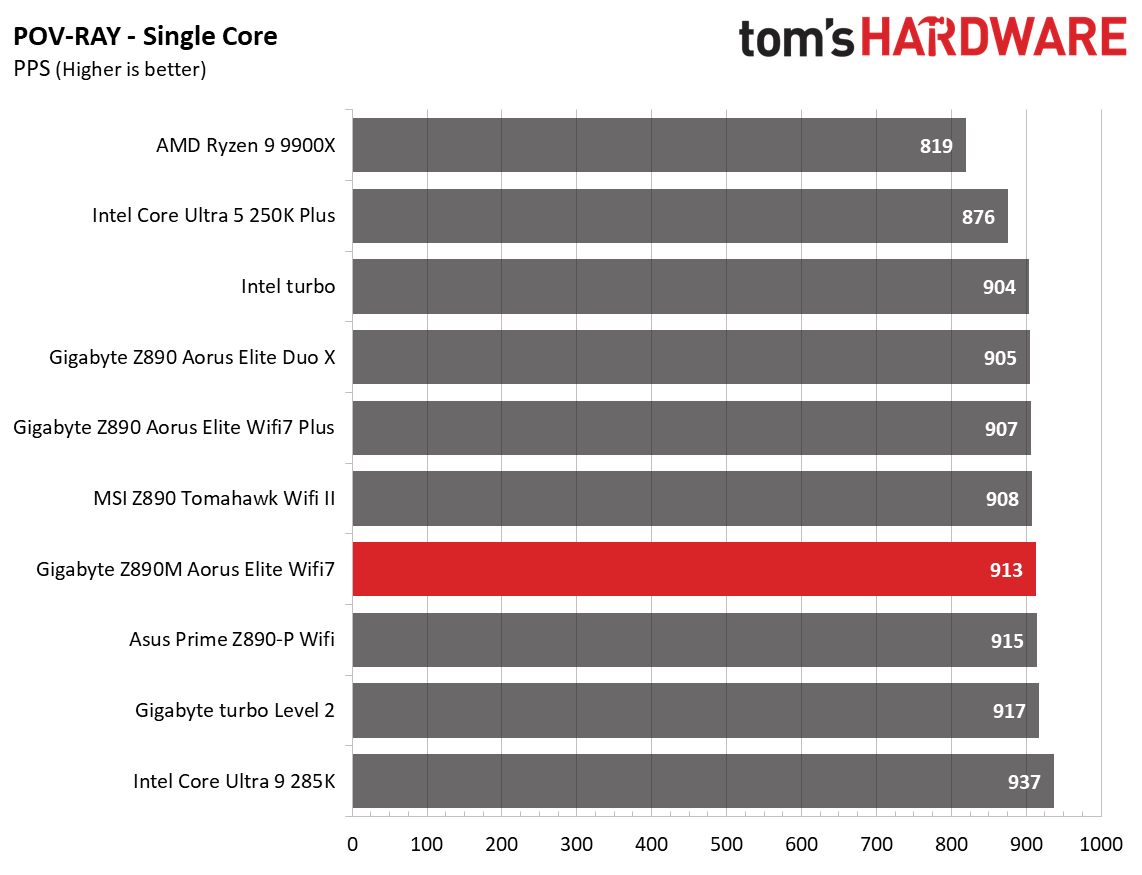
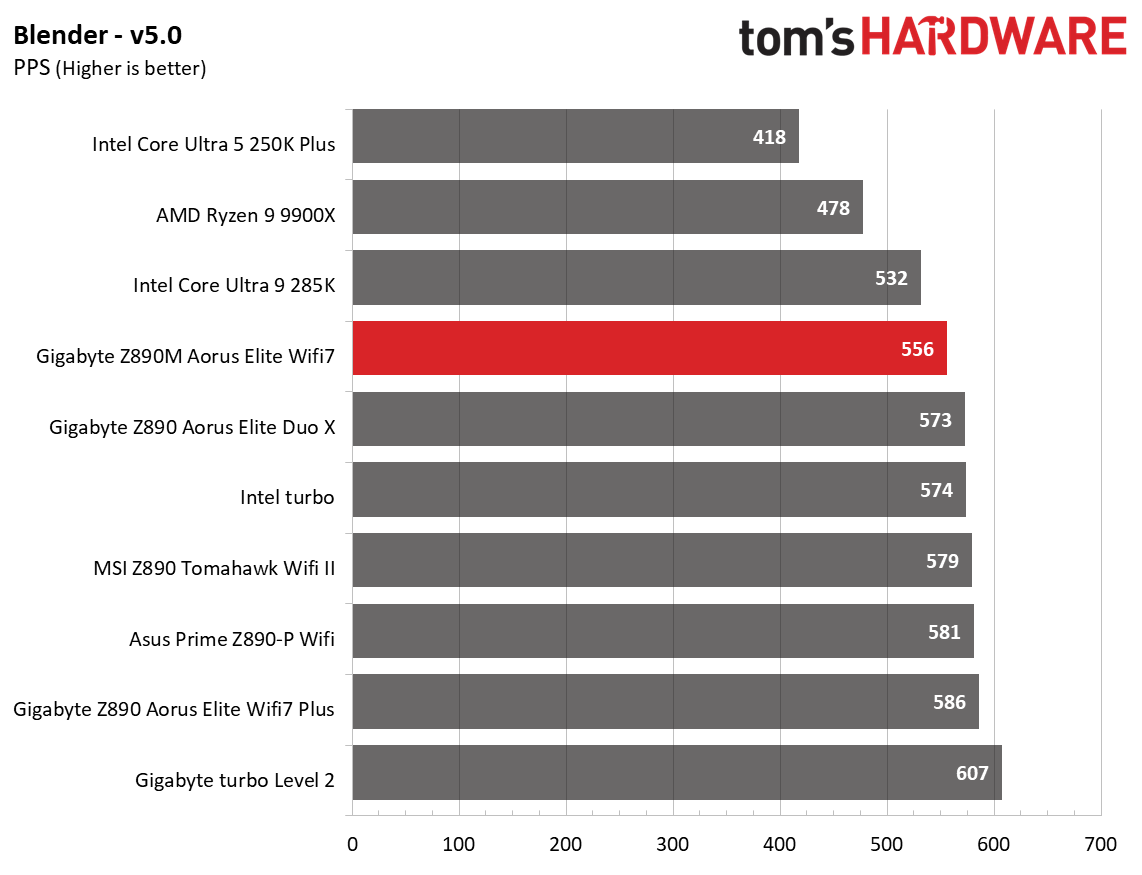
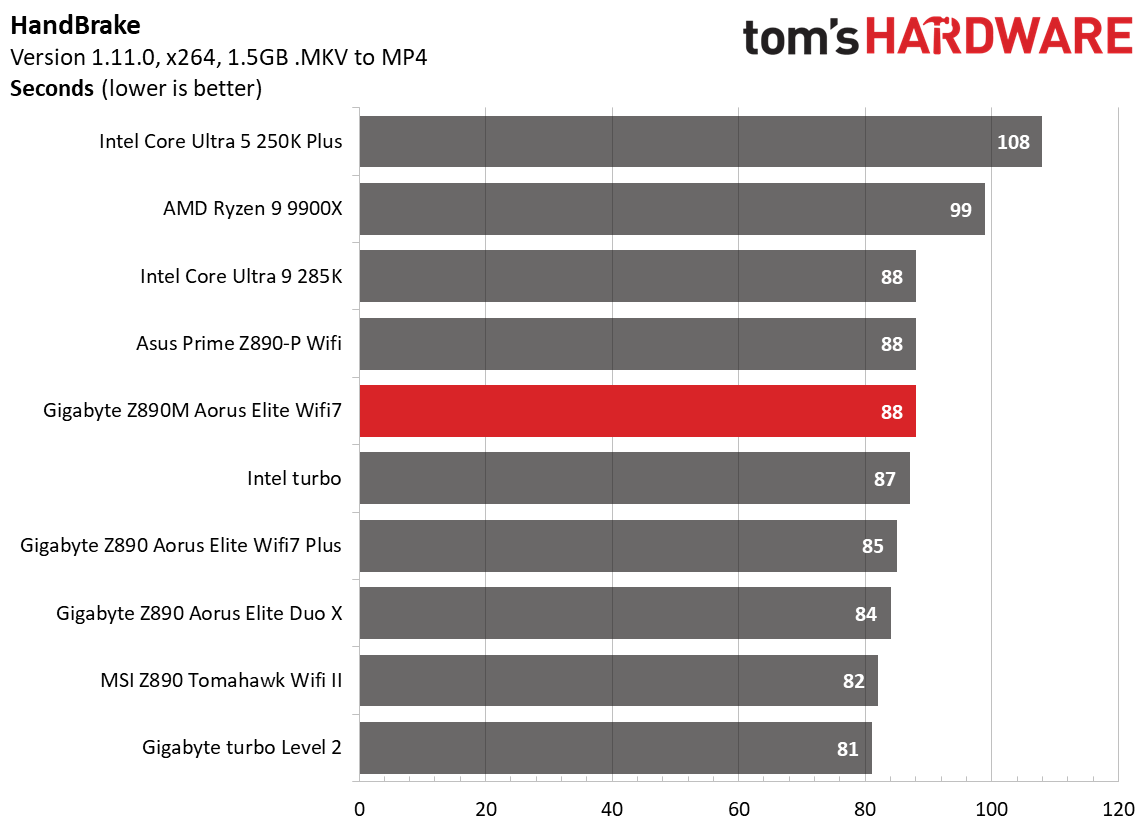
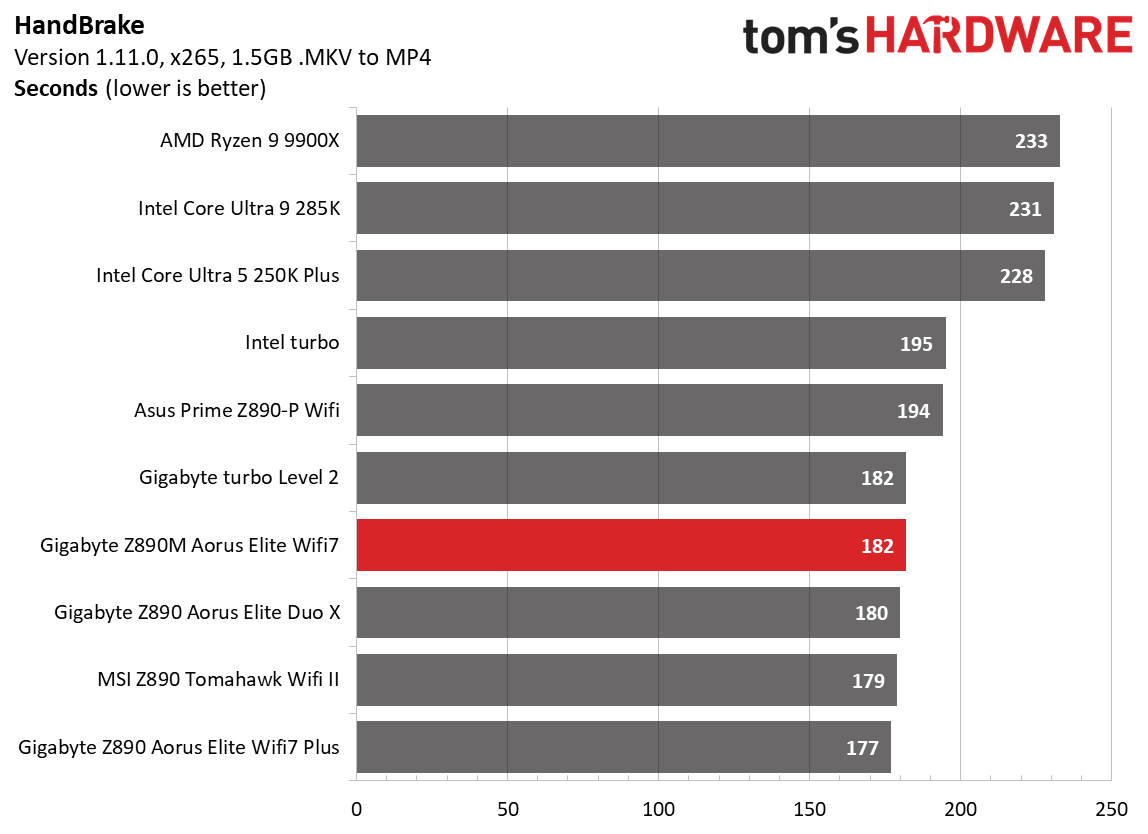
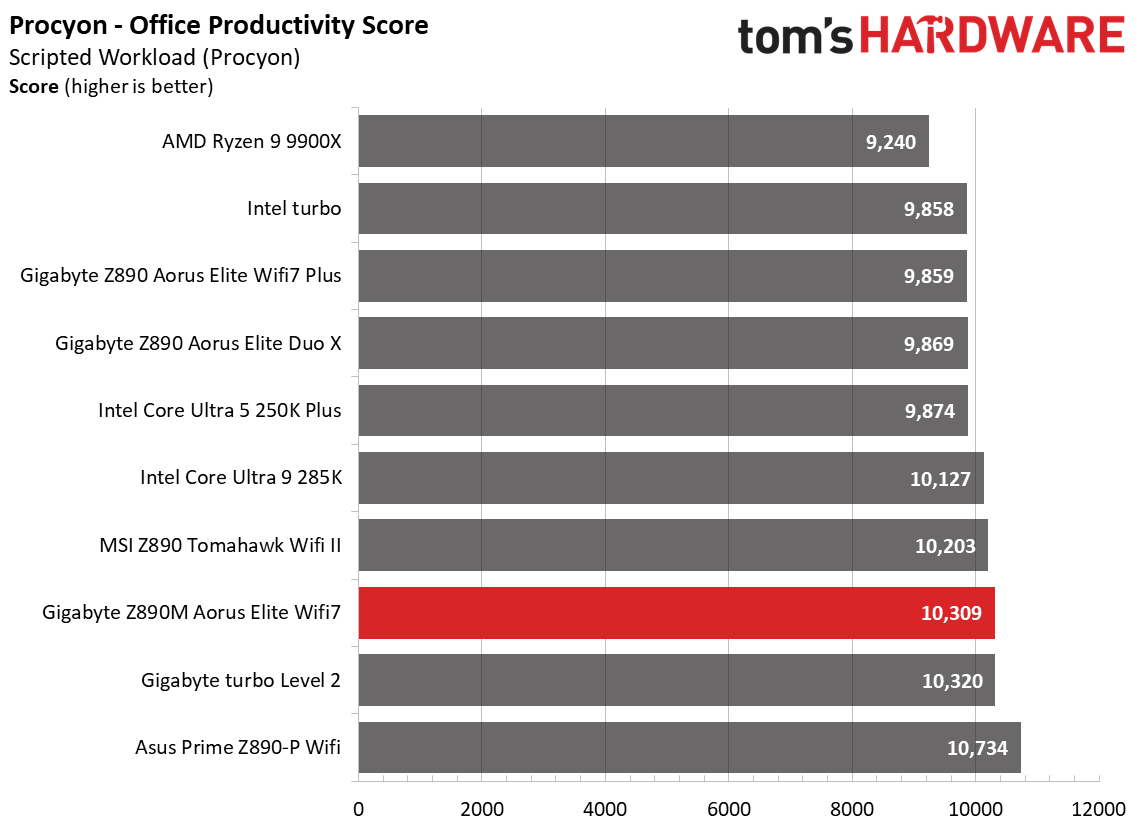
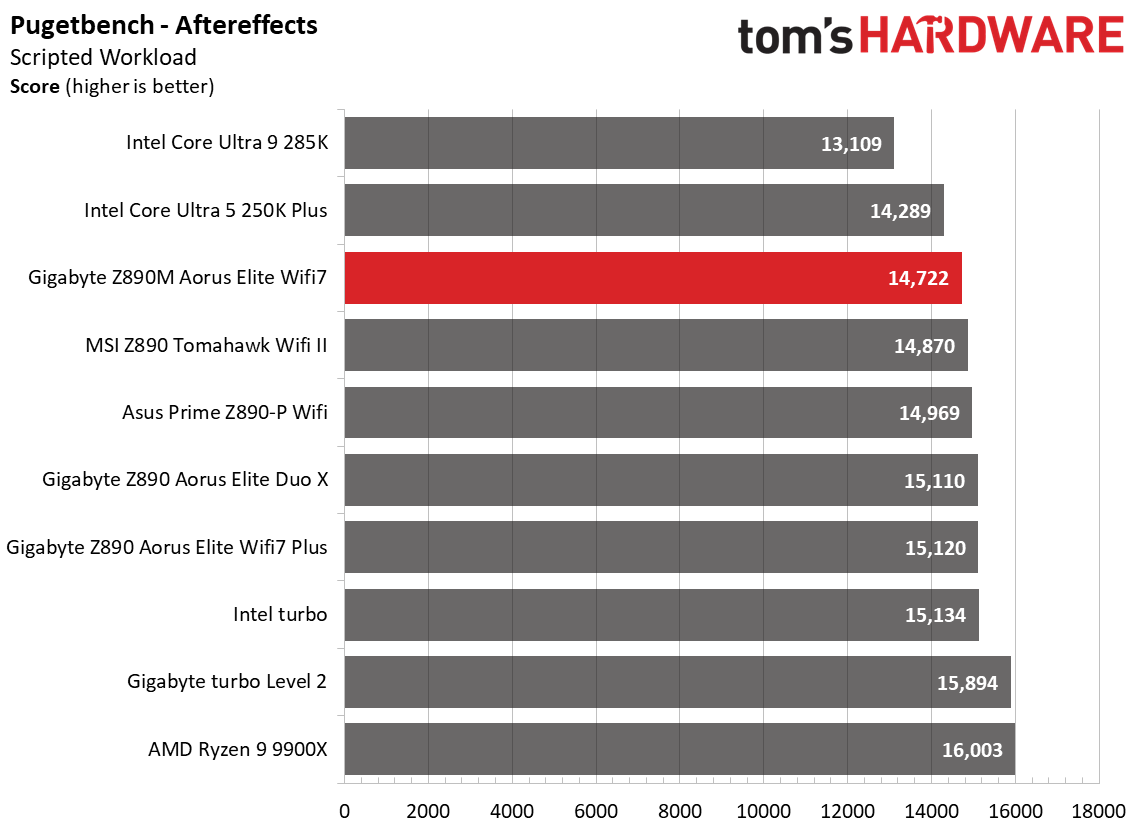
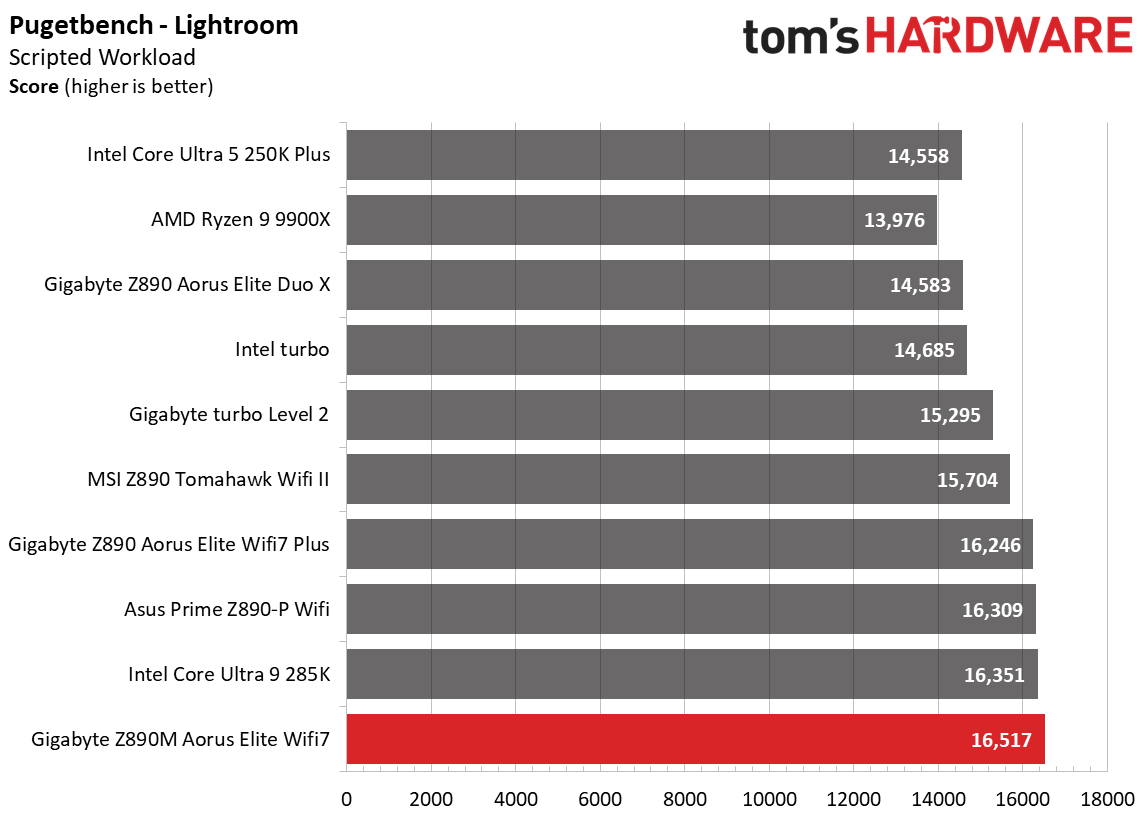
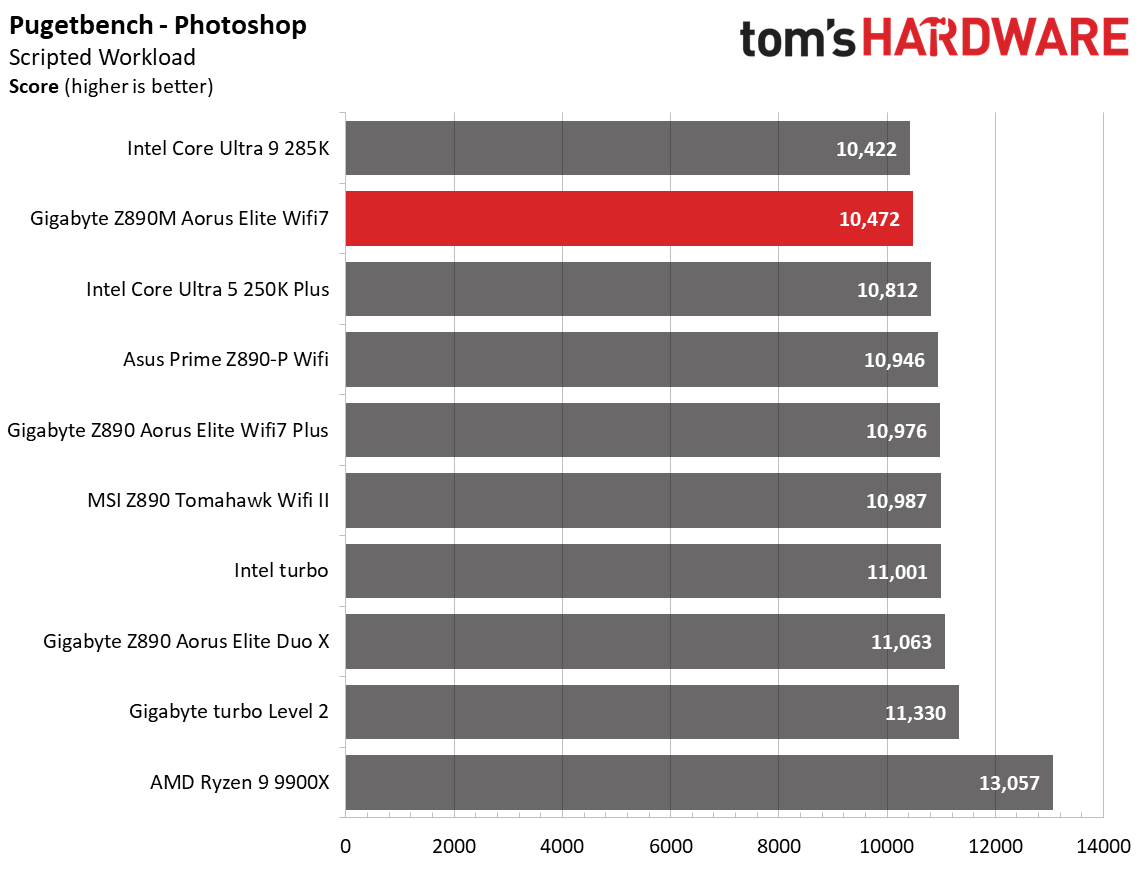
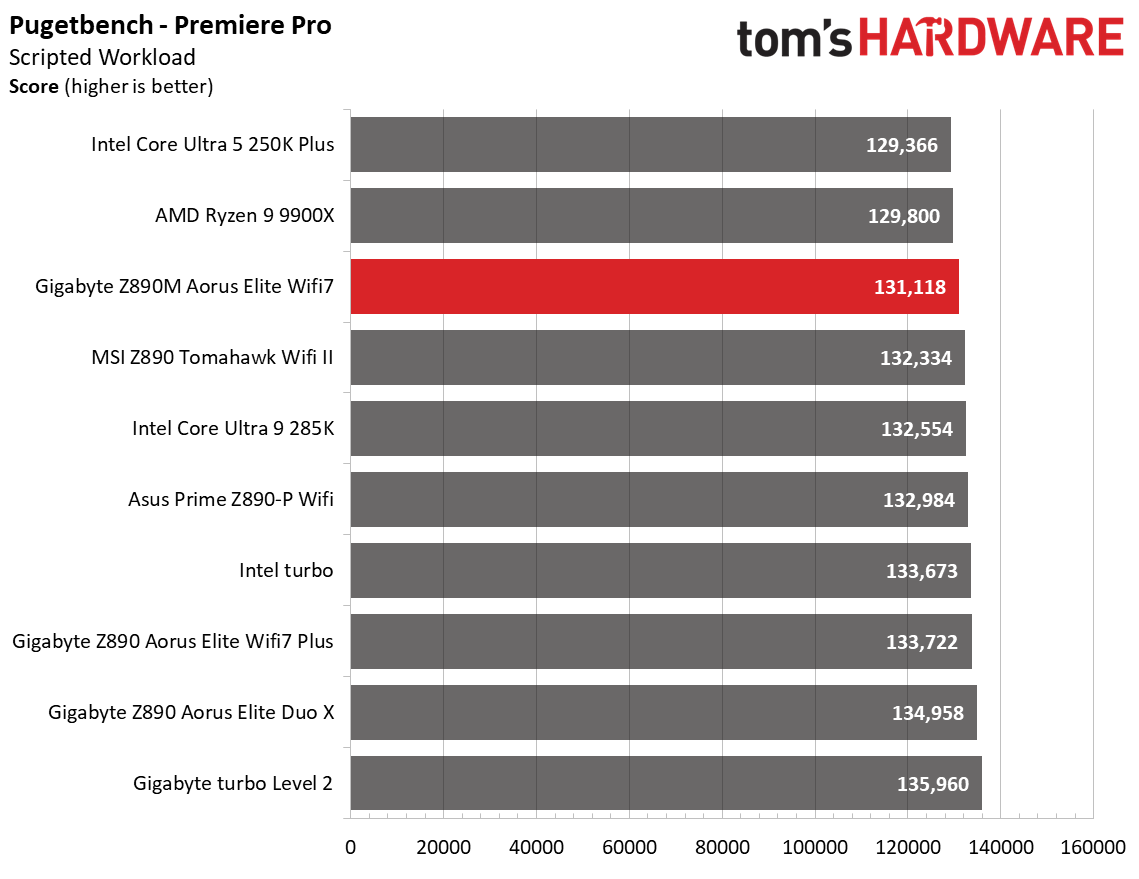
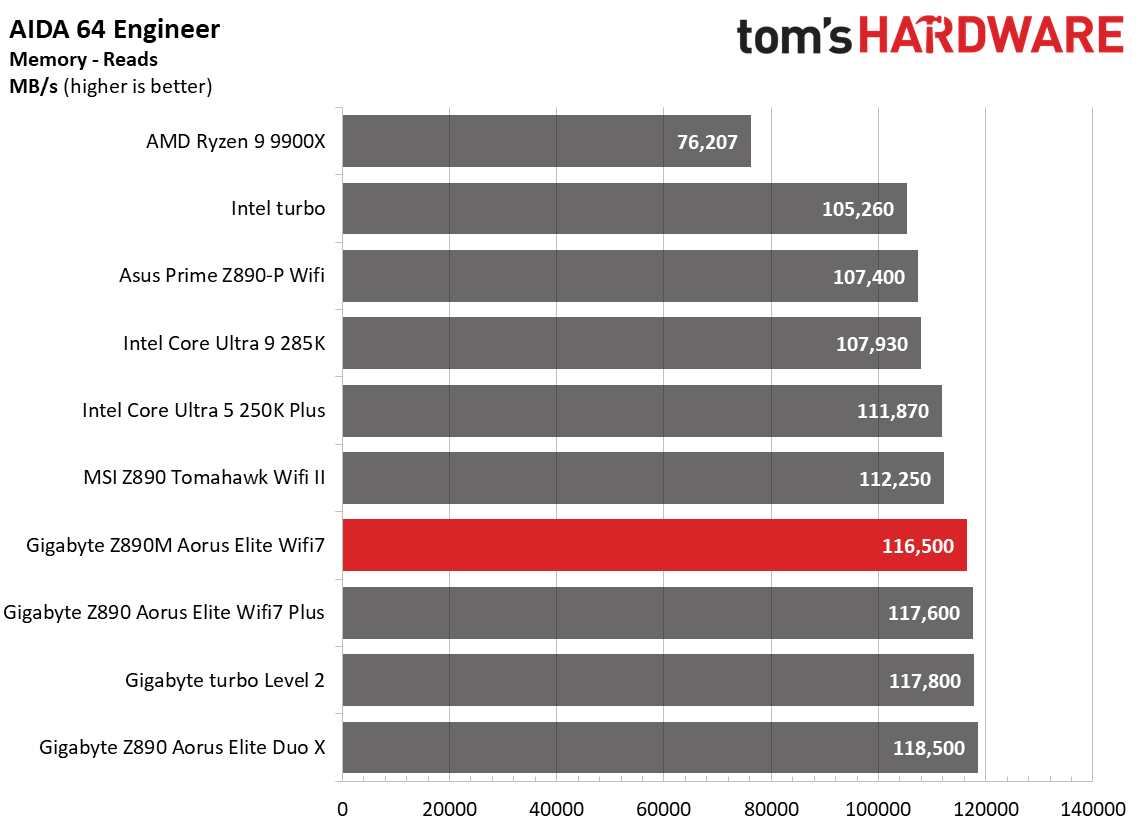
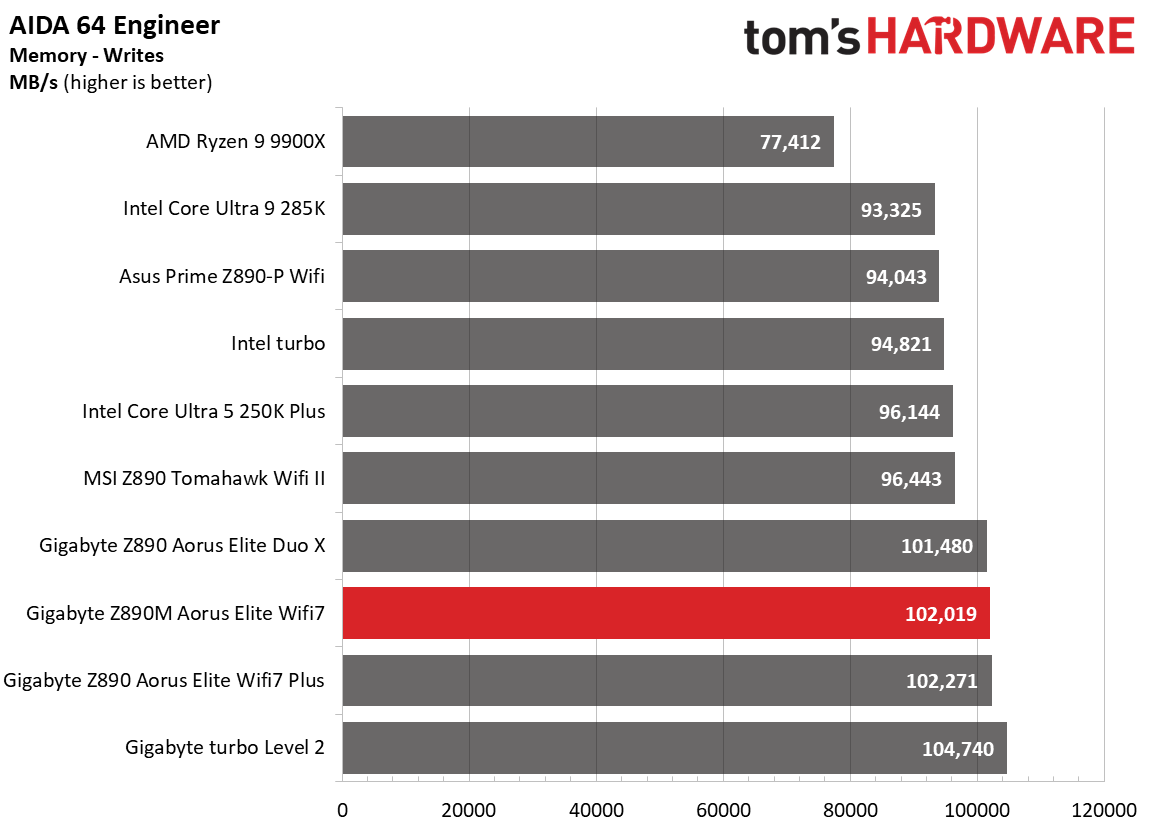
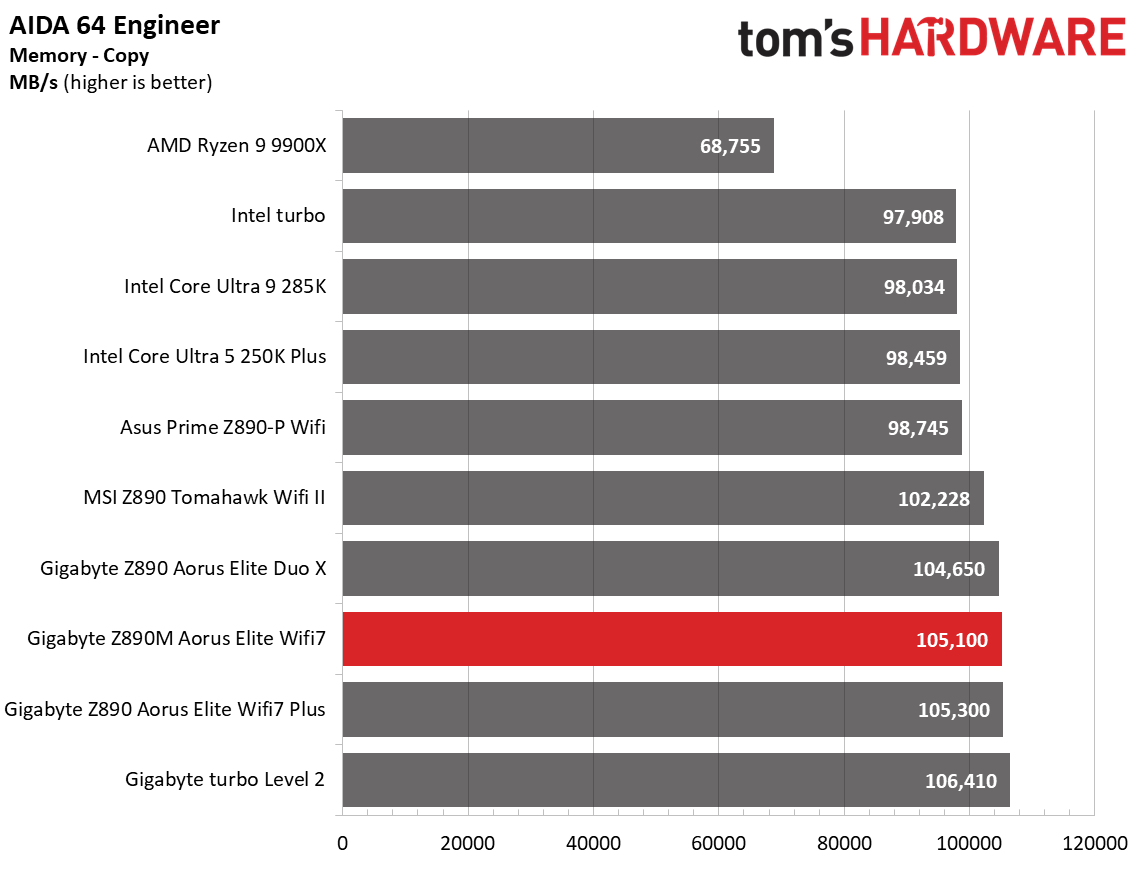
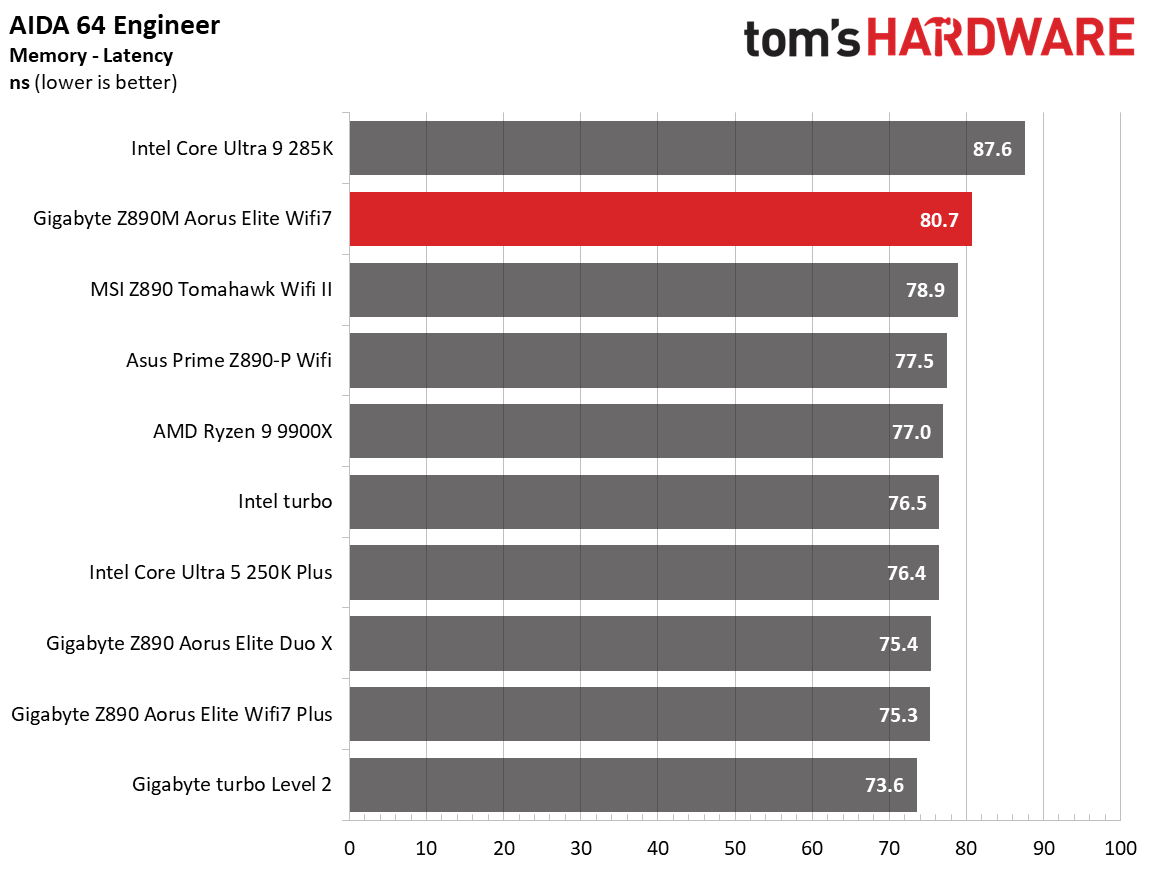
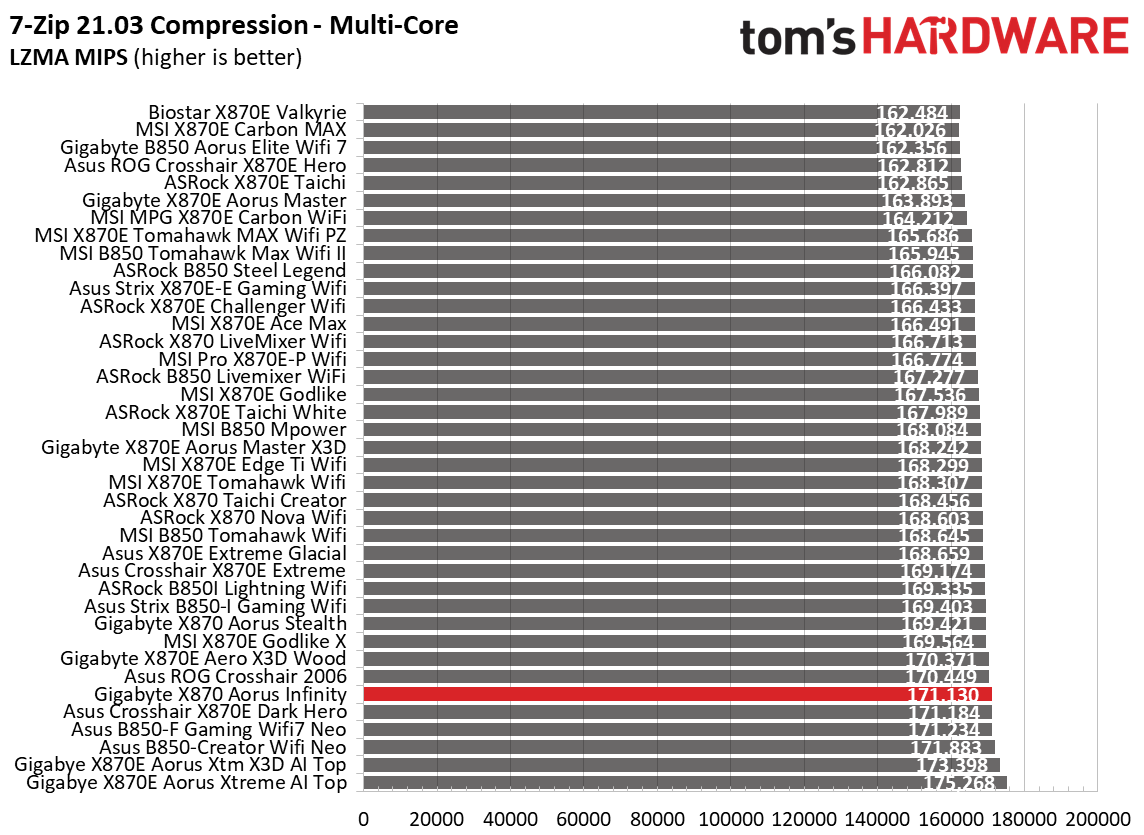
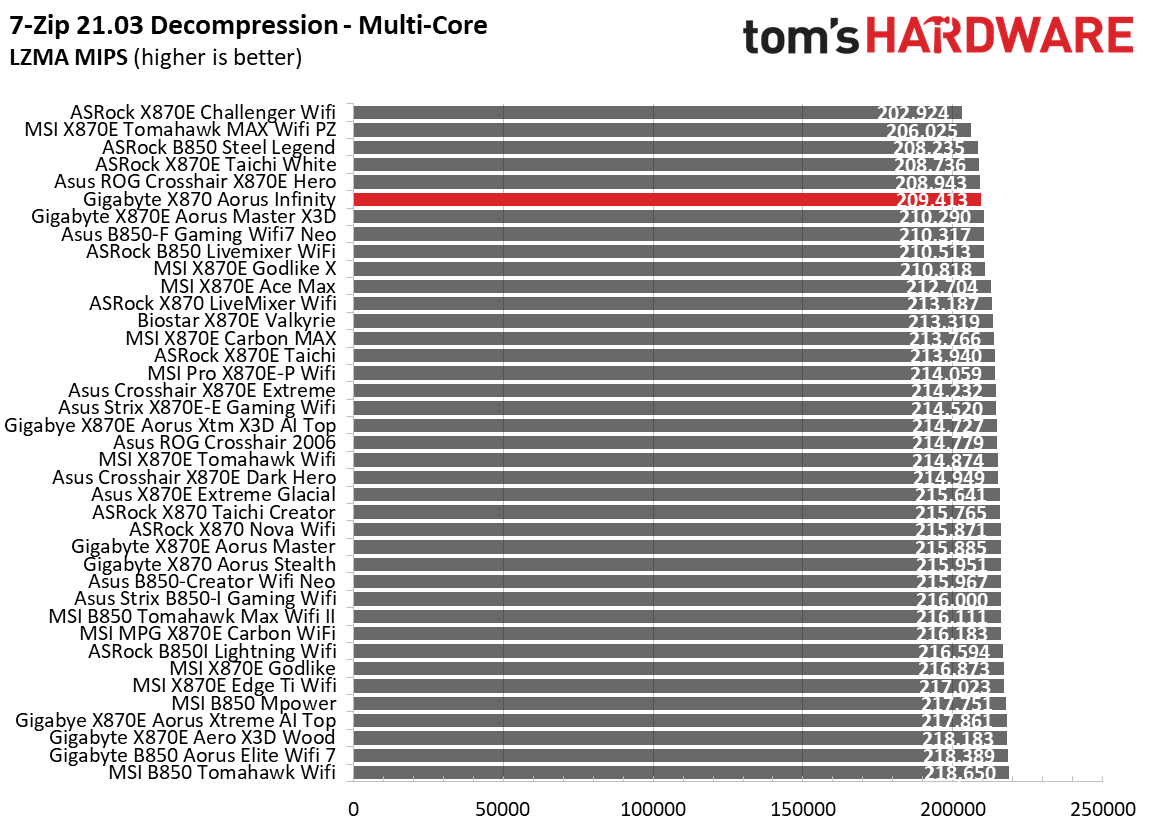
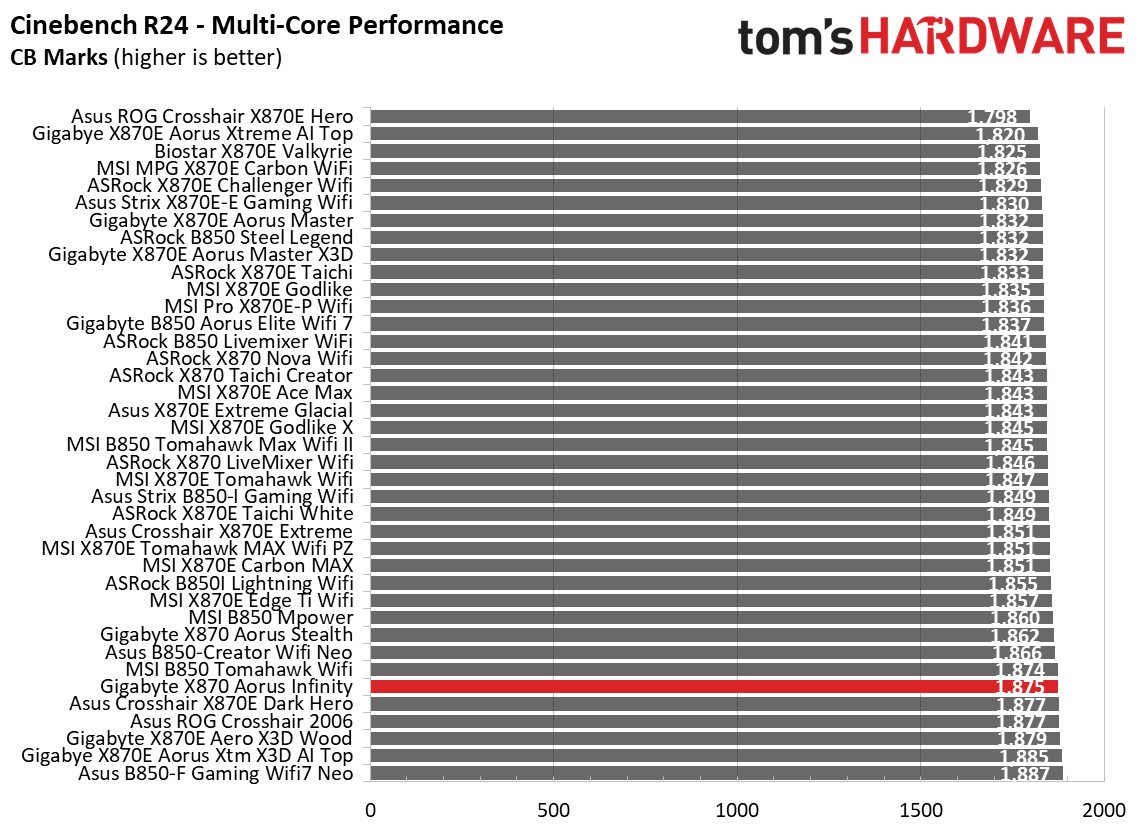
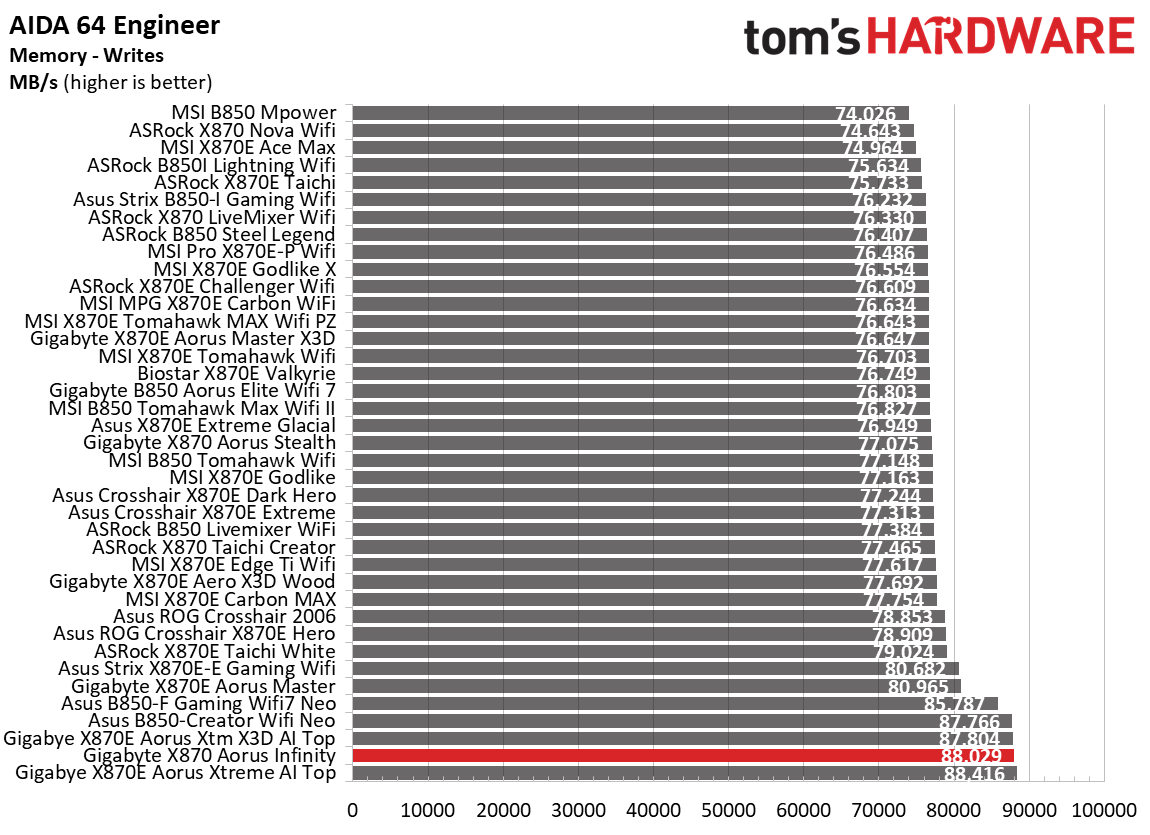
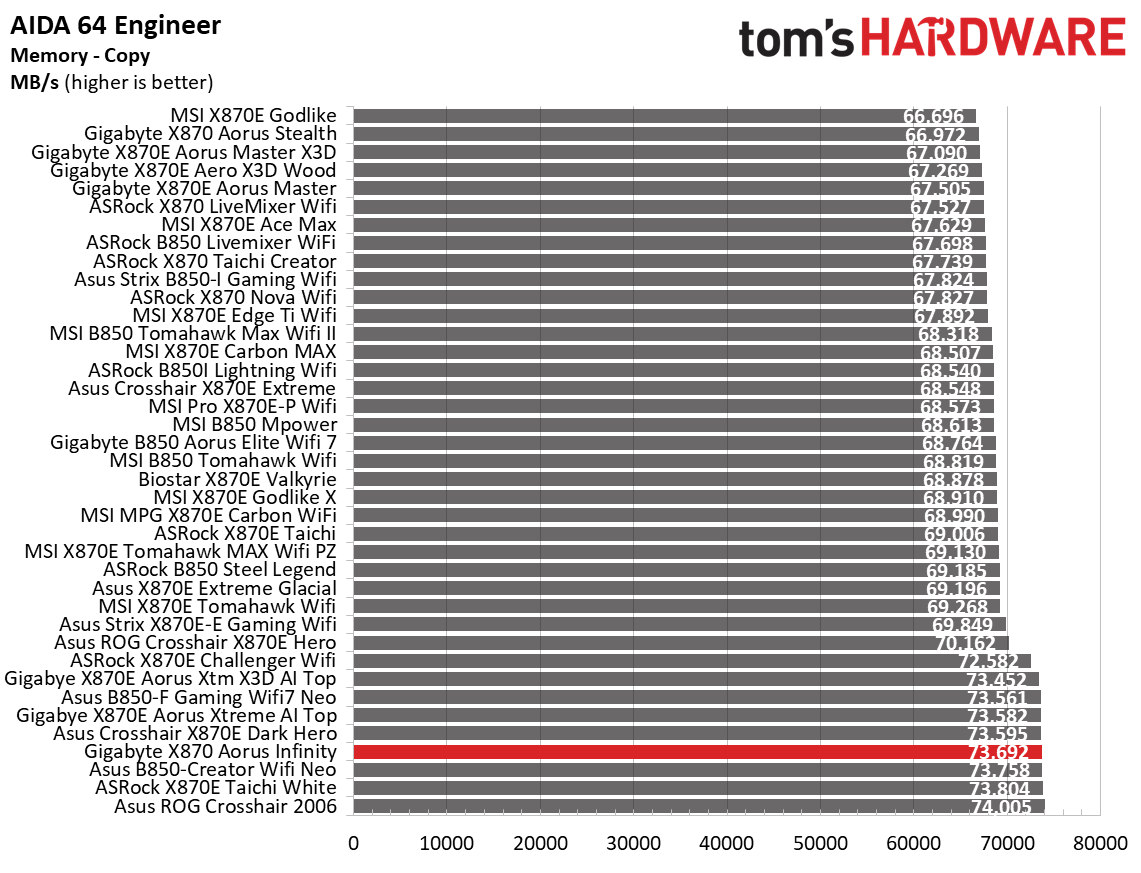
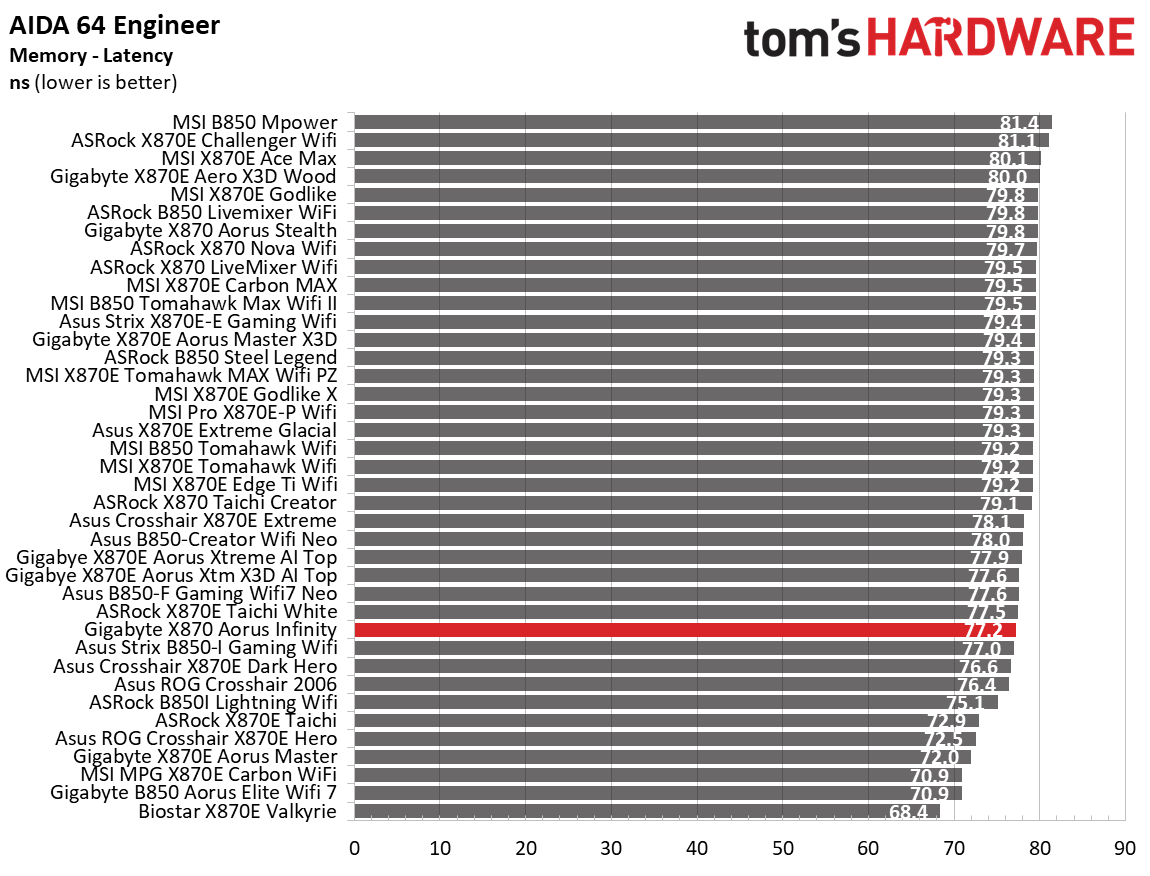
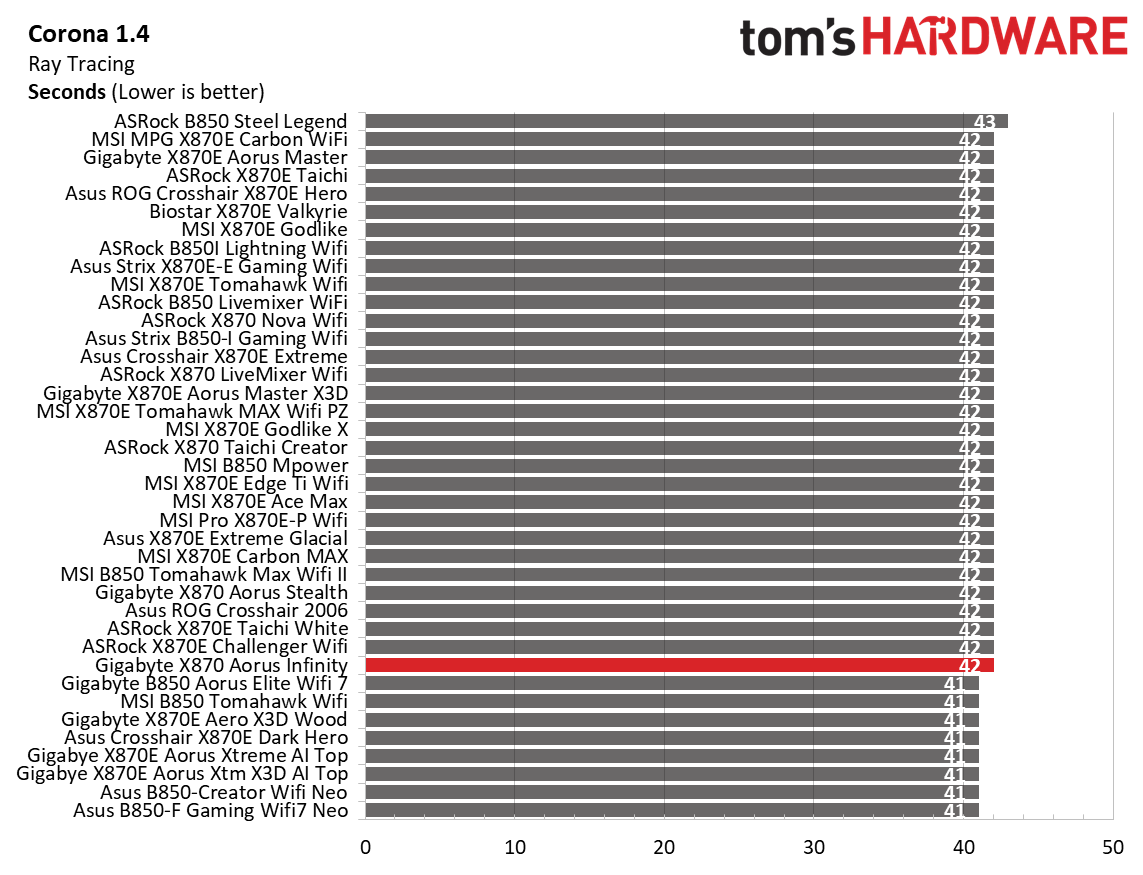
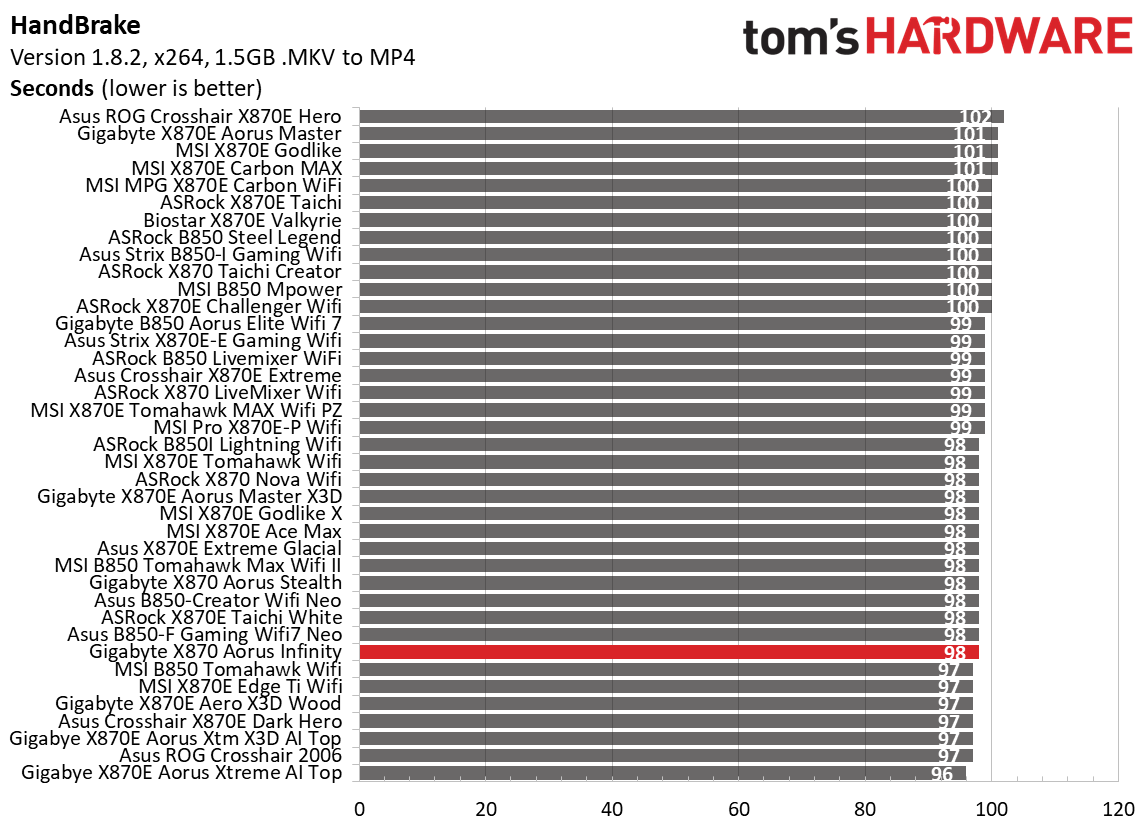
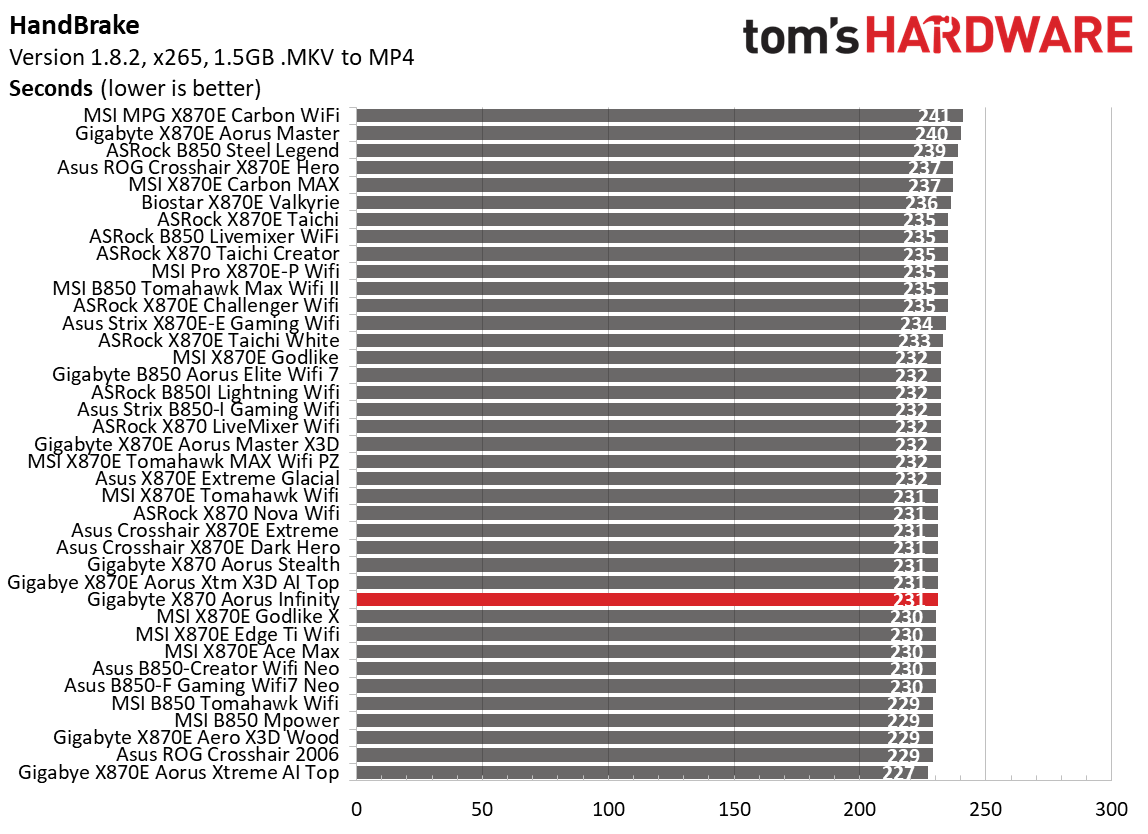
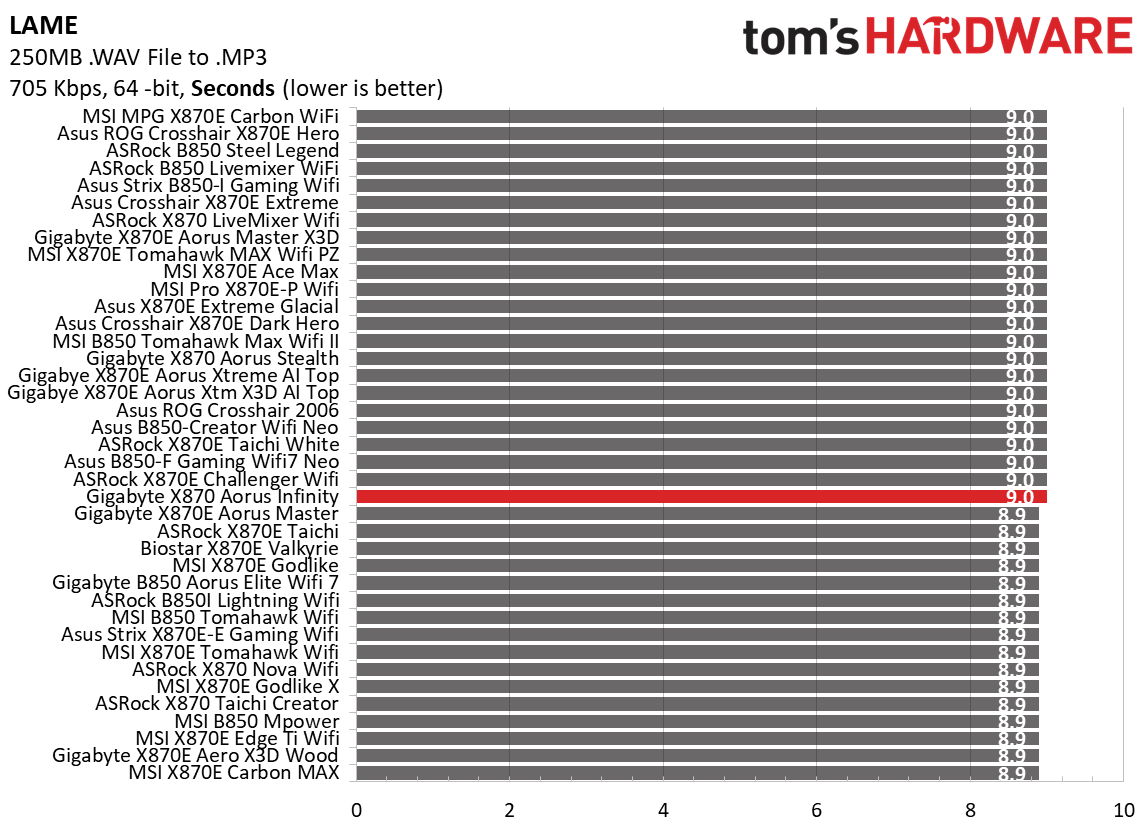
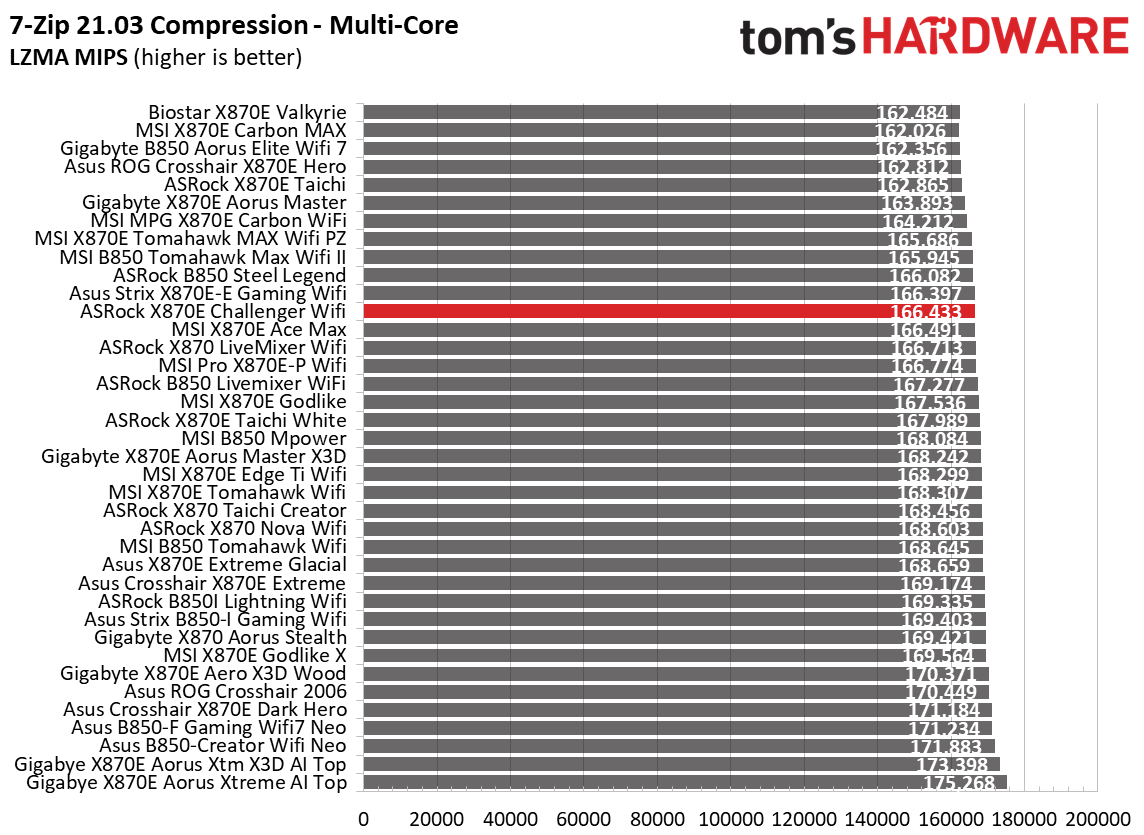
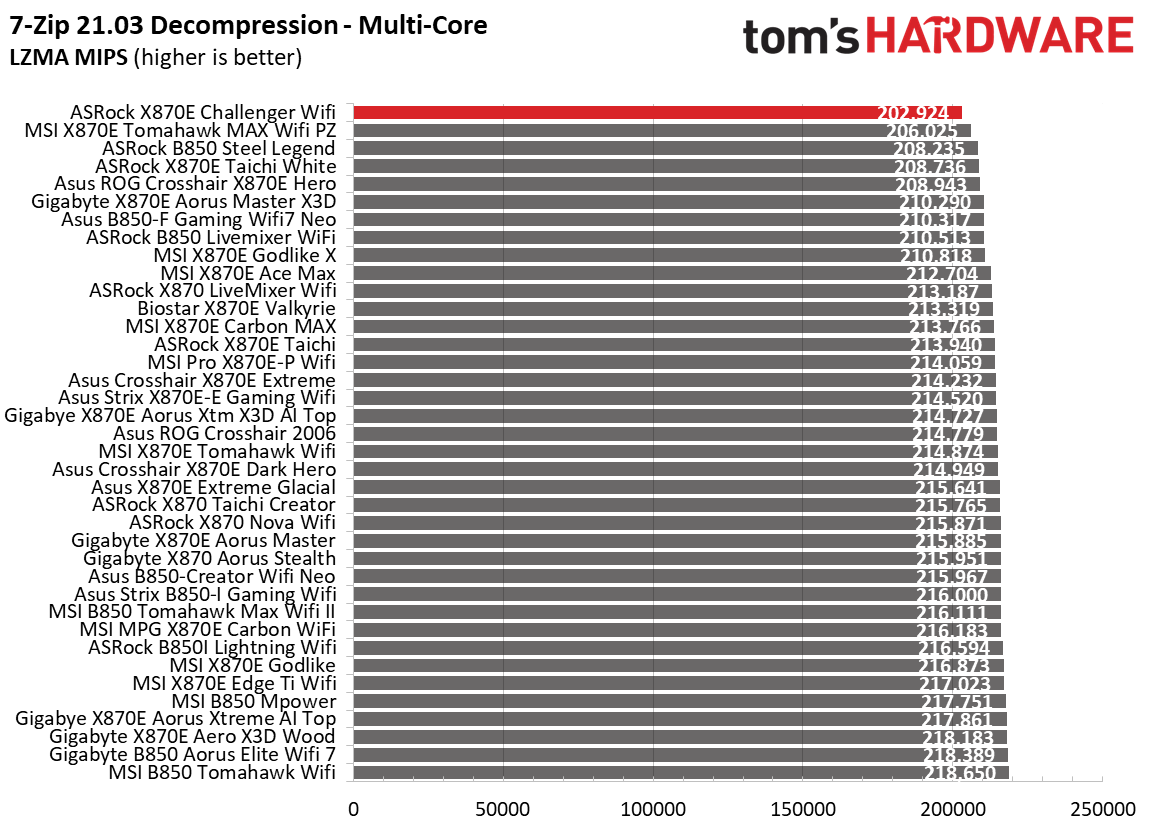
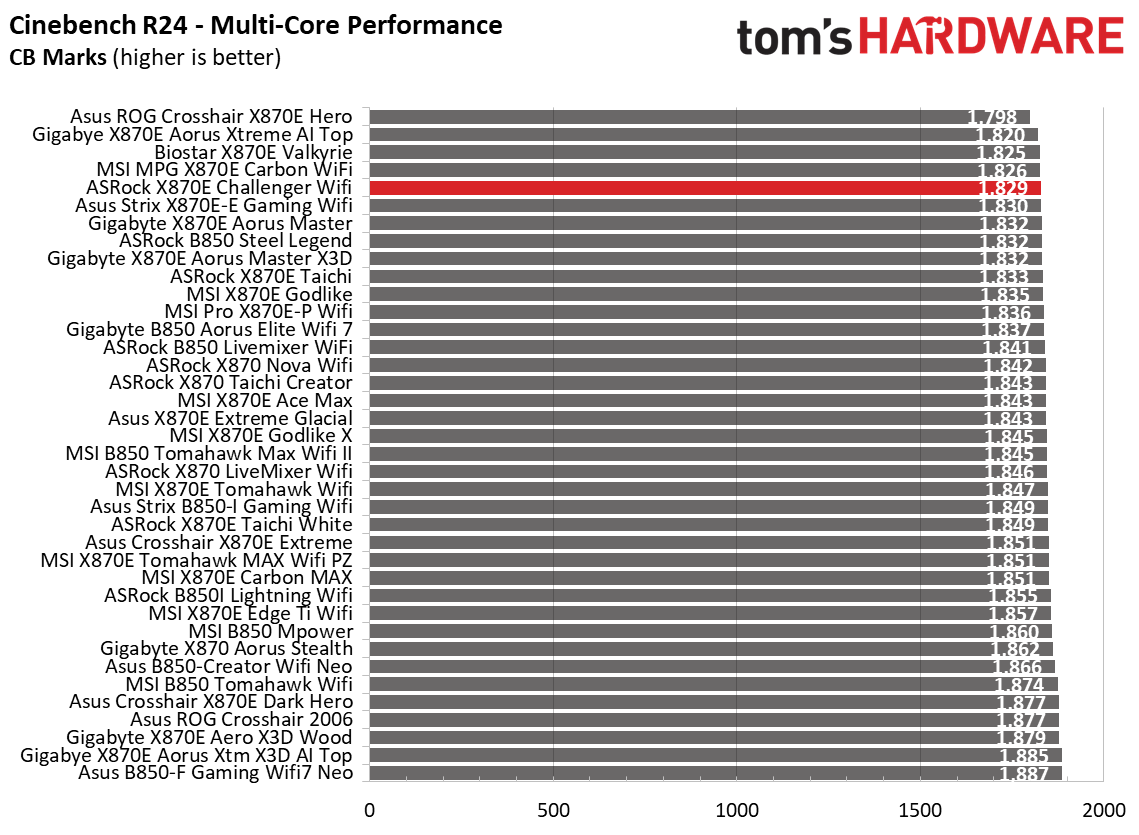
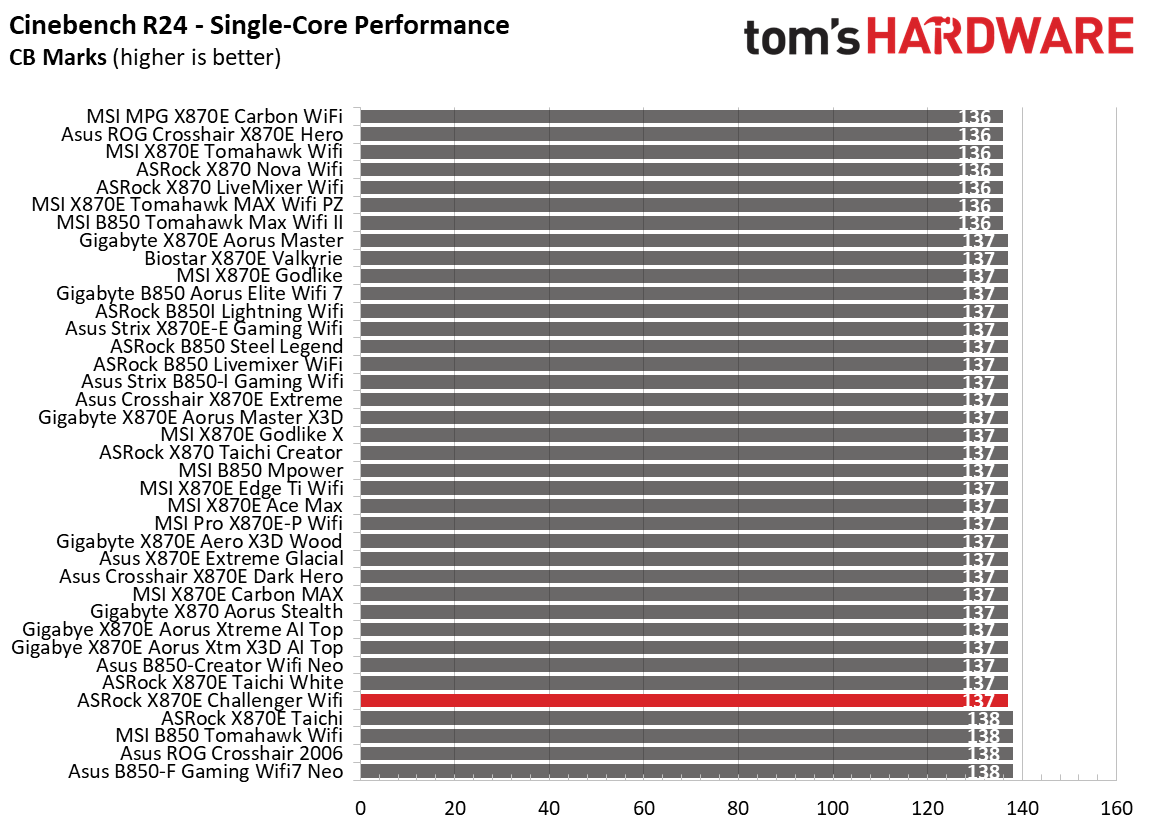
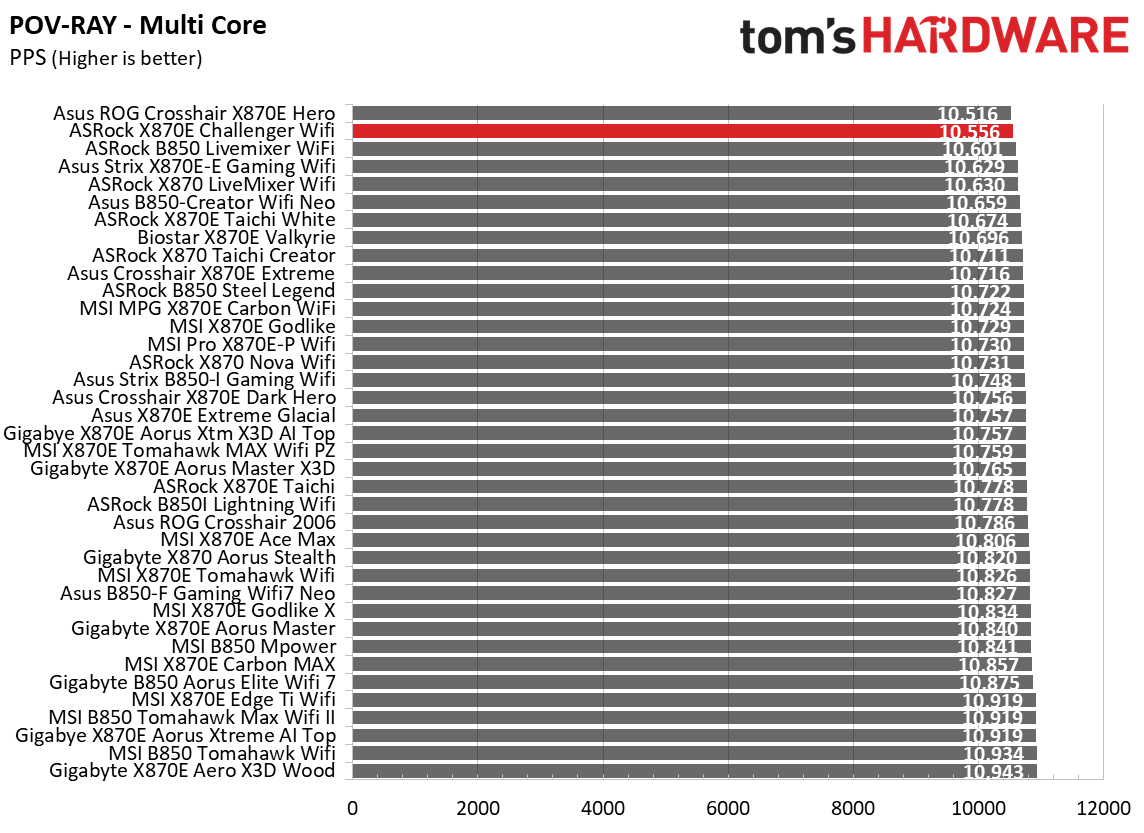
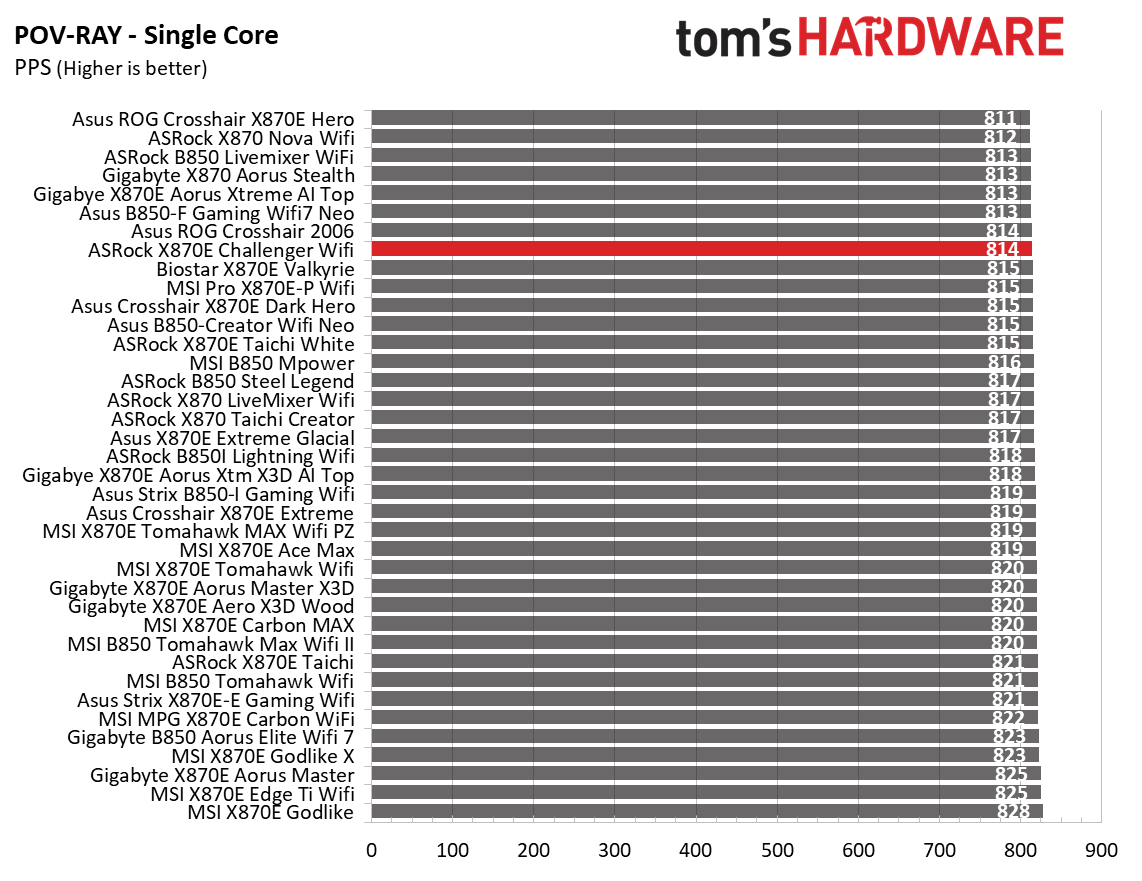
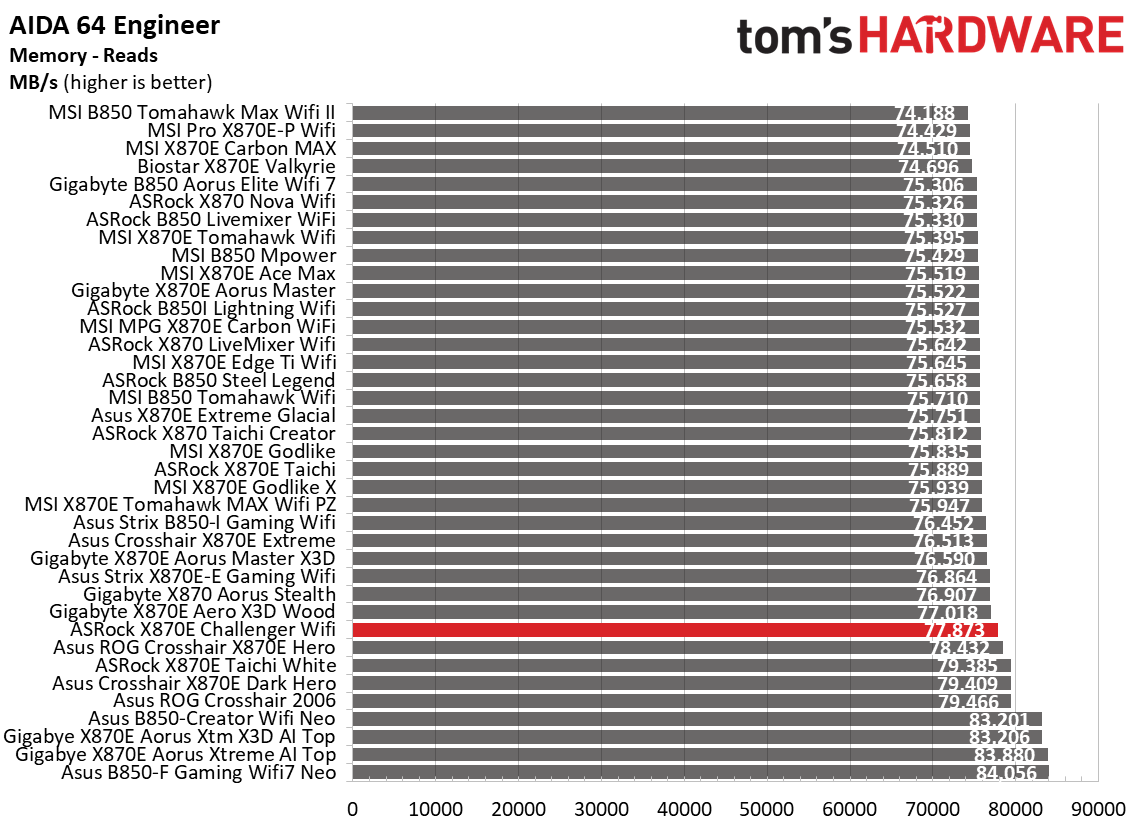
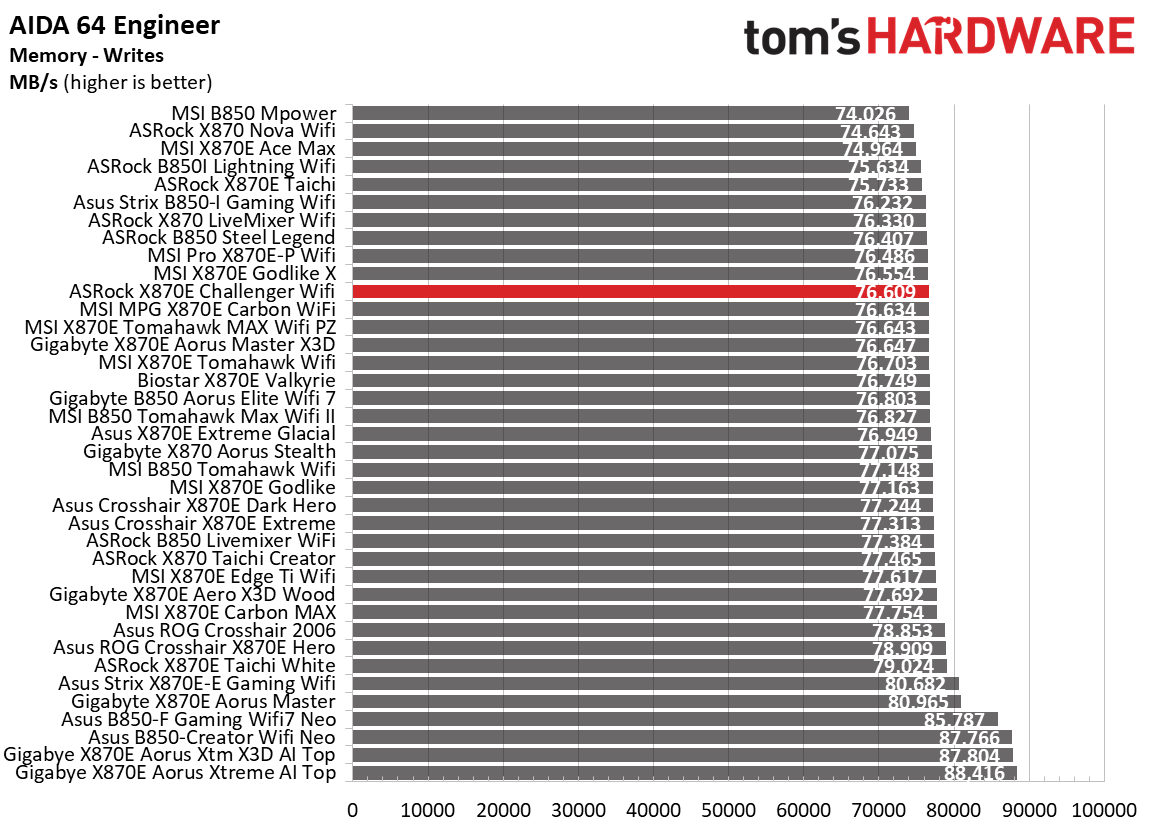
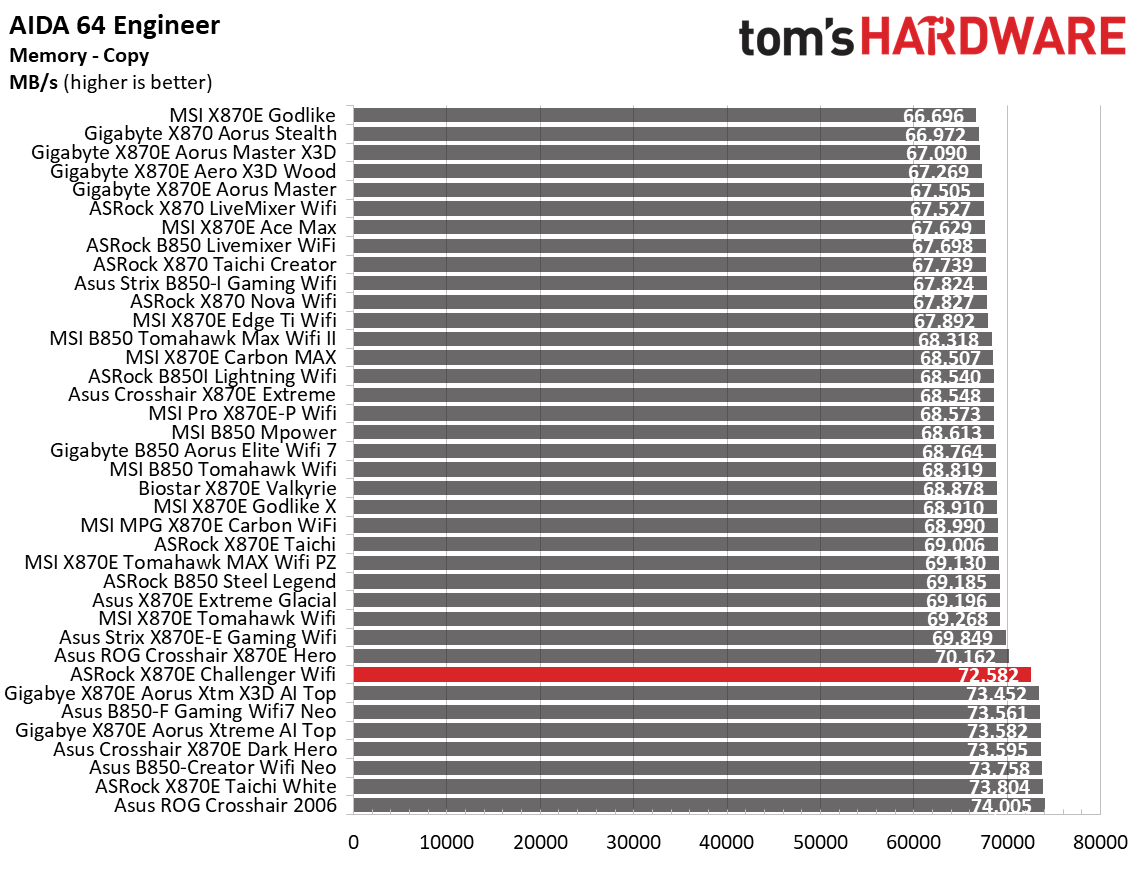
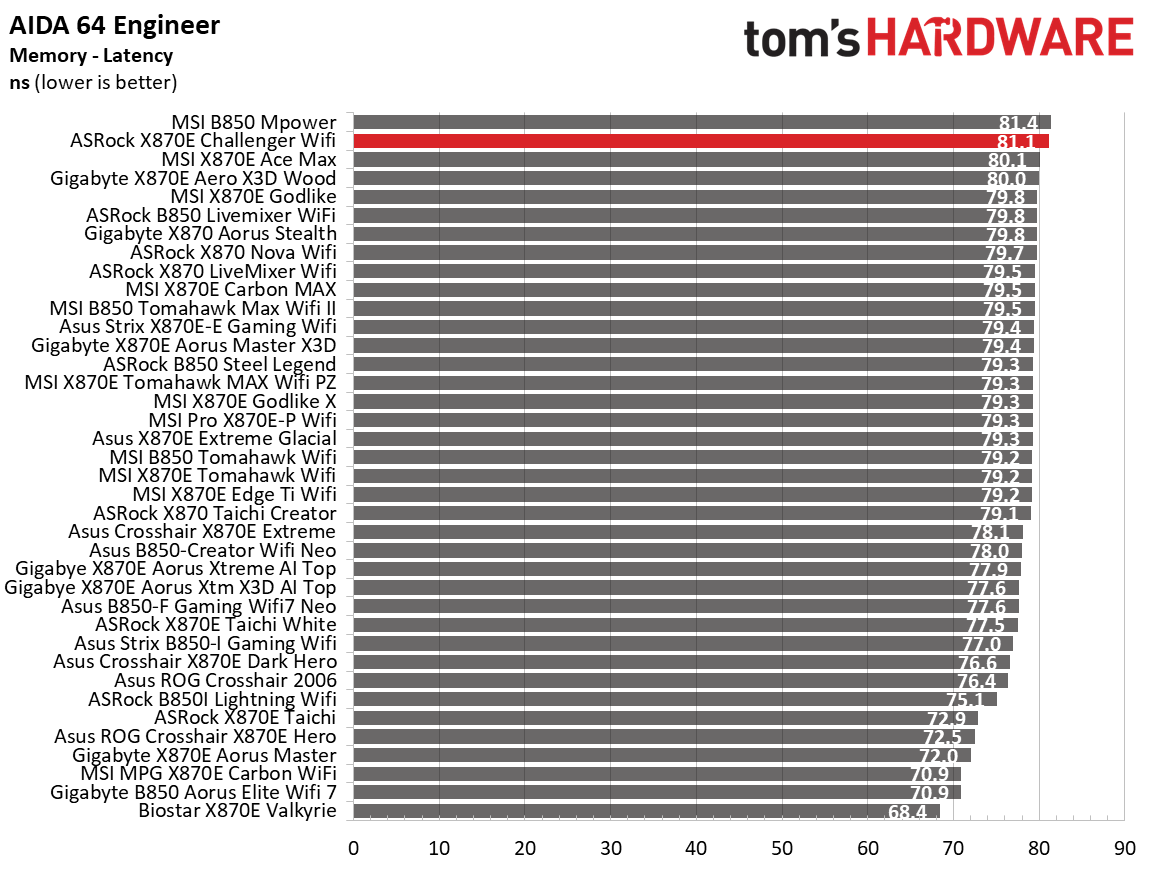
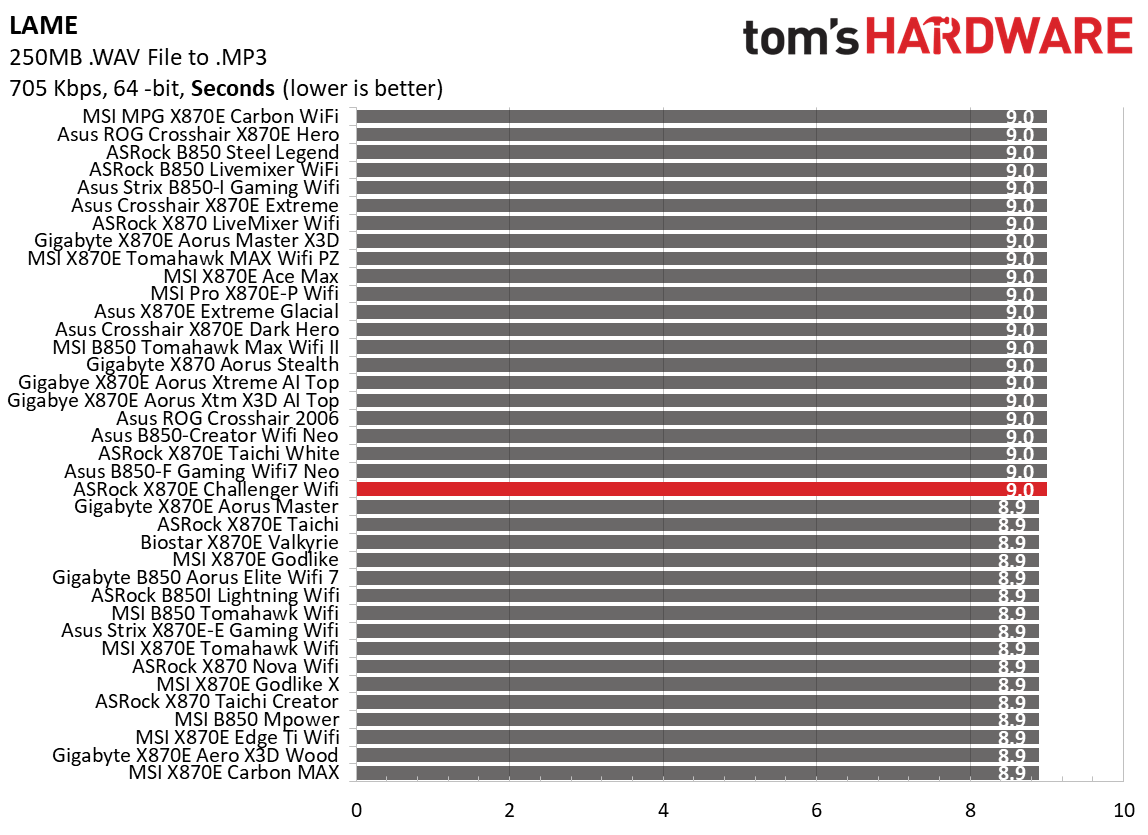
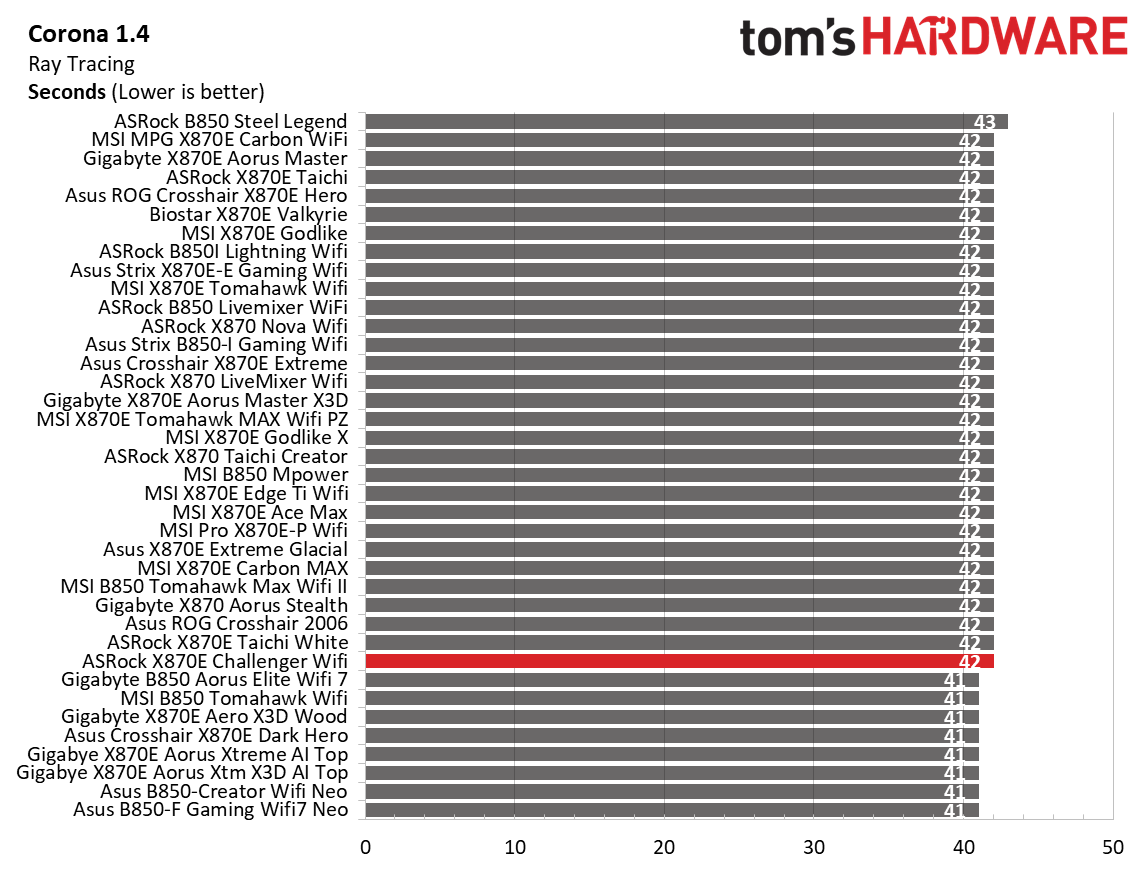
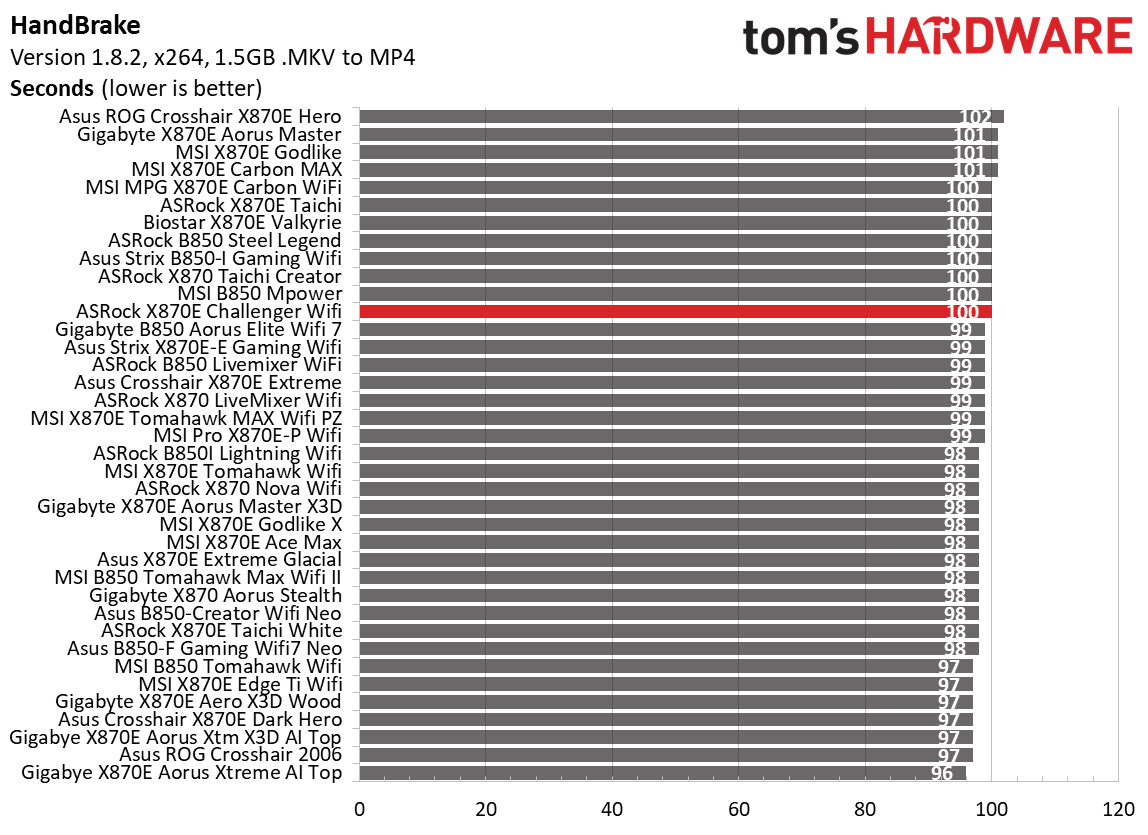
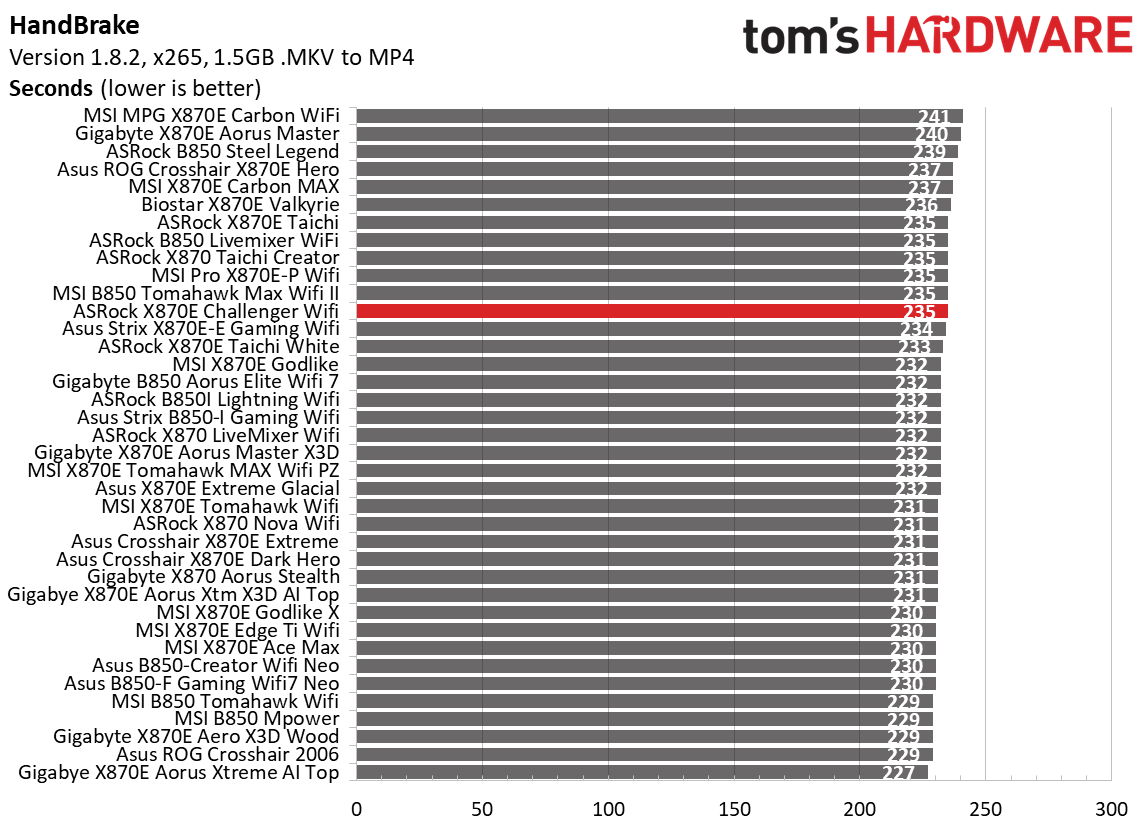
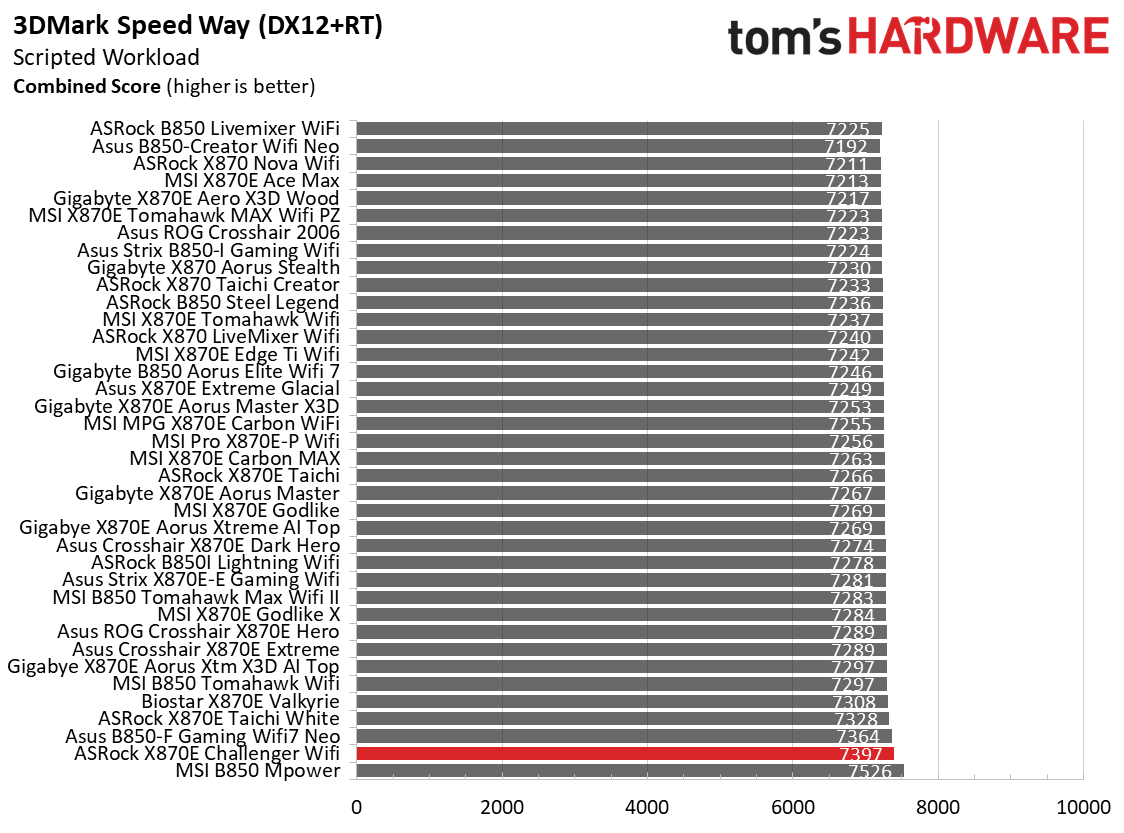
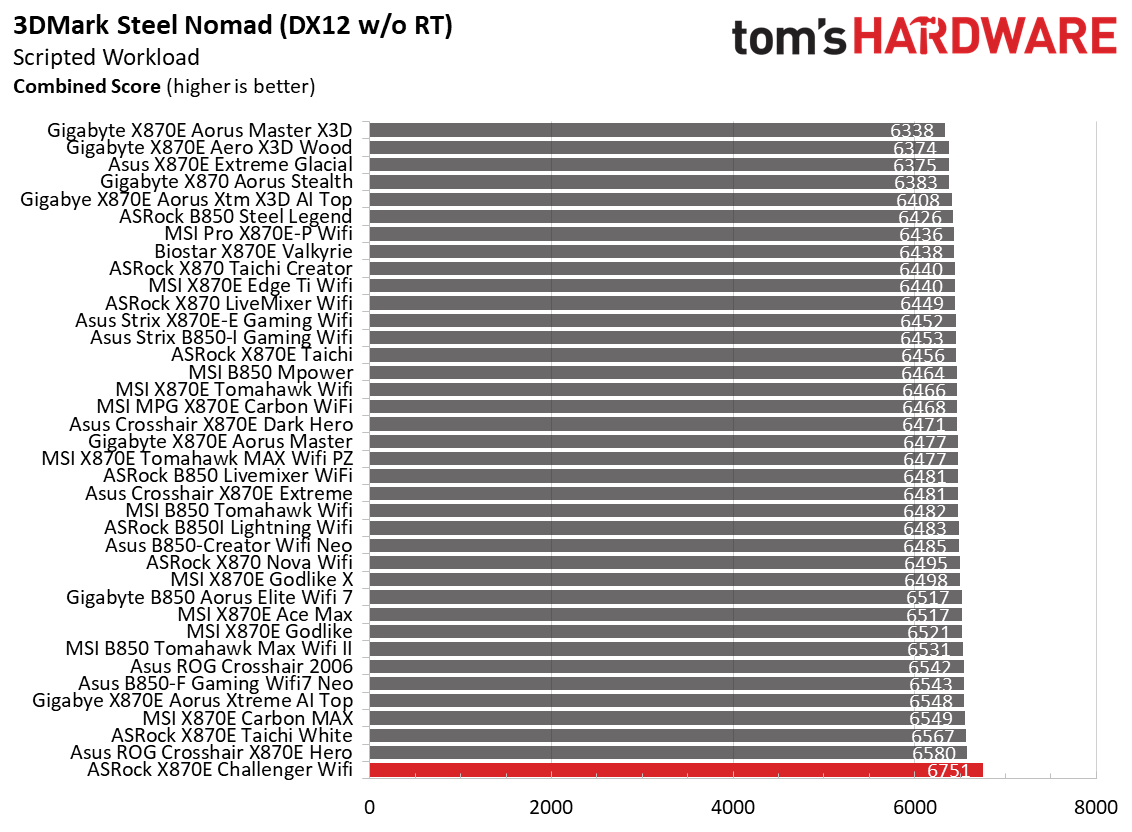
Performance on the Aorus Elite was around the average among the tested boards. Some benchmarks were above average, while others were slightly below—nothing to worry about so far.
3D Games and 3DMark
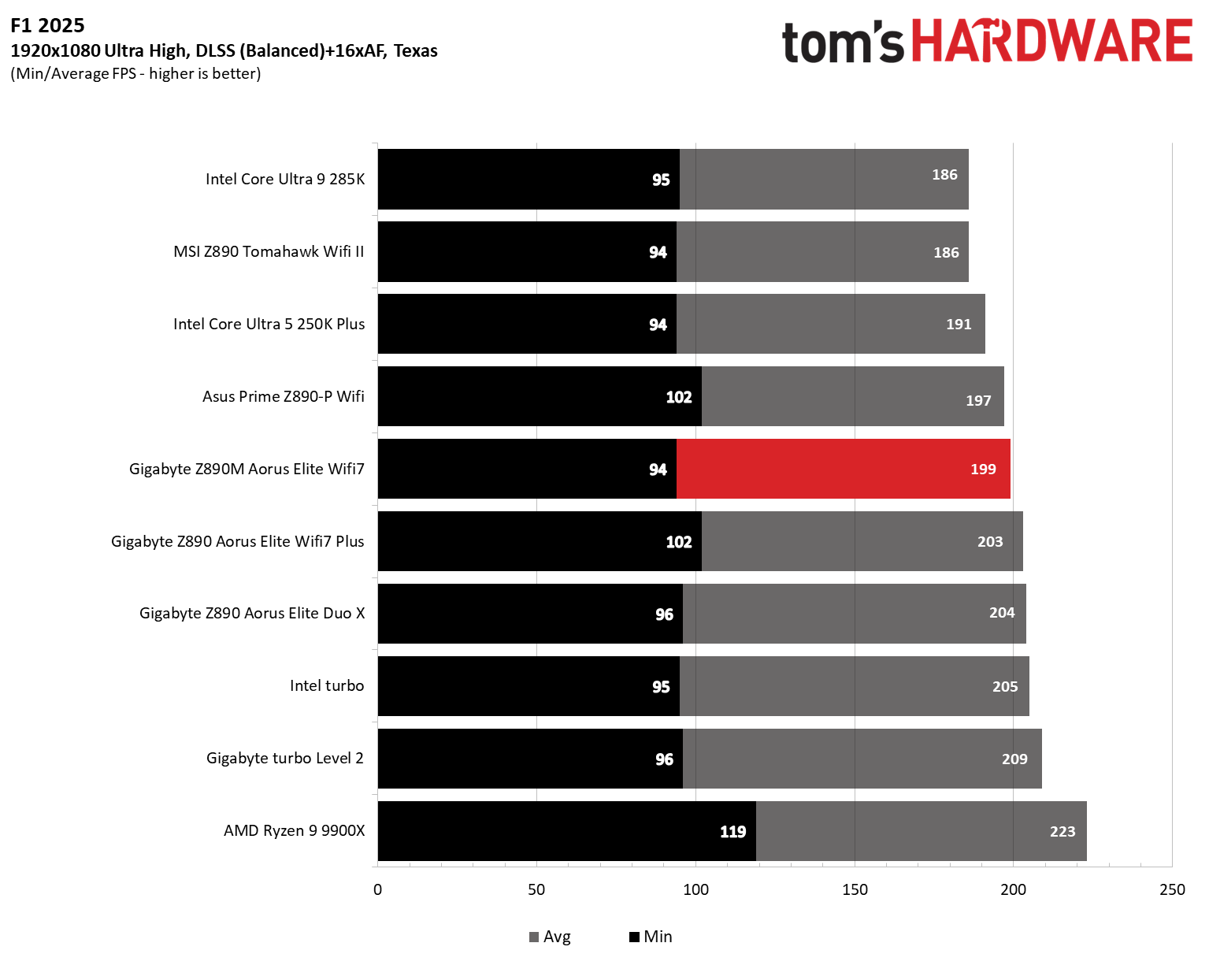
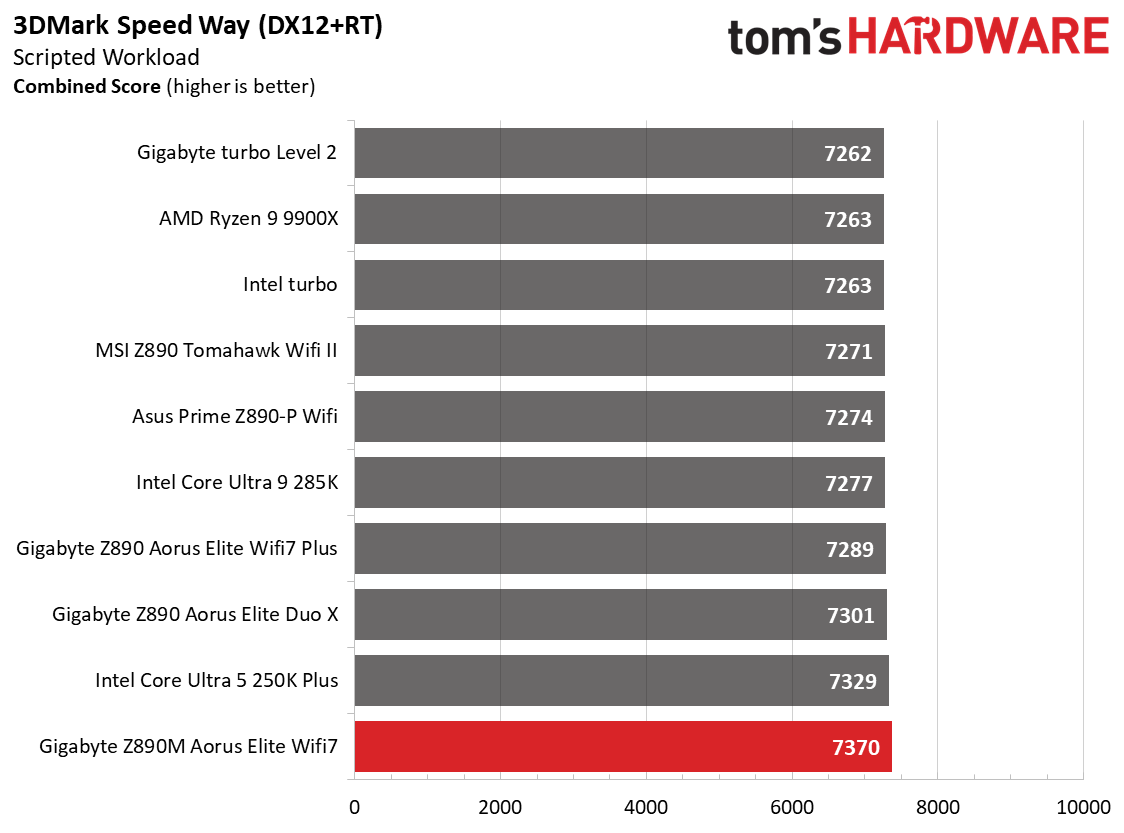
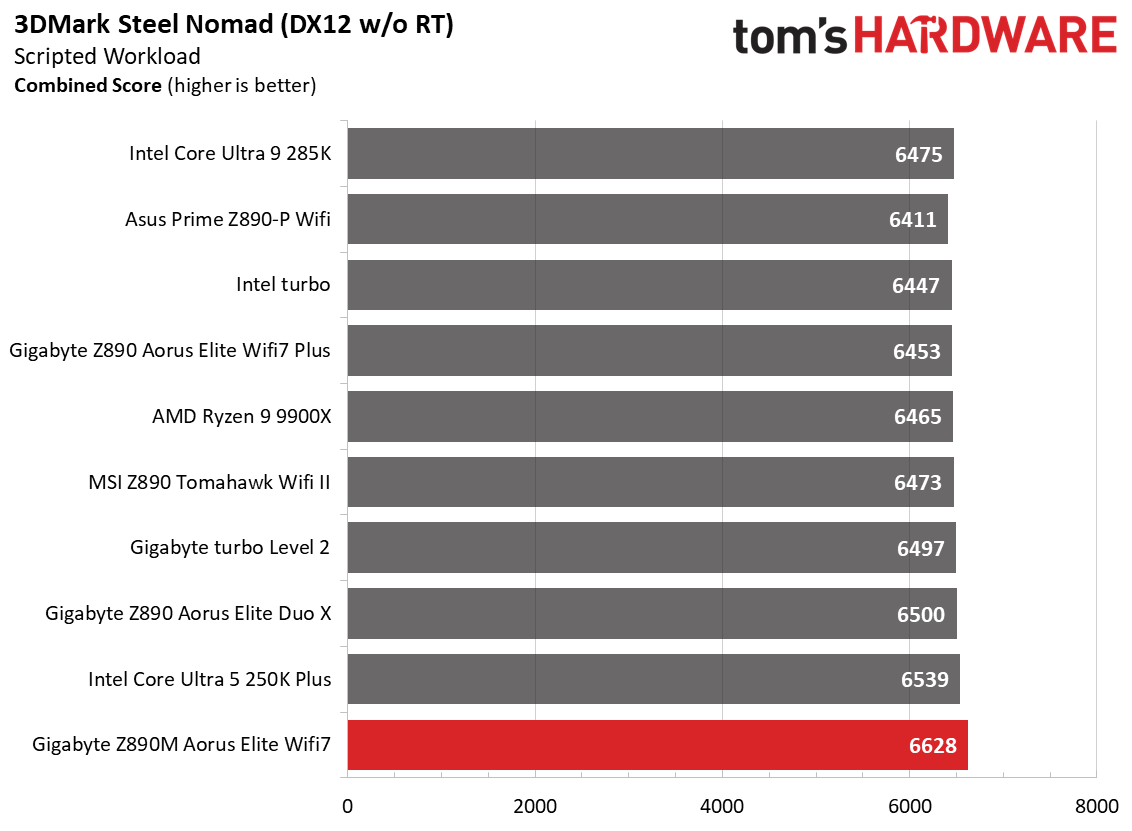
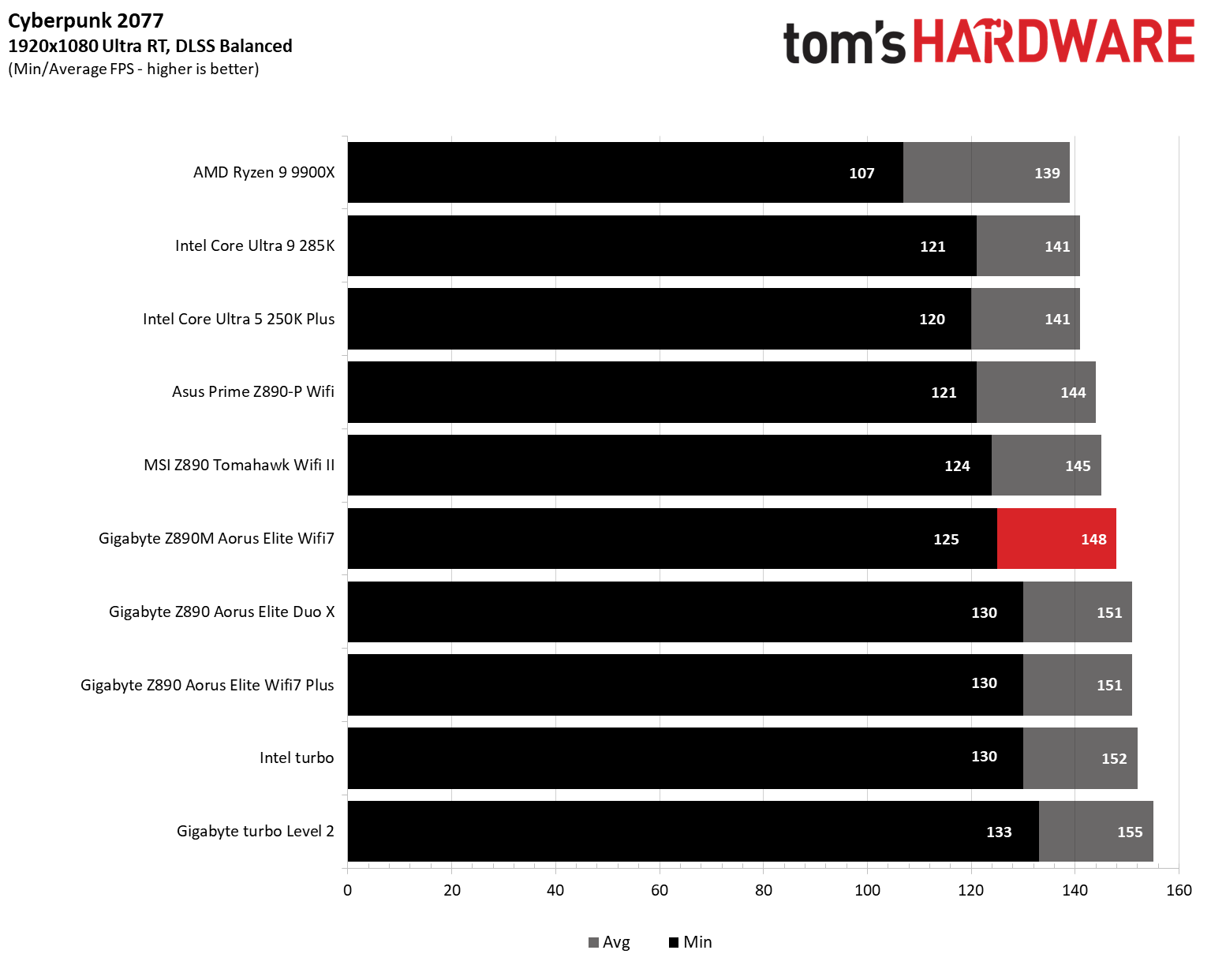
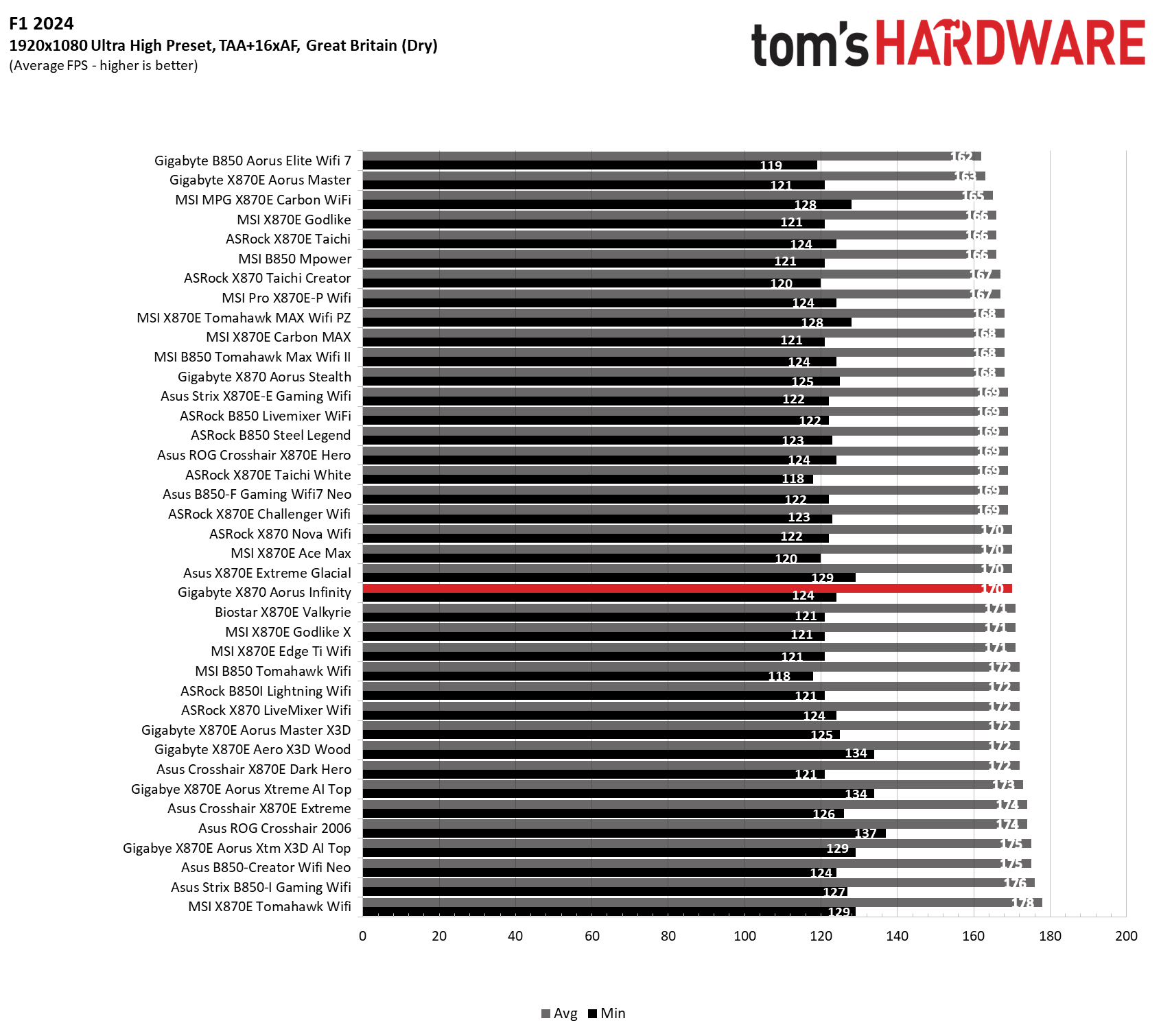
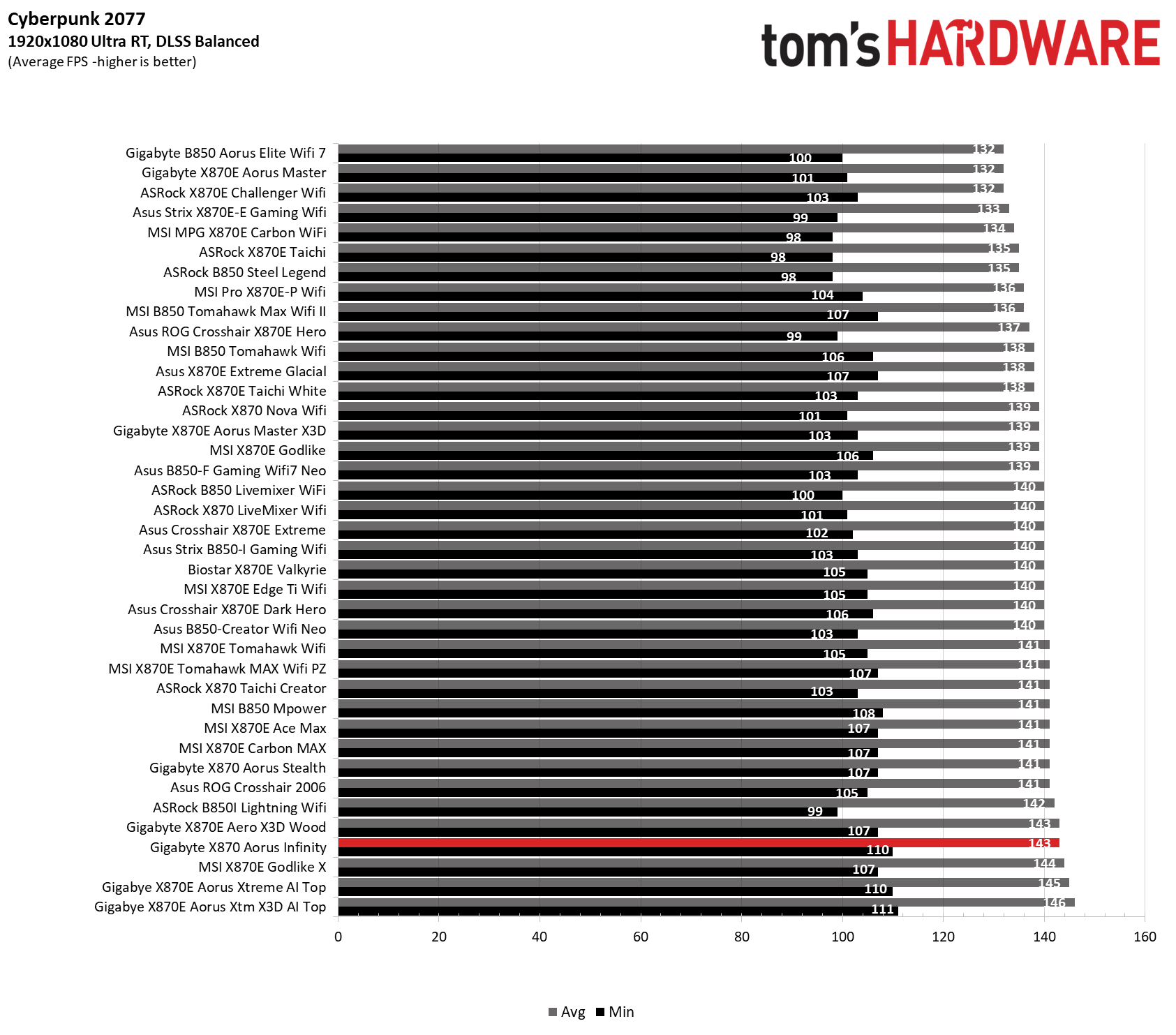
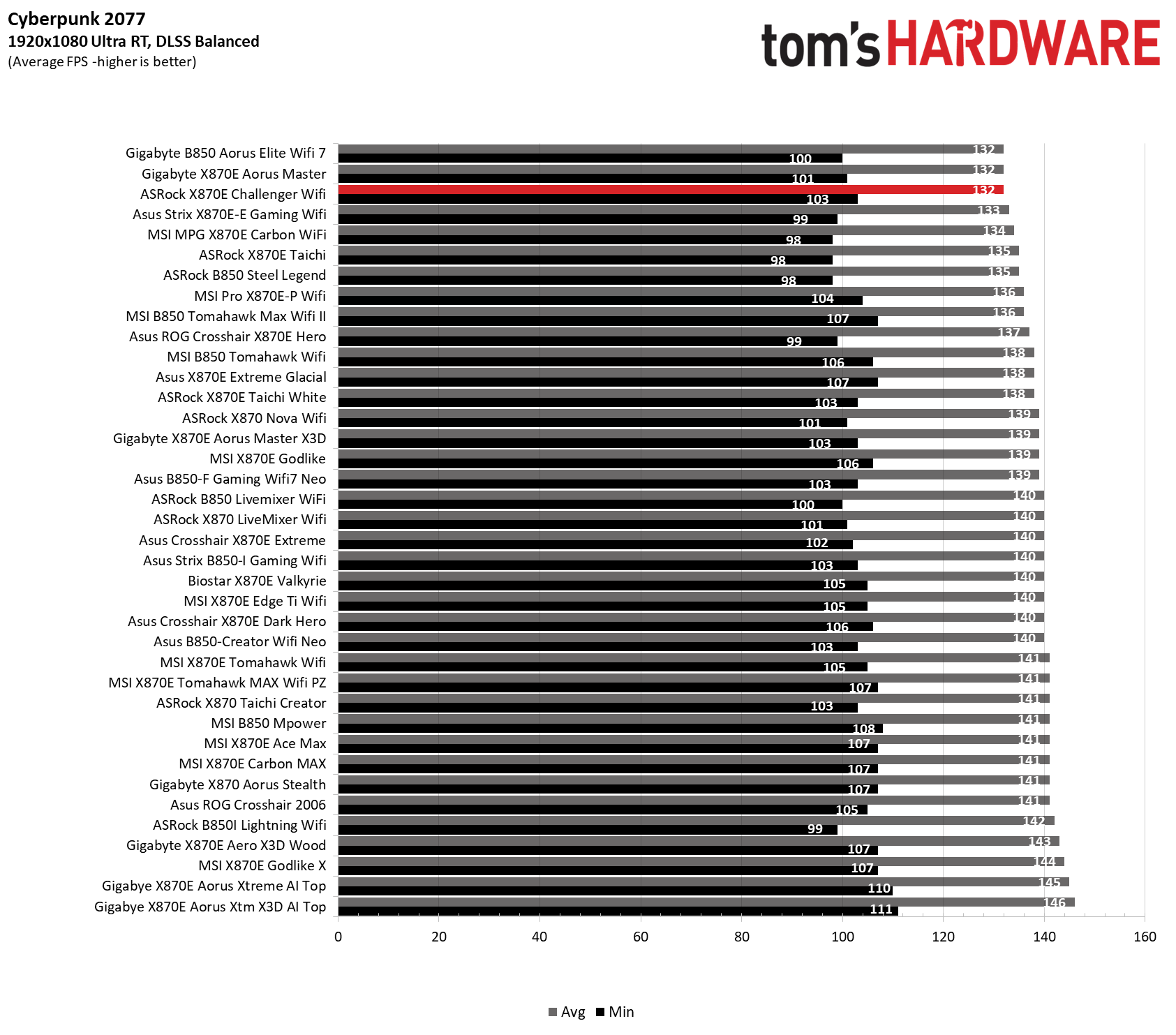
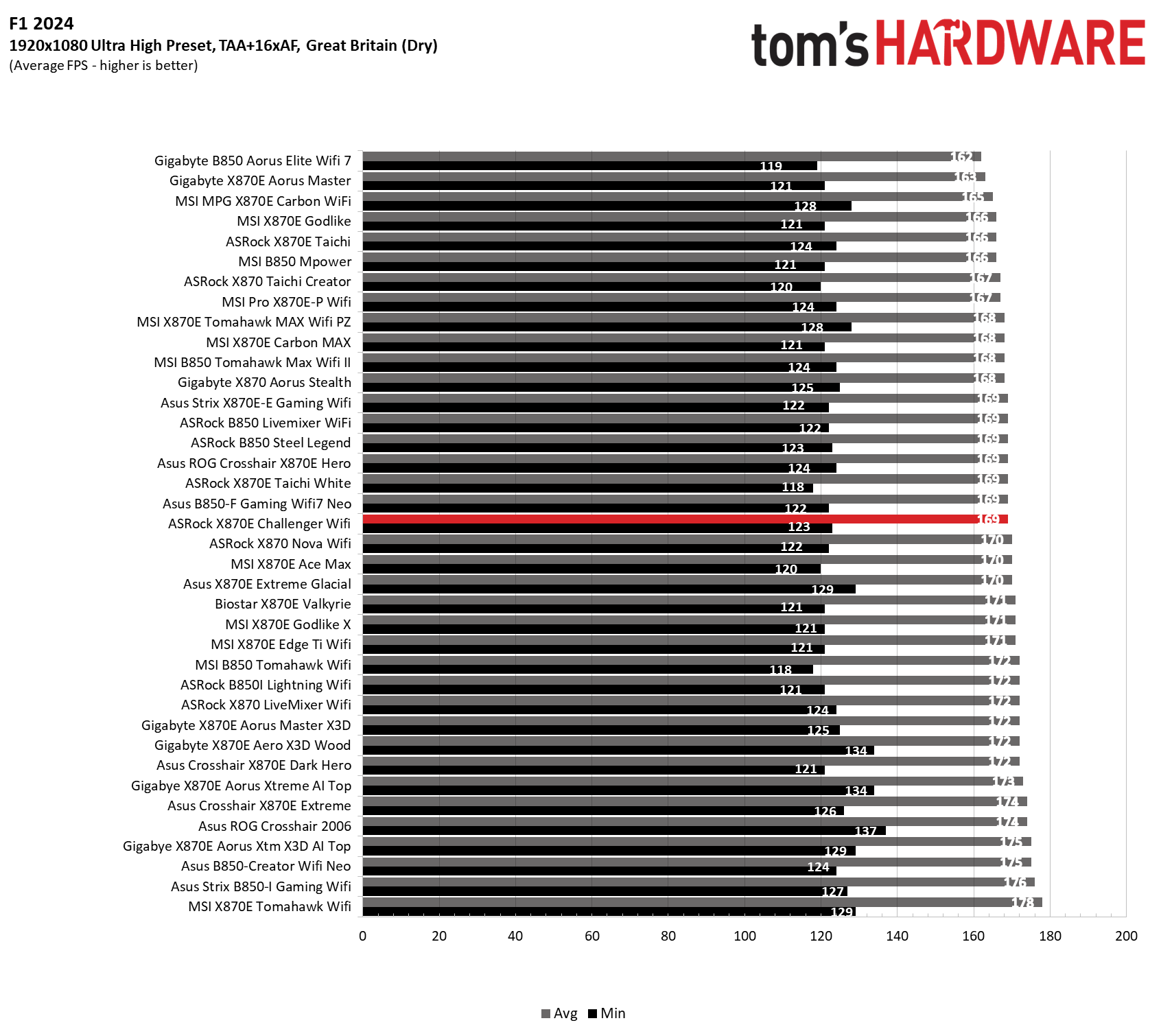
Starting with the launch of the Arrow Lake refresh chips, we’ve updated our game tests. We’re keeping the F1 racing game but have upgraded to F1 25. We’ll also continue with the ever-popular, aesthetically pleasing Cyberpunk 2077. We run both games at 1920x1080 resolution using the Ultra preset (details listed in the table above). Both games are set to use DLSS.
The goal of these settings is to determine whether performance differs at the most commonly used (and CPU/system-bound) resolution, with settings most people use or strive for (Ultra). We expect the difference between boards in these tests to be minor, with most falling within the margin of error. We’ve also added a minimum FPS metric, which can affect your gameplay and immersion.
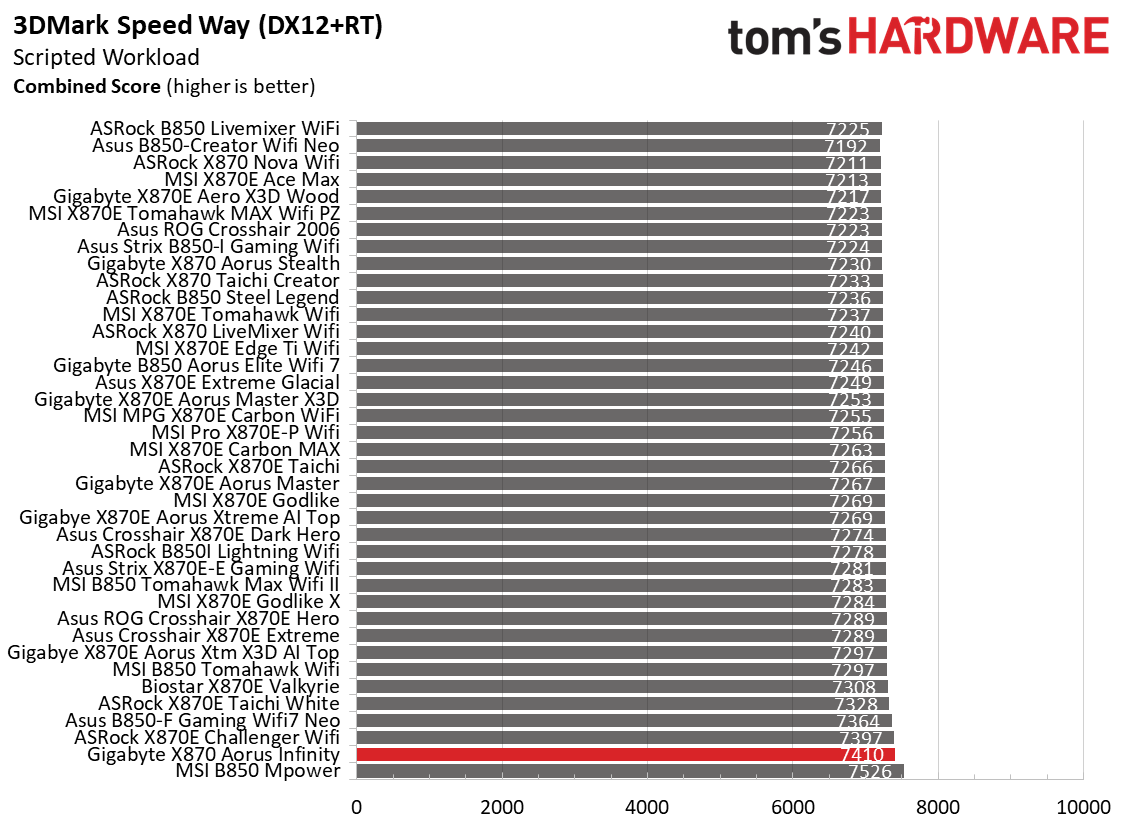
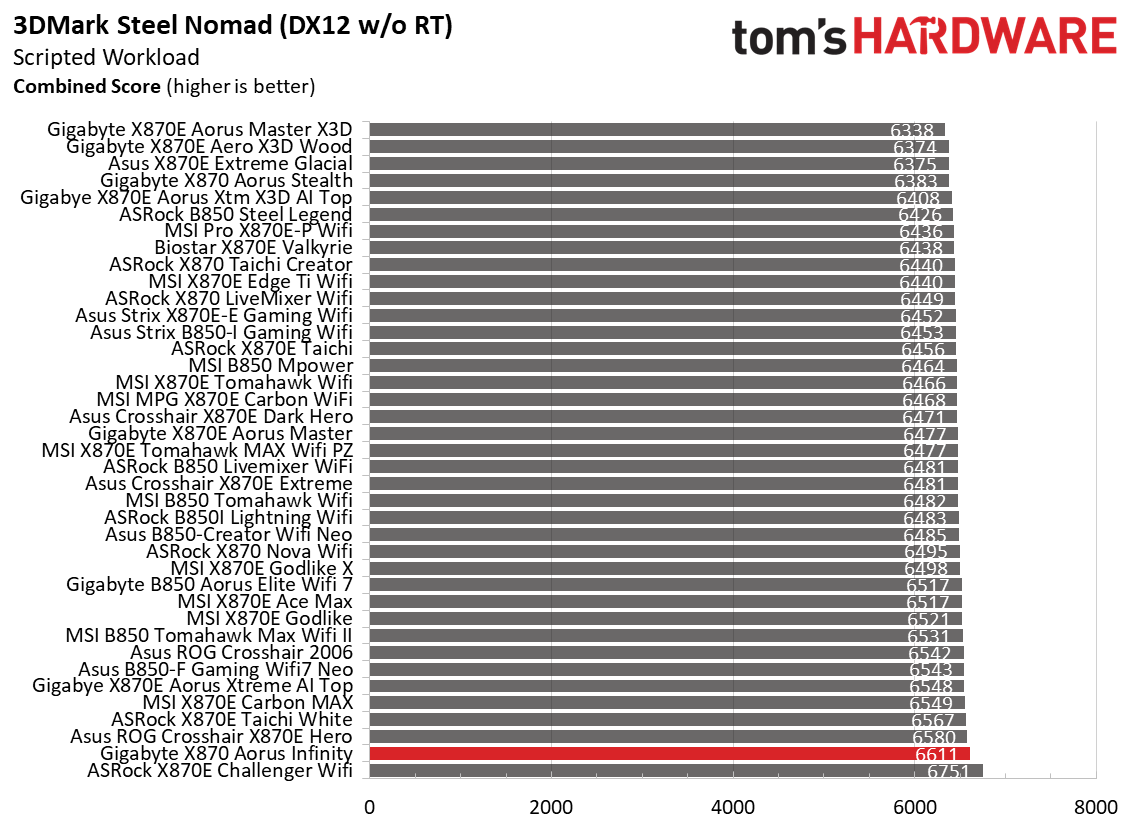
As we’ve seen for a while now, the 3DMark tests don’t show much separation from worst to first, and we see that again across our varied datasets. 3DMark scores were fine; in fact, they were the highest so far in these tight results, while gaming results were average overall. Not only does it do work, but as expected, the board also plays games just fine.
Overclocking
Over the past few CPU generations, overclocking headroom has been shrinking on both sides of the fence, while out-of-the-box performance has increased. For overclockers, that means less fun. For the average consumer, you’re getting the most out of the processor without manual tweaking. Today’s motherboards are more robust than ever, and most support power-hungry flagship-class processors, so we know the hardware can handle them.
You can extract even more performance from these processors by manually adjusting settings or using the fancy AI overclocking that board partners have been touting. Results will vary and depend on the CPU's cooling and quality. In other words, your mileage may vary. With that in mind, we’re not overclocking the CPU for these review articles. However, we'll test our different memory kits to ensure they meet the specifications.
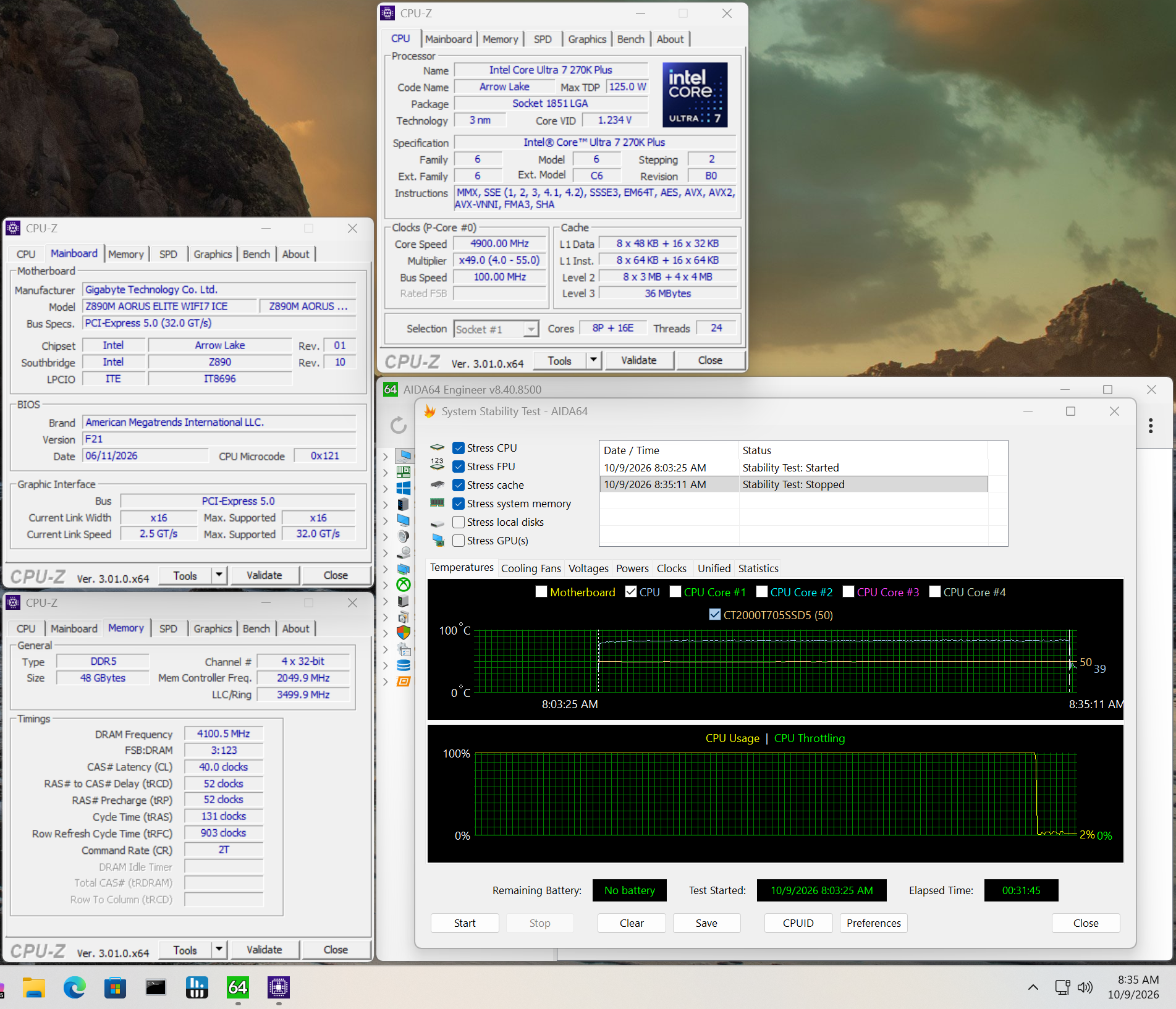
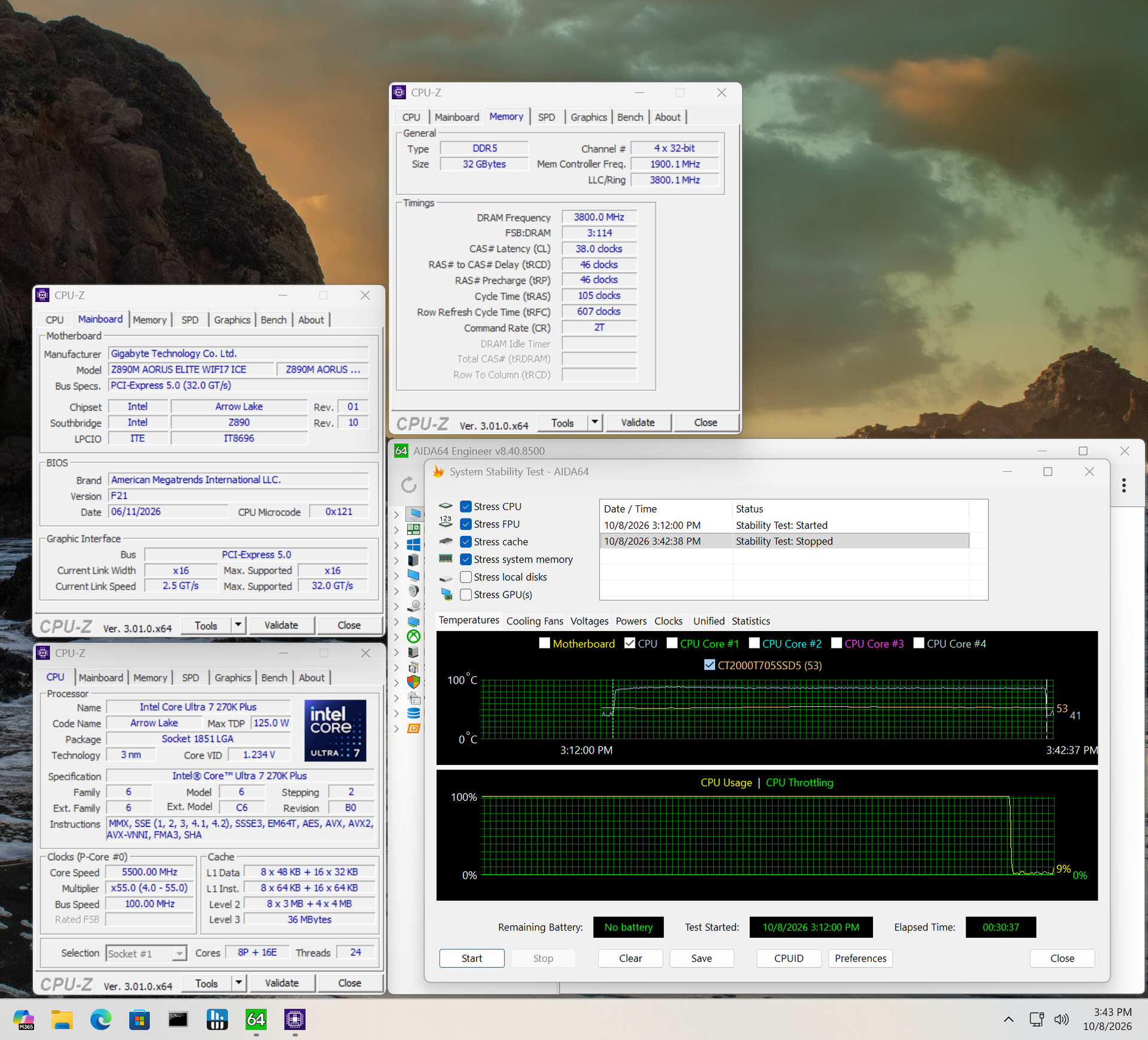
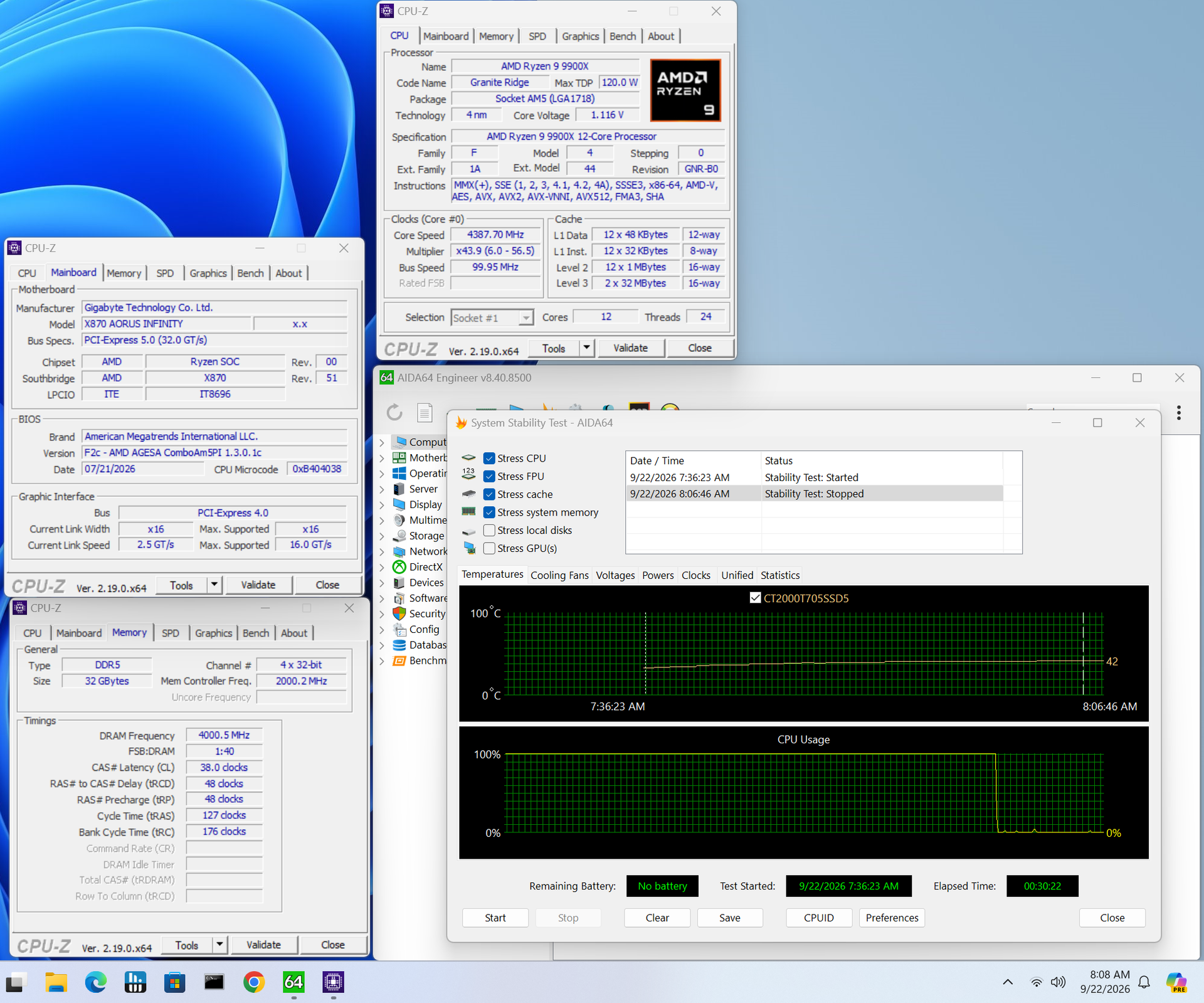
Memory testing went OK, with the board surviving a 30-minute stress test using the DDR5-7600 and DDR5-8200 kits without issue. That said, it struggled with the DDR5-8800 kit and failed after about 5 minutes. If you really want to push memory speeds, stick to the QVL list for your best chance of reaching higher speeds.
Power Consumption / VRM Temperatures
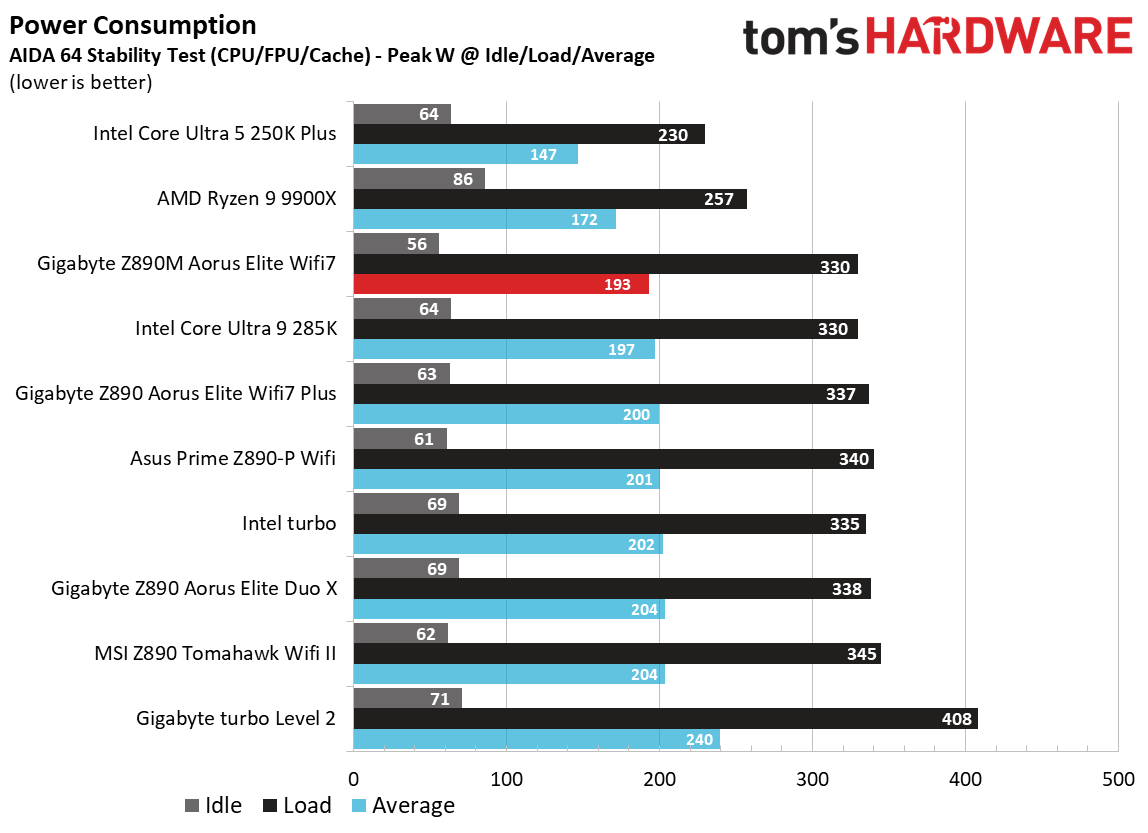
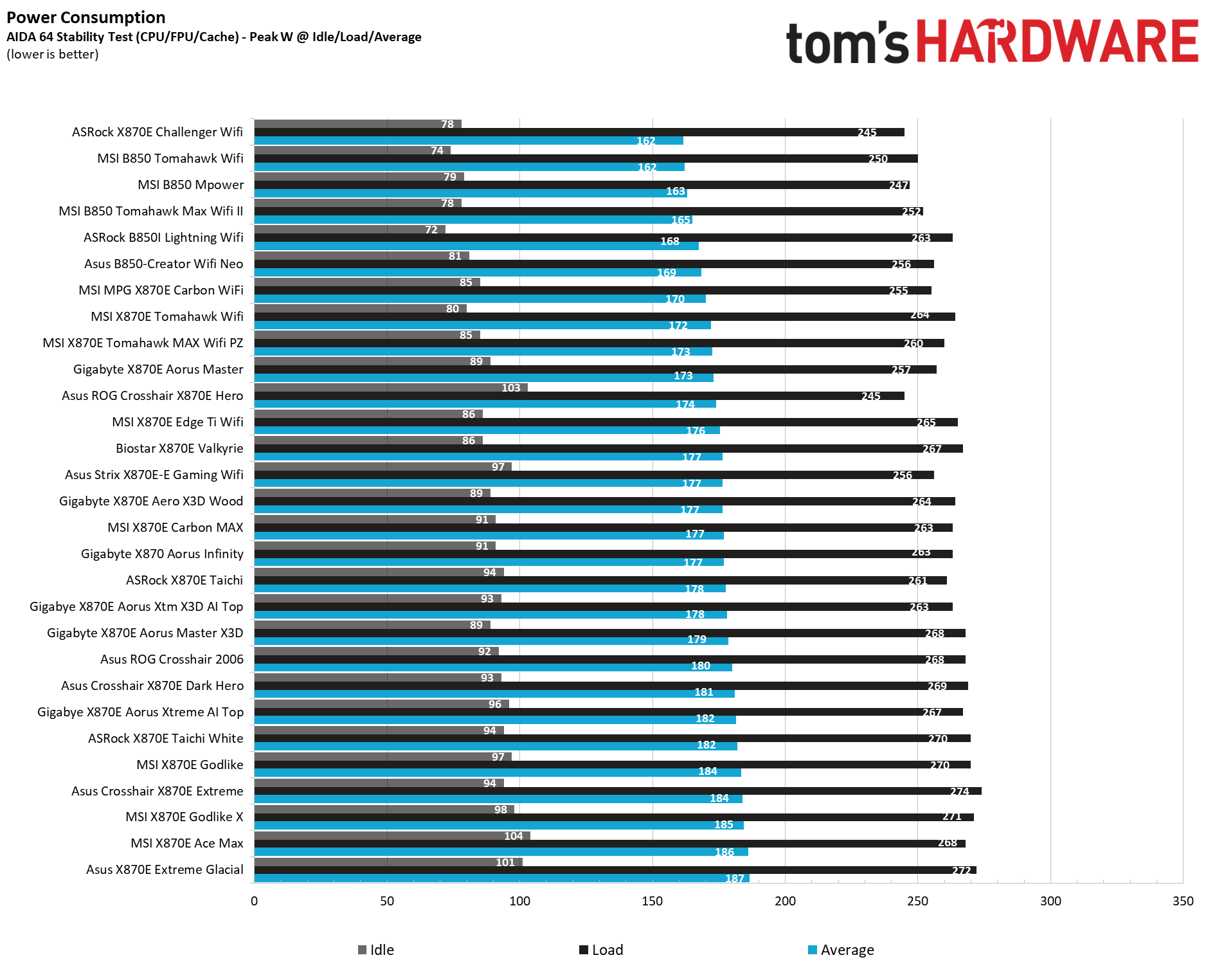
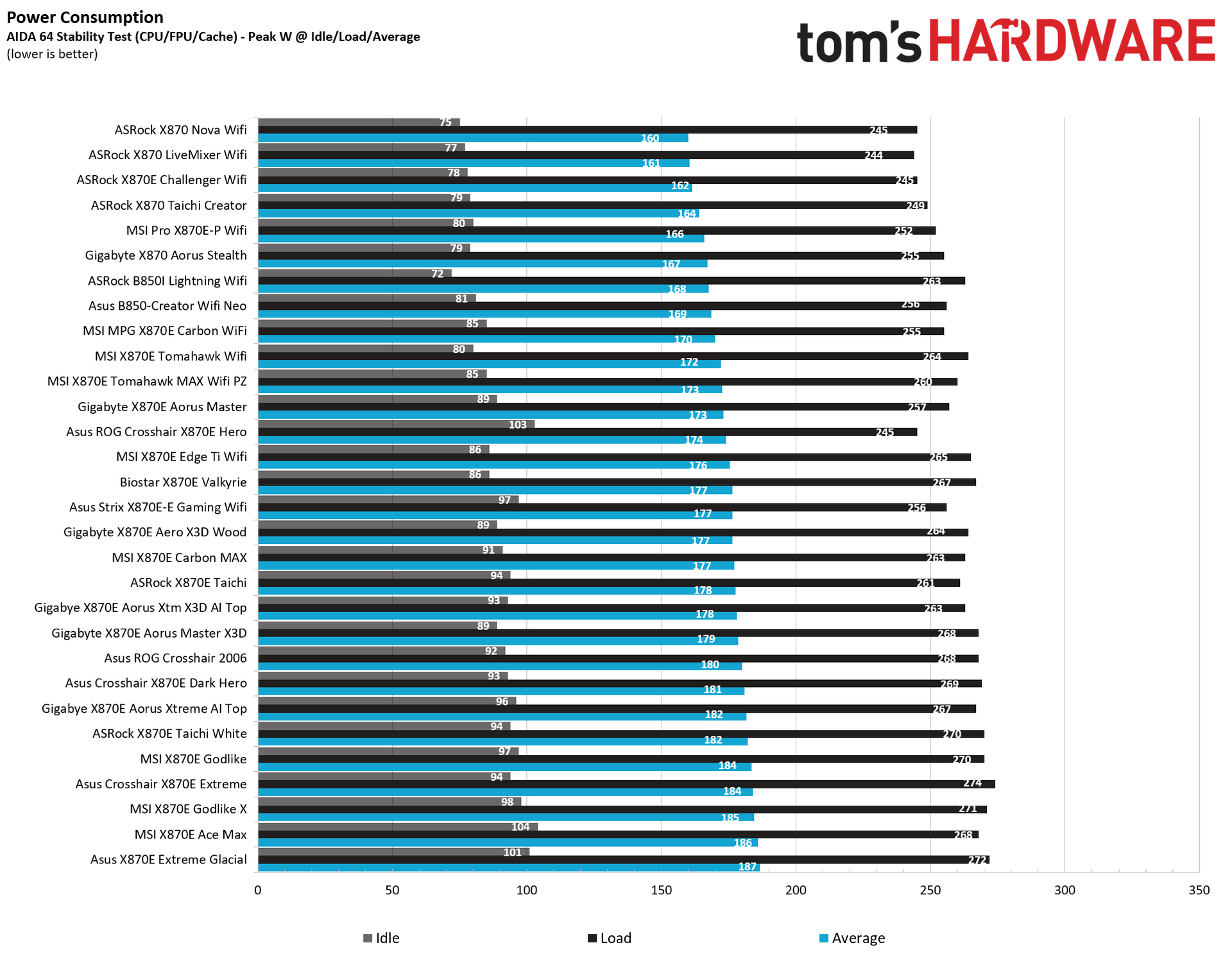
We used AIDA64’s System Stability Test with Stress CPU, FPU, cache, and Memory enabled for power testing, using the processor's peak power consumption value. We measured wall wattage with a Kill-A-Watt meter, which captures the entire PC (excluding the monitor). The only variable that changes is the motherboard; all other parts remain the same. We now use only the stock power-use/VRM temperature charts, as this section aims to ensure the power delivery can handle flagship-class processors.
Stress testing with our flagship-class 270K Plus and the Team Group DDR5-7600 kit at stock yielded a peak of only 330W at the wall, tying our lowest result so far. The board also sipped power at idle, dropping to around 56W, the lowest result we’ve recorded for the platform. This board sips power compared to some others.
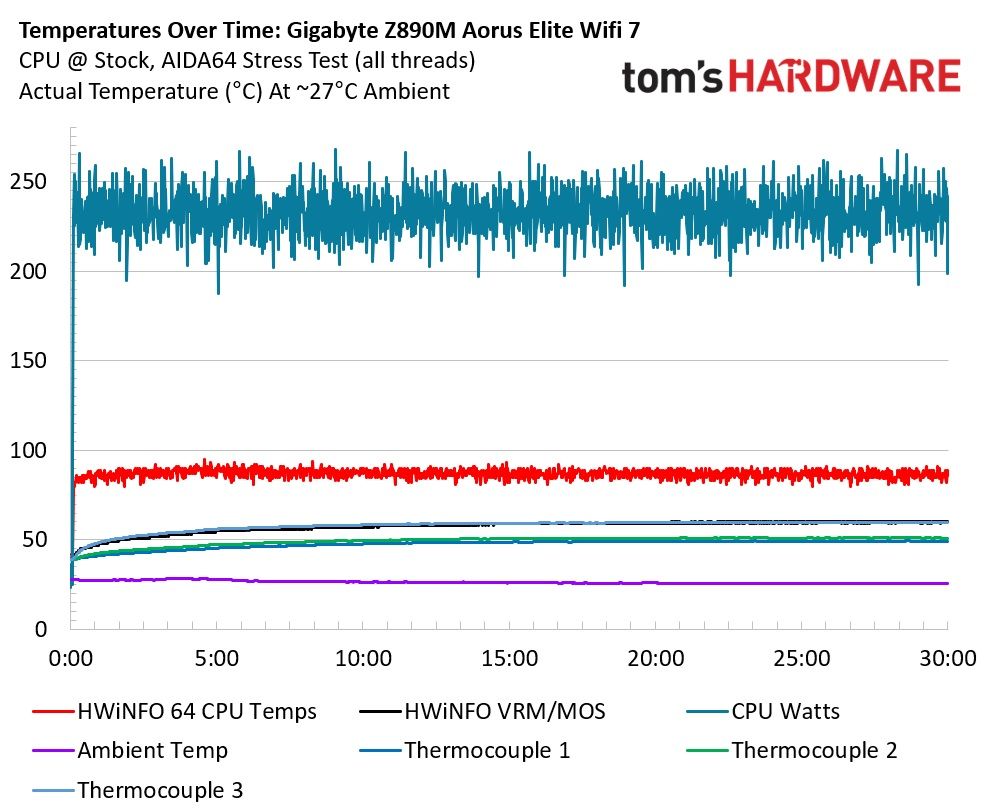
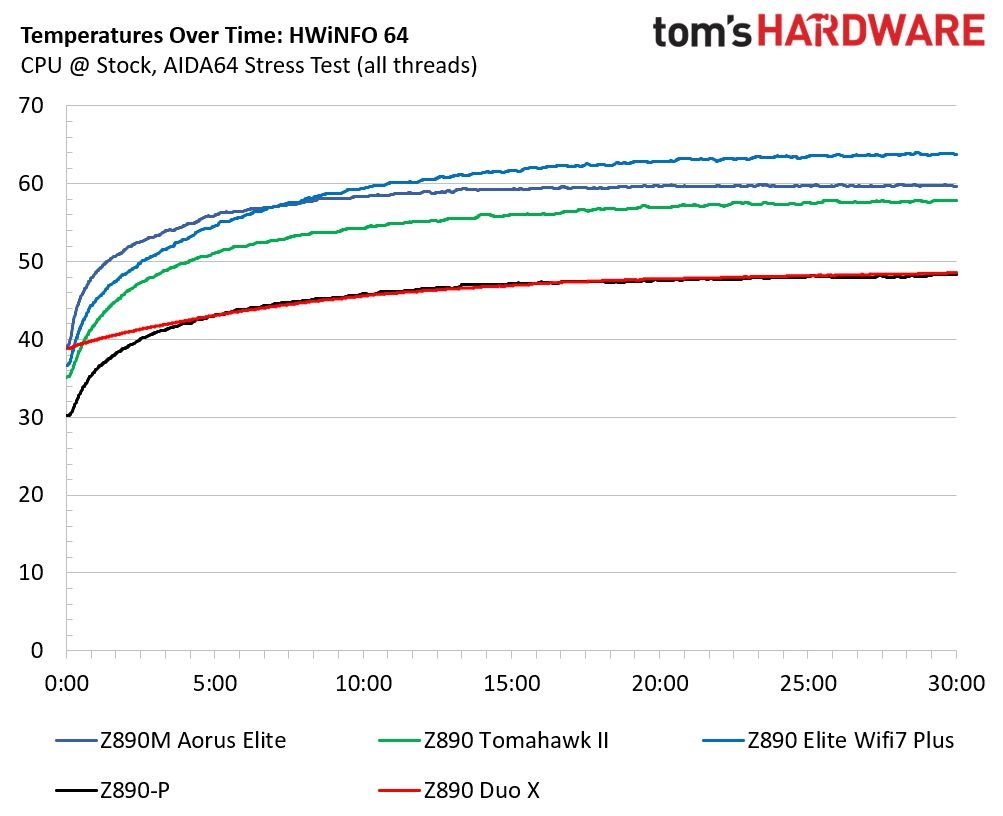
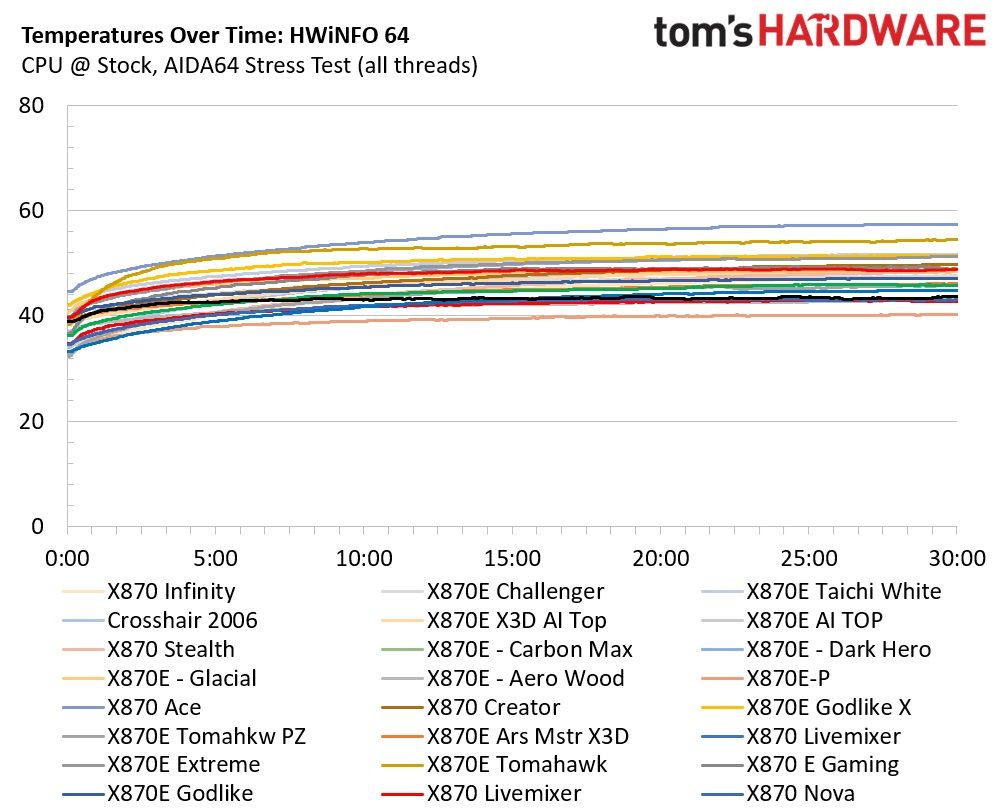
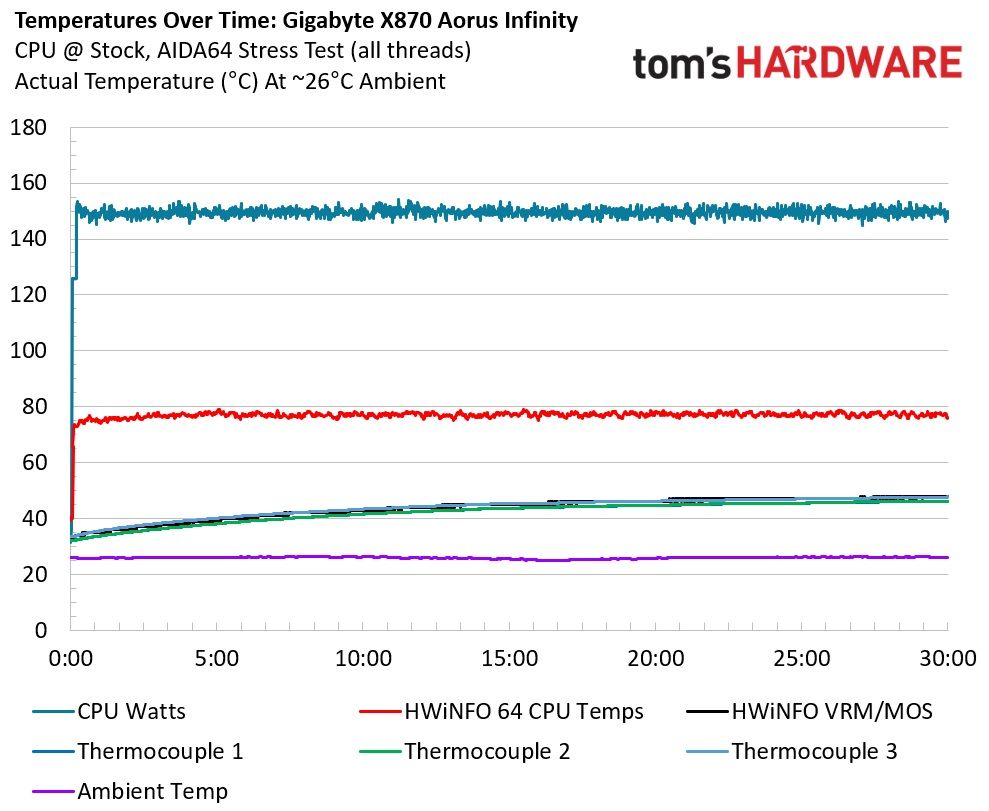
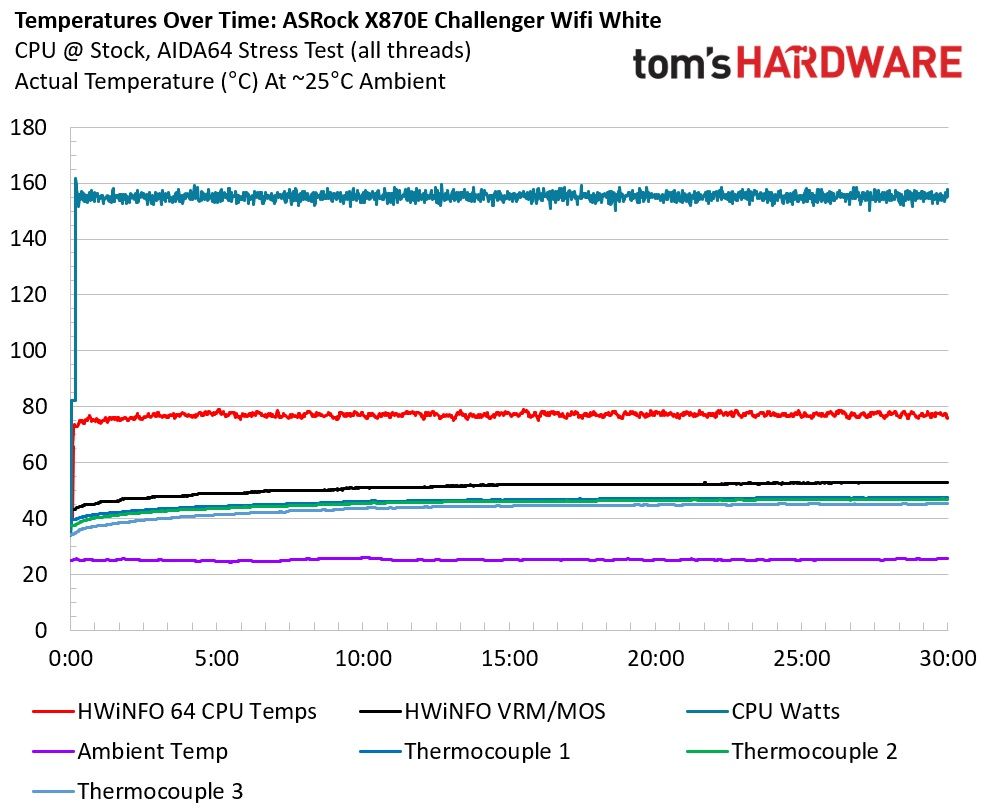
VRM temperatures ran warm, but are not a concern. Throughout the 30-minute test, the system (excluding the monitor) averaged 232W, and our sensors on the back of the board, directly under the MOSFETs, recorded temperatures peaking at just under 60 degrees Celsius, while HWInfo and the internal sensor showed similar peaks at about 60 degrees Celsius. That value is well within specification for the MOSFETs doing all the work below. We’re confident that the power delivery can handle whatever you're likely to throw at it. Chances are, the CPU temperature will limit you before the board does, but keep airflow good to keep temperatures down.
Bottom Line
Gigabyte’s Z890M Aorus Elite WiFi7 Ice is a solid all-around motherboard for the Micro ATX form factor and smaller builds. Its icy-white aesthetic and ‘full coverage’ of heatsinks are rare for this class of board and give it a premium vibe compared to its peers. Hardware-wise, it includes most of what you’d expect from the Z890 platform, though I’d like to see another USB4 port on the rear IO, and perhaps a better audio codec. Still, this is one of the better-looking and better-equipped of the Z890M Micro ATX options.
As for the competition, the Asus Prime Z890M-Plus ($216.99) has more expansion slots (4), additional “AI” features, and SATA ports (6), but fewer rear USB ports, and it just doesn’t give off the same premium vibes as the Gigabyte Z890M. ASRock’s Z890M Riptide Wifi ($252) costs quite a bit more than the others and offers more robust power delivery (like the Asus) and decent looks, but its specs are otherwise similar. Aesthetically, the ASRock is also less pleasing than the Gigabyte, and it has only one PCIe slot (so no room for expansion if needed). MSI has the Pro B860M-A WiFi ($158), which uses a lesser mainstream chipset, offers 5 GbE (and slower 6E Wi-Fi), and is otherwise comparable to the Asus with its extra PCIe slots. Oh, and it doesn't look great.
Overall, the Z890M Aorus Elite WiFi7 Ice is one of the better-looking Micro ATX offerings and nicely priced, earning a spot on our best motherboards list (for Intel Micro ATX). The icy-white aesthetic and minimal PCB visibility will turn heads in a white case. Hardware-wise, it has the specs you expect for this class of board. If you’re in the market for a Micro ATX Intel board, the Z890M Aorus Elite Wi-Fi 7 Ice should be your first stop, especially if you want to show off your paired white components.
MORE: Best Motherboards
MORE: How To Choose A Motherboard
MORE: Best Motherboard Deals
MORE: Best Motherboard Combo Deals
MORE: All Motherboard Content