登录
登录
The future of USB connectivity (2026) — How USB4 Version 2 and Thunderbolt 5 are bringing copper to its physical limits
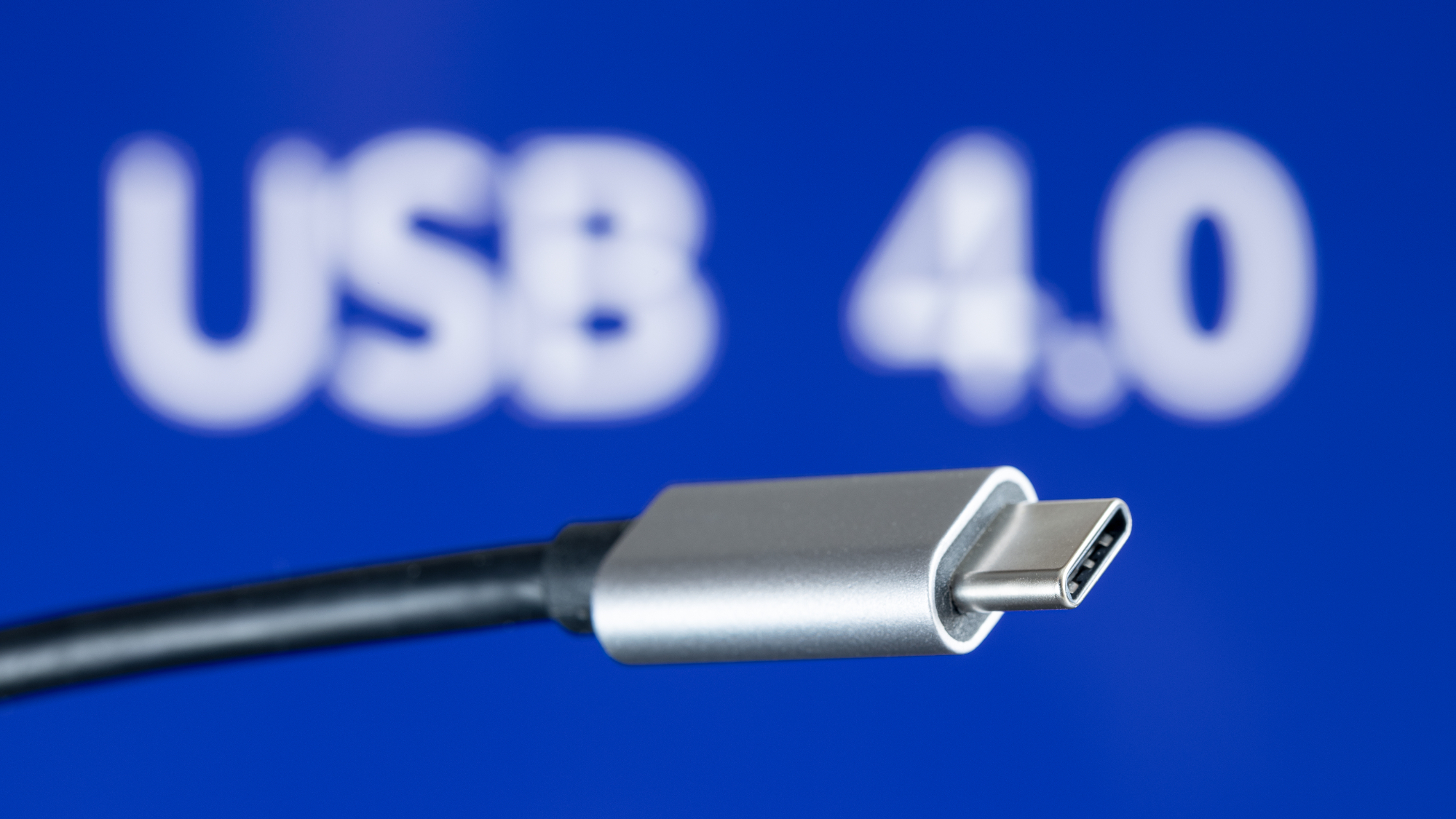
The USB ecosystem is in the midst of another transition that will affect how laptops, desktops, storage devices, displays, and peripherals connect in the second half of the decade.
USB4 Version 2.0, Thunderbolt 5, and a refreshed certification program converge around higher throughput, expanded power delivery, and an attempt to simplify a standard that has accumulated layers of optionality over nearly three decades, which we've explained in our USB decoded explainer.
So, what's next? In 2026, USB4 Version 2.0 and Thunderbolt 5 are now actively being implemented in the premium laptop and desktop segments, shifting from the long-running 20 Gbps and 40 Gbps era toward links that can deliver 80 Gbps bidirectional bandwidth and 120 Gbps asymmetric modes for display-heavy workloads.
From 12 Mbps to 80 Gbps
USB began in the mid-1990s to replace a sprawl of legacy connectors — serial, parallel, PS/2 — with a single, self-configuring interface. USB 1.0 launched in 1996 at just 12 Mbps, fast enough for keyboards, mice, and early webcams.
The 2000 release of USB 2.0 raised that to 480 Mbps, enabling external optical drives and the first wave of consumer flash storage. But it was USB 3.0 in 2008 that marked the transition to high-bandwidth, general-purpose peripheral buses, pushing 5 Gbps over a new SuperSpeed signaling layer. USB 3.1 and 3.2 followed, expanding bandwidth to 10 Gbps and then 20 Gbps with dual-lane signaling, but also introducing a tangle of naming conventions that made it difficult for users to identify what a port or cable could actually do.
Throughout this evolution, USB retained backward compatibility by design. A USB 2.0 flash drive could still work when plugged into a USB 3.2 Gen 2x2 port, and a modern USB-C charger could power an old USB 3.0 hard drive. This interoperability helped USB become the default connector for consumer computing. That said, it also left the standard fragmented beneath the surface. Features such as power delivery, alternate modes for video output, and PCIe tunneling were added incrementally, and not all devices implemented them uniformly.
The introduction of USB-C in 2014 began to consolidate physical connectors, and the debut of USB4 in 2019 marked the start of a new architecture focused on integrated high-speed transport. But many of USB4’s promises, such as 40 Gbps throughput and universal power, depended on how thoroughly a given device implemented the spec. That complexity is still being worked through, even as USB4 v2 and Thunderbolt 5 push bandwidth and capability well beyond what USB 3.x ever attempted.
The state of USB4
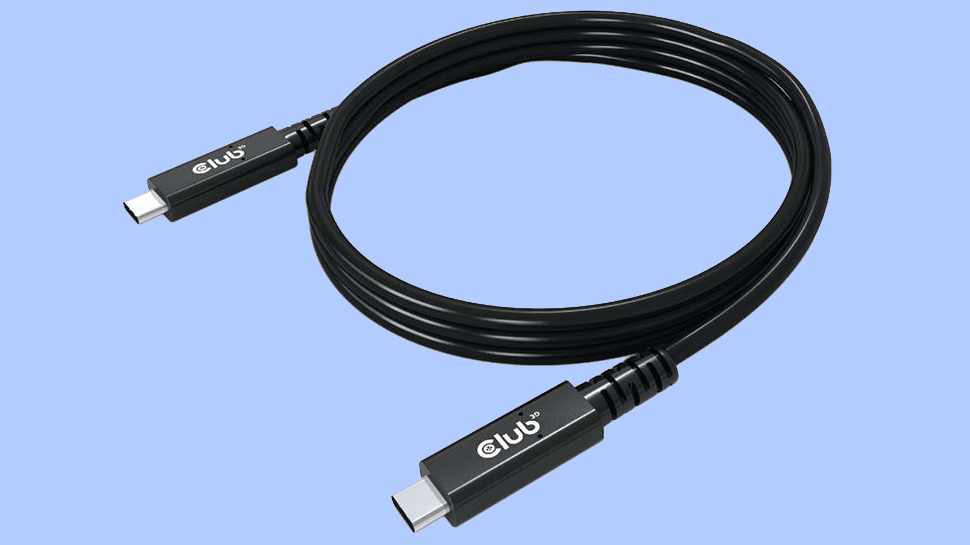
USB4 has been positioned as the unifying successor to the fragmented USB 3.x family, but the reality of this is more nuanced. USB4 is a modular architecture built atop the Thunderbolt 3 transport specification that Intel contributed to the USB Promoter Group. The standard defines a tunnel capable of carrying DisplayPort, PCI Express, and USB packets simultaneously, distributing bandwidth dynamically across workloads. All USB4 ports use USB-C as the physical connector and require USB Power Delivery for negotiation, but beyond that baseline, implementations vary widely.
Most more budget-conscious laptops and PCs ship with USB4 20 Gbps rather than the full 40 Gbps mode. Many omit PCIe tunneling, which restricts the use of external NVMe enclosures, capture cards that require direct PCIe links, and eGPU housings. Others support only single-lane DisplayPort tunneling, capping multi-monitor configurations even when total bandwidth appears sufficient.
Thunderbolt 4 remains the most complete expression of USB4 Version 1.0, because it mandates 40 Gbps operation, PCIe tunneling with at least 32 Gbps of sustained throughput, dual 4K displays, DMA protection, and 15W of minimum port power. Intel platforms consistently meet this bar. Meanwhile, AMD systems vary by OEM and chipset, with only a subset of designs offering full USB4 40 Gbps with PCIe tunneling.
This implementation variability reflects the flexibility of USB4’s architecture. The specification allows device makers to scale features based on cost and power constraints, especially in thin-and-light systems. For users, however, the USB4 label alone does not guarantee any particular performance characteristic without checking controller documentation or certification badges.
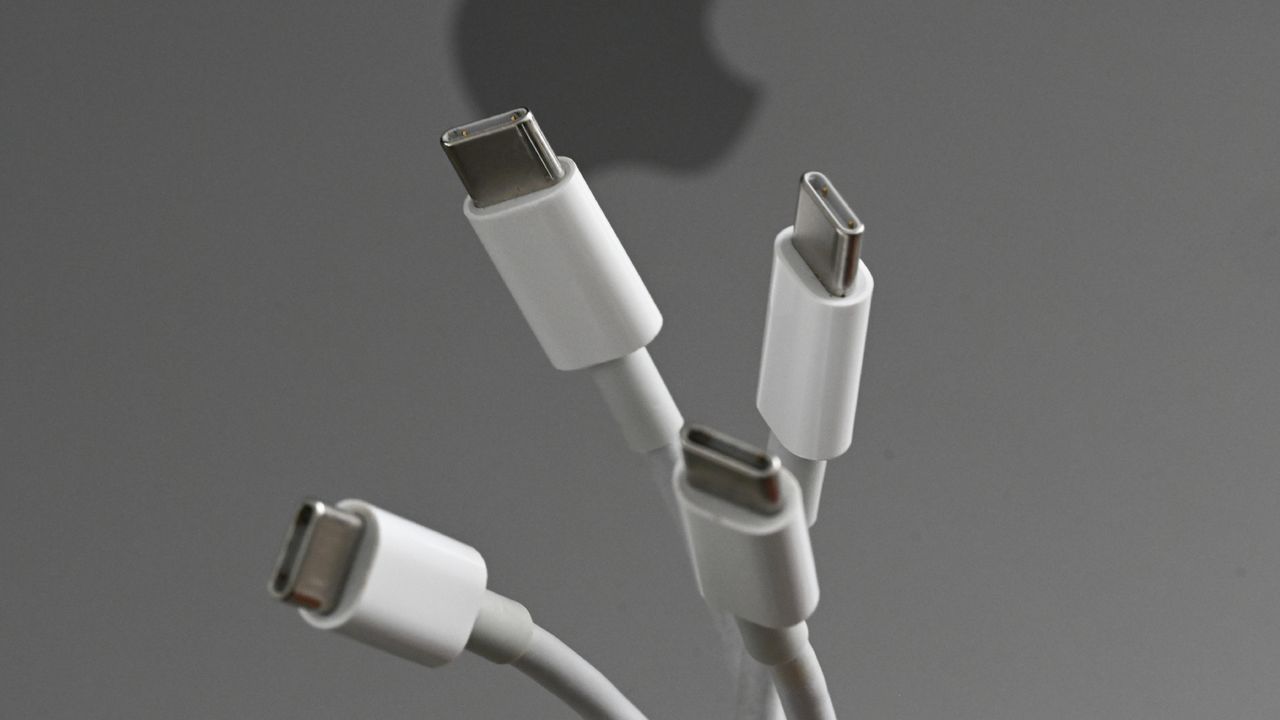
USB-C’s role has grown alongside this transition. The connector now consolidates power, data, and display signaling, and it is the required physical interface for USB4, Thunderbolt 3, Thunderbolt 4, and Thunderbolt 5. With Power Delivery 3.1, USB-C can negotiate up to 240W via 48V Extended Power Range modes across fixed 28V, 36V, and 48V power profiles. A single cable can power a high-end notebook, drive a high-resolution display, and host multiple data devices simultaneously because power negotiation occurs on the separate Configuration Channel, rather than the high-speed lanes.
Enter USB4 Version 2.0 and the shift to 80 Gbps

USB4 Version 2.0 marks the largest technical jump in USB signaling since the transition from USB 2.0 to USB 3.0. Instead of adding more lanes, the new specification doubles throughput by replacing NRZ signaling with PAM3 modulation. PAM3 encodes three amplitude levels per symbol, enabling 40 Gbps per lane across the same physical wires that carried 20 Gbps in previous generations. With two bonded lanes in each direction, USB4 v2 reaches 80 Gbps symmetrical bandwidth. An asymmetric mode increases this to 120 Gbps in one direction for display-oriented workloads, while the reverse direction can be reduced.
The transport layer receives several upgrades. PCIe tunneling now supports PCIe Gen4, which doubles per-lane throughput for external SSDs and eGPU boxes, relative to Gen3 tunneling in USB4 v1. DisplayPort tunneling advances to DisplayPort 2.1 with UHBR20 signaling, enabling dual 8K or a single 12K display with full chroma and high refresh rates. Backward compatibility with USB4 v1, Thunderbolt 3, and Thunderbolt 4 devices is retained, although those devices fall back to older signaling modes when connected.
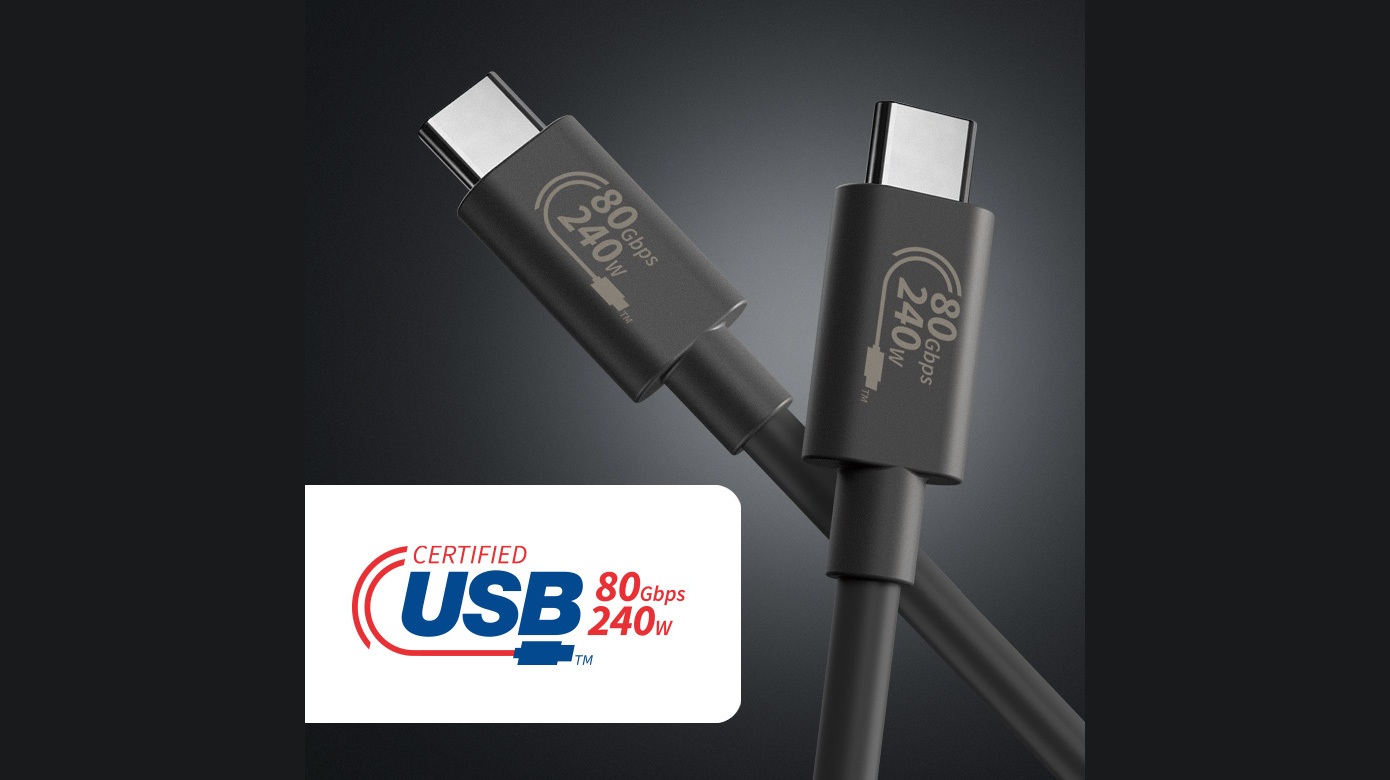
Many certified passive USB-C cables up to one meter will support 80 Gbps, but anything longer typically requires active retimers. These active cables include embedded signal processing and sometimes operate directionally, which introduces design considerations for things like hubs and monitors. The USB-IF’s new labeling scheme identifies cables explicitly as USB 40 Gbps, USB 80 Gbps, or USB 240W to mitigate the long-standing ambiguity that accompanied earlier USB 3.x naming.
Thunderbolt 5 rides alongside USB4 v2 as its highest-fidelity implementation, with Intel’s specification guaranteeing features that USB4 v2 only defines as optional. These include mandatory 80 Gbps symmetrical operation, 120 Gbps asymmetric display mode, PCIe Gen4 tunneling with at least 32 Gbps of sustained throughput, and support for 240W charging. Thunderbolt 5 also mandates lane symmetry and strict latency targets to support high-bandwidth, low-jitter peripherals such as external GPUs, docked workstations, and multi-display gaming setups. We can see that in higher-end systems in mid-2026, the full-fat Thunderbolt 5 spec is rolling out, with our recently reviewed Razer Blade 16 (2026) coming fully equipped with the port.
Because Thunderbolt 5 builds directly atop the USB4 v2 physical layer, its cables and controllers are interoperable across the USB4 family, but with stricter certification criteria. In practice, Thunderbolt 5 functions as the version of USB4 v2 that guarantees complete feature exposure, similar to how Thunderbolt 4 served as the reference point for the USB4 v1 era.
The next decade of universal connectivity
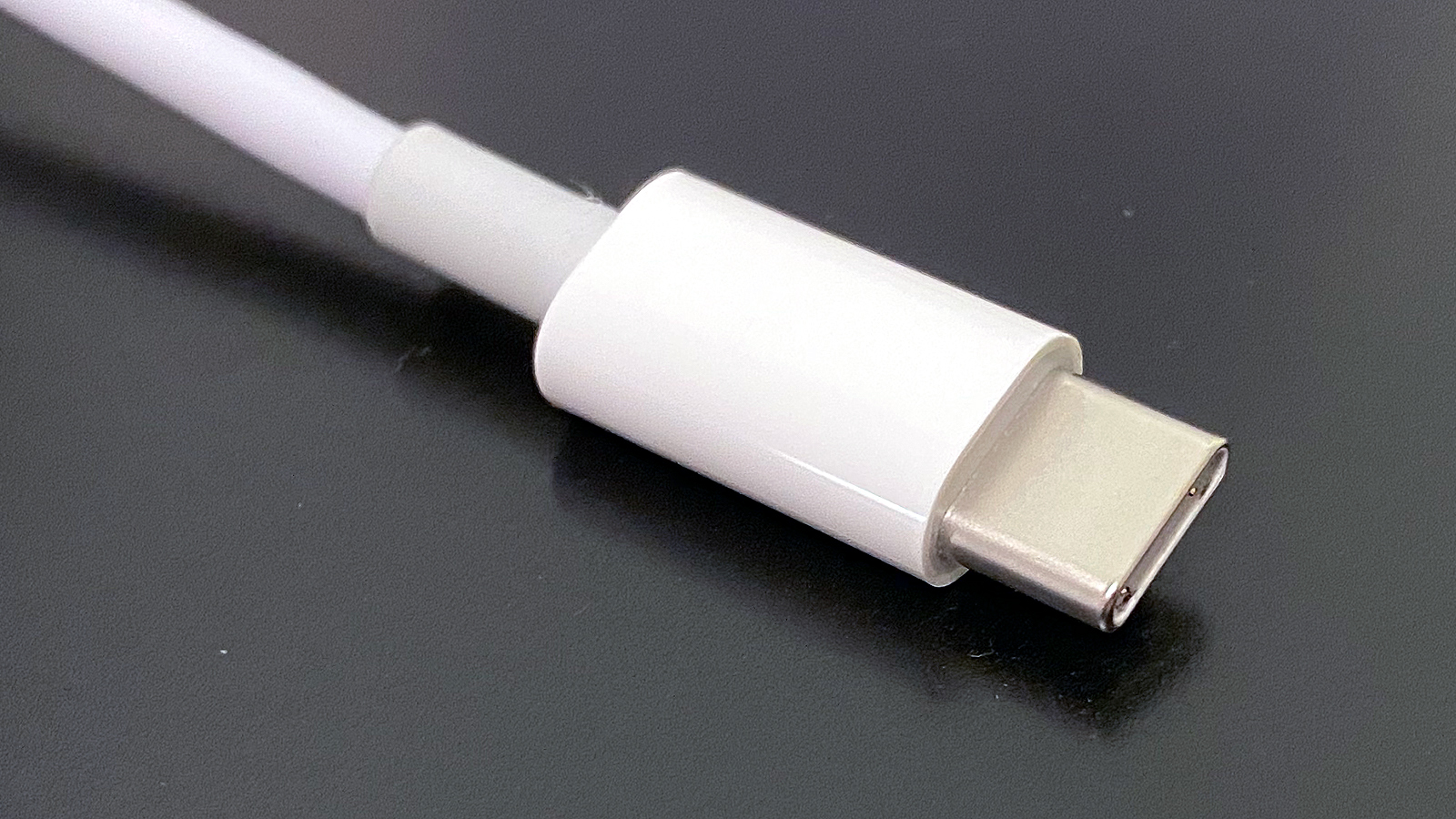
There has been some discussion among users and industry analysts about what the future of USB might look like. A likely future USB5 standard might see schemes beyond PAM3, if USB-C’s electrical characteristics prove capable of sustaining higher speeds. PAM4 could be a candidate here. Meanwhile, copper links are approaching practical limits at these data rates, prompting the active commercialization of optical USB-C cables that embed fiber transceivers inside standard connectors. While expensive today, optical links could carry future USB4 v3 or USB5 signaling across tens of meters, without electromagnetic interference or the attenuation challenges of copper.
Power delivery beyond 240W is another open question. The 48V EPR ceiling aligns well with current mobile workstations and most gaming laptops, but heavier categories such as portable displays, desk-dock hybrids, and workstation replacements may increase pressure for higher wattage tiers. Whether USB-C remains the long-term vehicle for that expansion or yields to a successor connector will depend on thermal constraints and cable reliability at elevated voltages.
The USB-IF’s renewed emphasis on clear labeling may ultimately define how smoothly the transition unfolds. The shift from version-based branding to explicit “USB 40 Gbps,” “USB 80 Gbps,” and “240W Certified Cable” identifiers is intended to eliminate the ambiguity that has characterized the standard for nearly a decade. Adoption will, of course, depend on consistent enforcement by manufacturers and retailers.
USB has moved far beyond its origins as a peripheral interconnect. The convergence of USB4 v2, Thunderbolt 5, and expanded Power Delivery turns the USB-C port into a high-bandwidth, multi-protocol backplane for modern systems.
A single connector can now supply workstation-class PCIe bandwidth, high-resolution video, and sustained charging for devices that previously required dedicated power bricks. The next steps in the roadmap take USB into signaling regimes that challenge copper’s limits while retaining full backward compatibility with the ecosystem that grew around USB 2.0 and USB 3.x.
As the 80Gbps era proliferates, users will encounter hardware that behaves less like a simple peripheral port and more like an external extension of a system’s internal fabric. As we move through the second half of the decade, OEMs are now starting to standardize full-feature implementations rather than the partial configurations that marked the early years of USB4.
If that consolidation takes place, the connector that started as a replacement for serial and parallel ports will continue its evolution into one of the most capable physical interfaces in computing.