普通视图

发现新文章,点击刷新页面。
昨天以前Tomshardware

Why an MMO mouse isn’t just for gaming — make use of the myriad of buttons for enhancing your productivity workflows in popular software applications

2026年7月27日 23:39

What kind of mouse do you employ for your daily PC or laptop usage?

Is it a simple two-button mouse, or does it feature more buttons than you can shake a stick at?

Personally, I’m lucky enough to have a mouse for all occasions, as sometimes it’s great to have a peripheral that’s targeted to a specific task that it can excel at. An example of my personal usage is my Logitech G Superlight 2 - this is my current go-to mouse for when I get a little serious about playing my favourite FPS games. But this is the exception, as there are usually not that many buttons needed to be pressed and certainly no need for added functionality such as macros, although the software still supports it.

The main mouse I employ, though, has for years been an MMO/MOBA mouse of some description. For both gaming and a plethora of productivity applications, I’ve found that the intuitive functionality of a multi-button mouse offers me the best experience and streamlines my workflows, as well as saving my hand from cramping due to complex keyboard press combinations.

One of the first mice I started using this way was the Razer Hex when it first came out. This MOBA mouse had the usual left/right mouse buttons and a scroll wheel, but had an extra six buttons on the side panel nearest my thumb. There was a little changeable rubber nodule in the middle of the ring of six buttons to rest your thumb on and grip the mouse, so as not to accidentally press any of the side buttons. It took a while to get used to training the muscle memory of my thumb to use these extra buttons, but it was well worth the effort, as it freed up even more assignable buttons on my keyboard and also sped up my reaction times considerably in high-octane game sessions.

For games such as World of Warcraft and Final Fantasy XVI, the default spells and abilities start populating the number row on your keyboard from the 1 key to the =+ key (1-12), with further spells, abilities, and movement keybinds being assigned to other keys that are comfortable to reach with your non-mouse hand. There are also modifier key press combinations to double up on the number of things you can assign your buttons to on both the keyboard and the mouse, and that’s not even counting the fact that your free hand is also navigating WASD and the Space bar for movement.

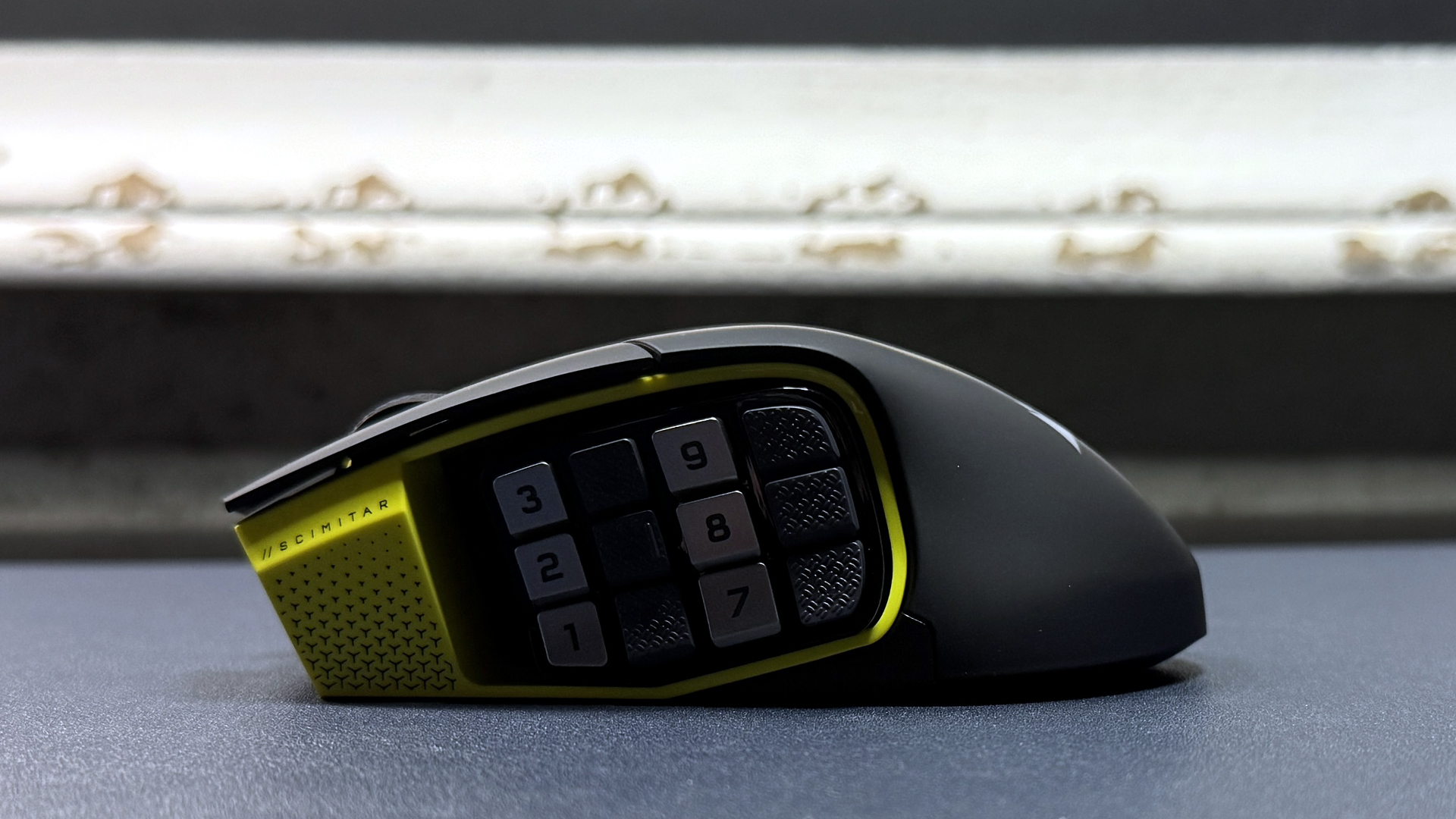
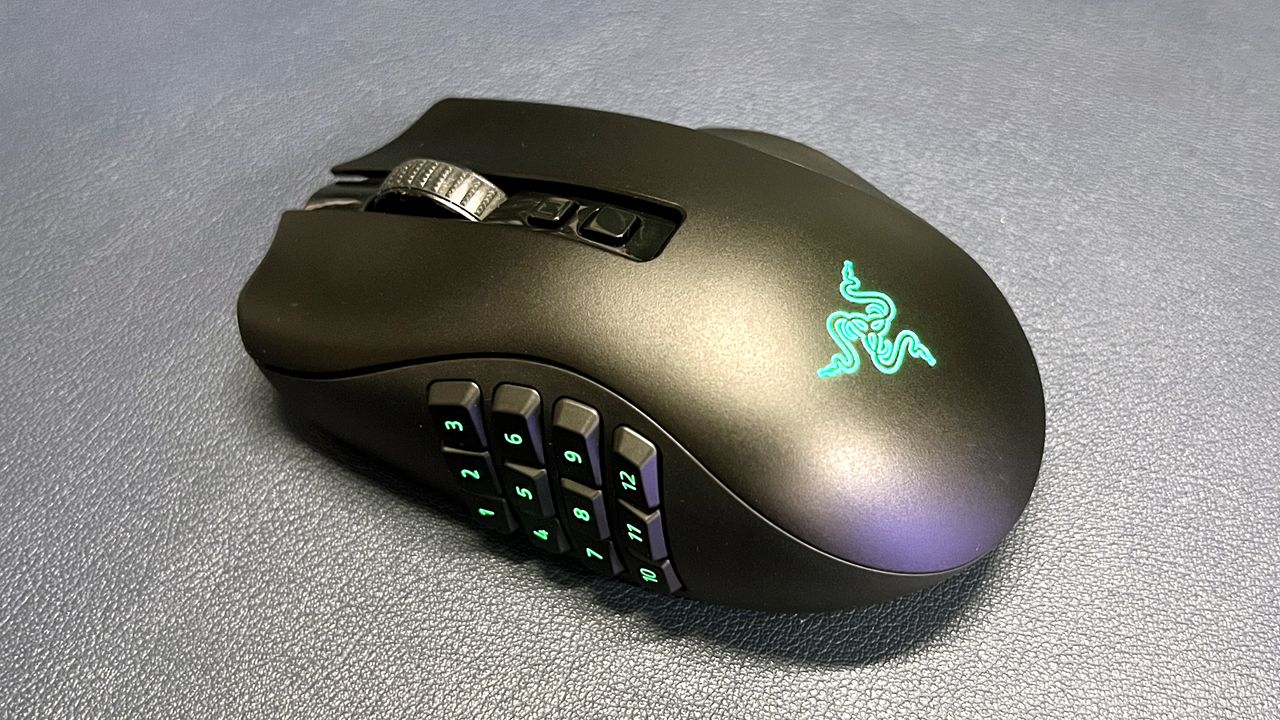
Although I persisted with the Razer Hex for a while, I soon desired more buttons and switched up to a Razer Naga, which sported the now-infamous 12-button side panel that's been imitated by almost every other MMO mouse since. Operating 12 buttons with just your thumb does take a lot of practice to commit the button positions to memory, with different manufacturers using slightly differing button design shapes to facilitate easier recognition.
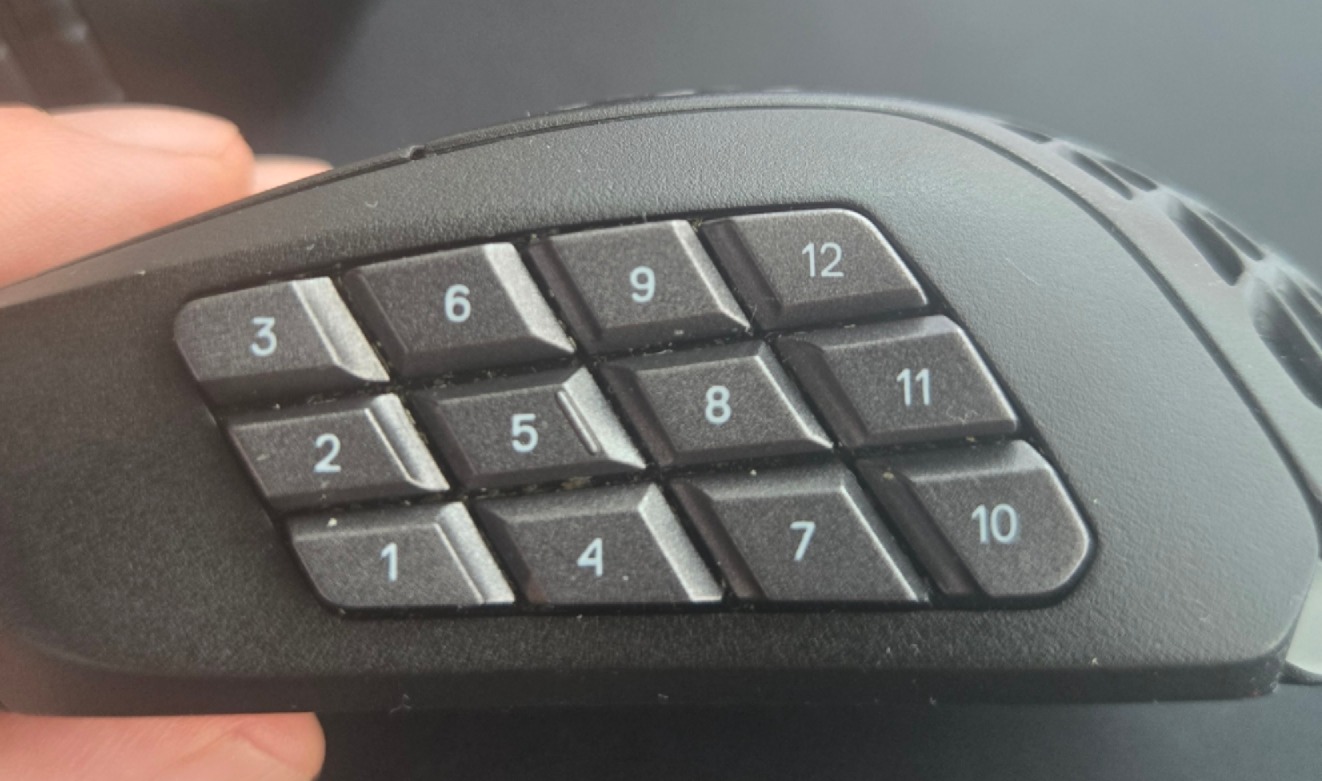
A close up image of the 12-button grid on a SteelSeries Aerox 9 MMO mouse.

(Image credit: Future)

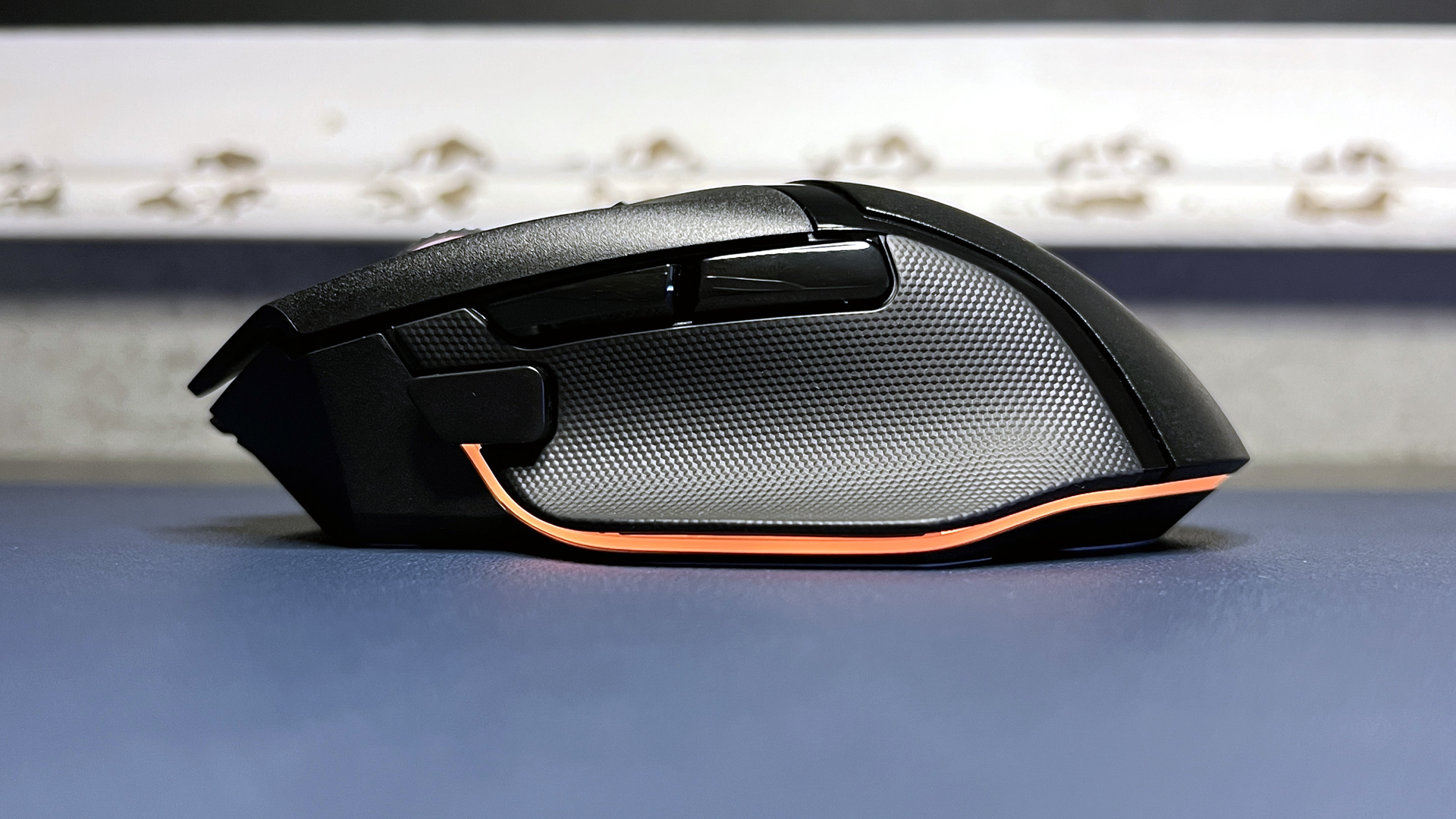
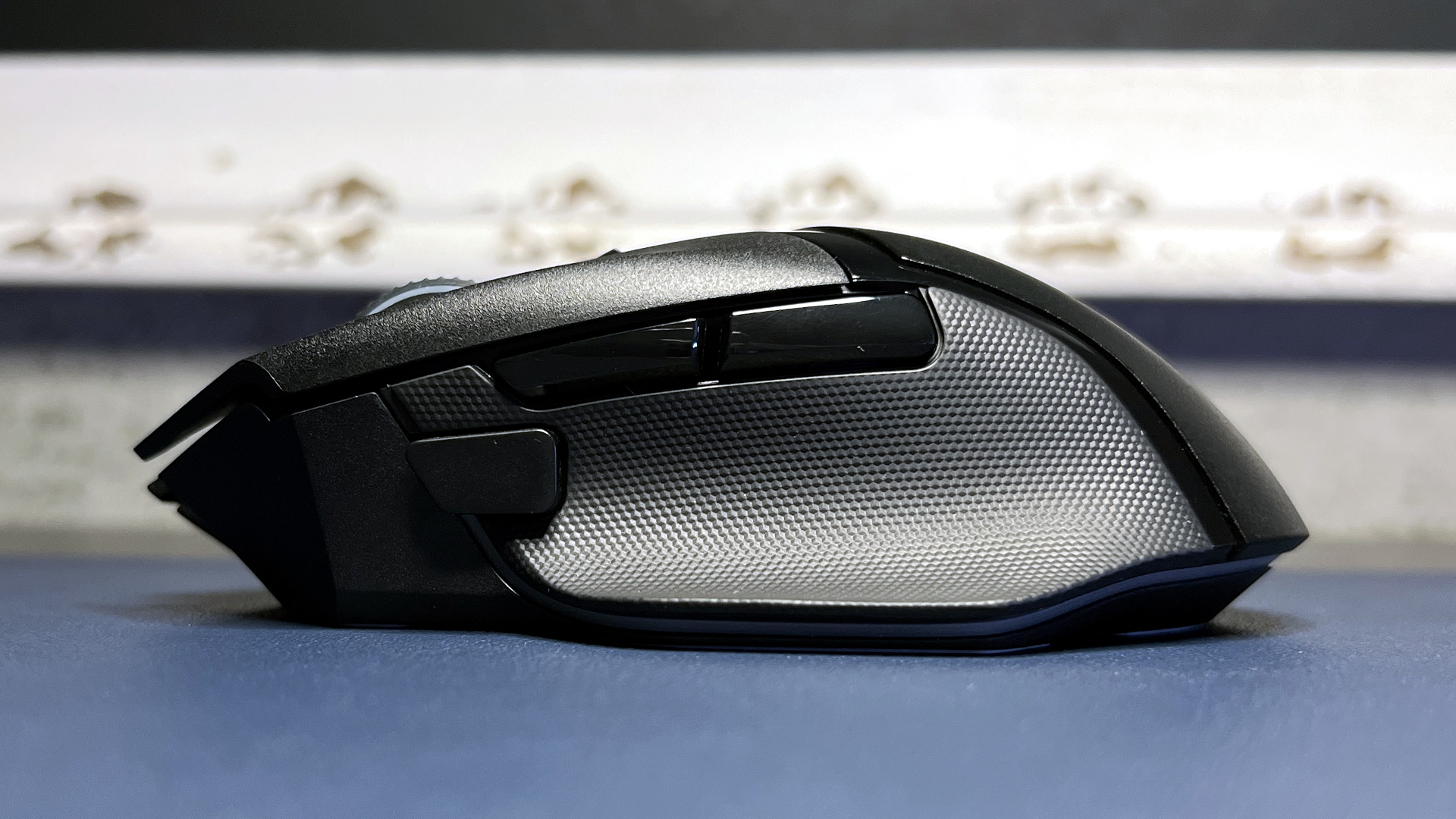
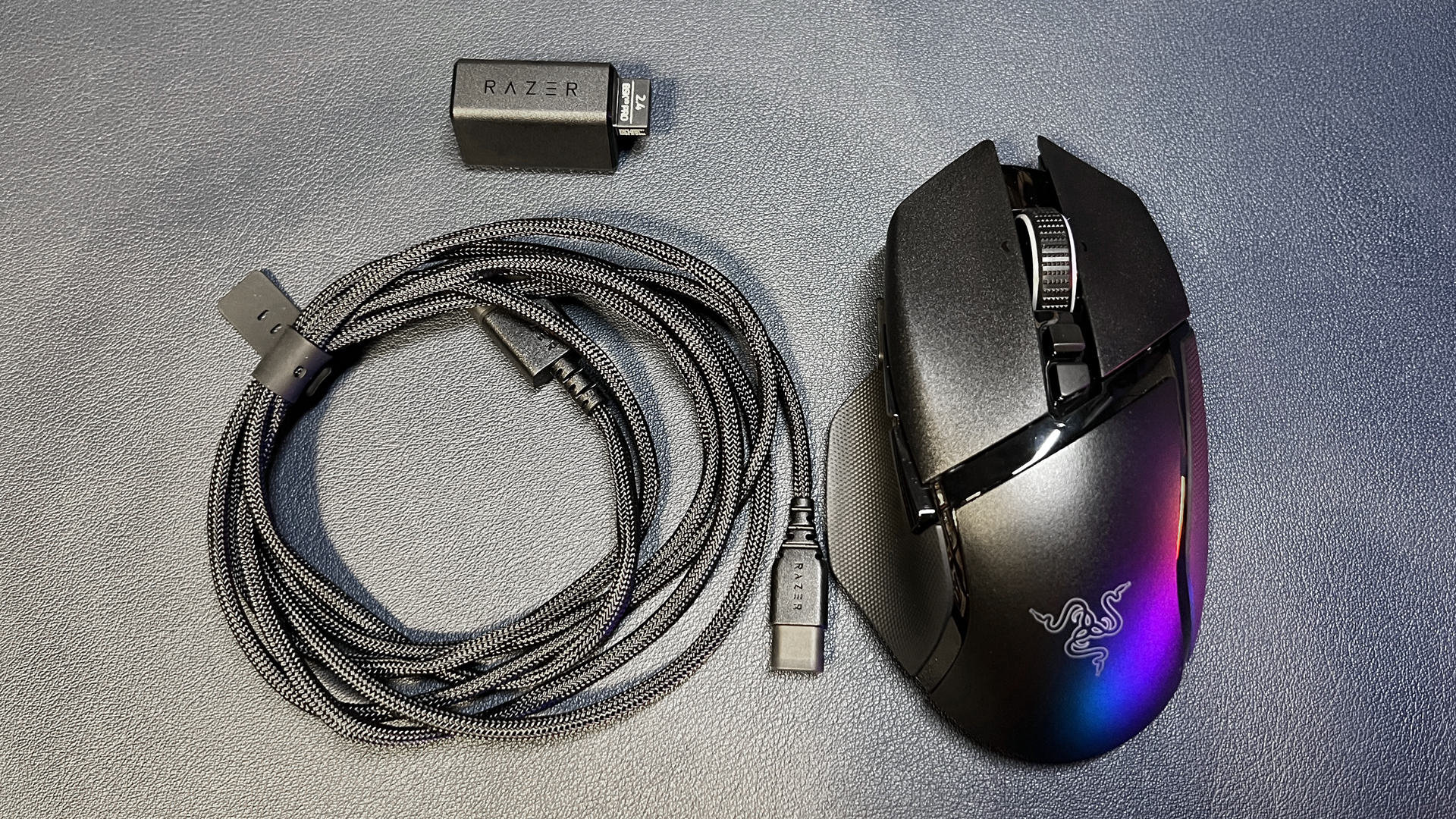
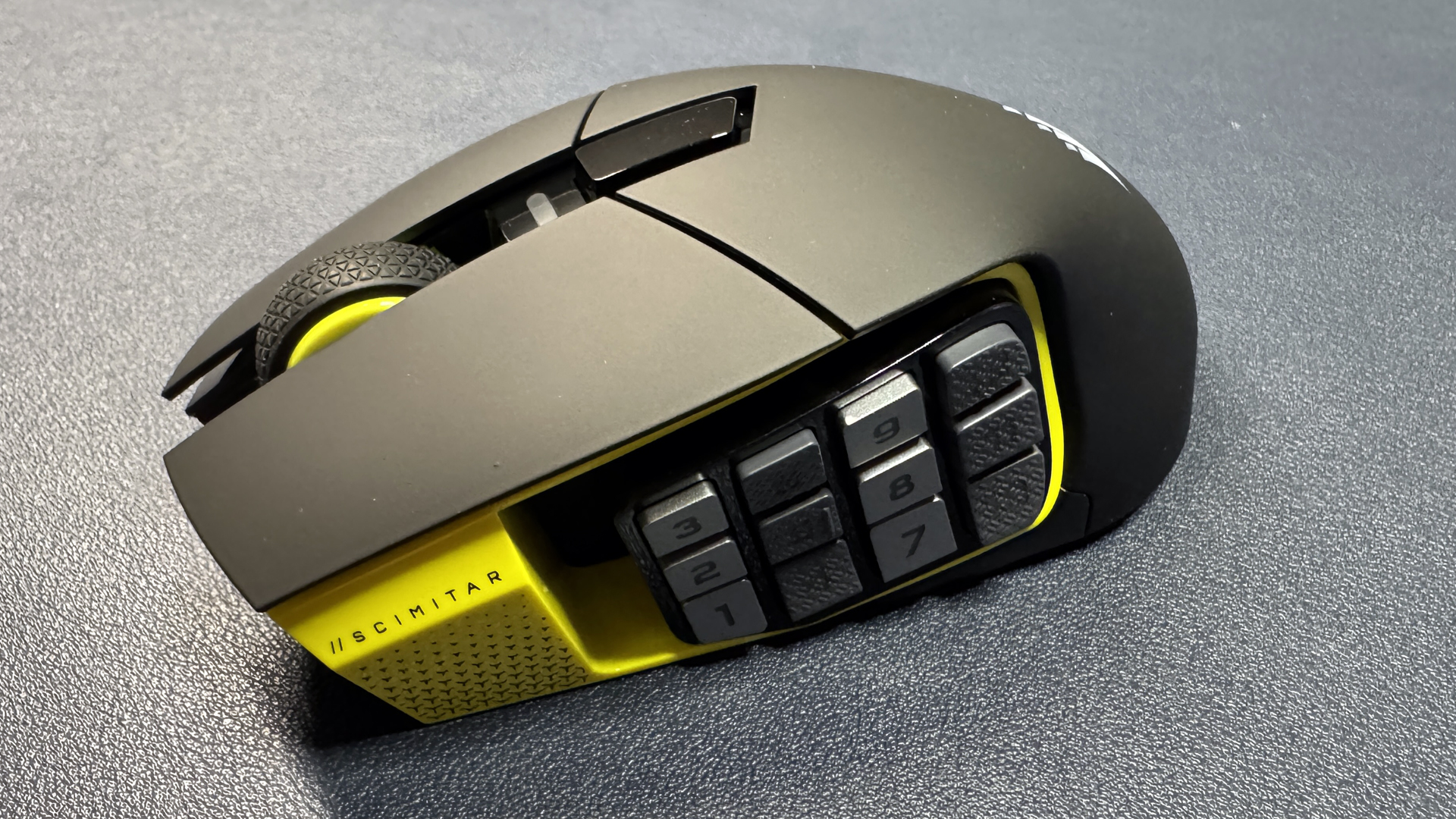
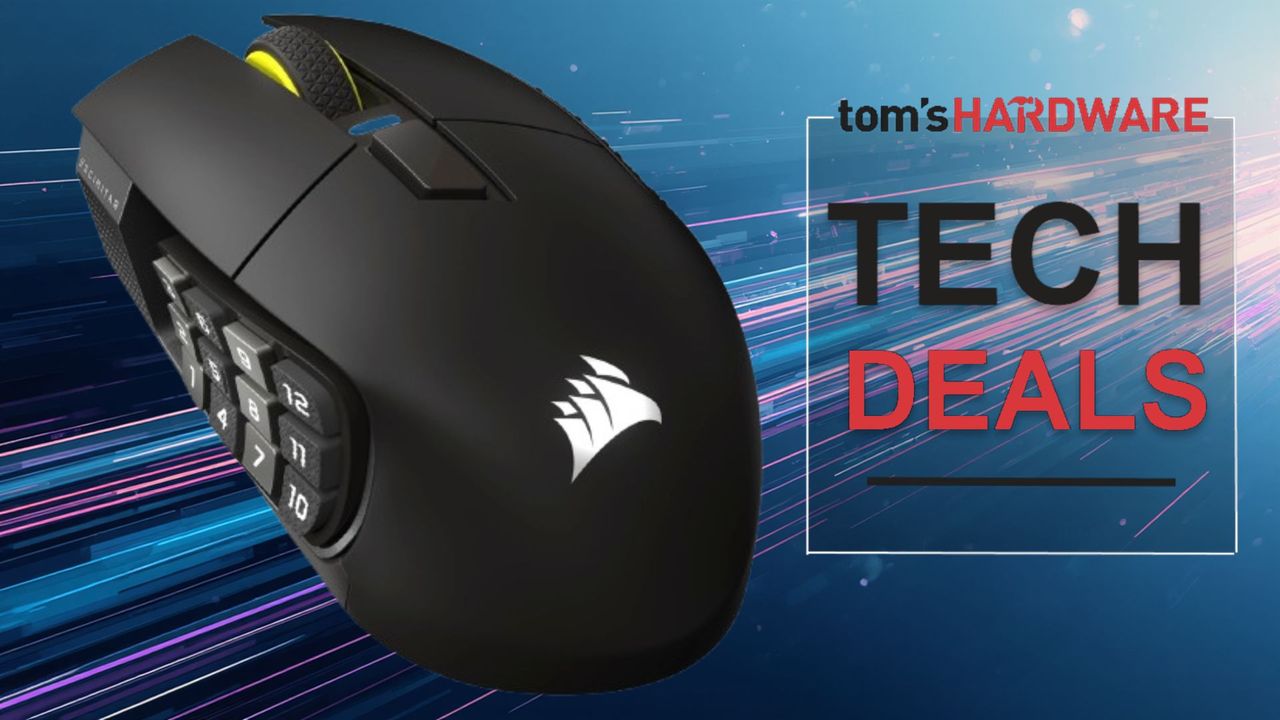
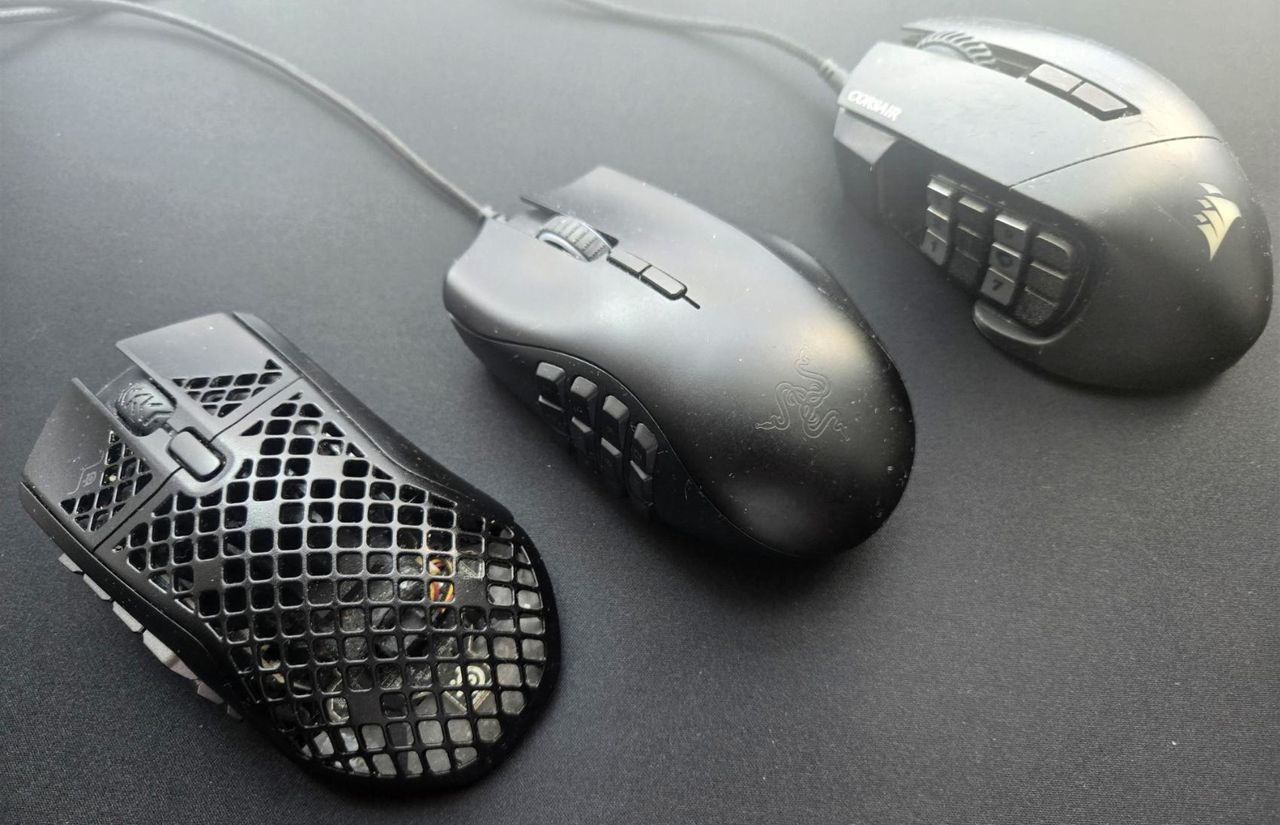
Some of the most popular MMO mouse models are Razer’s Naga, SteelSeries’ Aerox 9, Corsair’s Scimitar, and Redragon’s M908 and M913. An honorable mention goes to Logitech’s G600, which is no longer in production but was a great entry in the MMO mouse lineup and can still be found online, albeit at inflated prices due to its rarity.

Using accompanying software such as Synapse, iCUE, or SteelSeries GG, you’re able to reassign almost every button on a mouse, including DPI buttons. Apart from using an MMO mouse as an 18+button spell-slinger in gaming, these mice are super handy in other areas.

I use my SteelSeries Aerox 9 for video editing and some serious spreadsheet action. Yes, you can do the same with a number pad on a keyboard, but having all your favorite commands at your fingertips just speeds everything up.

How many times do you copy and paste? How often do you use a certain formula? Repetitive tasks can be simplified by making a macro or even recording a process and assigning it to one of the 12 side buttons. To make the most out of the mouse, you can set up application-specific profiles. The mouse software will then automatically detect when you're using a program such as Premiere Pro or DaVinci Resolve and instantly swap your thumb grid to the specific shortcuts you’ve set up for each application.

Remember, you can also set a modifier key so that you can increase the number of assignable buttons. The more buttons, the merrier, and once you’re completely familiar with your setup and workflow, you can edit an entire rough cut without your left hand ever touching the keyboard. Take a moment to think of your most-used tasks, what buttons you press to achieve them, and then program them onto the mouse, turning multiple buttons into just one. Ta-da!

If you’ve never dabbled in an MMO game, you may not be aware of how much of a game-changer a multi-button mouse can be. If you’re using multiple keyboards or macro pads like the Stream Deck for your workflow, you should definitely consider trying out an MMO mouse to improve your efficiency. It does take a little time to fully acclimatize yourself to using a mouse with a 12-button side panel, but it’s worth it, and I certainly recommend giving it a try. I can’t imagine going back, so I hope they keep making MMO mice for many years to come.

All of the mice I have mentioned in this article are available for purchase, with the Razer Naga V2 Hypserspeed Wireless available from Best Buy for $64.99, the SteelSeries Aerox 9 Wireless available from Amazon for $134.99, Redragon’s amazing value M908 Impact available for just $23.07, and finally Corsair’s Scimitar Wireless Elite SE at Amazon for $113.99.
Logitech's G Pro X2 Superstrike gaming mouse is $125.99 after getting a massive $54 discount — hall-effect haptic switches, 8K polling, and 30 ms faster clicks for peak gaming performance

2026年7月20日 19:06

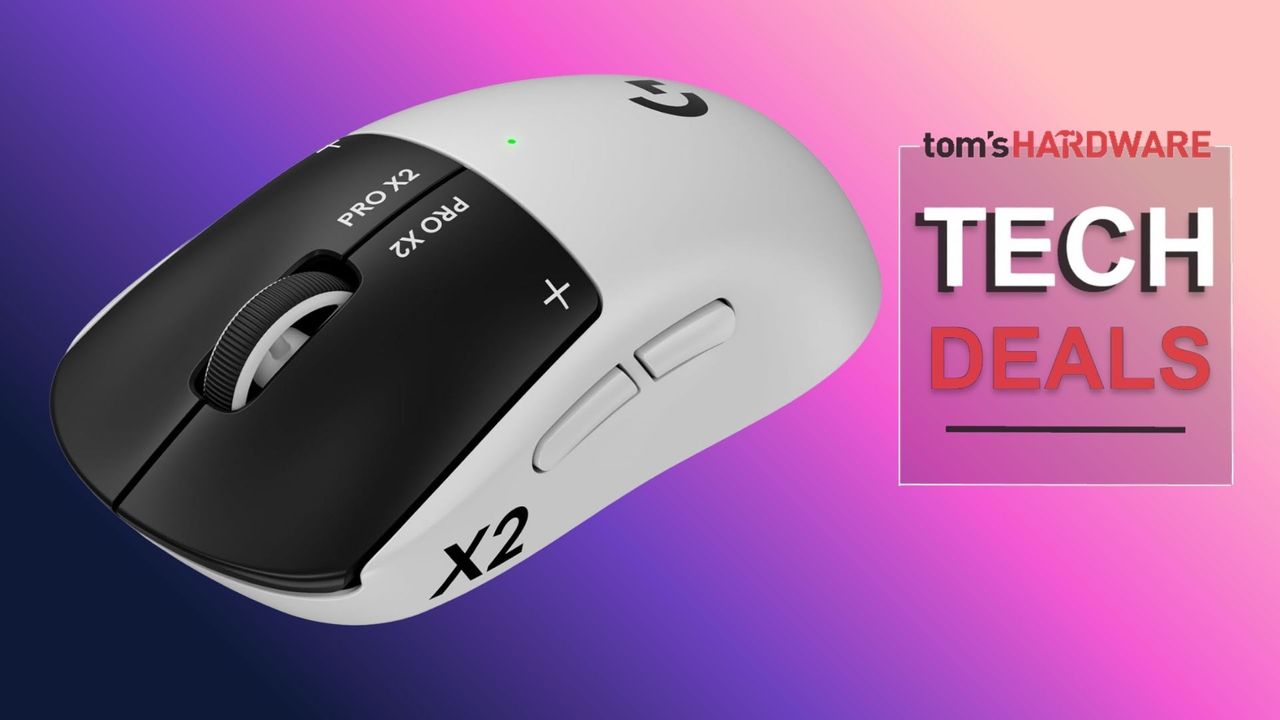
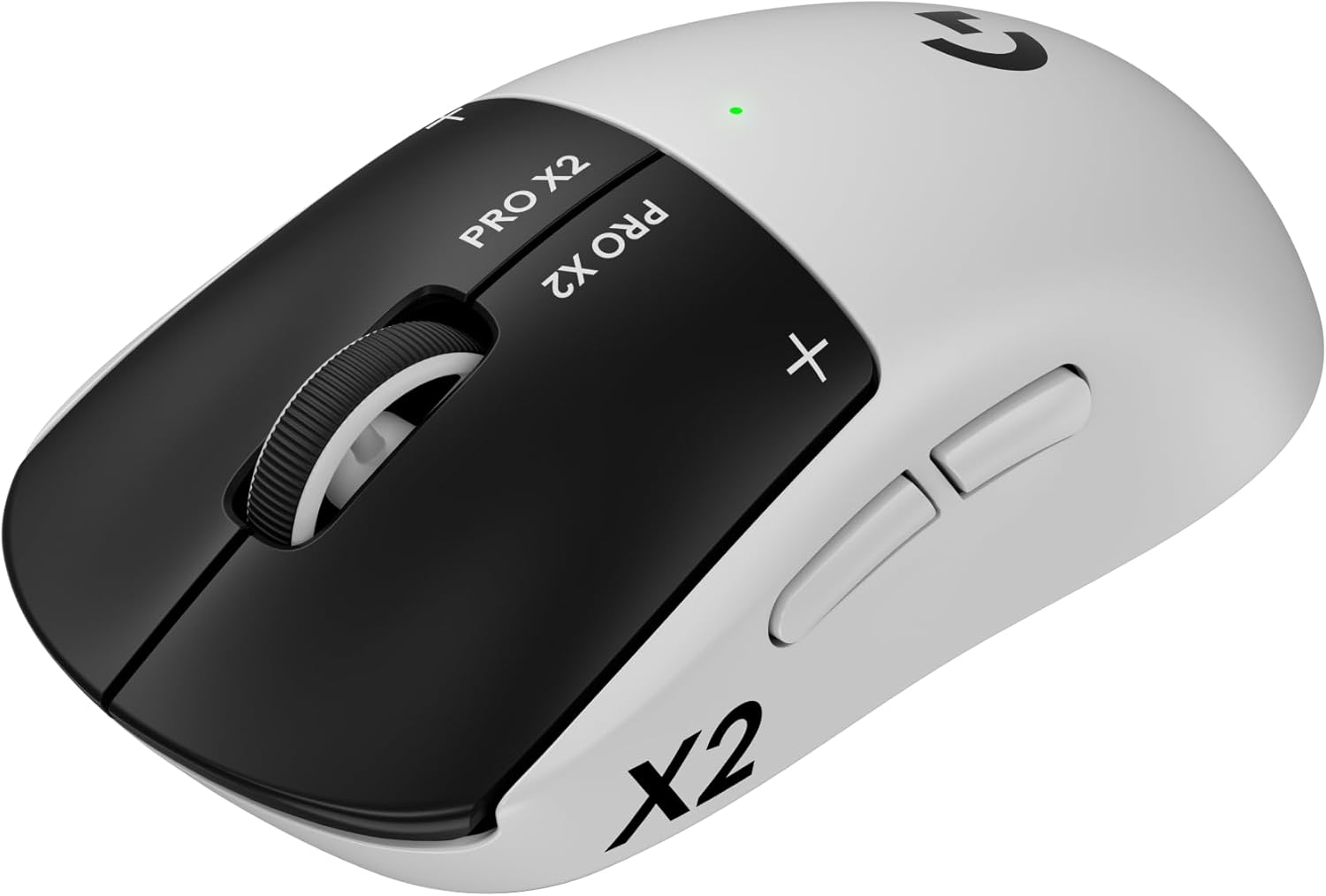
This is the first time that I can recall seeing a discount on Logitech's latest gaming mouse. It's a mouse I've been keeping a close eye on, as the launch price has not only stayed extremely stable but is also super expensive for a gaming mouse, making it very off-putting for the majority of gamers. However, if you want one of these high-tech gaming mice, then today at Amazon, you can grab $54 off the Logitech G Pro X2 Superstrike, bringing it to $125.99. The $54 discount is automatically applied when you click through to the checkout. This is the lowest price the mouse has ever been on Amazon.
Check out this deal at Amazon

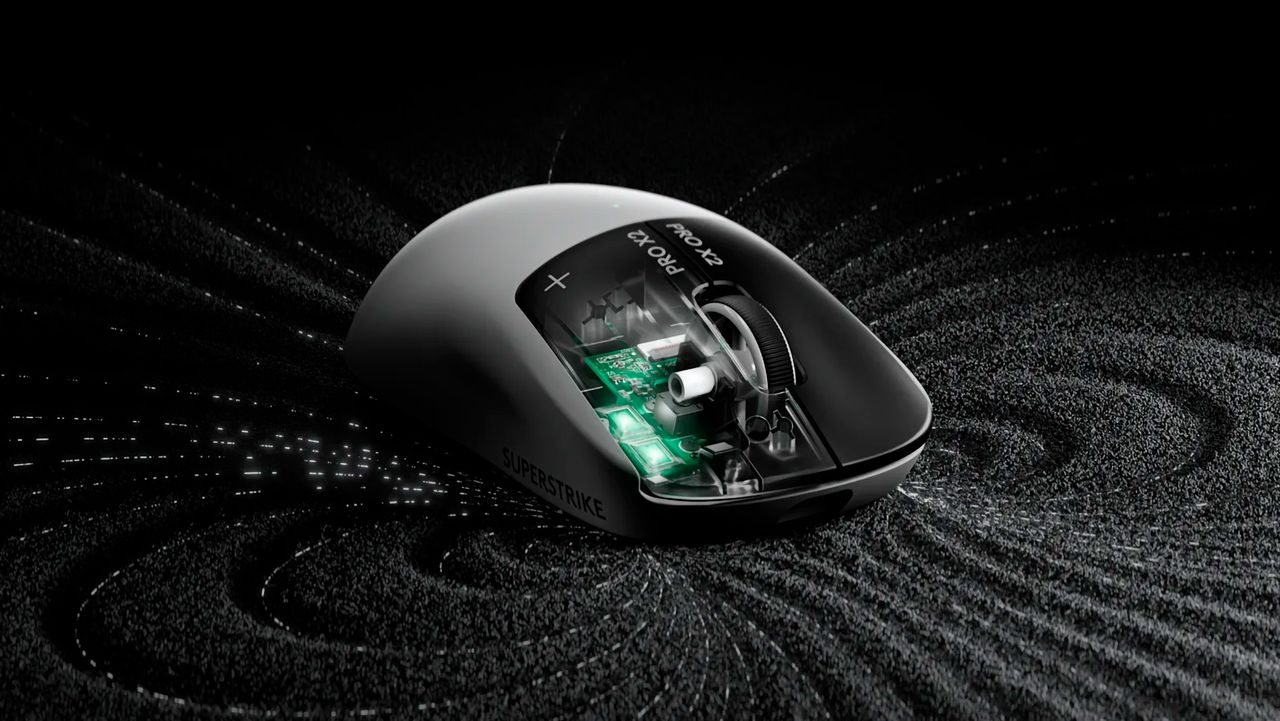
The Superstrike’s standout feature is that it blurs the lines between the worlds of gaming keyboards and gaming mice. It's done away with the traditional analog mouse switch, and as a side effect, has removed mouse clicks. With the latest hall-effect tech beneath the left and right mouse buttons, click feedback is now produced by a haptic engine that Logitech calls H.I.T.S. (Haptic Inductive Trigger System). It combines tiny haptic motors with inductive sensors to create a customizable rapid-trigger system that can cut up to 30ms off your response times.

Logitech's top-tier gaming mouse introduces gamers to H.I.T.S (Haptic Inductive Trigger System), a customizable trigger system using hall-effect magnetic switches. The mouse also sports 8K polling, a 44,000 DPI Hero 2 sensor, and a super light weight of only 61 grams.View Deal

The Logitech G Pro X2 Superstrike packs all the latest and greatest tech in a very familiar chassis. See our review of the Logitech G Pro X2 Superstrike for more details. Keeping the shape and size of previous Superlight mice. The G Pro X2 Superstrike weighs 61 grams and uses magnetic sensors with a haptic trigger system for the left and right mouse buttons. The sensor is the Logitech Hero 2 sensor, with a DPI of up to 44,000, 888 IPS, and 88 g-force acceleration. The wireless dongle supports a very fast, lag-free 8 kHz polling rate for the lowest latency possible. To use the adjustable H.I.T.S system to the full, you must use the Logitech G Hub software to alter and customize any mouse settings to your preference.

This is the cheapest I've ever seen this mouse, and having only been released in February of 2026, the $125.99 asking price for the Logitech G Pro X2 Superstrike makes it much more attractive.

If you're looking for more savings, check out our Best PC Hardware deals for a range of products, or dive deeper into our specialized SSD and Storage Deals, Hard Drive Deals, Gaming Monitor Deals, Graphics Card Deals, Gaming Chair, Best Wi-Fi Routers, Best Motherboard, or CPU Deals pages.

You can also join the Tom's Hardware deals Discord for up-to-the-minute hardware deals.

Logitech's MX Master 4 hits $102 at Lenovo — up your productivity game with haptic feedback and effortless scrolling

2026年7月10日 19:34

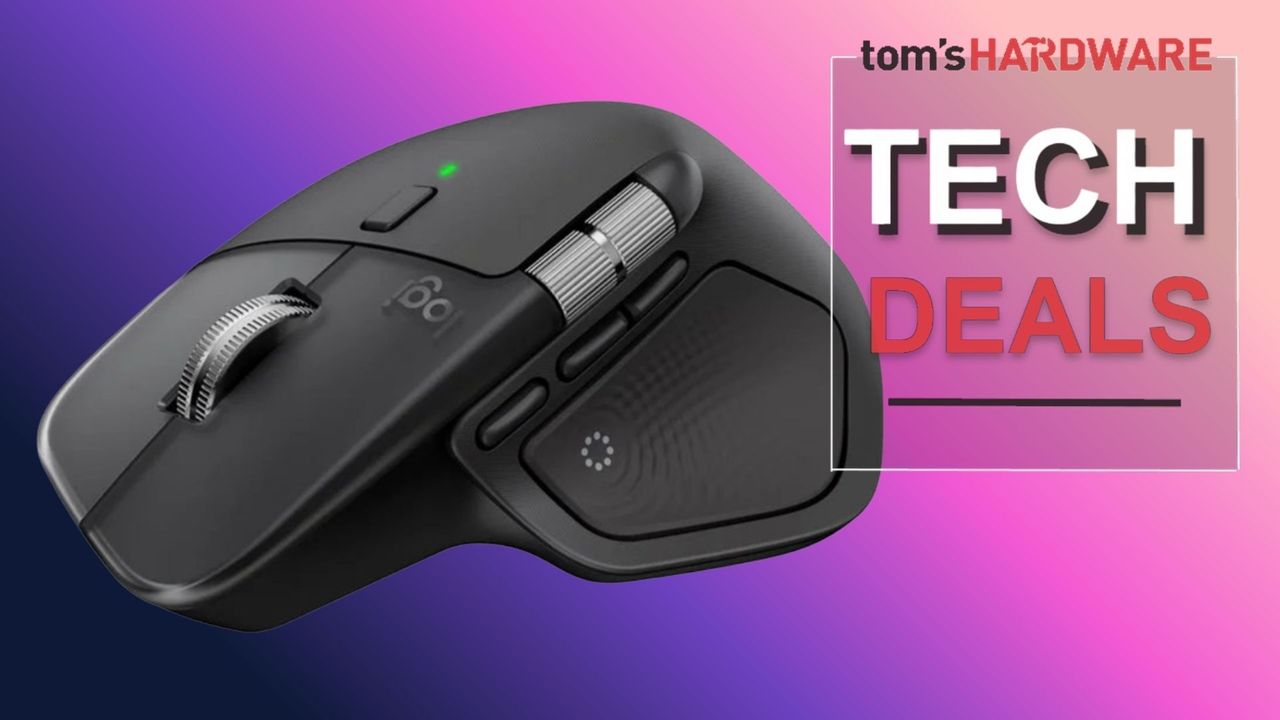
Logitech's current flagship productivity mouse, the MX Master 4, is available for just $102.59 at Lenovo when you stack codes EXTRAFIVE and SUMMERLIVE26 in the shopping cart. This adds a discount of $17.40, bringing the price down from the $119.99 list price and saving you 15% off this amazing mouse. It's not often that we see noticeable price drops on this model, as it's a particularly in-demand peripheral for productivity users.

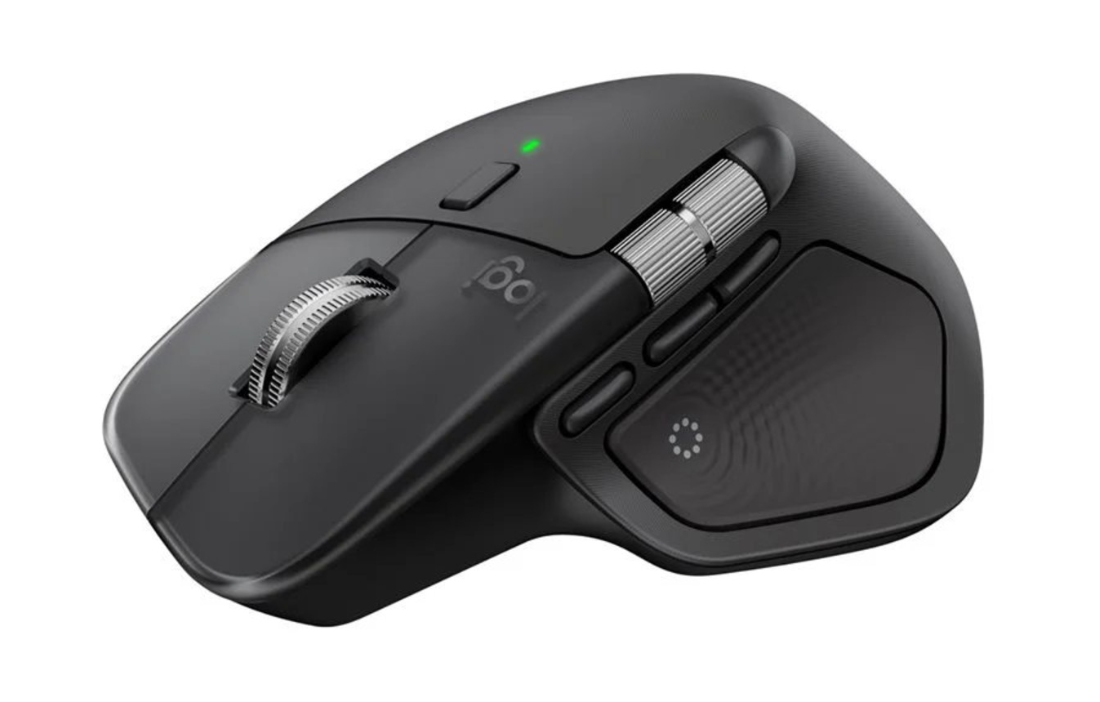
This discount applies to the black version of the MX Master 4. It succeeds the MX Master 3S, which is still our top pick for the best overall wireless mouse. The new MX Master 4 model keeps many existing features from the previous MX Master 3S, including the dual-mode MagSpeed scroll wheel on the top and a horizontal wheel on the side, but adds a brand-new haptic experience.

Check out this deal on Lenovo

The Logitech MX Master 4 uses an 8K DPI sensor, quiet click switches for almost silent operation, and better 2.4GHz wireless connectivity. The mouse offers both 2.4GHz wireless via the included USB transceiver and Bluetooth connectivity, with support for both Windows and macOS, as well as Linux and ChromeOS.

The MX Master 4 is the latest in Logitech's MX Master lineup, maintaining a similar ergonomic design along with dual MagSpeed scroll wheels and a new haptic feedback feature for those who prioritize productivity.View Deal

Logitech has added haptic feedback to the MX Master 4, which is located next to the thumb rest area of the mouse. Featuring four intensity settings to monitor your mouse, the haptic feedback feature is used to inform you when the mouse connects or disconnects from a device, during low battery, and for certain app-specific purposes.

Another new feature is the addition of the Action Ring, which is available via Logitech's Options+ software. It can be activated by pressing a dedicated button placed within the mouse's thumb rest, which brings up a circular menu giving users quick access to commonly used tasks. The ring is fully customizable through the Logitech software, so you can assign your favorite functions or actions for quick access.

If you're looking for a superb mouse for doing your work, getting creative, or for school, then the Logitech MX Master 4 at this $102.59 price is the best deal currently available from a major tech retailer.

If you're looking for more savings, check out our Best PC Hardware deals for a range of products, or dive deeper into our specialized SSD and Storage Deals, Hard Drive Deals, Gaming Monitor Deals, Graphics Card Deals, Gaming Chair, Best Wi-Fi Routers, Best Motherboard, or CPU Deals pages.

You can also join the Tom's Hardware deals Discord for up-to-the-minute hardware deals.

Prime Day gaming mouse deals round-up — up your game with a new mouse on sale

2026年6月26日 10:12

Prime Day is a great time to pick up new tech — but instead of dropping a ton on a RAM bundle, why not buy something a little more wallet-friendly, such as a new gaming mouse? This is a great time to pick up a new gaming mouse, as a lot of companies released new versions that were more like updates last year. You can now find several great gaming mice on sale — they may not be the absolute newest versions on the market, but they'll still get you that extra edge.

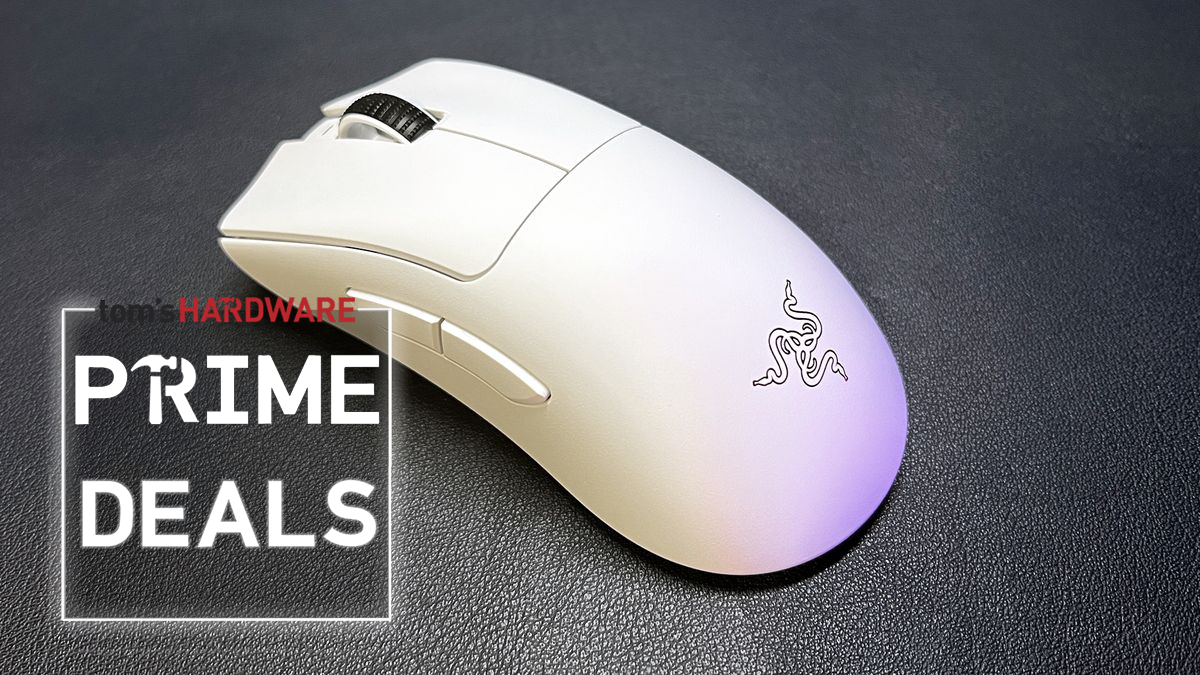
Razer DeathAdder V3 Pro

Razer DeathAdder V3 Pro
Tom's Hardware
Razer DeathAdder V3 Pro
Tom's Hardware
Razer DeathAdder V3 Pro
Tom's Hardware
Razer DeathAdder V3 Pro
Tom's Hardware
Razer DeathAdder V3 Pro
Tom's Hardware
Razer DeathAdder V3 Pro
Tom's Hardware
Razer DeathAdder V3 Pro
Tom's Hardware
Razer DeathAdder V3 Pro
Tom's Hardware
Razer DeathAdder V3 Pro
Tom's Hardware

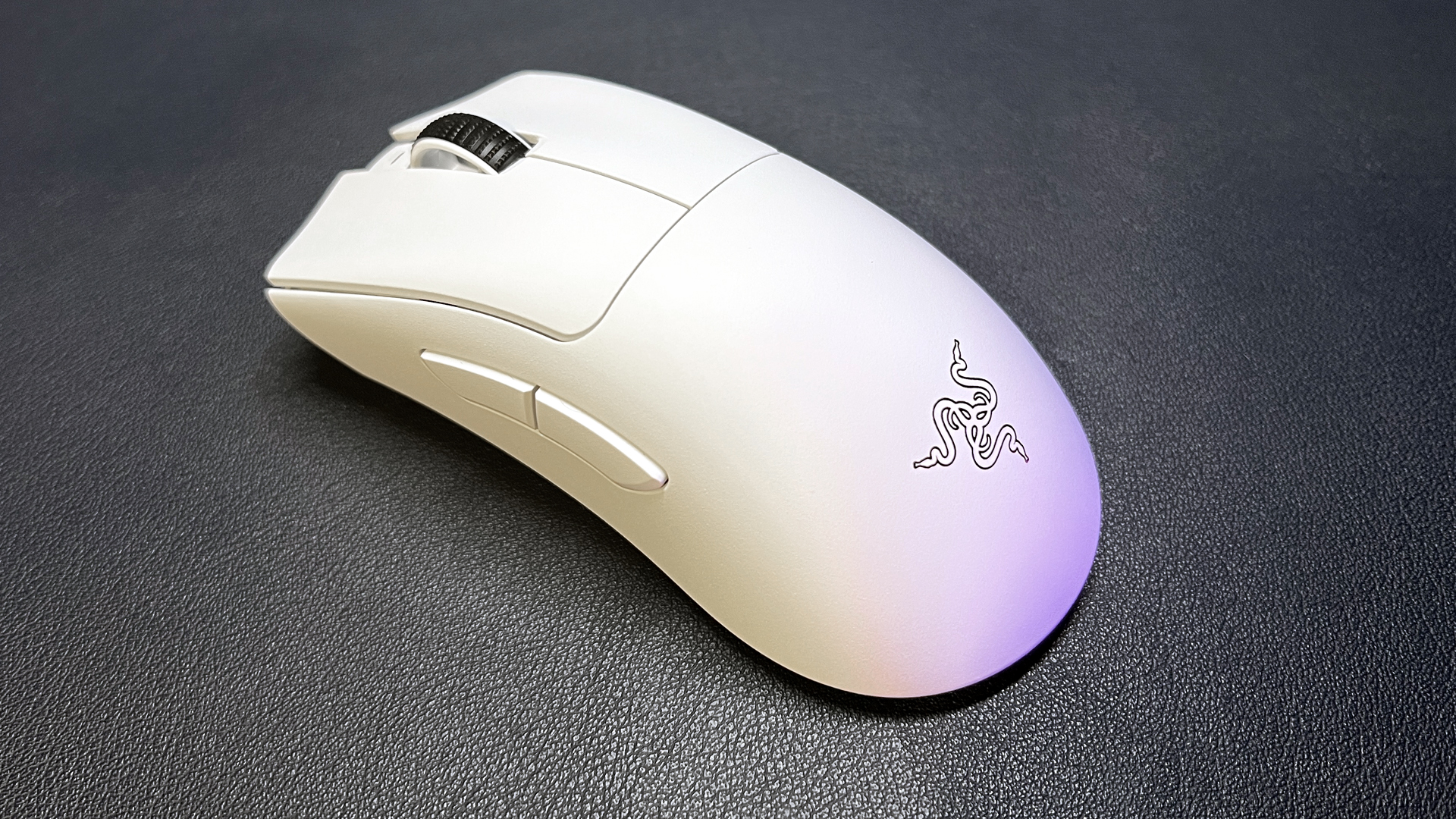
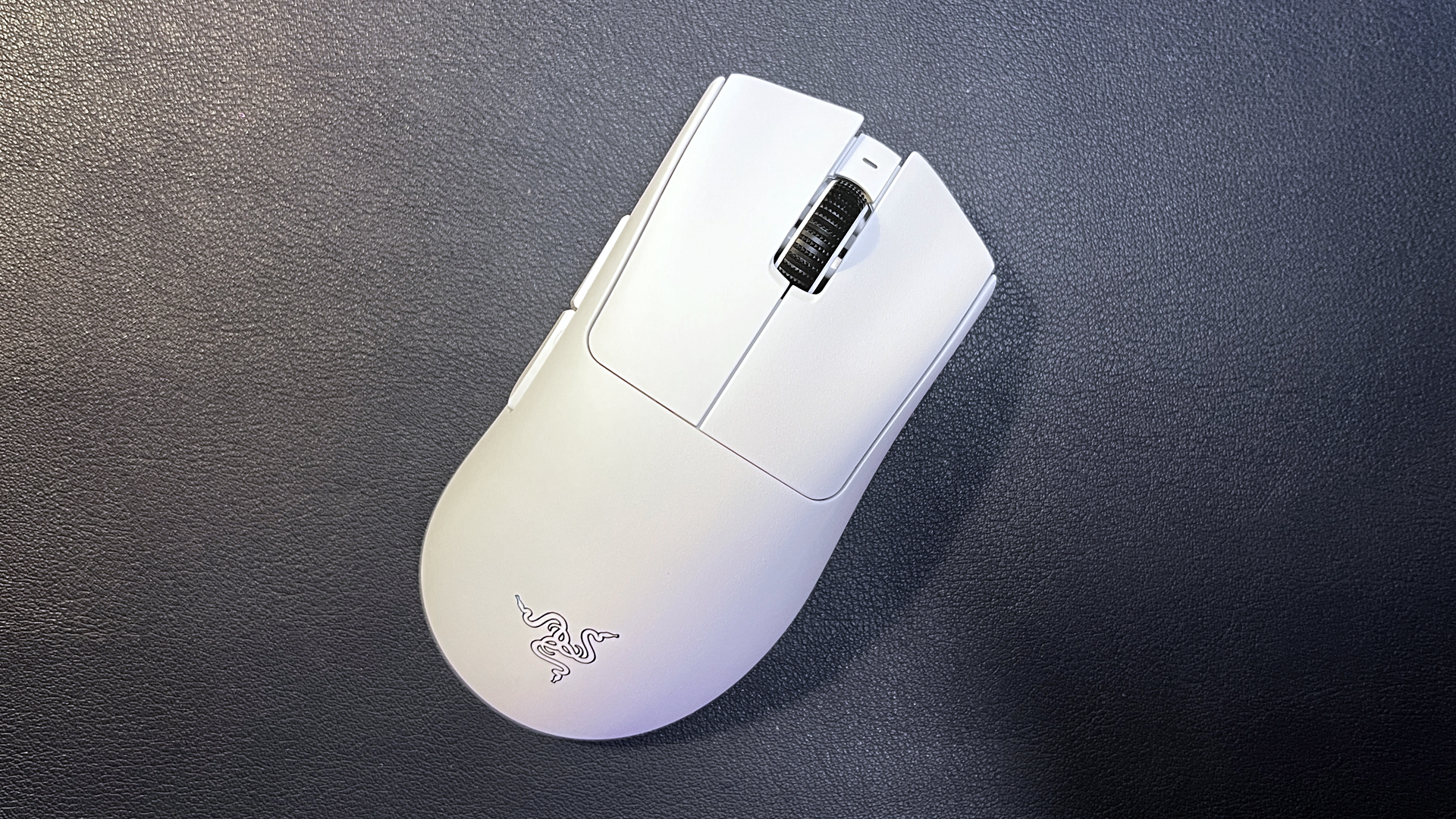
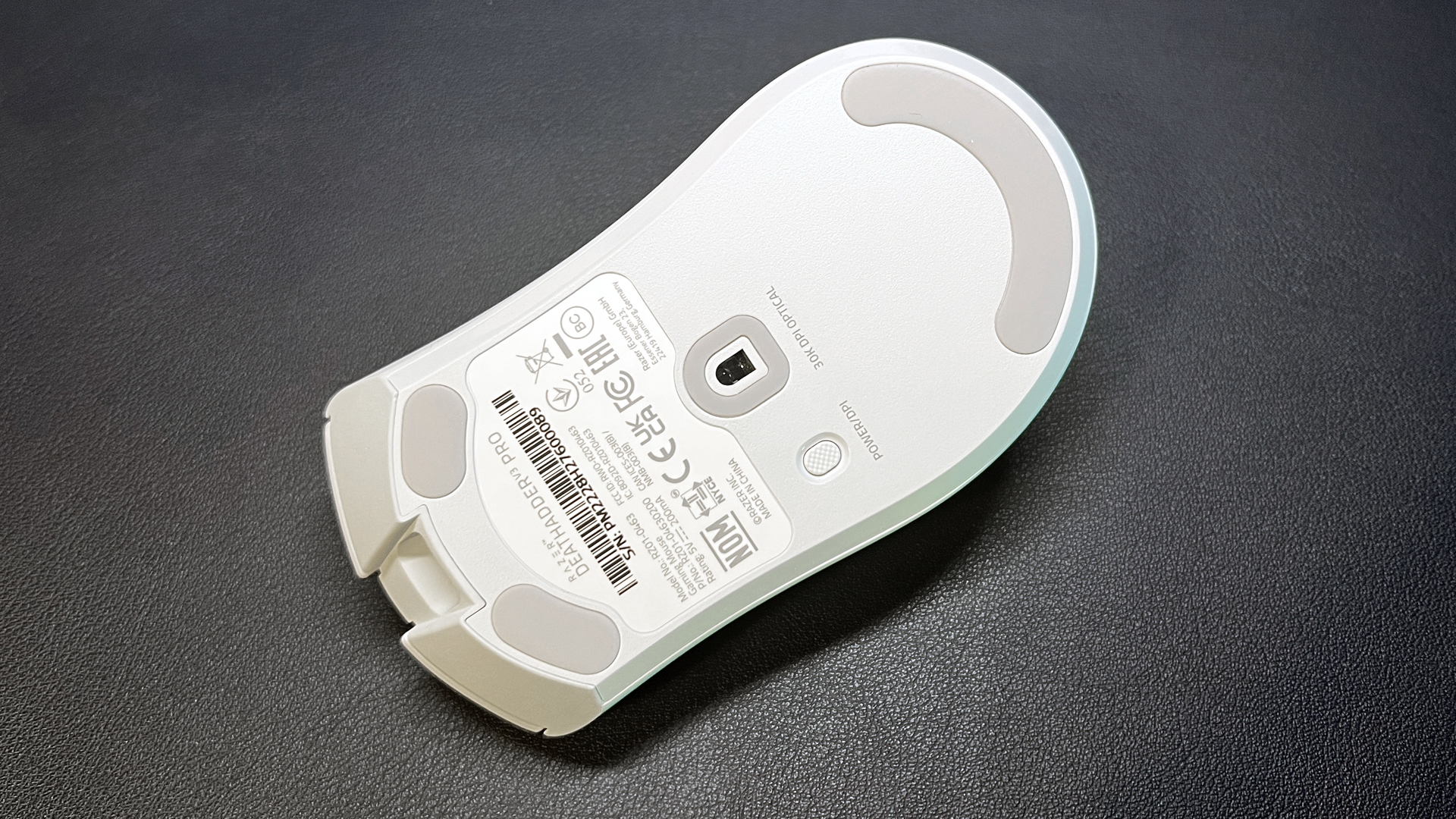
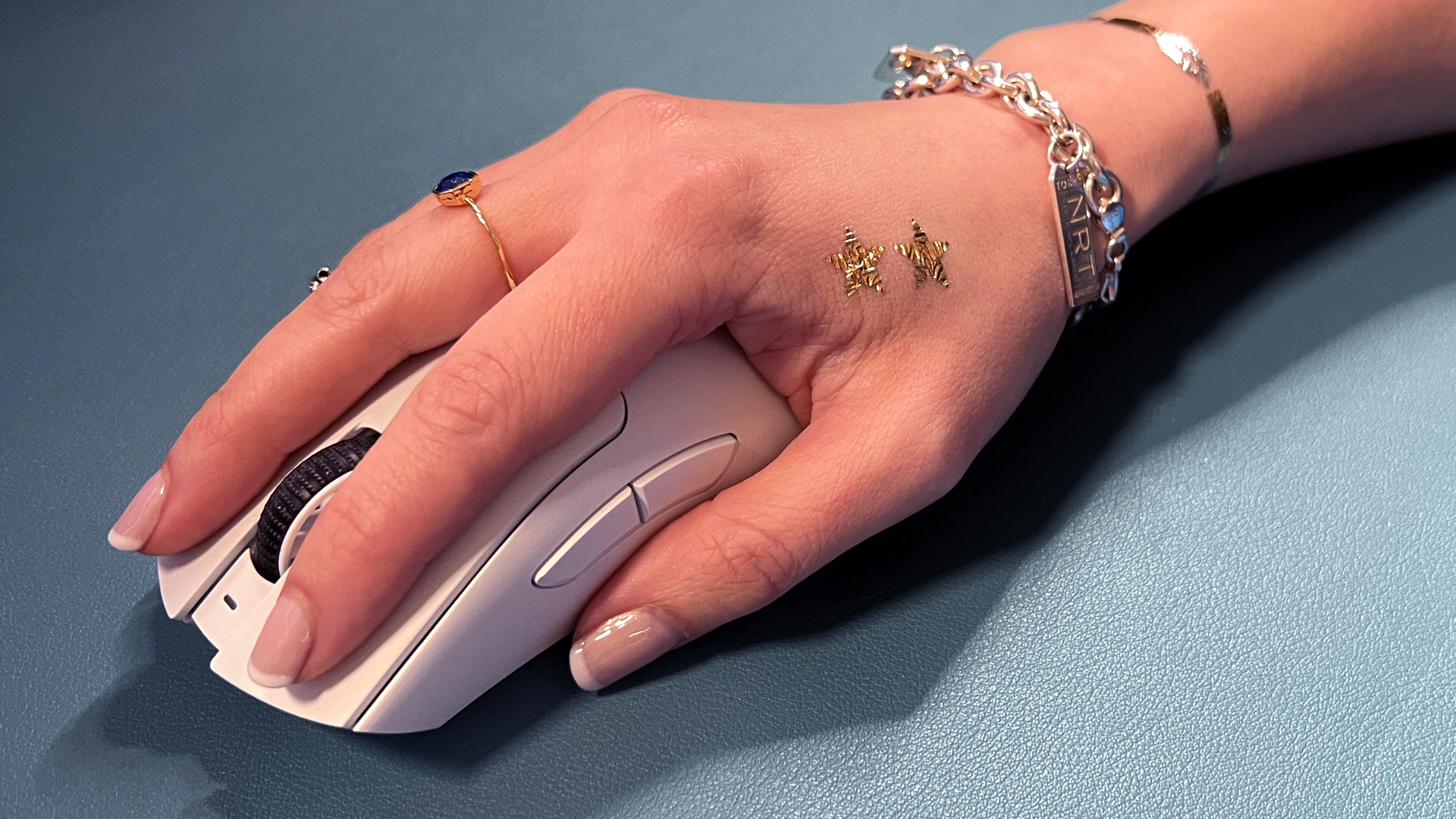
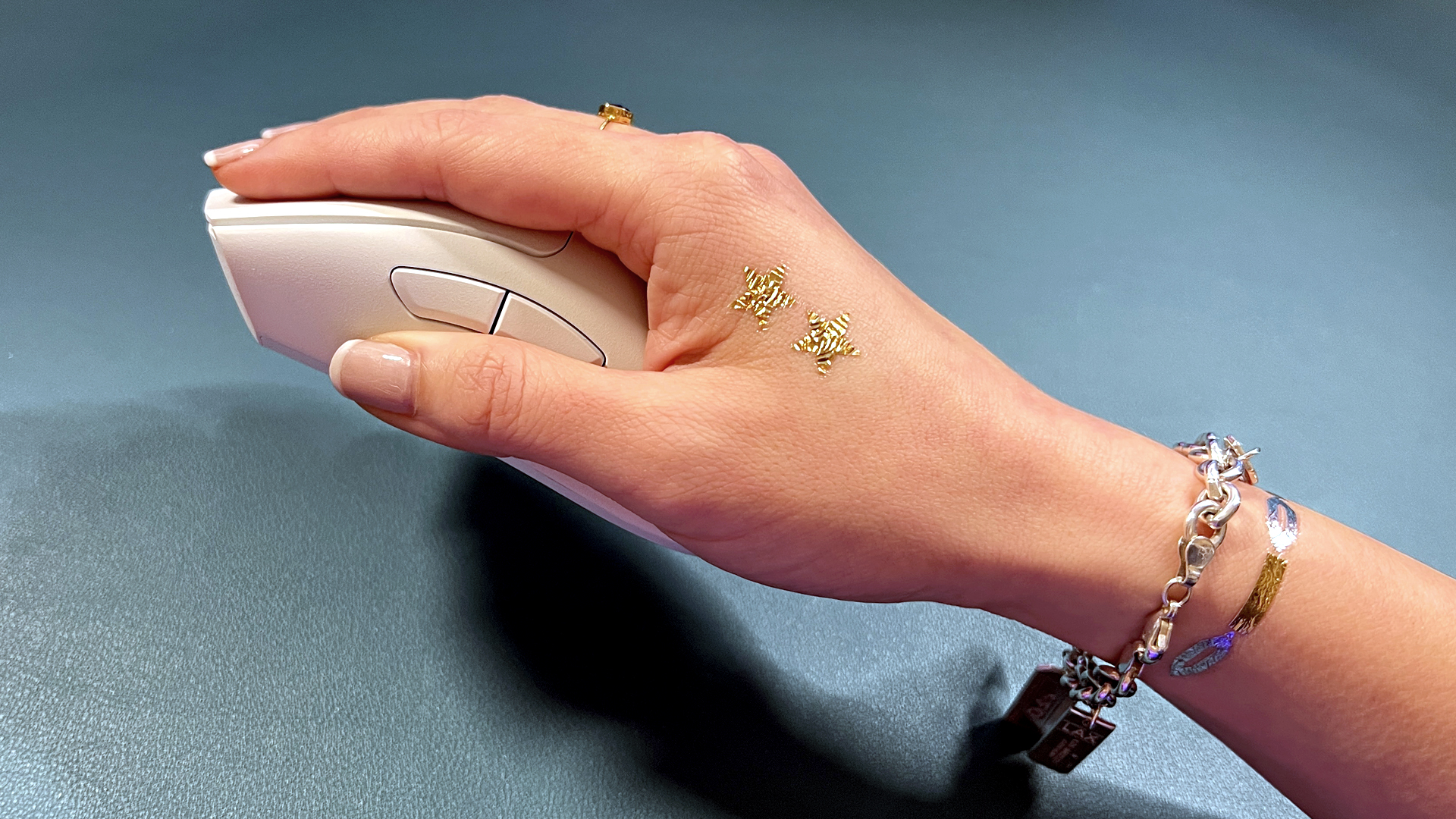
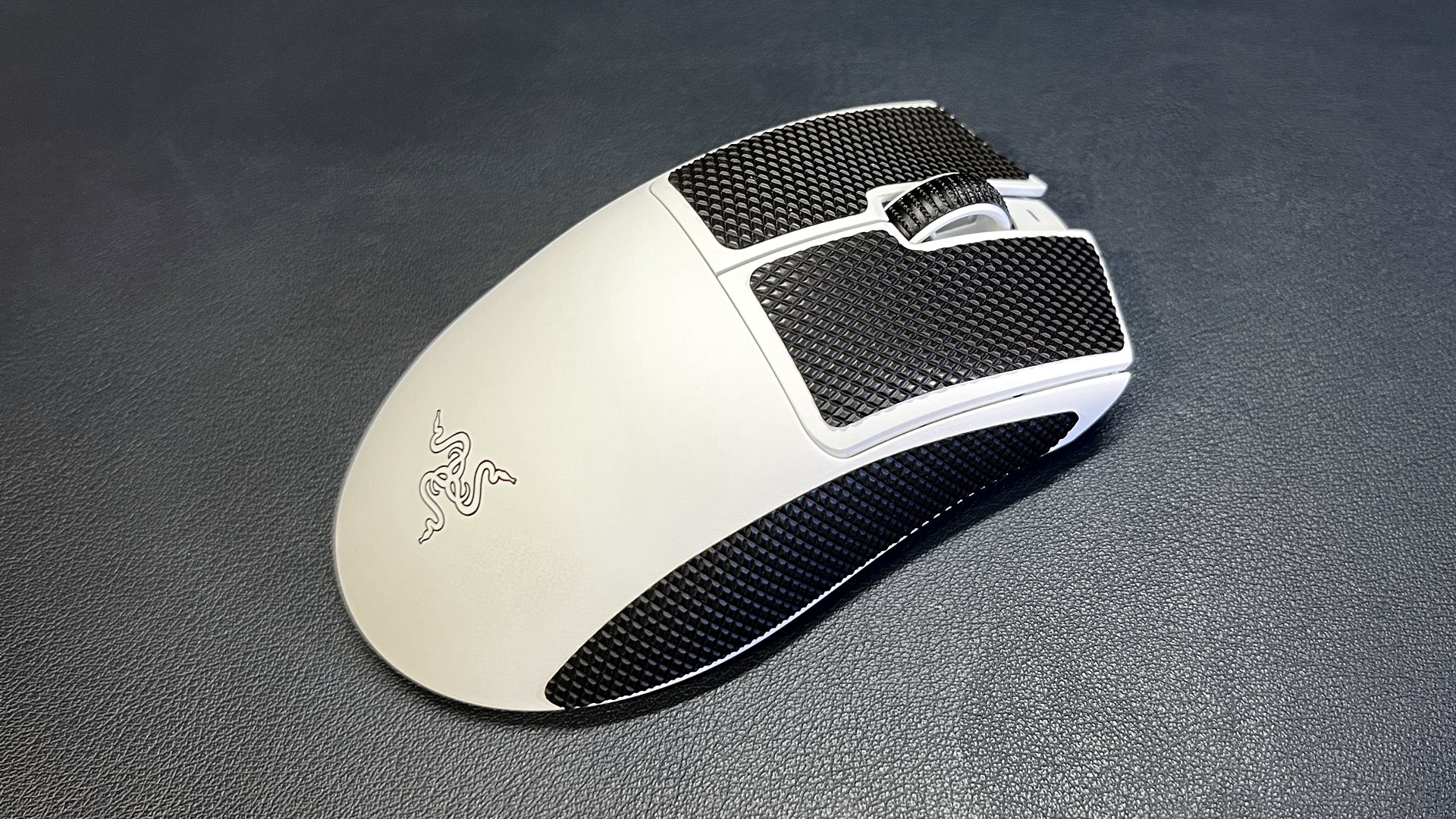
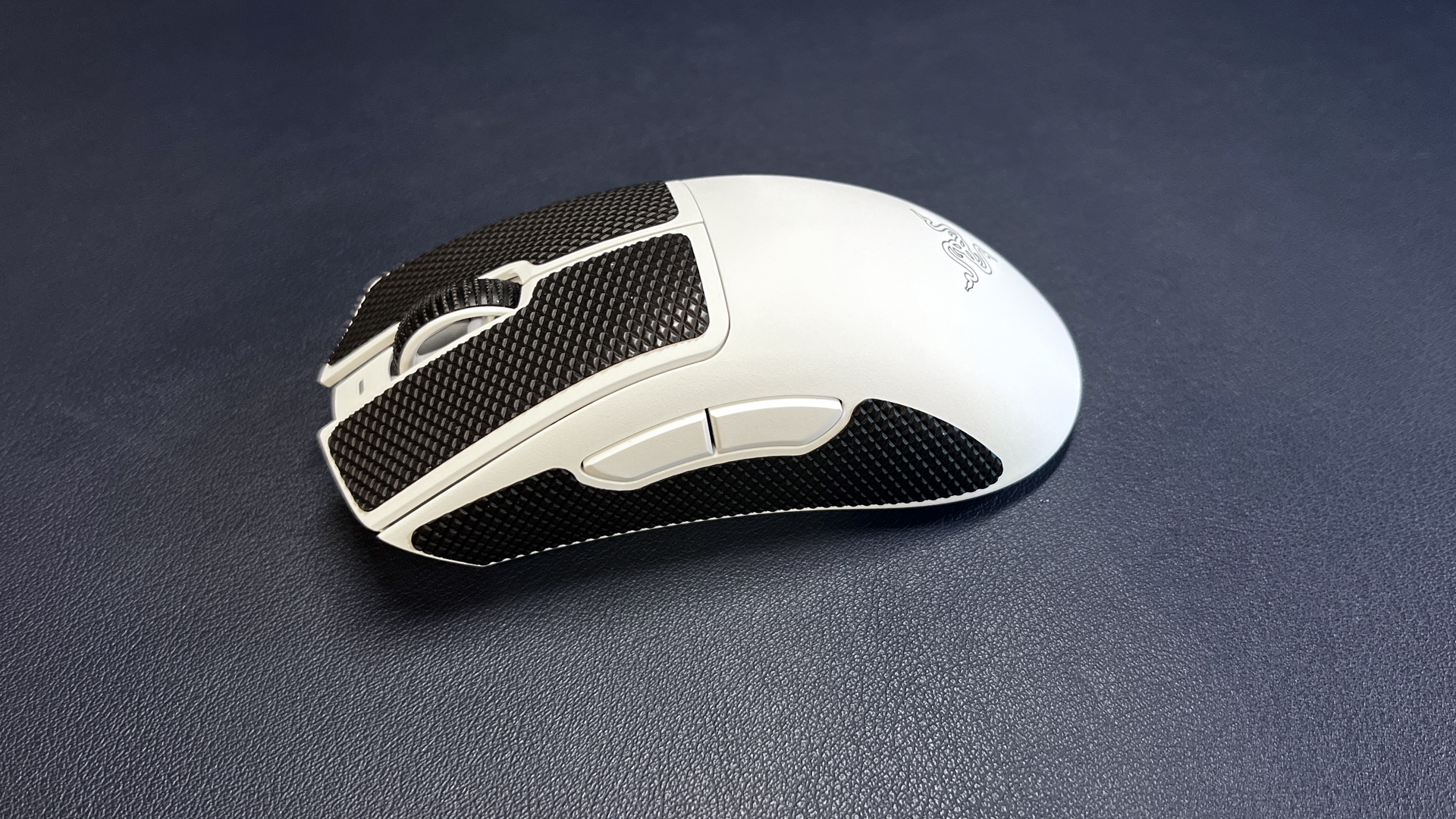
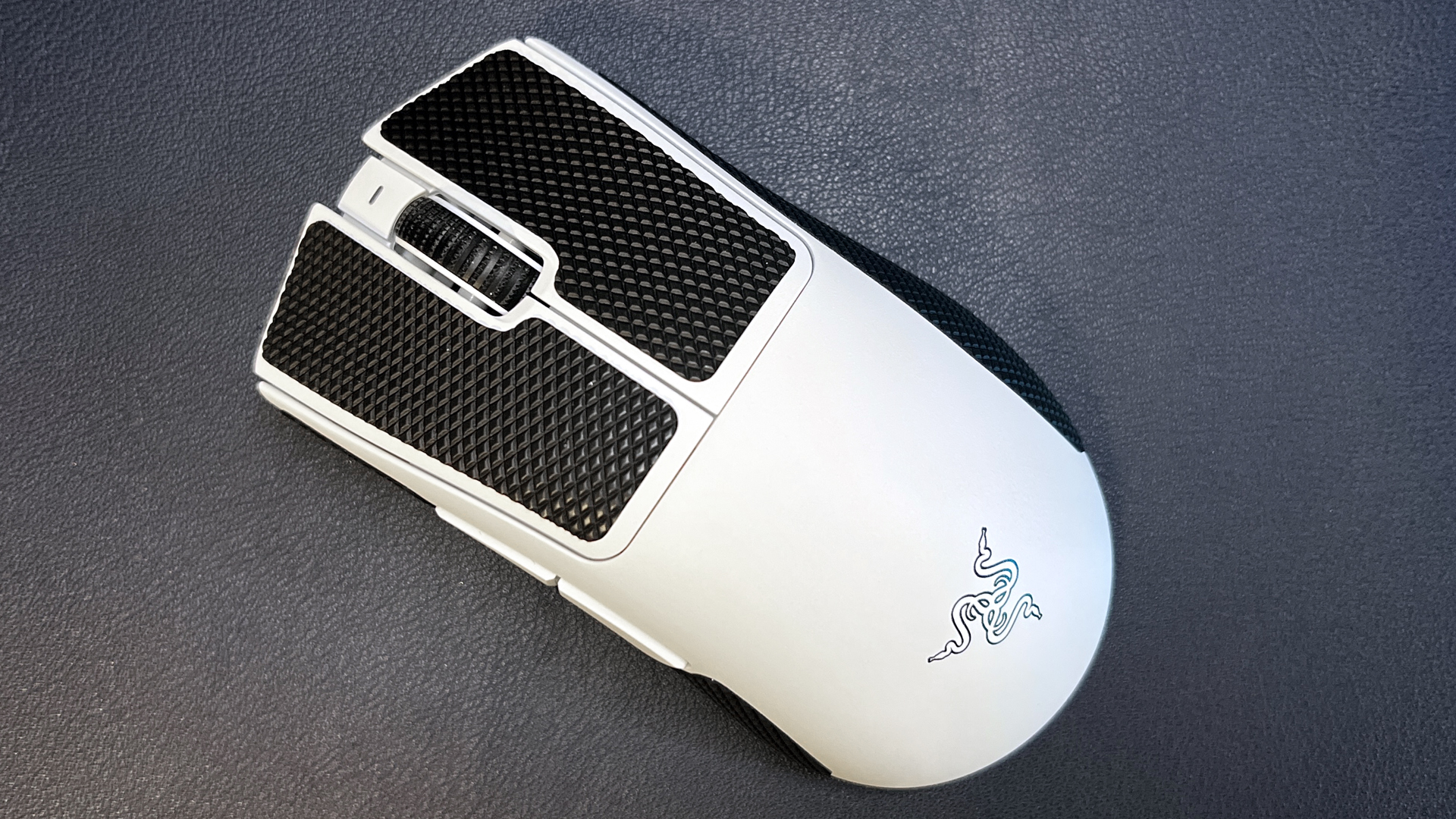
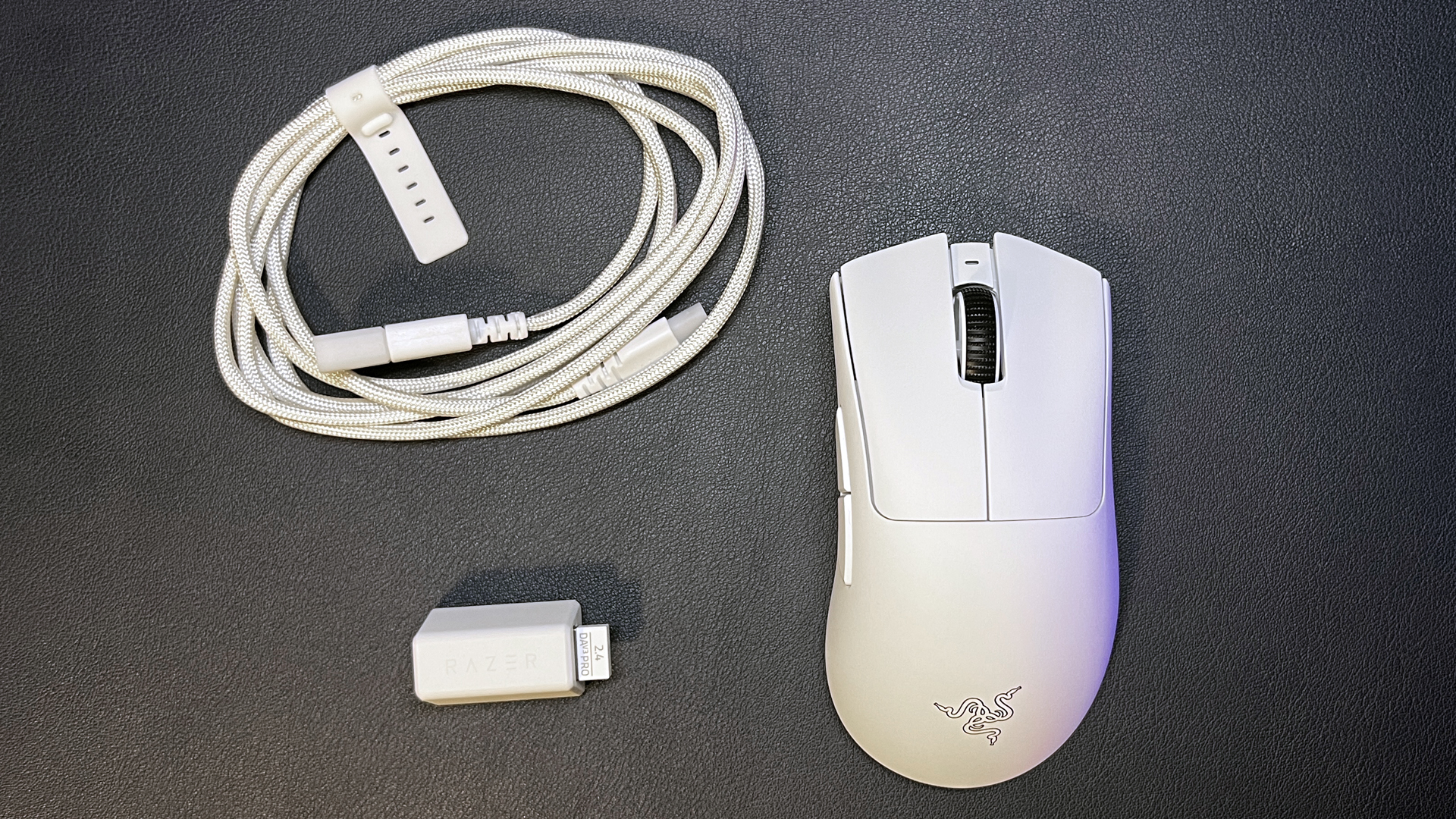
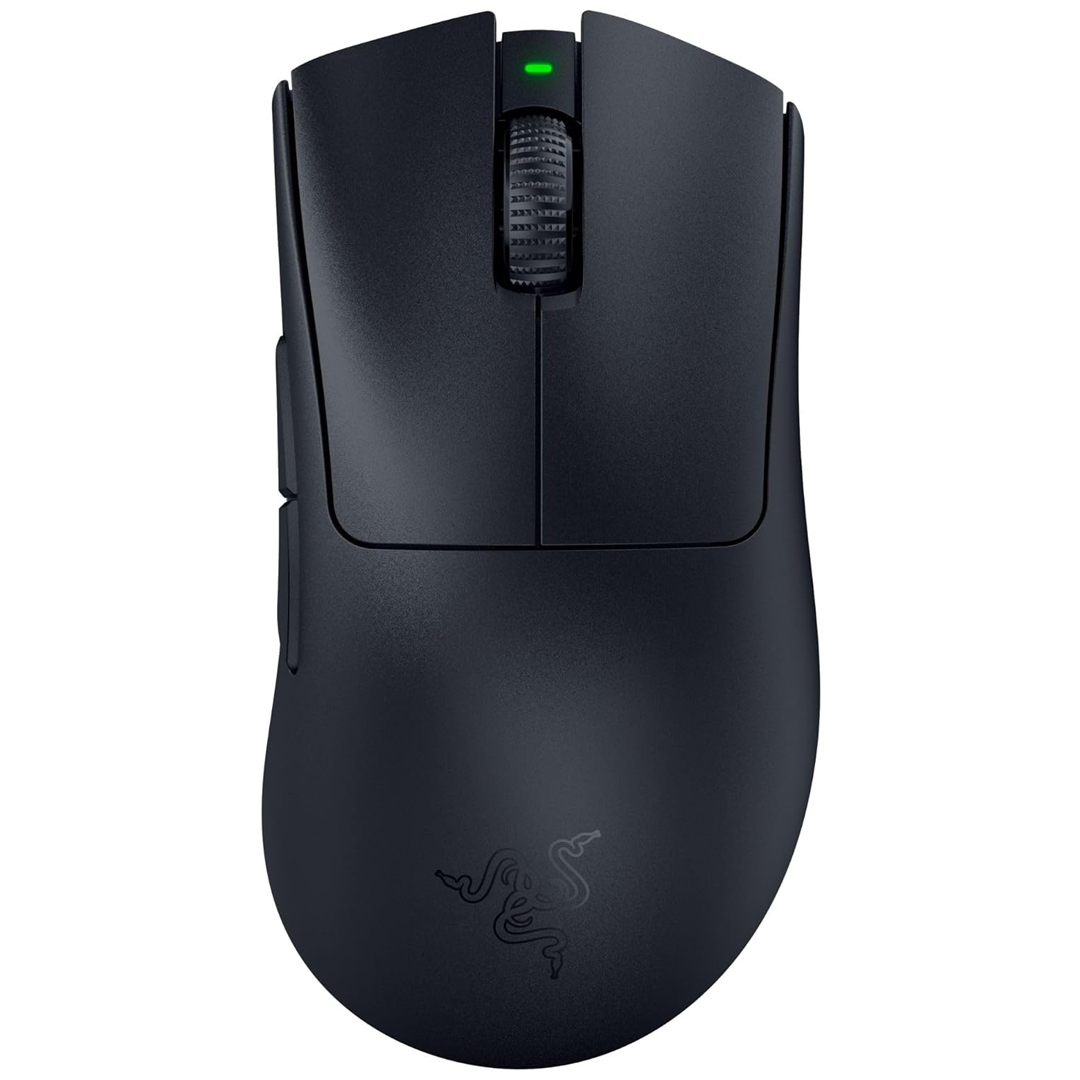
Razer recently launched its DeathAdder V4 Pro, which has the same shape and size as the DeathAdder V3 Pro, because the shape and size of the DeathAdder V3 Pro were basically perfect. This lightweight wireless gaming mouse weighs just 2.22 ounces (63g) and features five programmable buttons and up to 90 hours of battery life over 2.4GHz wireless (with a 1,000 Hz polling rate).

The DeathAdder V3 Pro is a lightweight wireless gaming mouse with a fantastic shape, Razer's Focus Pro 30K optical sensor, and up to 90 hours of battery life. It weighs just 63g and is perfect for a range of gamers. View Deal

It sports Razer's Focus Pro 30K optical sensor and works with Razer's HyperPolling Wireless Dongle (sold separately) to achieve a wireless polling rate of up to 8,000 Hz (at the expense of battery life, of course). The DeathAdder V4 Pro is also excellent, but the V3 Pro is still one of our favorites — and it's currently on sale for just $66.49 at Walmart, which is $83.50 off its MSRP of $149.99 and the lowest we've seen it at yet.

Read our full review of the DeathAdder V3 Pro here.

Razer Basilisk V3 Pro

Razer Basilisk V3 Pro
Tom's Hardware
Razer Basilisk V3 Pro
Tom's Hardware
Razer Basilisk V3 Pro
Tom's Hardware
Razer Basilisk V3 Pro
Tom's Hardware
Razer Basilisk V3 Pro
Tom's Hardware
Razer Basilisk V3 Pro
Tom's Hardware
Razer Basilisk V3 Pro
Tom's Hardware
Razer Basilisk V3 Pro
Tom's Hardware
Razer Basilisk V3 Pro
Tom's Hardware
Razer Basilisk V3 Pro
Tom's Hardware
Razer Basilisk V3 Pro
Tom's Hardware

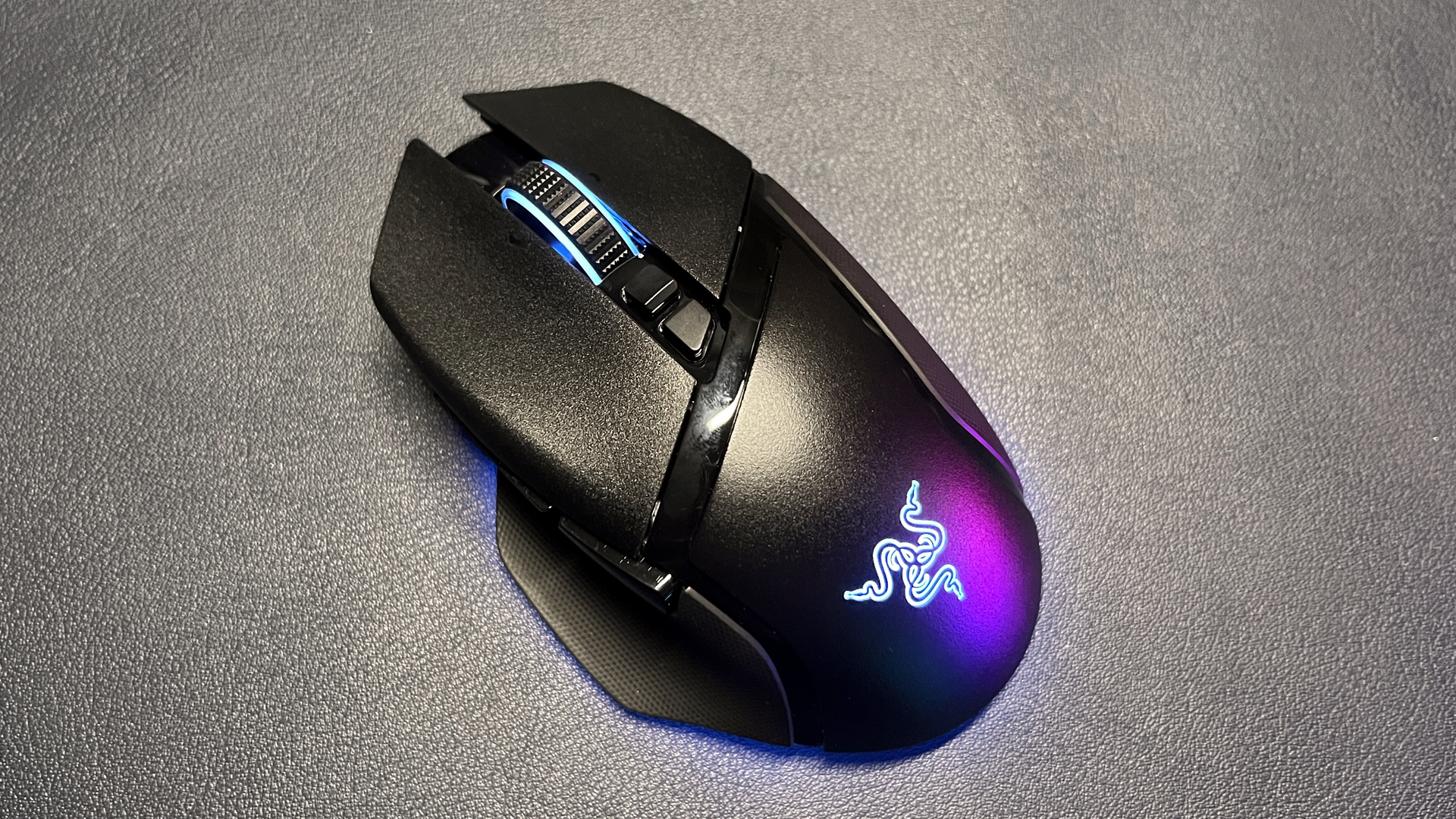
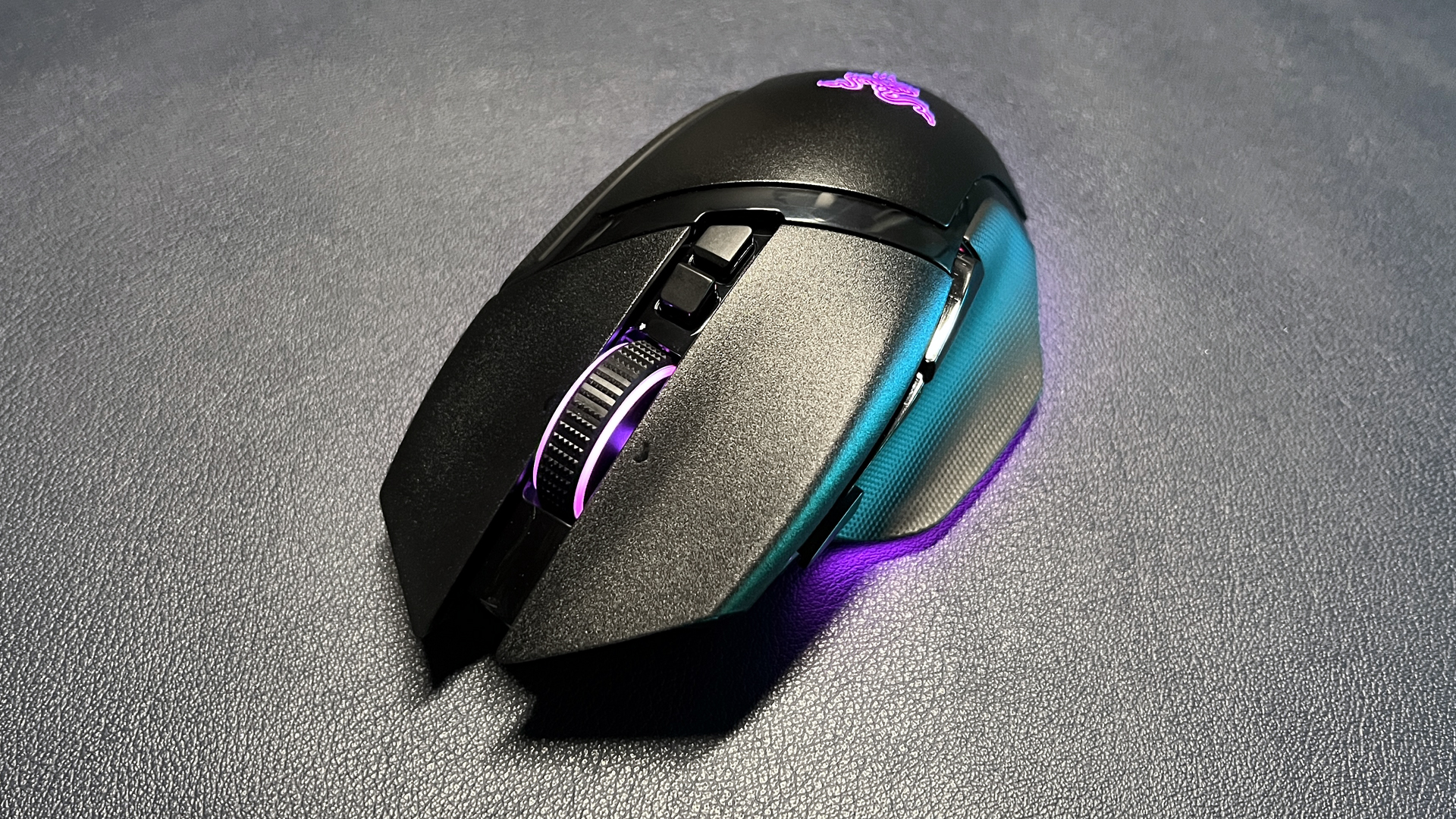
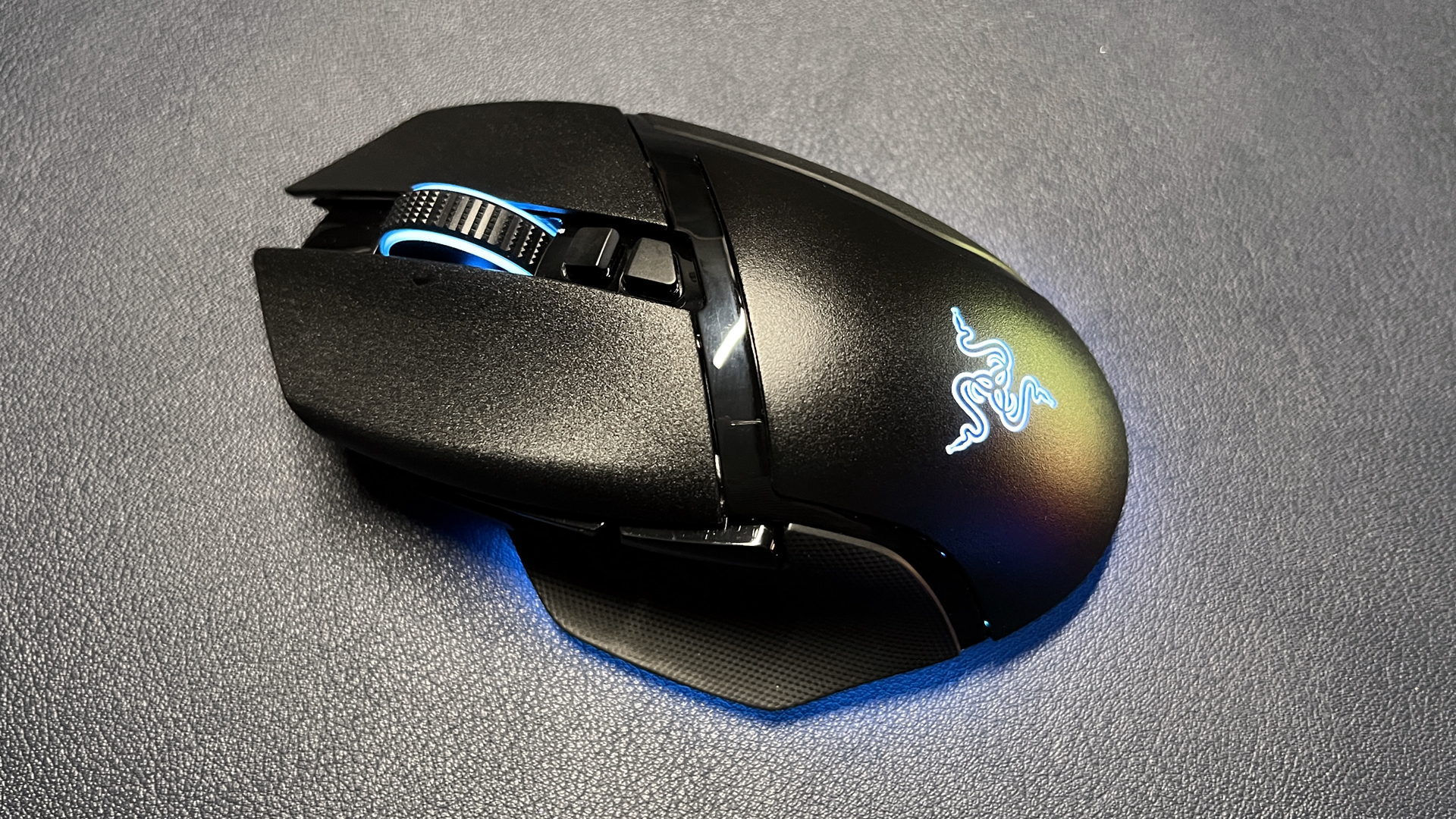
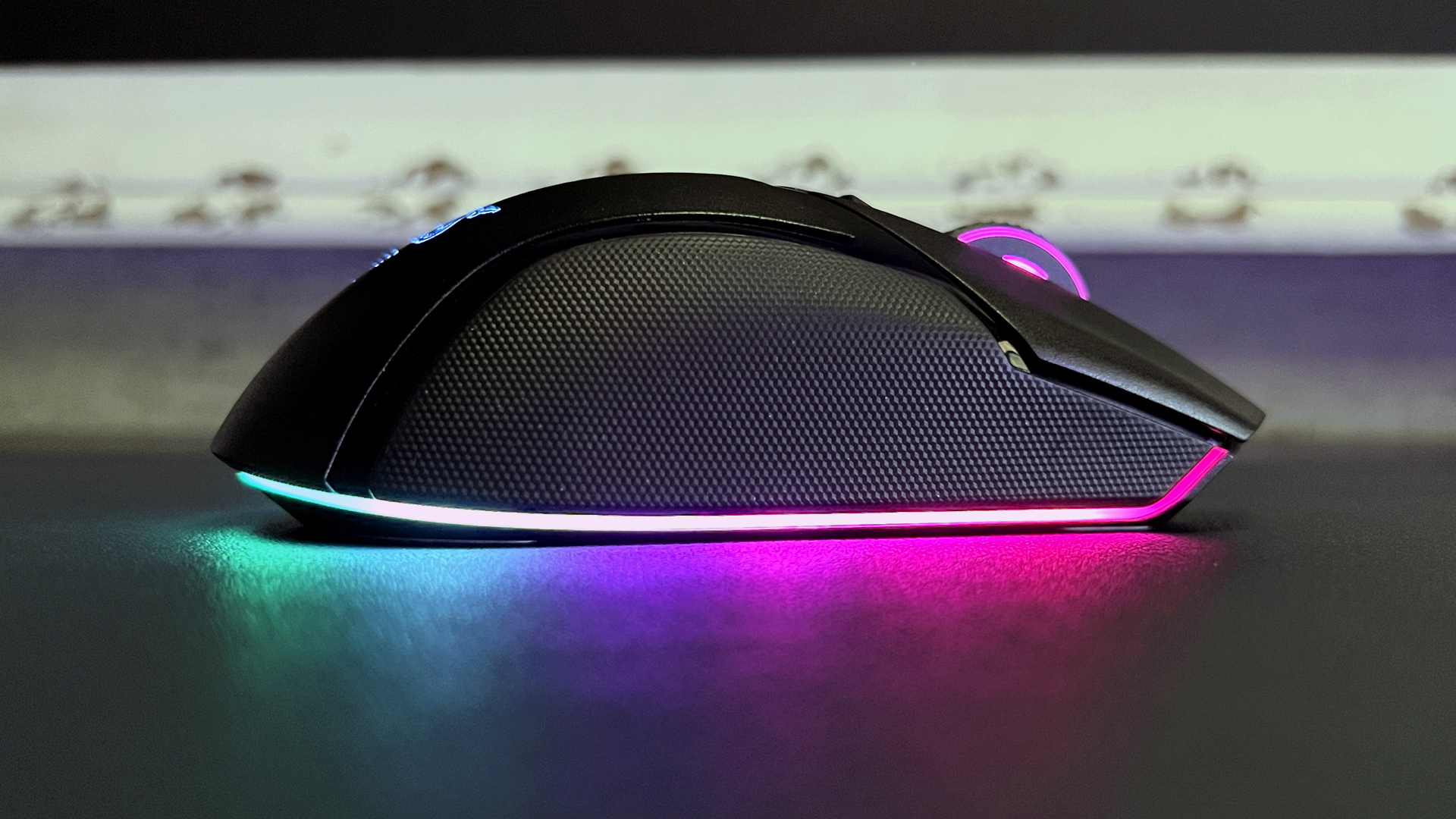
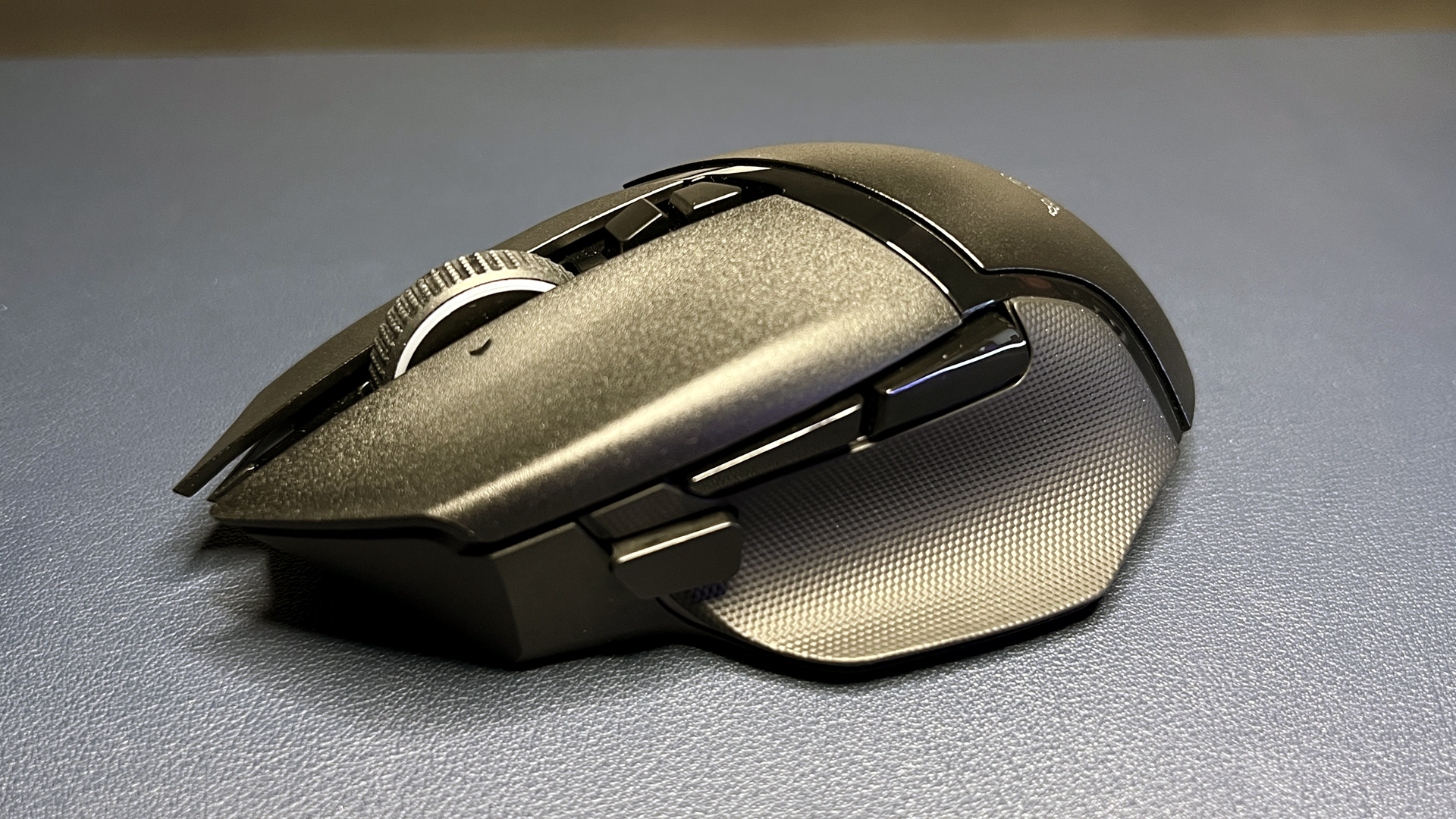
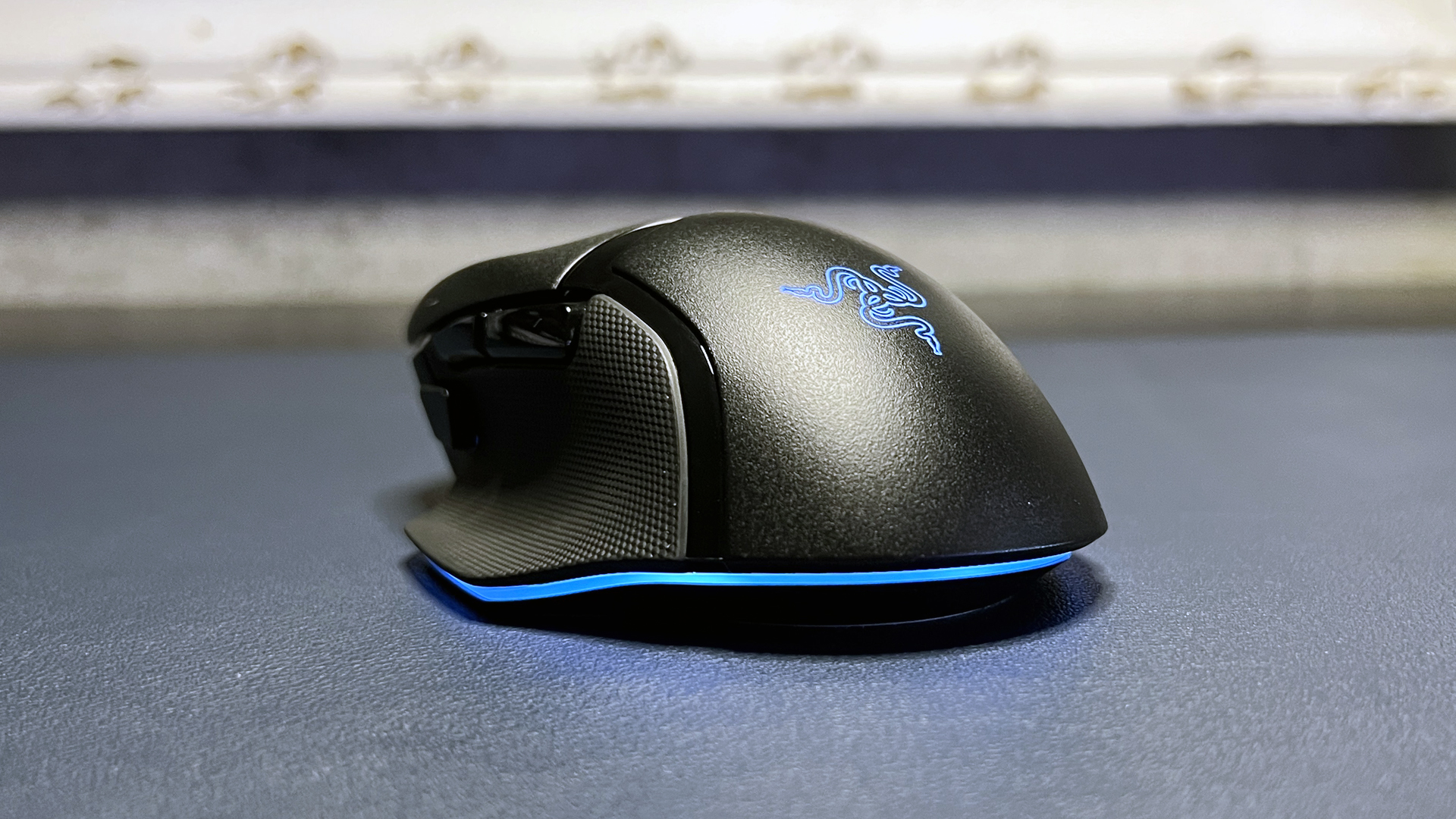
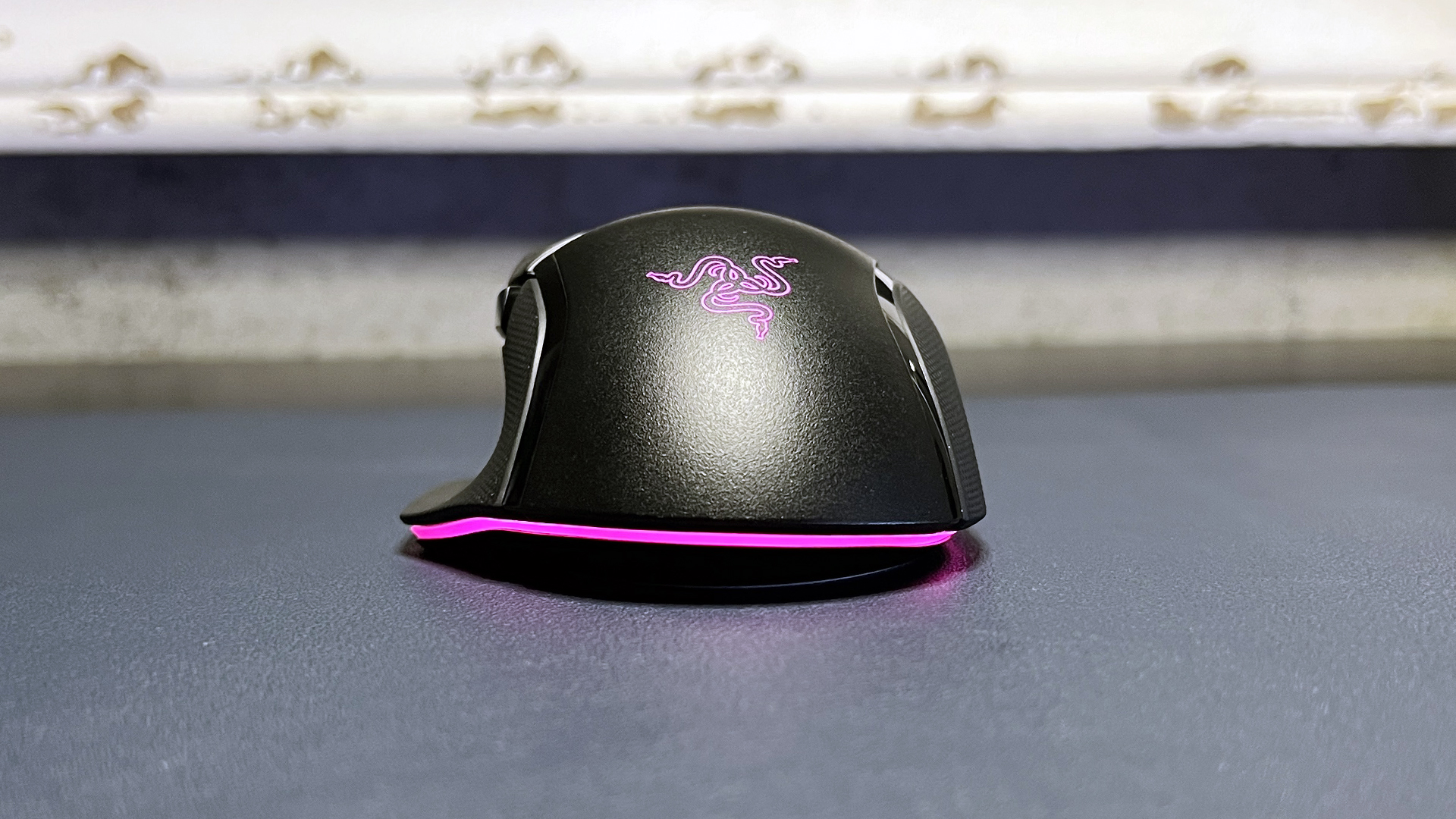
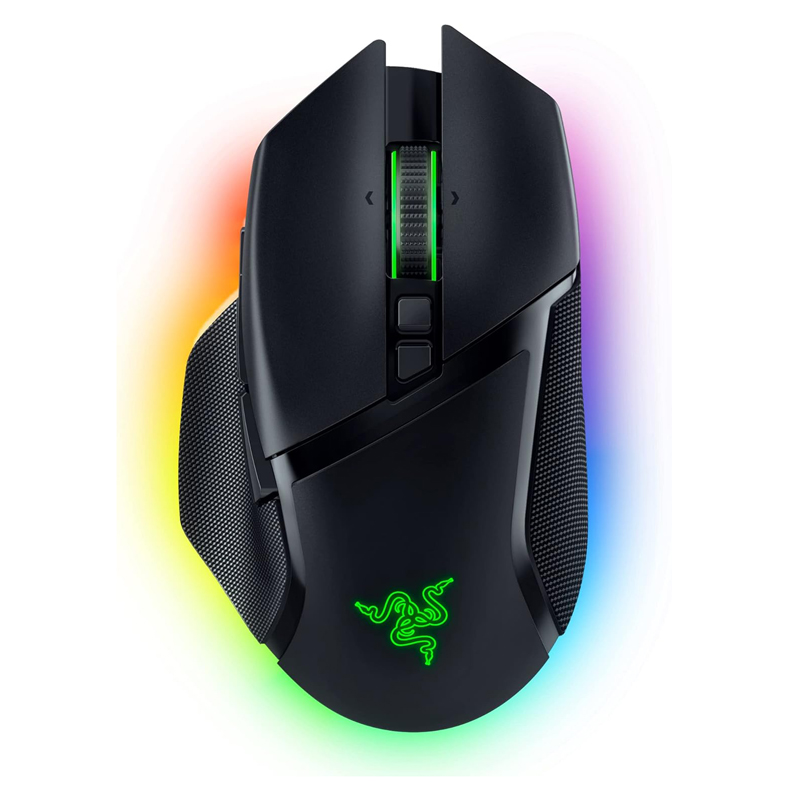
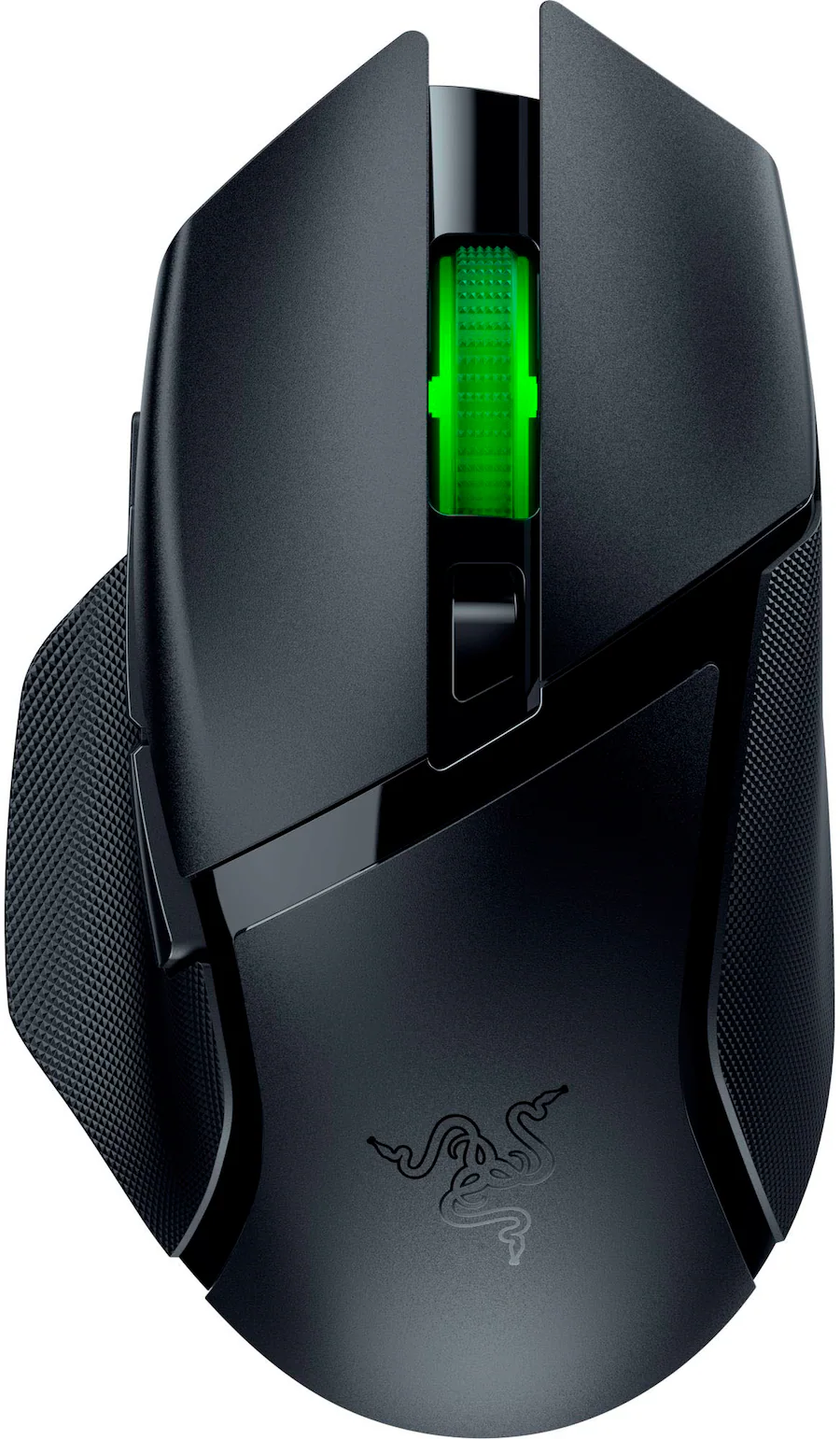
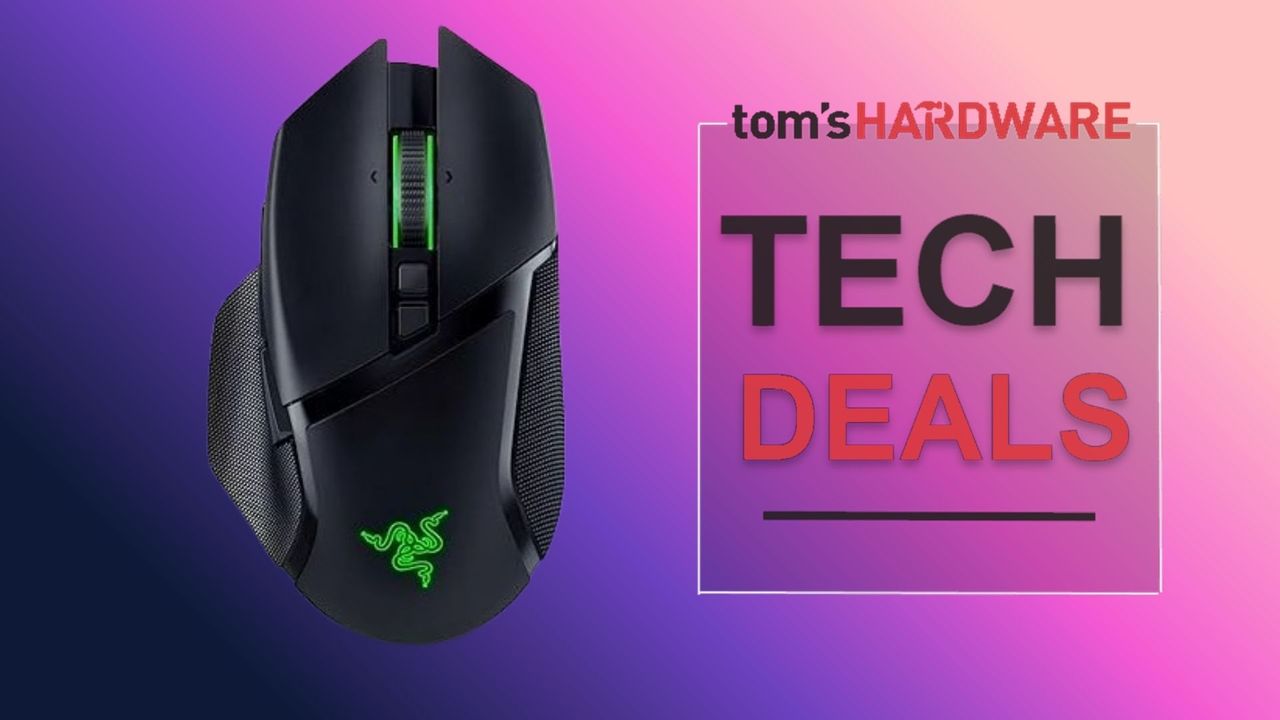
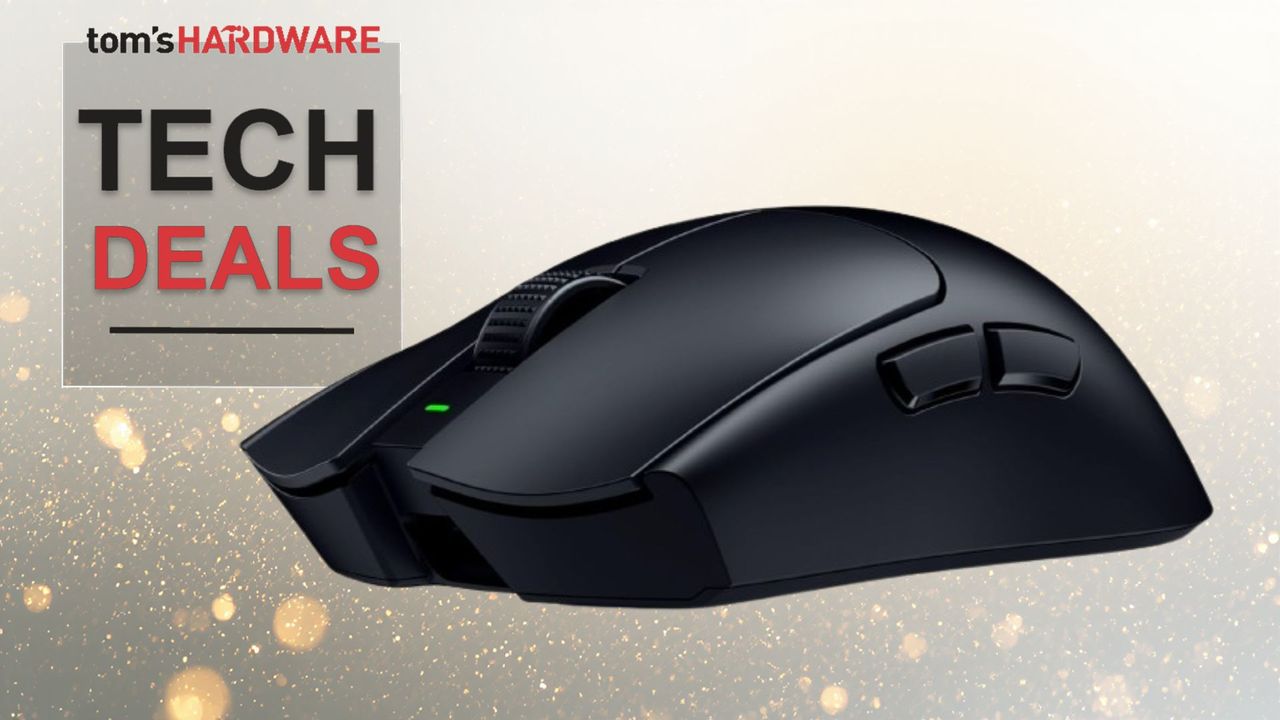
Another one of our favorite Razer gaming mice is also on sale: the Basilisk V3 Pro, which is part of Razer's flagship Basilisk lineup. The Basilisk V3 Pro isn't as performance-focused as the DeathAdder V3 Pro — this ergonomically-contoured wireless gaming mouse also features Razer's Focus Pro 30K optical sensor, which has a maximum sensitivity of 30,000 DPI and a maximum speed of 750 IPS, and can handle up to 70G's of force. It has 11 programmable buttons and 13 zones of bright, customizable RGB lighting, and it weighs 3.95 ounces (112g).

Razer's flagship wireless Basilisk V3 Pro features Razer's Focus Pro 30K optical sensor, Gen-3 optical mouse switches, and 13 zones of bright RGB underglow lighting. It gets up to 110 hours of battery life and is compatible with Razer's HyperPolling Wireless Dongle and Mouse Dock Pro.View Deal

Razer's stripped down version of its Basilisk V3 Pro sports the Razer 5G 18K optical sensor, an ergonomic right-handed shape with 9 programmable buttons, and up to 285 hours o f battery life on a single AA battery. View Deal

Like the DeathAdder V3 Pro, this mouse also works with Razer's HyperPolling Wireless Dongle (sold separately) to get up to an 8,000 Hz wireless polling rate; it's also compatible with Razer's Mouse Dock Pro (sold separately), which integrates the HyperPolling Wireless Dongle and also allows for wireless charging (and also features 8 zones of customizable RGB lighting, because why not).

Read our full review of the Basilisk V3 Pro here.

And if you want the stripped-down version of the Basilisk V3 Pro, Razer's Basilisk V3 X HyperSpeed wireless gaming mouse is also on sale at Best Buy for $37.99 — $32 off its retail price of $69.99.
Logitech G Pro X Superlight 2

Logitech G Pro X Superlight 2
Tom's Hardware
Logitech G Pro X Superlight 2
Tom's Hardware
Logitech G Pro X Superlight 2
Tom's Hardware
Logitech G Pro X Superlight 2
Tom's Hardware
Logitech G Pro X Superlight 2
Tom's Hardware
Logitech G Pro X Superlight 2
Tom's Hardware
Logitech G Pro X Superlight 2
Tom's Hardware
Logitech G Pro X Superlight 2
Tom's Hardware
Logitech G Pro X Superlight 2
Tom's Hardware
Logitech G Pro X Superlight 2
Tom's Hardware

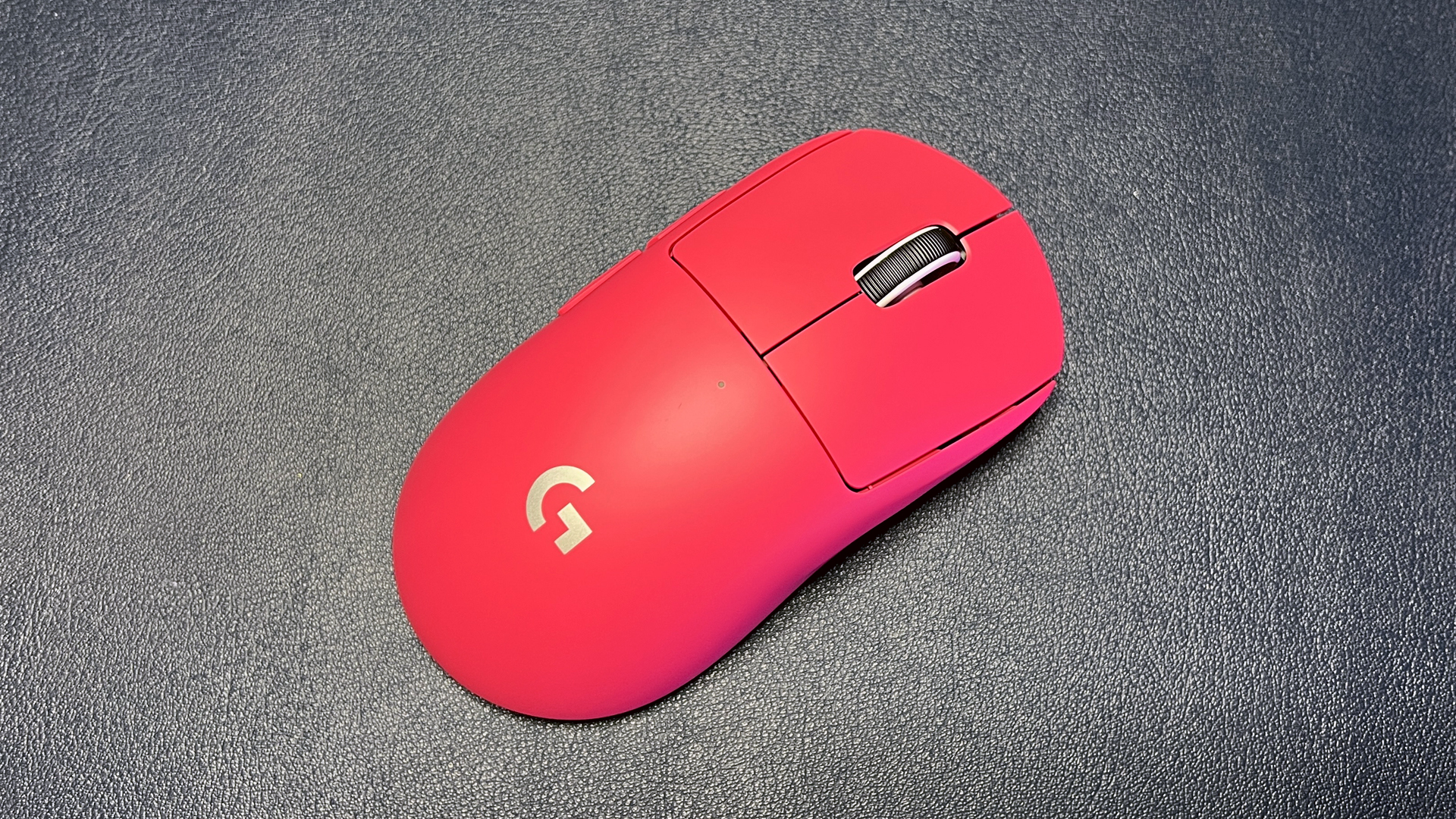
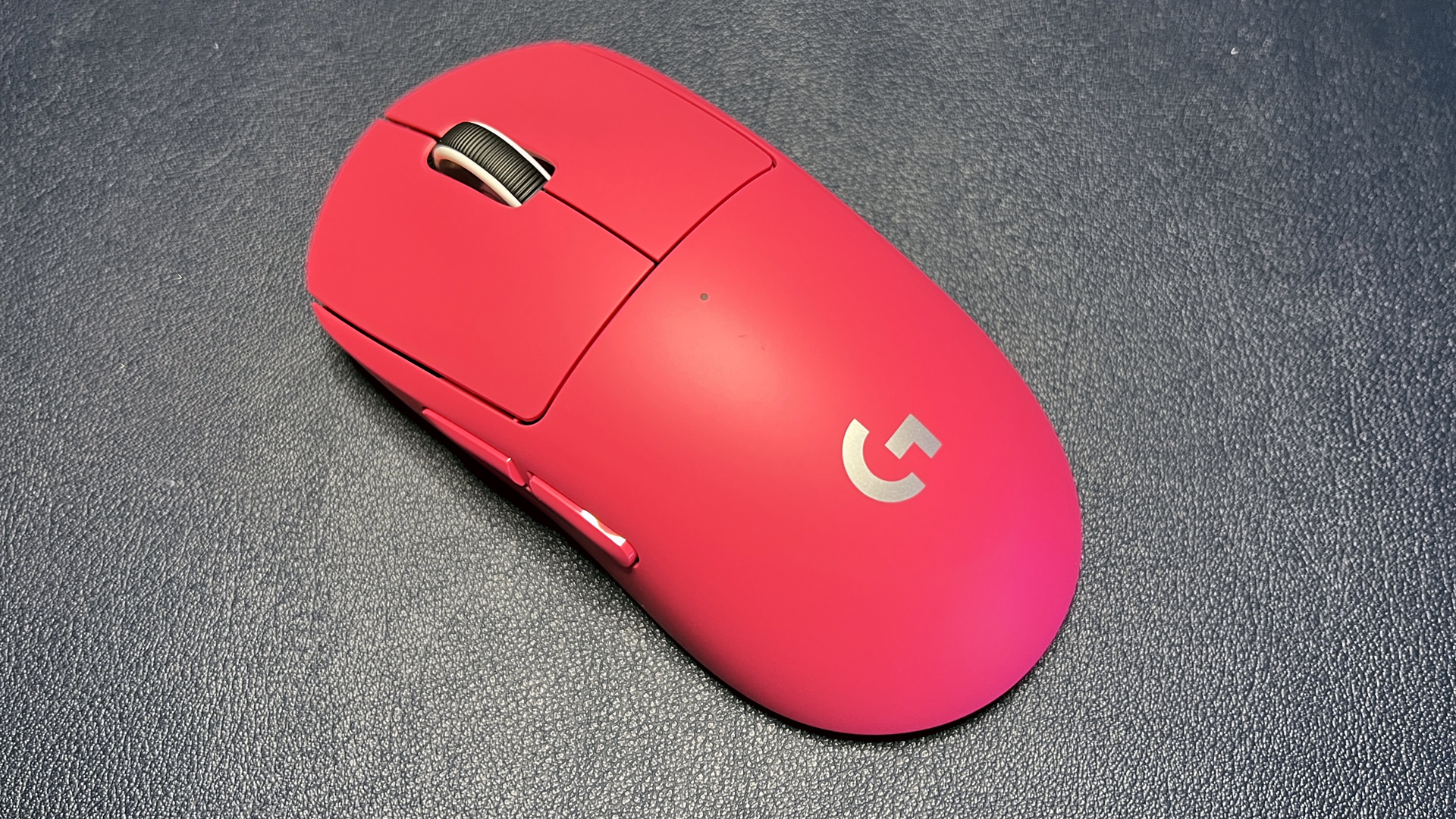
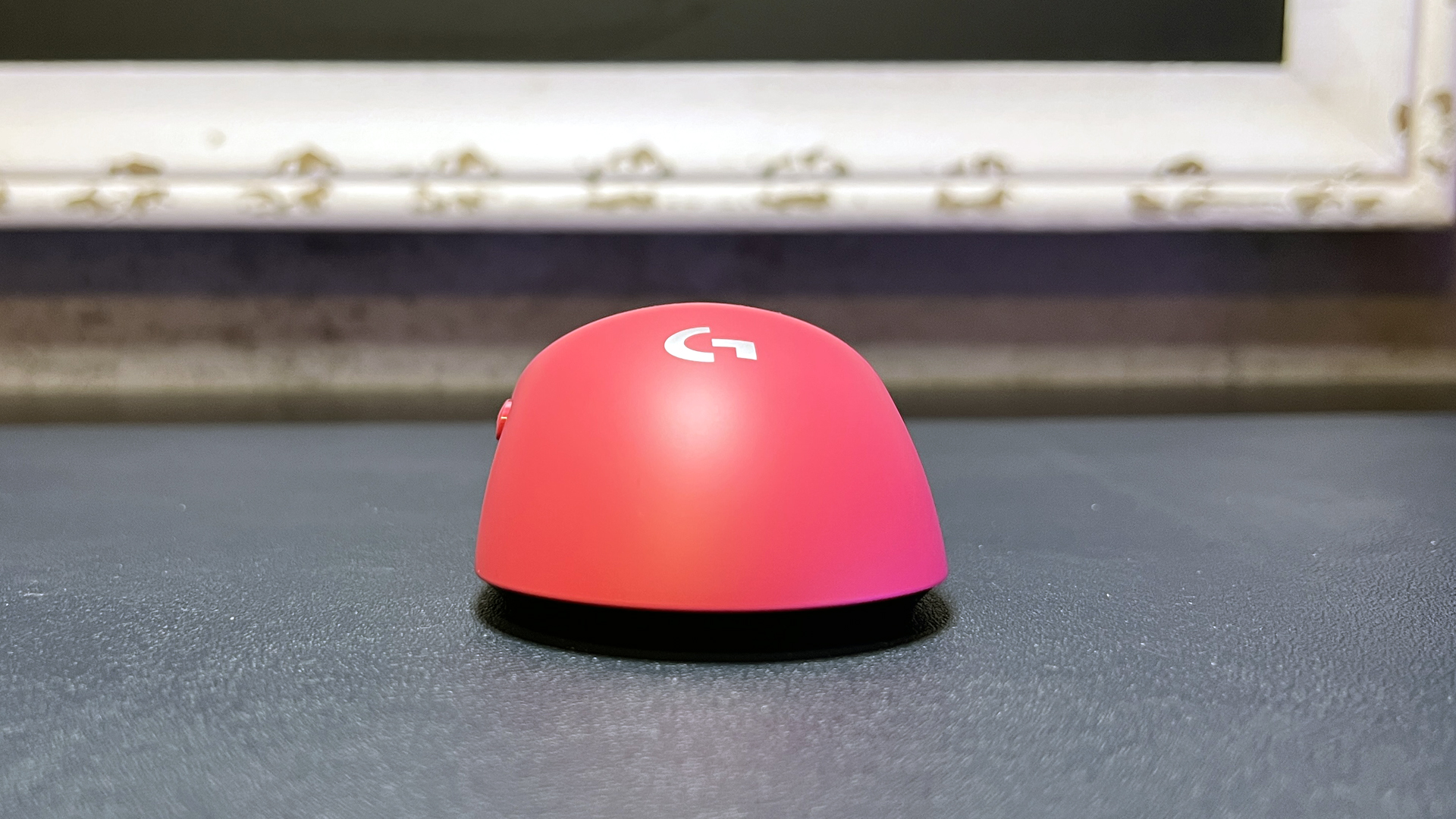
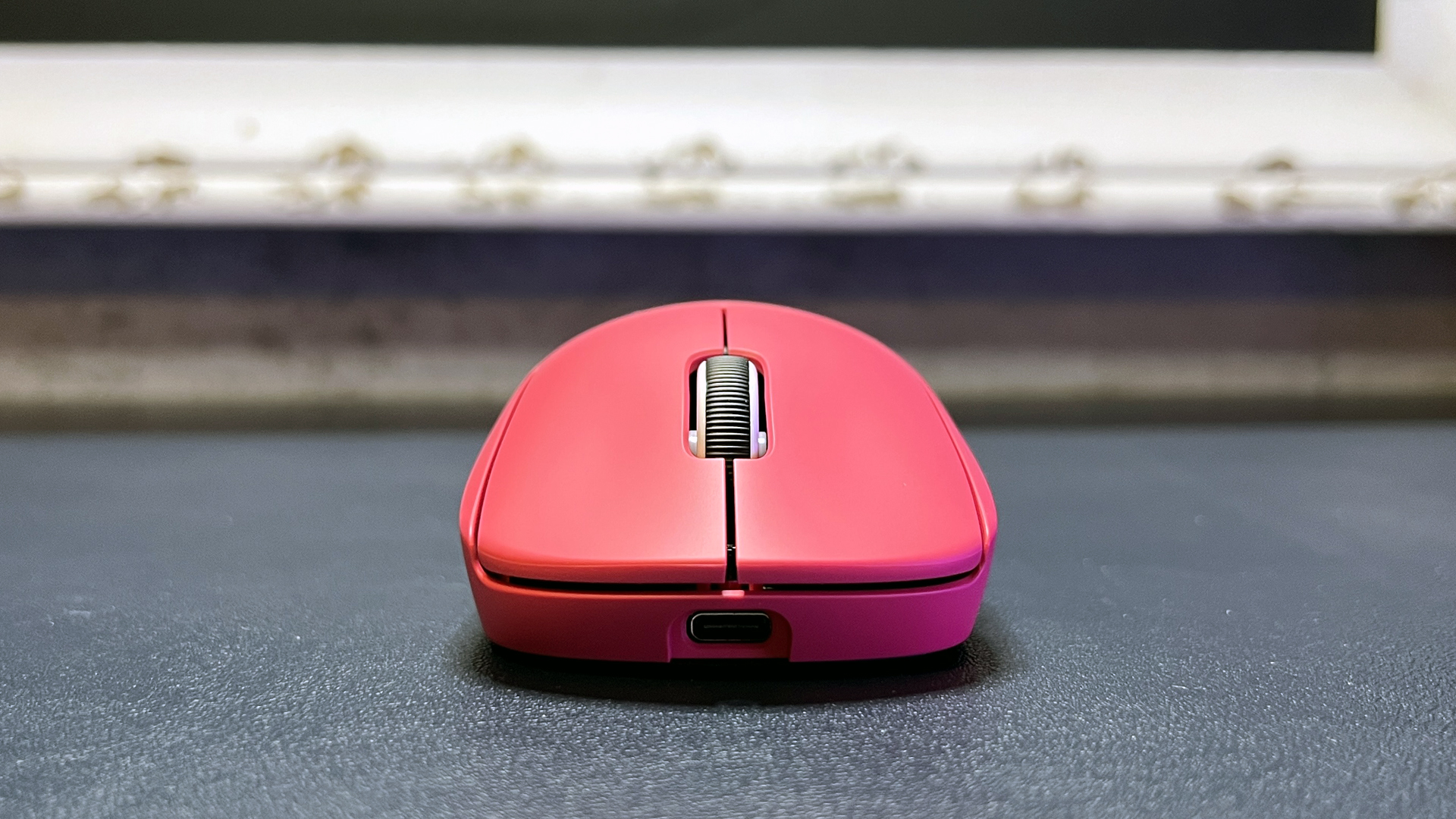
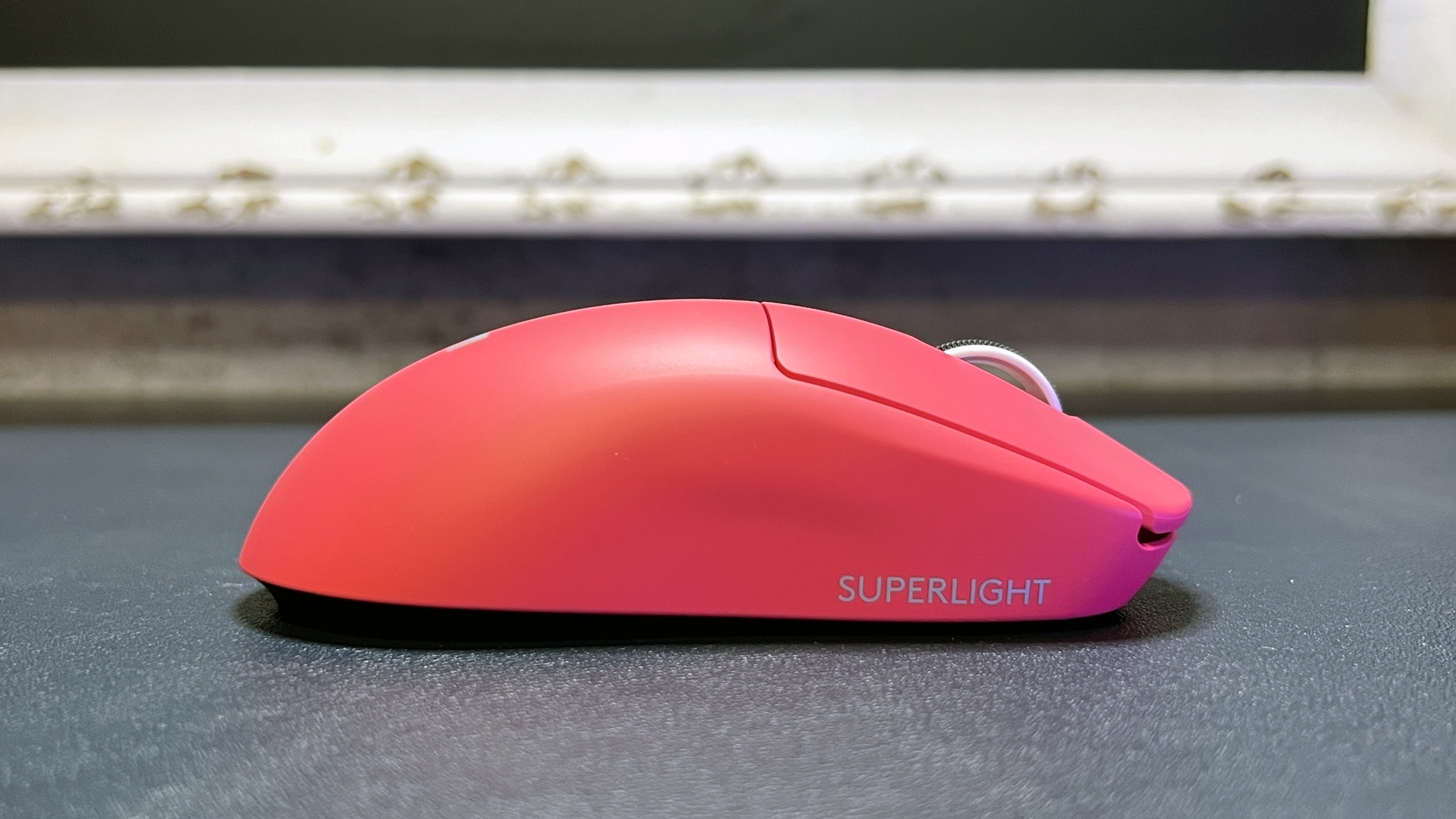
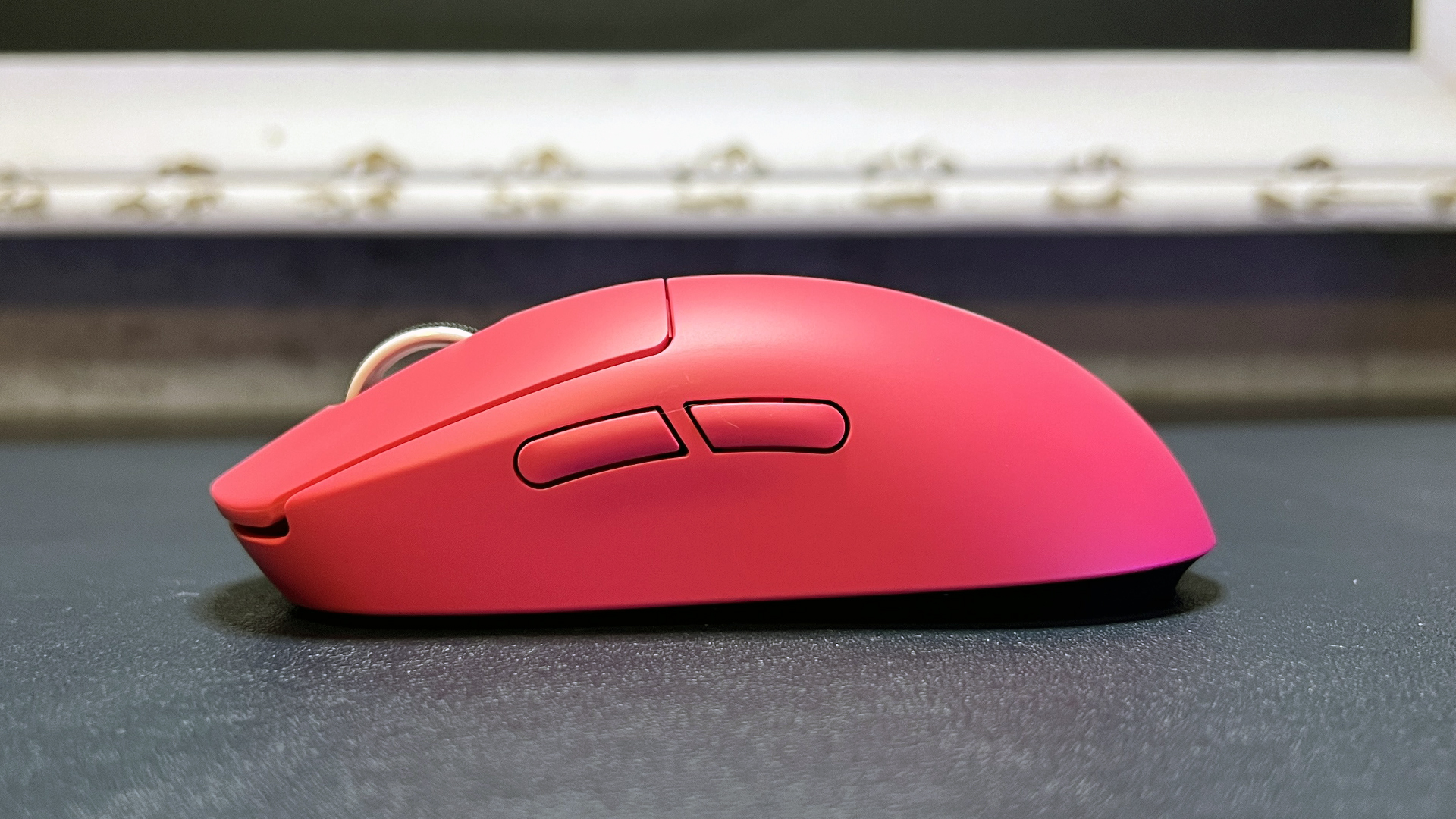
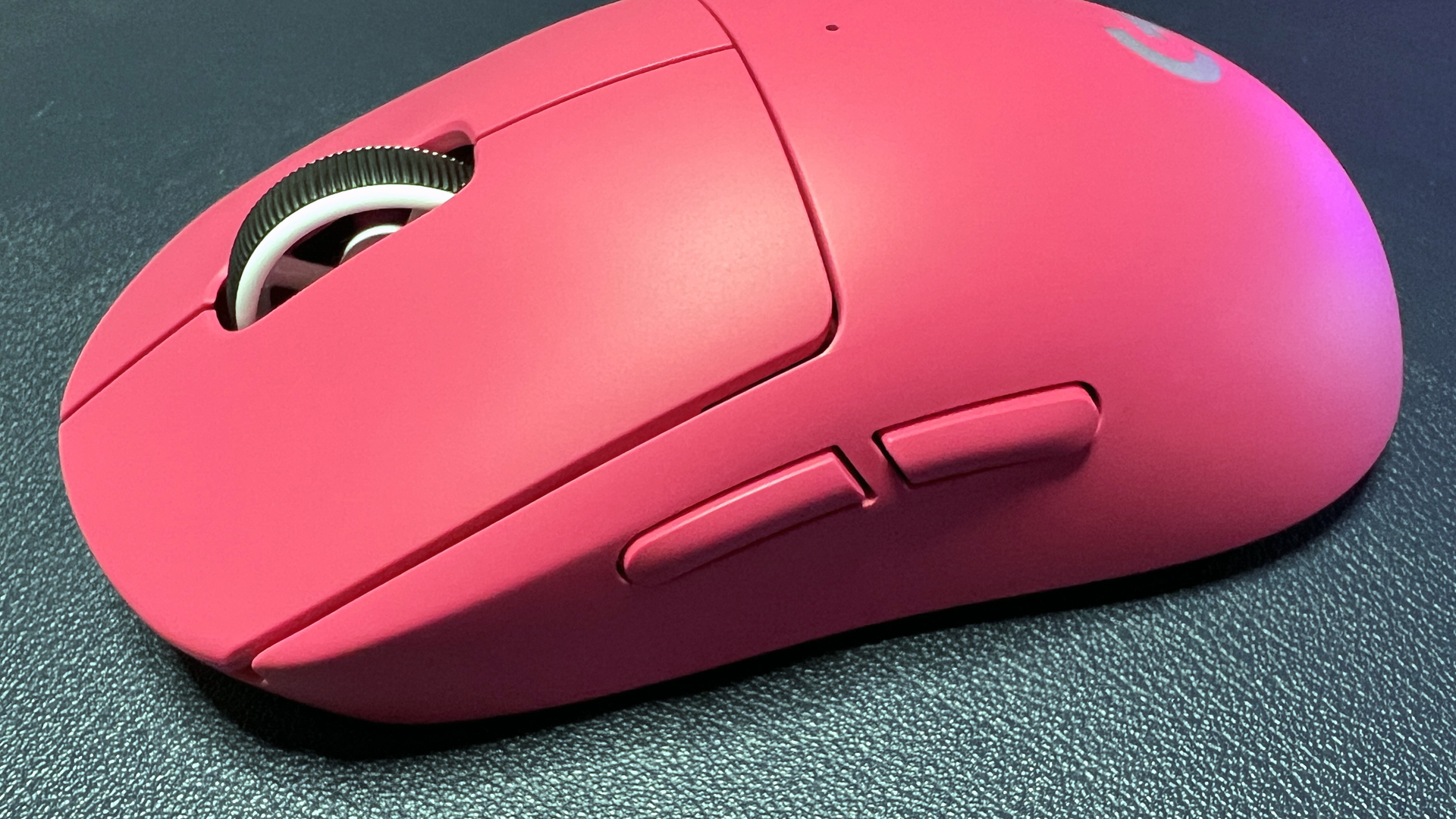
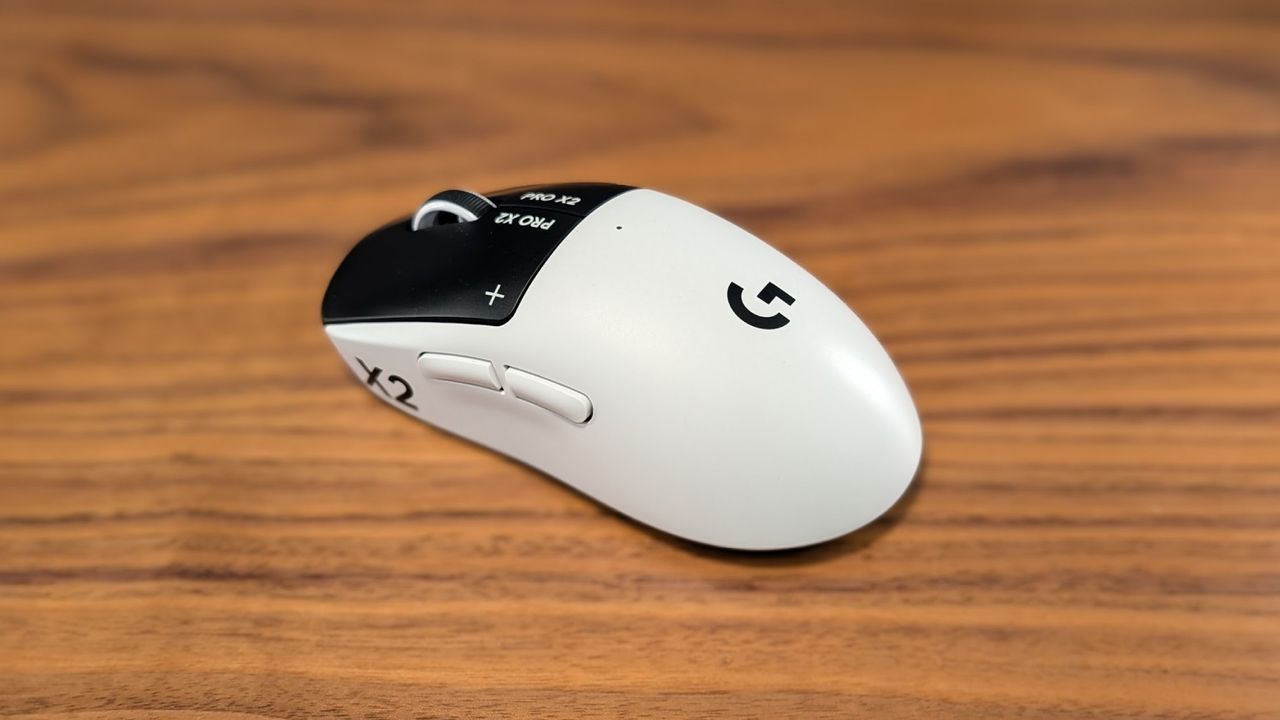
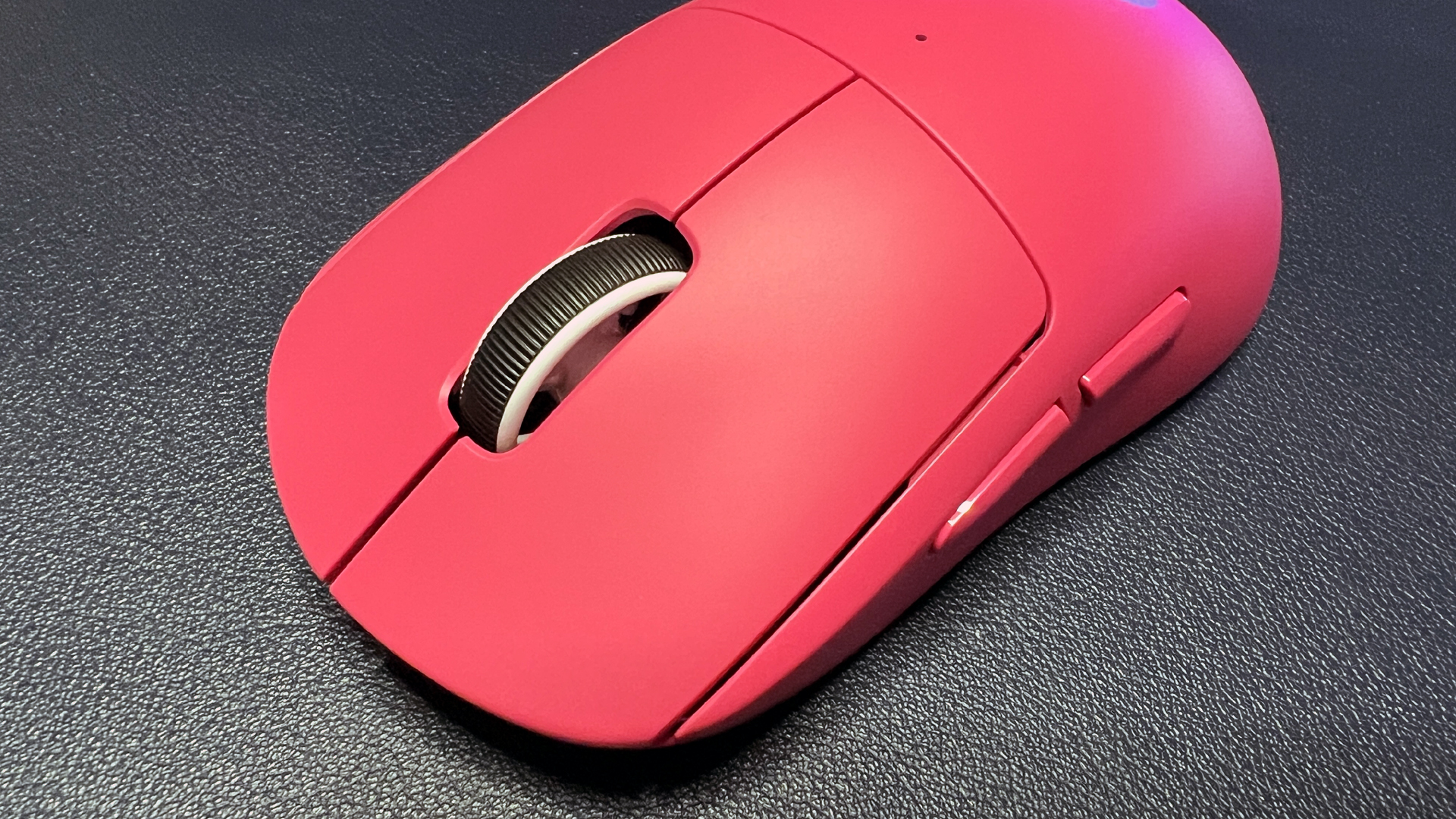
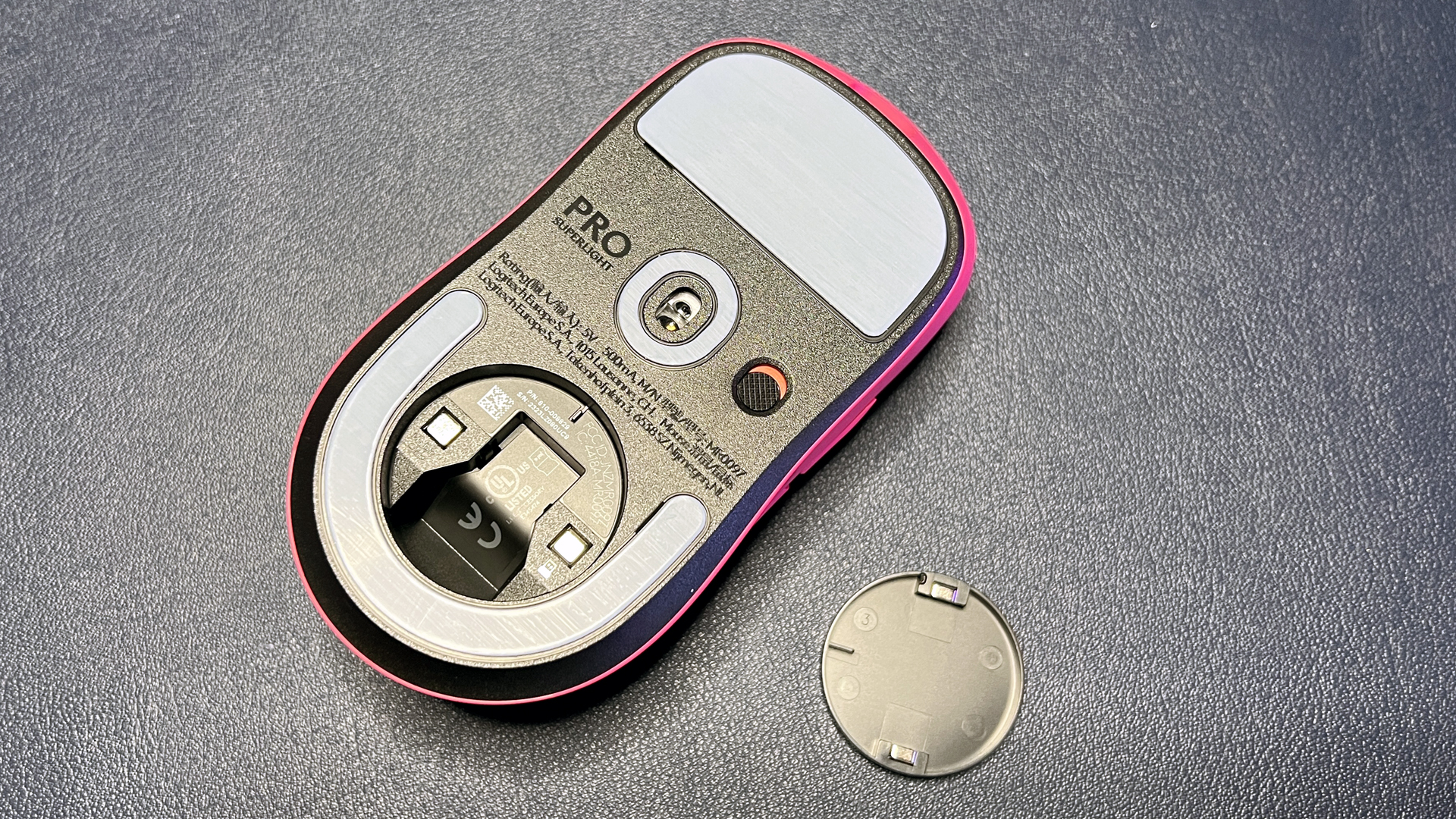
If you're looking for something ultra-light, well, it's in the name: the Logitech G Pro X Superlight 2 is a pseudo-ambidextrous ultra-lightweight mouse weighing just 2.12 ounces (60g) and designed for those who need speed above all else. It comes in three colors: black, white, and Logitech's bright magenta rose color (that I happen to love).

Logitech's ultralight 60g wireless mouse features a pseudo-ambidextrous symmetrical shape and sports the brand's Hero 2 optical sensor and Lightforce hybrid optical/mechanical switches. View Deal

The Pro X Superlight 2 has Logitech's Hero 2 optical sensor, which has a maximum sensitivity of 32,000 DPI and a maximum speed of 500 IPS, and can handle up to 40G's of force. It has five programmable buttons; its primary buttons feature Logitech's Lightforce hybrid optical/mechanical switches, which can actuate optically (for the lowest latency) and mechanically (for saving power).

Read our full review of the Pro X Superlight 2 here.

Corsair Scimitar Elite SE Wireless

Corsair Scimitar Elite SE Wireless
Tom's Hardware
Corsair Scimitar Elite SE Wireless
Tom's Hardware
Corsair Scimitar Elite SE Wireless
Tom's Hardware
Corsair Scimitar Elite SE Wireless
Tom's Hardware
Corsair Scimitar Elite SE Wireless
Tom's Hardware
Corsair Scimitar Elite SE Wireless
Tom's Hardware
Corsair Scimitar Elite SE Wireless
Tom's Hardware
Corsair Scimitar Elite SE Wireless
Tom's Hardware
Corsair Scimitar Elite SE Wireless
Tom's Hardware
Corsair Scimitar Elite SE Wireless
Tom's Hardware
Corsair Scimitar Elite SE Wireless
Tom's Hardware
Corsair Scimitar Elite SE Wireless
Tom's Hardware
Corsair Scimitar Elite SE Wireless
Tom's Hardware

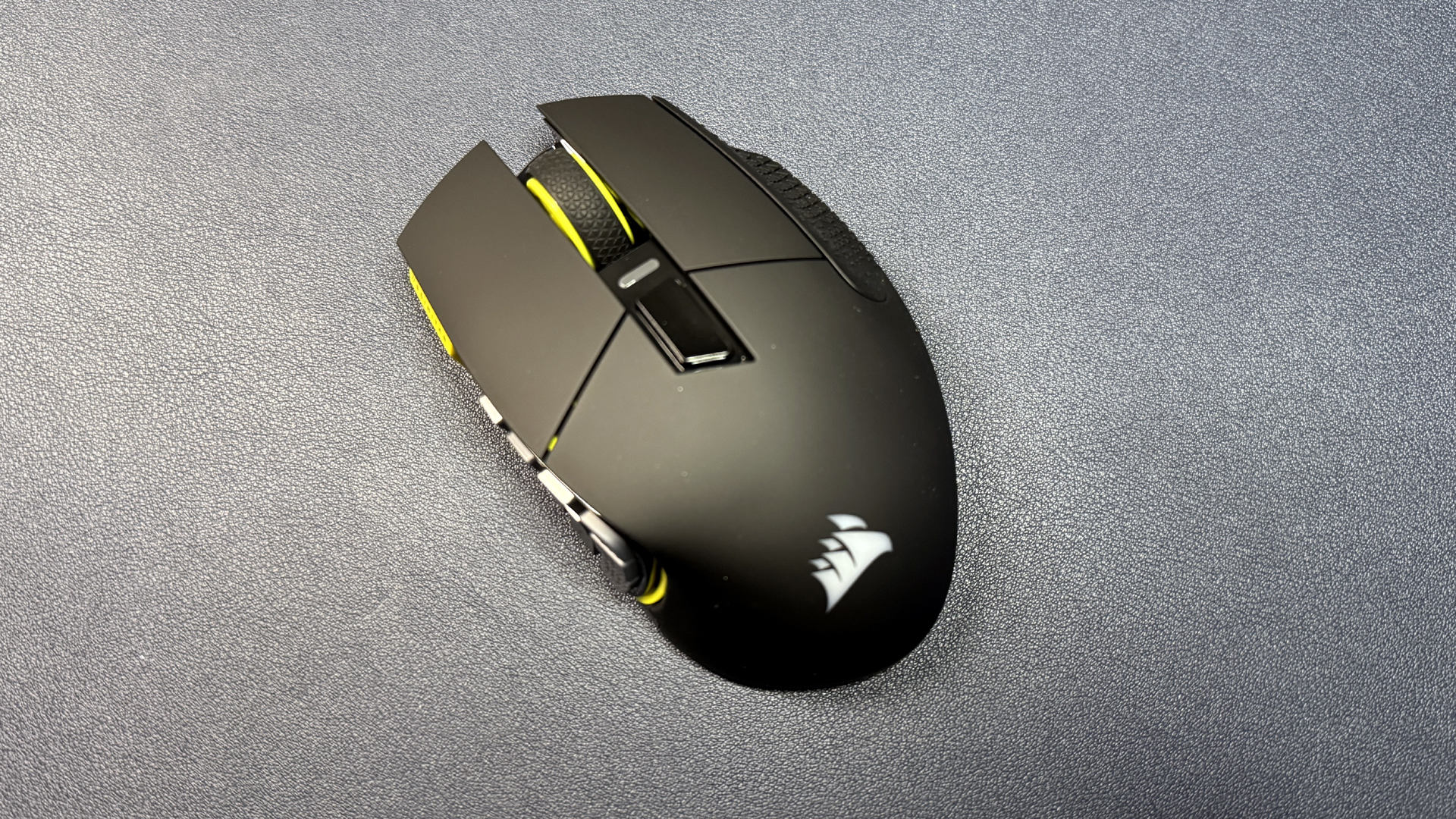
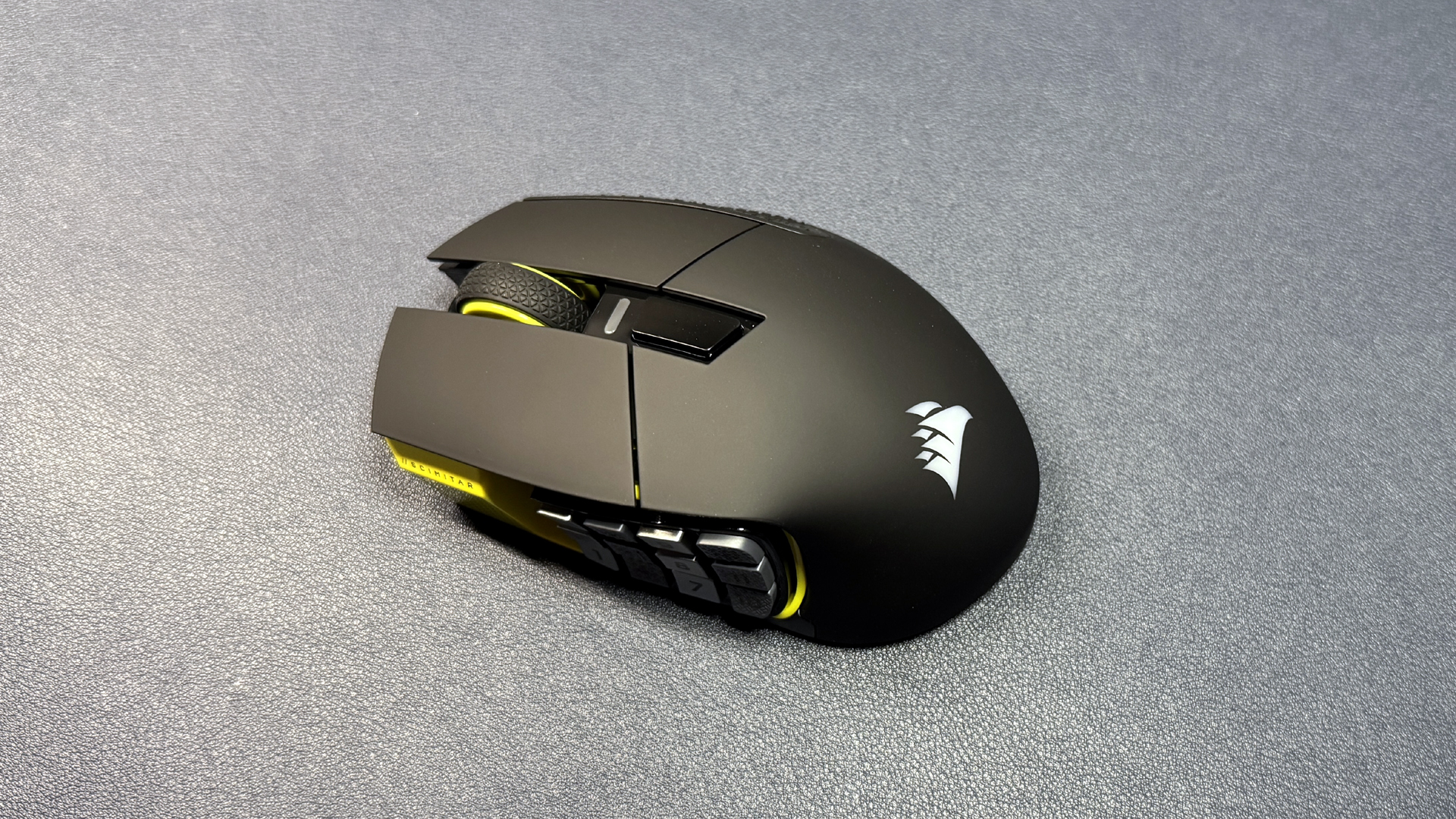
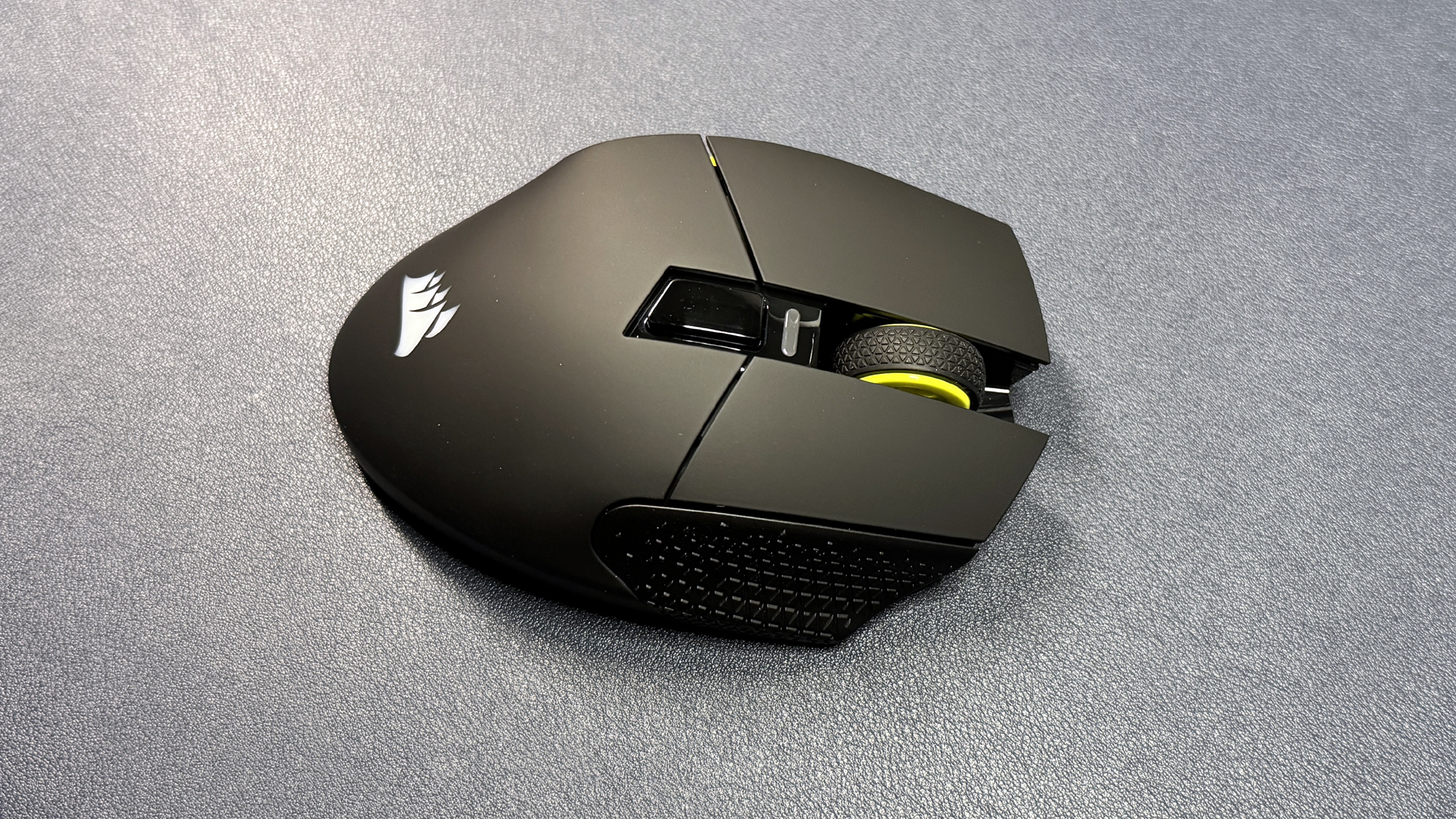
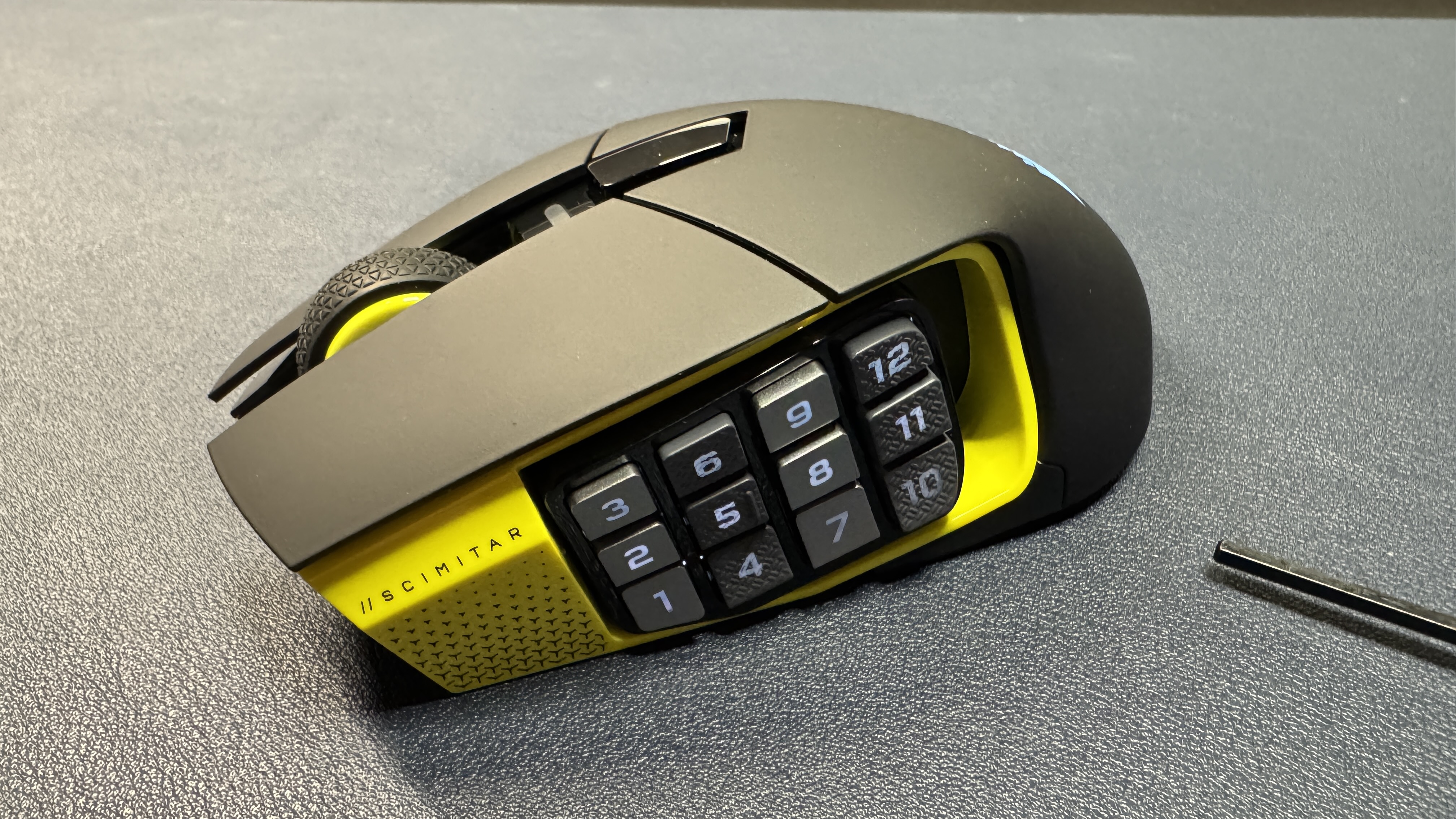
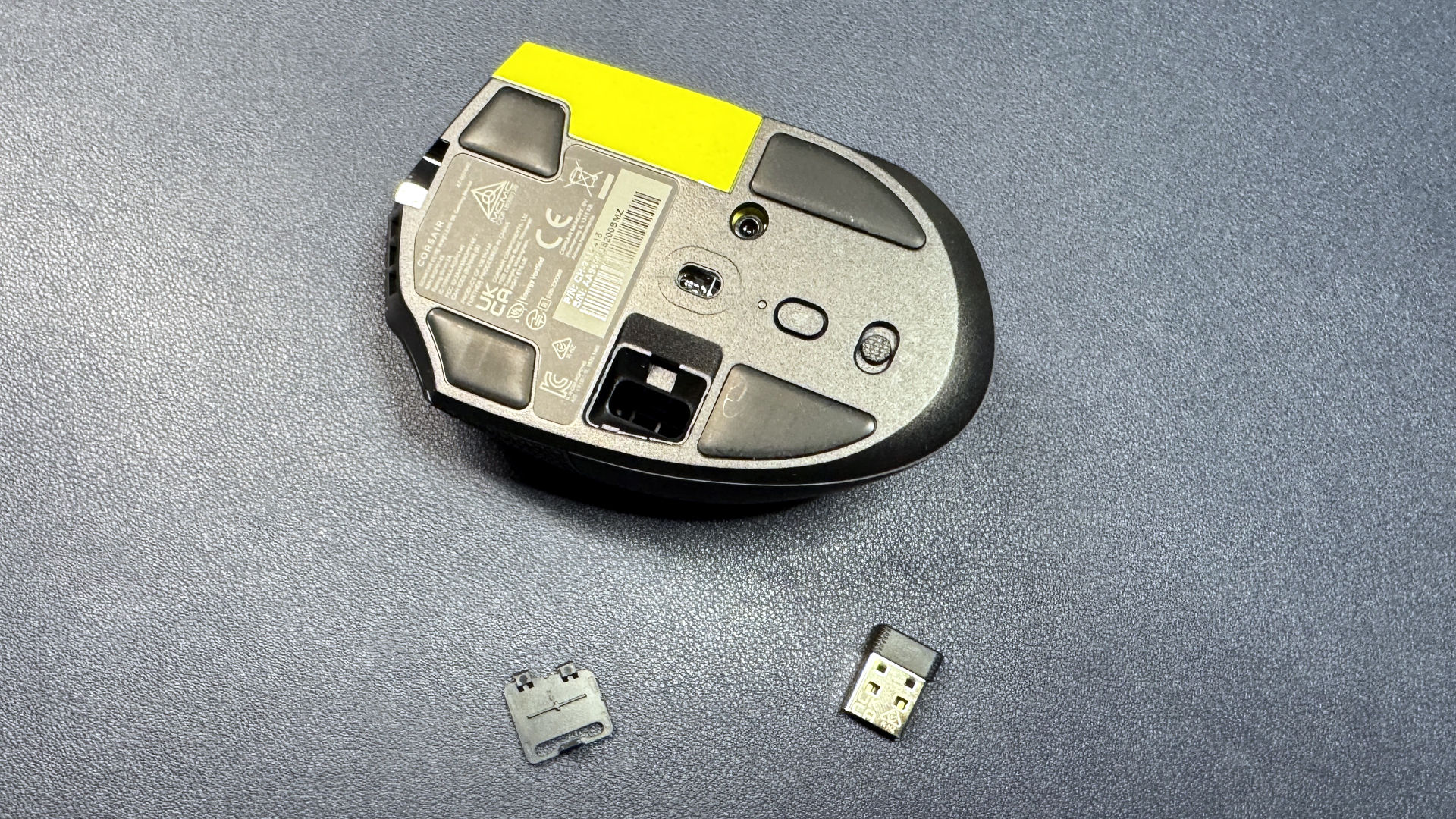
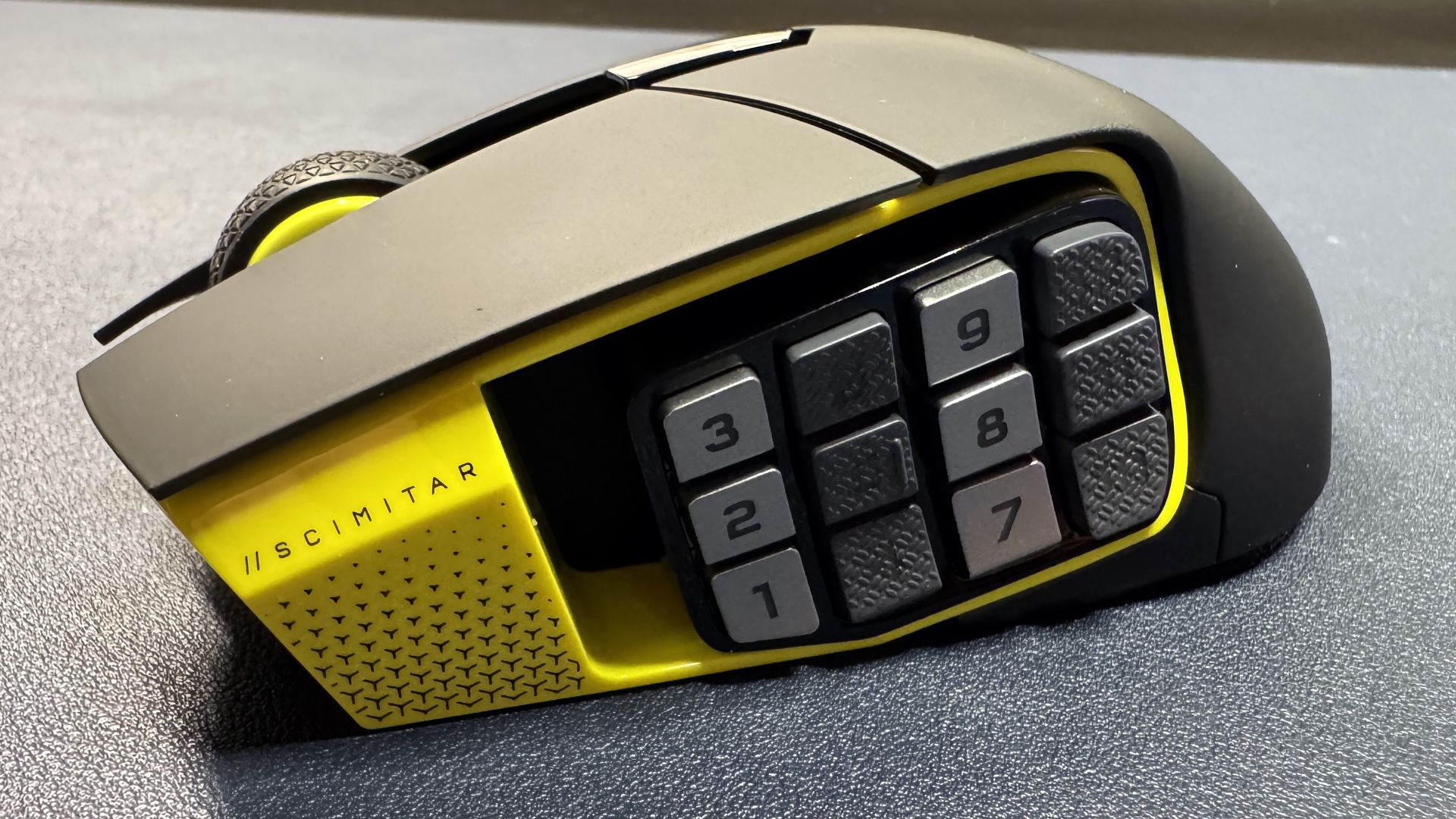
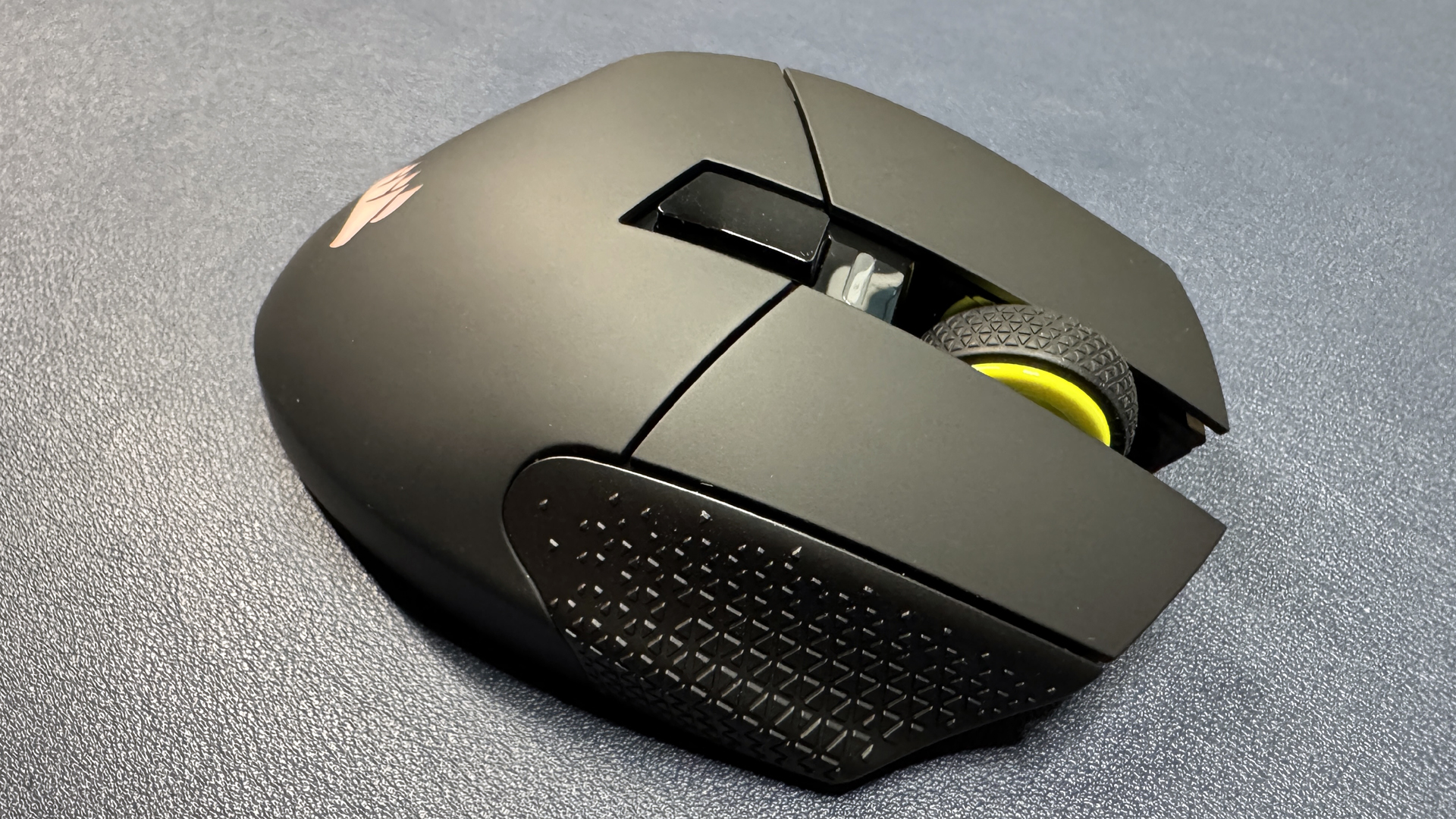
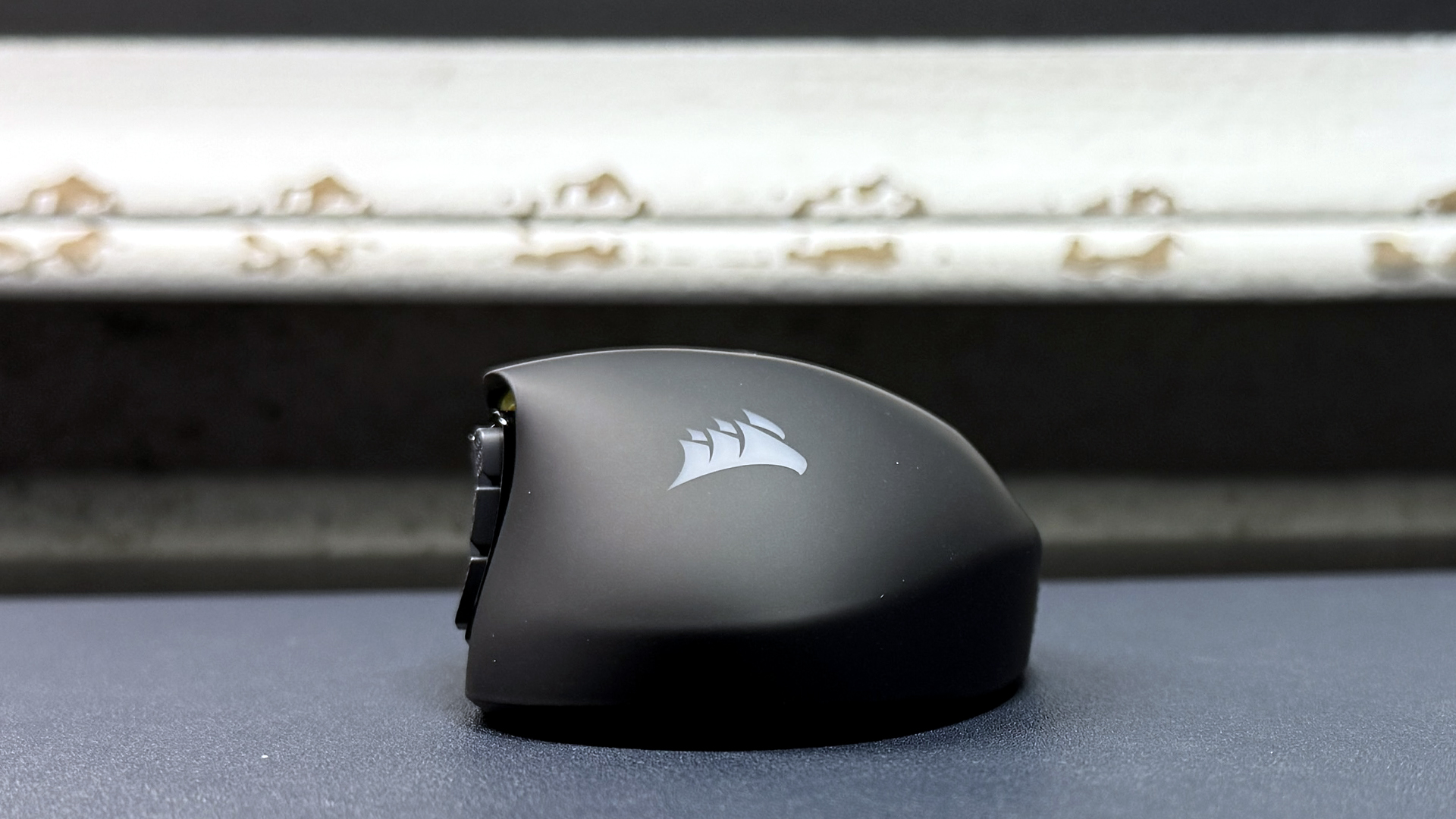
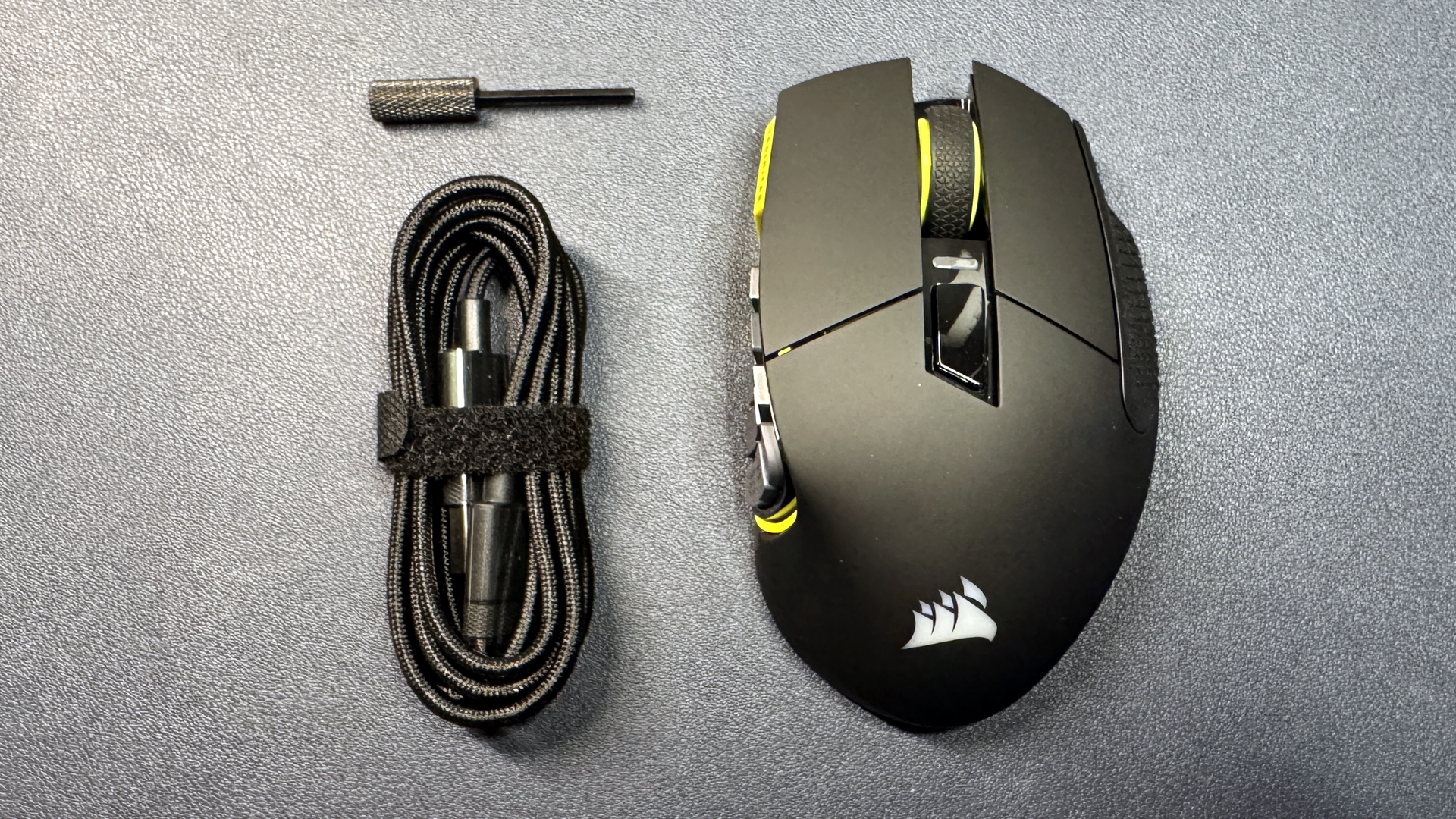
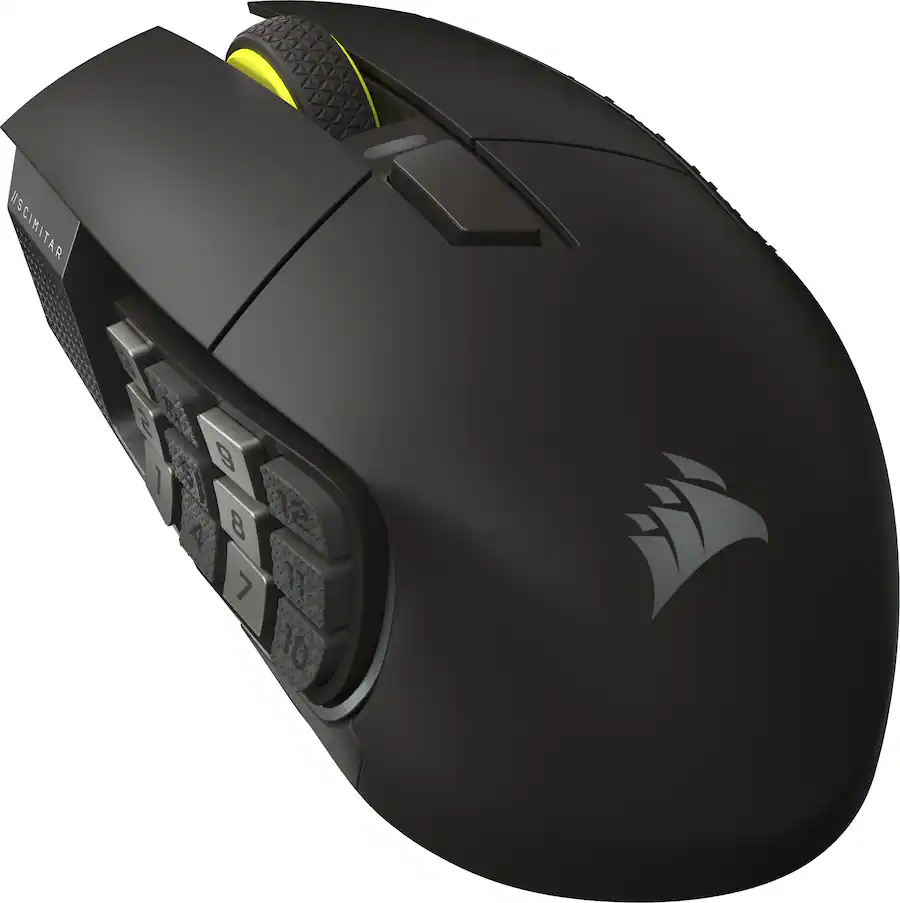
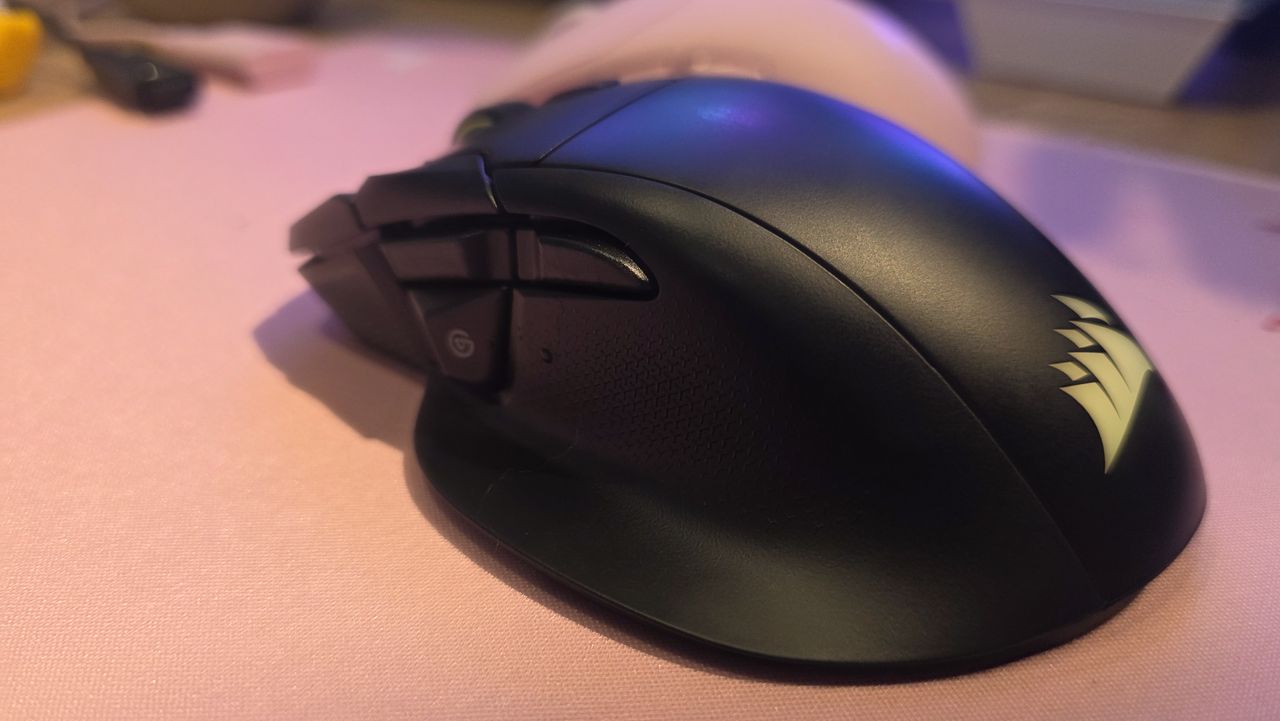
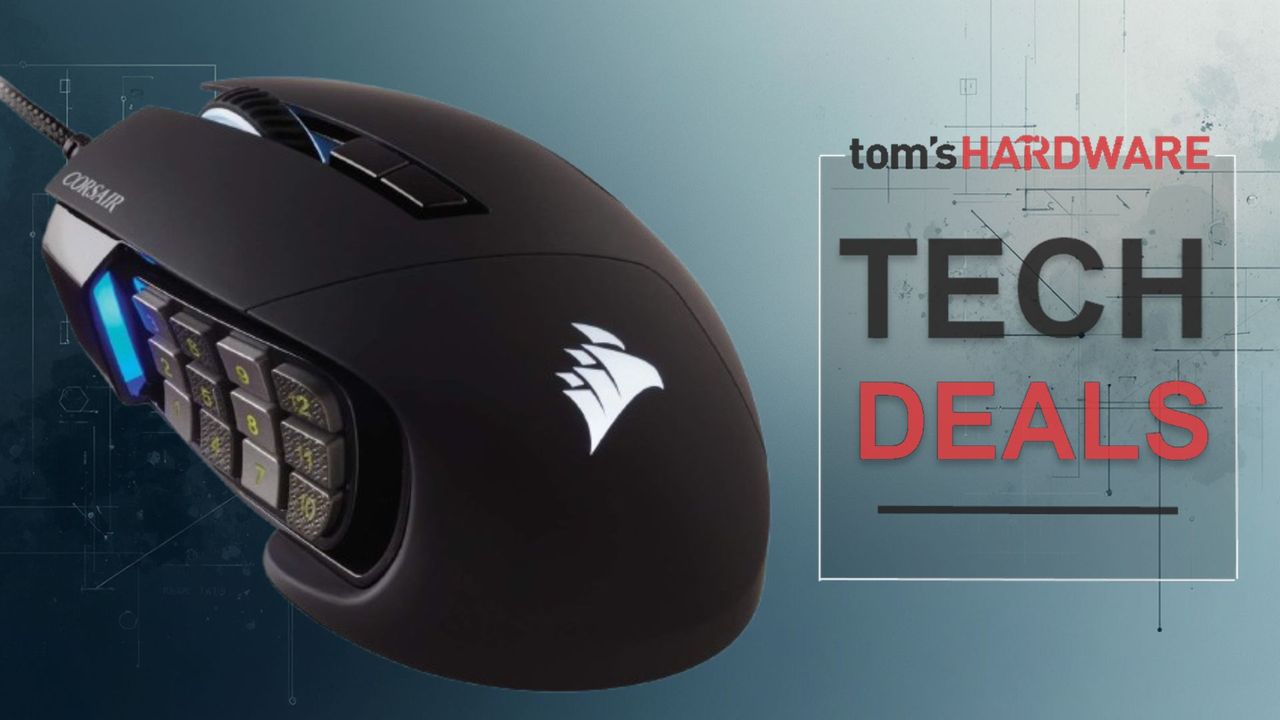
Maybe ultralight and stripped-down gaming mice aren't your thing. If you're looking for a mouse with all the buttons, Corsair's newest Scimitar Elite SE Wireless is a good option, and it's currently on sale for 50% off at Best Buy — you can pick it up for just $69.99, which is 50% off its original MSRP of $139.99. That's $5 cheaper than it was last Black Friday, too.
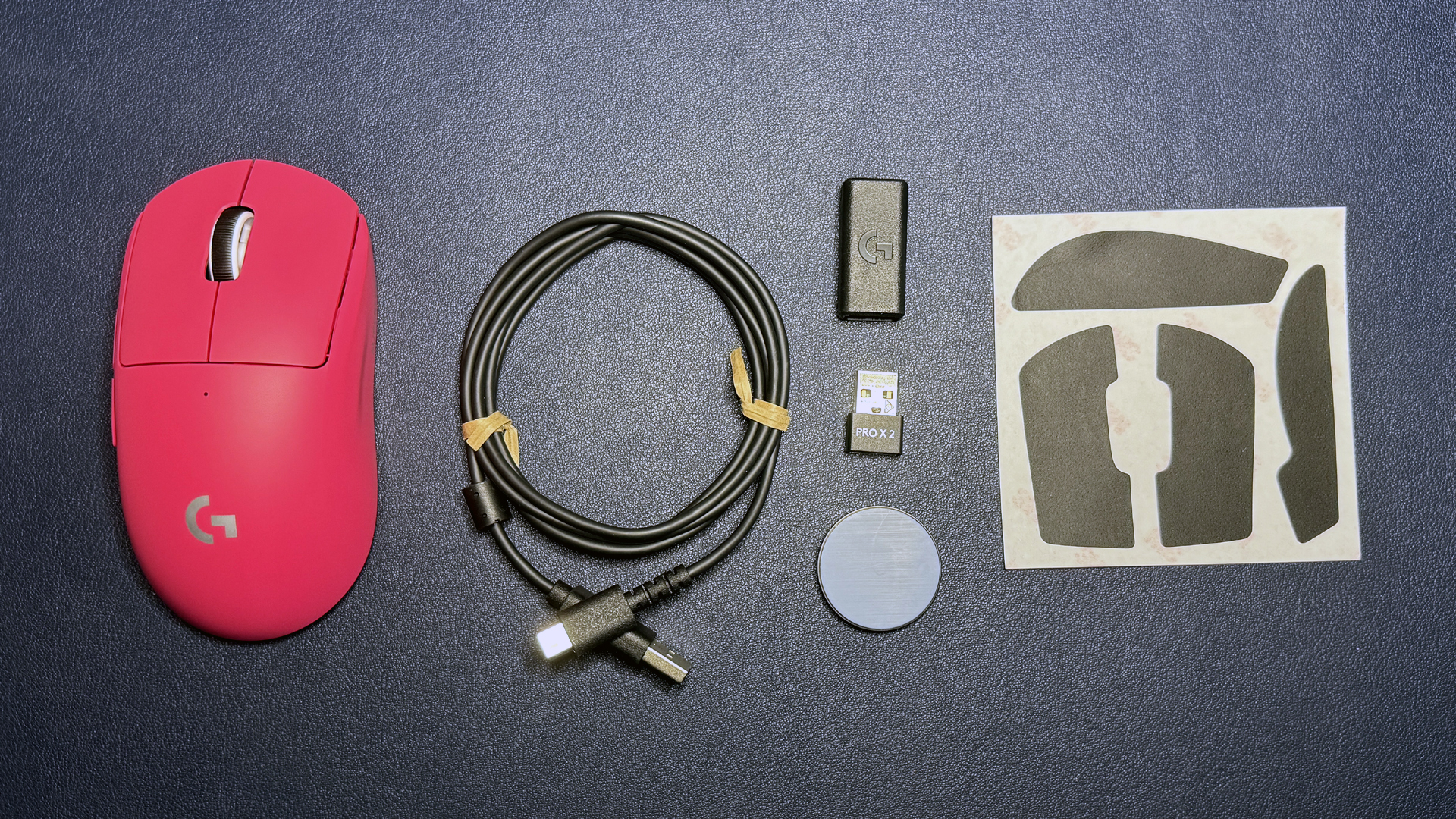
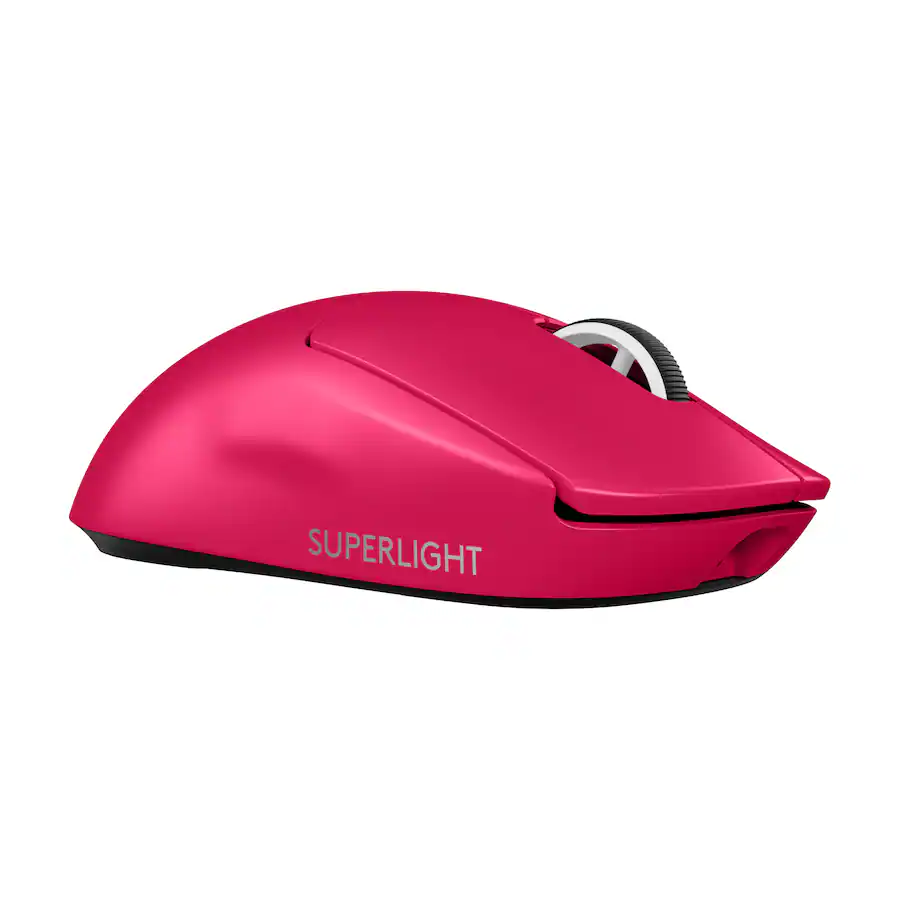
This MMO / MOBA-focused mouse features 16 programmable buttons, 12 of which are on its customizable, movable side panel. It also sports Corsair's Marksman S 33K optical sensor, which has a maximum sensitivity of 33,000 DPI and a maximum speed of 750 IPS, and can handle up to 50G's of force.View Deal

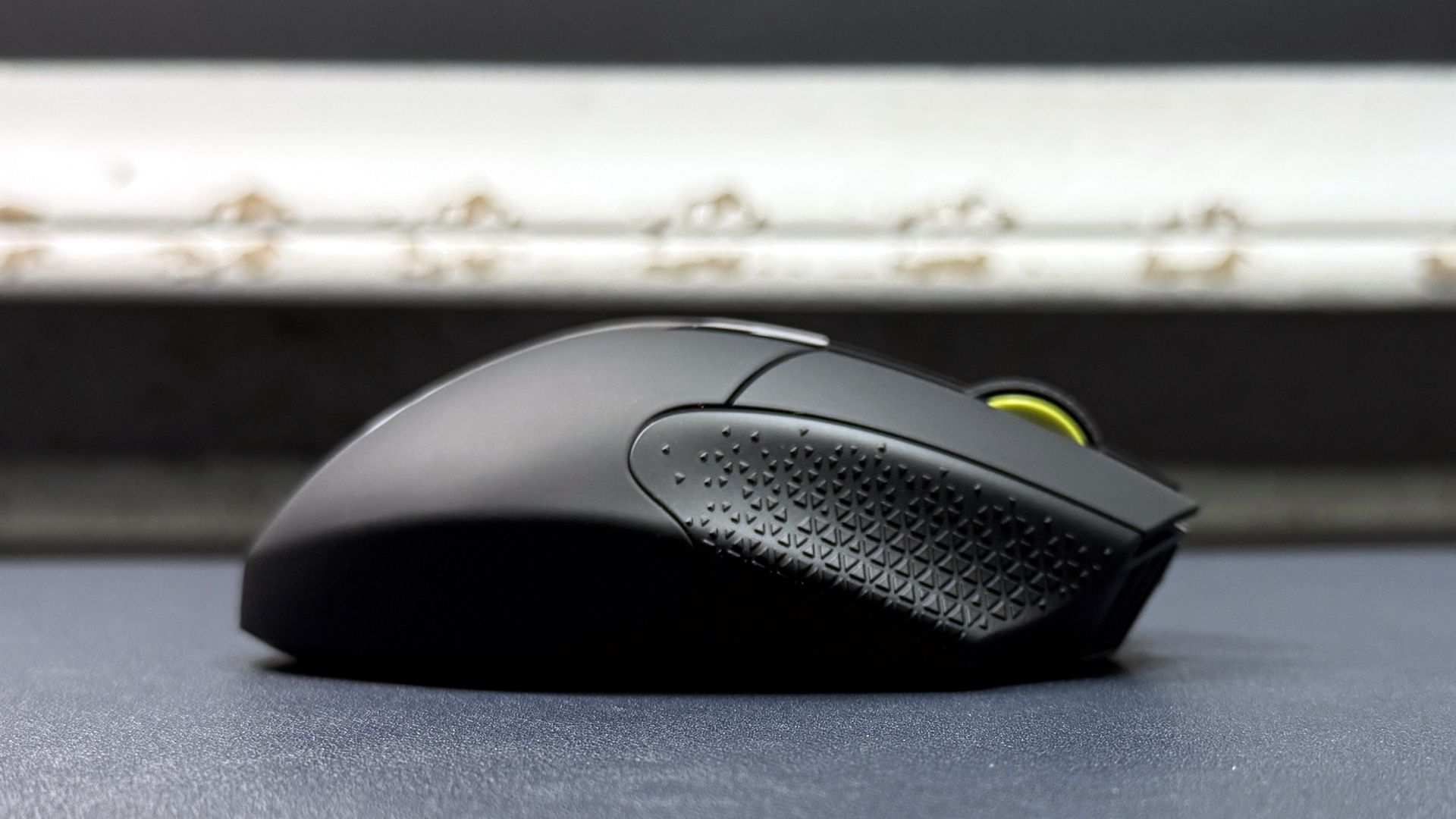
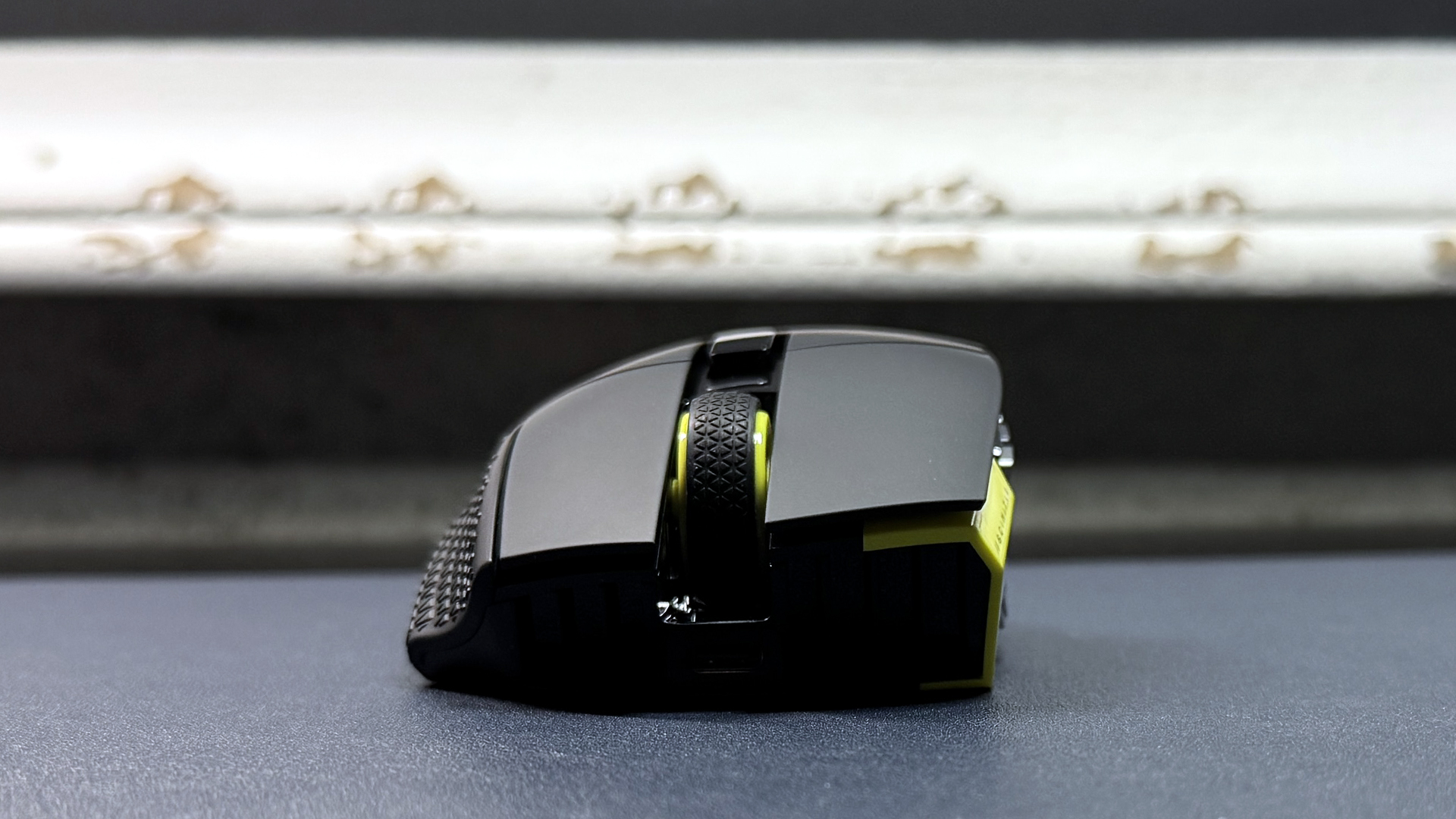
The Scimitar Elite SE Wireless features 16 programmable buttons, 12 of which are on its movable side panel — you can move the side panel forward or backward, depending on your hand size and what's most comfortable for you. It sports Corsair's Marksman S 33K optical sensor, which has a maximum sensitivity of 33,000 DPI and a maximum speed of 750 IPS, and can handle up to 50G's of force. It weighs 4.02 ounces (114g), but let's face it — if you're looking for a mouse with 16 programmable buttons, weight is not your top priority. The Scimitar Elite SE Wireless also features a pretty solid battery life of 150 hours over its 2.4GHz wireless connection, which means you'll only have to charge it every couple of weeks (and that's if you're a serious gamer).

Read our full review of the Scimitar Elite SE Wireless here.

HyperX Pulsefire Saga Pro

HyperX Pulsefire Saga Pro
Tom's Hardware
HyperX Pulsefire Saga Pro
Tom's Hardware
HyperX Pulsefire Saga Pro
Tom's Hardware
HyperX Pulsefire Saga Pro
Tom's Hardware
HyperX Pulsefire Saga Pro
Tom's Hardware
HyperX Pulsefire Saga Pro
Tom's Hardware
HyperX Pulsefire Saga Pro
Tom's Hardware
HyperX Pulsefire Saga Pro
Tom's Hardware
HyperX Pulsefire Saga Pro
Tom's Hardware
HyperX Pulsefire Saga Pro
Tom's Hardware
HyperX Pulsefire Saga Pro
Tom's Hardware
HyperX Pulsefire Saga Pro
Tom's Hardware

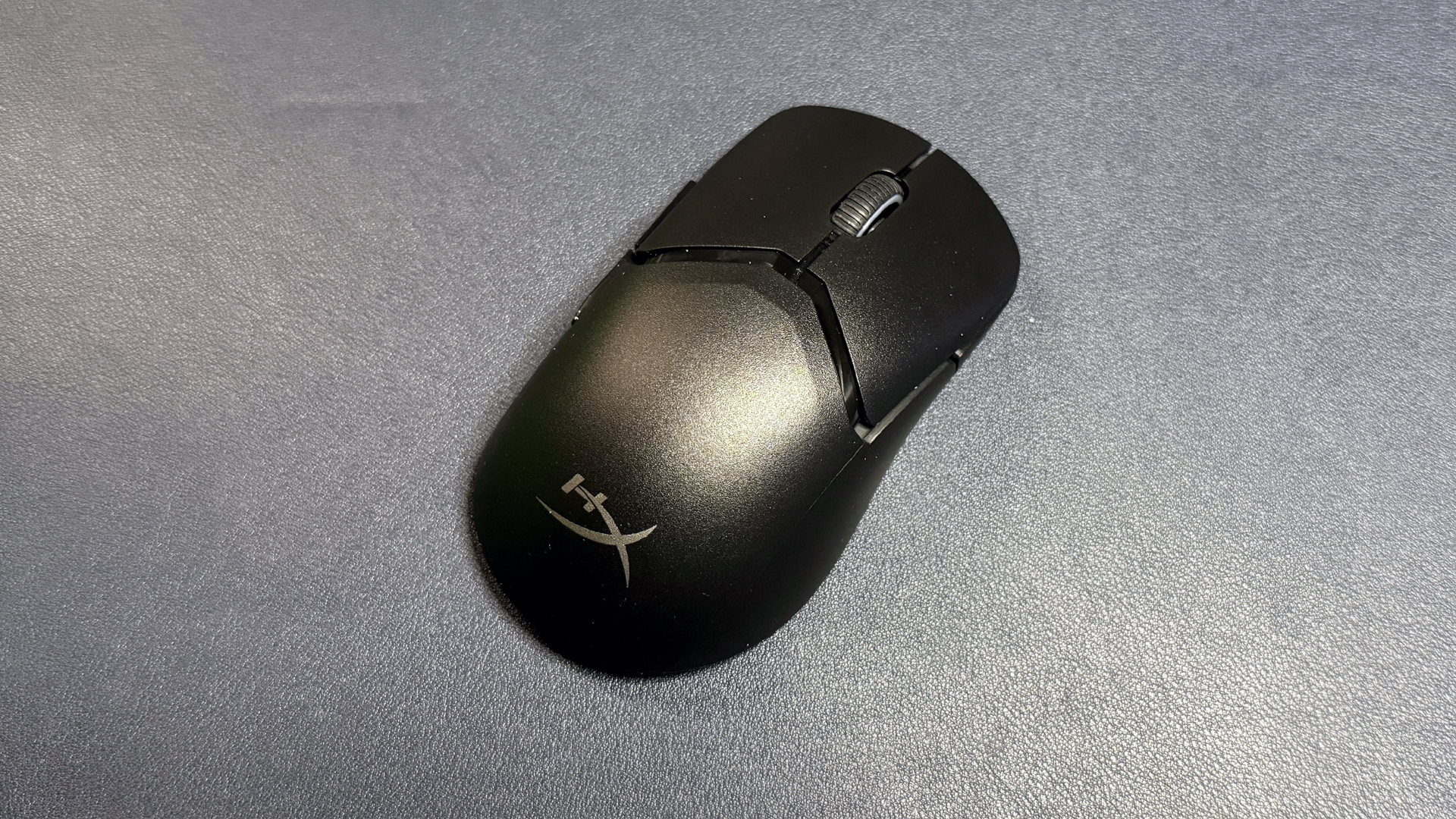
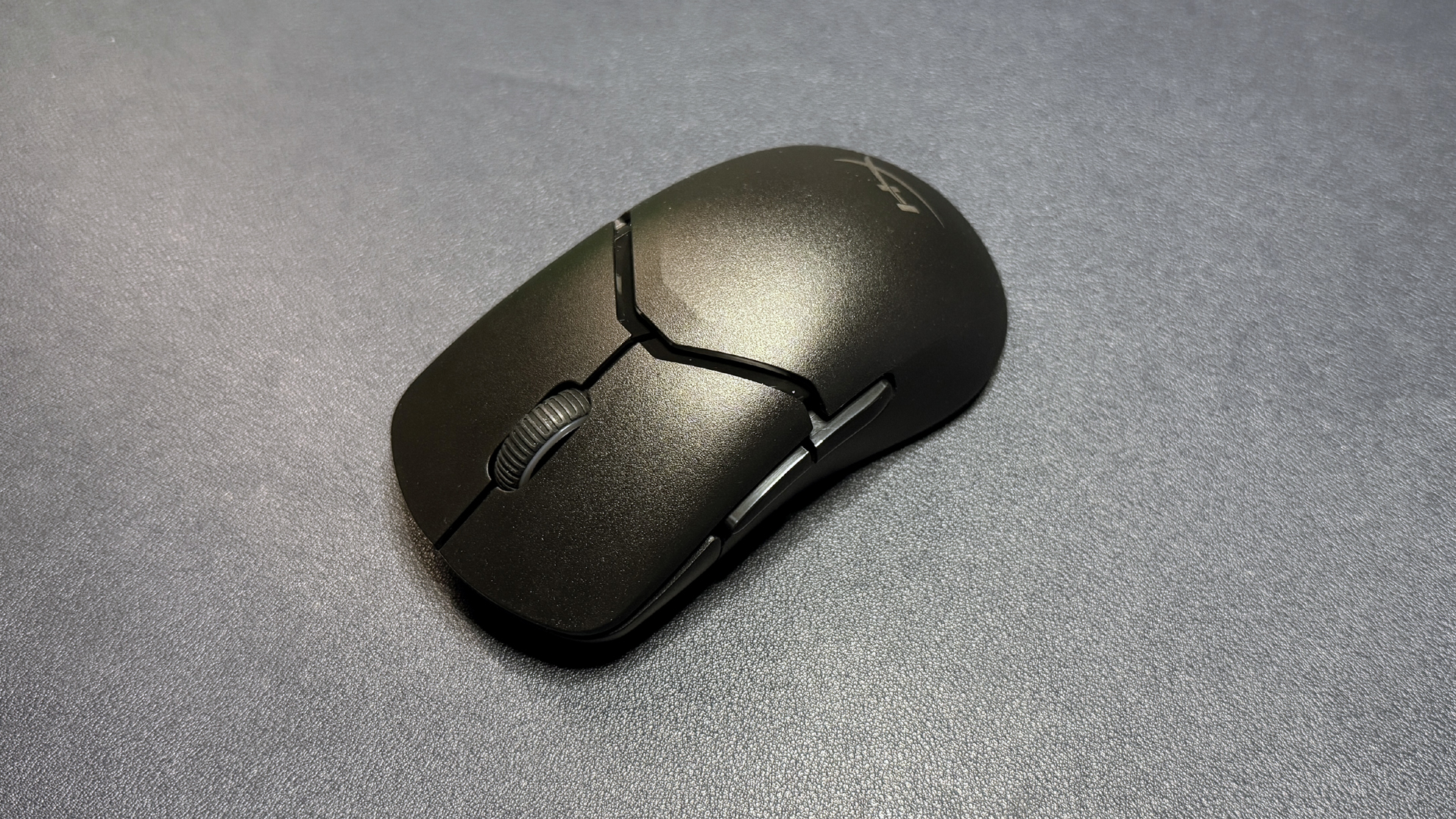
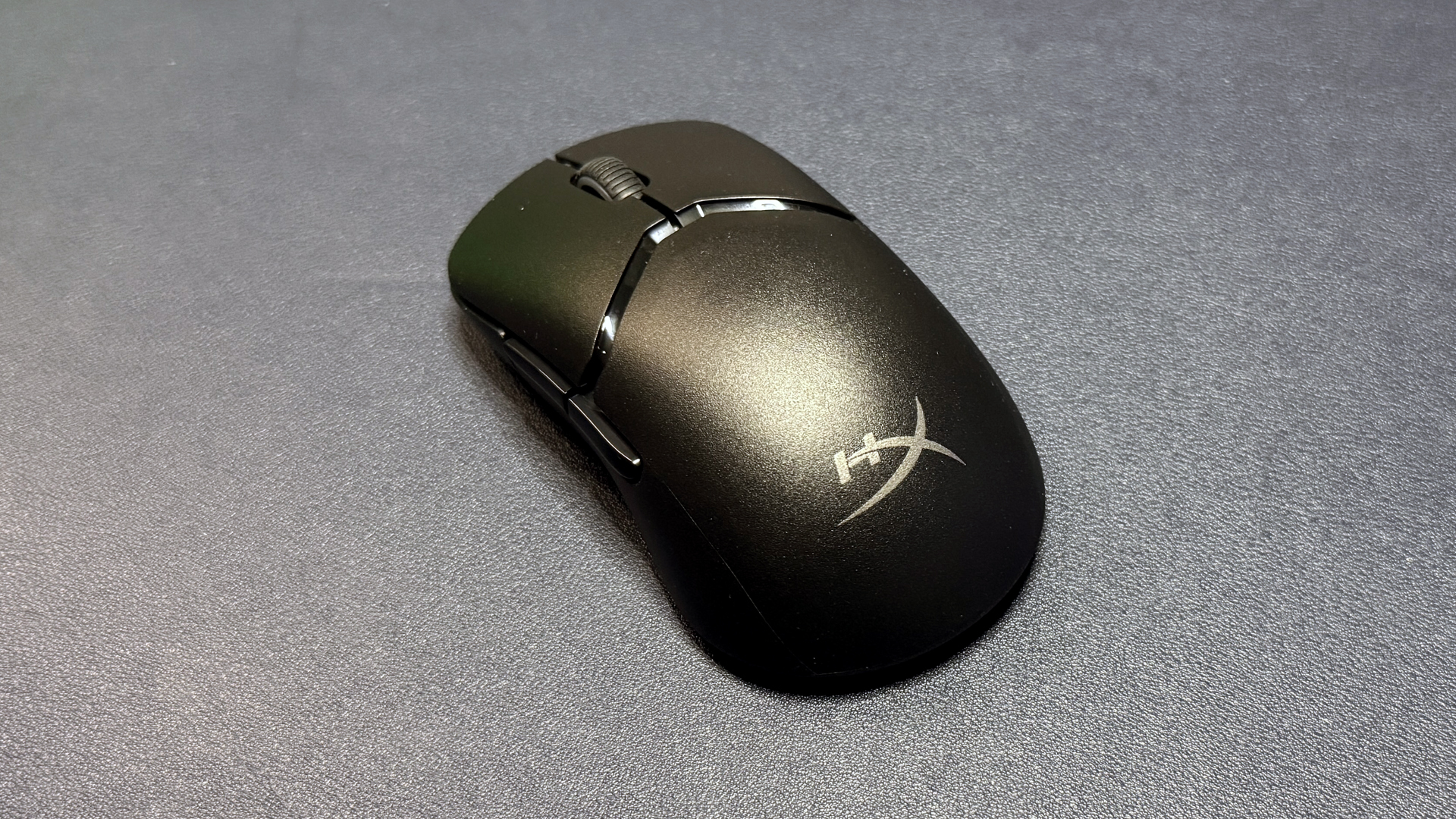
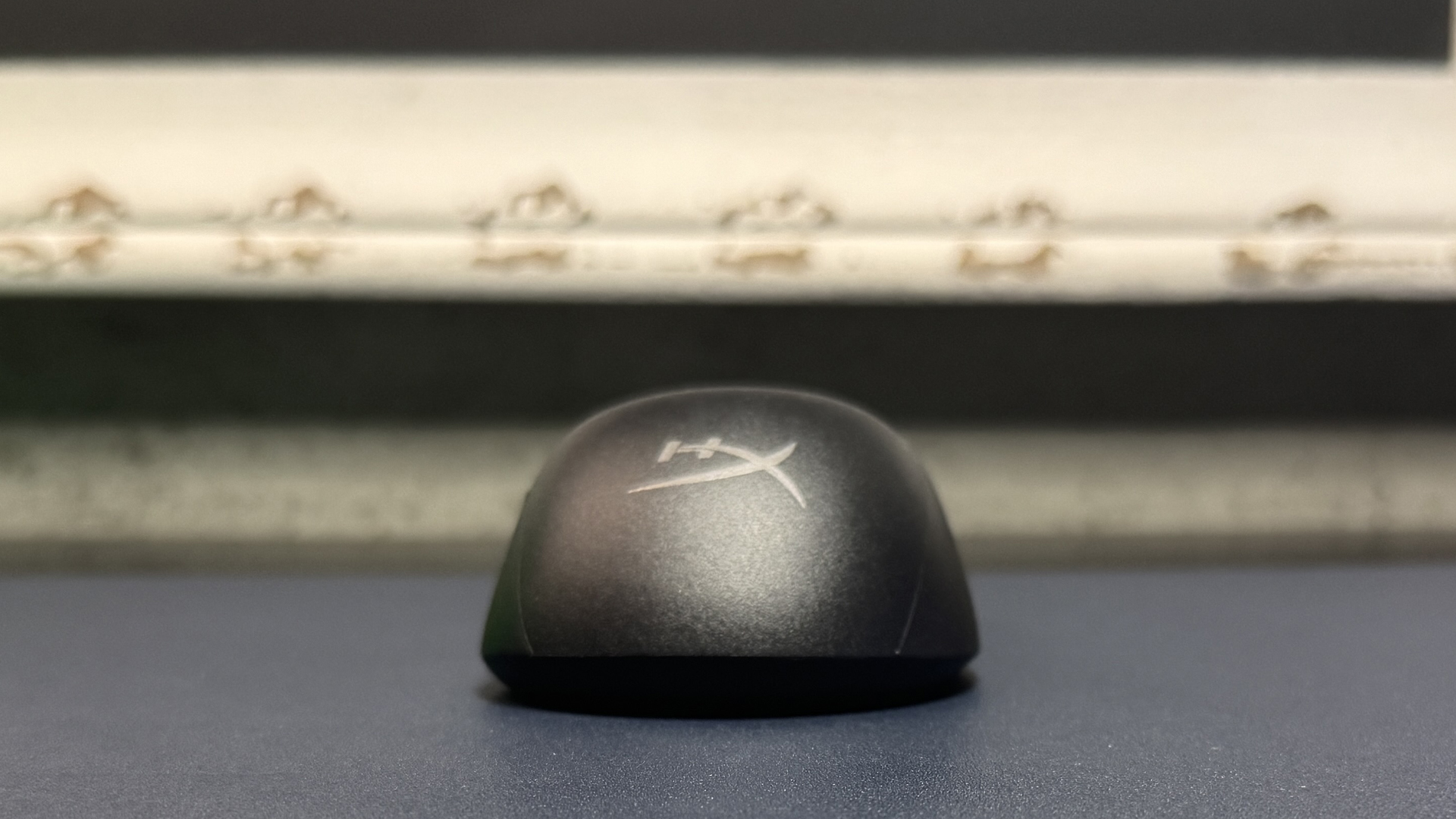
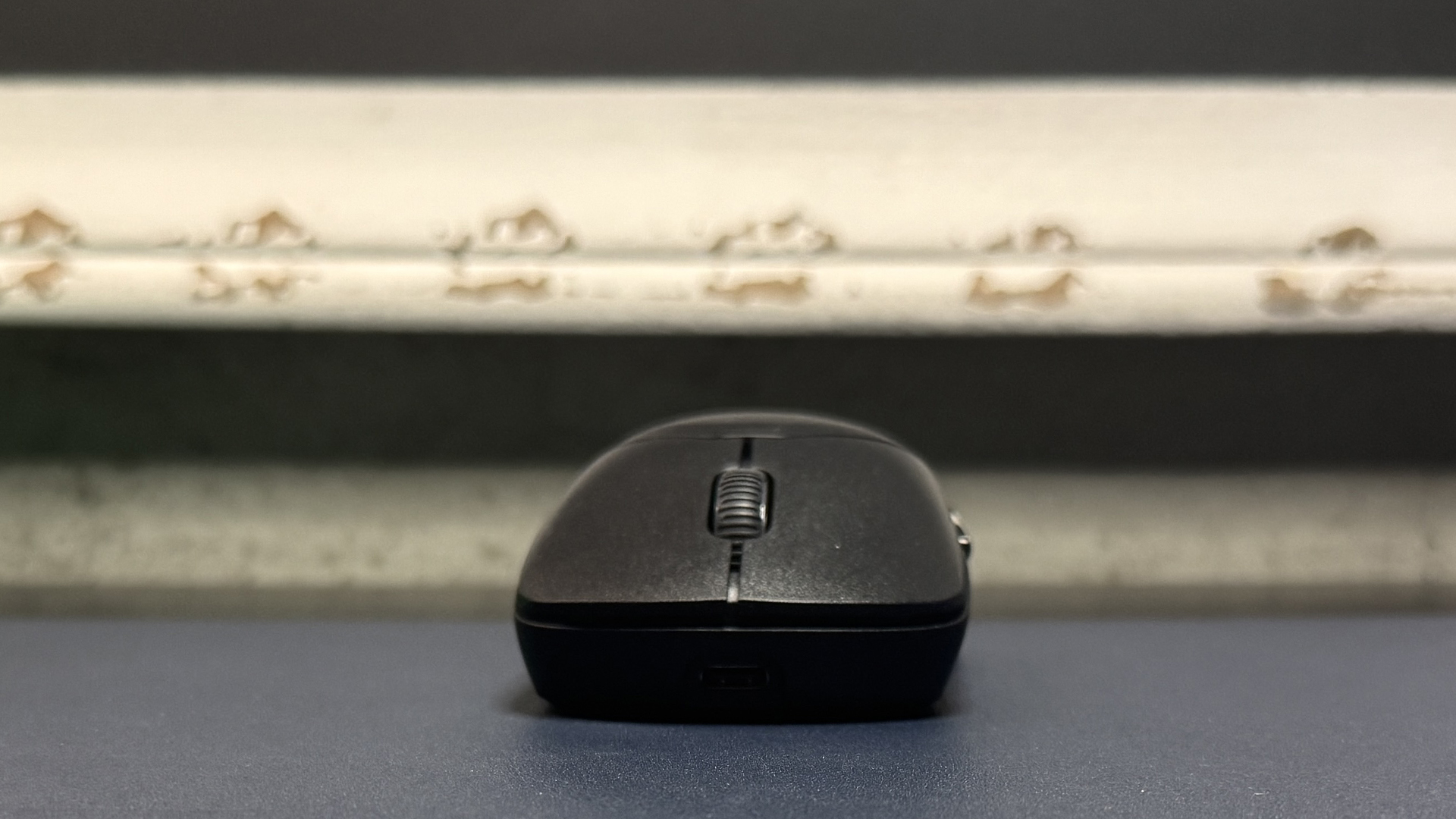
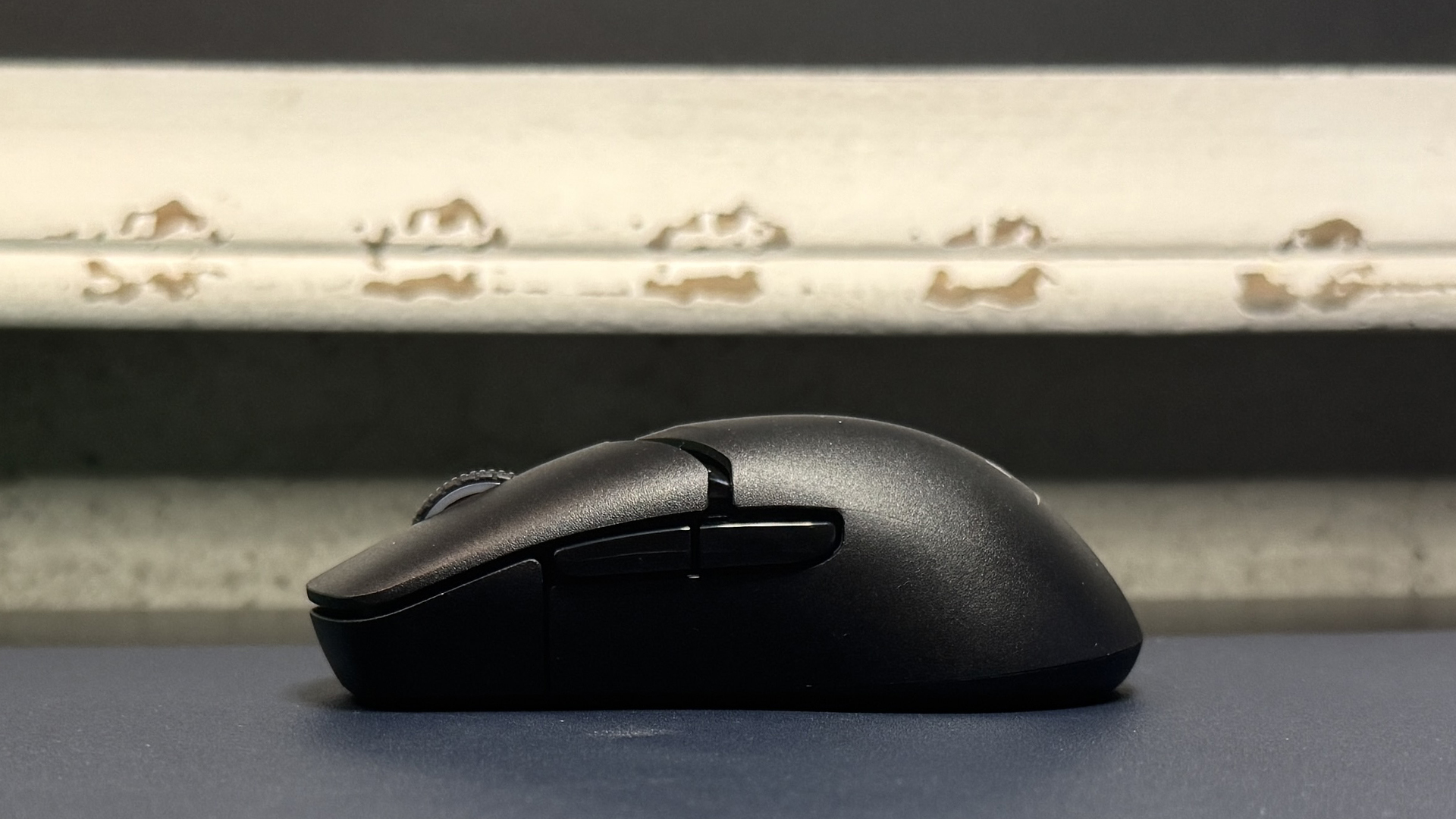
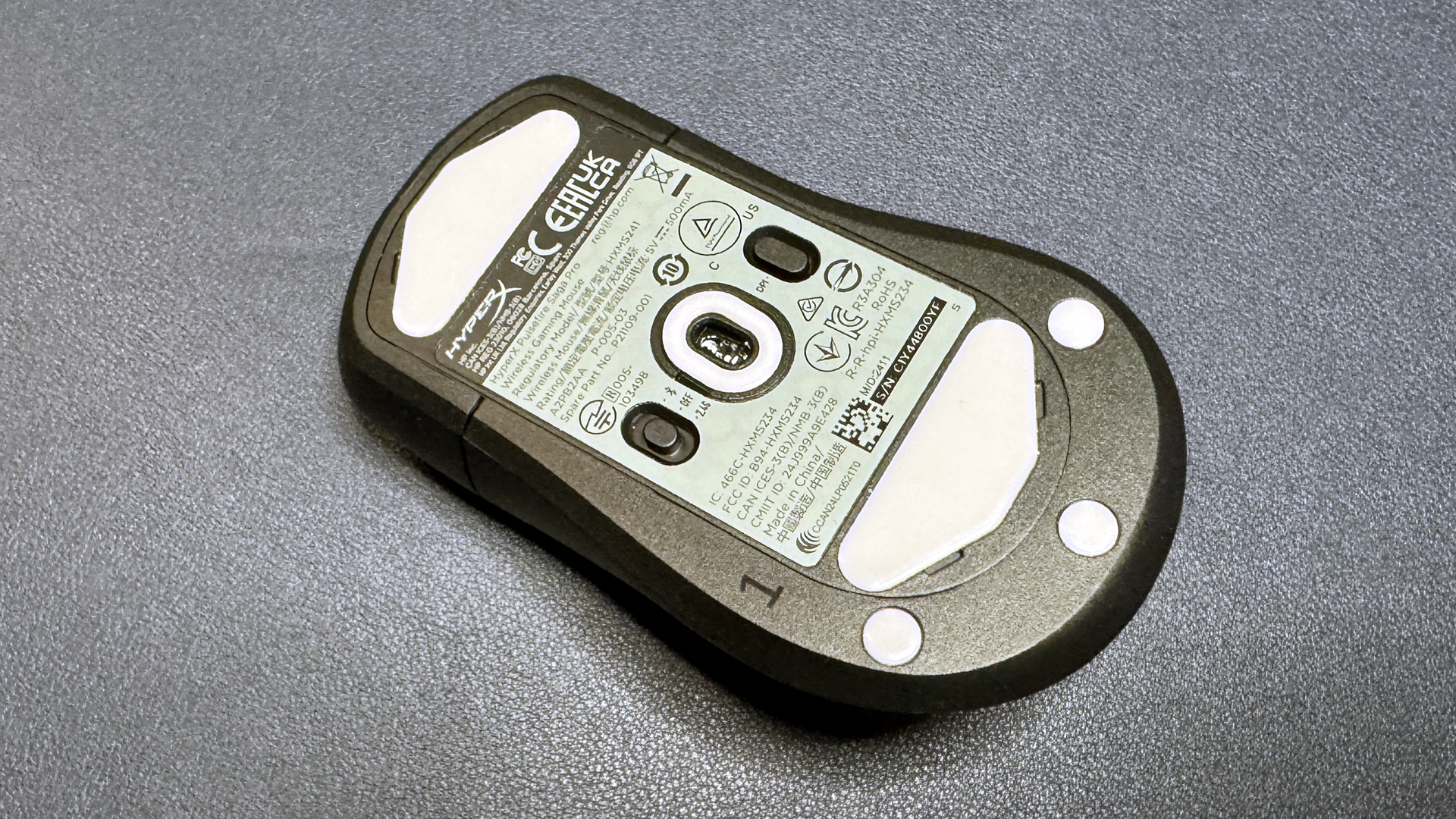
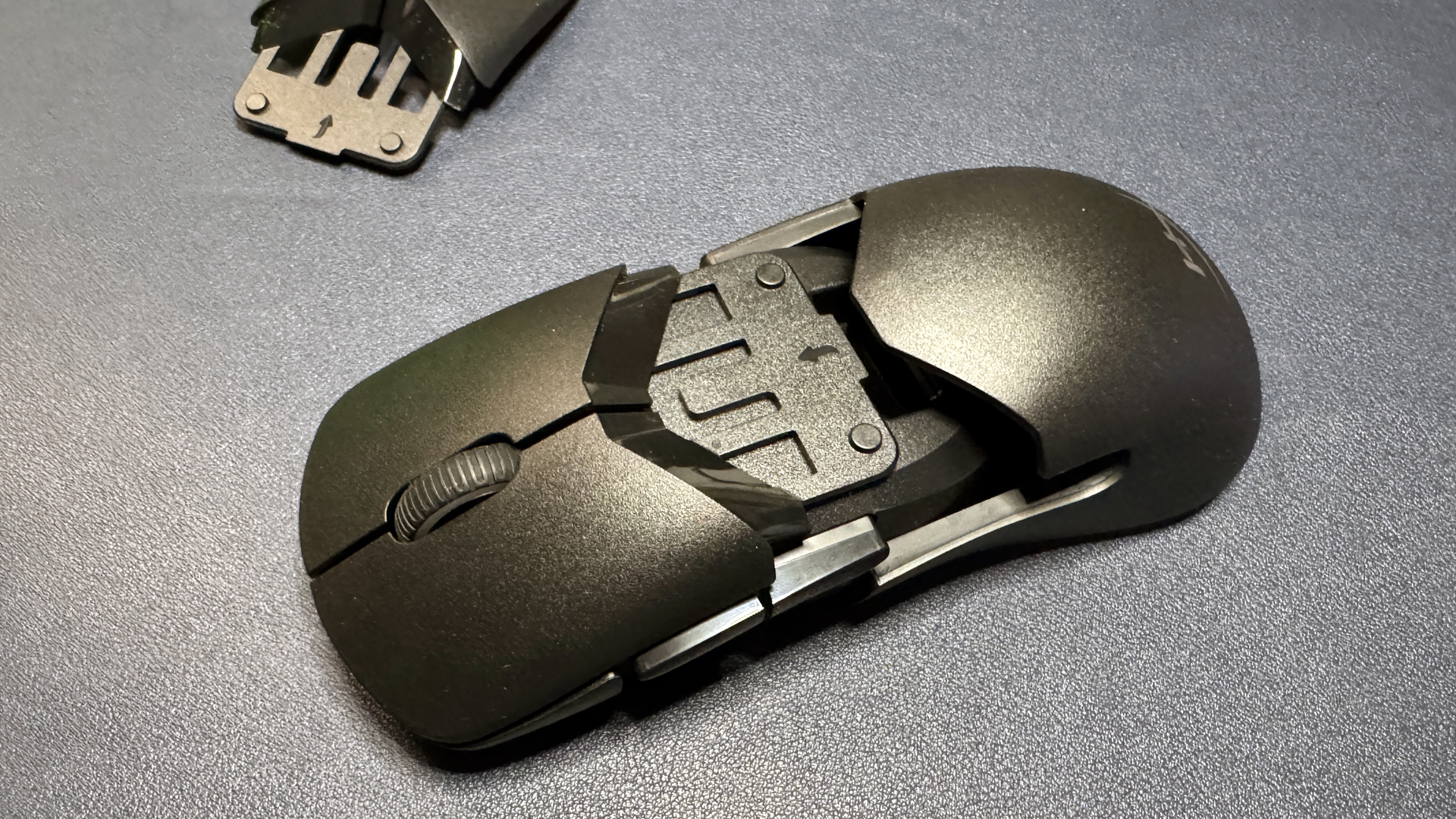
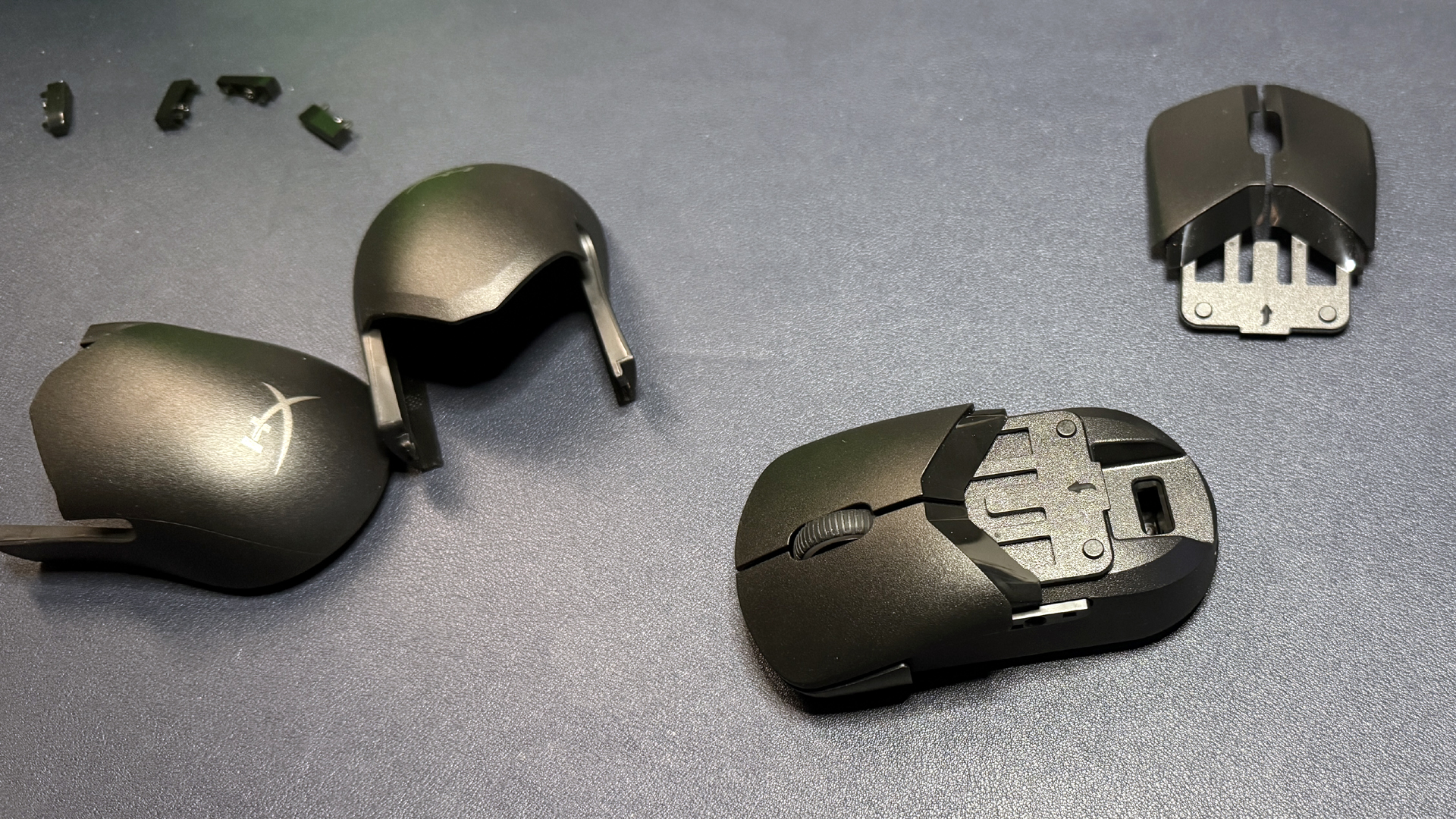
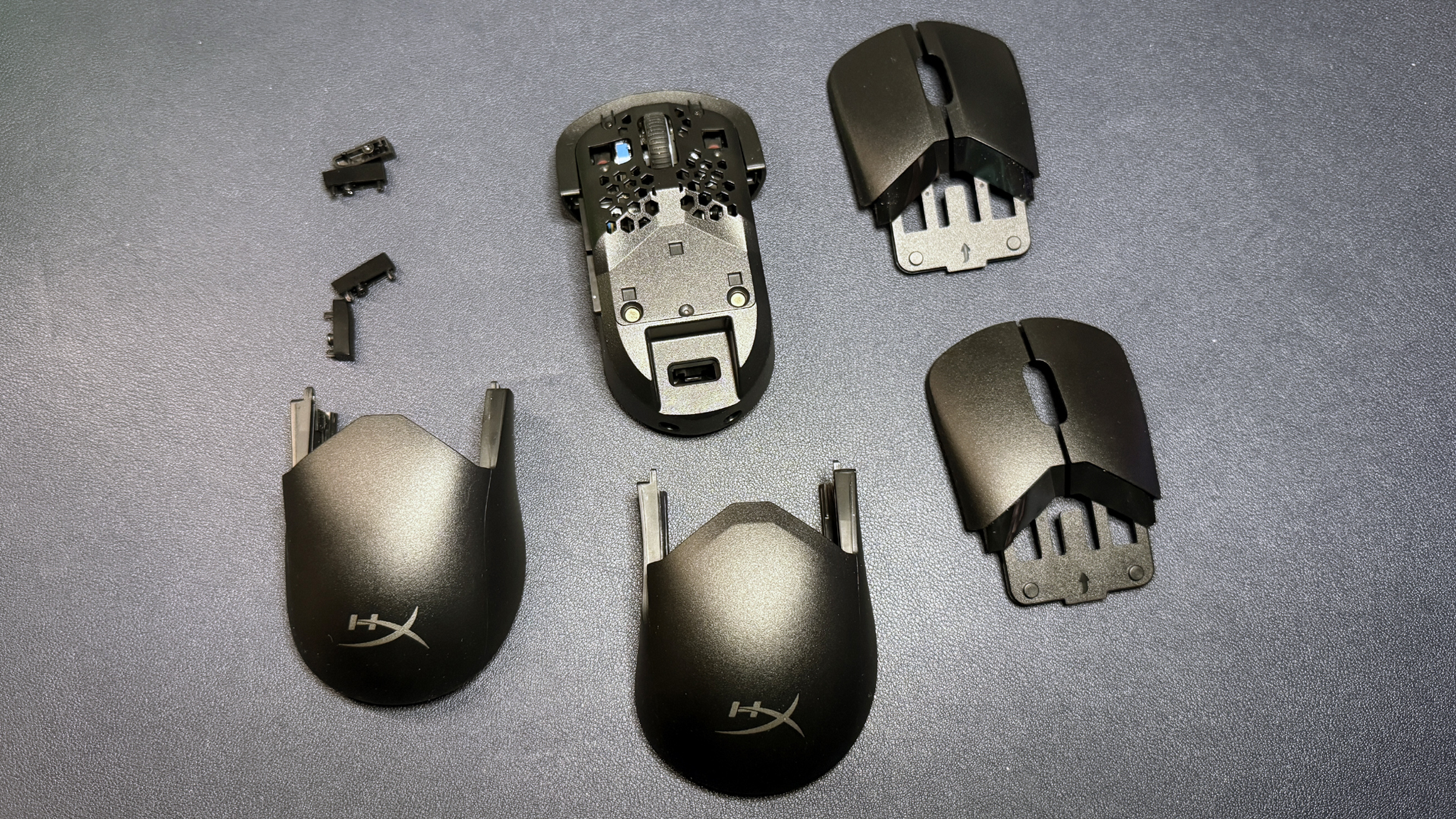
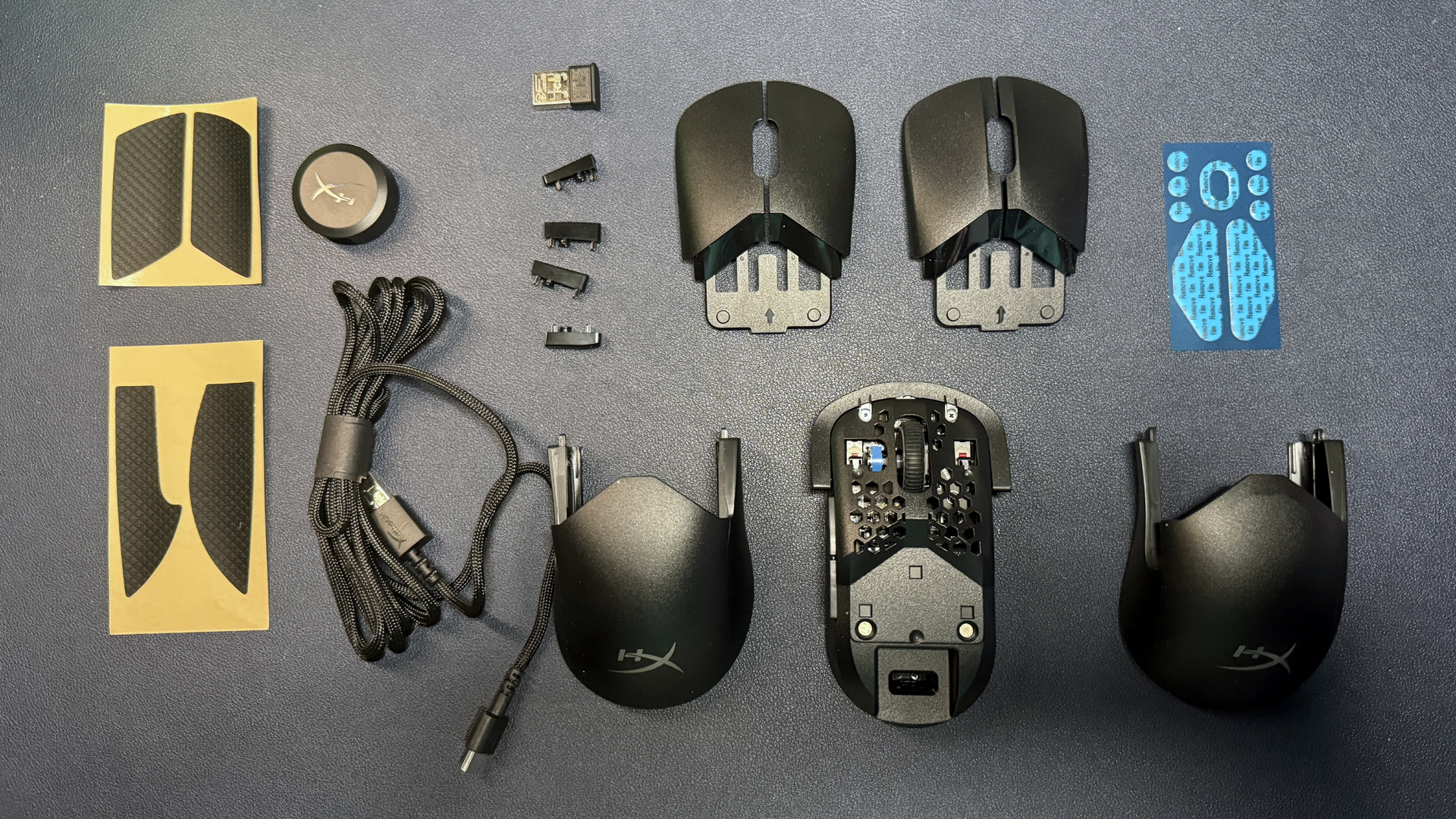
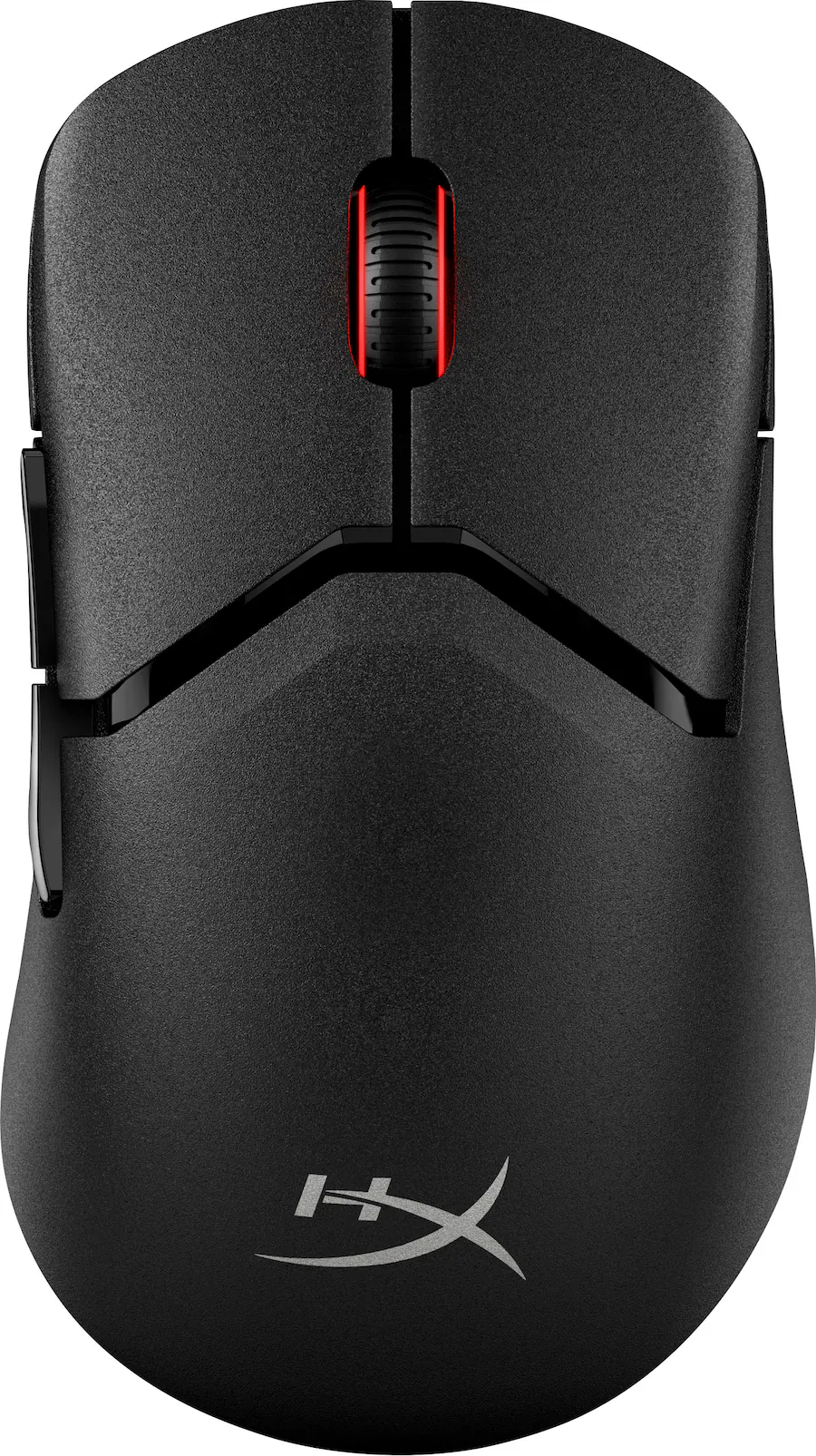
If you're looking for something modular, HyperX's Pulsefire Saga Pro is a wireless gaming mouse with just a couple of modular options (plus the ability to print your own pieces, coming soon). This lightweight gaming mouse also features five programmable buttons and up to a 4,000 Hz wireless polling rate, and it's currently on sale at HyperX for 79.99 — $40 off its MSRP of $119.99.

This ultra-lightweight wireless mouse is modular and comes with 2 humps, 2 sets of primary buttons, and 2 sets of side buttons. It features up to a 4,000 Hz wireless polling rate and HyperX's 26K sensor.View Deal

The Pulsefire Saga Pro sports HyperX's 26K sensor, which has a maximum sensitivity of 26,000 DPI and a maximum speed of 650 IPS, and can handle up to 50G's of force. This is the same sensor we've seen in HyperX's mice for a couple of years now — it's a solid sensor in terms of speed and accuracy, but it might not be for you if you're looking for the latest and greatest.

However, if you're just looking for lightweight modularity, the Pulsefire Saga Pro is where it's at: this mouse comes with two mouse humps, two sets of primary mouse buttons, and two sets of side buttons, and it implements its modularity well — everything fits together nicely and feels sturdy, and we had no issues with creaking or parts moving around in our testing. All configurations will give you a weight of 2.54 ounces (72g) — lightweight, but not quite as light as the Pathfinder.

Read our full review of the Pulsefire Saga Pro here.

More Tech Deals

Best gaming laptop deals | Best monitor deals | Best PC and laptop deals | Best SSD deals | Best CPU deals | Gaming Chair | Best hard drive deals | Best PC case deals | Best Dell and Alienware deals | Best 3D printer deals | Best PC peripherals deals | Best motherboard deals | Best CPU cooler deals | Best gaming chair deals

Telehealth doctor treats patients using Razer Naga gaming mouse — 12-button MMO thumb grid simplifies medical workflow, automates medical scripting

2026年6月21日 19:30

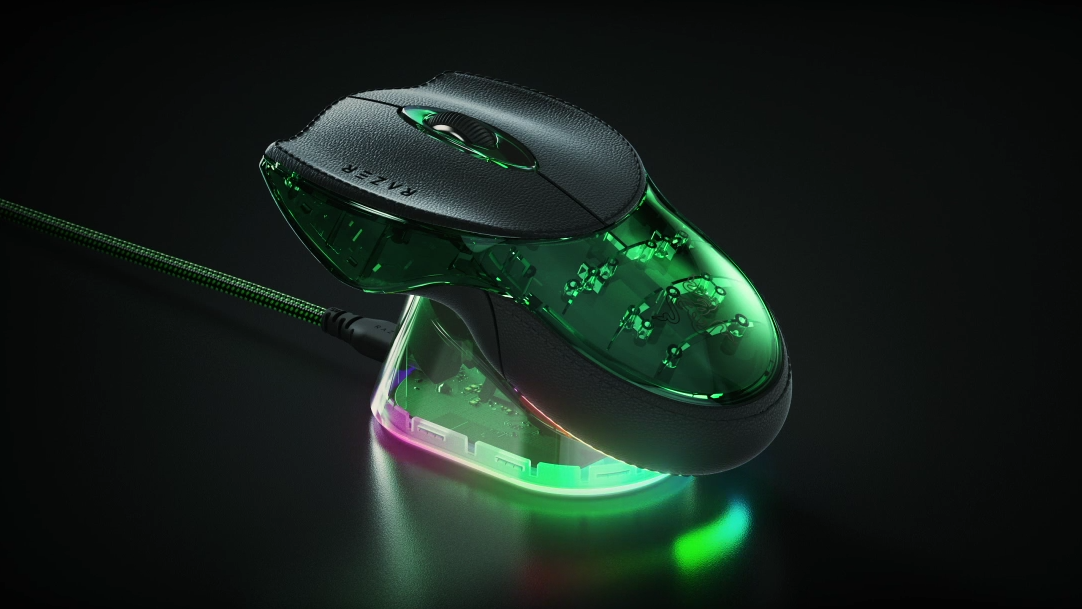
Dr. James Ries, the founder of Twenty Mile Medical, proudly proclaims that he’s a Razer Naga V2 Pro user. The most surprising thing about this tidbit is that he uses it while seeing patients remotely. Before you get your pitchforks out, no, the doctor isn’t playing World of Warcraft while evaluating a patient — instead, he uses it to simplify his and the rest of his team’s workflow. Dr. Ries mentioned this interesting piece of trivia during TextExpander’s interview with the healthcare provider, where he showed how he used the service to standardize patient care, reduce the cognitive burden on medical professionals, and quickly write more accurate clinical notes.

Doctor fatigue is one of the biggest issues that telehealth faces today. “Discharge instructions going out at 8 am from a fresh provider look nothing like the ones going out at 4 pm from the same provider after eight hours of visits,” TextExpander said. Dr. Ries said that he addressed this by using master Snippets (a snippet is a short text command, like “;sig” that would run a programmable command, like inserting your signature).

Instead of typing out a fixed phrase, sentence, or paragraph, which is what TextExpander is usually used for, the shortcuts he created bring up the relevant clinical scenario and give options to select appropriate responses as needed. He’d have snippets for general patient communication, sinus infections, psych refills, and more, and then there are check boxes that he can click in each master snippet to ask questions, add instructions, write prescriptions, and more.

Each master Snippet has its specific command, and this is where Dr. Riesa’s Razer Naga V2 Pro comes in. Instead of having to memorize the commands needed to launch the workflow, he assigned them to the customizable buttons that sit on his right thumb. He also assigned other buttons to insert his most commonly used typed paragraphs, like his intro paragraph and signature. You might think that this is excessive — after all, you’re only saving a few seconds by typing four characters instead of pressing one button. But even if that is true, you’ll save a lot of time if you use the shortcut often enough.

More than saving time, it also reduces the cognitive load on doctors. Decision fatigue is a real phenomenon across industries and professions, where people make bad calls not because they’re poorly trained or careless, but simply because they’re tired. Combining the text shortcut with the macro keypad on the mouse helps reduce this, as you don’t even have to lift your hand off the mouse to launch the master Snippet.

Dr. Ries says that the functionality isn’t limited to gaming mice — you can also use a macro pad like the Stream Deck Neo to assign commands and shortcuts, too. Nevertheless, he still prefers the Razer Naga V2 Pro because he doesn’t have to lift his hand off the peripheral to insert what he needs.

Watch the video below to see how the doctor uses his gaming mouse for productivity.

Logi Mobi Fold portable mouse bends in half and slides neatly into your pocket — wireless mouse has a month-long battery life

2026年6月11日 19:20
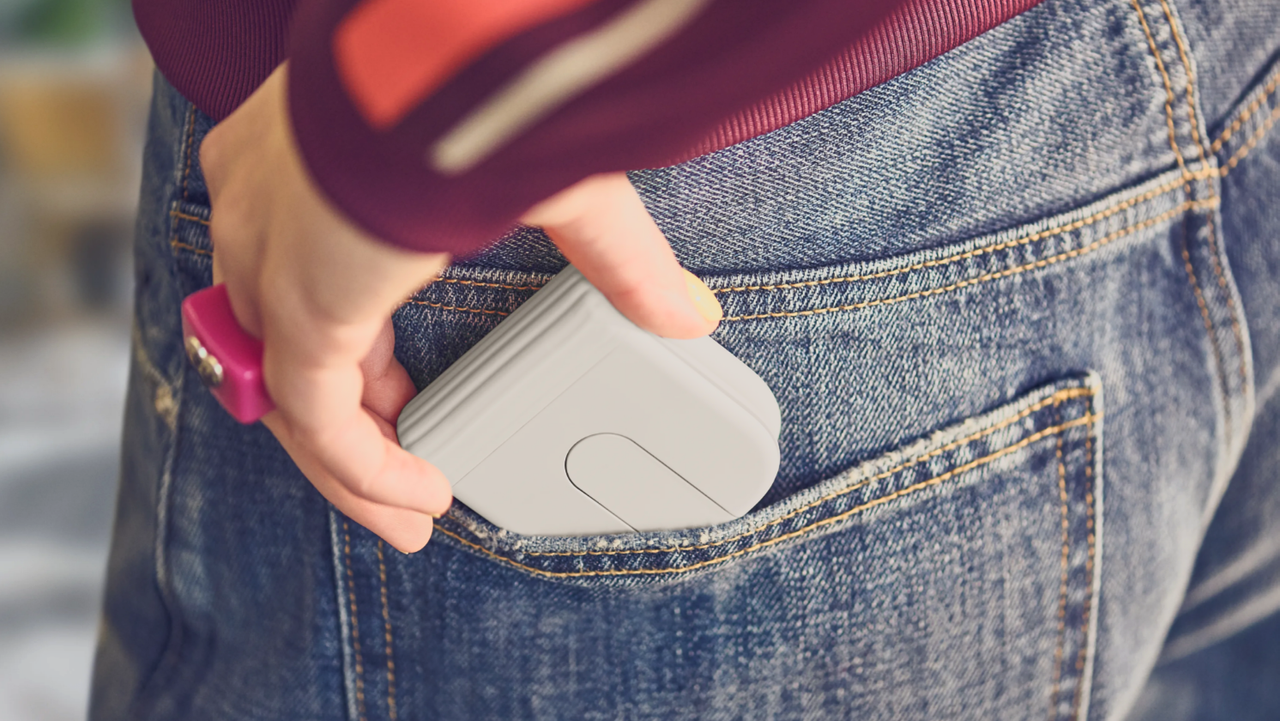
Logitech's new Mobi Fold mouse neatly bends in half and can be easily carried around in a pocket, making it ideal for laptop users on the go, and far less bulky than conventional offerings, while having an arguably more ergonomic shape.

Logitech G Pro X2 Superstrike Review: Changing the Game…

2026年3月5日 00:55
The Logitech G Pro X2 Superstrike is innovative and excellent for competitive players of every age. Its high price will put it out of reach for many players, but if you’re older or looking for a mechanical advantage, it’s definitely worth considering.

❌
❌