普通视图

发现新文章,点击刷新页面。
昨天以前IT News

How to block sponsored website shortcuts on Firefox start page

作者 Ankur Thakur
2026年7月17日 00:30

Firefox start page on Mac

Learn how to turn off sponsored website shortcuts that Firefox inserts into your row of websites on the start page.

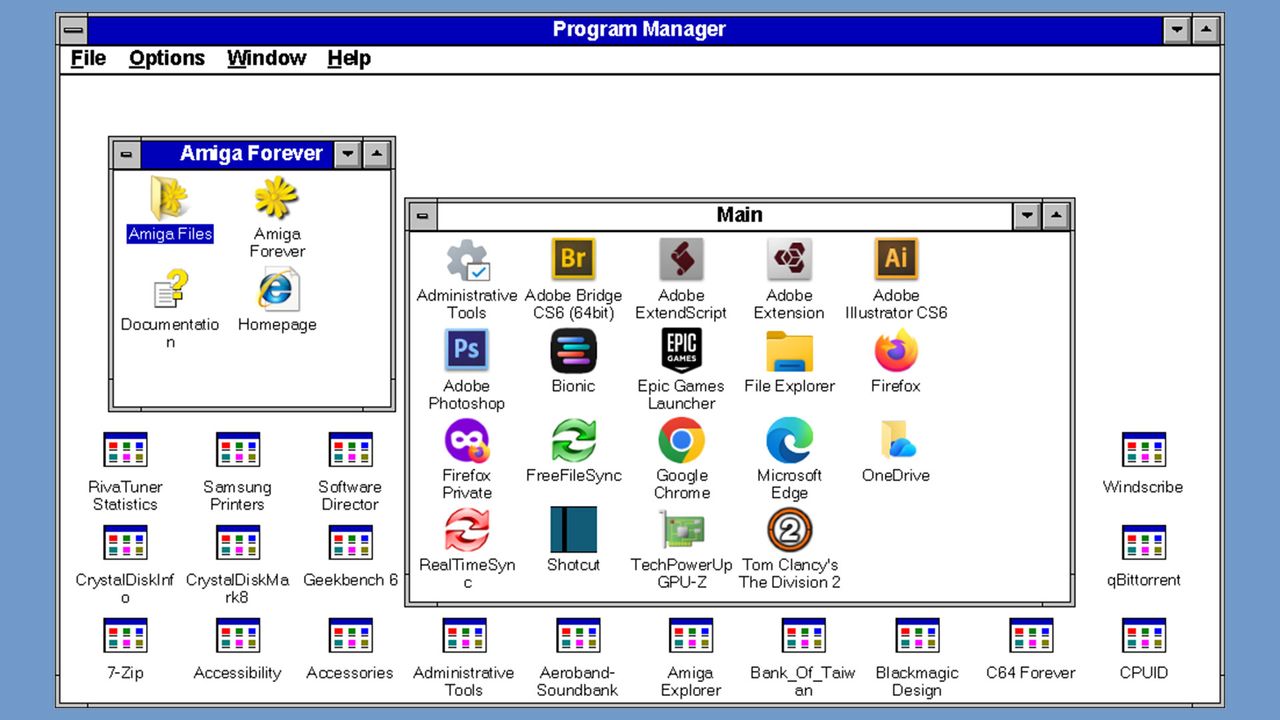
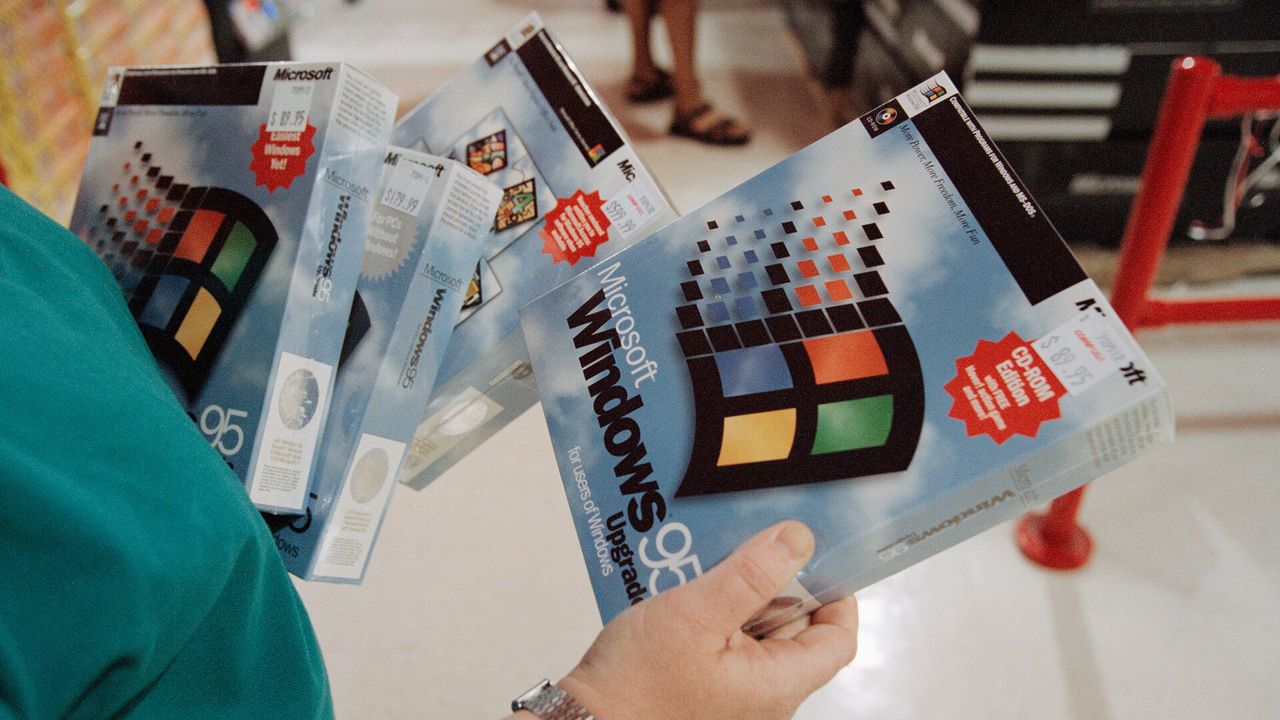
Windows 95 didn’t detect installers, it ‘guessed’ based on the file name, says veteran dev — it simply checked for words like setup, install, inst, or localized equivalents

2026年7月12日 20:48

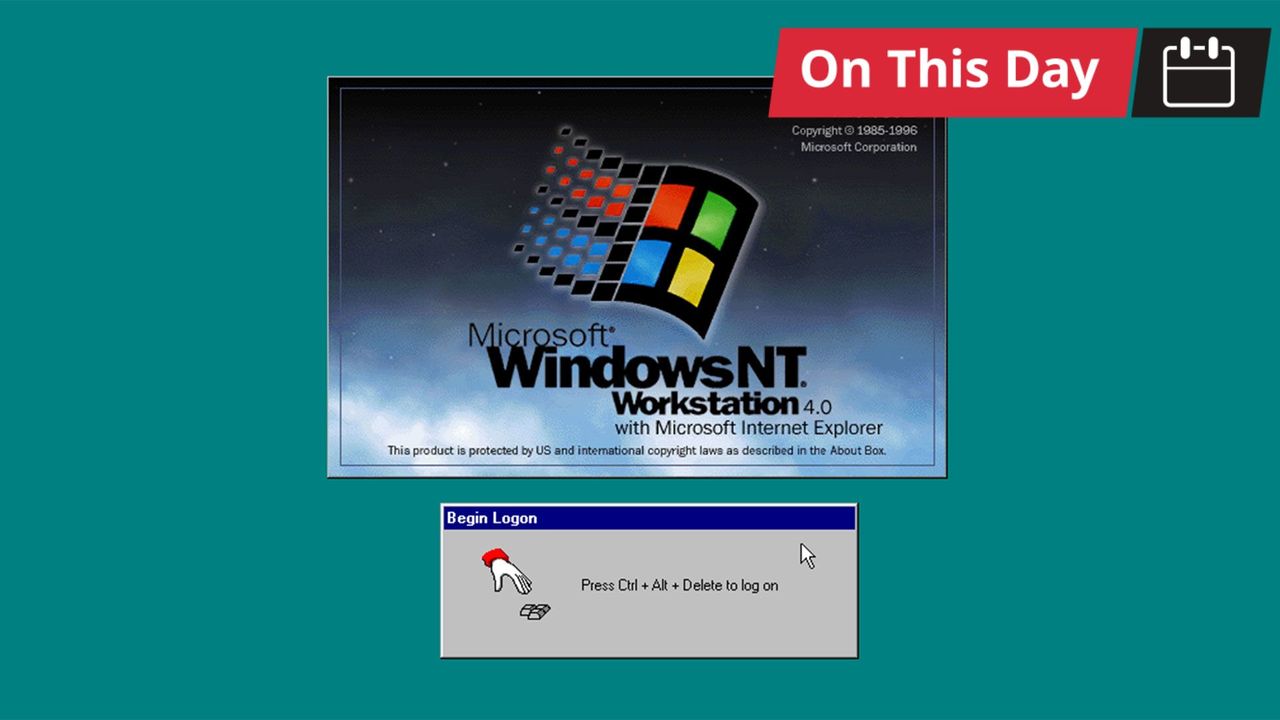
Windows 95 worked out whether a setup program had run by reading the executable's name and checking it against a short list of hard-coded words, according to Microsoft engineer and semi-official Windows historian Raymond Chen, sharing the details via his Old New Thing blog. A filename containing "setup," "install," or "inst" flagged the program as an installer, which triggered the operating system's routine for repairing system files that installers had damaged. Three non-English entries appeared on the same list, which Chen identified as his own guesses at Italian, Turkish, and Hungarian.

The full match list ran to six terms: setup, install, inst, imposta, ayarla, and felrak. Chen wrote that "install" was redundant, because any name containing it already contains "inst," and speculated that the shorter entry was added later to catch installers named along the lines of "blahinst" without anyone deleting the original. A program whose own name produced no match got a second test, with Windows 95 checking whether the word "Setup" appeared anywhere in the path to the executable. A separate live check ran after any multimedia driver was installed through an INF file, added because those drivers frequently overwrote system DLLs.

This heuristic gated a recovery mechanism Chen described in March. Installers of the period overwrote system files without checking versions, disregarding Microsoft's rule that a file should only ever be replaced by a newer one. An installer carrying Windows 3.1 copies of shared DLLs, for example, would bury the newer Windows 95 versions underneath them, and every program that relied on the current files would break.

Windows 95 kept backup copies of commonly clobbered files in a hidden C:\Windows\SYSBCKUP directory. It would then let each installer finish, check its work, and restore the correct versions where the installer had downgraded them. This safety net depended entirely on correctly guessing that an installer had run, so a setup routine with an unusual name slipped past it, while an ordinary program named something like instant.exe tripped it for nothing.

The file check was often deferred until the next boot rather than run immediately, with Chen explaining that some installers, unable to replace a file already in use, would drop back to MS-DOS, run a batch file to swap the file, and restart Windows, so the cleanup pass had to wait for the reboot to catch anything the batch file had altered.

Windows 2000 debuted a new approach

Microsoft dropped this approach in Windows 2000, which introduced Windows File Protection. That system registers for file-change notifications through Winlogon restores protected files from a cache at %WinDir%\System32\dllcache, with no filename guessing and no waiting for a setup program to complete.

Then, Windows ME shipped a comparable System File Protection, and Vista onward moved to Windows Resource Protection, which guards files using access-control lists instead. The sfc /scannow command that Windows 11 users still run to repair system files descends directly from that work, having replaced a 1995 mechanism that decided when to act by scanning filenames for the word "setup."

Companies are now using automatic Windows installers to display Adware through the Microsoft Store when you install new hardware — customer immediately gets McAfee ads on their PC after connecting new LG monitor; here's how to block the new ads

2026年7月7日 22:46

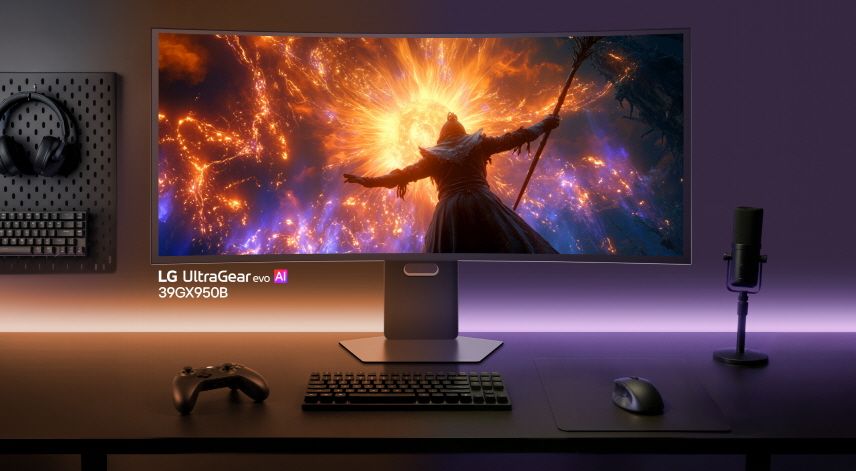
Unwanted ads can be one of the most infuriating parts of the modern tech experience, where hardware you already paid for is insistent on advertising even more slop to you. LG has a bit of a reputation in this regard, and it seems like the company is expanding its repertoire to even more invasive promos now. A user on the r/pcmasterrace subreddit shared that their brand-new LG monitor is showing them ads for McAfee.

Now my monitor is sending me paid ads for Mcafee?! from r/pcmasterrace

Most of us are already aware of the euphoric feeling associated with getting McAfee shoved into your face. Usually, though, it's limited to laptops and prebuilt PCs that come with bloatware, freemium software, or just outright premium software that you somehow acquired for free. It would sensibly drive a person insane if a new monitor that has no other job than displaying your GPU's output starts participating in these activities.

In this case, u/t40r just bought this monitor and plugged it into their computer for the first time. That's when they noticed a small pop-up in the corner right away. It was from the "LG Monitor App Installer," and the first thing it showed the OP was an ad for McAfee. That's right — it was something entirely unrelated to the monitor. But how did this app show up on u/t40r's PC when they didn't even set anything up yet?

The answer is apparently the great evil known as the Microsoft Store. Checking the startup apps in Task Manager confirmed that it added the LG Monitor App Installer to the PC automatically. It's similar to how motherboard software magically enters itself into your system when you reinstall Windows. That one makes a bit more sense, though, since it's supposed to help control or manage your computer.
Sure, the LG Monitor app could serve the same purpose for the monitor, but it wasted its precious first impressions on a McAfee ad instead of showing something useful to the customer. Persuasion be damned. Anyhow, we were able to confirm that this was not an isolated incident either, as another Redditor posted about the same issue just a week ago, along with the steps for the removal process via local group policy.

Windows update silently installed LG bloatware, which causes a McAfee pop up from r/pcmasterrace

Scouring through the comments also reveals other instances where users reported Alienware and Samsung engaging in similar ghost installs. It seems like a standard Microsoft policy of auto-downloading related monitor software, but it's then up to the manufacturer what they actually show in said app. Regardless, these apps don't seem to respect your preferences and just show up uninvited, even if you're already running a debloated version of Windows.

With recent discussions on just how granular Microsoft's telemetry can be, this openness starts to feel like an oversight just waiting to be exploited. Even if Microsoft thinks it's "helpful" to install utilities without consent, it should at least try to make sure those tools aren't throwing up ads. LG makes some of the best monitors on the market; otherwise, it's a shame that deeper software integration can sometimes undermine great hardware.

RAM crisis provokes enthusiast to try Windows 11 on DDR1-era hardware — other key vintage components included the Core 2 Q6600 and ATI Radeon HD 4650 AGP

2026年6月27日 18:00

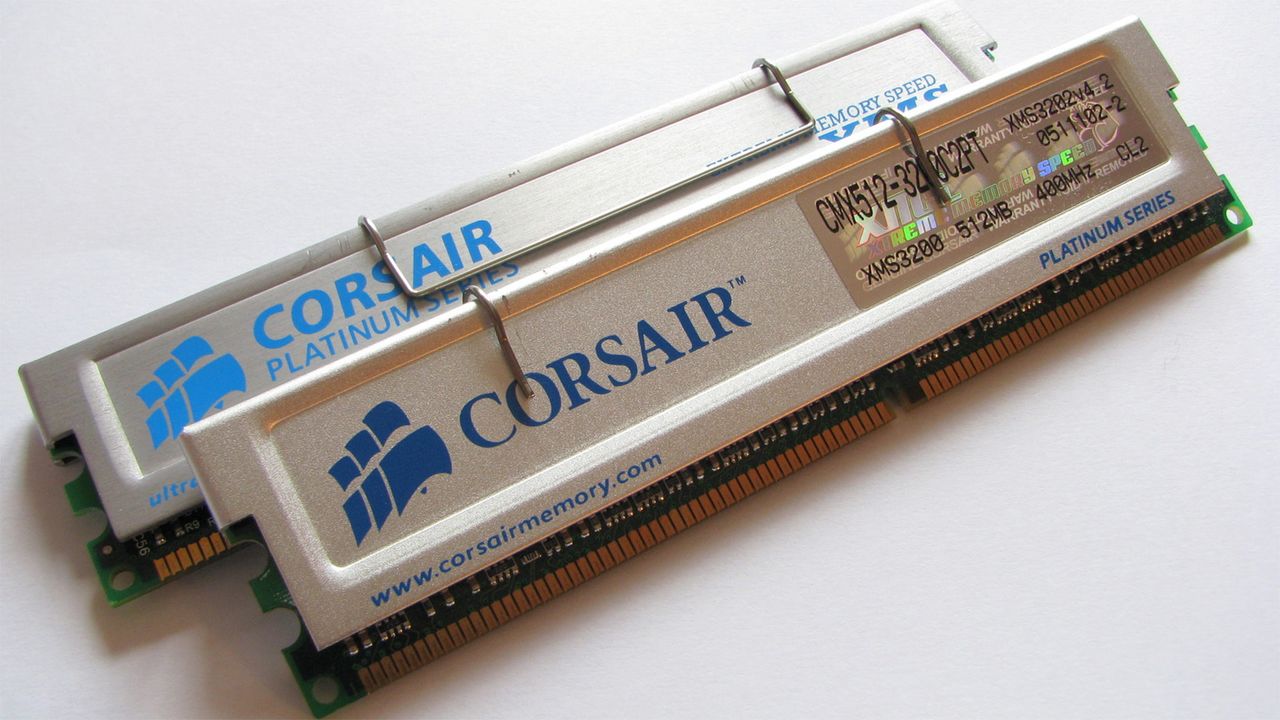
The RAMpocalypse is hitting enthusiasts hard. We recently reported on the crisis seeping down to affect supplies of the decades-old DDR2 gen RAM. So it comes as no huge surprise that a well-known tech tinkerer has been inspired to look at the viability of Windows 11 on an even more ancient DDR1 platform. Step forward Omores, who demonstrates Microsoft’s newest OS running on a Core 2 Quad Q6600, using a DDR1 motherboard, supported by an ATI Radeon HD 4650 AGP graphics card. “The best part,” says our hacky hero. “It’s completely stable.”

Windows 11 on a DDR1 motherboard, with AGP support enabled from r/windows

DDR1 first became available to PC builders and DIYers at the turn of the century, replacing the aging SDR SDRAM. The DDR1 rollout began with data rates like DDR-200 and DDR-266, being the preferred choice over older platforms featuring PC100 or PC133 SDRAM. We don’t know the rated speed of the DDR1 sticks Omores used, as it isn’t shown, but DDR-400 was the best official non-overclocked standard (a couple of years later). It would make sense to use the best memory on a cherry-picked older system like this.

Other key components of this age-defying Windows 11 PC build include an ASRock ConRoe 865PE motherboard. This is regarded as something of a legendary board as it bridged generations and allowed folks to use the latest Core 2 Duo and Core 2 Quad chips from Intel while keeping their DDR1 RAM and AGP graphics cards. It isn’t only today that PC DIYers have cared deeply about component longevity.

The last significant component in this DDR1 system that we were told about was the ATI Radeon HD 4650 AGP graphics card. This seems to have required the most wrangling to make it work with Windows 11 / modern software. However, Omores reveals that “With some 'hacking' ... AGP 8X is fully functional and H.264 hardware decoding is active.” The key was finding, then crowbarring, ATI’s Windows 7 64-bit drivers from 2012 onto the system.

Once some details of the setup were confirmed in the video using tools like CPU-Z and GPU-Z, Omores showed the ‘fresh’ Windows 11 DDR1 system running modern browsers, with embedded video and hardware decoding. A handful of games and 3D benchmarks were also shown running without glitches. Last but not least, the system did indeed run Crysis.

In a later comment on the Reddit post, Omores elaborates on how to install the ATi driver on Windows 11 and shares a more detailed video link. “I like that Windows 11 is rock stable on these older systems with no UEFI whatsoever and only ACPI 1.1,” adds the adventurer in older PC tech. “A lesser-known fact is that Windows 11 actually officially supports BIOS systems via Windows 11 IoT, so it's kind of expected to run smoothly.”

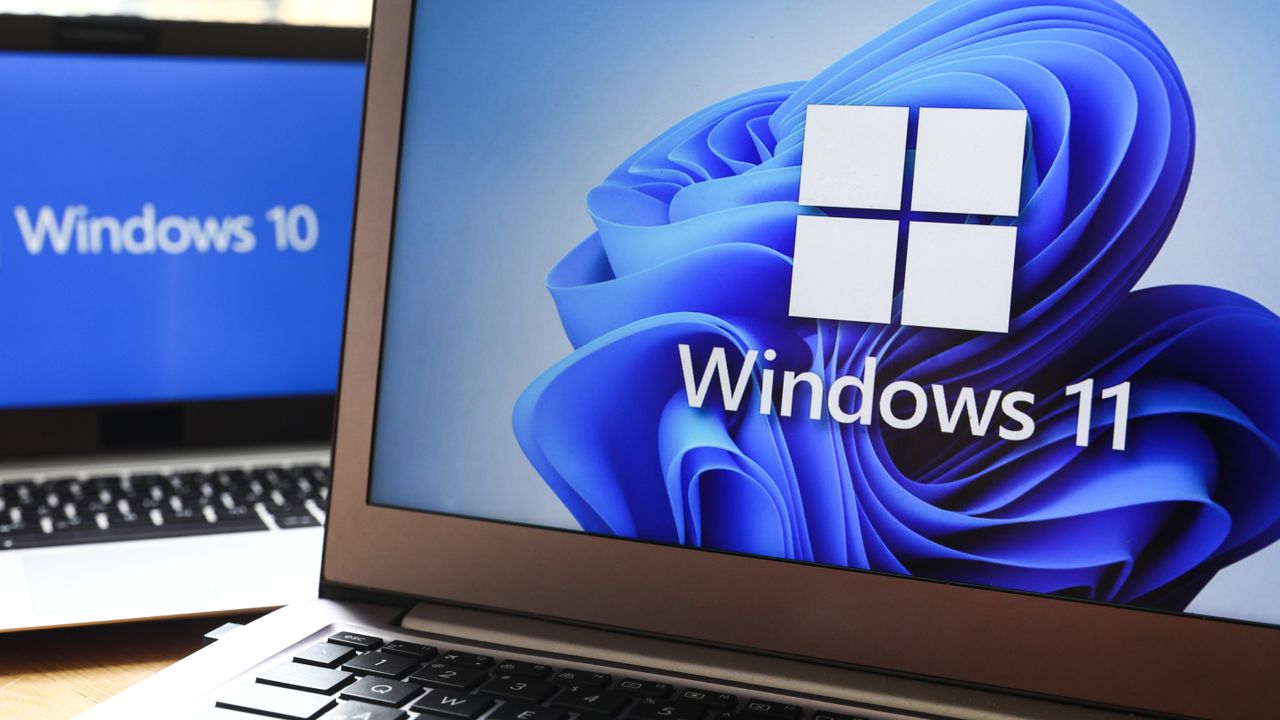
Microsoft extends free Windows 10 security updates for a second year — program now ends on October 12, 2027

2026年6月26日 19:31

Microsoft has extended its free consumer Windows 10 Extended Security Updates (ESU) program by a year, pushing the cutoff for critical security patches to October 14th, 2027. The change came without any actual announcement, appearing instead in an edit to Microsoft's Windows 10 ESU support page. Devices already enrolled roll over to the new date automatically, with no action required from users. The program was originally set to expire on October 12th, 2026, one year after Windows 10 reached end of support on October 14th, 2025. With the extension, however, users who can’t or won’t move to Windows 11 now have a second free year of patches.

Speaking to BleepingComputer, Microsoft said that the change reflects “our ongoing commitment to helping customers stay secure during the transition,” adding that the extra year gives users “more time and flexibility to find the best PC for their needs while keeping them protected.”

In terms of enrollment, nothing has changed: users can enroll for free by syncing their PC settings to a Microsoft account through Windows Backup, by redeeming 1,000 Microsoft Rewards points, or with a one-time payment of $30. Users in Europe can enroll at no cost simply by signing in with a Microsoft account, a concession Microsoft made after pushback from consumer advocacy groups over its original requirements. A single ESU license covers up to 10 devices tied to the same account.

Microsoft's consumer program is limited to personal devices, however. Systems joined to an Active Directory domain or to Microsoft Entra, or managed through Mobile Device Management, are corporate-controlled and therefore not eligible. Personally owned machines that are only Entra-registered — e.g., a work account added to a personal device, rather than the device itself being organization-owned — still qualify.

Windows 11 has surged to roughly 73% of desktop share against Windows 10’s 26%, so it’s clear that the broader migration is working. Those users still on Windows 10 are increasingly the difficult edge cases, with around 400 million active PCs unable to officially upgrade to Windows 11 because their hardware fails its TPM 2.0, Secure Boot, or supported-processor requirements.

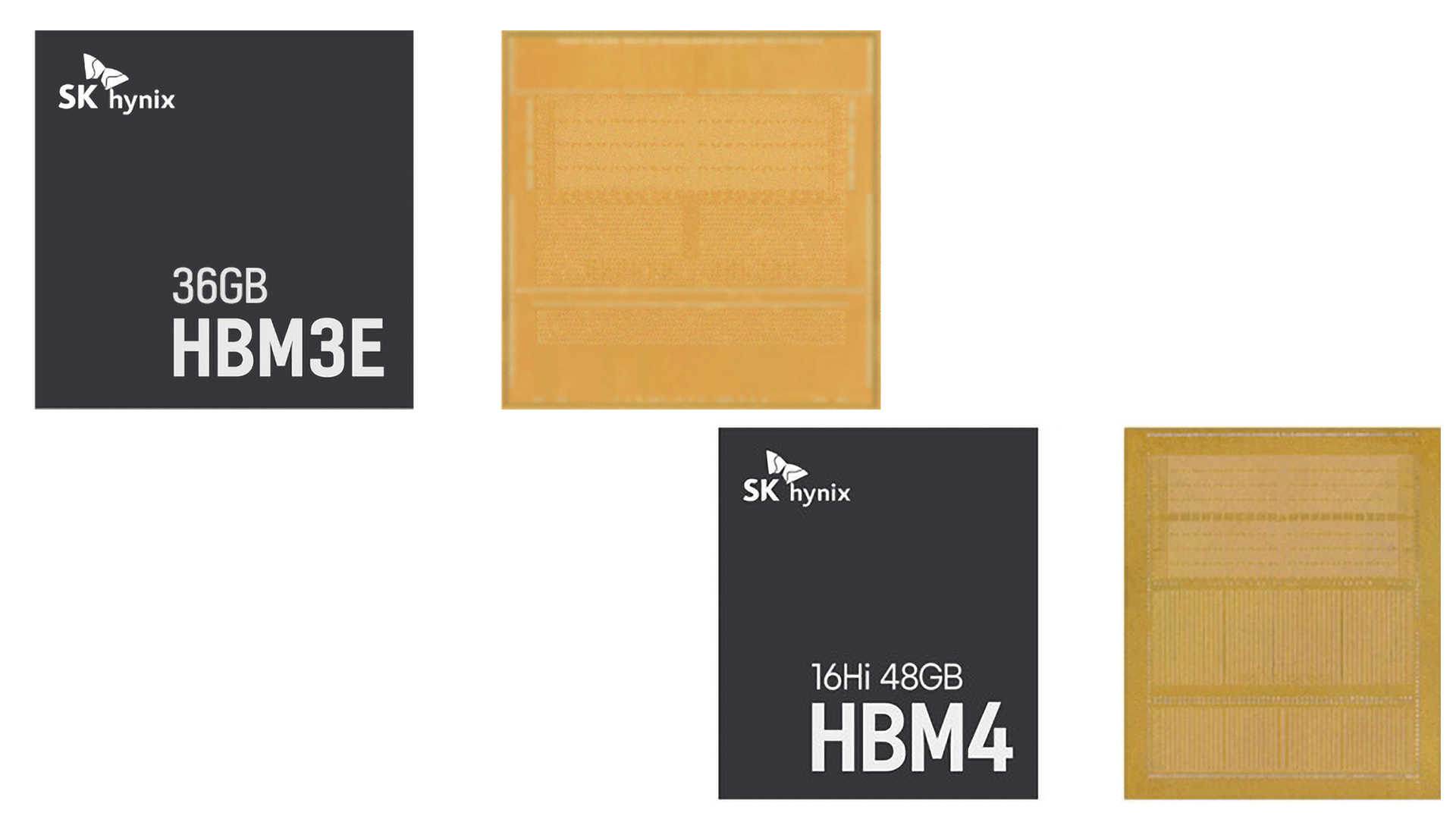
Users of those machines face a choice of remaining on unsupported Windows 10 or upgrading their hardware outright. But thanks to the AI-driven memory shortage, doing so has never been more expensive: DRAM contract prices have roughly doubled since early last year (and are expected to double again) as Samsung, SK Hynix, and Micron divert wafer capacity toward high-bandwidth memory for AI accelerators.

IDC expects PCs, tablets, and smartphone prices to rise 10% to 20% through the end of 2026, with memory now accounting for a far larger share of a system's bill of materials than it did two years ago.

For users unwilling to buy new hardware at current prices, some third-party options remain. The security firm 0patch has pledged to provide unofficial Windows 10 micropatches through 2030, and Linux migration efforts such as the End of 10 initiative continue to court holdouts whose machines can’t run Windows 11.

Microsoft is working on a fix to downgraded GPU drivers in Windows Update — new system uses multiple IDs

2026年5月15日 01:41
Microsoft has finally confirmed that Windows Update downgrades GPU drivers in certain circumstances. A partial fix is coming later this year to reduce the chances of driver downgrades occurring on newer devices.

Microsoft staunchly defends its new 'Low Latency Profile' for Windows 11 after community backlash — says every other OS already boosts CPU speeds for quicker load times

2026年5月12日 22:34
After a new "low Latency Profile" for Windows 11 was discovered last week, the community has responded severely, criticizing Microsoft for suppressing a bigger issue. The company, however, is defending the decision on social media, saying that it's only doing what every other operating system already does.

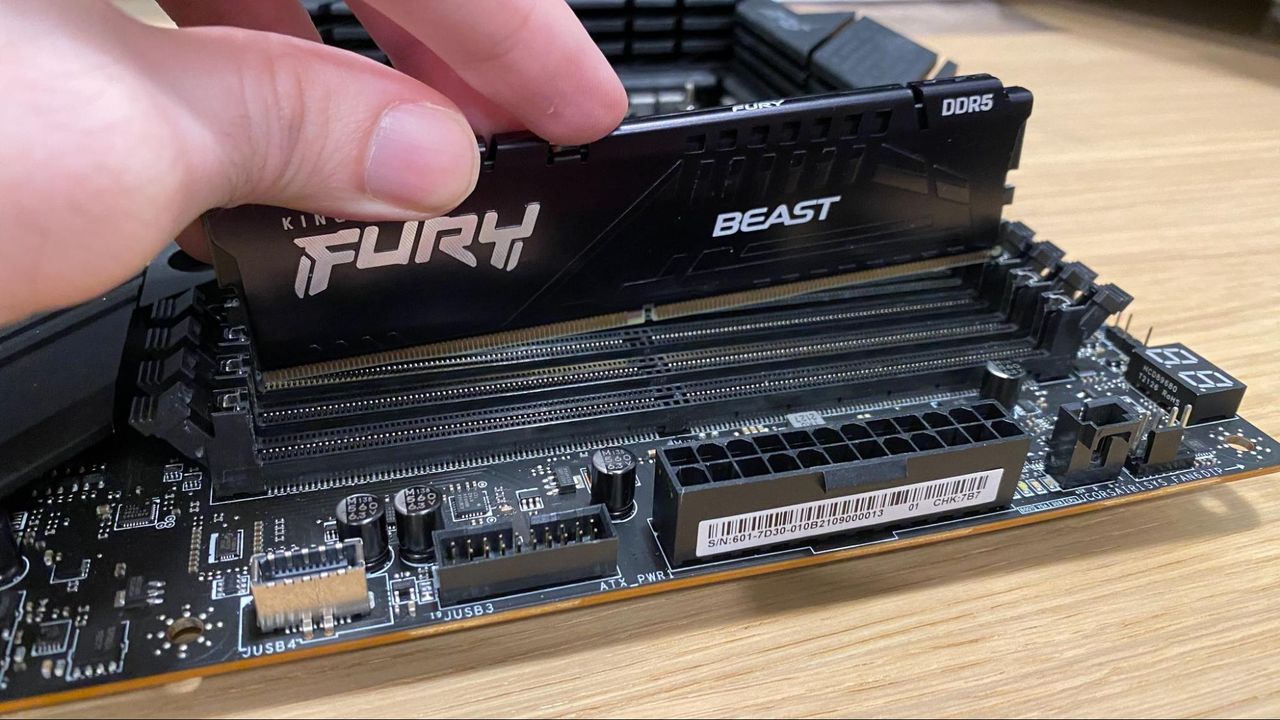
Microsoft now recommends 32GB of RAM as the future-proof 'no worries' config for gaming — 16GB becomes the new 'practical starting point' during the RAMageddon

2026年5月3日 18:40
Pretty much no games recommend more than 16GB of RAM, even in the unoptimized era we're living in right now. Only a few titles at their highest presets say 32GB is ideal, so Microsoft claiming that 32GB is the future-proof standard isn't exactly wrong. You'll be fine with 16GB today, but perhaps not tomorrow.

Microsoft will allow users to indefinitely pause updates in Windows 11 — first change in over a decade to the mandatory update policy

2026年4月25日 22:31
Microsoft is introducing major changes to Windows 11 updates, giving users greater control by allowing extended or indefinite update pausing, restoring normal shutdown and restart options even when updates are pending, and improving clarity about which updates are installed.

❌
❌