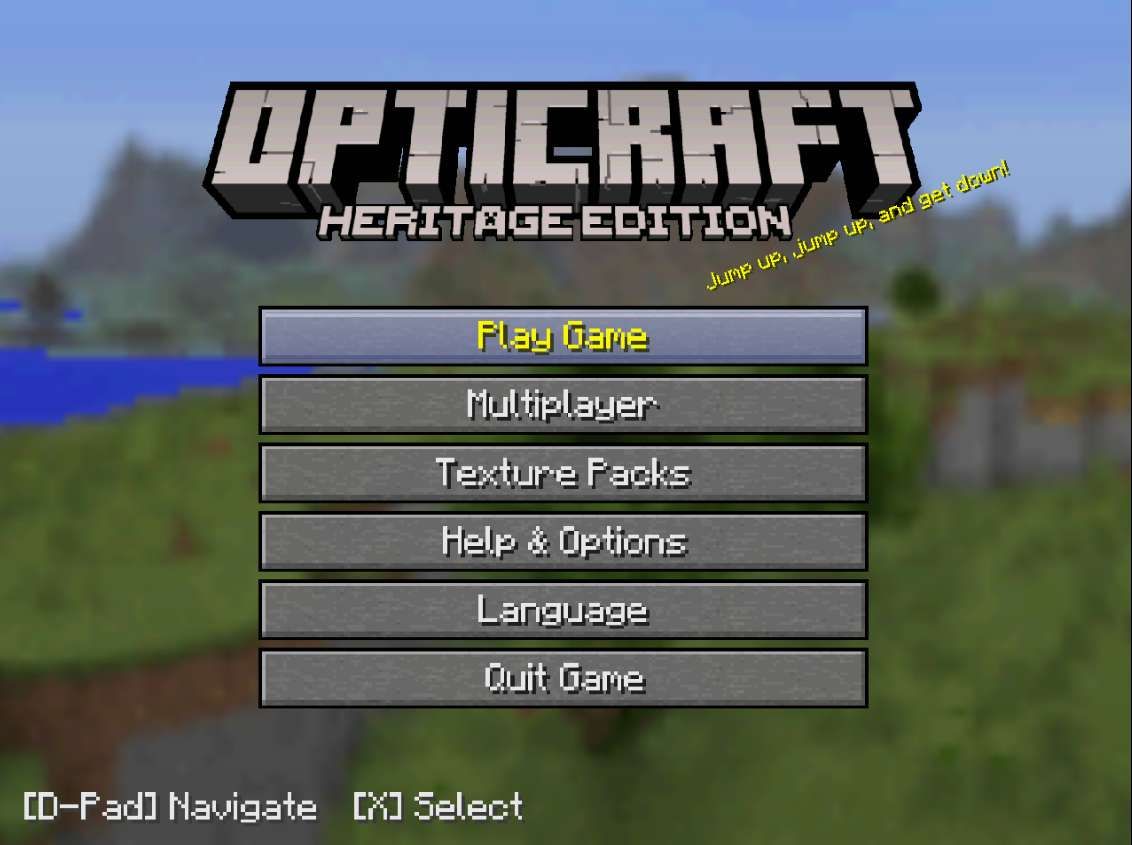
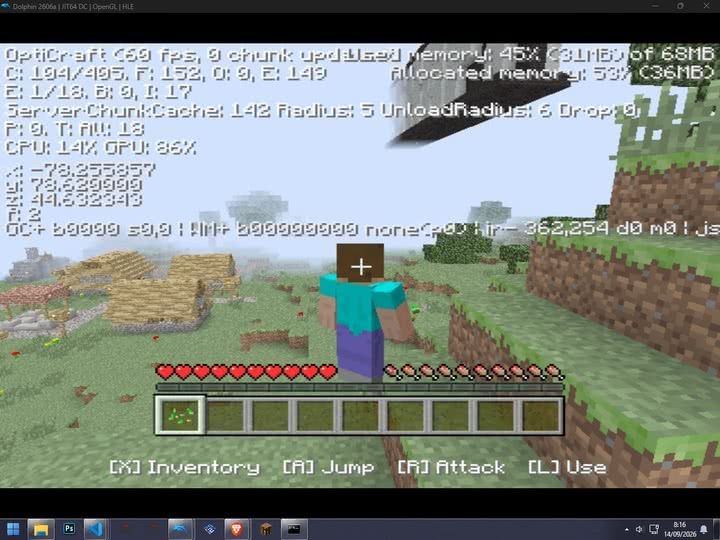
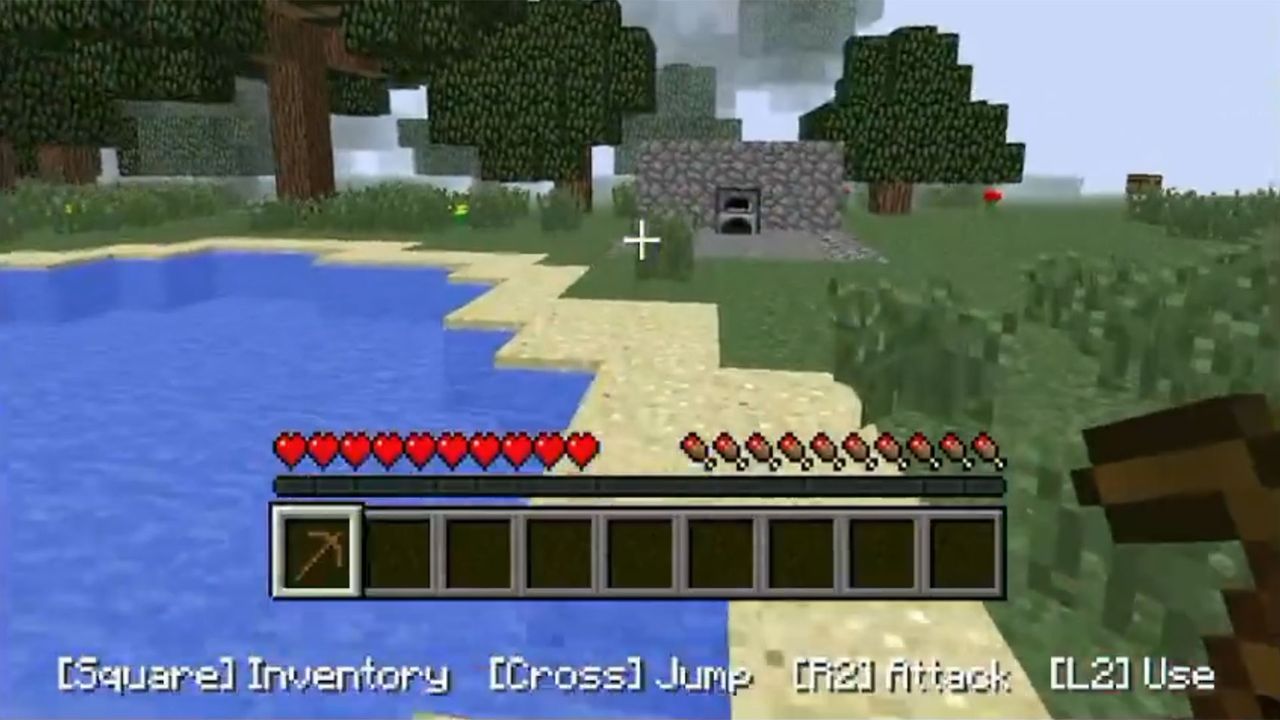
Games optimization specialist OptiProjects (AKA OptiJeugos) has released a new port of Minecraft Legacy for the Sony PlayStation 2 and Nintendo Wii consoles. The project is based on the Minecraft Java 1.2.5 source code, rewritten in C++, and using a recreated legacy console interface (machine translation). Even on the quarter-century-old PS2 with its cramped 32MB of RAM, the OptiCraft Heritage Edition runs at 15-30 fps. Check out the video demo embedded below.
TERMINADO!!! FINALMENTE NUEVO PORT DE ""MINECRAFT LEGACY"" a PS2 y WII!!Es un PORT de JAVA 1.2.5 a C++ con la interfaz de Legacy recreada, corriendo nativamente en la PS2 y Wii.Probado en hardware real! La wii soporta online con servidores de JAVA en esa version! https://t.co/x3pQw8XvBJ pic.twitter.com/nZNc0QehGySeptember 14, 2026
Minecraft is one of the best-selling games of all time, with sales above $400 million according to an Entertainment Weekly report earlier this year. Meanwhile, the PS2 is the best-selling home console in history, with 160 million units shifted worldwide. When Minecraft first launched, the PS2 had already been kicking around for close to a decade and was rapidly reaching retirement age. Thus the Minecraft PS2 game release was never a thing (it did launch on PS3 in 2013-14). Similarly, the Wii got overlooked by Minecraft's publishers, with the Wii U only getting the game in late 2014.
Windows PC (Java Edition 1.2.5)
PS2 (OptiCraft Heritage)
Wii (OptiCraft Heritage)
Engine / Language
Java
C++ (native port)
C++ (native port)
Hardware / RAM
Min. ~2GB recommended for era
32MB system RAM
~88MB available RAM
Chunks / draw distance
Scalable, (usually 8–16+ chunks)
2 chunks
4 chunks
Performance
Often 60+ FPS on period PCs
15–30 FPS
15–60 FPS
Controls
Keyboard + mouse
DualShock 2
Wii Remote / Classic Controller
Interface
Original 1.2.5 UI
Recreated Legacy interface
Recreated Legacy interface
Ponder over the features and performance comparison table we have nailed together, above. You can see how tightly the PS2 version is constrained by its hardware limitations. In comparison the Wii version is significantly more comfortable. Moreover, the Wii version has experimental online gaming functionality.
OptiProjectsOptiProjects
If you are interested in enjoying some retro Minecrafting on your old PS2 or Wii, or emulators for either system head on over to the official OptiProjects page linked top for your downloads. Those aiming to play on original hardware will need to be able to load .ELF files from USB (on PS2), or access the game via SD card and the Homebrew Channel (on Wii). To my knowledge that means your PS2 or Wii must be soft or hard modded to play homebrew code.
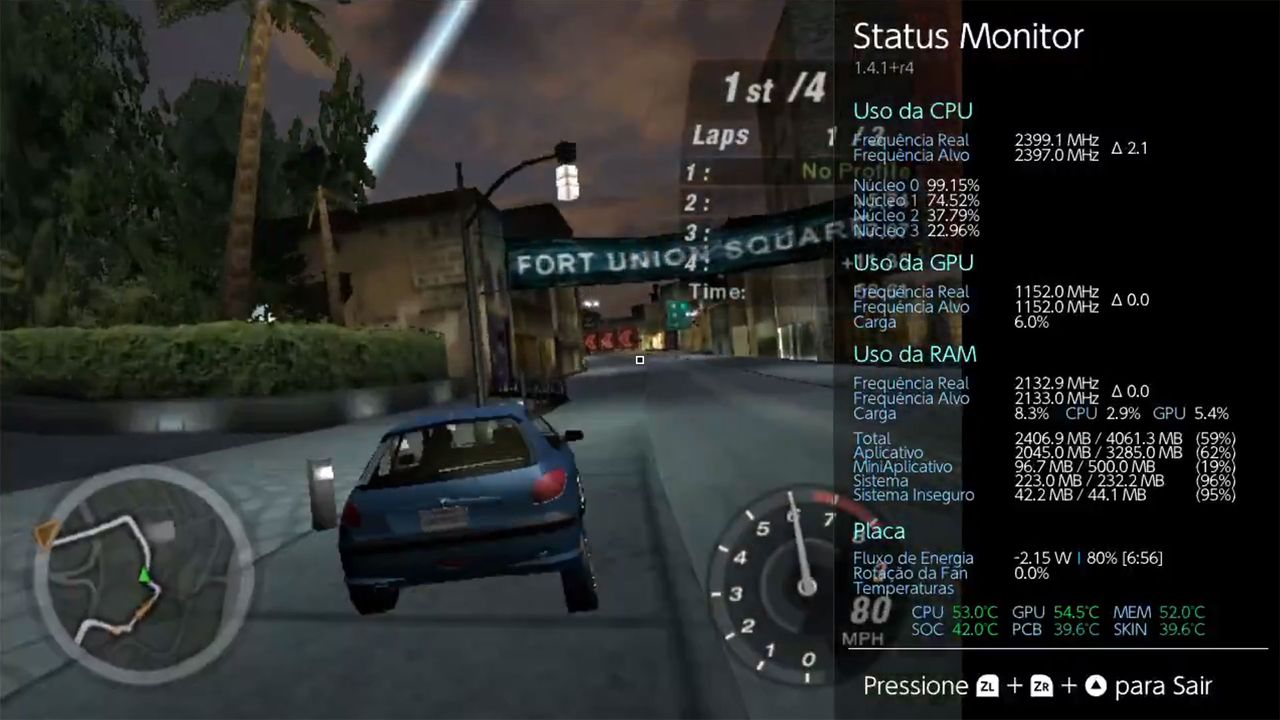
Retro gaming fans who own Nintendo Switch consoles now have several classic Windows titles they can now enjoy. A video shared on Twitter/X shows the well-loved Need for Speed Underground 2 running pretty smoothly on Nintendo’s hybrid device. Meanwhile, a forum about Wine-NX says that Quake III and OpenTTD are also playable, with WarCraft III nearly ready, too. It's early days for this 'experimental' software, but things look very promising.
Windows x86 games are now running directly on Nintendo Switch homebrewNeed for Speed Underground 2 on capture 😀 pic.twitter.com/SD0sugV4DsSeptember 13, 2026
In the embedded video you can see NFSU2 runs rather well on Nintendo’s hardware. Older PC games are perhaps a good fit for what many consider to be the rather anemic specs of the Switch. A status panel shows CPU and GPU usage. According to the forum post “Races run at roughly 20–45 fps at default detail with the CPU overclocked.”
Other games that Wine-NX can handle well at this time include OpenTTD (Transport Tycoon Deluxe), which runs at up to 60 fps. Quake III Arena is also capable of running at around 37 fps at 1,280 x 720 pixels, according to the source. The last PC game mentioned as being compatible, almost, is WarCraft III, and specifically this work in progress has working “menus, campaigns, and now cutscenes.”
The Wine-NX forum page linked to helpfully explains what exactly this is, and how it works. In brief, Wine-NX is a port of Wine 11 to the Switch’s native Horizon OS. It comes as a homebrew package in the NRO format Horizon expects games to be in, but that allows it to run Windows programs and games with Box64's ARM64 dynarec translating the x86 code. Graphics are handled through Mesa 20.1's nouveau driver. It supports audio and touchscreen, and the Switch controllers can also handle mouse / keyboard duties – as well as doubling as an Xbox 360 controller.
You can’t use any Nintendo Switch to load Wine-NX and Windows PC games. You’ll need to have a console that can boost custom firmware, and run homebrew NROs. That means an older unpatched Switch or one with a hardware mod.
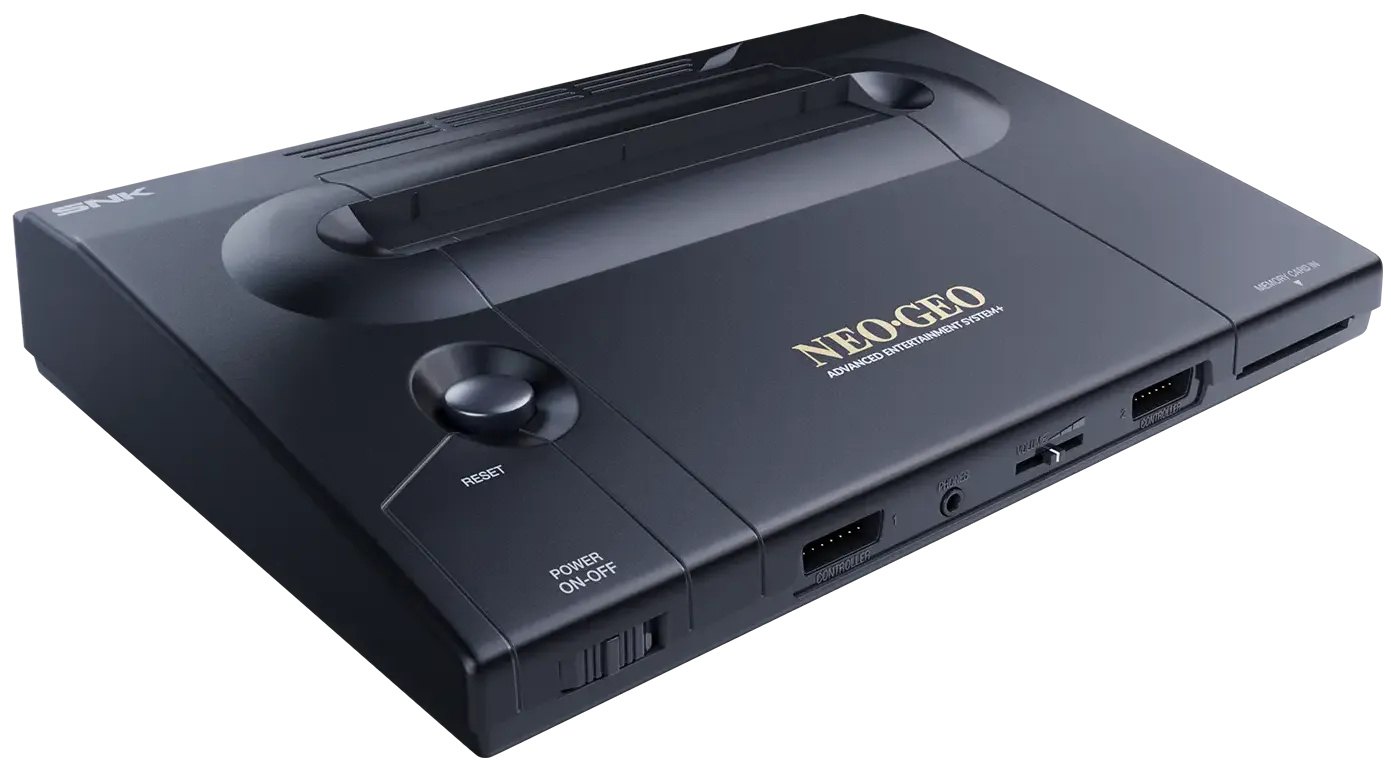
Plaion's release of the NeoGeo AES+, a contemporary, hardware-level 1:1 replica of SNK's evergreen NeoGeo console, is being delayed by 10 months, with a new September 16, 2027 release date. Predictably, Plaion says the main reason is the AI-driven RAM shortage, though it remarks that demand is higher than expected.
Unlike nearly every other modern console re-release, the AES+ is intended to be an exact, 100% compatible replica of the original, by way of physical hardware rather than emulation software. Plaion says it's using dedicated ASIC chips and presumably contemporary clones of processors like the Motorola 68000 and Zilog Z80A.
The team counts long-time MiSTER core developer Jotego among its staff, lending serious pedigree to the project and assuaging concerns about whether the AES+ will perform just like the original. They're even going as far as using 5 V power delivery to be directly compatible with the original cartridges.
(Image credit: Plaion / SNK)
It's expected that every game cartridge from the original NeoGeo AES (Advanced Entertainment System) home console will work on the AES+, and there are modern third-party adapters for using original arcade cartridges. Plaion is re-releasing ten iconic games in cartridge form, including Metal Slug, Garou: Mark of the Wolves, Pulstar, and King of Fighters 2002.
The NeoGeo was the greatest 2D arcade/home system that ever existed (according to me), with production lasting for 14 years from 1990 to 2004. It had a number of "firsts," being the first system that used the same exact hardware for the home version as it did inside an arcade cabinet, with nothing but the form factor, the name (AES vs. MVS), and a defeatable lockout mechanism as a distinction. Arcade operators loved the then-new swappable cartridge system, and there were variants that could hold four games that were switchable on the fly.
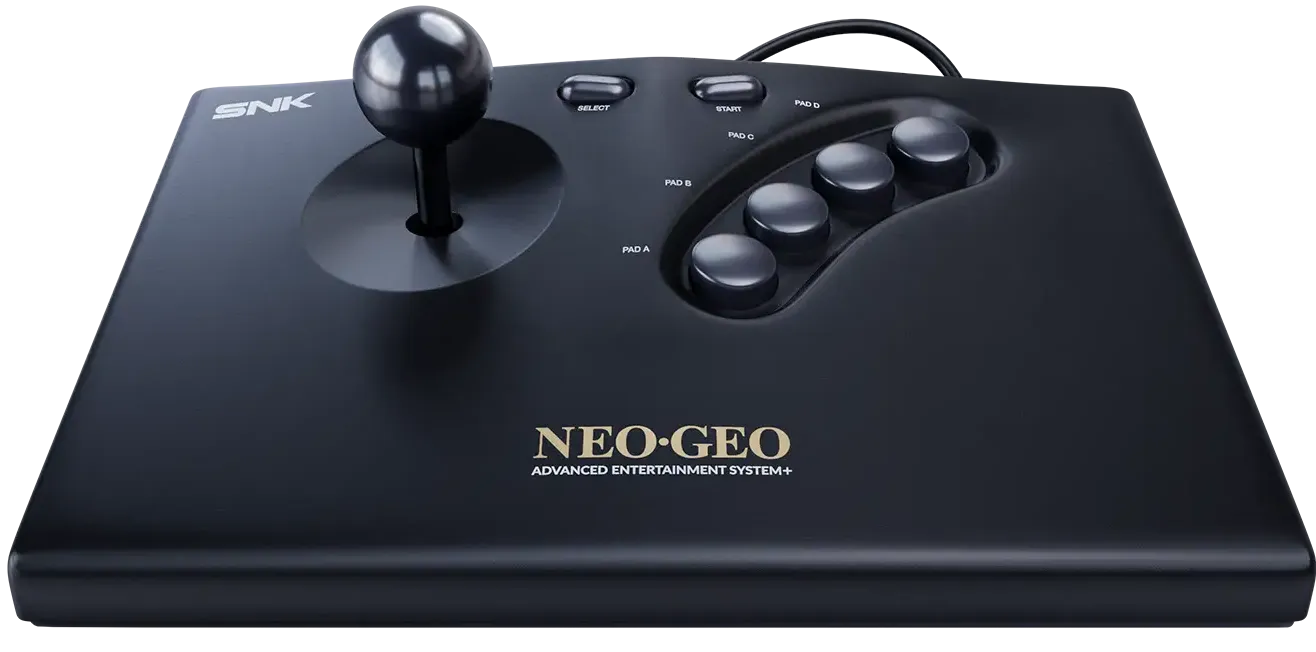
The AES also marked the appearance of memory cards for save games, and that came with a serious arcade joystick, unlike its competitors' gamepads. Every home console release at the time promised "arcade-quality games in your home," but only the Neo Geo actually delivered.
(Image credit: Plaion / SNK)
Of course, all this goodness had a small problem: the AES cost $399.99, or $1,028 in today's dollars — for just the base system with the one joystick and no games. The Gold package with two sticks, one game, and a memory card would set buyers back a cool $649.99, or $1,671 today.
The technical reasons for the NeoGeo's longevity are quite straightforward: it was ridiculously overpowered from the start. Its architecture covered almost every possible use case and lent itself well to most every type of 2D game. The NeoGeo packed a total of seven processors and co-processors, and a GPU with a 24-bit bus, capable of 3840 simultaneous colors across 380 sprites. The graphics chip also had hardware scaling and used an unconventional but effective vertical-strip sprite mechanism, unlike tile maps of the era.
The expandable storage also played a big part in longevity, with late-day cartridges storing as much as 716 Mb, or 89.5 MB. The only notable omission is the lack of a direct-to-screen drawing mechanism (aka framebuffer), precluding Doom ports — but as always, people are finding a way regardless.
If you're looking to order a NeoGeo AES+, the base model with the console and one stick will set you back $249.99 (or 199.99€), an affordable amount considering a decent joystick can cost $75-100 on its own. The Anniversary Edition comes in a white finish, with Metal Slug, a wireless joystick, and a memory card, for $349.99 (or 299.99€). Finally, the Ultimate Edition comes with all ten re-released games, two joysticks (one wired, one wireless), and a gamepad, for $999.99 (or 899.99€).
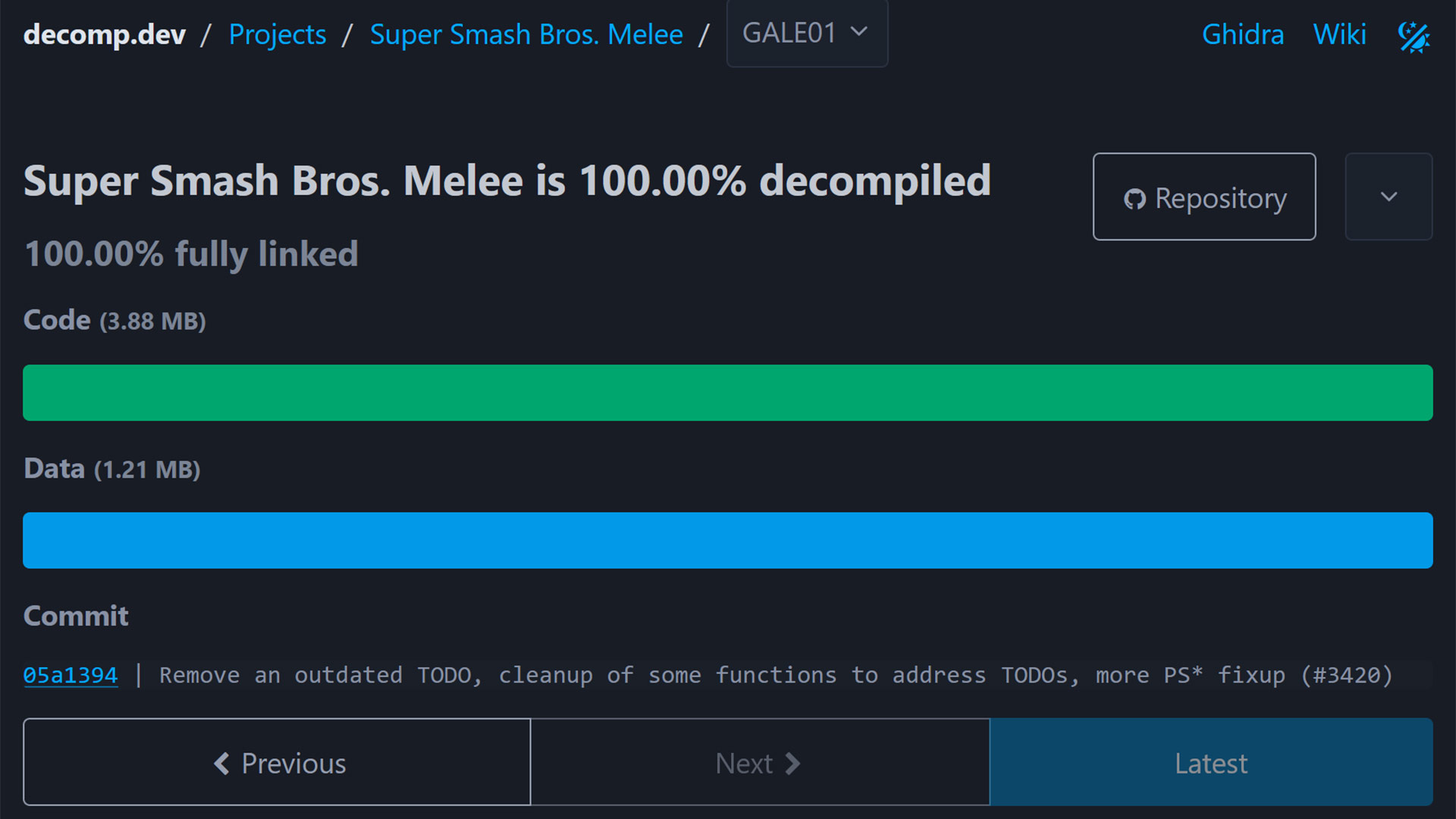
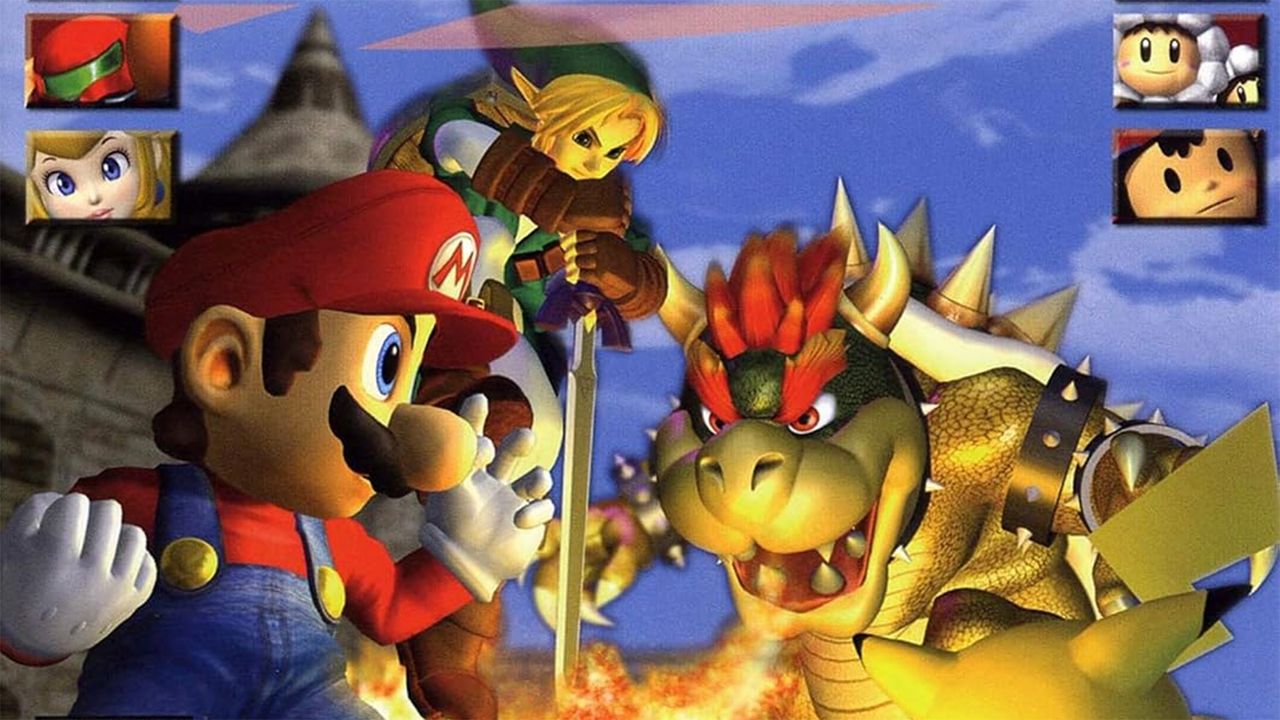
A Super Smash Bros Melee decompilation project hit its key long-standing goal a few hours ago. Nintendo’s legendary platform fighting game, which launched on the GameCube in 2001, has now been 100% decompiled by a team of developers. This is a complex game to convert to C code, but the project code can now be compiled into a binary byte‑for‑byte identical to Nintendo’s original main.dol. The effort has taken the team six years or more to get to this stage, with OpenAI's Astra part of the effort to get it over the line. Gamers may already be excitedly anticipating Super Smash Bros Melee ports and modding tools, but these too will take time and effort.
Decompilation projects seem like the latest trend to grasp the retro gaming and development communities, but some, like this, have been in progress for a very long time. Enthusiasts are spurred on by old console hardware becoming scarce, expensive, or uneconomical to repair. Thus, they want to preserve the original game code in a manner that can be ported to modern supported systems. Demanding 100% accuracy with a complex game like this was ambitious, but now that milestone has been reached.
Preservation isn’t the only goal, or result of projects like this. Seasoned developers will now be able to pore over the game’s C code and gain insights into Melee’s engine, physics, game mechanics, and more. Armed with this knowledge, we should eventually see the modding potential of this game blossom. This has happened in the wake of previous successful decompilation projects.
If you drop in on the doldecomp/melee GitHub page, linked above, you can check over the code for yourself. There are instructions for compiling this Super Smash Bros Melee C code on various platforms, including Windows. However, please remember these aren’t ports; you will just be recreating the v1.02 US release main.dol file from the GameCube, which weighs in at 3.88MB. You'll also need the original assets (textures, audio, etc.) from the GameCube disc that you own, in order to run the game.
Some highlight that the project was finalized with thanks in part to the latest AI tech, including GPT-6 Astra. Similar tech might also be used to rapidly develop the ports and mods that the crowds are looking forward to.
Musicians and synth-heads in the audience, rejoice. A new vintage synthesizer plugin has arrived that has the potential to blow many commercial offerings out of the water — and it's completely free, to boot. Audio software maker Autodafe has released the Vintage Emulator Studio (VES), a fresh new plugin that integrates a fair number of the open-source MAME emulator's synthesizer cores in one neat package.
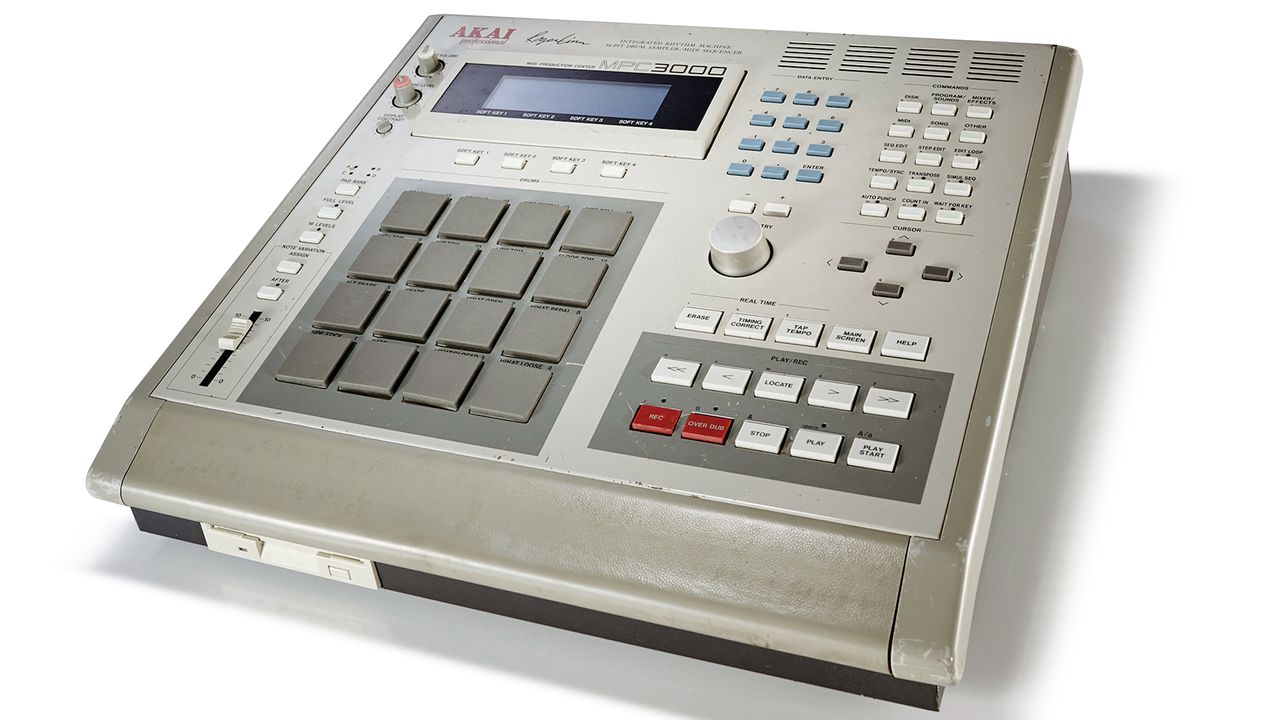
The entire list of emulated synths is below, but it includes iconic entries like the Akai MPC3000, LinnDrum, Oberheim DMX, and Roland TR-707 — used by names like Dr. Dre, New Order, The Police, INXS, and Prince, among many other high-level acts. There are a total of 44 machines, all with component-level emulation.
What makes VES different from most other synth plugins is that instead of presenting a facsimile of the final output or a hybrid mix of component- and output-stage emulation, it employs — by way of MAME — full component-level emulation. Each processor, tone generator, envelope generator, filter chip, and converter should be faithfully reproduced, potentially resulting in a "perfect" emulation of the gear in question, more or less depending on the status of each driver core.
Notably, on machines whose MAME emulation is farther along, analog and/or digital output stages are faithfully recreated, meaning you won't need additional low-pass filters or any other trickery to make the synth sound like the actual hardware. Additionally, the skeuomorphic, HiDPI-ready UI replicates the units' control panels, dials, buttons, and LCD displays, making them easy to interact with if you're familiar with the real hardware — and probably a nightmare if you're not, as "ease of use" wasn't high on the list of priorities back then. Floppy disk, CD-ROM, and peripheral emulation ought to be included too.
If by now you're thinking this is all too good to be true, there are indeed a couple or three catches. First and foremost, as with any emulator, you'll need to provide your own ROM/firmware, and depending on the synthesizer, any associated sample packs. Although obtaining those is not too difficult, having a copy of that data is a legal gray area if you don't own the original hardware. Although we haven't tested it ourselves, the CPU usage of the plug-in ought to be somewhat high, considering all the work it's doing simulating every single component.
Additionally, while MAME's emulation cores aim for full component-level emulation, not every synth driver has had the same amount of work put into it. For example, the Akai MPC-3000 driver is nearly complete, while the Prophet-5's has only been introduced to MAME fairly recently — so your mileage may vary. We'd expect this VST to be updated somewhat frequently as work on its MAME core moves forward.
For the sake of argument, though, if only a handful of synths are fully emulated, that's still an impressive showing out of a list of 44, given that in theory you'll get output that tracks exceedingly close to that of the original hardware, all from one plugin. You can download the Vintage Emulator Studio right here, in VST3 or AU format, for every major OS: Windows, macOS Intel/M-series, and Linux. It's also available as a handy standalone application.
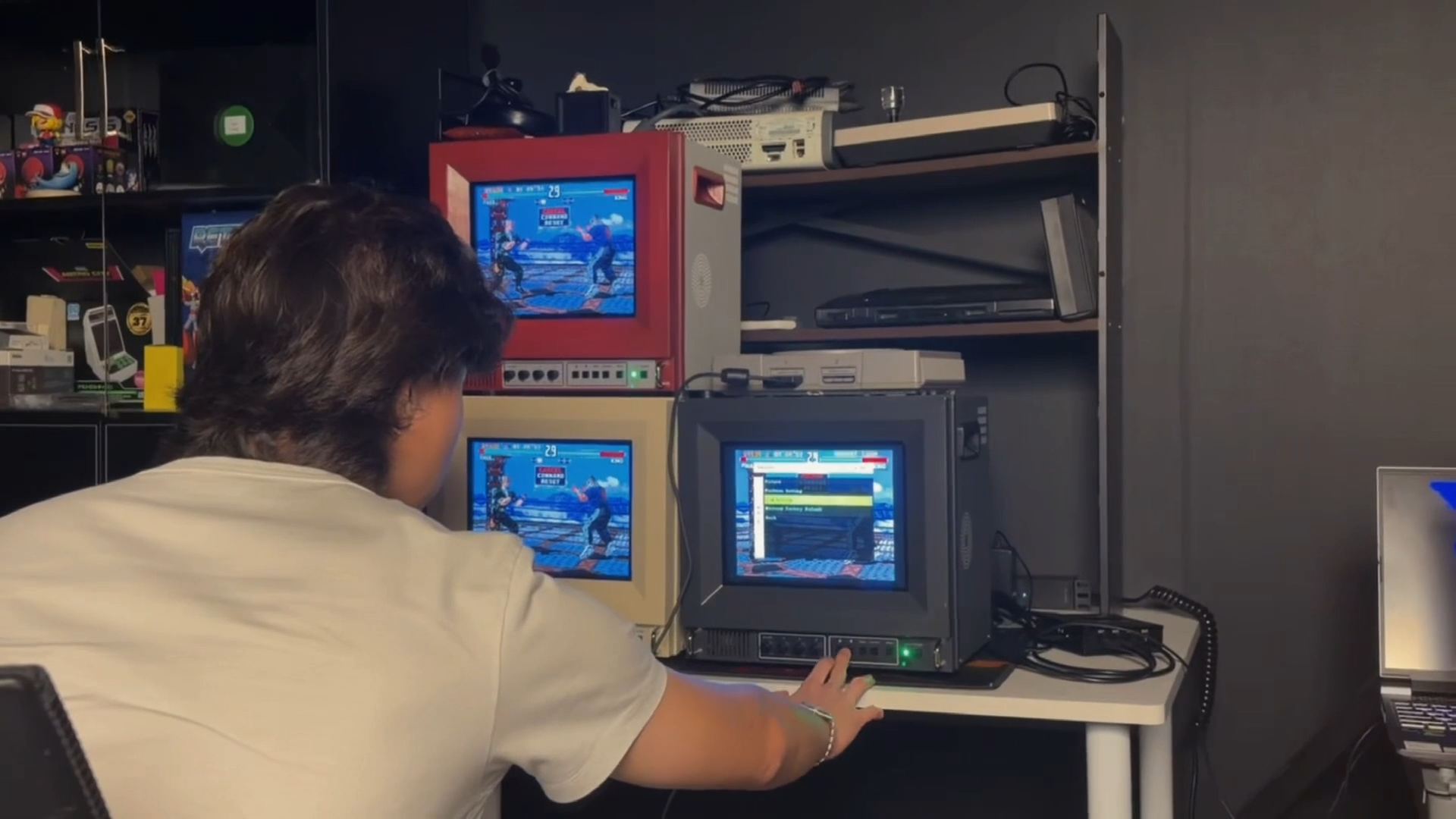
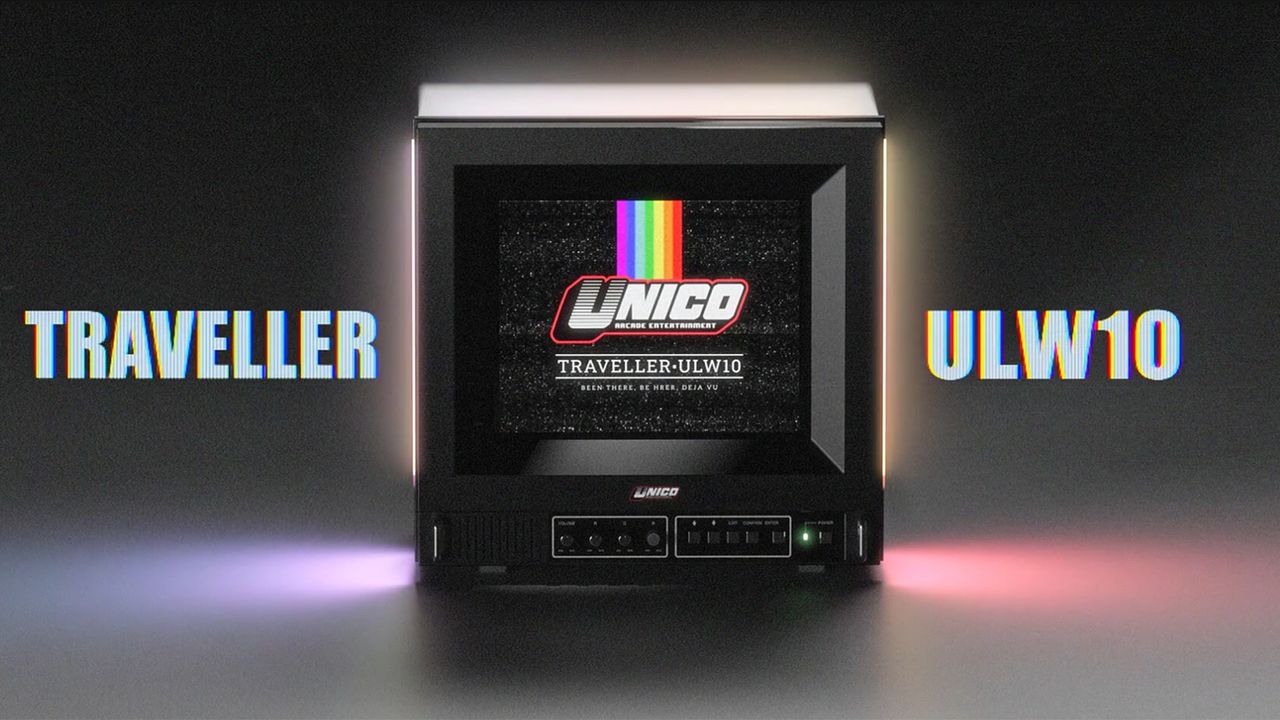
Getting a retro game console to look right on a modern TV can be a challenge, as legacy video signals need to be scaled or de-interlaced, while latency and aspect-ratio issues can further make retro games look or feel different from the original experience. In an attempt to recreate the nostalgic experience, retro gaming hardware manufacturer Unico has introduced the Traveller ULW10, a CRT-inspired 10-inch TV.
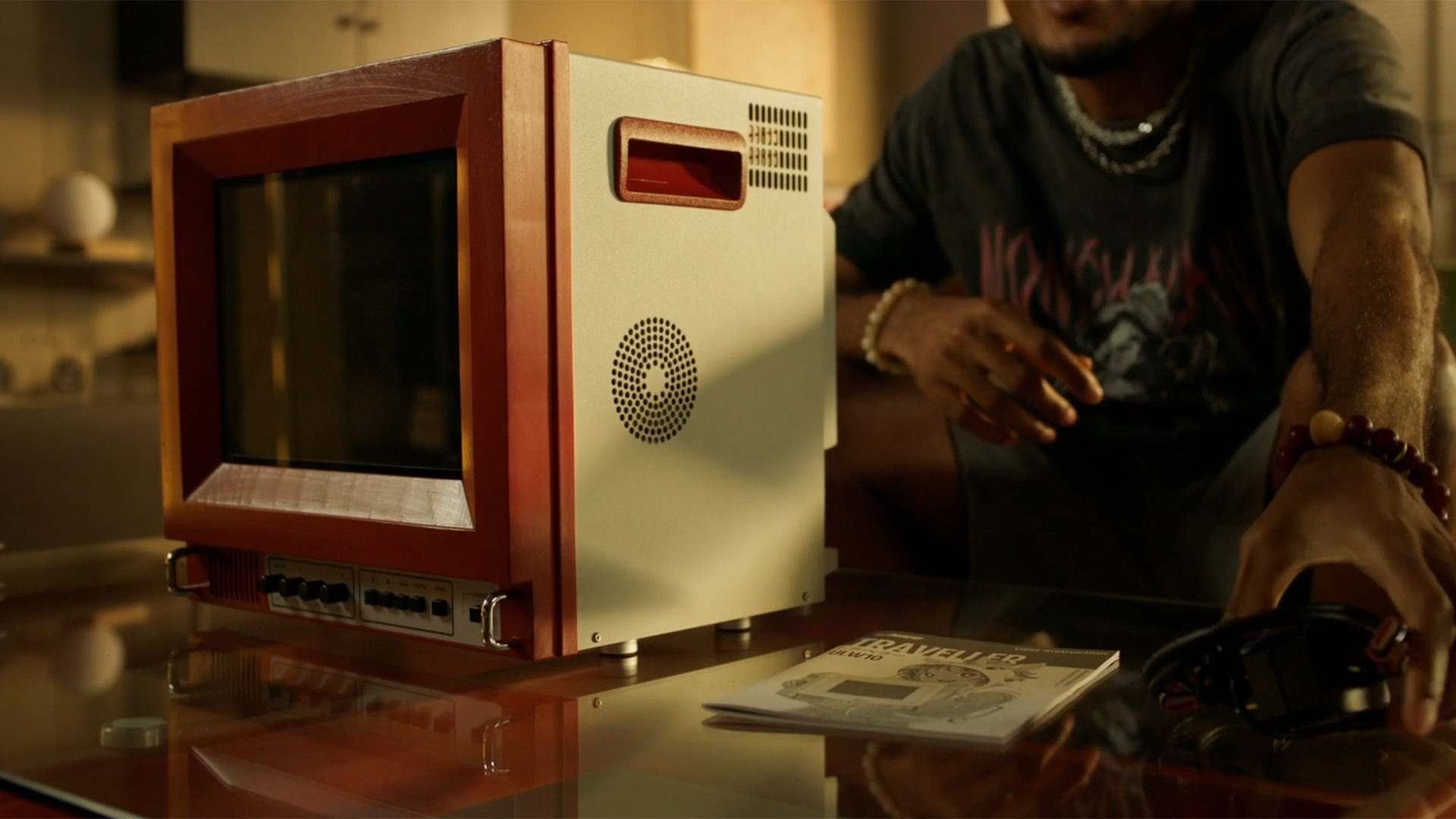
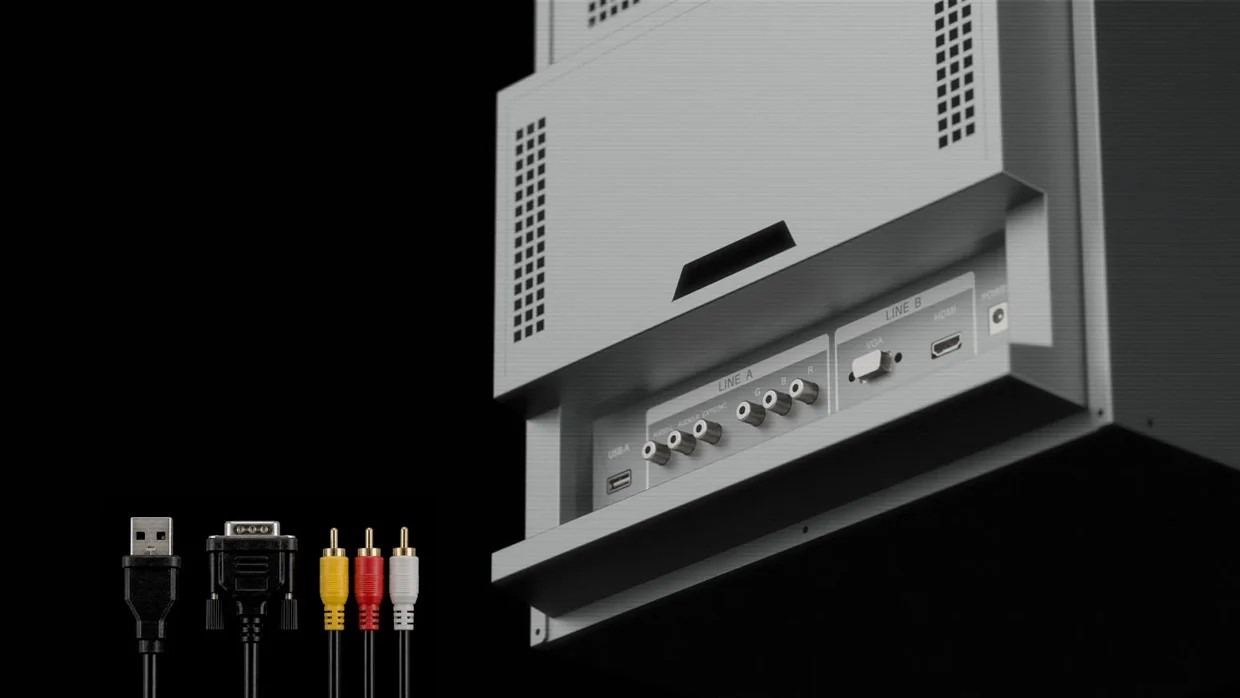
According to the company, the ULW10 is a PVM (Professional Video Monitor) with a vibrant 4:3 panel that “combines the character of a classic display format with the reliability of modern technology.” In terms of connectivity, the monitor comes with RGB, VGA, and HDMI video inputs, offering support for a wide variety of consoles. There is also a USB Type-A port, while the rear compartment provides storage for compatible consoles that can be tucked behind the display. It also includes knobs and physical buttons for various settings, similar to those found on old-school televisions.
UnicoUnicoUnico
Unfortunately, the ULW10 does not include a composite video input, and Unico says the decision ultimately came down to the limited space inside its compact chassis. With room needed for the signal board and other components, the company had to choose which video inputs to include. HDMI and VGA were retained for modern devices, PCs, and video converters, while RGB SCART was selected as the analog option because it offered the best balance between compatibility and image quality. It is also worth mentioning that the ULW10 is not a CRT monitor, but it can simulate the CRT or pixel-art style of old games.
The monitor will be offered in three color options: red and white, cream white, and studio gray. The casing includes built-in carrying handles as well as speaker vents, although the monitor itself does not include any speakers. The Traveller ULW10 will be available via Kickstarter, and while pricing information has not yet been confirmed, you can reserve a ‘Founder Spot’ for $5 and receive $30 back when you back the monitor on Kickstarter.
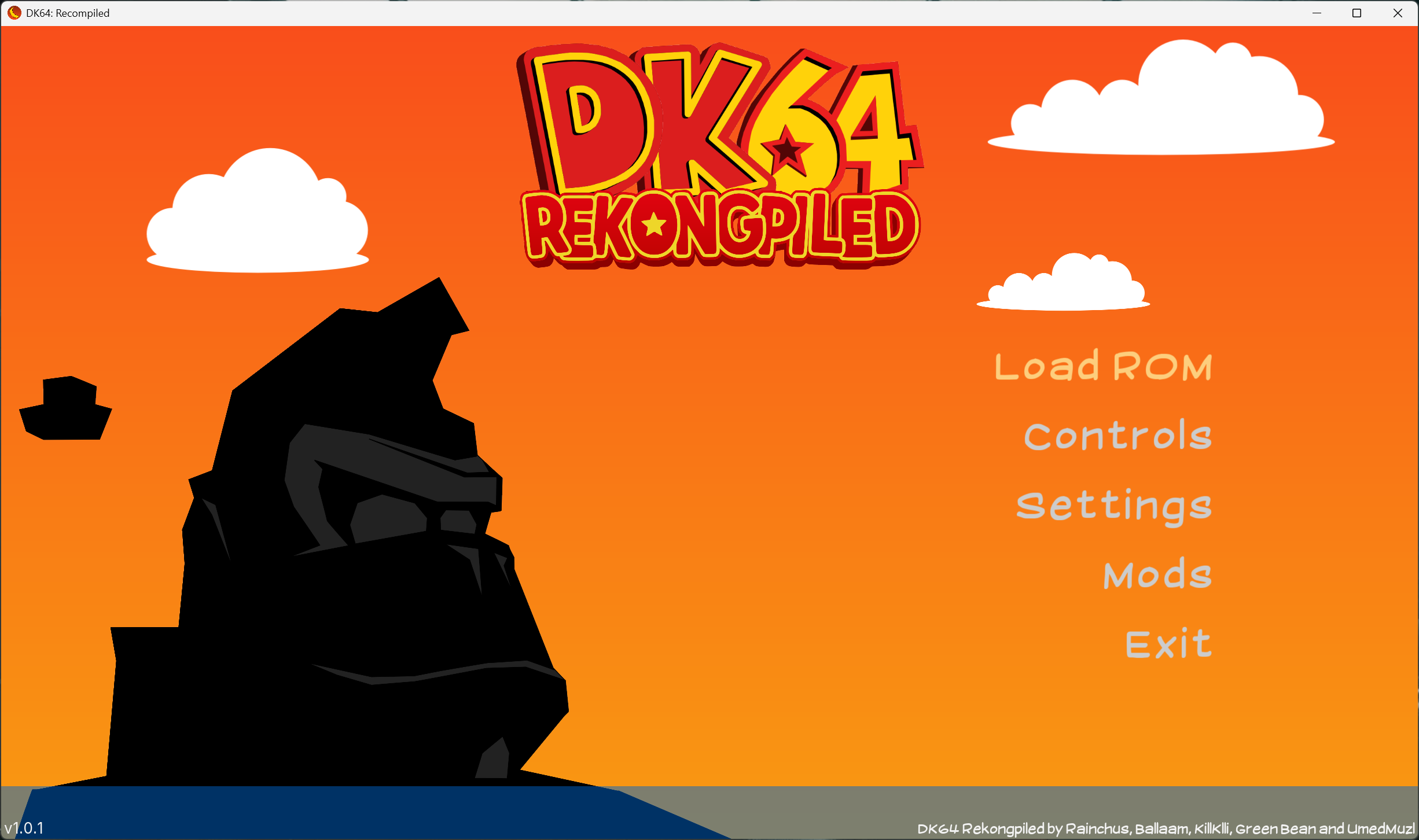
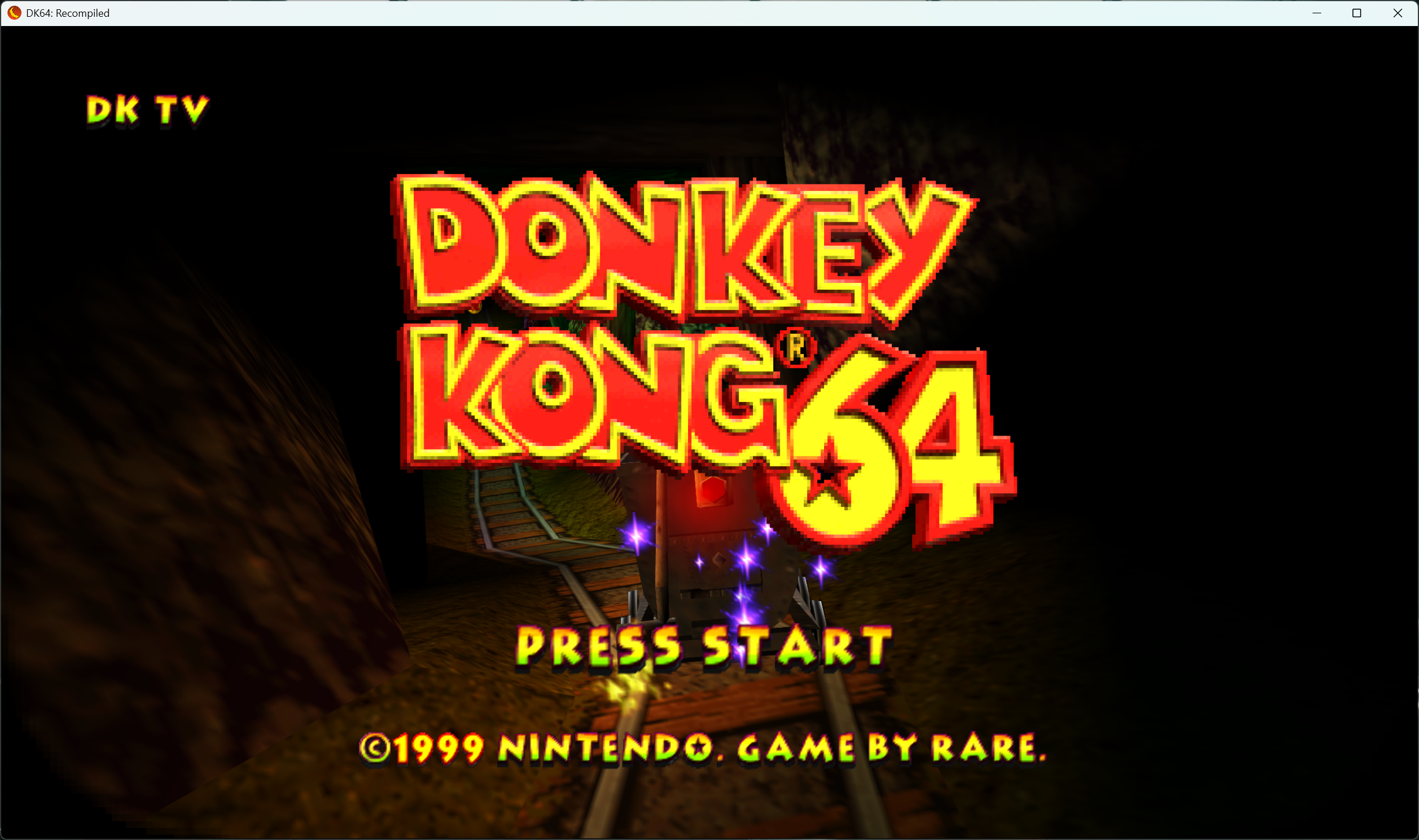
In the wake of AI vibecoding infiltrating the retro revival scene, human efforts tend to stand out, especially when they're as novel as this project. A bunch of developers have rebuilt Donkey Kong 64 from scratch for PC, recompiling the original N64 code to C and unlocking a myriad of features that make the game run even better. You just need to provide a ROM, and "DK64: ReKONGpiled" will play it without any emulation overhead, giving you engine-level control of the classic.
DK64: Recompiled uses the open-source N64: Recompiled framework from Wiseguy and is rendered via RT64. The project is the result of combined work from veteran programmers who also made DK64 Randomizer — Rainchus, Ballaam, Killklli, 2dos, and Umedtakes.It takes N64 machine code not meant for modern hardware, reverse-engineers it, and recompiles it into C, which x86- and ARM-based machines can natively understand. As such, this project is available for Windows, Linux, and Mac.
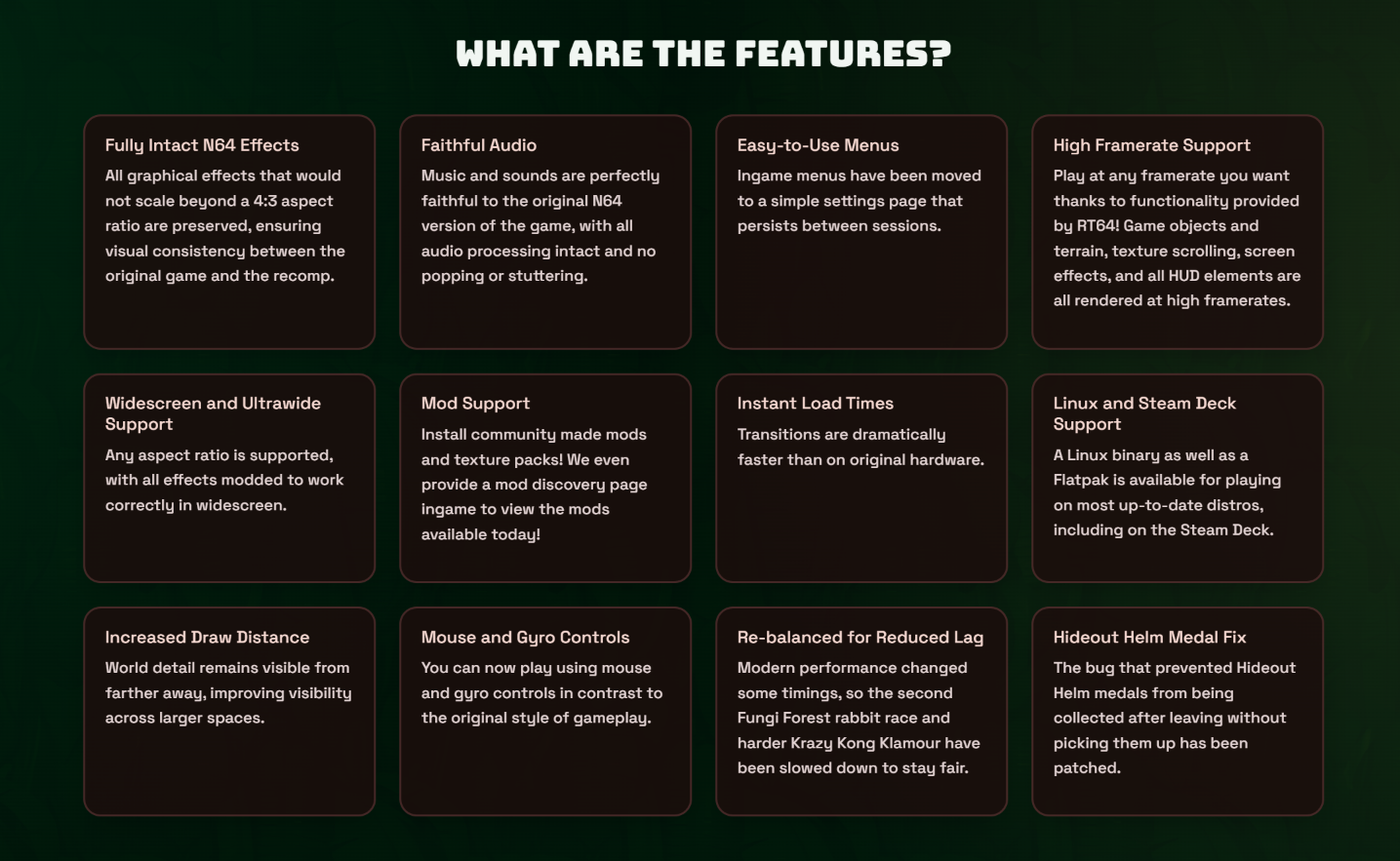
It features true high-resolution support, including different aspect ratios like ultrawide, and uncapped framerates without the need to speed up the game. You get modern controls mapped perfectly to keyboard and mouse, as well as controller. It includes quality-of-life improvements like near-zero latency, near-instant load times, cutscene skipping, better camera controls, and even the option to switch between characters at any time.
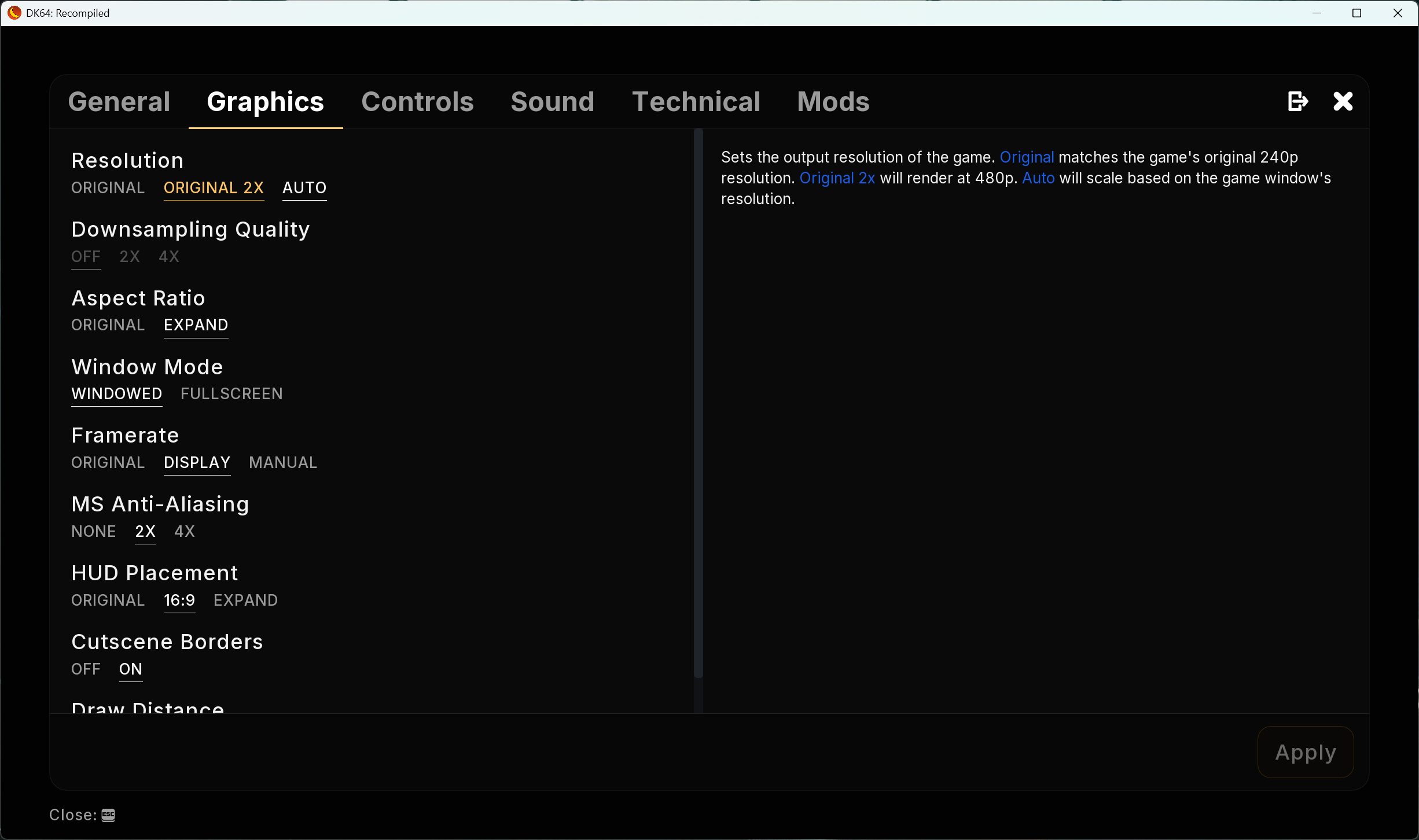
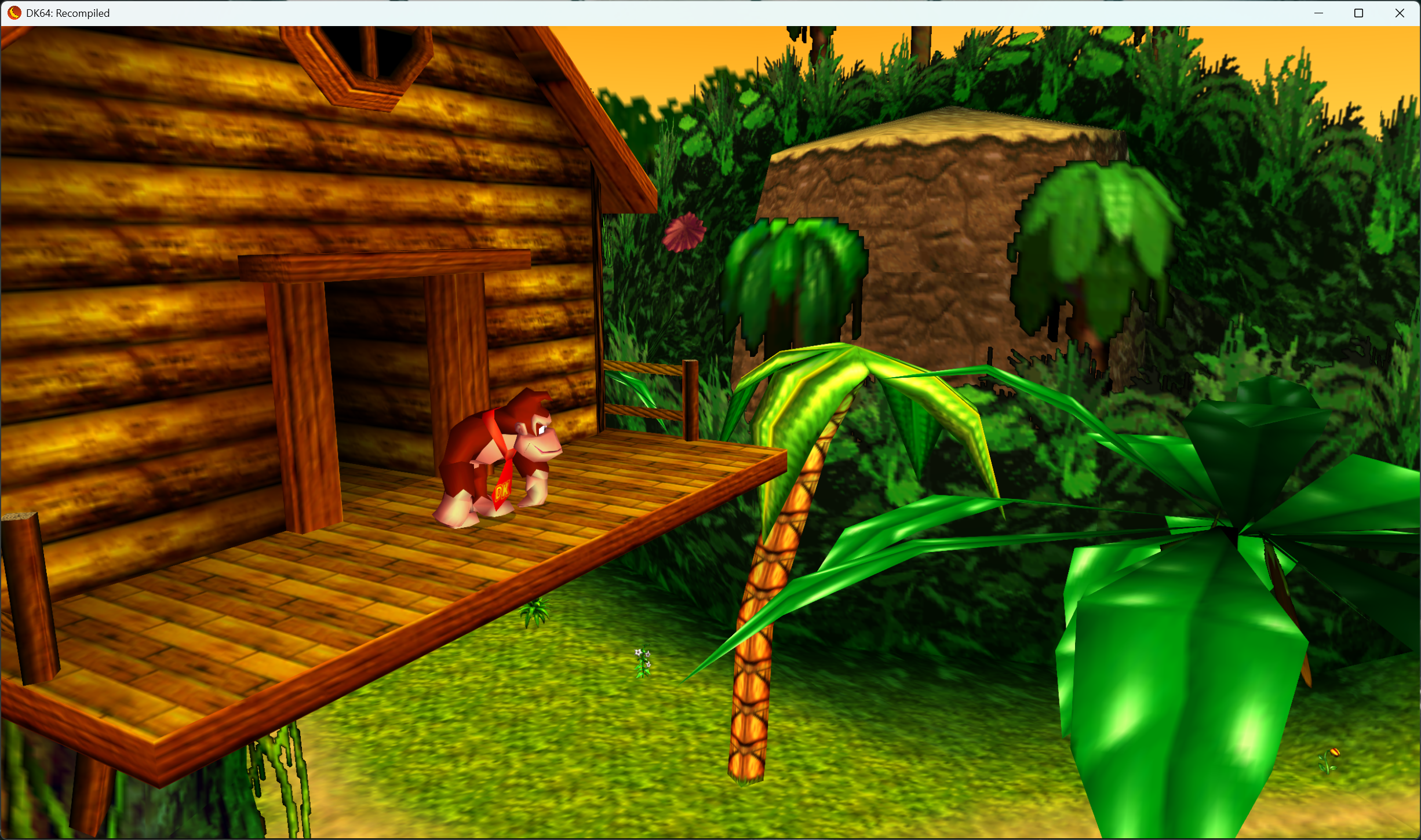
Everything else about the game is preserved in its original state, and all the enhancements remain faithful to the source material. The art style, along with the low-poly 3D graphics, is untouched, and the audio is pristine. You only get useful changes like a better in-game menu that allows you to change settings on the fly, like increasing draw distance and saving/loading. Mod and multiplayer support are built in, too.
FutureFuture
Keep in mind that there are no game assets provided here, though; you have to bring your own legally acquired ROM. For our trial, we downloaded the file from GitHub and got the ROM from Vimm's Lair. It ran flawlessly and even switched back and forth between a keyboard/mouse and a 2.4 GHz wireless controller in real-time, as if it were a modern title. Everything scaled perfectly, the game felt smooth, and cutscenes were rendered in an ultrawide resolution inside a 16:9 window (not fullscreen).
FutureFutureFuture
Overall, this is an impressive project that highlights how human ingenuity still beats AI slop. Sure, Claude can do this faster, but it will come with its own issues, become unmaintainable over time, and never match the passion these programmers have. The DK64: Recompiled devs even called out competing projects for relying on vibecoding and proudly claim that their work involves zero generative AI usage.
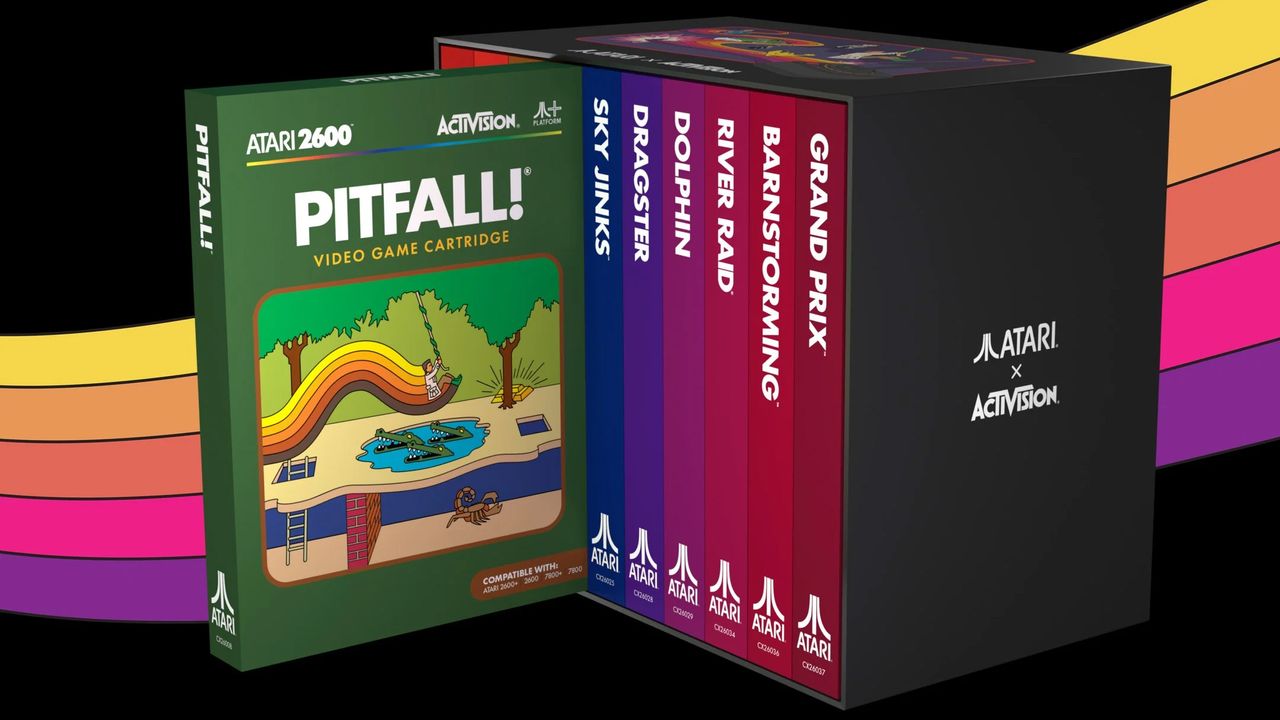
Atari has officially unveiled the Atari x Activision Collection, a compilation featuring 39 classic Activision games on physical cartridges. An individual cartridge starts at $34.98, while the Ultimate Deluxe Set, which includes all 39 games, costs up to $999.96. Atari and Activision's latest collaboration brings the nostalgia and value of a physical cartridge to long-time retro fans and new gamers who want to relive the classics.
At a time when major manufacturers like Sony are giving up on physical media, it is refreshing to see Atari stepping up to keep the tradition of owning your games alive. Many gamers still appreciate physical media, which often goes beyond a simple disc or cartridge. Extras, such as unique artwork or packaging, matter to many collectors.
Although Atari is bringing back an impressive lineup of 39 Activision titles, only a select group, including Pitfall!, River Raid, Megamania, Enduro, Kaboom!, H.E.R.O., Keystone Kapers, Private Eye, Pressure Cooker, River Raid II, The Activision Decathlon, and Pitfall II: Lost Caverns, will arrive as Standard Editions. These Standard Editions are priced at $34.99 each and include a sleek black cartridge and a newly designed, full-color manual.
The Deluxe Edition, on the other hand, retails for $249.99 and comes in four different collections: Treasure, Speed, Secrets, and Victory. Each collection includes 10 games, except one, which has only nine. The Deluxe Edition, as the name implies, features deluxe editions of Activision titles on vibrant, colorful cartridges that will stand out in any collection. The Deluxe Edition also includes 10 woven patches and 10 enamel pins, plus a special collector slipcase to house the games.
Atari x Activision Collection
Launch Date
Games
Titles Included
Treasure Collection
November 2026
10
Pitfall!
River Raid
MegaMania
Dragster
Freeway
Grand Prix
Chopper Command
Sky Jinks
Barnstorming
Dolphin
Speed Collection
Spring 2027
10
Enduro
H.E.R.O.
The Activision Decathlon
Boxing
Checkers
Fishing Derby
Skiing
Laser Blast
Stampede
Tennis
Secrets Collection
Summer 2027
9
Keystone Kapers
Kaboom!
Private Eye
Starmaster
Spider Fighter
Seaquest
Bridge
Oink!
Ice Hockey
Secrets Collection
Fall 2027
10
Pitfall II: Lost Caverns
River Raid II
Pressure Cooker
Plaque Attack
Robot Tank
Crackpots
Frostbite
Beamrider
Cosmic Commuter
Space Shuttle: A Journey Into Space
The Ultimate Deluxe Set, priced at $999.96, represents the pinnacle of the Atari x Activision Collection. The ultra-premium package includes all 39 classic Activision titles, combining the content of all four Deluxe Sets into one big collection. Building on everything offered in the Deluxe Edition, the Ultimate Deluxe Set adds 12 exclusive metal trading cards and a yet-to-be-announced collectible item.
All game cartridges included in the Atari x Activision Collection are fully compatible with the original Atari 2600 and Atari 7800 as well as the more modern Atari 2600+ and Atari 7800+ consoles.
If you want only one or two specific titles from the Atari x Activision Collection, buying individual cartridges is the most affordable option. However, if you are going to buy more than seven, the Deluxe Edition offers significant savings. You end up paying just $24.99 per game instead of the standard $34.99, a discount of up to 29% per title. The Ultimate Deluxe Set will not save you much compared with buying the Deluxe Sets individually. However, you do get the extra goodies and free shipping.
Pre-orders for the Standard Edition cartridges, the Treasure Collection, and the Ultimate Deluxe Set are officially up on Atari's website. These will ship in November 2026. The Speed Collection, Secrets Collection, and Victory Collection, on the other hand, will not be available until Spring 2027, Summer 2027, and Fall 2027, respectively.
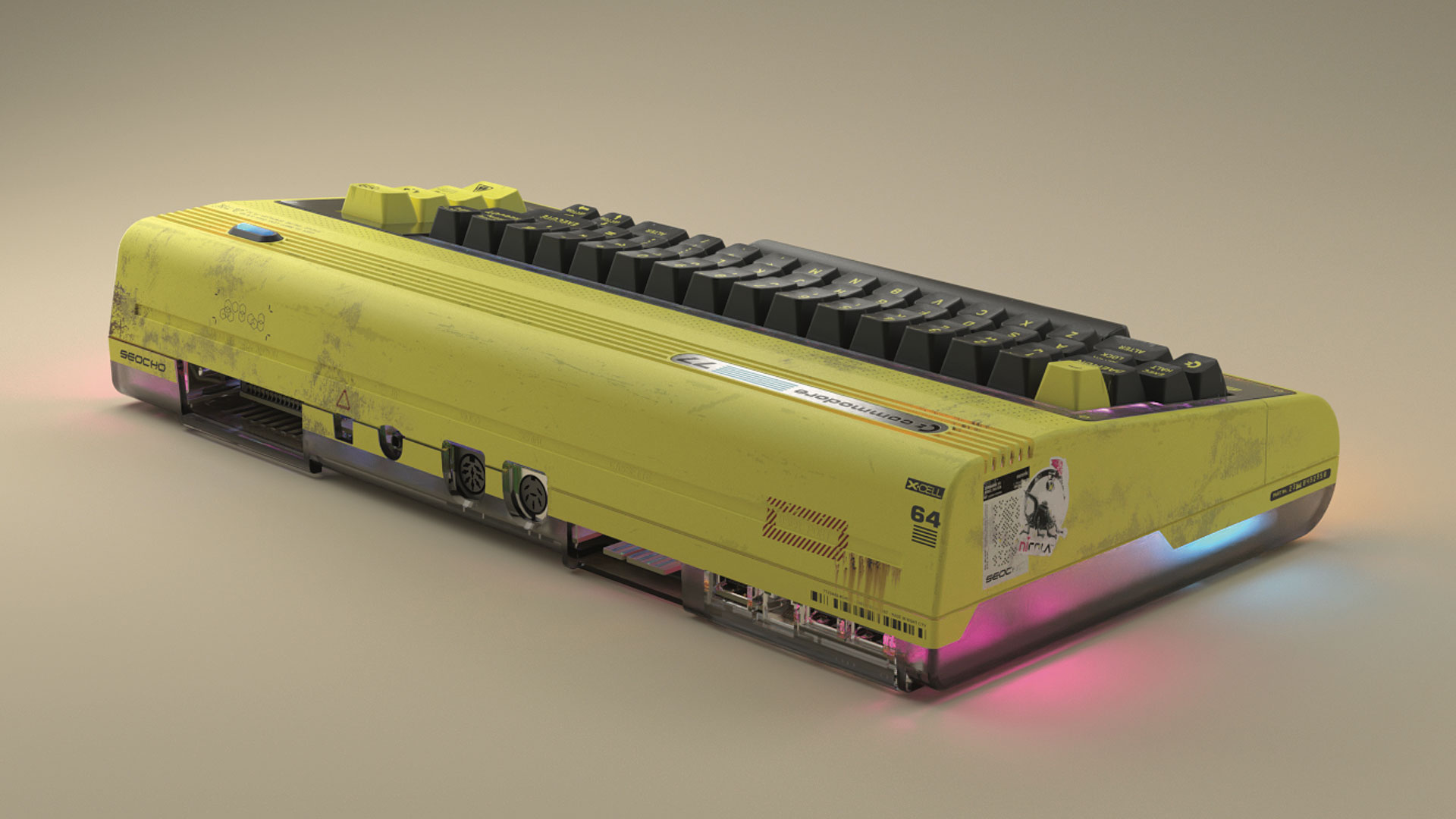
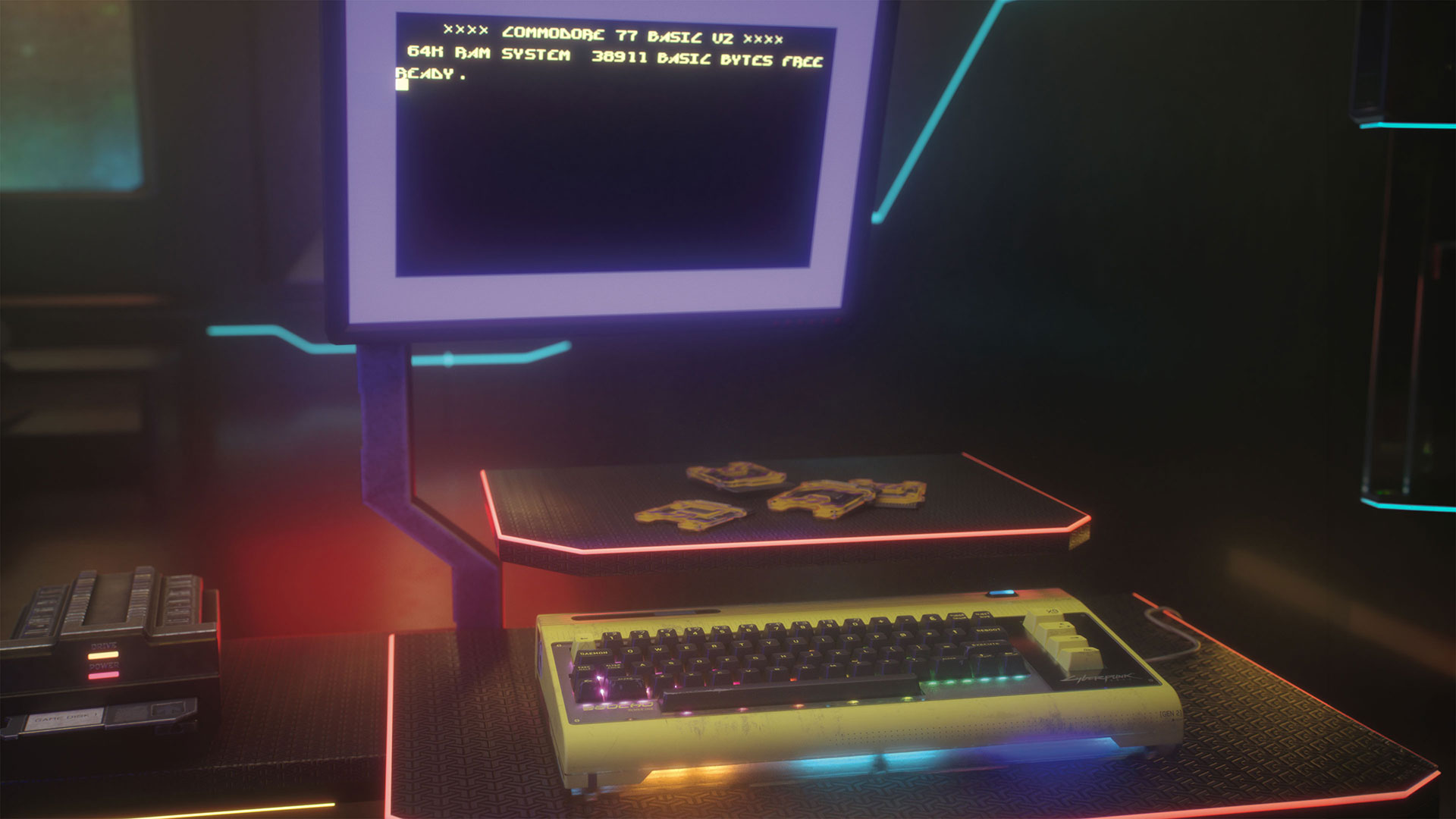
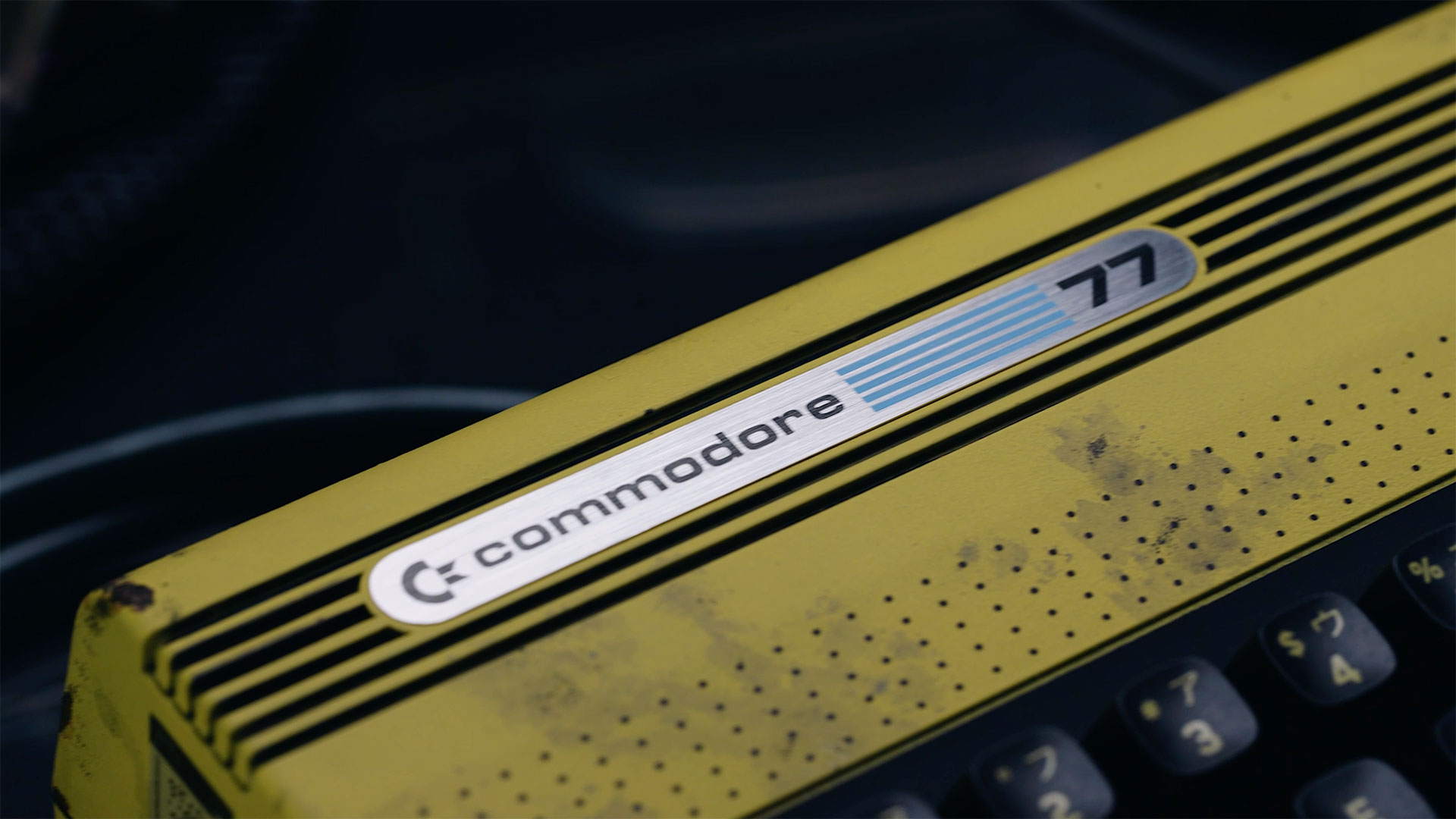
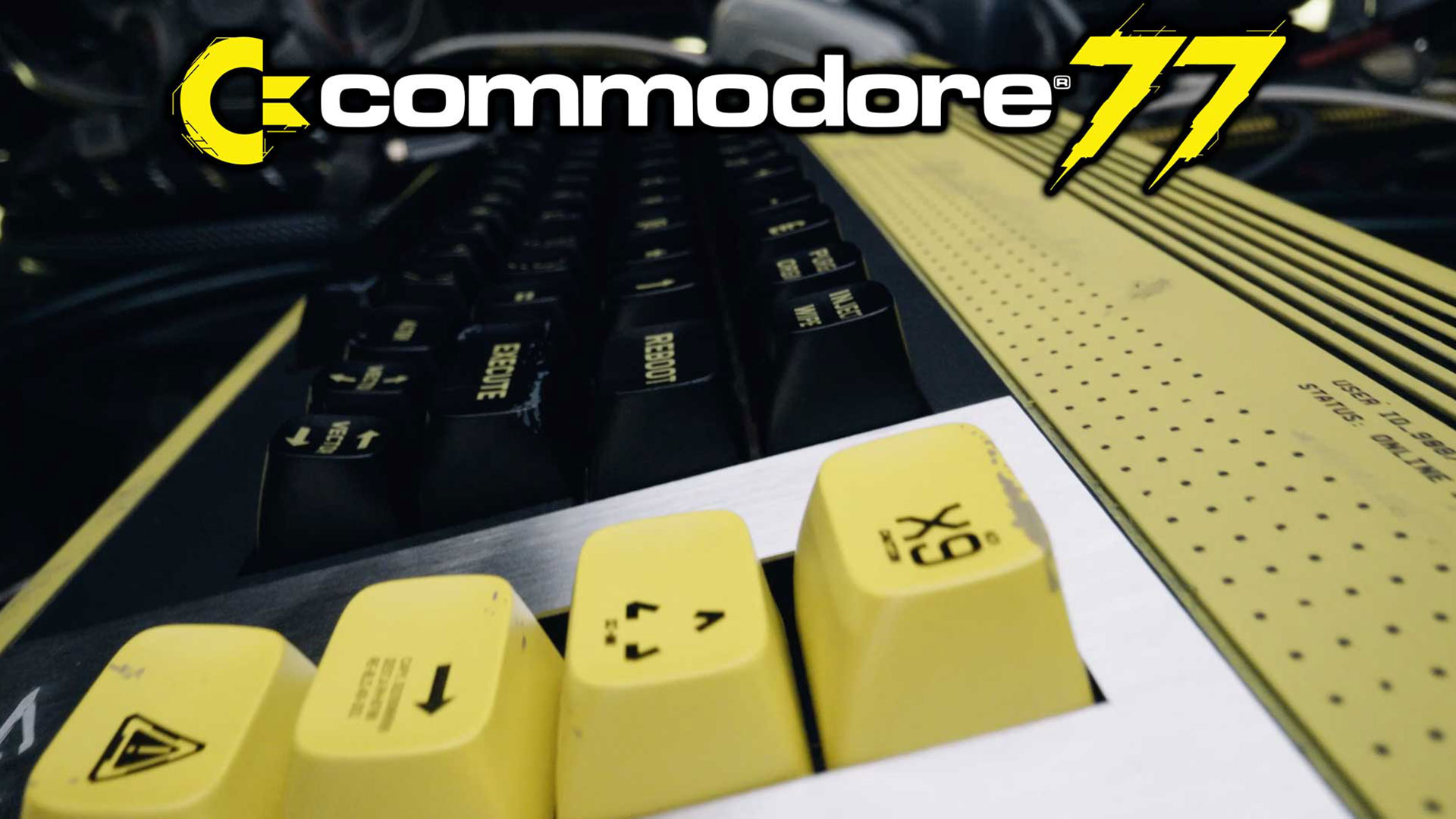
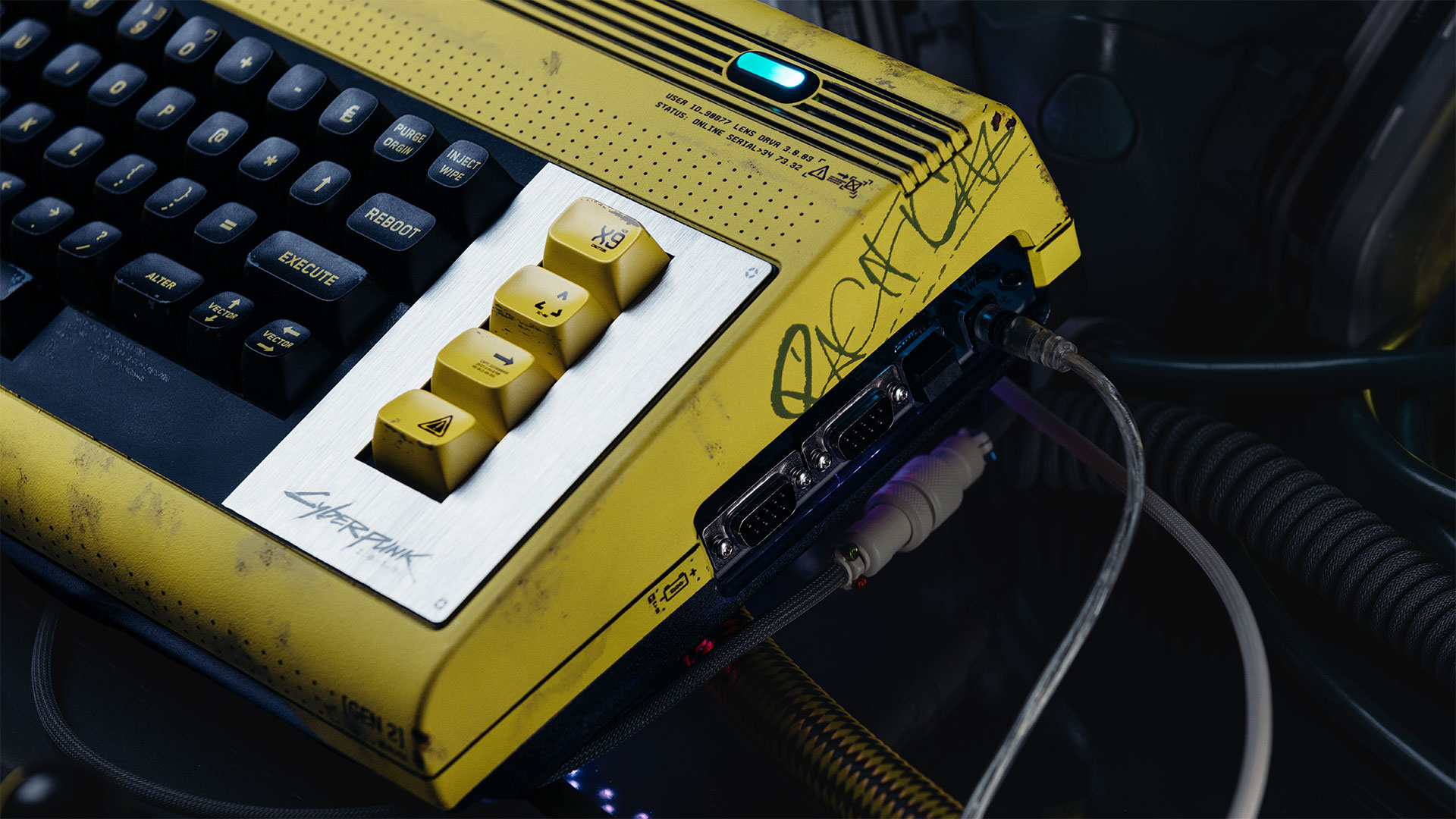
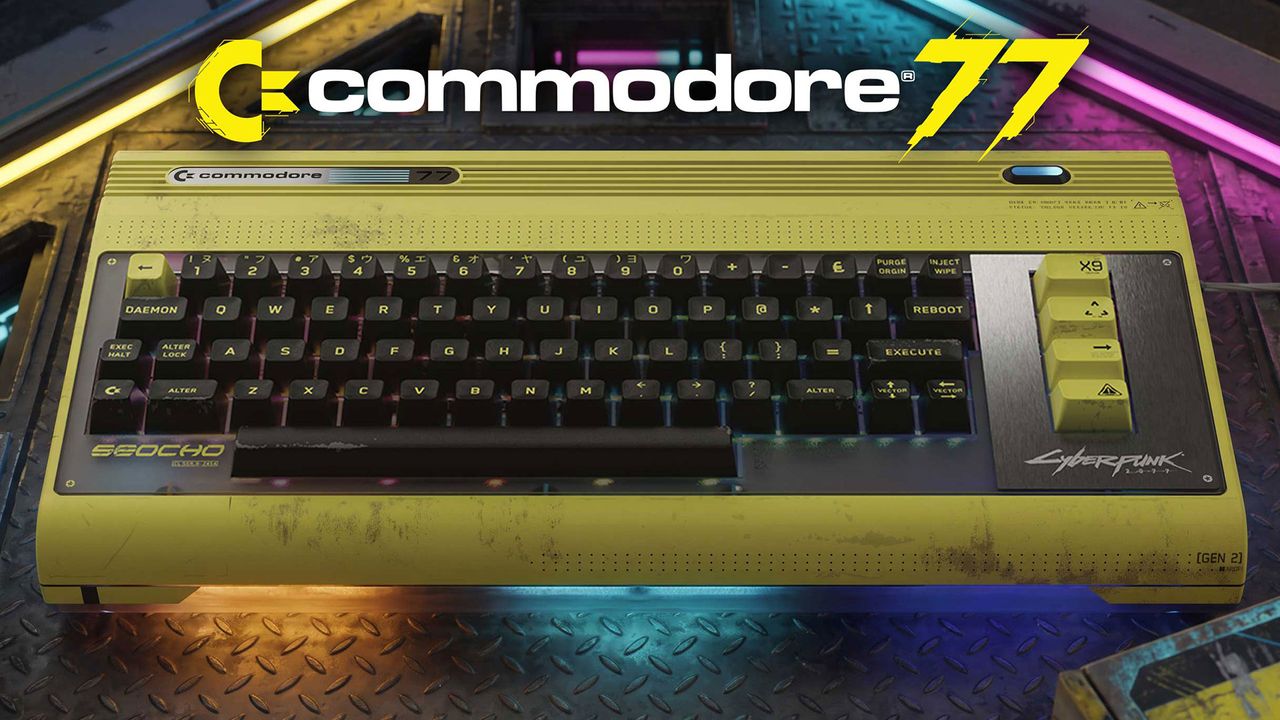
A special edition of the Commodore 64 Ultimate made in collaboration with CD Projekt Red has been announced today. The new Commodore 77 takes its stylish inspiration from Cyberpunk 2077, of course, and is skillfully melded into the game's universe. This isn't just a paint job. Commodore has packed in a faster FPGA, for one thing. It also comes with an exclusive 2MB demo cartridge, a themed Commodore 77 BASIC 2.0 boot screen, and several further flourishes of sheer finesse.
Commodore says that the C77 is the first franchise hardware partnership in the firm's 68-year history. "I have been a fan of the game since its release, and it was rewarding to learn in my discussions with their Joint CEO, Michał Nowakowski, that he was a lifelong Commodore 64 fan in turn," said Peri Fractic, President, CEO, and Chief Product Officer, Commodore, discussing this collaborative product. "For us both, this has been a collaboration where art imitates life, and in turn, life for the denizens of Night City now imitates that art. We hope they enjoy their new terminal."
There's plenty to be said about the artistic style of the new C77, but we'll let the video and images do the talking. It might be worth pointing out some of the finer points, though. Like, yes, that is a brushed metal plate to the right of the keyboard deck, which is distinctly different from the original beige bread bin.
Turning on the C77, there are new experiences to be had. In addition to the custom Cyberpunk 2077-themed Commodore 77 BASIC 2.0 boot screen, there are new menu colors, fitting in with the game universe. Moreover, there's a 2MB Cyberpunk 2077-inspired demo cartridge in the (themed) packaging. You can plug in this cart to enjoy an exclusive, distinctly Cyberpunk demo created by the long-running Polish C64 demo group Arise, with an original soundtrack by chiptune legend LukHash. The audioscape makes use of the C64U's 24 channels of stereo SID chip music, while demo viewers can watch the LEDs behind the Commodore 77’s smoked translucent base light up and dance in time.
CommodoreCommodoreCommodoreCommodoreCommodore
Inside the new C77 you won't find the AMD Xilinx Artix‑7 XC7A50T, as used in the C64U. The system instead employs the next-tier Artix-7 XC7A100T with twice the logic, twice the block RAM, and more I/O.
It is interesting to learn about the change of processor, but we don't get any firm hints about how the extra compute resources will be used in the C77. "Word on the neon-soaked street is it will achieve speeds of 77 MHz, vs. the original Commodore 64’s 1 MHz processor speed," teases the official press release, in the only section which mentions the new FPGA. "This is achieved by utilizing the more powerful AMD Artix XC7A100T processor, compared to the 50T found in the Commodore 64 Ultimate."
The C77 is up for preorder from today, at $377. We've already mentioned, and you can see some of the obvious enhancements, but buyers will also get a "custom neon power light, stickers, pins, collectible themed packaging, a custom Cyberpunk 2077 spiral-bound user guide packed with lore, exclusive Cyberpunk 2077-themed type-in BASIC programs, and more." Product shipments will begin in "early 2027."
Commodore is proud to release the Alien Breed 35th Anniversary Collection for PC & Consoles in partnership with our friends at @AntstreamArcade and @Team17. This is part of our mission to preserve Commodore software history (these first six games in the Alien Breed series are a… pic.twitter.com/h87BmI3urkAugust 24, 2026
Incidentally, on Monday, Commodore released the Alien Breed 35th Anniversary Collection for PCs and consoles. That's six classic titles beloved of Amiga gamers, and PC users can wishlist them now on Steam.
Back before fast broadband internet came to most homes, game developers released their latest titles through shareware CDs so gamers could try them out before buying. And that's what id Software did when it released Quake in 1996.
As recounted by Google software engineer Fabien Sanglard, the company put both a shareware version and the complete version of Quake on a CD for just $10. But because the shareware version and the complete game only took up 22MB of a 640MB CD, the remaining 618MB had practically no use. id Software came up with the idea of including full, encrypted versions of all its other titles of the time on the CD, too.
If you wanted to unlock any of the full games on the disc, you just needed to call the “Quake Unlock Center," present a challenge code displayed by a program on the CD, and hand over your credit card details (or your parents'), after which the person on the other end would give you a code to unlock your game of choice.
That was a brilliant concept on the surface, as gamers who picked up Quake could just as easily buy any other id game they wanted without having to go to a local retailer. It also meant cutting out the middleman, allowing the developer to get the bulk of the proceeds of the sale.
Unfortunately, the developer underestimated the threat of hackers and crackers to this model. Freeloaders took to breaking the CD’s encryption as soon as it was released. It took hacker group GNOMON just 39 days to release a tool—QCRACK.exe—that could generate serial numbers for all the games on the CD, making for an incredible return on investment for that $10.
It turned out that id and TestDrive, a DRM company it had contracted to create the shareware disc, had relied on a form of security by obscurity. Even though the serial number that the agent handed back to anyone buying the game over the phone was semi-random due to the rotating challenge code the unlocking program asked buyers to present along with their payment, it could also be generated using data permanently molded onto the disc.
And in the days before online authentication, that hard-coded data proved to be the downfall of the entire scheme. The app that unlocked the full version of the games worked by checking whether the serial number the owner typed in matched one generated from the hard-coded local data. If one were to derive the scheme used to retrieve serial numbers according to the challenge code, one could bypass the need for payment entirely.
And that's exactly what the GNOMON hackers did in a little over a month. The hacking group did not reveal how it built the cracker, and the inner workings of the crack were only revealed in 2018 through reverse-engineering performed by Ruben Molina.
No matter how the GNOMON figured out id Software’s protection, this revelation was an absolute disaster for the company. In the end, it had to stop the distribution of the shareware CDs, meaning it ended up with 150,000 discs that it couldn't sell because of the existence of the crack.
The Quake crack shenanigans show that the race between game publishers and pirates has been going even before the advent of the internet. Even today, the infamous Denuvo DRM has already been cracked in all single-player games that it protected, rendering it effectively useless. Still, the company is likely taking steps to harden its DRM app in this cat-and-mouse game between anti-tamper software and pirates.
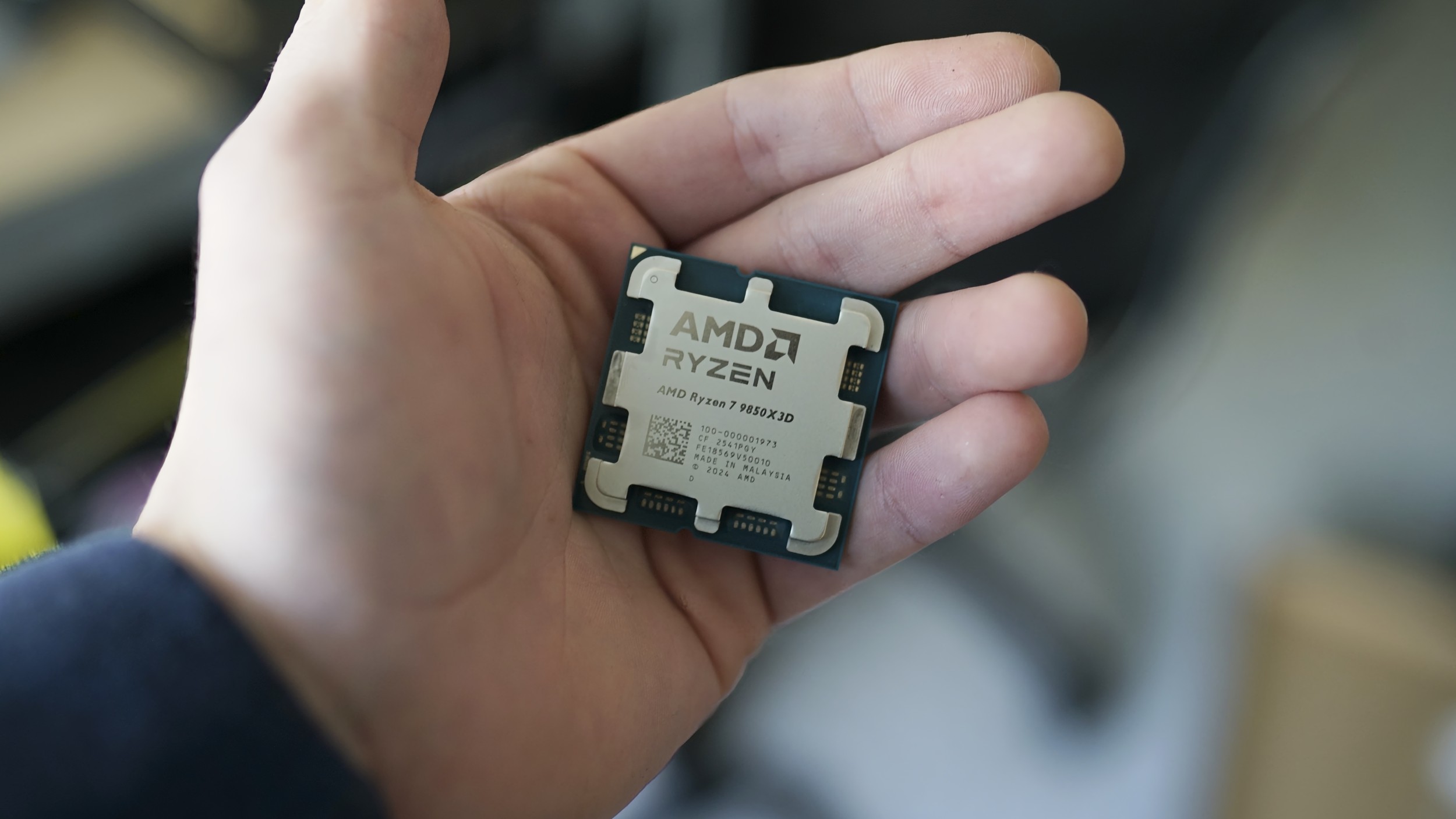
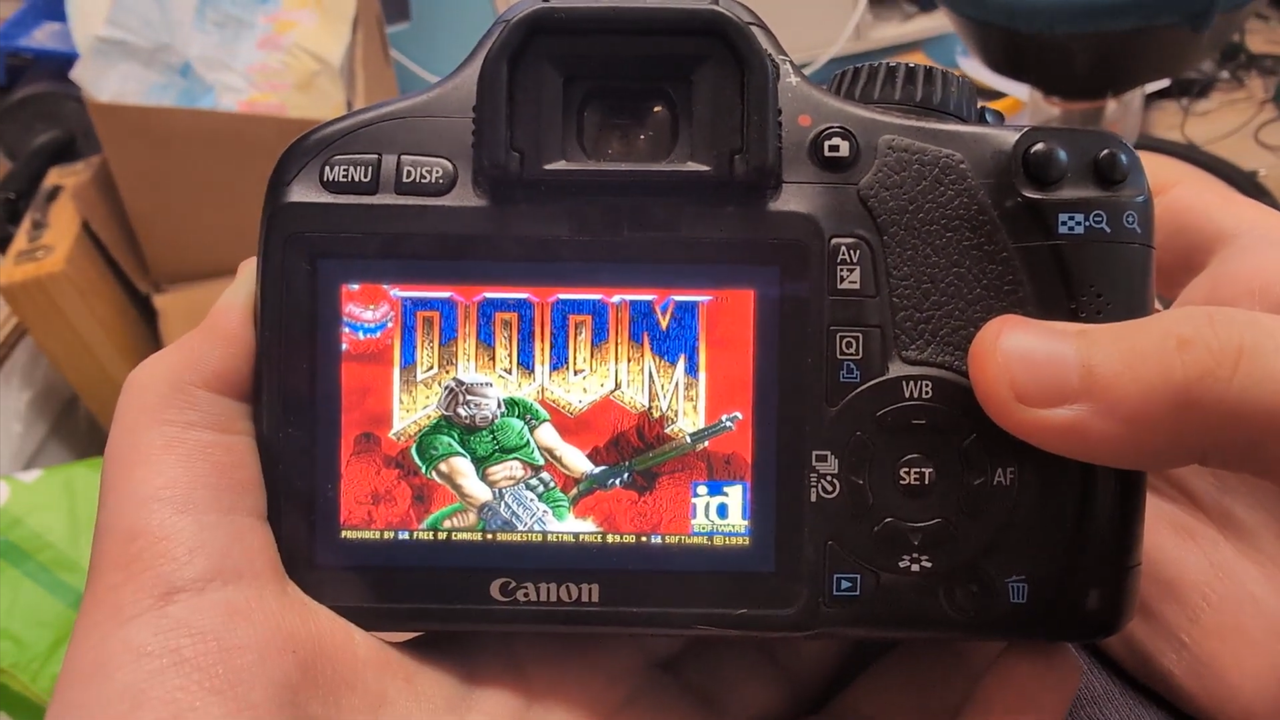
Running Doom on the weirdest hardware and software has become a challenge in the developer community. The latest feat that we see today has been achieved by lauris-nl, after they built a port for the Canon EOS 550D digital SLR camera. The intrepid programmer achieved this by using the open-source Magic Lantern firmware that was supposed to unlock extra features for the camera. We’ve seen weird and quirky projects running on “exotic” hardware like an electric cooking pot, an Apple Lightning-to-HDMI dongle, or even an orbiting satellite, but this is the first time that I've seen one running on a camera.
The Canon EOS 550D, also known as the Rebel T2i, is an entry-level digital SLR that Canon launched in 2010. It had an 18-megapixel APS-C sensor paired with a DIGIC 4 image processor and features a 3-inch TFT LCD display and a rear mono speaker. This is apparently powerful enough to run Doom, with lauris-nl showing off the game running smoothly on the camera. The up, down, left, and right buttons serve as the camera control and navigation, while the set button is the select and fire button. You can press the Menu button to open the in-game menu, and then the DISP. button to go back while in the Doom menu. Since the 550D comes with a speaker, you can hear in-game sounds as you go through its different levels.
Unfortunately, its developer said that this port only works on the Canon EOS 550D with firmware version 1.0.9. They specifically said, “Do not install this binary on another camera model or firmware version.” Although they did not say why, you don’t want to run into the risk of bricking your camera if you attempt to do so (unless you know what you’re doing). Now, if you have this specific gear and want to give it a try yourself, it’s relatively easy to do. You just need a compatible Magic Lantern 550D.109 build on an SD card, copy the released module to ML/MODULES/doom.mo and create the ML/DOOM/ folder, then paste your Doom-compatible files into it.
From there, plug the SD card into your Canon camera, turn it on and select Doom > WAD in the Magic Lantern Games menu, and then restart the camera. From there, you’re off to blasting demons and the undead into kingdom come straight from your camera. This is a great way of relaxing after an entire day of shooting your subjects, although it’s ideal that you keep your Doom game on an SD card that’s separate from where you keep your photos. If you don’t have a Canon EOS 550D, another developer created a Doom port for the Canon PowerShot SD1000 / IXUS 70 point-and-shoot camera from 2007, so you might want to give it a try if you have it stored in your drawer.
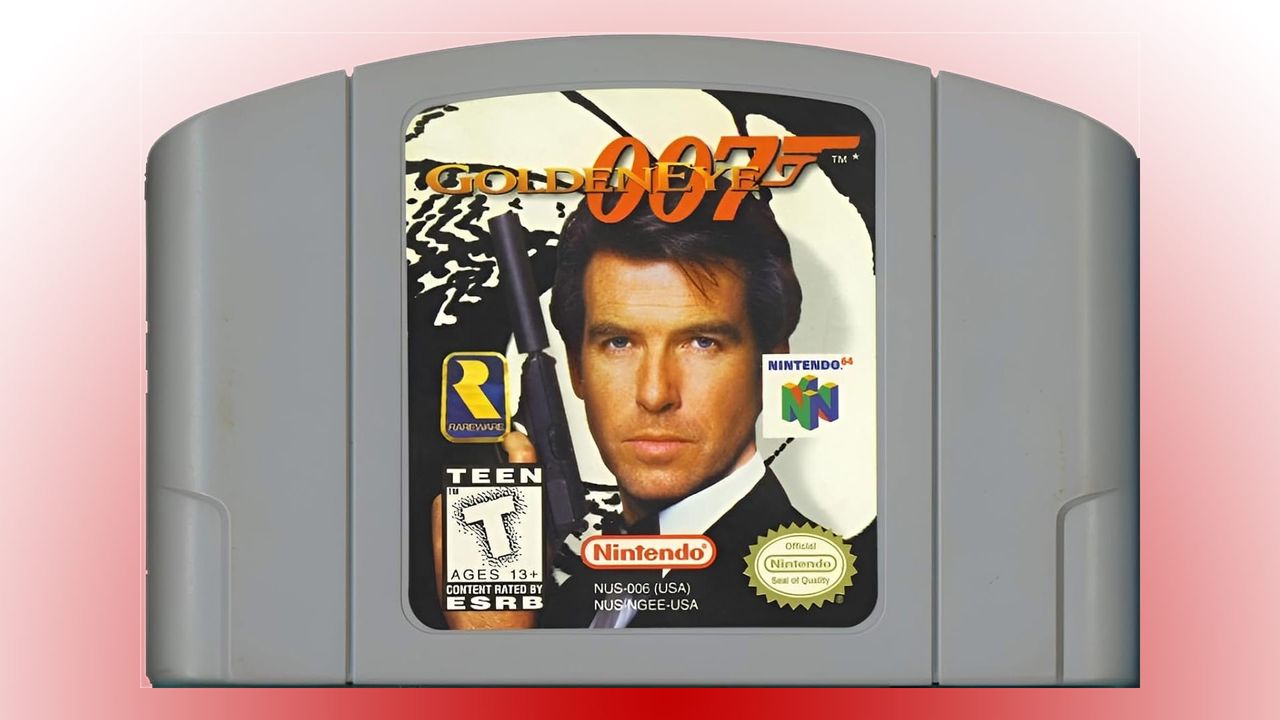
A reverse engineering and retro gaming enthusiast has finally succeeded in their goal of decompiling GoldenEye 007, the monumental James Bond adventure shooter from Rare. This half-decade project led by KholdFuzion reached 100% on its GitHub decompilation status page a few hours ago. The milestone opens the doors to a myriad of possibilities, including complex modifications of the original Nintendo 64 code, as well as ports to other systems.
GoldenEye 007 launched on the Nintendo 64 in August 1997, and was an immediate hit. It would also become one of the most influential titles in console gaming history. It brought fast, thrilling first-person shooting action to consoles, with multiplayer (up to four players on screen). Moreover, Rare broadened the traditional run-and-gun style game appeal by rewarding tactical play via in-game features like alarms, security cameras, and silenced weapons.
Eventually, GoldenEye 007 would sell over eight million cartridges for Nintendo and become the console’s third biggest-selling title. Its influence would be felt on later classics like Perfect Dark, as well as on other platforms in franchises like Halo and Call of Duty. So this decompilation project hitting 100% is a true milestone.
For some more perspective, in 1997 dedicated 3D accelerators were only just starting to be added to PCs, with the earliest models from 3dfx and Nvidia luring the mainstream gamer. So slick and smooth 3D graphics on the N64 would have been stunning considering the console’s $199 ticket – similar in price to an early 3D accelerator for PC alone.
On the topic of PCs, the source article tips us off about a PC port of GoldenEye 007, based on this decompilation, already in the works. However, it advises against quick AI-led ports being spawned from the now freely available source. Instead, enthusiasts should wait until good human-built and tuned ports start to be released. With KholdFuzion’s foundational work finished, these should start to appear soon.
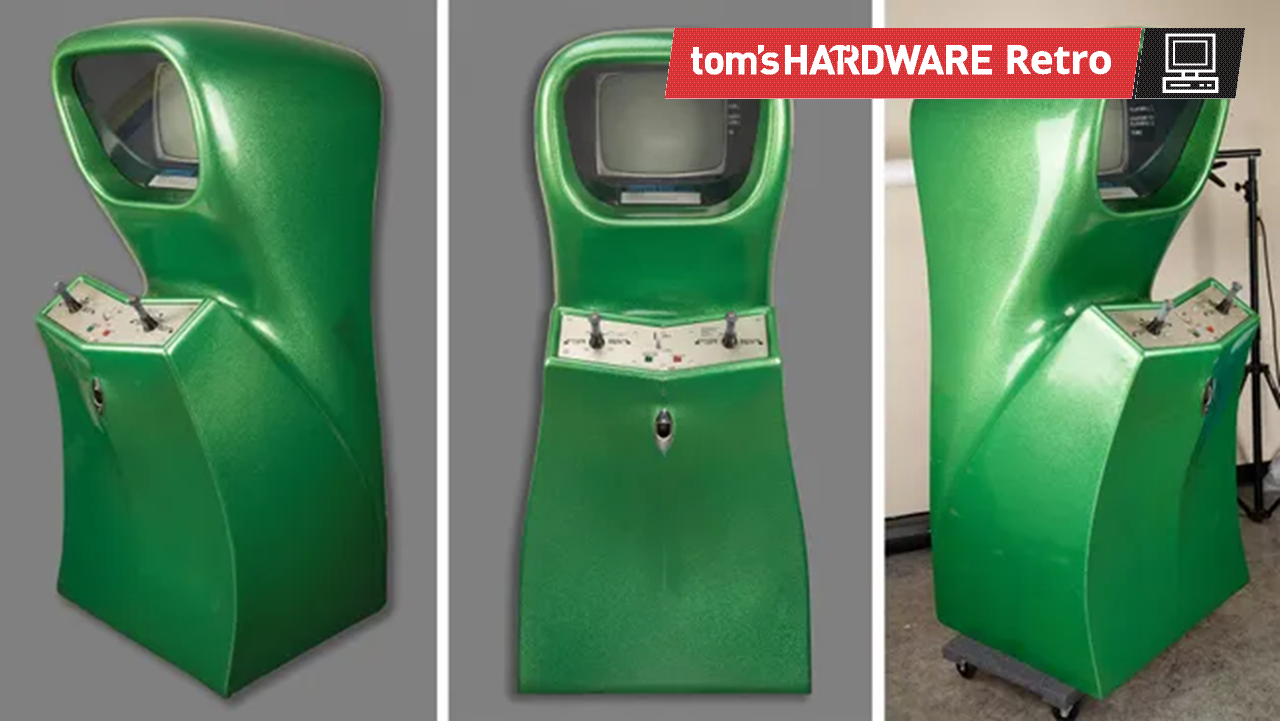
A games industry veteran is selling off what is “probably the rarest arcade game in existence” via Boston’s RR Auctions. The fully working Computer Space 2-player arcade video game cabinet looks incredibly alluring with its Jetsons-esque styling and green sparkle finish. It is estimated that the hammer price will be $200,000+, but bidding is just $6,748 at the time of writing.
I ran out of space and am selling my Computer Space arcade machine at auction (two-player). It's probably the rarest arcade game in existence, found in museums.https://t.co/ZhwPKMGbYl pic.twitter.com/7J90fcMTm3August 11, 2026
Computer Space may not be the most famous retro arcade game, but it certainly has pedigree. The arcade machine was originally released in 1971 by Syzygy Engineering, the company that evolved into Atari. RR Auctions asserts it was both the “first arcade video game ever created and the first commercially available video game.” What we have on auction here is the supposedly far rarer 2-player ‘green sparkle’ cabinet from 1973.
Above: Sample Computer Space (1 player) gameplay recorded from a real arcade machine.
RR Auctions photos show a close-up of the dual-player controls on the upright arcade machine. After inserting a quarter, players could optionally select a 2-player game. Then each player would ready themselves by grasping the joystick.
Pushing the stick left and right rotates your on-screen craft appropriately. Nudging it up thrusts your ship forward. The fire button is the red button on top of the joystick. Not very ergonomic by today’s standards, but game designers were definitely still finding their feet. The Computer Space arcade machine was an important ancestor to the revolutionary releases of Pong(1972) and the Atari 2600 home console (1977).
After that description, it is easy to understand why Perry, the games industry veteran behind Shiny Entertainment and Gaikai, held this arcade cabinet in his collection. On X, the developer and entrepreneur explained the sale as an act precipitated by his home arcade collection running out of space. Indeed, it is probably fair to describe Computer Space as a museum piece rather than a seminal video game that everyone remembers.
The auction is scheduled to close on August 20, 2026. Perry notes that a more common single-player version of this machine sold for $69,000 (in 2024), so perhaps the $200,000 estimate will prove accurate. Perry’s sale is part of the Steve Jobs & the Computer Revolution: The Apple 50th Anniversary Auction Part Two, packed with many more interesting artifacts.
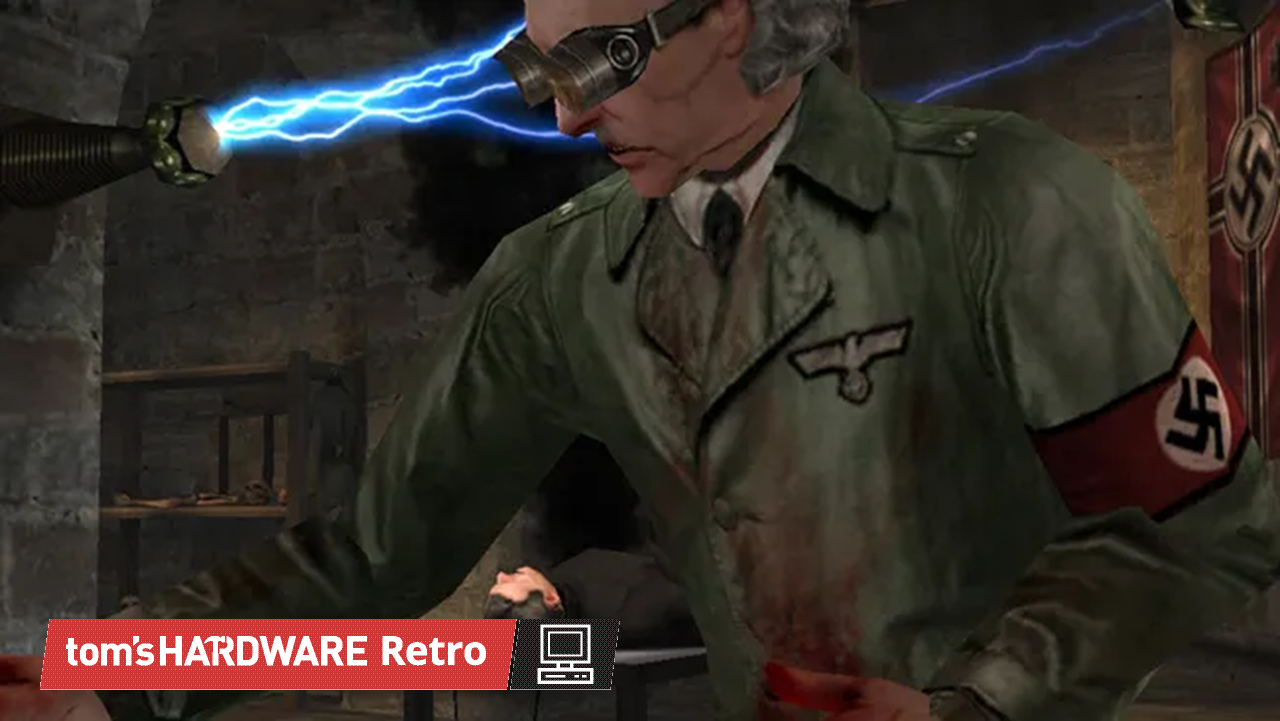
Some announcements arrive with fireworks, while others show up as a single easily missed tweet during a flurry of QuakeCon announcements to quietly close one of the longest-running oddities in PC gaming. After roughly 25 years, Return to Castle Wolfenstein (RTCW) is finally available in Germany in its original, uncut form. Bethesda Deutschland dropped the news amidst its QuakeCon announcements, bringing an end to a censorship saga regarding Nazi symbolism that stretches all the way back to the game's original 2001 release.
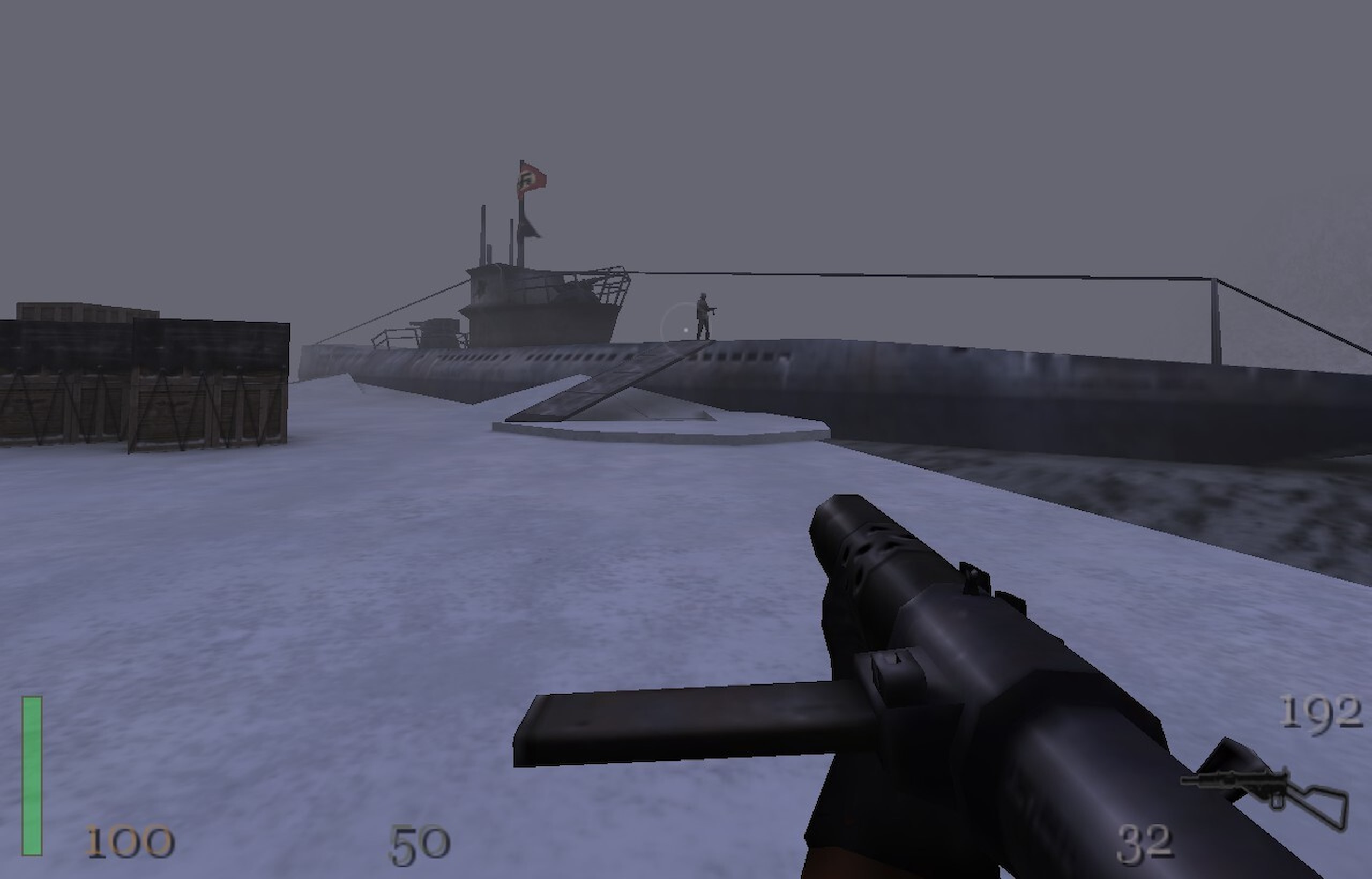
The game's environments are surprisingly varied despite the relatively primitive technology in use. This level is set in Norway. (Image credit: Bethesda Softworks)
If you weren't around for PC gaming in 2001, it's hard to overstate how different the landscape looked.NVIDIA's GeForce 3 had only recently introduced programmable shaders to consumer graphics cards, theATI Radeon 8500 was fresh competition, Windows XP was brand new, and legendary pioneers 3dfx had just disappearedafter being acquired by NVIDIA. Broadband internet was becoming more common, but plenty of multiplayer sessions still happened over LANs, and a Pentium III or Athlon paired with 256 MB of RAM was enough to run one of the latest engine technology showcases.
Built on id Tech 3, perhaps better known as the tech that powered the incredible Quake III Arena, Grey Matter's Return to Castle Wolfensteinlooked fantastic for its day, and it also inherited the series' unmistakable identity. See, ever since Castle Wolfenstein in 1981, and even more so after Wolfenstein 3D essentially invented the first-person shooter as we know it a decade later, the games have been about one thing above all else: shooting Nazis.
That identity created a problem in Germany. For decades, games depicting Nazi symbolism faced legal and regulatory hurdles that films did not, resulting in a heavily modified German version. In RTCW, swastikas disappeared, Nazi organizations were renamed, Heinrich Himmler became the fictional "Heinrich Höller," and references to the Third Reich gave way to the equally fictional "Wolf Clan."
At first glance, that sounds like the sort of censorship that simply strips away context, yet RTCW was already a strange game. The opening hours suggest a relatively grounded World War II action title. You wake up in a prison with a knife, you fight Nazis in a castle, and things seem normal for about a whole hour before rapidly veering into supernatural pulp. Within a few missions, you're fighting zombies, exploring haunted crypts, and watching the SS dabble in increasinglyimplausible occult experiments.
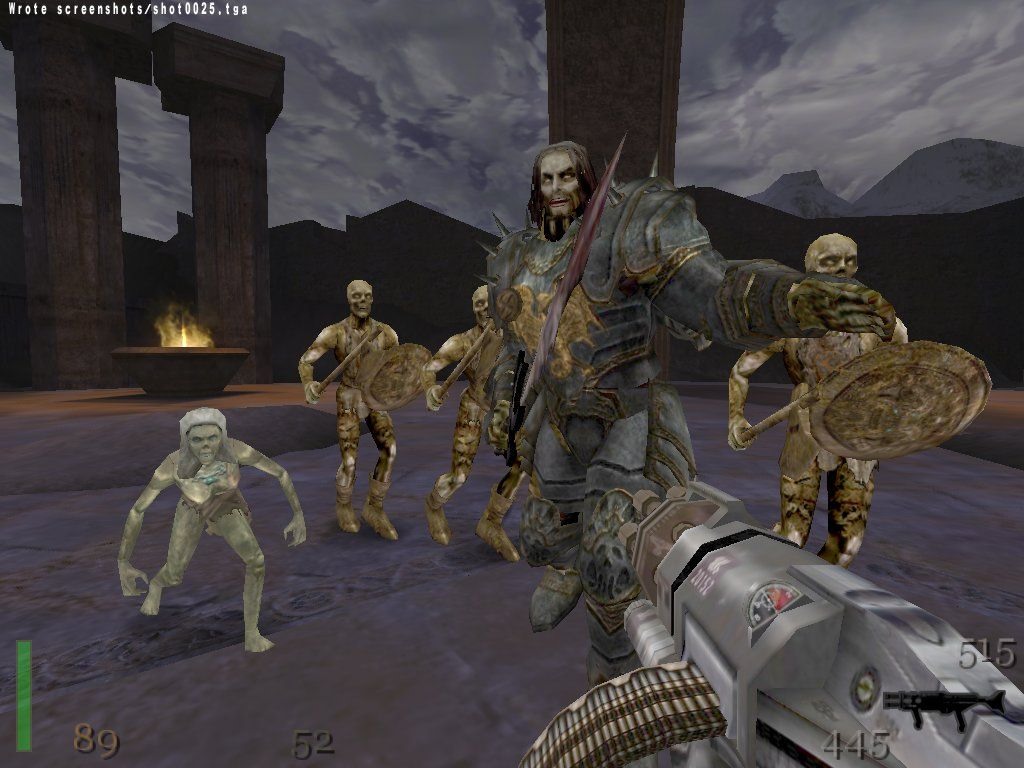
The final boss Heinrich is barely mentioned before the end of the game, making him quite a surprise if you aren't paying close attention to the story. (Image credit: Alan Chan/MobyGames)
By the end, the final boss isn't Hitler (mech suit or no) or a secret superweapon, but Heinrich I, historically known as Henry the Fowler. He was a real 10th-century German king, supposedly resurrected in the game through dark ritual. He's also somewhat infamously a surprisingly manageable final boss, making for a finish both absurd and anticlimactic after the game's escalating parade of undead knights and bizarre experiments.
Seen through that lens, the censored version accidentally became a different story. Instead of Nazis attempting to exploit medieval occult power, it played more like an ancient secret society preserving itself across the centuries before trying to resurrect its long-dead founder. It's arguably a cleaner fantasy premise. The "Wolf Clan" makes more narrative sense once the game fully commits to gothic horror. However, it does make the opening chapters, where an OSS Ranger is somehow investigating a shadowy organization seemingly unrelated to the wider war, a bit awkward.
The catch, of course, is that it stops feeling much like Wolfenstein. The series' DNA isinseparable from infiltrating Nazi strongholds and sabotaging increasingly desperate attempts to turn the tide of World War II. Remove that element, and the title itself starts to feel like an artifact from another game series altogether.
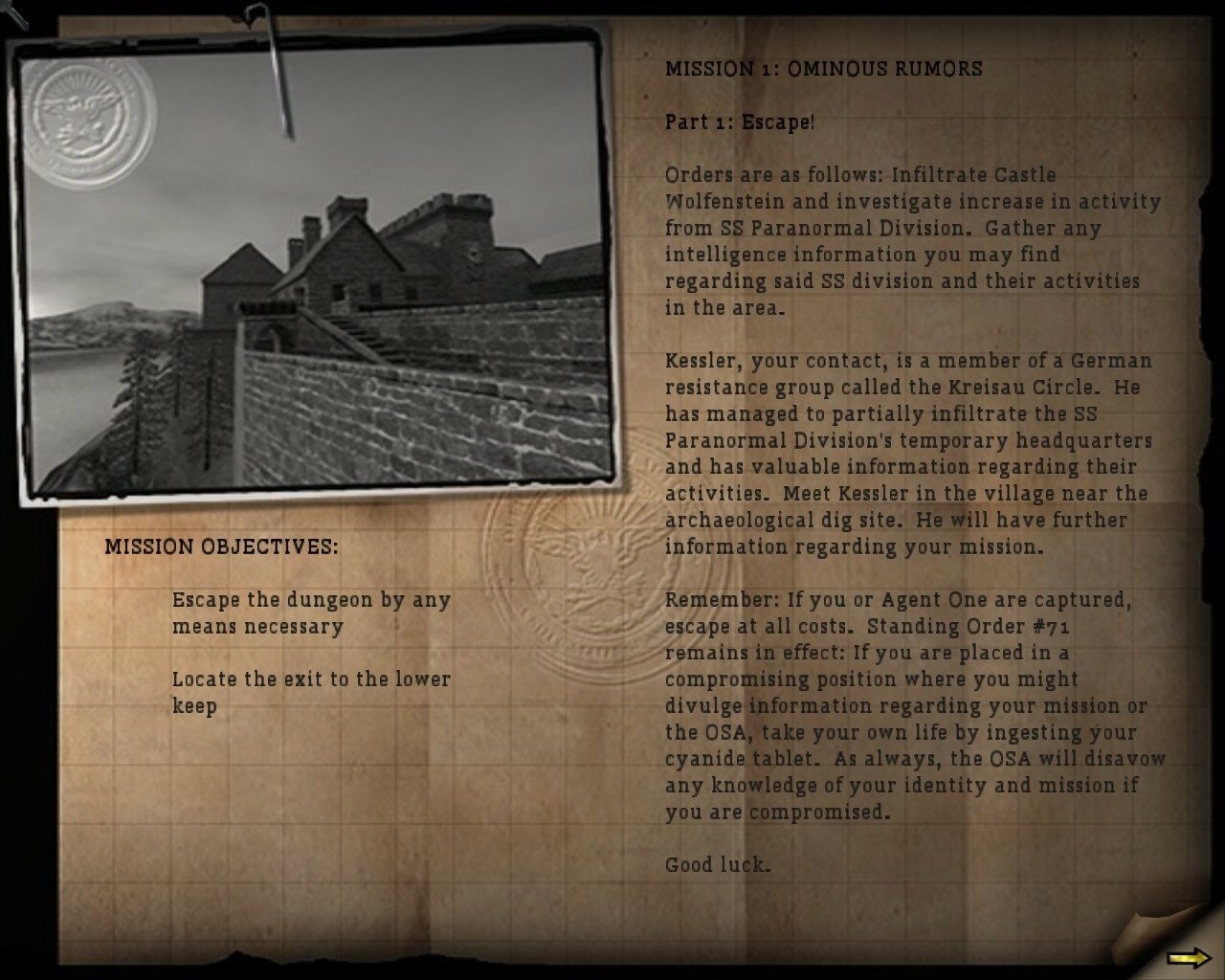
These surprisingly detailed mission briefings had to be fully reworked for the German version of the game. (Image credit: Bethesda Softworks)
It's a curious example of something that occasionally happens with censorship across entertainment. More often than not, edits simply leave a work feeling diminished. Every so often, though, these constraints produce something unexpectedly memorable. The Texas Chain Saw Massacre owes much of its enduring reputation to how much horror it leaves to implication rather than explicit gore, and that decision was made due to the ratings board. Similarly, action film edits for TV often cut gory death scenes, which can ironically improve the pacing of the film.
Return to Castle Wolfenstein belongs in that same conversation, albeit for different reasons. The German version wasn't a better version of the game in any objective sense, but it accidentally shifted the genre. Instead of occult Nazis, it became a story about an ancient cult whose descendants had survived into the modern era. That's a premise that I personally find more appealing and even internally consistent, even if it comes at the expense of the series' defining theme.
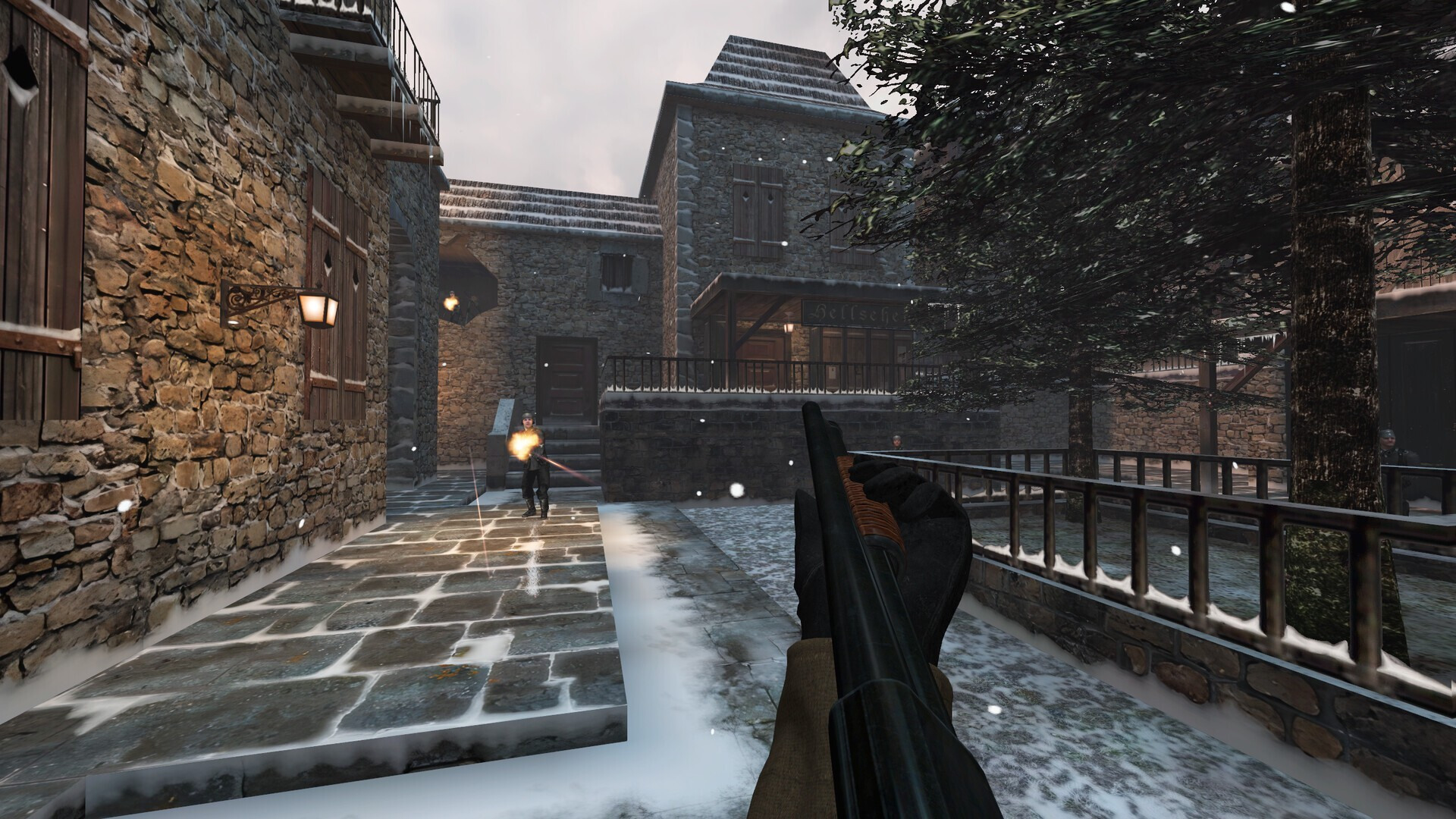
The RealRTCW mod offers widescreen support and improved texturing and lighting over the base game. (Image credit: RealRTCW Team)
So, after a quarter of a century, German players can finally buy the same uncensored game that much of the rest of the world has had since 2001. It's ironic, and it's about time, too. While Germany relaxed its gaming rules in 2018, allowing modern entries like The New Order to go uncut in 2019, Grey Matter's 2001 classic remained stuck in censorship limbo until now.For game preservation, historical authenticity, and simple consumer choice, that's unquestionably the right outcome. Yet it also marks the quiet retirement of one of gaming's strangest alternate versions; a release that, through a combination of legal necessity and narrative coincidence, accidentally stumbled into telling a very different and potentially more compelling story.
Folks in Germany should now be able to pick up the uncensored version of the classic game on sale for just two dollarsat Steamand GOG, or you can get a bundle that includes the original Wolfenstein 3D for just a dollar more. If you grab it, make sure to check out theRealRTCW overhaul mod that radically improves the game with modern features like proper widescreen support and cleaner OpenAL audio.
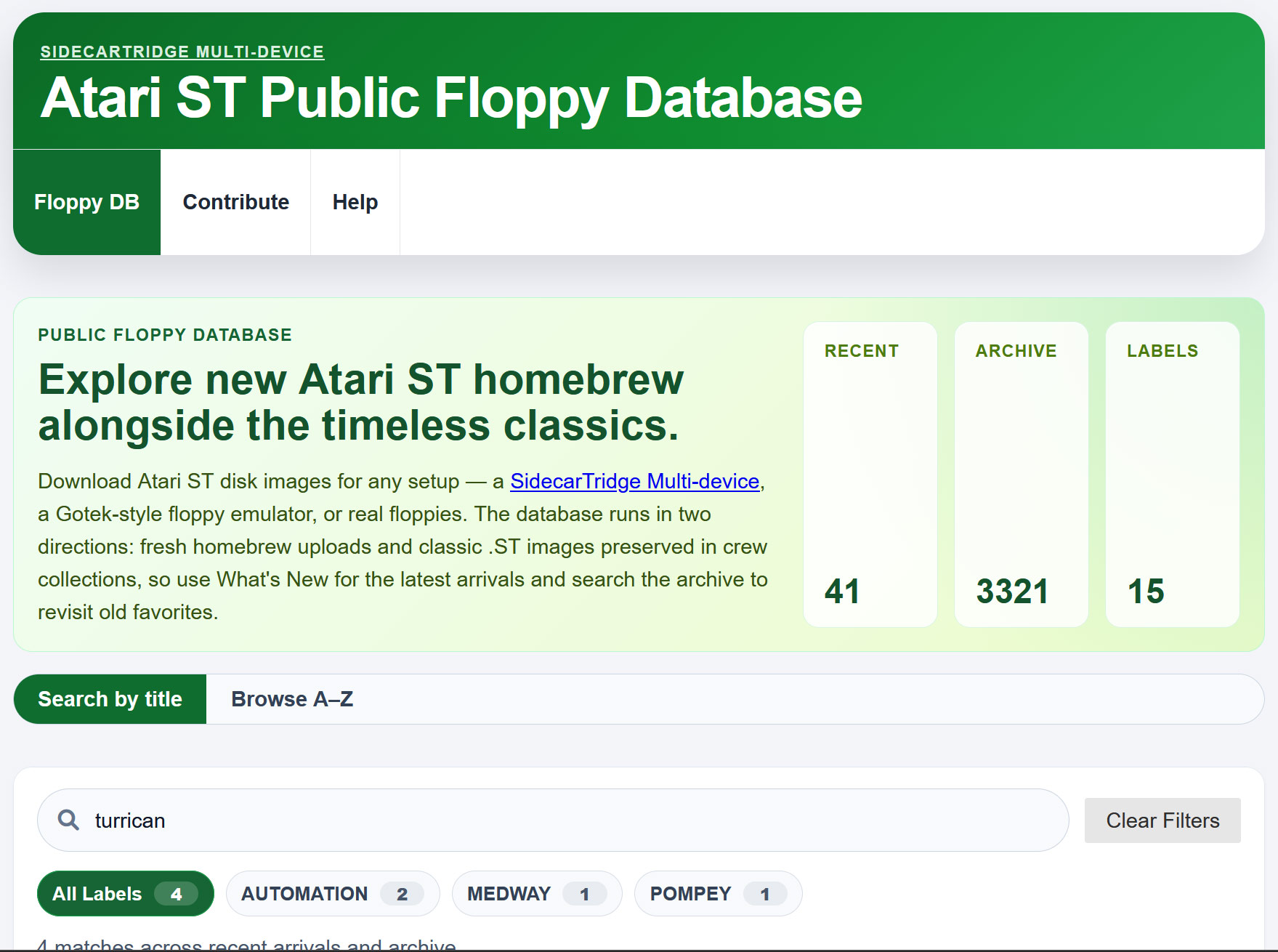
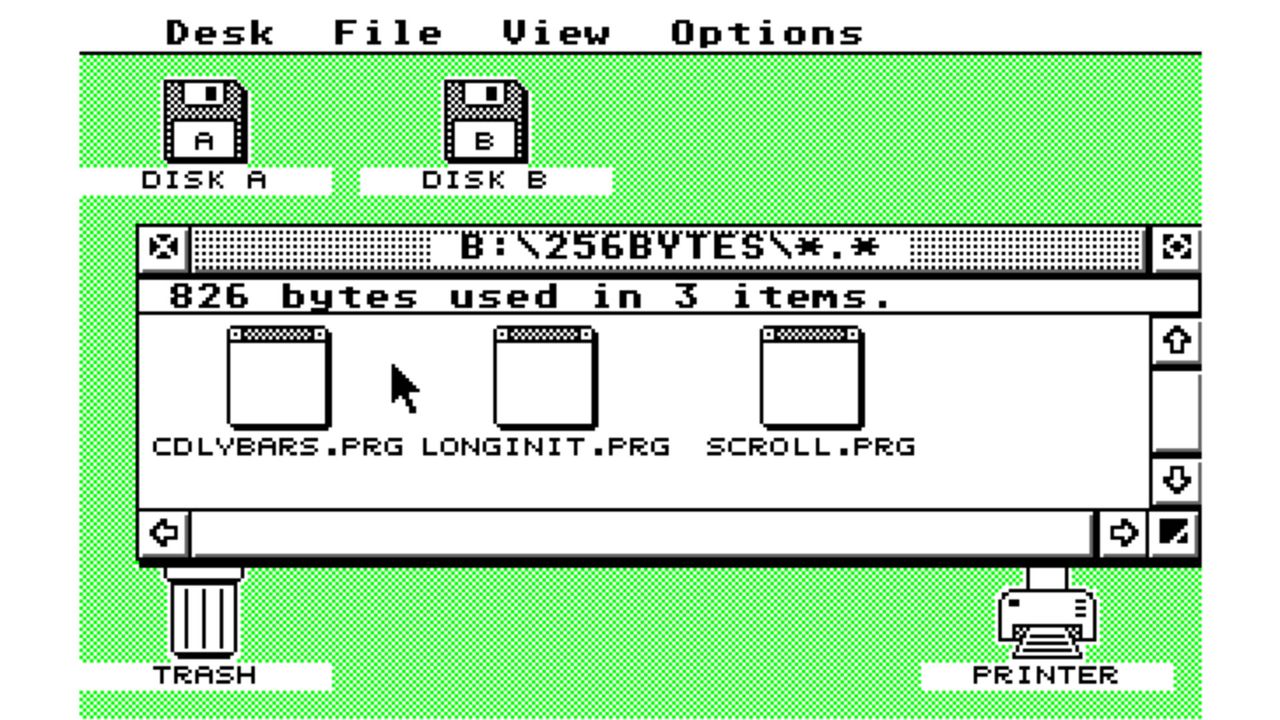
An extensive Atari ST floppy disk database can now easily be accessed by all netizens. Originally created to serve floppy images to the owners of the SidecarTridge multi‑function hardware add‑on for the Atari ST family (ST, STE, Mega ST, TT, Falcon), anyone can now browse, search, and download the .ST files to use with other hardware, emulators, or even to rewrite the disk images to actual floppies.
The Atari ST Public Floppy Database browser from the SidecarTridge Multi-device is now open on the web to everyone.Until now, searching that community-curated archive of floppy images meant firing up your Atari ST with a SidecarTridge Multi-device. The search lived inside the…July 21, 2026
After reading the announcement, I decided to check out the online repository. My favorite old platformer series was there, with more than one disk featuring the legendary Turrican and Turrican II releases. I also checked and confirmed public domain/shareware favorites like Gravity Force were available, as was Llamatron, and the mono high-resolution Bolo. Some things I looked for, like the Stupendous Demo, seemed to be missing, as were serious art and DTP tools I used to dabble with in the 90s.
(Image credit: Tom's Hardware)
The database is pleasingly new and regularly maintained, though. For example, it has 41 Atari ST disks flagged as recent arrivals. These are a mix of old releases being added, and some extremely new titles like new homebrew games, and a collection of demos released at Sommerhack 2026 just last month.
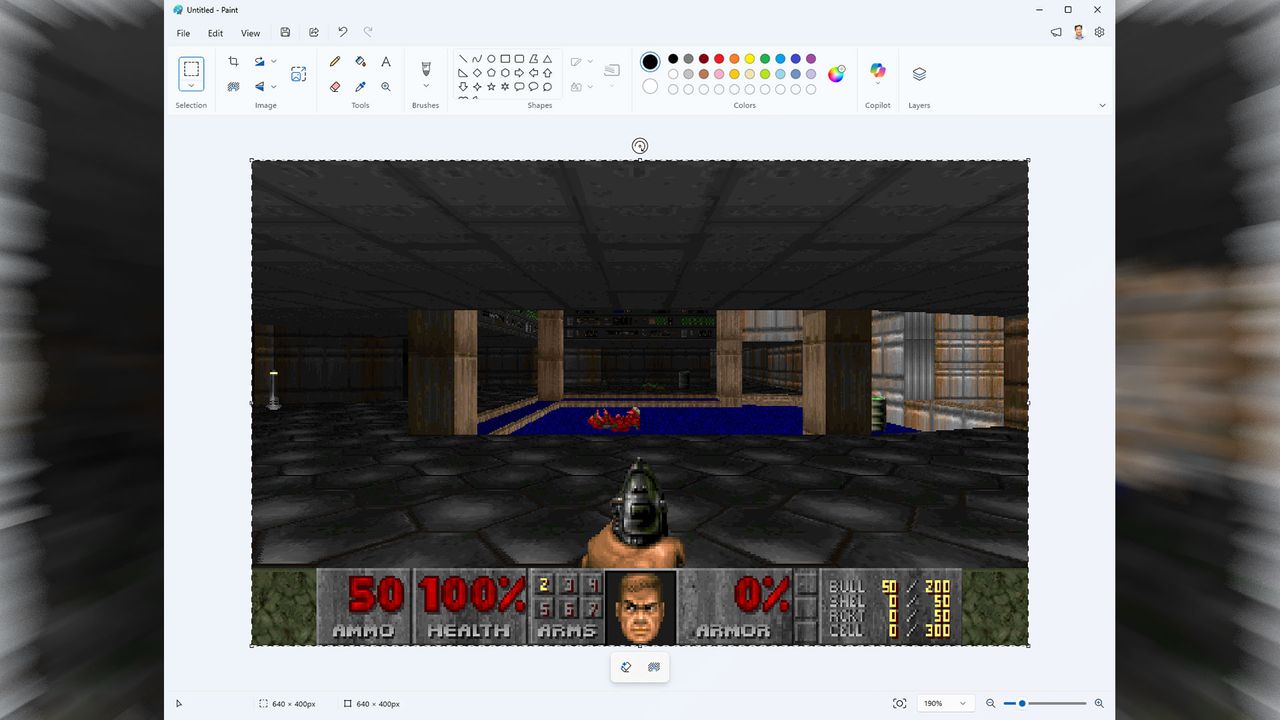
Another day another Doom port, but the new DoomPaint stands out from the crowd for a few reasons. Firstly, it has been developed by Mark Russinovich, the Microsoft Azure CTO. Secondly, DoomPaint runs the actual original shareware Doom release using MS Paint as the monitor or viewport for in-game action. That’s different, and it is remarkable to read that the OLE clipboard hack behind this latest Doom escapade allows the game to run at a fair pace, up to 35 FPS, but might also sometimes be “spreadsheet-tier,” according to the author.
“The actual Doom engine (ViZDoom) runs the real shareware DOOM1.WAD — with the BSD-licensed Freedoom WADs covering the episodes shareware doesn't ship — and renders headlessly,” explains Russinovich on the project GitHub page. “Every frame is placed on the Windows clipboard and pasted into Paint's canvas as a genuine document edit.” The Microsoft CTO adds that the relatively low frame rate “is part of the charm” of DoomPaint, but 35 FPS isn’t bad, if you can make it, especially in 1990s PC gaming terms.
There are files, resources and instructions on how to run DoomPaint on the GitHub site. Depending on your machine you may be able to run this version of Doom at a full 35 FPS at 320 x 200, or even 640 x 400 pixels. It even includes sound and music.
Towards the end of the README file, Russinovich says that “Paint renders the game but does not compute it. Paint computes nothing. Paint has never computed anything. That's the joke.” DoomPaint is distributed under the MIT license.
Russinovich started at Microsoft in 2006, where he’s transformed SysInternals into the backbone of Windows diagnostics. More recently he’s shaped Azure’s architecture, security, and reliability. Over the past year he has, accidentally or by design, become well known as a leading voice behind addressing the many shortcomings of Windows 11.
It's therefore kind of surprising that this busy CTO has time to fiddle with projects like DoomPaint. However, the most dedicated coding and computer enthusiasts will also code and compute in their spare time.
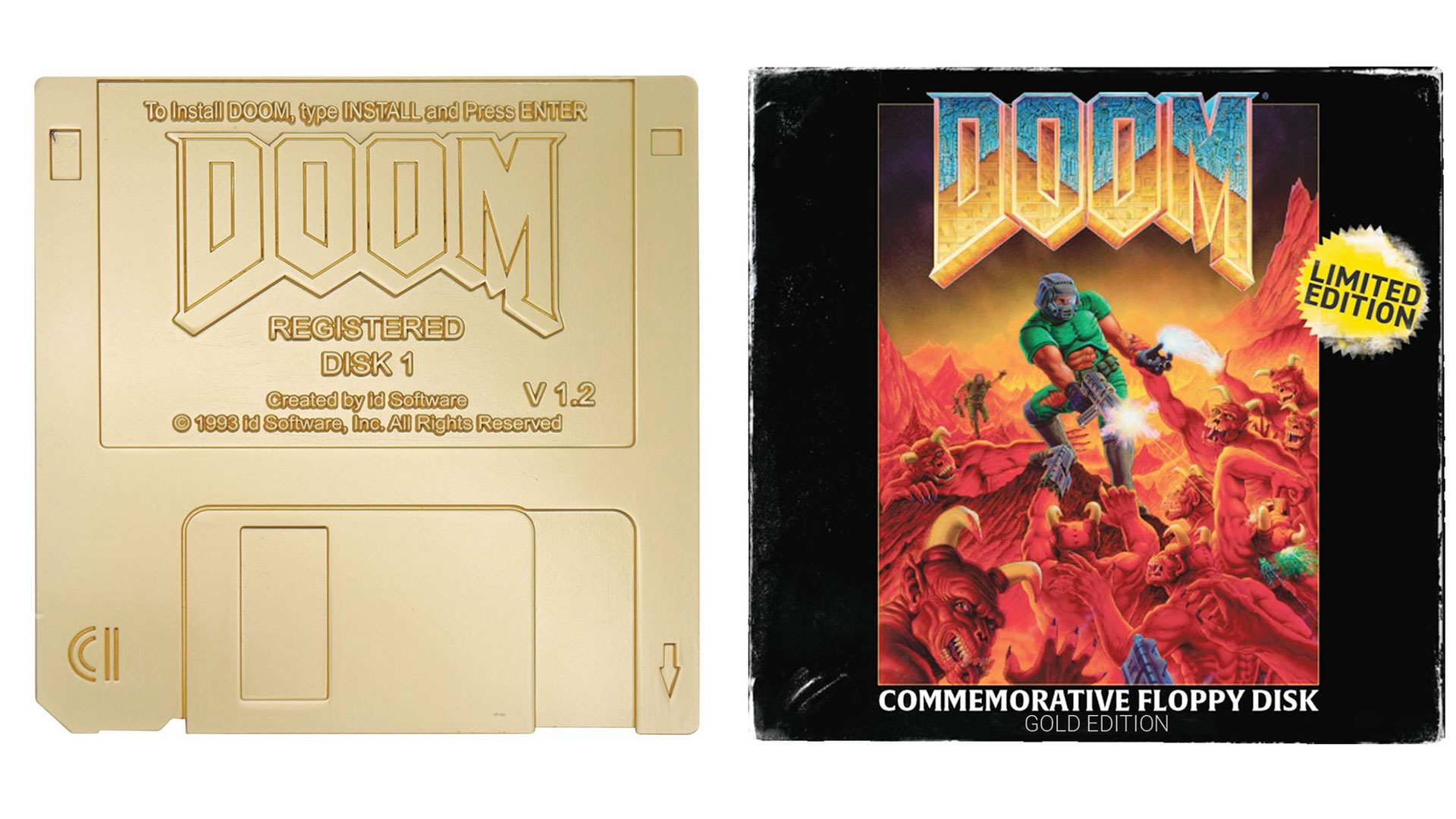
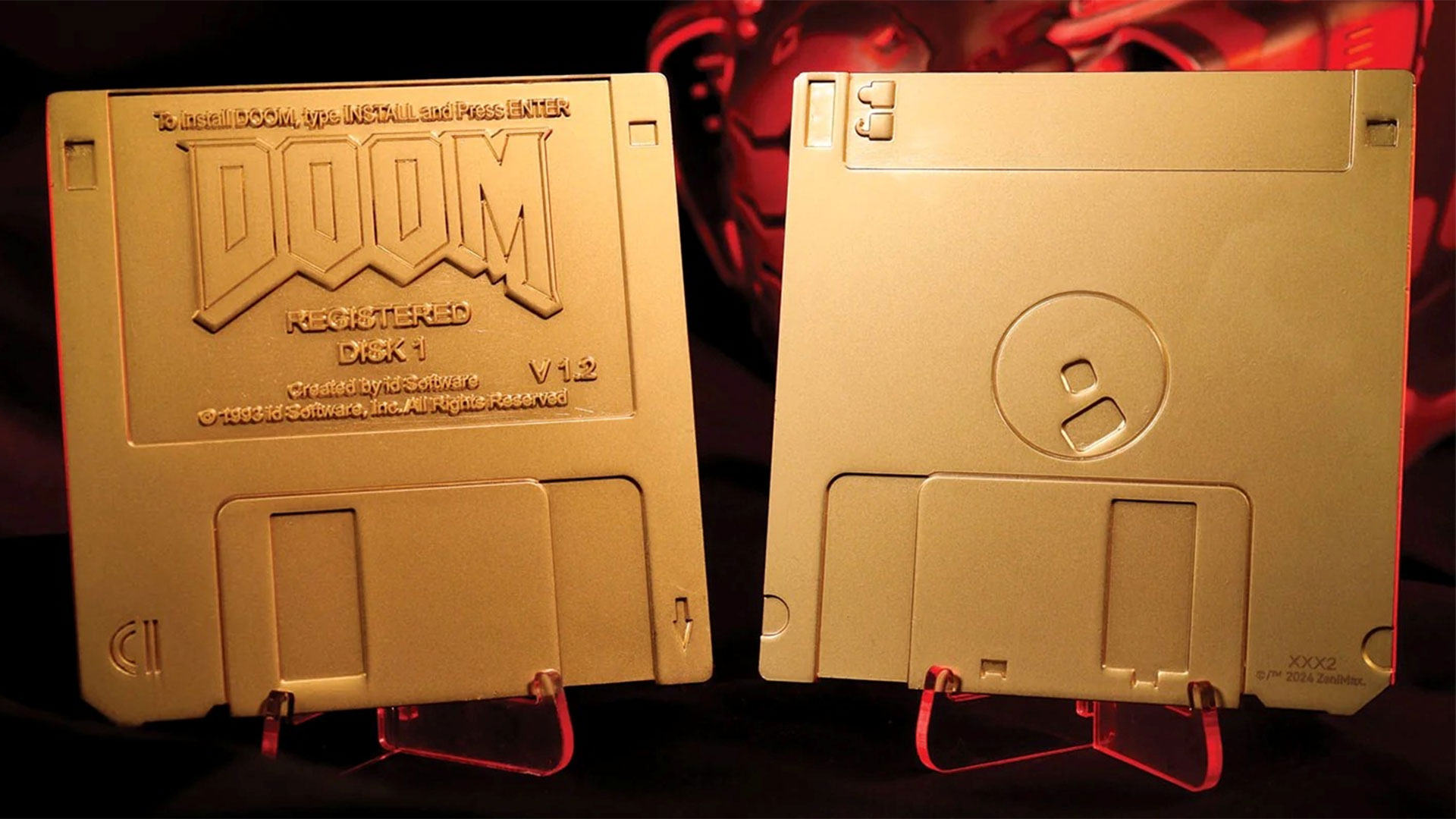
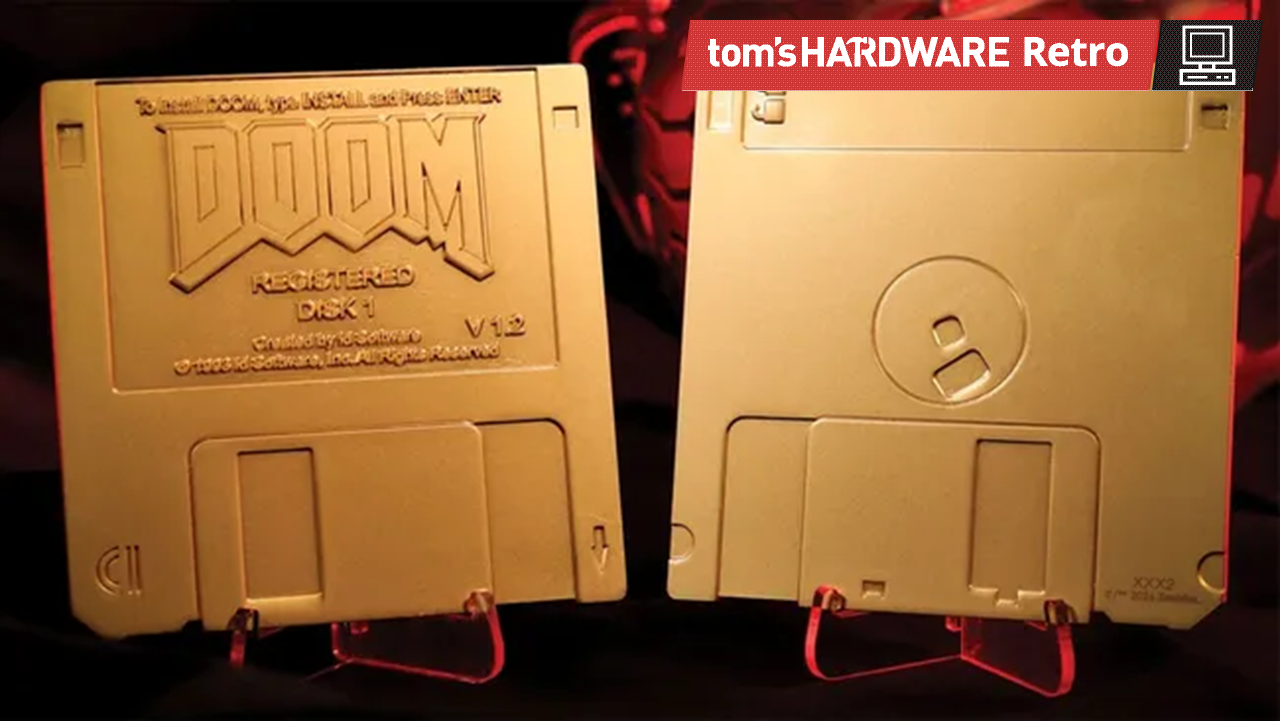
GameStop has listed a Doom Floppy Disk Limited Edition Imitation Gold Plated Replica at $29.99. Let’s unpick that for a moment. These are imitation floppy disks coated in imitation gold, delivered in a commemorative box. There’s a display stand included, too. However, these are non-functioning 'floppy disks' inspired by the Doom v1.2 shareware release and don’t contain any game data. Doom's single-level ‘Knee‑Deep in the Dead’ shareware release is still free to download, though, as it has been for many years.
GameStop and FanattikGameStop and FanattikGameStop and Fanattik
“What's more retro than obsolete technology?” asks Fanattik, the collectibles maker behind this useless physical media. “Celebrating the humble 3½-inch, 1.44 MB floppy disk that the game was originally released on back in 1993, this limited edition Doom Floppy Disk Replica plated with imitation gold comes in a box displaying the original game artwork, has a display stand included, and is individually numbered as one of 5,000 worldwide.” Pre-orders are now open at GameStop in the US for $29.99 or directly from Fanattik in the UK at £19.99.
The 89 x 89 mm dimensions of the golden-but-not-gold and 3.5-inch-but-not-floppies make them at least the correct size. However, if I were buying fake floppies, I think I would appreciate a movable protective sliding mechanism and the write-protect cutout toggle to move, so I could fidget with them from time to time.
Also, in some ways, it is ironic that game media is now being licensed and hawked to fans, at non-trivial prices, without any game data contained on them. This seems to be a growing trend as the games industry moves inexorably to a digital-only future. People still covet the physical media so much that they are now willing to pay for it, even without any game data or download code being associated with it.
The original Doom v1.2 shareware edition was released on two floppy disks in Feb 1994, and it is famous for adding modem support to this seminal game. If you paid and registered Doom v1.2, you would get four floppy disks from id Software containing the full three-episode campaign. The registered release disk set stayed on four floppies until the CD-ROM era.
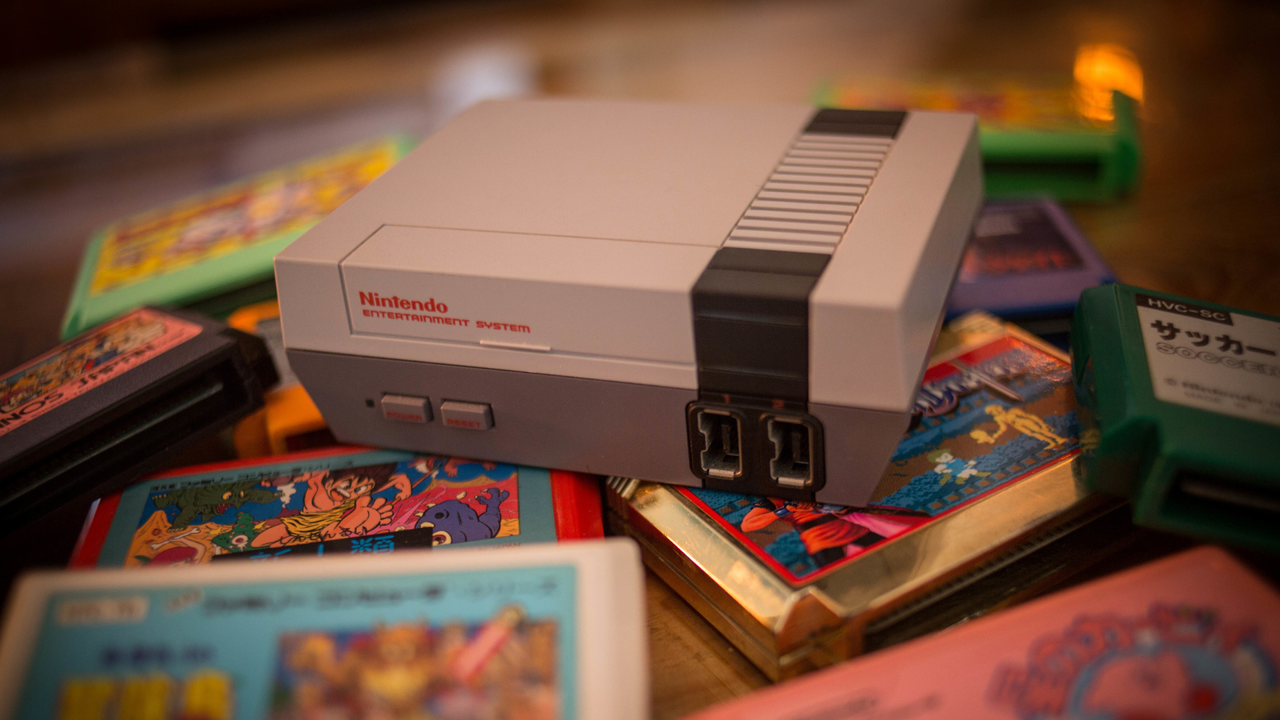
A retro shop owner based in Waukesha, Wisconsin, located some 15 miles west of Milwaukee, discovered that he was holding on to a rare stash of NES carts in his storage room. According to Nintendo Wire, these cartridges were never-before-seen versions of Duck Hunt and Super Mario Bros., which were some of the most popular games on the Nintendo Entertainment System. What’s more important is that these haven’t been opened, and the original owner said that these supposedly came directly from Nintendo of America. Their condition is so pristine that PSA (Professional Sports Authenticator) gave them extremely high grades of no less than 9.6, with five units getting the coveted perfect 10.
Kevin Braun, the owner of the retro shop OneStopWonders, said that a person sold him the cartridges years ago and that they’ve just been sitting untouched in his storage unit. The man said that his grandfather owned a business that recovered precious metals from circuit boards, and that this box was supposedly sold to him for salvaging. It’s unknown how it ended up in storage instead of recycling, but Braun bought it from the seller, thinking he could resell it in his shop for around $10 to $15 each.
Thankfully, he forgot about these cartridges until his friend and EIC of Nintendo Wire, Jason Ganos, got a chance to look at them. When he saw the carts for the first time, Ganos knew that he was looking at something special but didn’t realize how exceptional they were until he shared the find on a high-end gaming Facebook group. Two different people working as directors at different grading companies then reached out to him, telling him that there was something strange about these cartridges. They then asked for more photos of one cartridge and the manual and even told him to disassemble one unit for a deeper inspection.
This is where he discovered that these cartridges were some of the last produced units made during the 40th week of 1993. The manuals weren’t seen before, either, with the back page saying, “maintenance or service,” whereas previous known versions said, “maintenance or repair.” Because of these finds, he proceeded to take a flight to PSA in California early the next morning, where the grading company confirmed its authenticity.
It seems that the cartridges in the box were made as replacements for warranty repairs or refurbished consoles, or as part of a bundle that never saw release. We would never know which is true, though, unless Nintendo of America confirms why they were made. If you’re an avid collector or simply want to get your hands on an original Nintendo game that hasn’t been released, three carts will be auctioned off at Goldin Auctions starting August 12.
It’s unclear how much these carts will go for, but it’s estimated that they’d cost at least four digits, with the perfect 10s possibly hitting five digits. This is possible, given that an ultra-rare NES Gold Nintendo World Championships cartridge auction sat at $77,000 and probably sold for a much higher price. So, if you want to get your hands on this, you’d better have a war chest of at least $100,000 to guarantee that you can get one — just don’t blow on it if you insert it in your NES console and it doesn’t work for the first time.
As fans wait for Nintendo's announcement of a release date for its The Legend of Zelda: Ocarina of Time remake for the Nintendo Switch 2, developer Chris "Kahris" Sotraidis has introduced something to tide over the more impatient among them. HarkinianPad is a port of the Nintendo 64 classic that runs natively on iOS and iPadOS.
Leveraging OpenAI's Codex and GPT-5.6 Sol, Kahris overcame the limitations of traditional emulation and the restrictions of the Nintendo 64 and delivered modern features like widescreen, full-screen support, and buttery-smooth 60 FPS gameplay—but you'll still need to bring your own ROM.
Released in 1998 on the Nintendo 64, The Legend of Zelda: Ocarina of Time is widely regarded as one of the greatest titles in gaming history. Nintendo later launched a remake for the Nintendo 3DS in 2011. For those without a Nintendo 64 or Nintendo 3DS, the classic was eventually available on the Nintendo Switch and Nintendo Switch 2 through the Nintendo Switch Online Expansion Pack. Those restrictions were a drag for gamers who wanted to experience the game but did not own a Nintendo console.
Fortunately, a group of developers known as the Zelda Research Team (ZELDARET) decompiled The Legend of Zelda: Ocarina of Time into C in 2021, which enabled developer Harbour Masters to create Ship of Harkinian, an unofficial native port of the Nintendo 64 classic, compatible with Microsoft Windows, Linux, macOS, Android, Nintendo Switch, and Nintendo Wii U.
As you can probably guess by the name of Kahris's project, HarkinianPad is based on the engine from Ship of Harkinian. Kahris had Codex 5.6 Sol adapt the already decompiled C code for iOS. The agent essentially rebuilt it as a native Arm64 application with rendering through Apple's Metal API. It paves the way for better performance and support for higher native resolutions and features that were not available with the original.
Ocarina of Time, running natively on iOS and iPadOS for the first time.Not an emulator. Ship of Harkinian has run on Windows, Linux, macOS, Switch, Wii U, and Android. Never iOS. Now it runs on iPad, with iPhone in the build too.The game was decompiled to C and rebuilt as a… pic.twitter.com/7J62JwGRHqJuly 27, 2026
HarkinianPad not only runs at full resolution with widescreen support, but it does so at a buttery-smooth 60 FPS. That's a big upgrade over the original's 240p resolution at 20 FPS, which is the best the Nintendo 64's hardware could do at the time.
With HarkinianPad, Kahris introduces a new touch-friendly control scheme. You can use the iPhone or iPad's touch controls or opt for a more traditional setup by connecting a Bluetooth controller, mouse, or keyboard. This flexibility lets newcomers and diehard The Legend of Zelda fans enjoy the game that best suits their play styles.
HarkinianPad is compatible with both iOS and iPadOS, allowing gamers to play The Legend of Zelda: Ocarina of Time on a wide range of Apple devices, from iPhones to iPads. As an open-source project, HarkinianPad is freely available to anyone interested; the latest version and source code are live on the project’s GitHub page. Although HarkinianPad, in keeping with Ship of Harkinian, is not a traditional emulator, it still requires users to possess a legally owned or obtained copy of The Legend of Zelda: Ocarina of Time ROM. The ROM serves as a library where HarkinianPad pulls assets, such as graphics, music, and sound effects, during gameplay.
While Nintendo's official Ocarina of Time remake will doubtless be a boon for Switch 2 owners, it's interesting to see how AI coding tools can allow a solo developer to bring an existing community preservation codebase to a new audience. As these tools become more capable, it'll be interesting to see which other retro titles get a new lease on life as motivated developers pursue new ports for modern platforms.
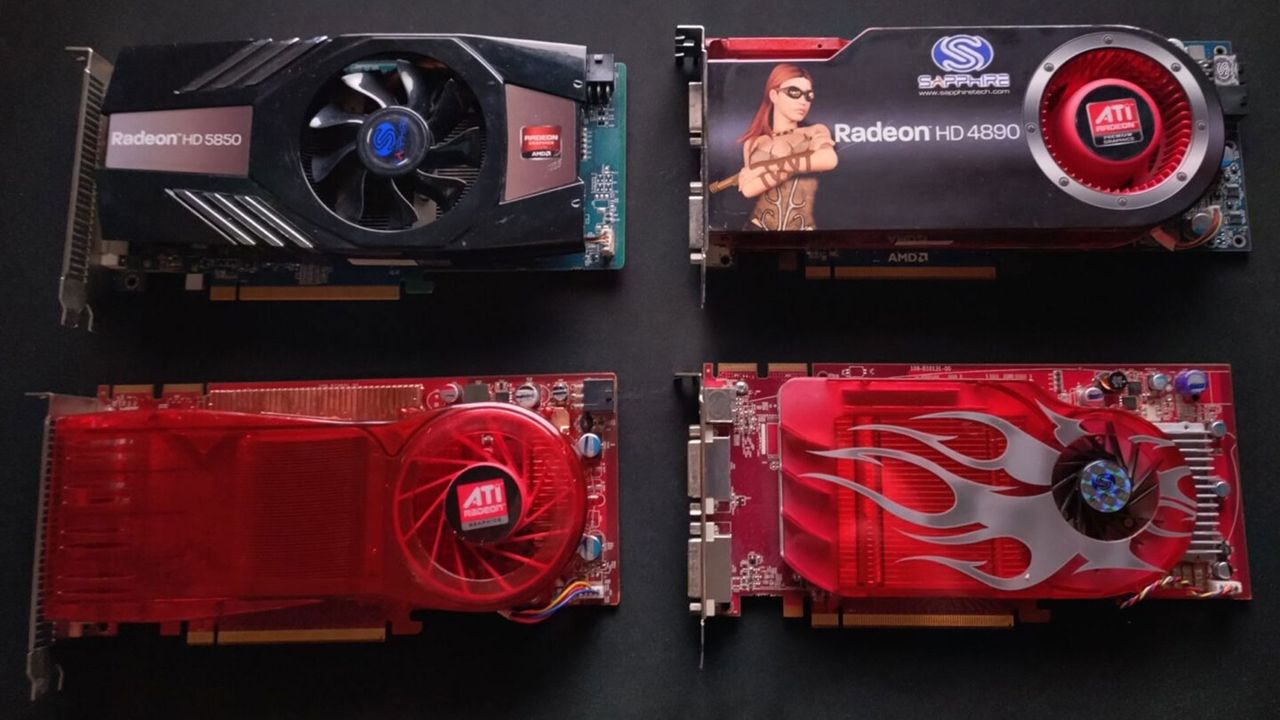
The developers of RPCS3 have announced that their PlayStation 3 emulator’s minimum system requirements have been adjusted to include a crop of even older Radeon graphics cards. This well-regarded application already supported ATI Terascale 2 GPUs from the Radeon HD 5000 and 6000 series, but now gamers still cradling Radeon HD 2000, 3000, and 4000 series can join in the fun. Some of these GPUs date back nearly 20 years. Please note that while RPCS3 is available for a range of platforms, this extended ATI architecture support is only for Linux users.
Fine wine on Terascale 2
Back in 2021, the RPCS3 devs lowered the emulator’s system requirements to embrace Radeon HD 5000 and HD 6000 (Terascale 2) series graphics cards. In the subsequent five years, the emulator has been tuned to improve performance on hardware from these generations. An example provided asserts that when using Persona 5 as a benchmark, performance in Kamoshida’s Castle went from 35 to 49 FPS between 2021 and today (on a PC system with an ATI Radeon HD 5850, AMD FX-8350 CPU, and 8GB of RAM).
Inspired Terascale 1 experiments
Success spurred the devs to investigate TeraScale 1 performance and compatibility. Some OpenGL wrangling ensued due to TeraScale 1 GPUs only reporting OpenGL 3.3 and GLSL 3.30 support, but getting these old and unloved ATI cards to work with the RPCS3 OpenGL renderer was surprisingly simple. It was done by overriding the reported OpenGL levels to 4.3 and 4.40.
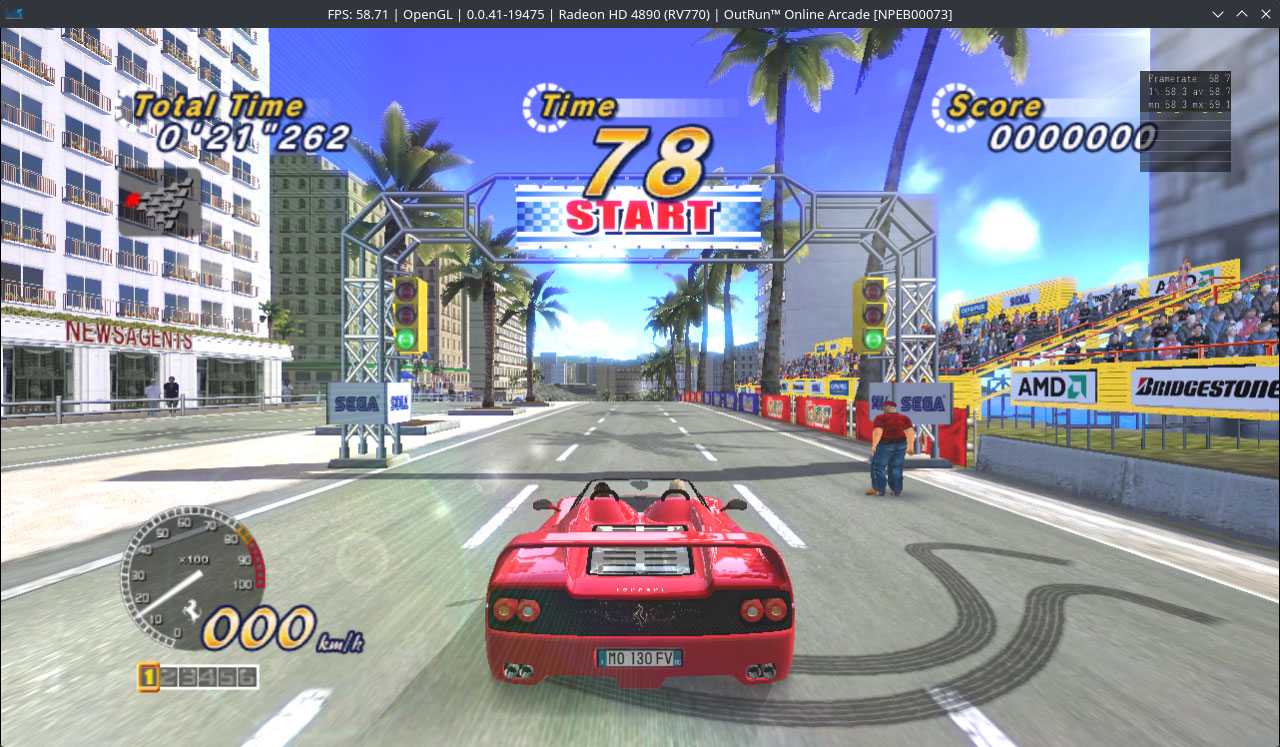
Initial tests made use of a system packing an ATI Radeon HD 4890 with 1GB of VRAM – the most powerful Terascale 1 GPU ever sold. According to the RPCS3 blog, this card has a more powerful GPU than the PS3, but the emulator’s complex shader code is not optimal for older architectures like this. Nevertheless, “Simpler games work perfectly fine, with playable performance,” notes the blog, “while games that have more complex graphics are GPU bottlenecked with subpar performance.” Screenshots show Metal Gear Solid HD Collection and Outrun Online Arcade with frame rates close to 60 FPS.
Moving down the stack and further back in time, GPUs like the ATI Radeon HD 3870 are “still able to render very simple games with playable performance in RPCS,” assert the devs. To achieve playability, you will want to dial in PSP-like resolutions, though. Specifically, 273p was mentioned.
What about the weakest TeraScale 1 GPUs? The ATI Radeon HD 2600 XT with a measly 256MB of VRAM even performs poorly at 273p. Screenshots from RPCS3 tests show it only managing 8 FPS in Outrun Online Arcade and 13 FPS in Portal.
With RPCS3’s progress over the last half decade, these performance numbers could also improve. In fact, the blog states that “future optimization should improve performance by quite a bit on these old GPUs.”
It looks like a good time to dust off your retro PC and try a few old PS3 classics on your ATI TeraScale 1 GPU-accelerated rig. Remember this extended graphics card support requires a Linux distro with the Mesa driver r600. Then you need to launch RCPS3 with the following environment variables: MESA_GL_VERSION_OVERRIDE=4.3 MESA_GLSL_VERSION_OVERRIDE=440 ./rpcs3.AppImage
 登录
登录